Jump to content
View in the app

A better way to browse. Learn more.

xcamfan.com

A full-screen app on your home screen with push notifications, badges and more.

To install this app on iOS and iPadOS
  1. Tap the Share icon in Safari
  2. Scroll the menu and tap Add to Home Screen.
  3. Tap Add in the top-right corner.
To install this app on Android
  1. Tap the 3-dot menu (⋮) in the top-right corner of the browser.
  2. Tap Add to Home screen or Install app.
  3. Confirm by tapping Install.

Noldus

Hero Member
  • Joined

  • Last visited

Everything posted by Noldus

  1. Noldus replied to StnCld316's topic in Draca - (08/15/25)
    😁 Noldus 2026-03-29 20-28-31-001.mp4
  2. Noldus replied to StnCld316's topic in Draca - (08/15/25)
    Pyro is back with Draca :) but wtf.. Noldus 2026-03-29 07-32-29-426.mp4
  3. Noldus replied to StnCld316's topic in Draca - (08/15/25)
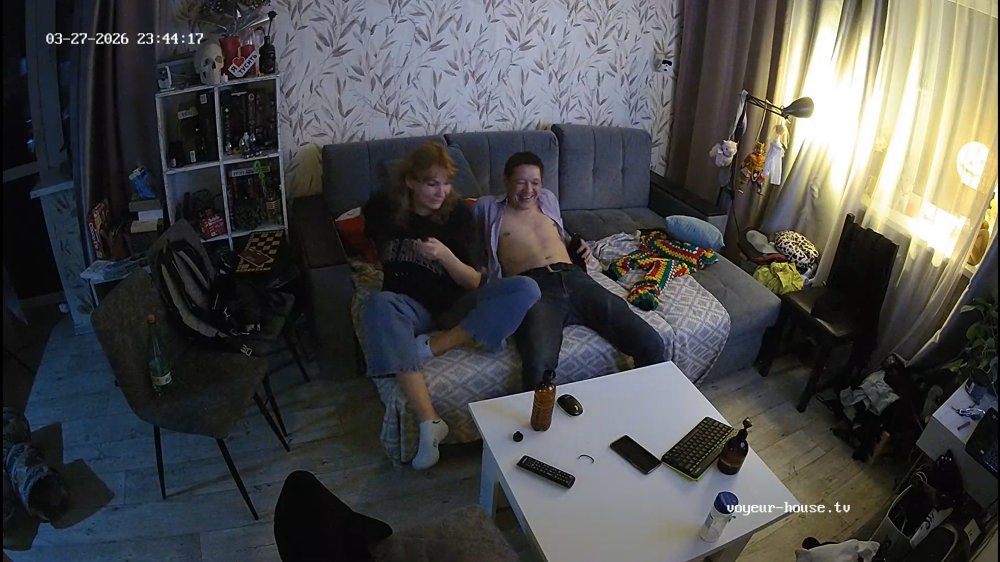
    Merry and the guy fucked hard and loudly, Draca had enough.. (she's probably a little affected by the pregnancy) Noldus 2026-03-28 23-10-39-208.mp4
  4. Noldus replied to StnCld316's topic in Draca - (08/15/25)
    Merry and a guy
  5. Noldus replied to StnCld316's topic in Draca - (08/15/25)
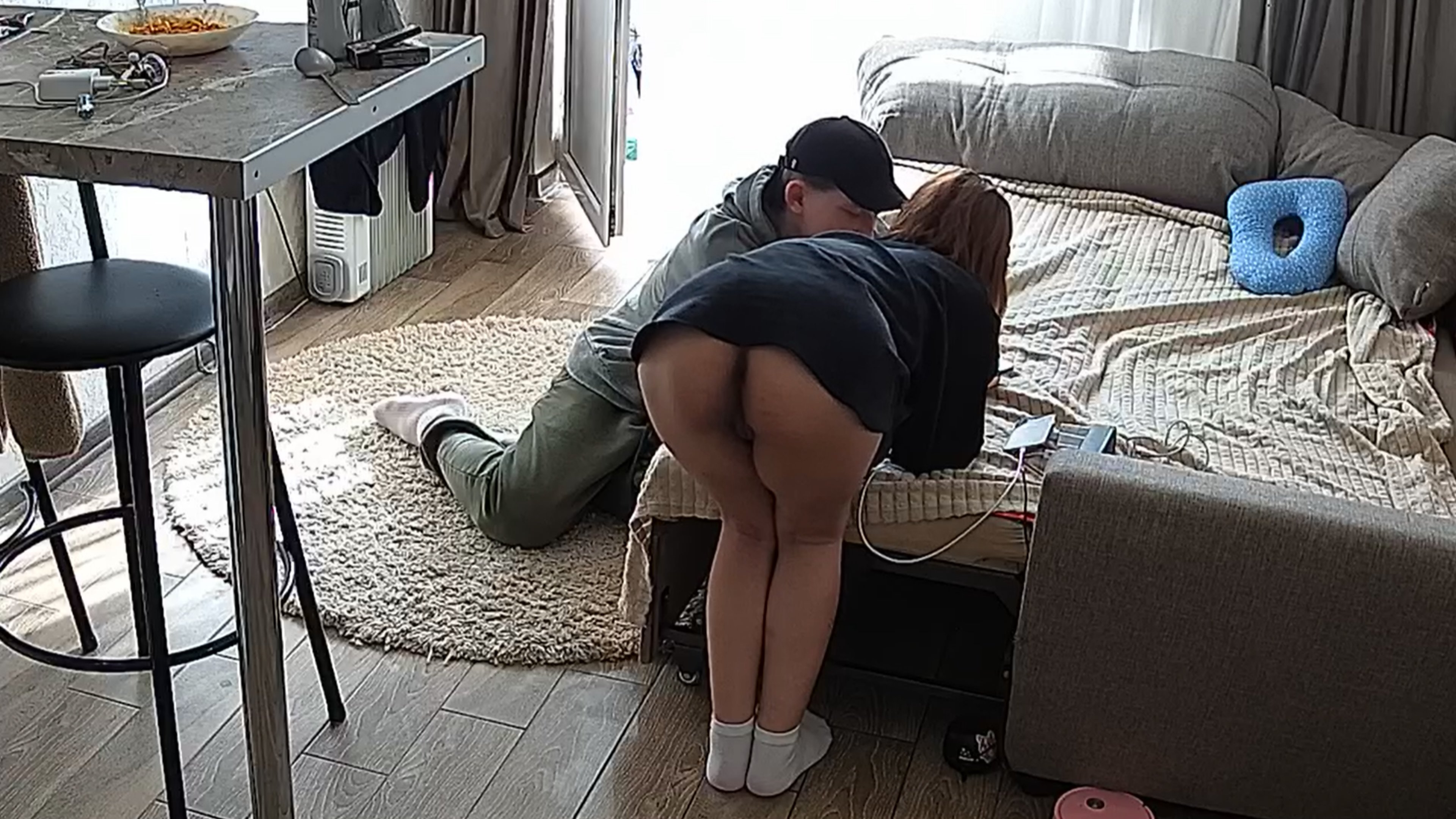
    Some fingering :)
  6. Offline - relocation
  7. Drone attack: This is terrifying, it must be nerve-wracking to live like this in a combat zone. Watch especially at 0139, it looks like the window to the right is breaking, he takes a picture of it at 0143. Noldus 2026-03-28 06-28-49-148.mp4
  8. An other fuck friend tonight...
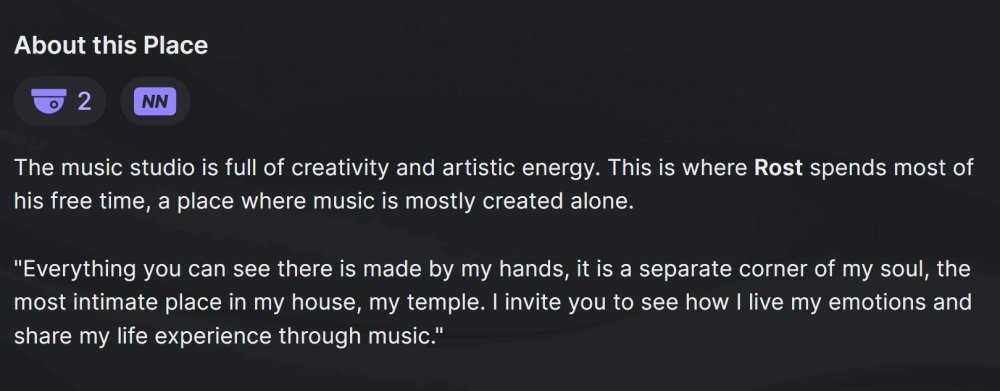
  9. Noldus replied to StnCld316's topic in Rost (10/17/24)
    Mar 24 ROST available again after relocation
  10. Noldus replied to Noldus's topic in Kecy - (03/26/26)
    Nice
  11. Noldus replied to StnCld316's topic in Draca - (08/15/25)
    Draca found a new pussy
  12. Bedtime... Noldus 2026-03-27 00-23-43-186.mp4

Account

Navigation

Search

Configure browser push notifications

Chrome (Android)
  1. Tap the lock icon next to the address bar.
  2. Tap Permissions → Notifications.
  3. Adjust your preference.
Chrome (Desktop)
  1. Click the padlock icon in the address bar.
  2. Select Site settings.
  3. Find Notifications and adjust your preference.