-
-
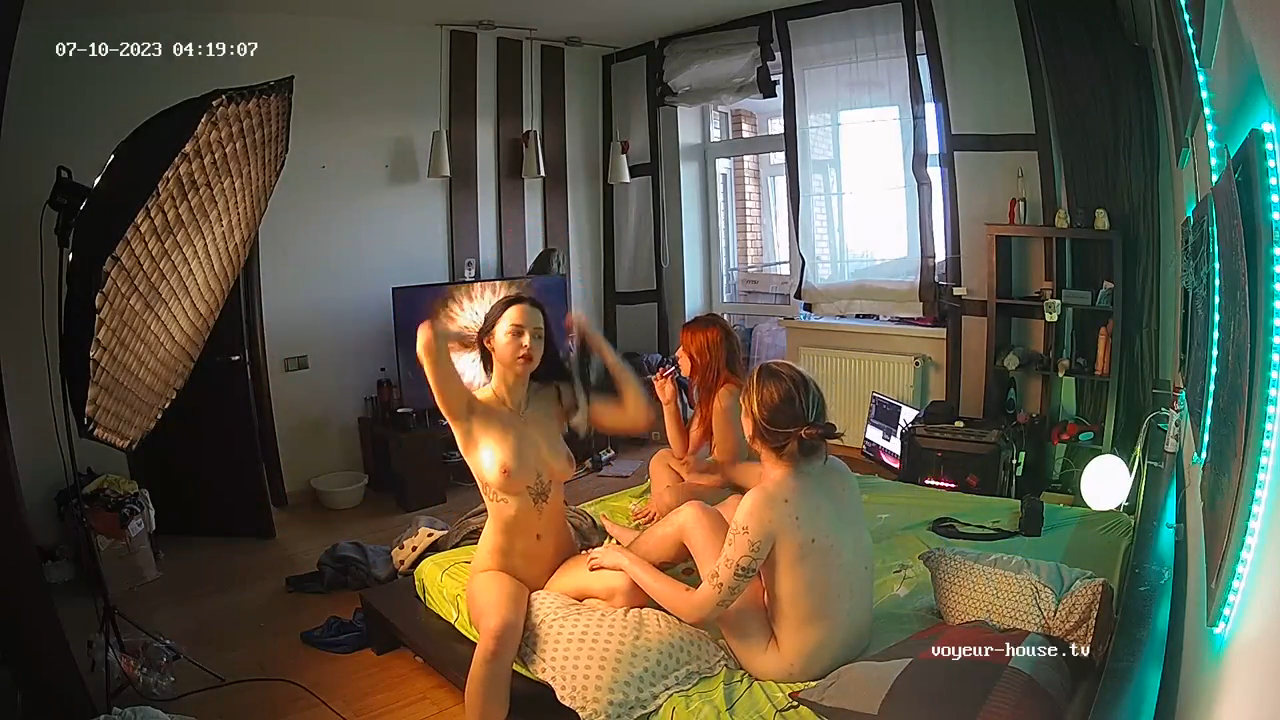
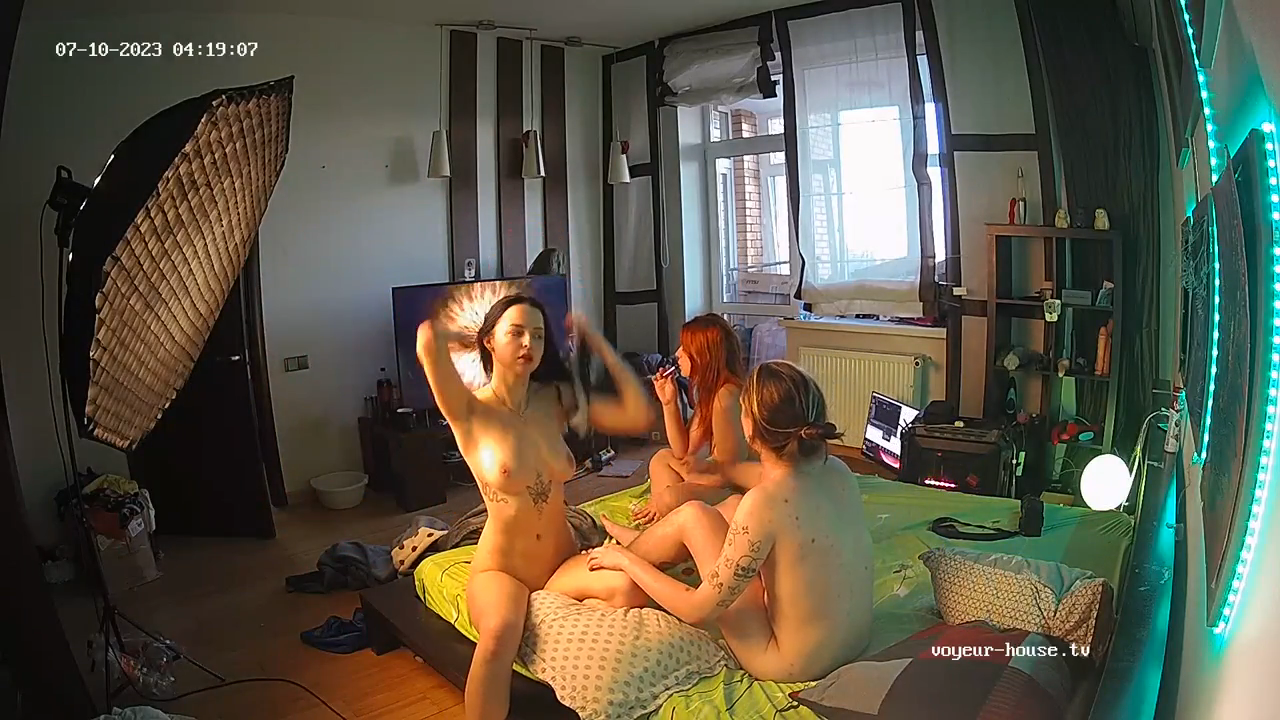
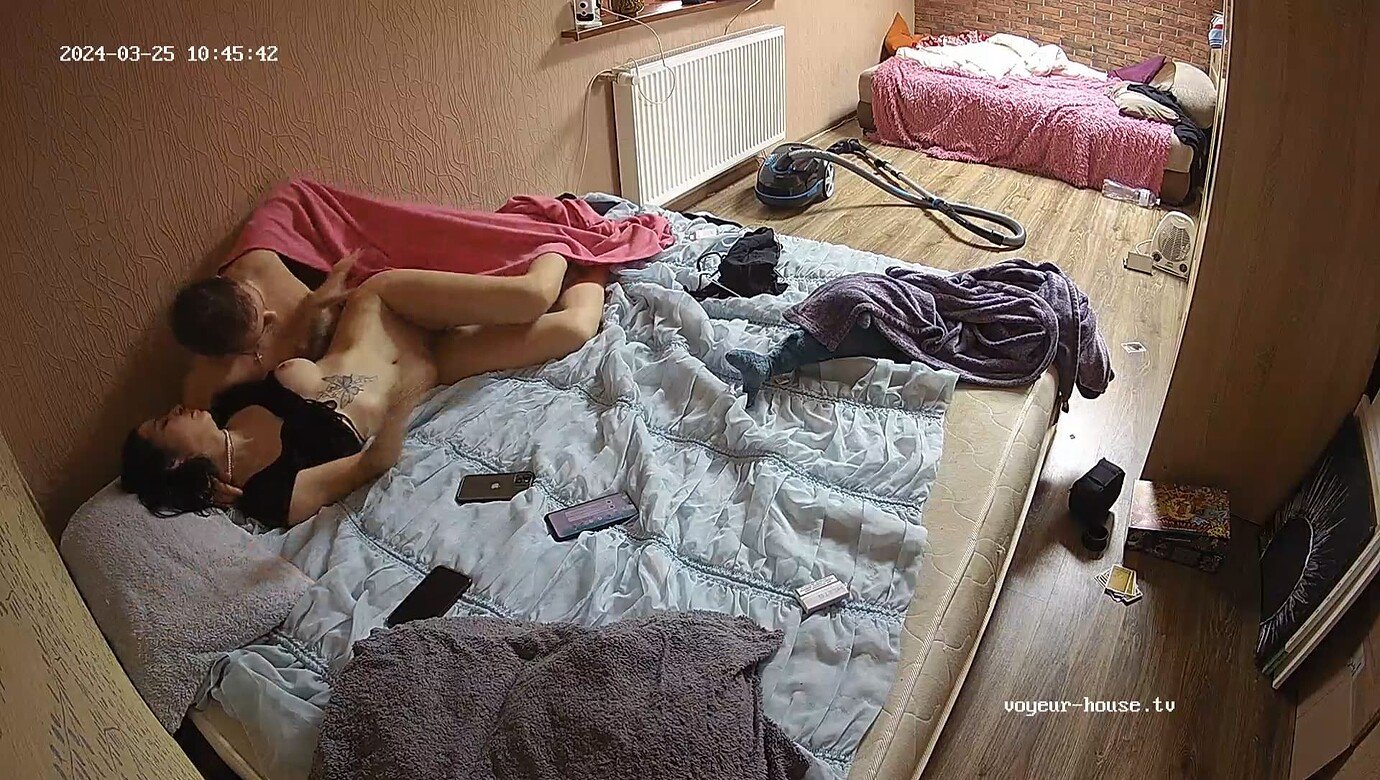
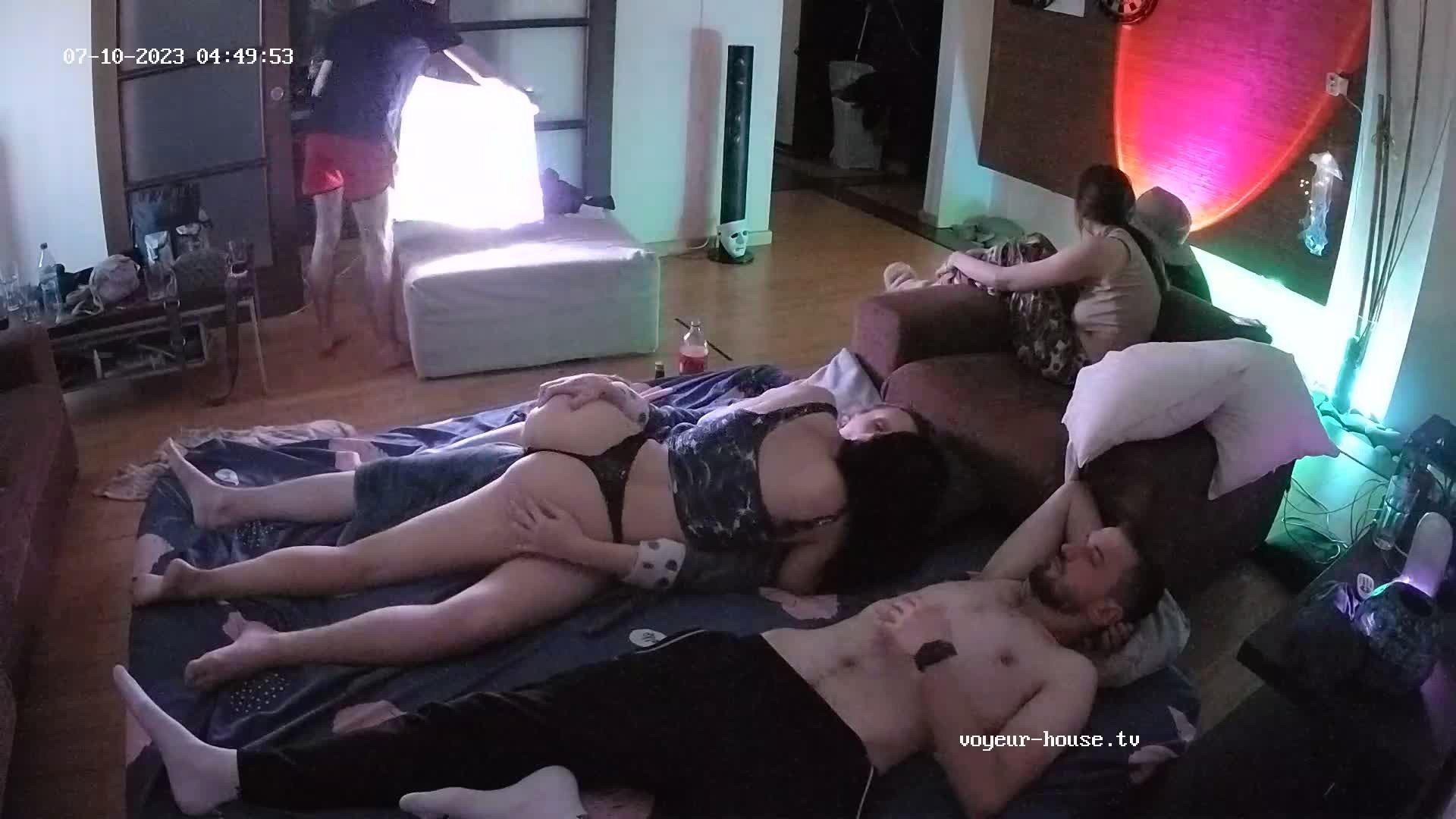
Does anyone know this girl ? l need more videos this girl or link to watch fucking tgis girl name Instagram " just__lexa "
- IMG_20250909_163602_809.jpg
- IMG_20250909_163453_666.jpg
- Screenshot_20250909_163407.jpg
pikopdz started following dougiestyle4u- Does anyone know this girl ? Or more videos
- ee5512cad3c9e08d6d1af64468b8b672c44d1c66_2_1380x780.jpeg
- 9593b73c38a3bb0fd8867d663f449457.jpg
- ba78a229bf702ba833e5cfc3a7b59ca348f1ba6f_2_1380x780.jpeg
- 5aee85283c4c55c705771b7181dfc4ebc7c5d68a_2_1380x780.jpeg
- 22b5fd9518af4c97c269a70dc00703604e2efe28_2_1380x776.jpeg
- 0dc2f551f13a3b73b2a9c294214a8616745e6274_2_1380x780.jpeg
- 6a57f34e545325fe0232caa5ac1293d359dc2474_2_1380x780.jpeg
- b0c2027bec599b37c8cca12fdf2361117b50b83e_2_1380x780.jpeg
Account
Search
Configure browser push notifications
Chrome (Android)
- Tap the lock icon next to the address bar.
- Tap Permissions → Notifications.
- Adjust your preference.
Chrome (Desktop)
- Click the padlock icon in the address bar.
- Select Site settings.
- Find Notifications and adjust your preference.
Safari (iOS 16.4+)
- Ensure the site is installed via Add to Home Screen.
- Open Settings App → Notifications.
- Find your app name and adjust your preference.
Safari (macOS)
- Go to Safari → Preferences.
- Click the Websites tab.
- Select Notifications in the sidebar.
- Find this website and adjust your preference.
Edge (Android)
- Tap the lock icon next to the address bar.
- Tap Permissions.
- Find Notifications and adjust your preference.
Edge (Desktop)
- Click the padlock icon in the address bar.
- Click Permissions for this site.
- Find Notifications and adjust your preference.
Firefox (Android)
- Go to Settings → Site permissions.
- Tap Notifications.
- Find this site in the list and adjust your preference.
Firefox (Desktop)
- Open Firefox Settings.
- Search for Notifications.
- Find this site in the list and adjust your preference.