




cyberleader
Hero Member
-
Joined
-
Last visited
Everything posted by cyberleader
-
 how the ironing should be done
-
if they did at least i got some captures of one of them
-
would have like to have seen lola and white get it on,,
i agree too much time is spent on phones.take em away so they have to be more creative.
out of all only 15 were discarded.but she well worth the shots
he give it to her proper













 i must agree,to me she has the best body here
thank for the compliments,i am still new to this game,there are far more seasoned vetrans out there
i must agree,to me she has the best body here
thank for the compliments,i am still new to this game,there are far more seasoned vetrans out there


.thumb.jpg.20e6ff451288c3205910bba0c45df863.jpg)
.thumb.jpg.3e48ee667abb4f8af4096785fcbf812a.jpg)
.thumb.jpg.70a5460c472dc41aa57efe559f67ae35.jpg)
.jpg.4e6f6d7104aa119c043e0fff2582e88c.jpg)
.jpg.958001d9f68acb66c6207cd08175d4cf.jpg)
.thumb.jpg.7392585036c4adf853d5291c9e1ff7c2.jpg)
.jpg.a2726da9d596e2f4797999bff9b6e80e.jpg)
 thanks ..out of all the ladies i think she is the best.curvy nice rear bumper and a juicy pair of thrupneys.
one fit body on her raul is a lucky man
thanks rob will do
cats i dont mind, dogs not a chance
ten outa ten for those shots
i usually flick between the two just to see whats happening,sometime lucky other times just empty rooms,like vampire said it depends on what you looking for,for me its just a bit of fun watching
sorry bout the quality as picture switched to SD due to high traffic
thanks ..out of all the ladies i think she is the best.curvy nice rear bumper and a juicy pair of thrupneys.
one fit body on her raul is a lucky man
thanks rob will do
cats i dont mind, dogs not a chance
ten outa ten for those shots
i usually flick between the two just to see whats happening,sometime lucky other times just empty rooms,like vampire said it depends on what you looking for,for me its just a bit of fun watching
sorry bout the quality as picture switched to SD due to high traffic



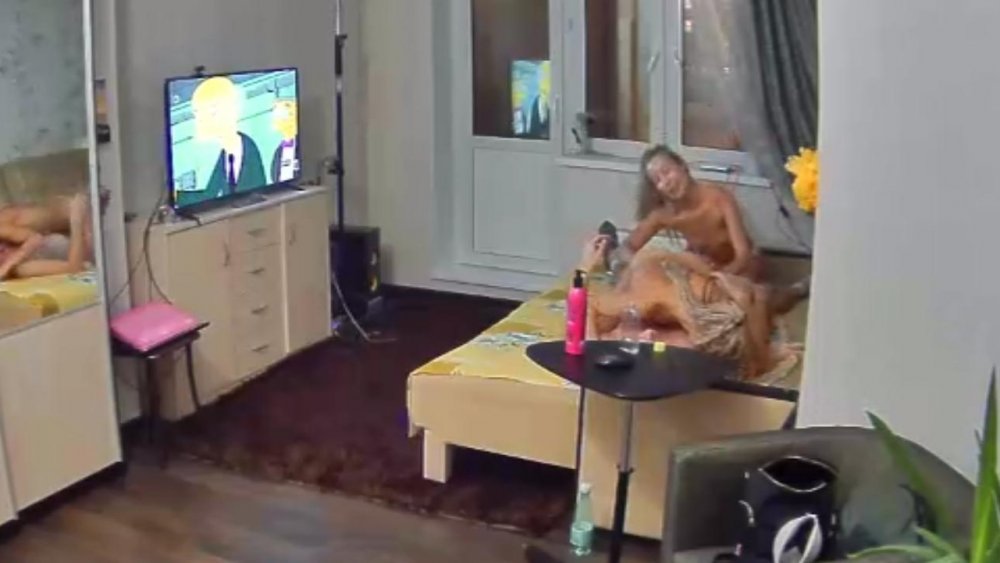
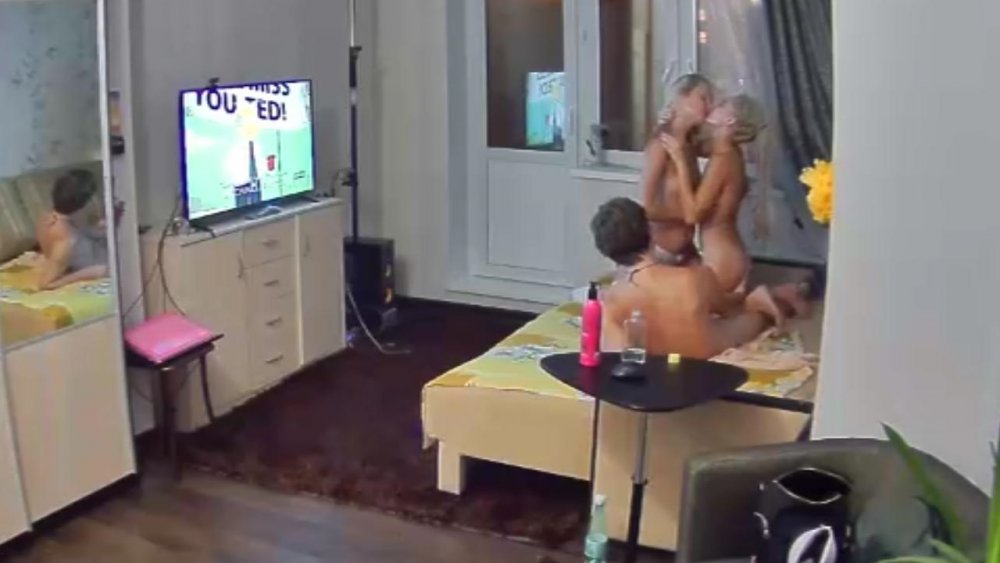
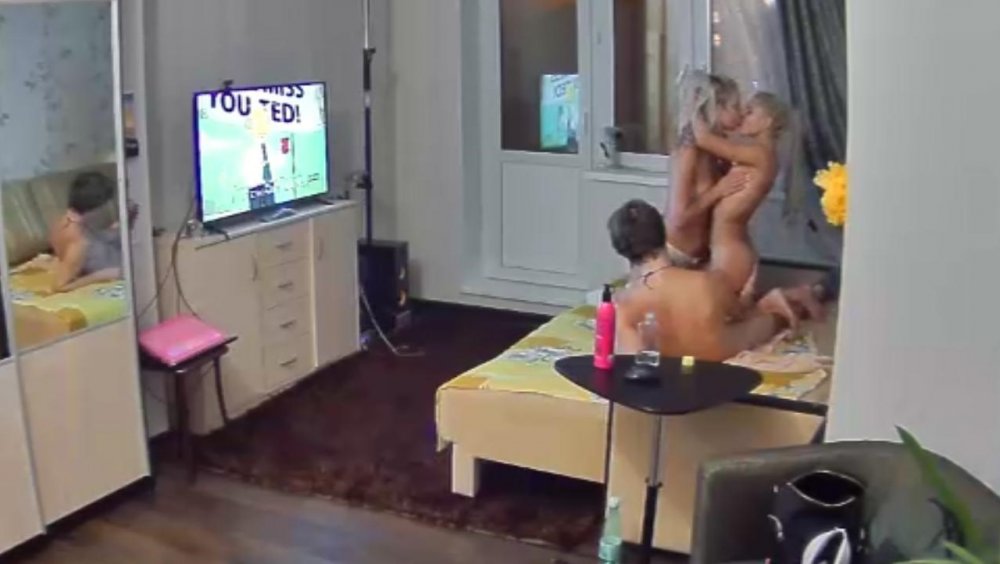
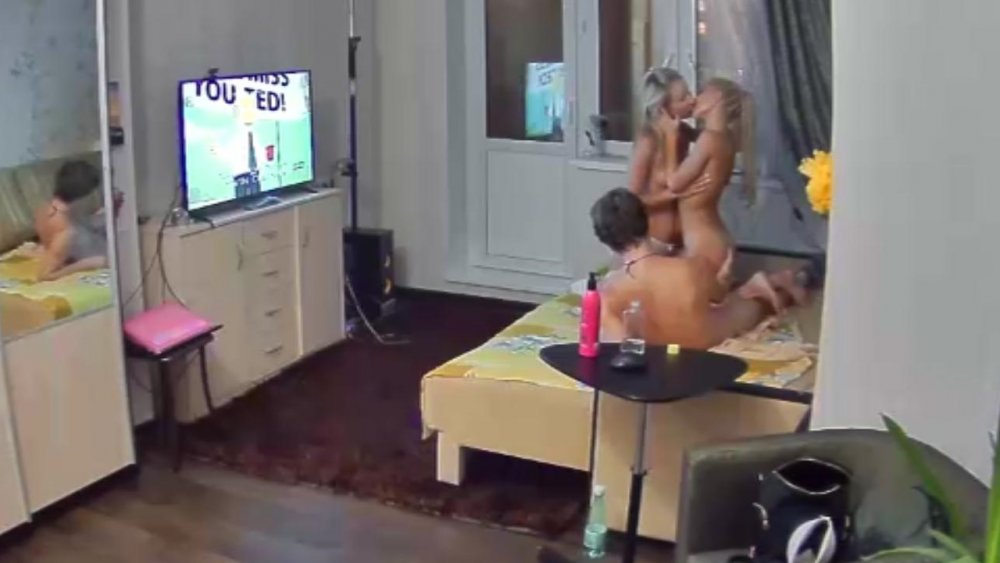


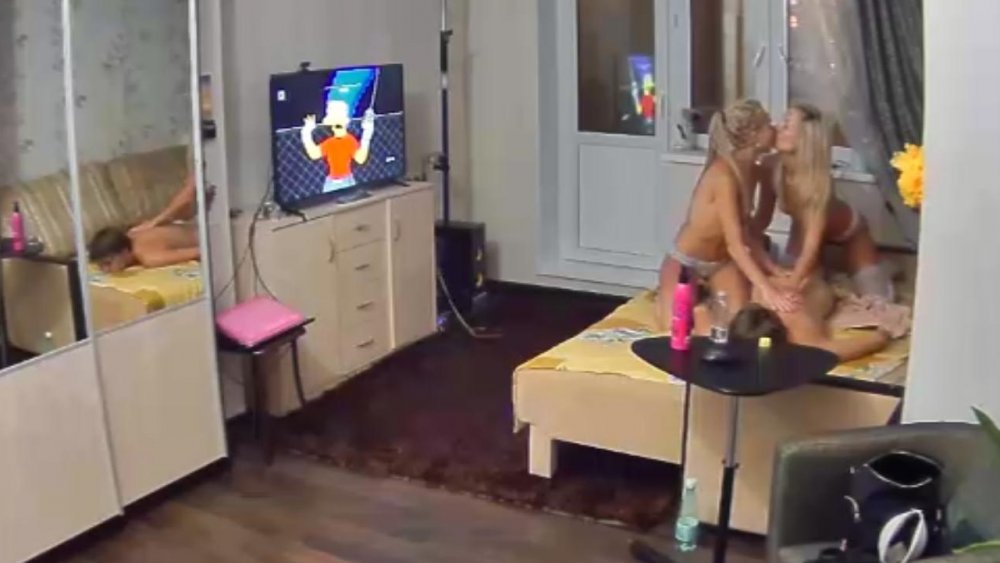
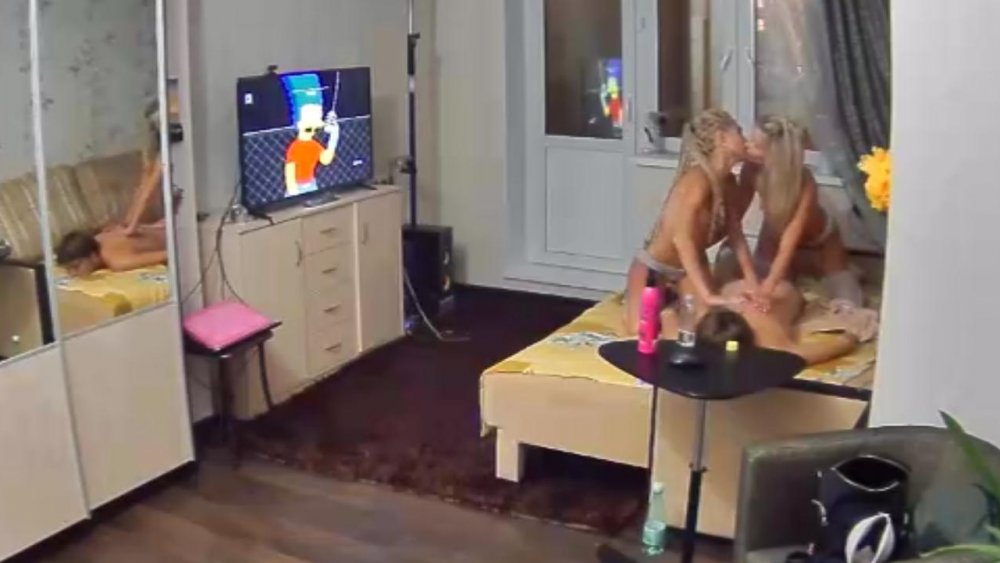
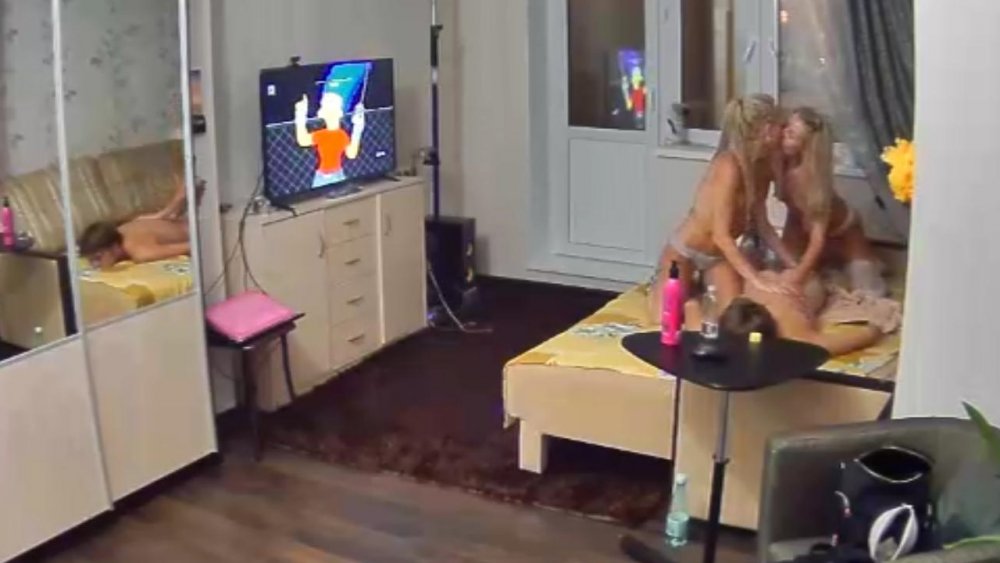
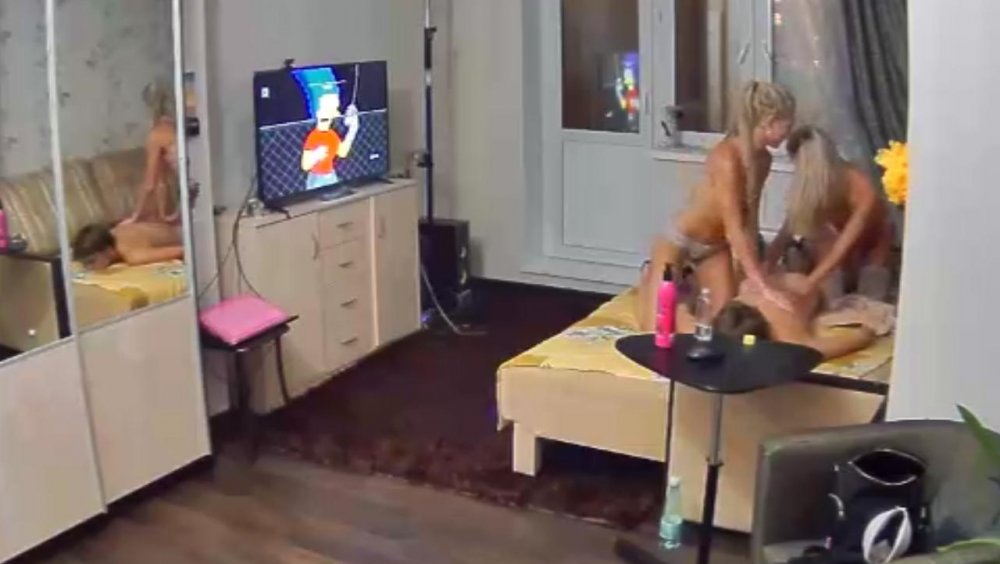
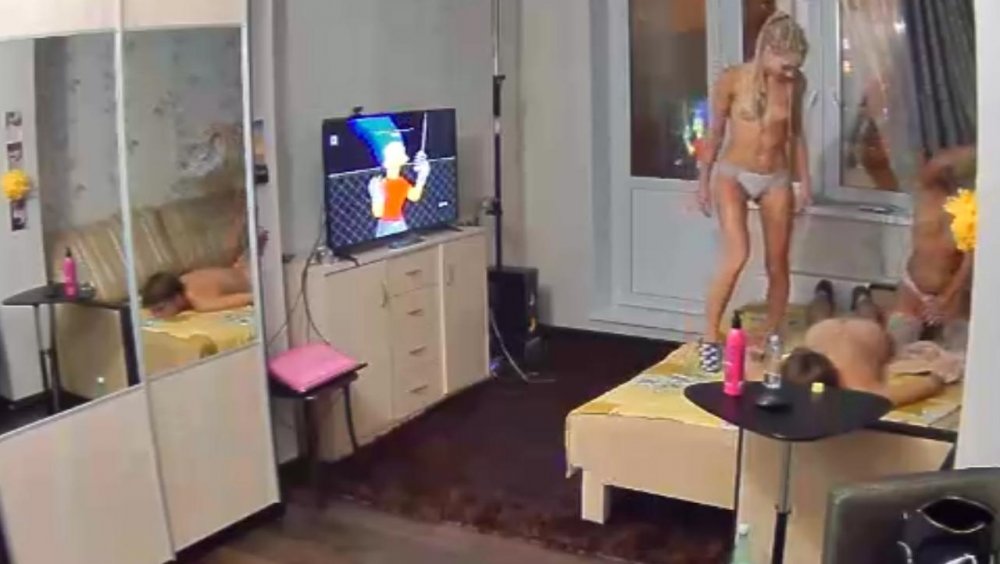
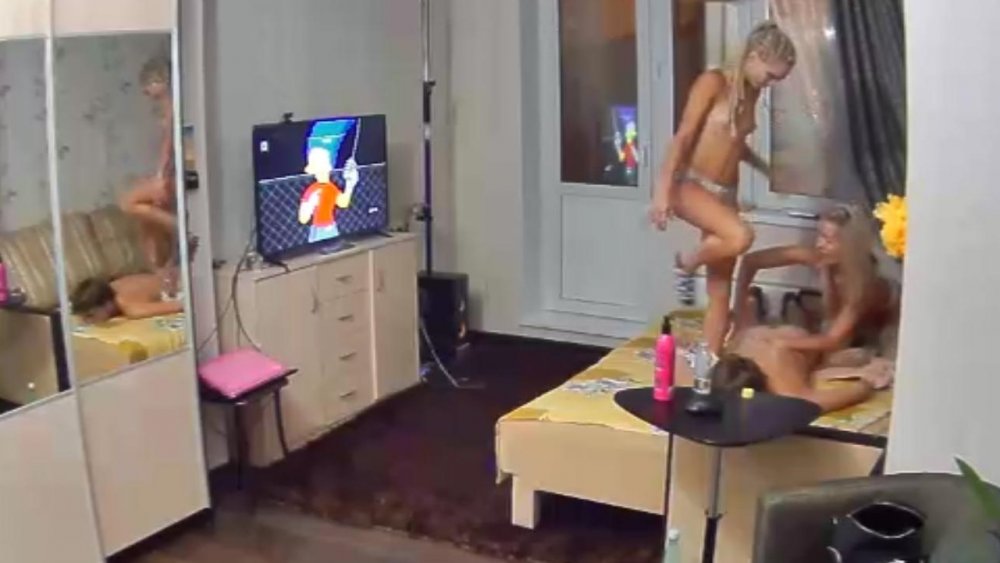
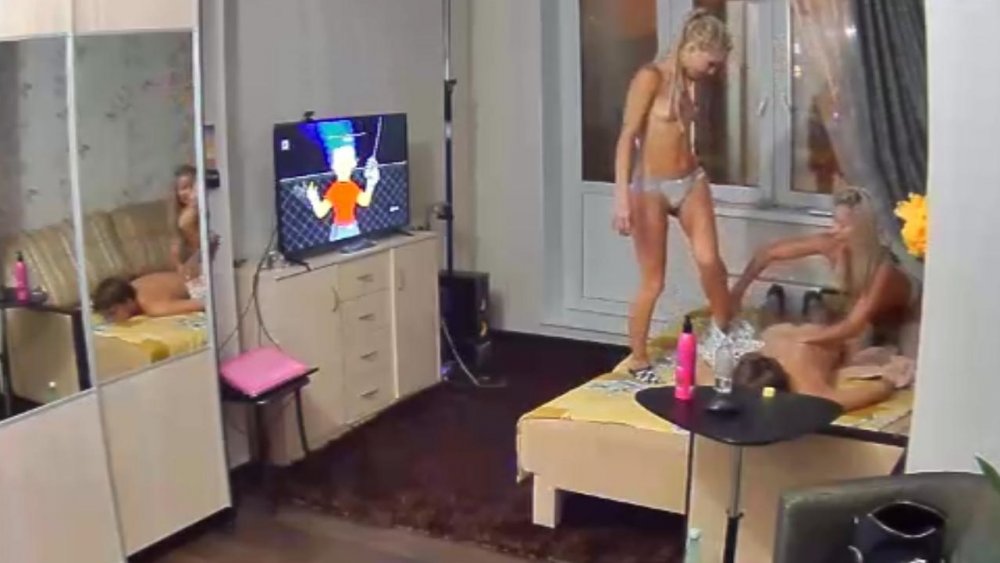
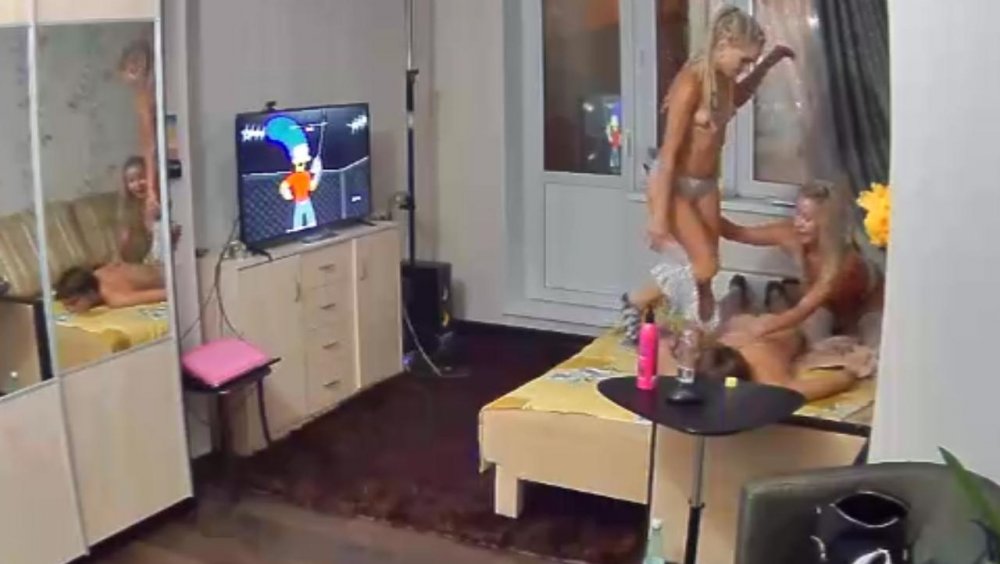
 it depends on what time you tune in in one of the villas now it looks like something is happening voronezh has a sexy dance on now
it seems so but still they have to come off at some stage
it depends on what time you tune in in one of the villas now it looks like something is happening voronezh has a sexy dance on now
it seems so but still they have to come off at some stage















































.jpg.60ce2f700a2a73e5f11362e129707470.jpg)
.jpg.aa83ab013cae76d562a034ba64c5d51d.jpg)
.jpg.1286a3a76c2068460bd9de66ba50887e.jpg)
.jpg.7235600c94e03d74fb8c3159aaeec6de.jpg)

















































Account
Navigation
Search
Configure browser push notifications
Chrome (Android)
- Tap the lock icon next to the address bar.
- Tap Permissions → Notifications.
- Adjust your preference.
Chrome (Desktop)
- Click the padlock icon in the address bar.
- Select Site settings.
- Find Notifications and adjust your preference.
Safari (iOS 16.4+)
- Ensure the site is installed via Add to Home Screen.
- Open Settings App → Notifications.
- Find your app name and adjust your preference.
Safari (macOS)
- Go to Safari → Preferences.
- Click the Websites tab.
- Select Notifications in the sidebar.
- Find this website and adjust your preference.
Edge (Android)
- Tap the lock icon next to the address bar.
- Tap Permissions.
- Find Notifications and adjust your preference.
Edge (Desktop)
- Click the padlock icon in the address bar.
- Click Permissions for this site.
- Find Notifications and adjust your preference.
Firefox (Android)
- Go to Settings → Site permissions.
- Tap Notifications.
- Find this site in the list and adjust your preference.
Firefox (Desktop)
- Open Firefox Settings.
- Search for Notifications.
- Find this site in the list and adjust your preference.