cyberleader
Hero Member
-
Joined
-
Last visited
Everything posted by cyberleader
-
 bandicam 2021-03-25 21-35-03-051.mp4
bandicam 2021-03-25 21-38-07-277.mp4
bandicam 2021-03-25 21-41-11-512.mp4
i fear a probe is next on the agenda.irons ballgag and blindfold.that seems to be next,da probe
bandicam 2021-03-25 21-35-03-051.mp4
bandicam 2021-03-25 21-38-07-277.mp4
bandicam 2021-03-25 21-41-11-512.mp4
i fear a probe is next on the agenda.irons ballgag and blindfold.that seems to be next,da probe
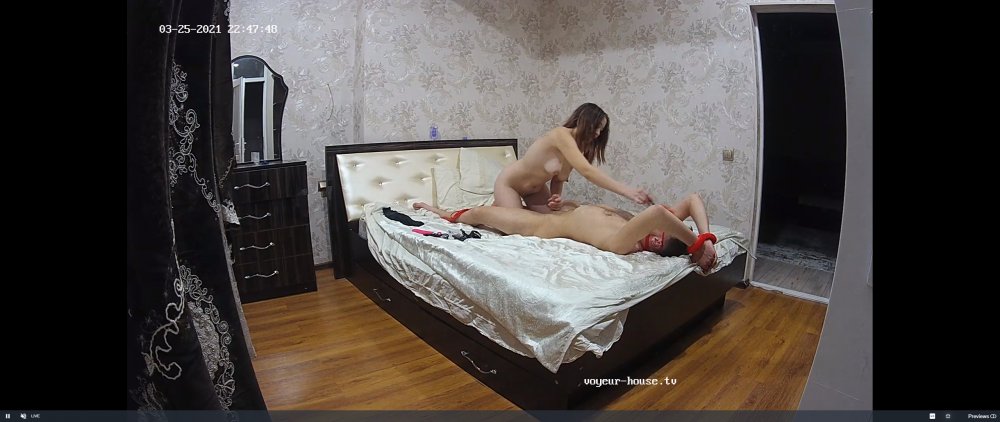 no idea what is going here,apart from man locked and having thier butthole probed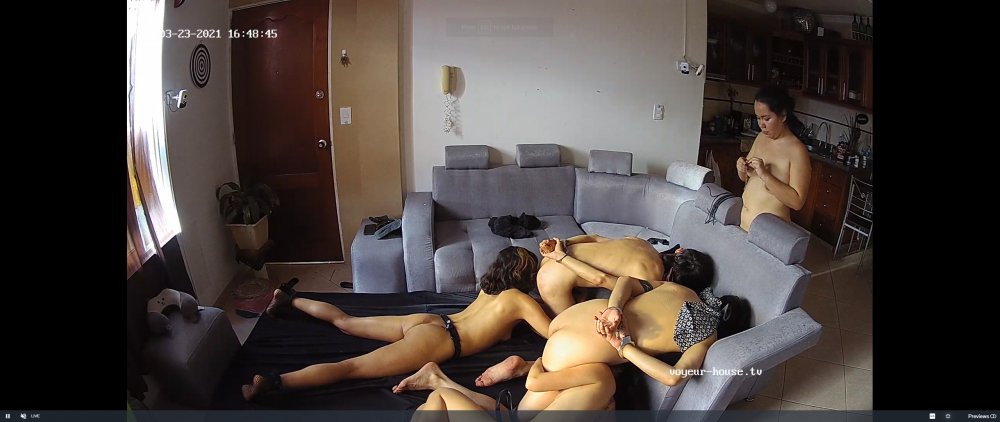
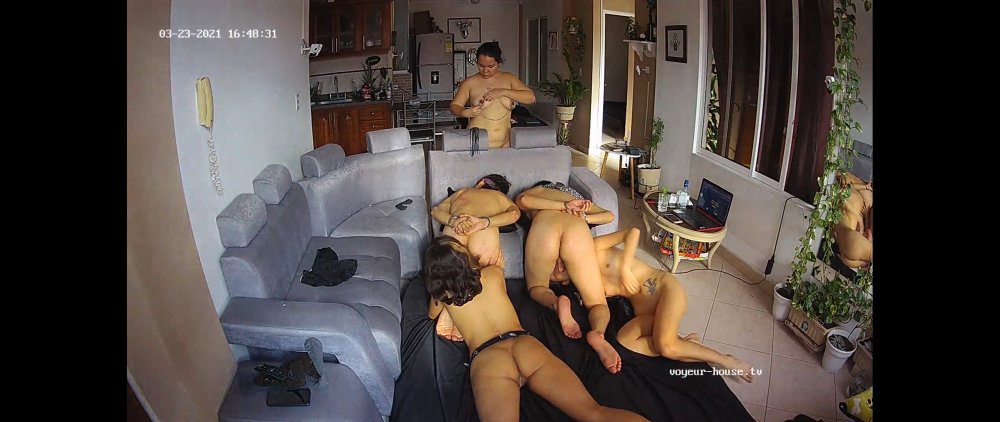
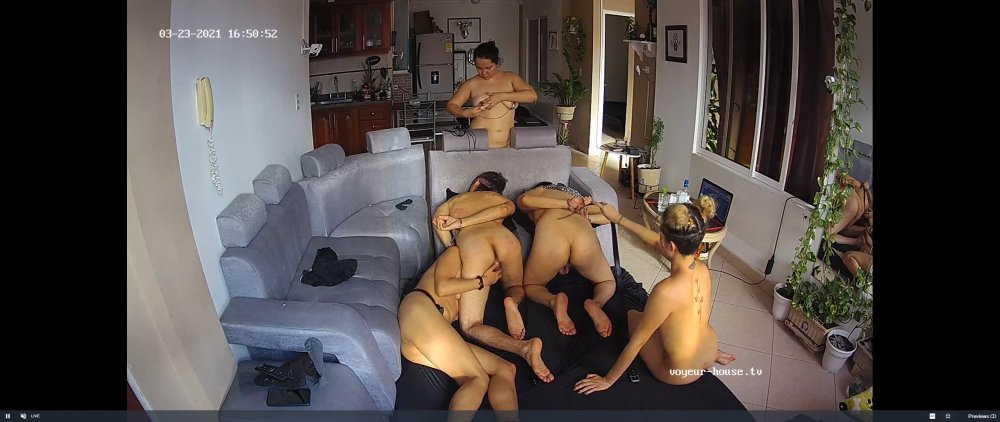
 bevs docking station more exciting than the ps5

 bandicam 2021-03-22 20-25-20-971.mp4
Account
Navigation
Search
Configure browser push notifications
Chrome (Android)
- Tap the lock icon next to the address bar.
- Tap Permissions → Notifications.
- Adjust your preference.
Chrome (Desktop)
- Click the padlock icon in the address bar.
- Select Site settings.
- Find Notifications and adjust your preference.
Safari (iOS 16.4+)
- Ensure the site is installed via Add to Home Screen.
- Open Settings App → Notifications.
- Find your app name and adjust your preference.
Safari (macOS)
- Go to Safari → Preferences.
- Click the Websites tab.
- Select Notifications in the sidebar.
- Find this website and adjust your preference.
Edge (Android)
- Tap the lock icon next to the address bar.
- Tap Permissions.
- Find Notifications and adjust your preference.
Edge (Desktop)
- Click the padlock icon in the address bar.
- Click Permissions for this site.
- Find Notifications and adjust your preference.
Firefox (Android)
- Go to Settings → Site permissions.
- Tap Notifications.
- Find this site in the list and adjust your preference.
Firefox (Desktop)
- Open Firefox Settings.
- Search for Notifications.
- Find this site in the list and adjust your preference.