cyberleader
Hero Member
-
Joined
-
Last visited
Everything posted by cyberleader
-
 hugo lola and bev,he seems to be having them both,would be nice to see bev and lola going at it,whilst hugo is tied to a chair and made to watch
capture between the flash gun going off
hugo lola and bev,he seems to be having them both,would be nice to see bev and lola going at it,whilst hugo is tied to a chair and made to watch
capture between the flash gun going off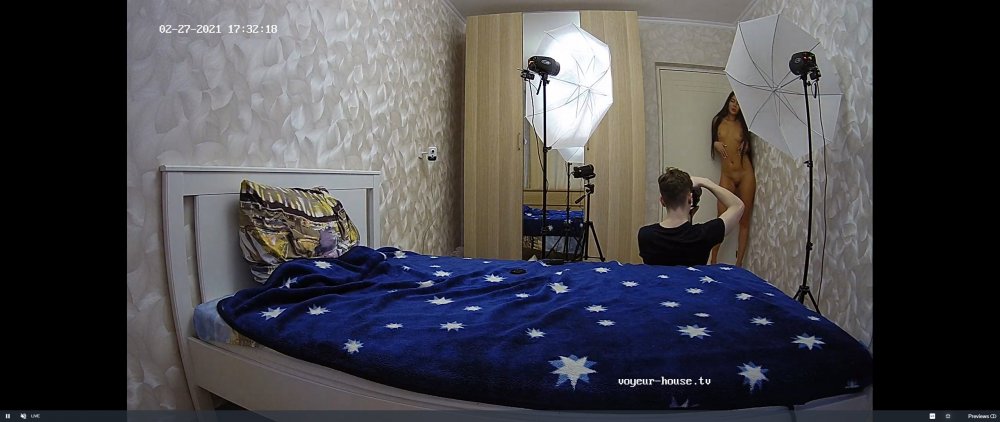
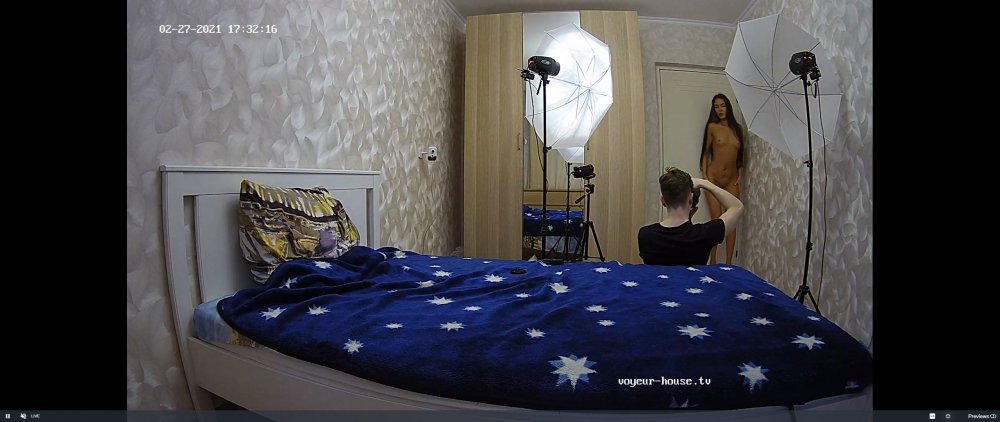
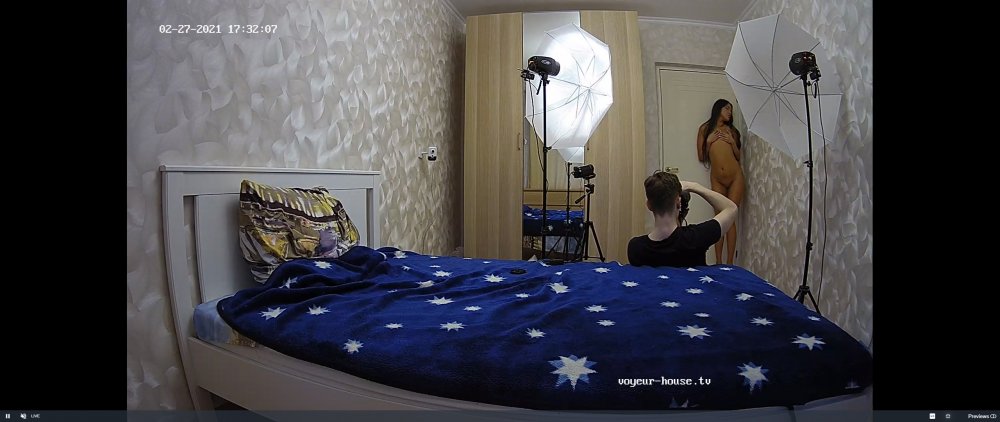 bandicam 2021-02-27 13-53-47-827.mp4
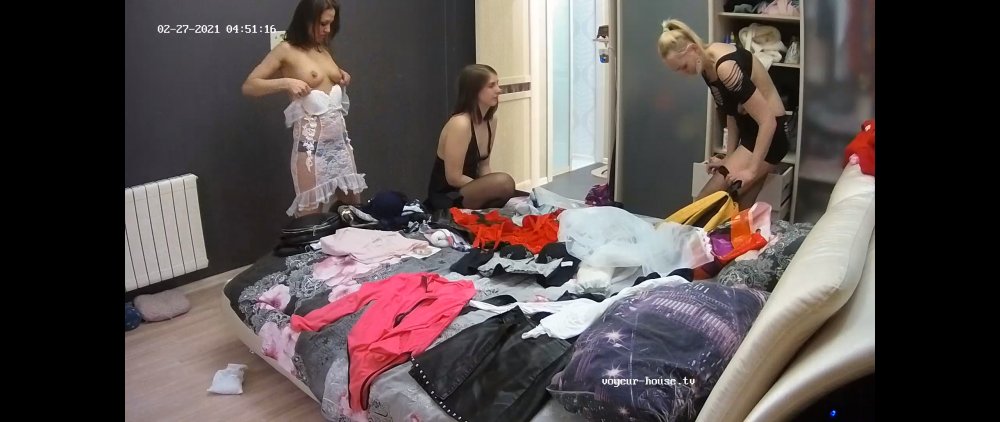
ladies trying on undies and sexy outfits that anna bought round
bandicam 2021-02-27 13-53-47-827.mp4
ladies trying on undies and sexy outfits that anna bought round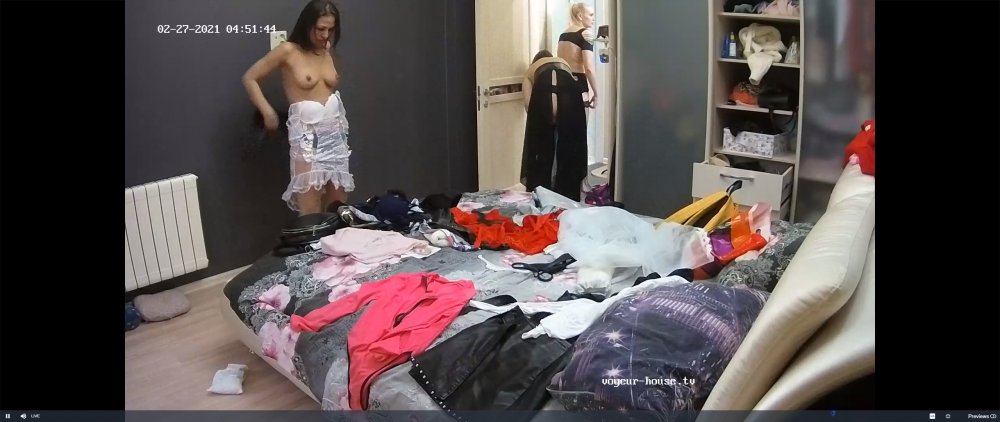
Account
Navigation
Search
Configure browser push notifications
Chrome (Android)
- Tap the lock icon next to the address bar.
- Tap Permissions → Notifications.
- Adjust your preference.
Chrome (Desktop)
- Click the padlock icon in the address bar.
- Select Site settings.
- Find Notifications and adjust your preference.
Safari (iOS 16.4+)
- Ensure the site is installed via Add to Home Screen.
- Open Settings App → Notifications.
- Find your app name and adjust your preference.
Safari (macOS)
- Go to Safari → Preferences.
- Click the Websites tab.
- Select Notifications in the sidebar.
- Find this website and adjust your preference.
Edge (Android)
- Tap the lock icon next to the address bar.
- Tap Permissions.
- Find Notifications and adjust your preference.
Edge (Desktop)
- Click the padlock icon in the address bar.
- Click Permissions for this site.
- Find Notifications and adjust your preference.
Firefox (Android)
- Go to Settings → Site permissions.
- Tap Notifications.
- Find this site in the list and adjust your preference.
Firefox (Desktop)
- Open Firefox Settings.
- Search for Notifications.
- Find this site in the list and adjust your preference.