Scotsman84
Hero Member
-
Joined
Everything posted by Scotsman84
-
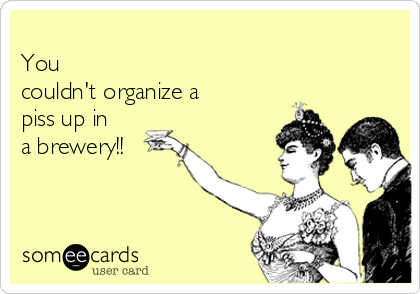
 Anyone know a decent plumber? This guy has been at this job for months.. lol
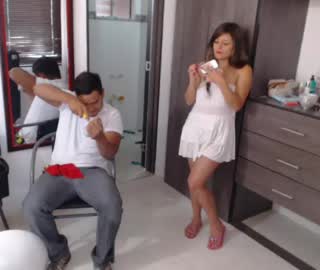 Sssssshhhhh my boss is in the Office. lol
 Lol.
Lol. Lost interest in Masha & Sasha. But that Porn Tash is hilarious. As for comments.. Some that are said about the girls are fucked up as well. That needs to be sorted anaw.
WTF.
Lost interest in Masha & Sasha. But that Porn Tash is hilarious. As for comments.. Some that are said about the girls are fucked up as well. That needs to be sorted anaw.
WTF.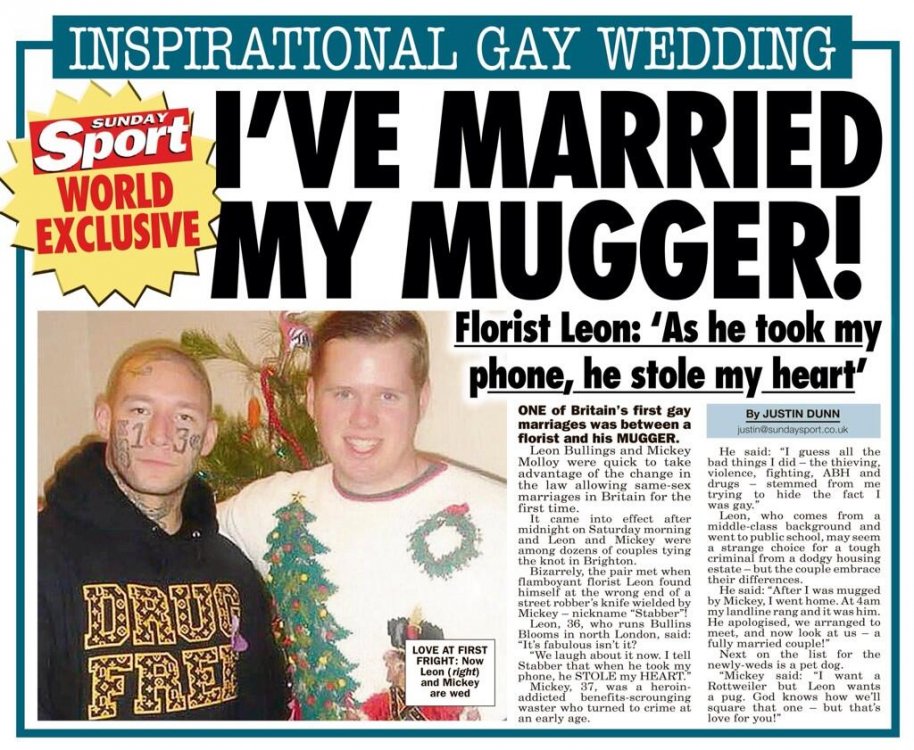 I'm going to hell anyway lol. But this is Funny.
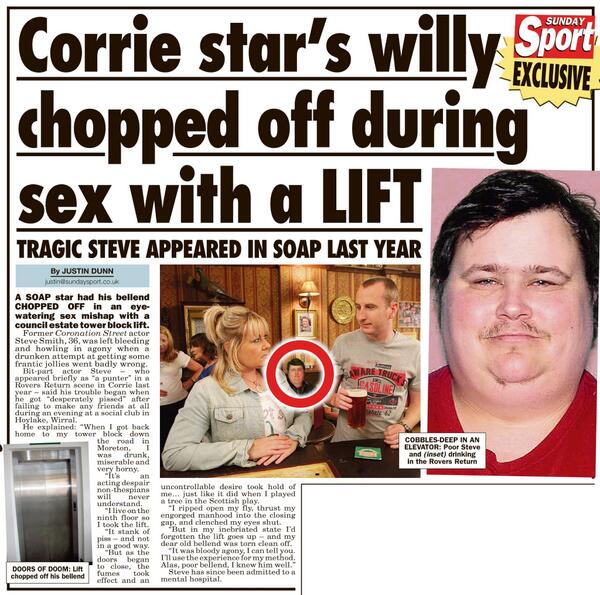
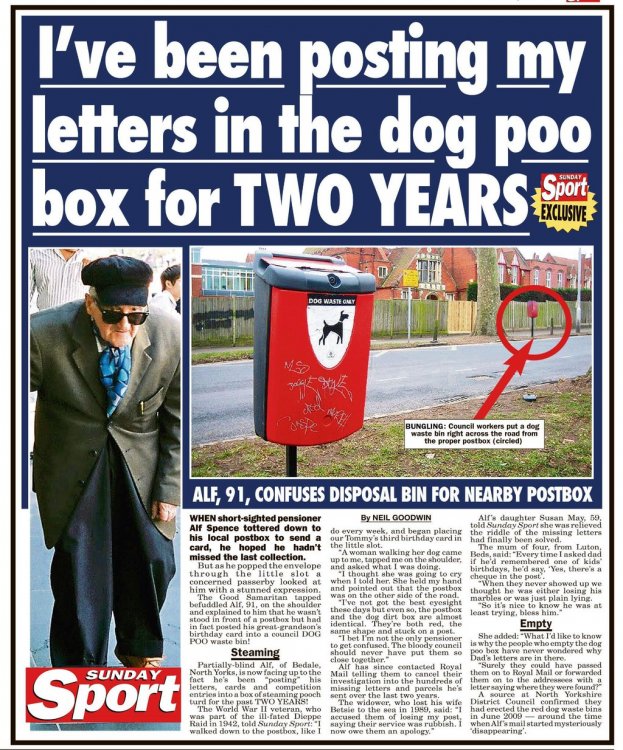 What a Bellend.. lol
 Lol
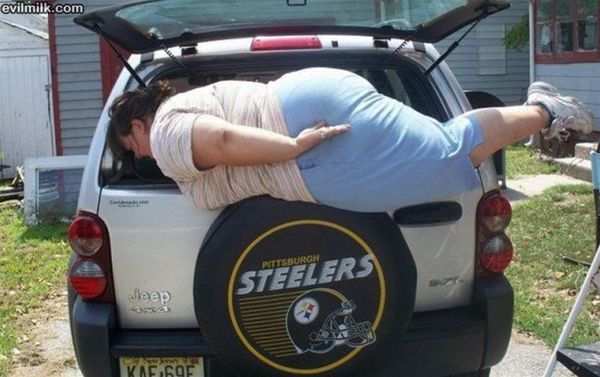
Lol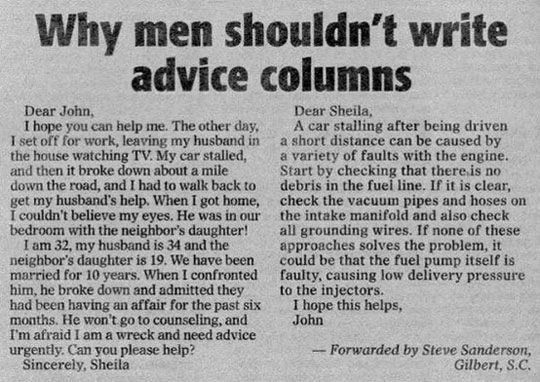 Epic Planking. lol
 Lol.
Lol.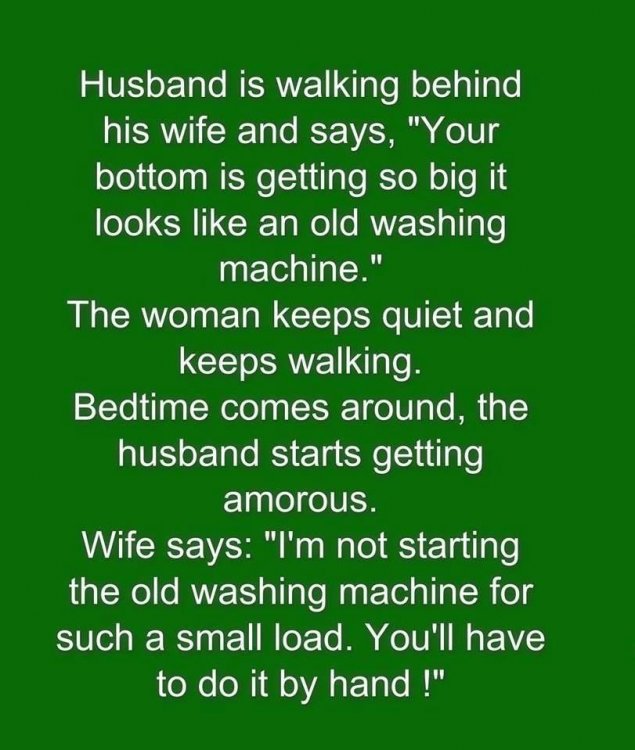
Account
Navigation
Search
Configure browser push notifications
Chrome (Android)
- Tap the lock icon next to the address bar.
- Tap Permissions → Notifications.
- Adjust your preference.
Chrome (Desktop)
- Click the padlock icon in the address bar.
- Select Site settings.
- Find Notifications and adjust your preference.
Safari (iOS 16.4+)
- Ensure the site is installed via Add to Home Screen.
- Open Settings App → Notifications.
- Find your app name and adjust your preference.
Safari (macOS)
- Go to Safari → Preferences.
- Click the Websites tab.
- Select Notifications in the sidebar.
- Find this website and adjust your preference.
Edge (Android)
- Tap the lock icon next to the address bar.
- Tap Permissions.
- Find Notifications and adjust your preference.
Edge (Desktop)
- Click the padlock icon in the address bar.
- Click Permissions for this site.
- Find Notifications and adjust your preference.
Firefox (Android)
- Go to Settings → Site permissions.
- Tap Notifications.
- Find this site in the list and adjust your preference.
Firefox (Desktop)
- Open Firefox Settings.
- Search for Notifications.
- Find this site in the list and adjust your preference.