Jump to content
View in the app

A better way to browse. Learn more.

xcamfan.com

A full-screen app on your home screen with push notifications, badges and more.

To install this app on iOS and iPadOS
  1. Tap the Share icon in Safari
  2. Scroll the menu and tap Add to Home Screen.
  3. Tap Add in the top-right corner.
To install this app on Android
  1. Tap the 3-dot menu (⋮) in the top-right corner of the browser.
  2. Tap Add to Home screen or Install app.
  3. Confirm by tapping Install.

clouds

Members
  • Joined

  • Last visited

  1.    clouds reacted to a post in a topic: Ariela
  2.    clouds reacted to a post in a topic: Ariela
  3.    StnCld316 reacted to a post in a topic: Jirina
  4.    cyberleader reacted to a post in a topic: Jirina
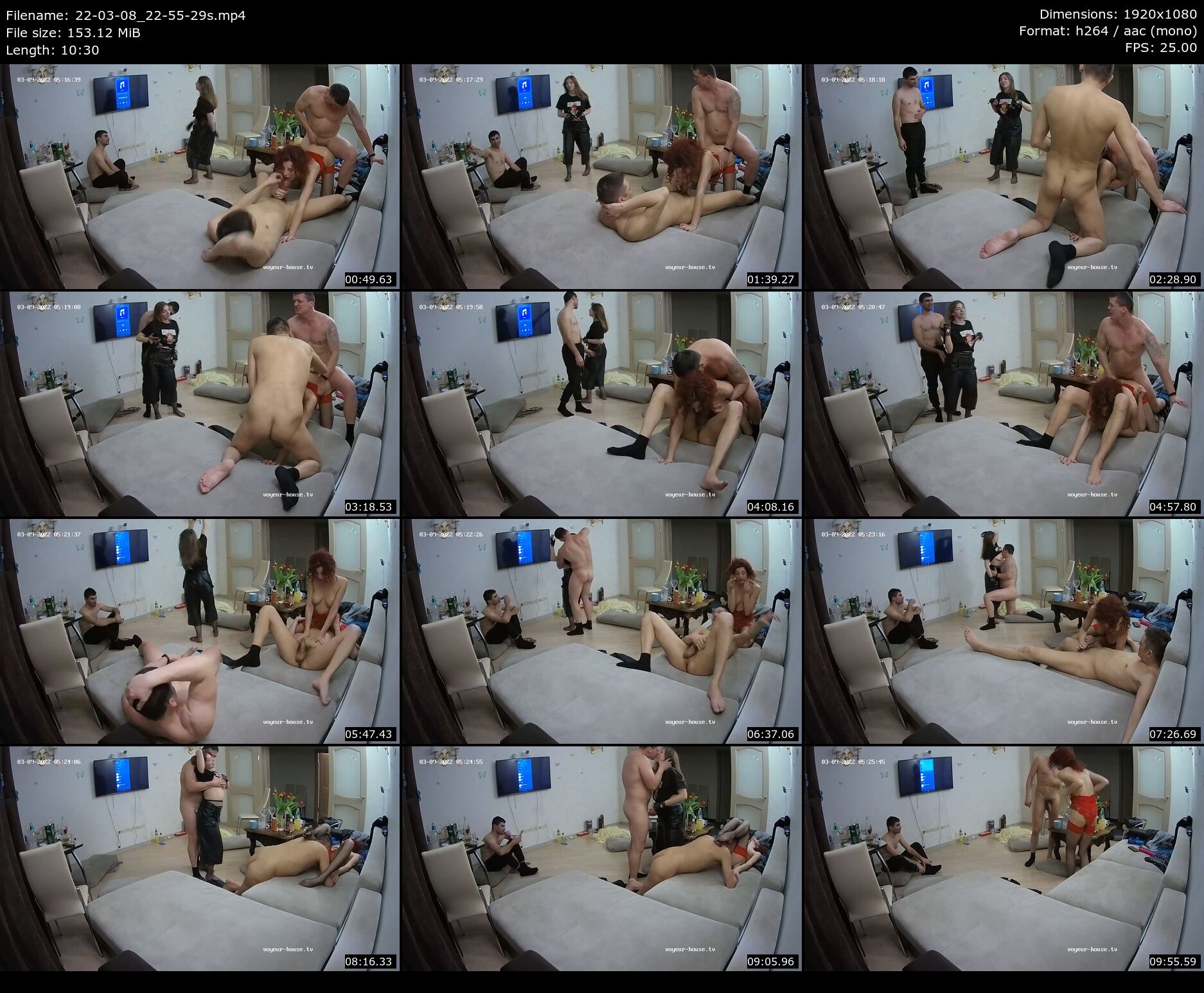
  5. Hi, I am new to this forum and still not sure what is allowed or not. Videos up to 97 MB can be upload directly but what about external video hosts for longer videos such as sendvid or gofile, just to share videos not get paid by clicks. This is some of what I have from the 03/09 party

Configure browser push notifications

Chrome (Android)
  1. Tap the lock icon next to the address bar.
  2. Tap Permissions → Notifications.
  3. Adjust your preference.
Chrome (Desktop)
  1. Click the padlock icon in the address bar.
  2. Select Site settings.
  3. Find Notifications and adjust your preference.