RUBBERMAN
Paid Members
-
Joined
Everything posted by RUBBERMAN
-
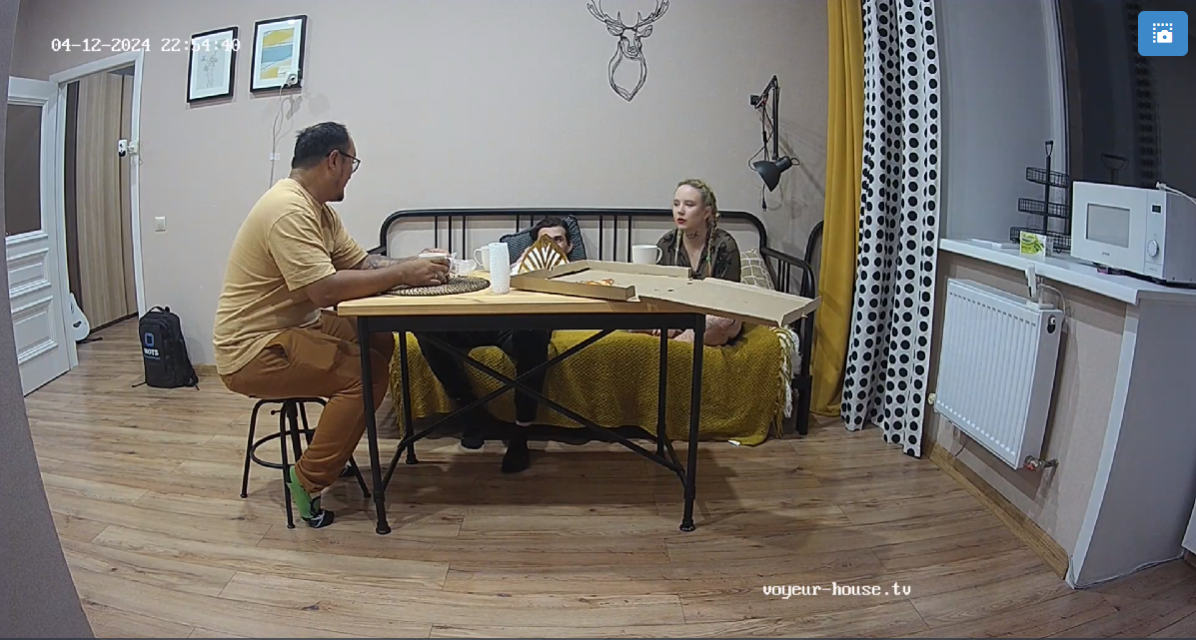
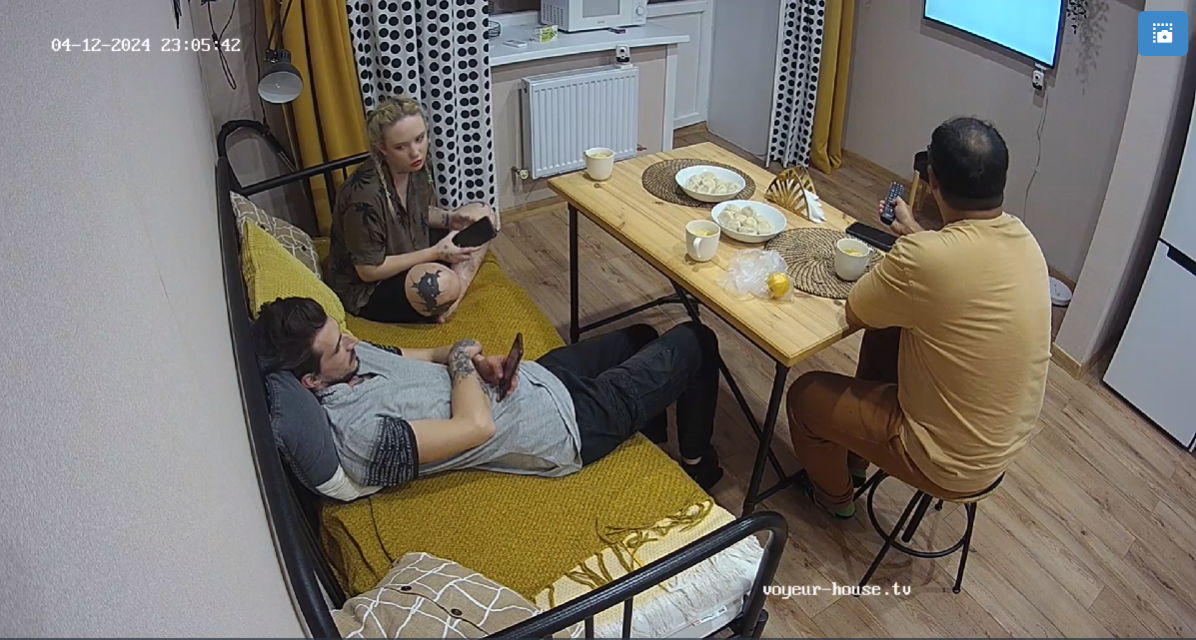
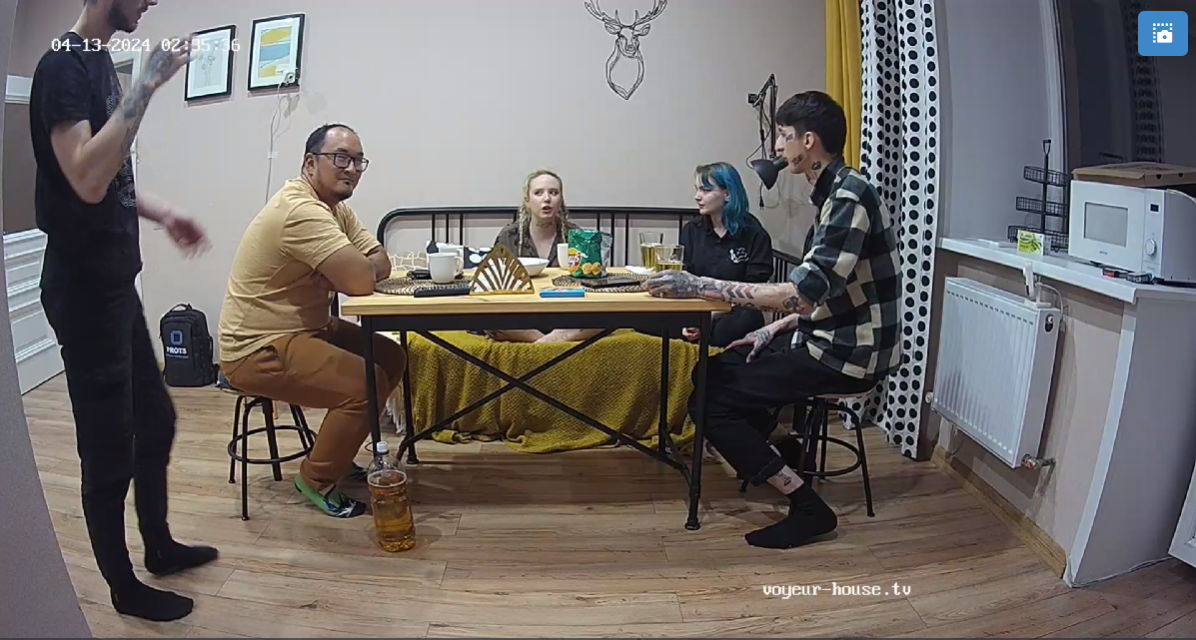
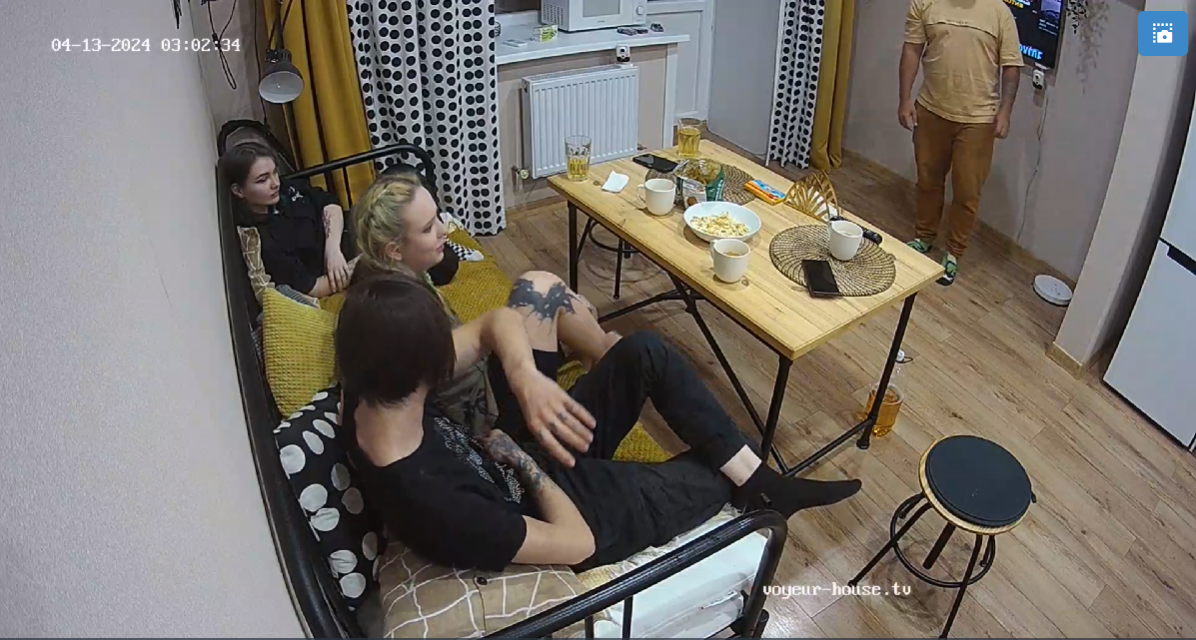
 Who's the star of the house?...."if your eye balling this apartment daily in my book it would be Marilyn who seems to bring in her outside stud once or twice a week for some more extra sexual entertainment for the paying viewers, and surly he does his job of keeping her satisfied. I do think that while babysitting her sister Madison who does nothing but lay around most of the days eating sweets and chocolate treats and avoiding anything to do with sex or unless she sneaking off as she does each late night while Marilyn all is asleep in the house to masturbate in the bathroom off camera on the "shitter" also known as the toilet...lol....Marilyn would be able to give us just a bit more especially nudity. I think that Nelly and Bogdan may have either been sympathetic or desperate for anyone at the time, I really can't see getting the both of them when only one is trying to do for two. Until their departure I guess Marilyn has to continue to either find a babysitter when she has a sexual date or continue sending Madison to hang out in the living room until she is done!! LOL I have to give Marilyn 3 stars for giving us sexual entertainment and being a good babysitter at the same time. LOL😎
Account
Navigation
Search
Configure browser push notifications
Chrome (Android)
- Tap the lock icon next to the address bar.
- Tap Permissions → Notifications.
- Adjust your preference.
Chrome (Desktop)
- Click the padlock icon in the address bar.
- Select Site settings.
- Find Notifications and adjust your preference.
Safari (iOS 16.4+)
- Ensure the site is installed via Add to Home Screen.
- Open Settings App → Notifications.
- Find your app name and adjust your preference.
Safari (macOS)
- Go to Safari → Preferences.
- Click the Websites tab.
- Select Notifications in the sidebar.
- Find this website and adjust your preference.
Edge (Android)
- Tap the lock icon next to the address bar.
- Tap Permissions.
- Find Notifications and adjust your preference.
Edge (Desktop)
- Click the padlock icon in the address bar.
- Click Permissions for this site.
- Find Notifications and adjust your preference.
Firefox (Android)
- Go to Settings → Site permissions.
- Tap Notifications.
- Find this site in the list and adjust your preference.
Firefox (Desktop)
- Open Firefox Settings.
- Search for Notifications.
- Find this site in the list and adjust your preference.