RUBBERMAN
Paid Members
-
Joined
Everything posted by RUBBERMAN
-
 Its been almost a year since my last idea about RLC, but I do have ideas about the Chat Room and the Forum......"First thing need to be done with both, 1. shut them both down and get rid of all stats of all former members "old" and new!!! that may cut down on some of the bitching and assholes who think that own the site and control it. 2. Limit how many post members can give or receive per day, that may stop those who sit on their ass most of the day babysitting both the Chat room waiting for someone to say something that they don't like and look for something to bitch about, with the Forum it would stop those that sit and ride their hourly post every 10 to 15 min's stopping other members from posting or being read because they want to continue on and on posting bull shit that "no one in hell is going to read 90%^ of them anyway. 3. Control the site and stop letting members control it....to many are getting away with putting members down....they are the assholes that don't want the site or sites to improve so they fuck with the ones that do....and most are just two faced as hell.
 Their bathroom cams suck very limited viewing!!!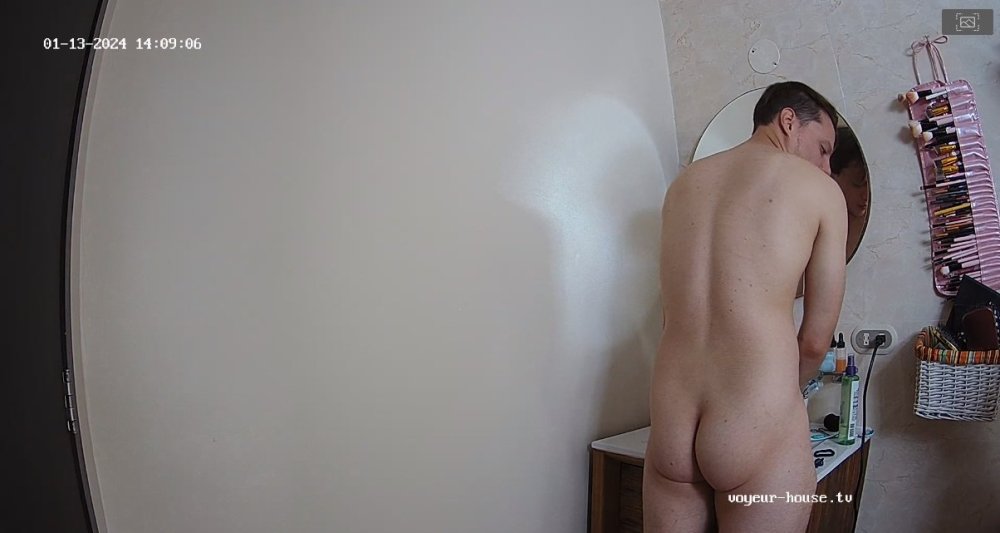

Account
Navigation
Search
Configure browser push notifications
Chrome (Android)
- Tap the lock icon next to the address bar.
- Tap Permissions → Notifications.
- Adjust your preference.
Chrome (Desktop)
- Click the padlock icon in the address bar.
- Select Site settings.
- Find Notifications and adjust your preference.
Safari (iOS 16.4+)
- Ensure the site is installed via Add to Home Screen.
- Open Settings App → Notifications.
- Find your app name and adjust your preference.
Safari (macOS)
- Go to Safari → Preferences.
- Click the Websites tab.
- Select Notifications in the sidebar.
- Find this website and adjust your preference.
Edge (Android)
- Tap the lock icon next to the address bar.
- Tap Permissions.
- Find Notifications and adjust your preference.
Edge (Desktop)
- Click the padlock icon in the address bar.
- Click Permissions for this site.
- Find Notifications and adjust your preference.
Firefox (Android)
- Go to Settings → Site permissions.
- Tap Notifications.
- Find this site in the list and adjust your preference.
Firefox (Desktop)
- Open Firefox Settings.
- Search for Notifications.
- Find this site in the list and adjust your preference.