RUBBERMAN
Paid Members
-
Joined
Everything posted by RUBBERMAN
-
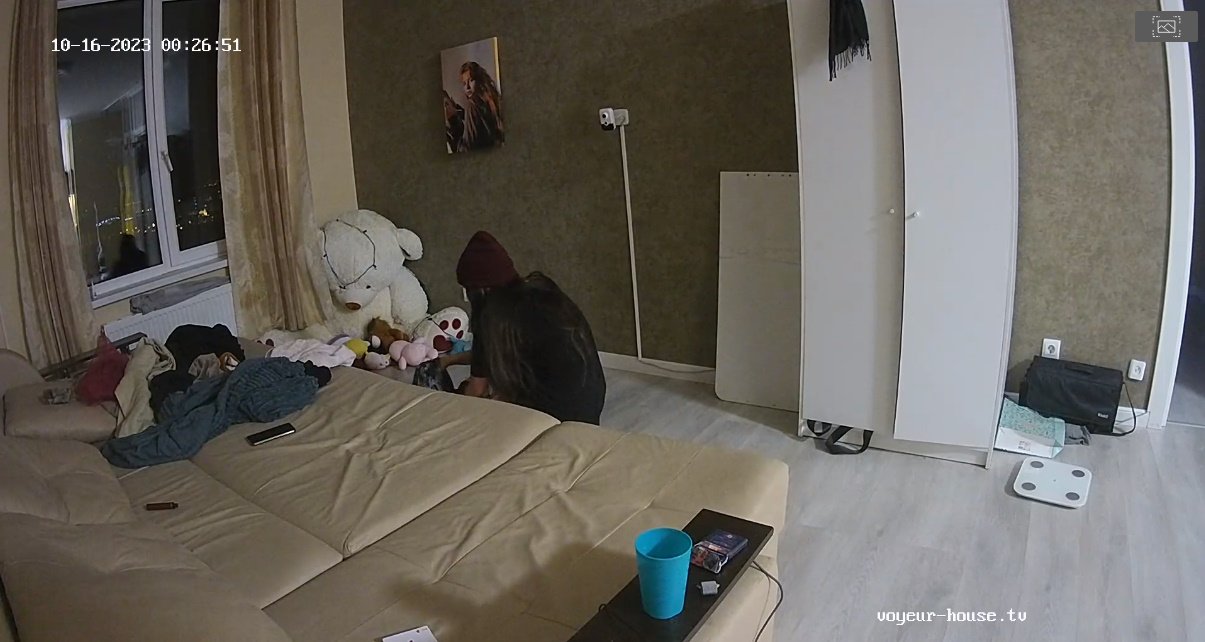
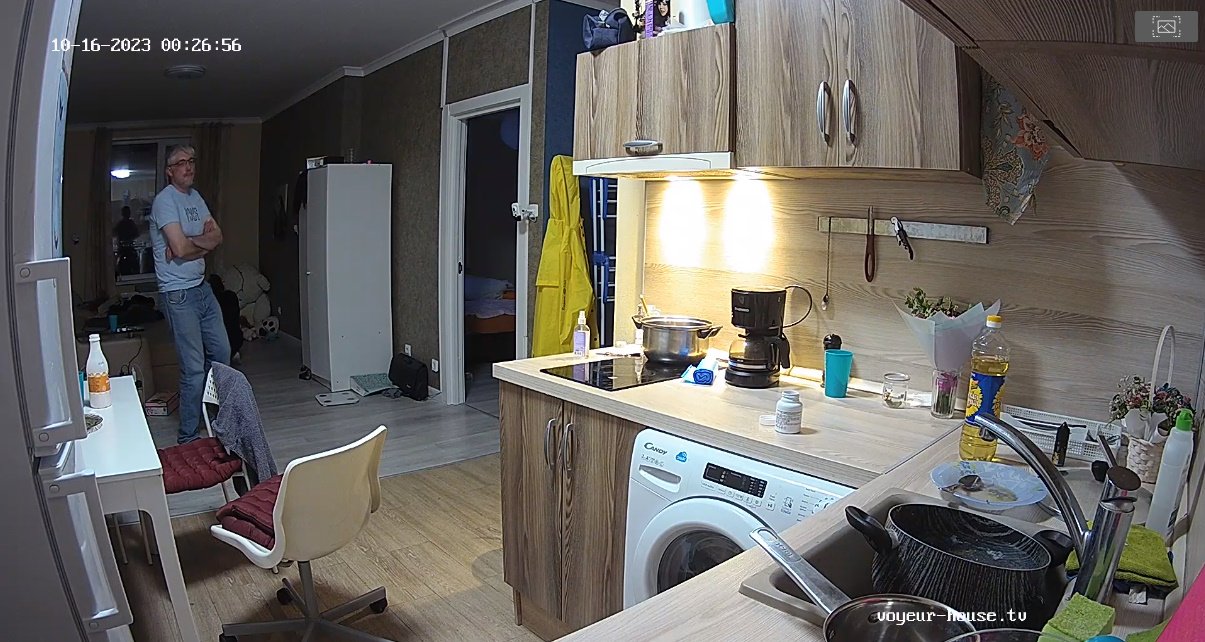
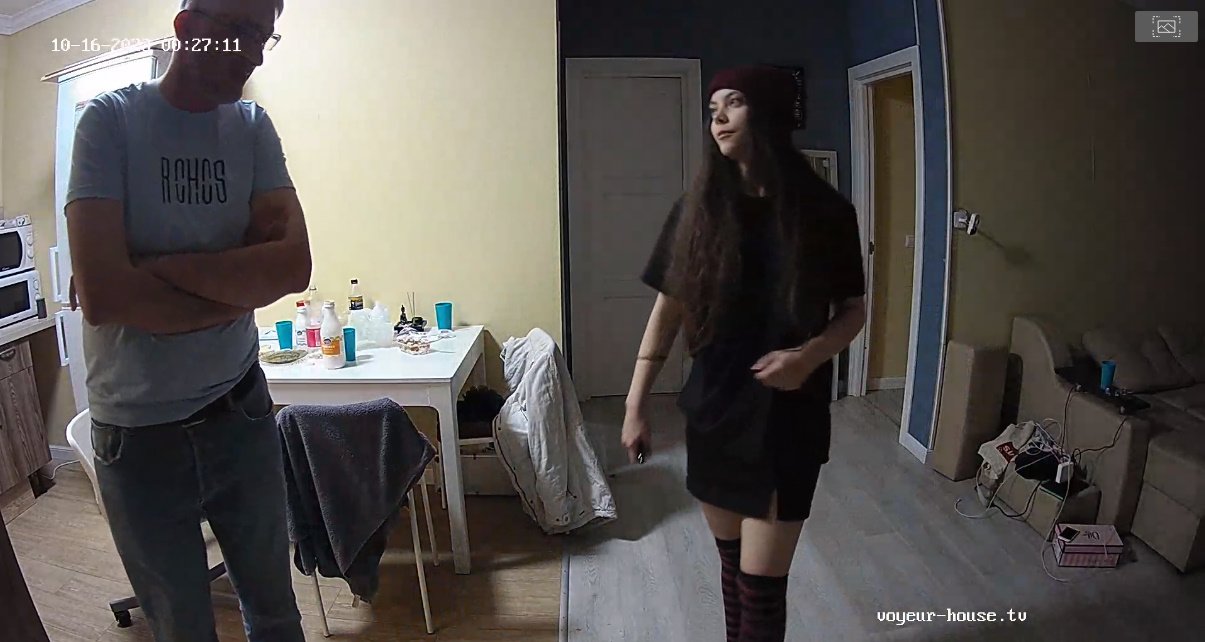
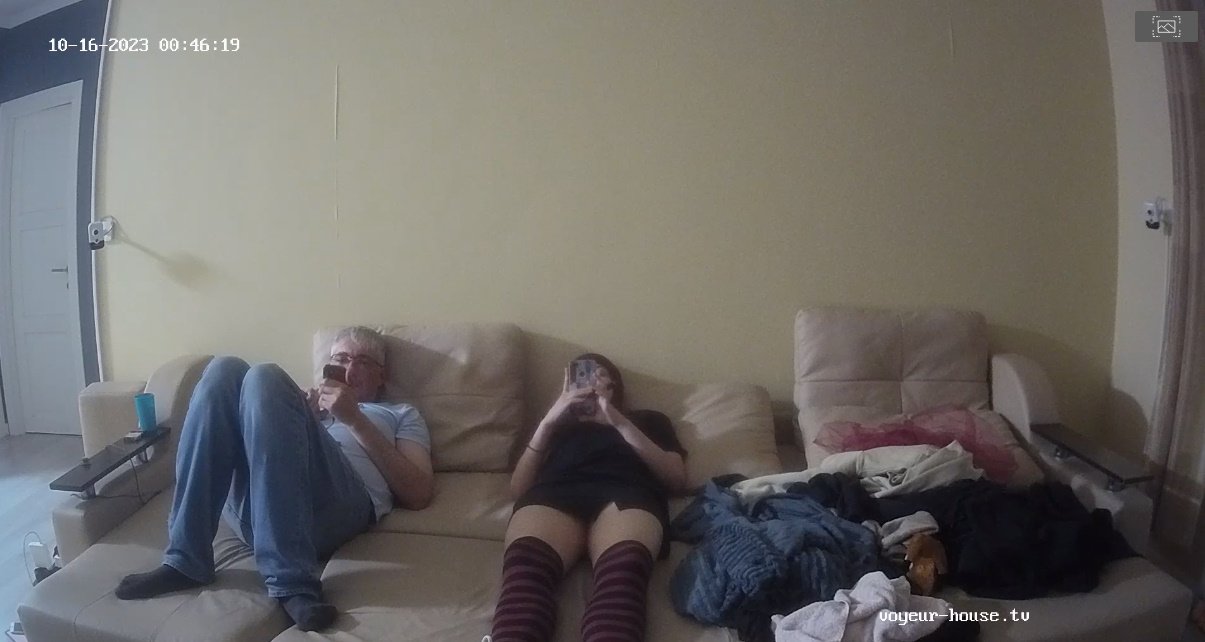
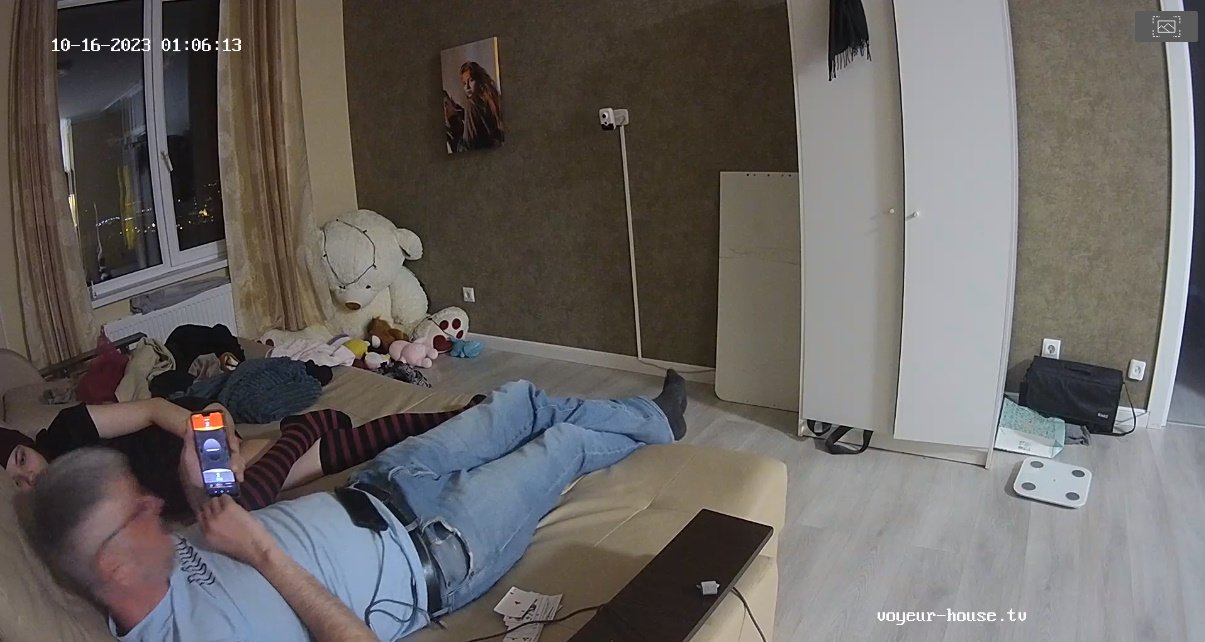
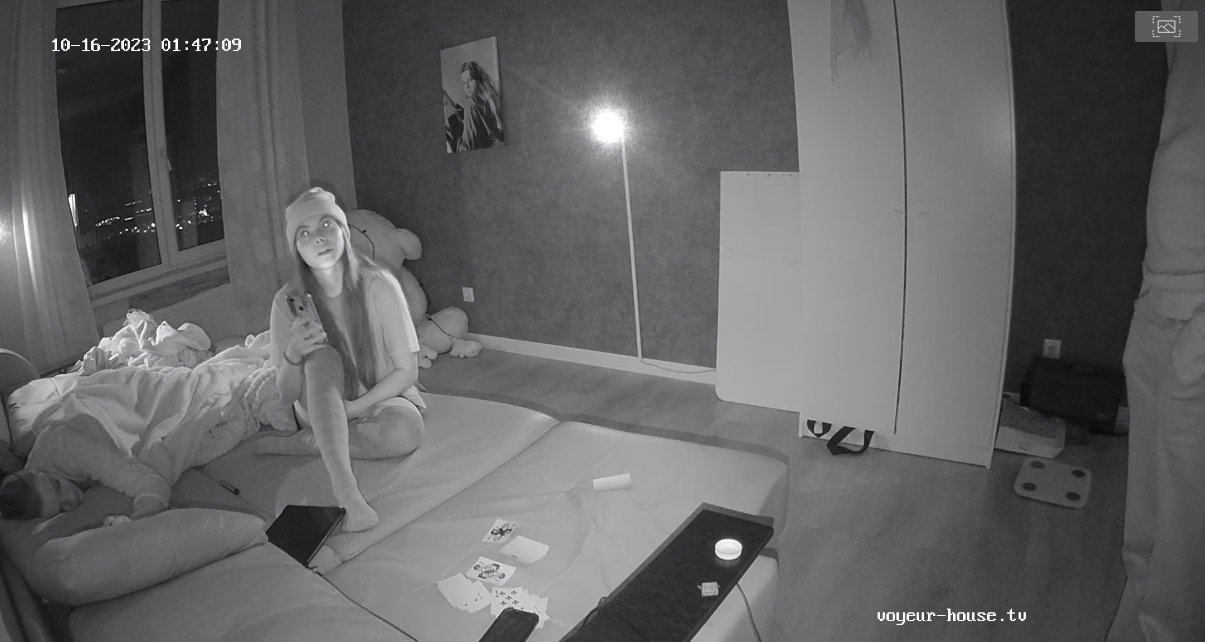
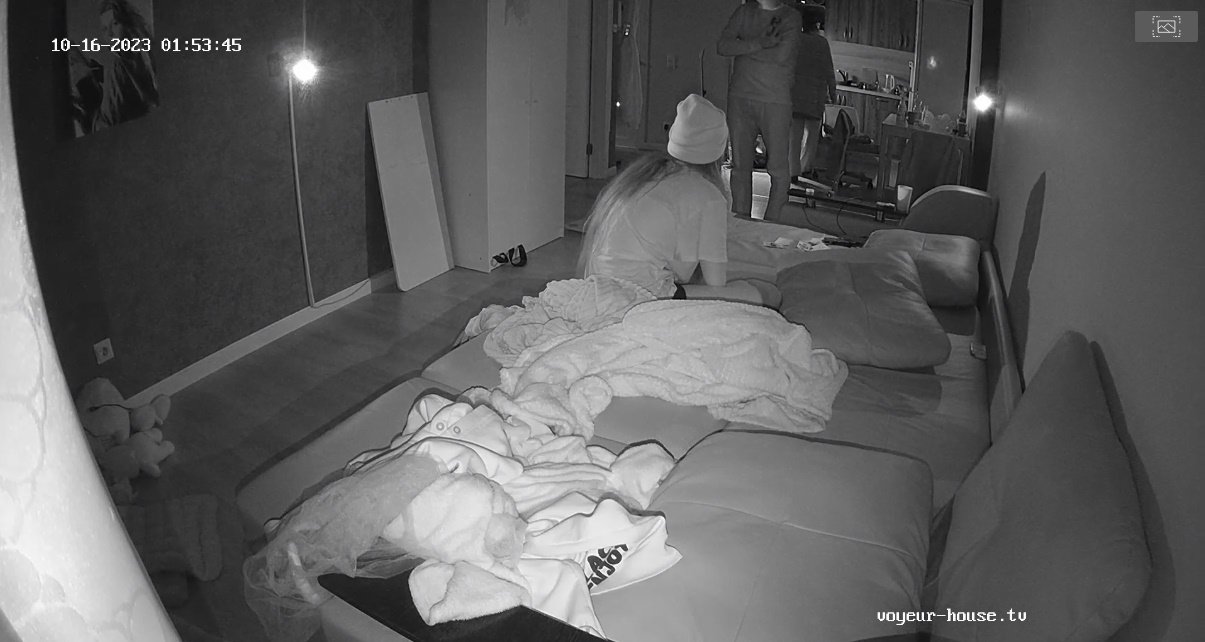
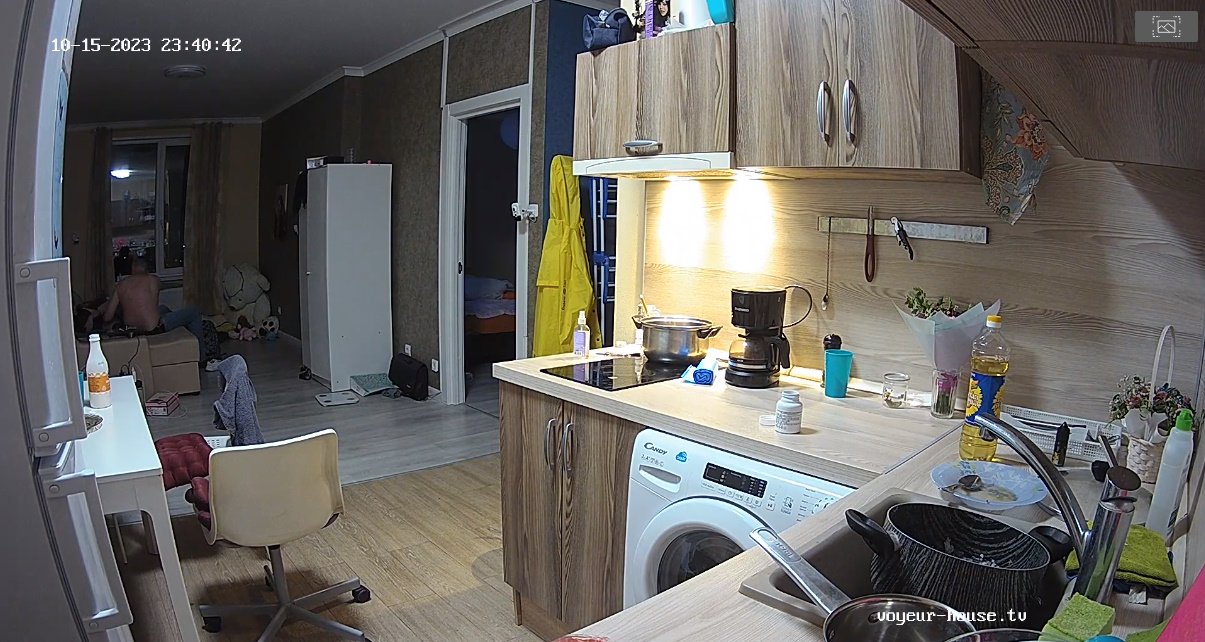
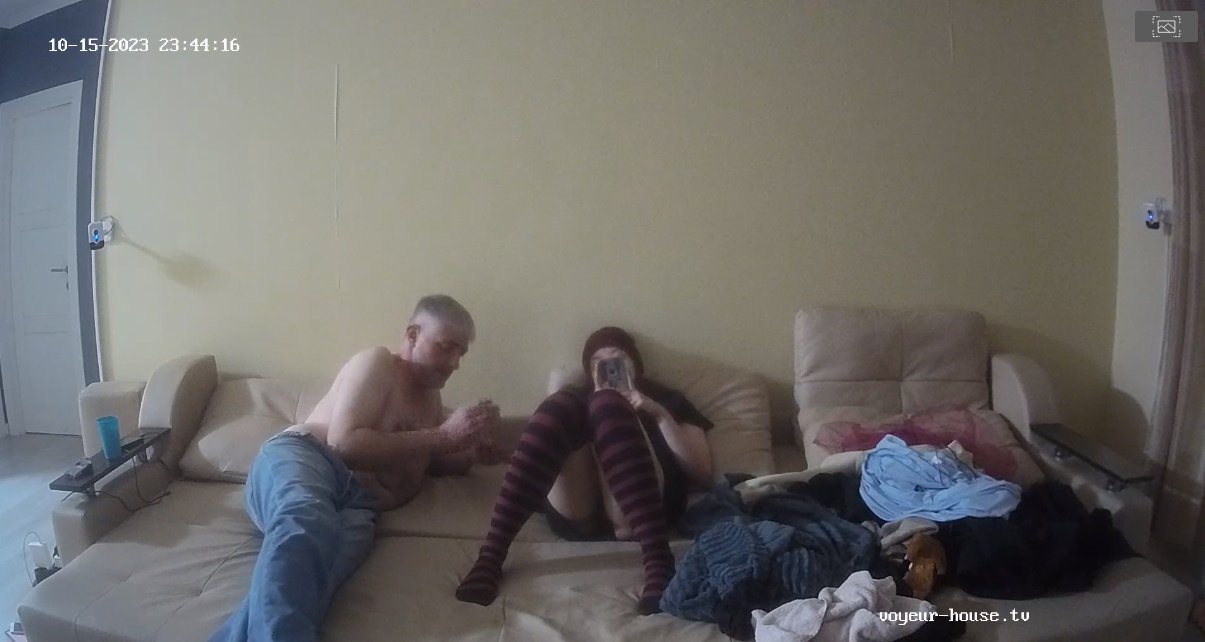
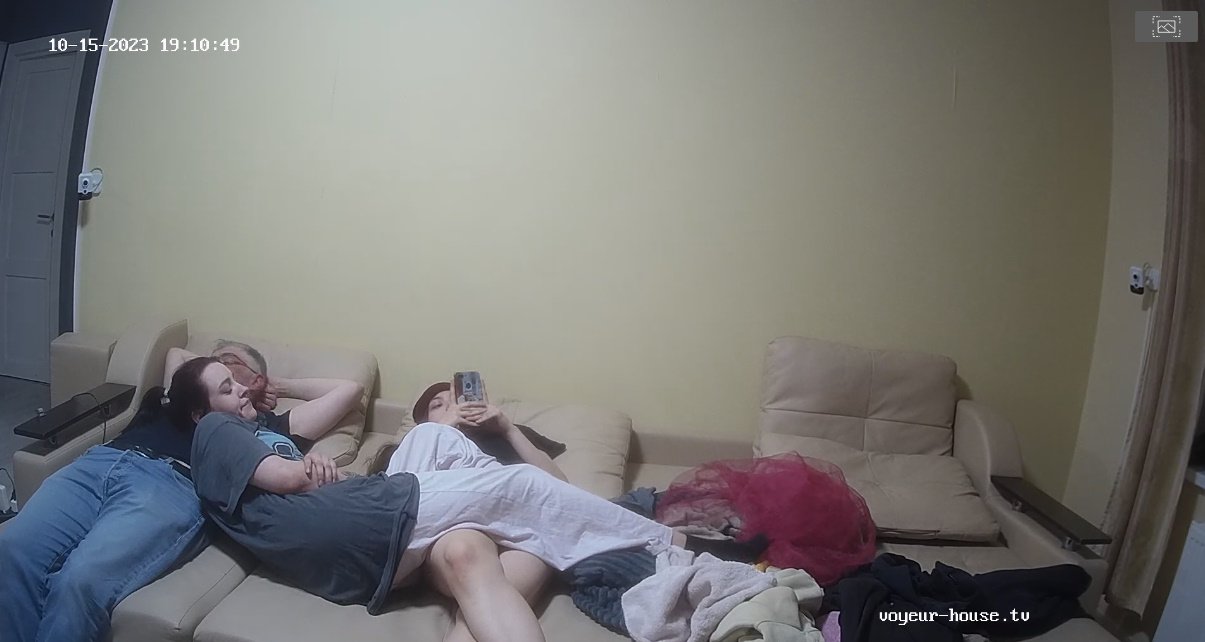
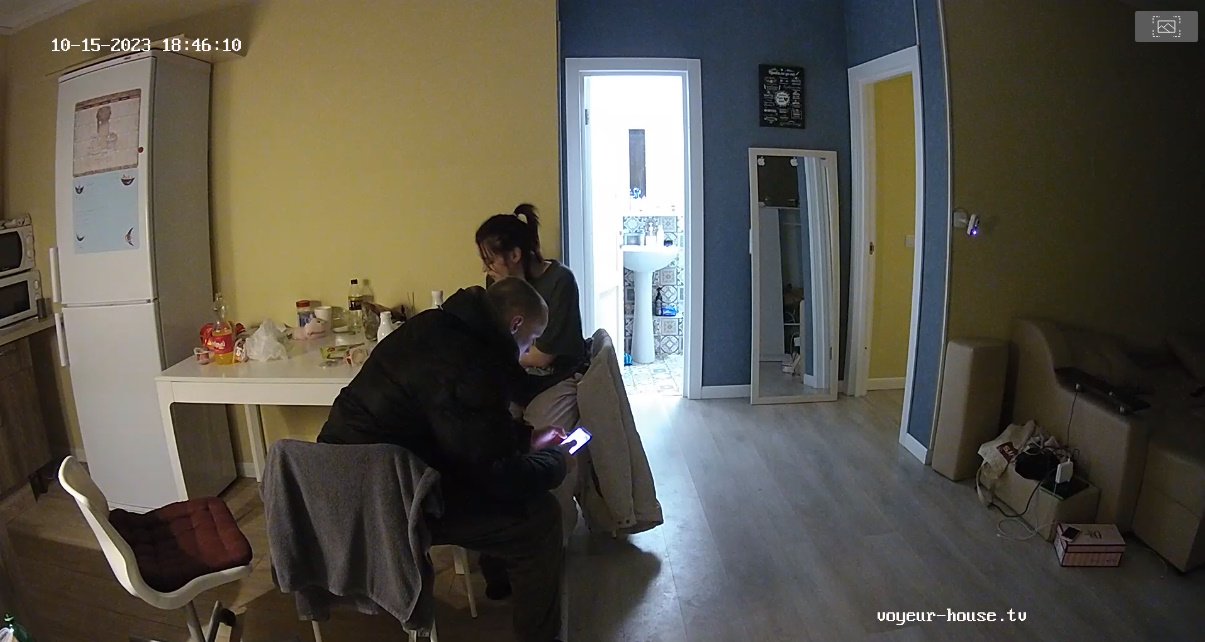
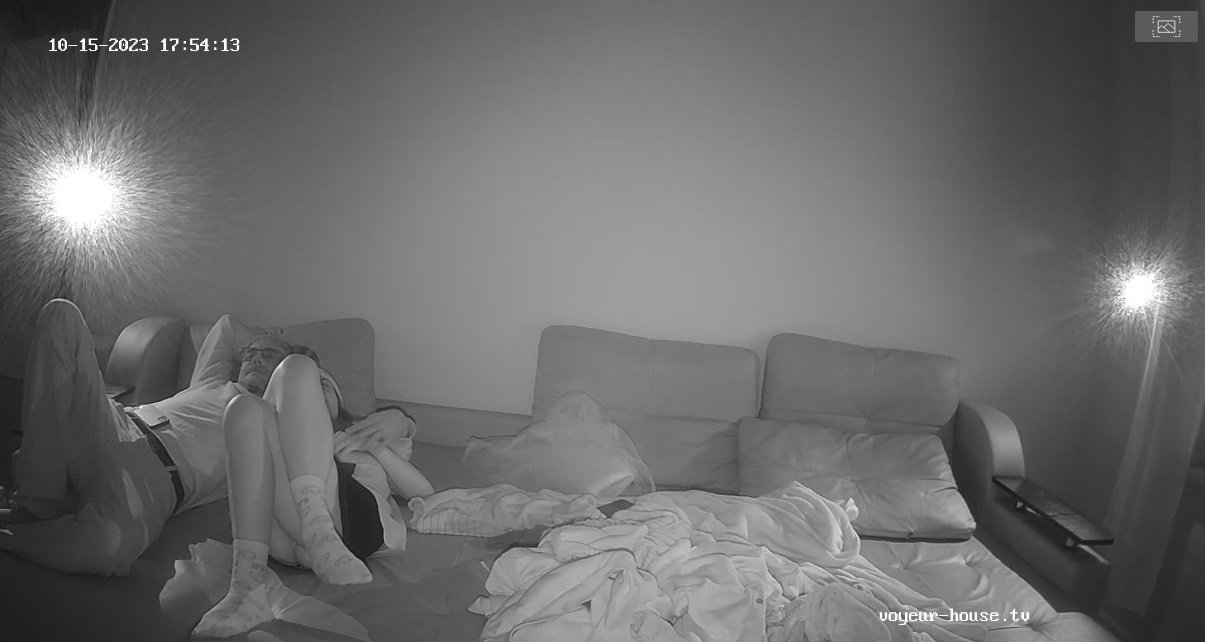
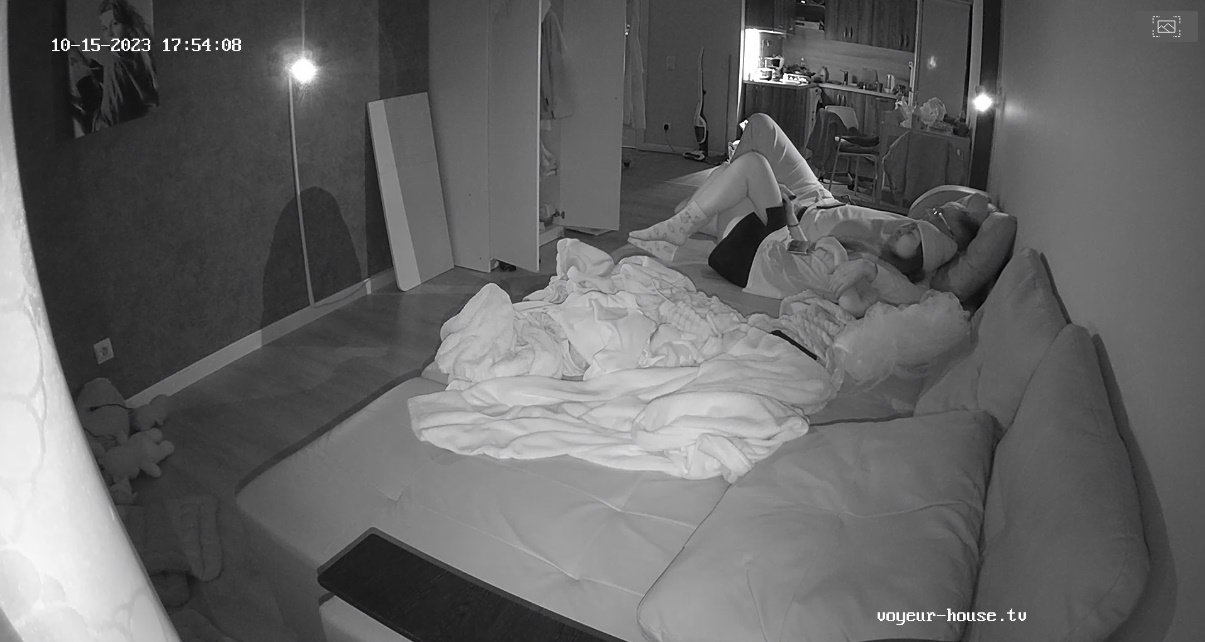
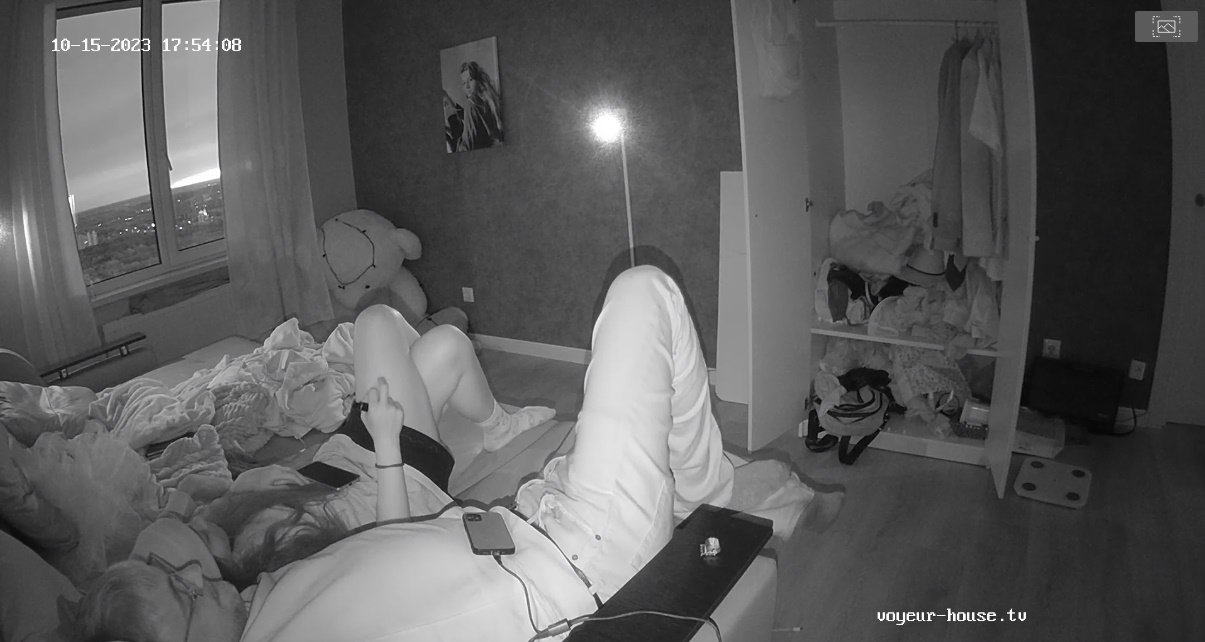
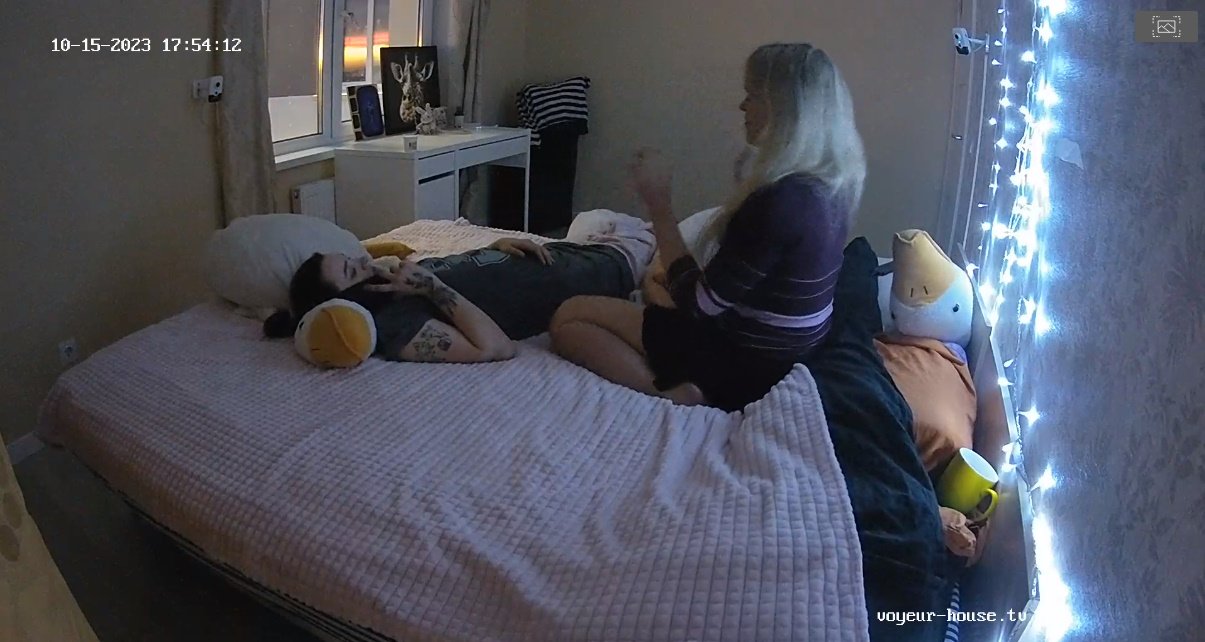
 Unless these two are sticking around waiting for RLC to give them each their own apartments with their new lovers to share, I think it may be time for them to really split and move on and stop playing cat and mouse around the apartment. Alberto seems to bring his new girl over and use the apartment to fuck his new love while the dog looks on with confusion and Martina seems to leave for hours at a time. I say move Martina over to Nelly's place after all Nelly did have a taste for her at one time, lets stop dragging this love drama and move on people!! LOL
Account
Navigation
Search
Configure browser push notifications
Chrome (Android)
- Tap the lock icon next to the address bar.
- Tap Permissions → Notifications.
- Adjust your preference.
Chrome (Desktop)
- Click the padlock icon in the address bar.
- Select Site settings.
- Find Notifications and adjust your preference.
Safari (iOS 16.4+)
- Ensure the site is installed via Add to Home Screen.
- Open Settings App → Notifications.
- Find your app name and adjust your preference.
Safari (macOS)
- Go to Safari → Preferences.
- Click the Websites tab.
- Select Notifications in the sidebar.
- Find this website and adjust your preference.
Edge (Android)
- Tap the lock icon next to the address bar.
- Tap Permissions.
- Find Notifications and adjust your preference.
Edge (Desktop)
- Click the padlock icon in the address bar.
- Click Permissions for this site.
- Find Notifications and adjust your preference.
Firefox (Android)
- Go to Settings → Site permissions.
- Tap Notifications.
- Find this site in the list and adjust your preference.
Firefox (Desktop)
- Open Firefox Settings.
- Search for Notifications.
- Find this site in the list and adjust your preference.