RUBBERMAN
Paid Members
-
Joined
Everything posted by RUBBERMAN
-
 Zara gave a very sexy show tonight, this young lady is so sexy, she should get her own apartment and of course allow her friend and side kick Dana to continue to be her room mate......"they may even become more open for their fans and the cams." A nice flower for this sexy young lady!!!
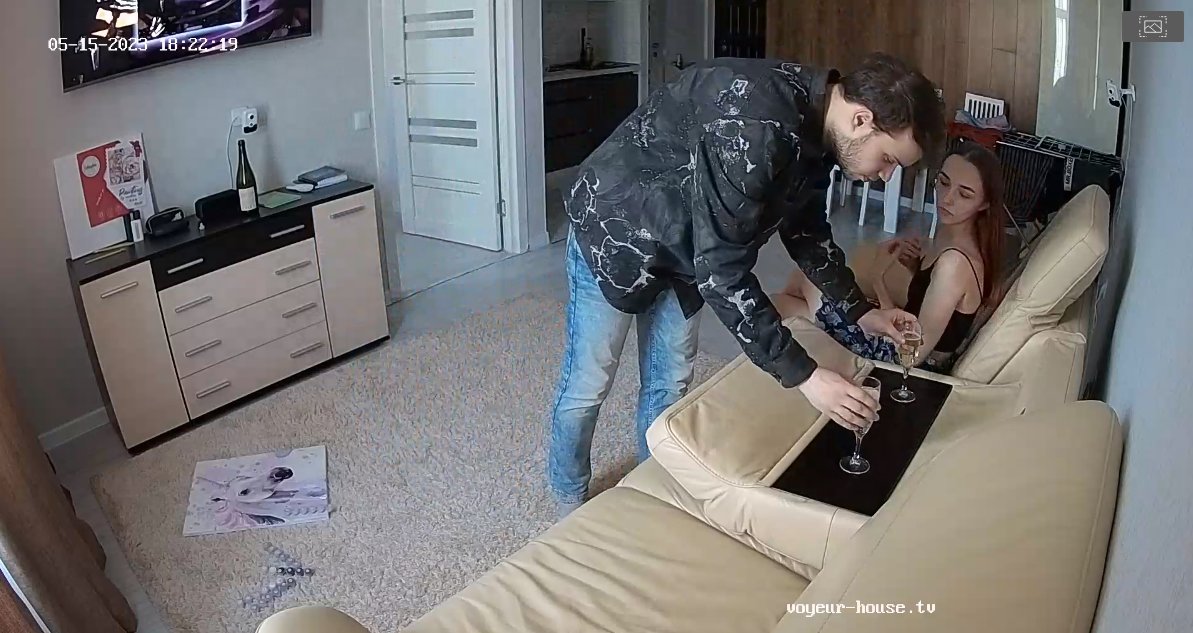
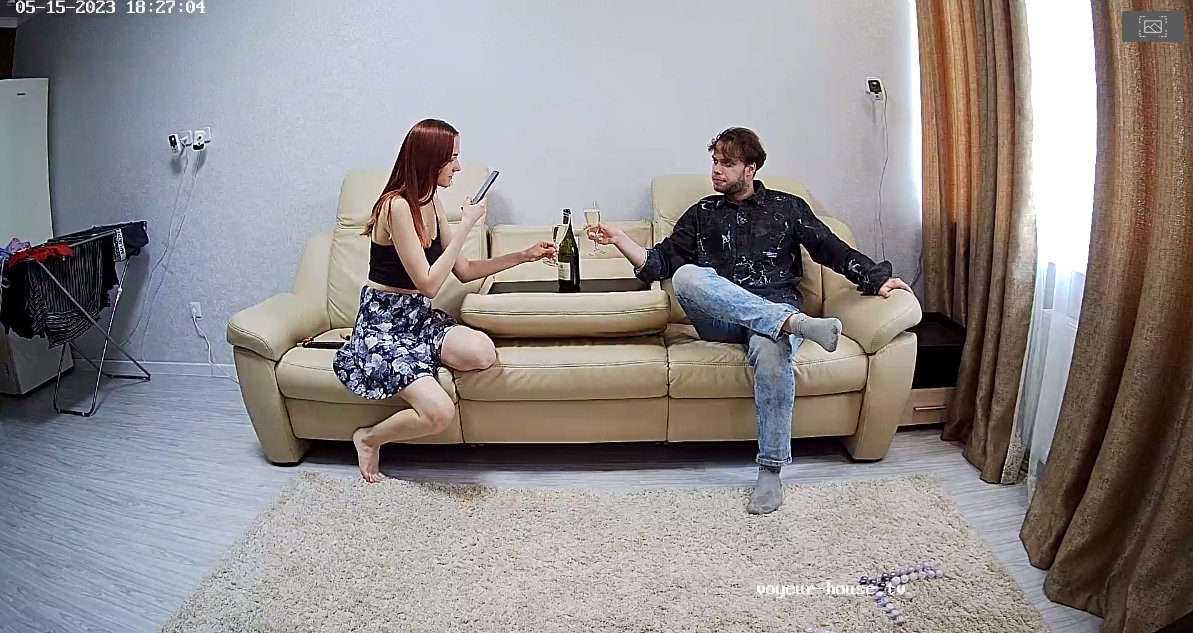
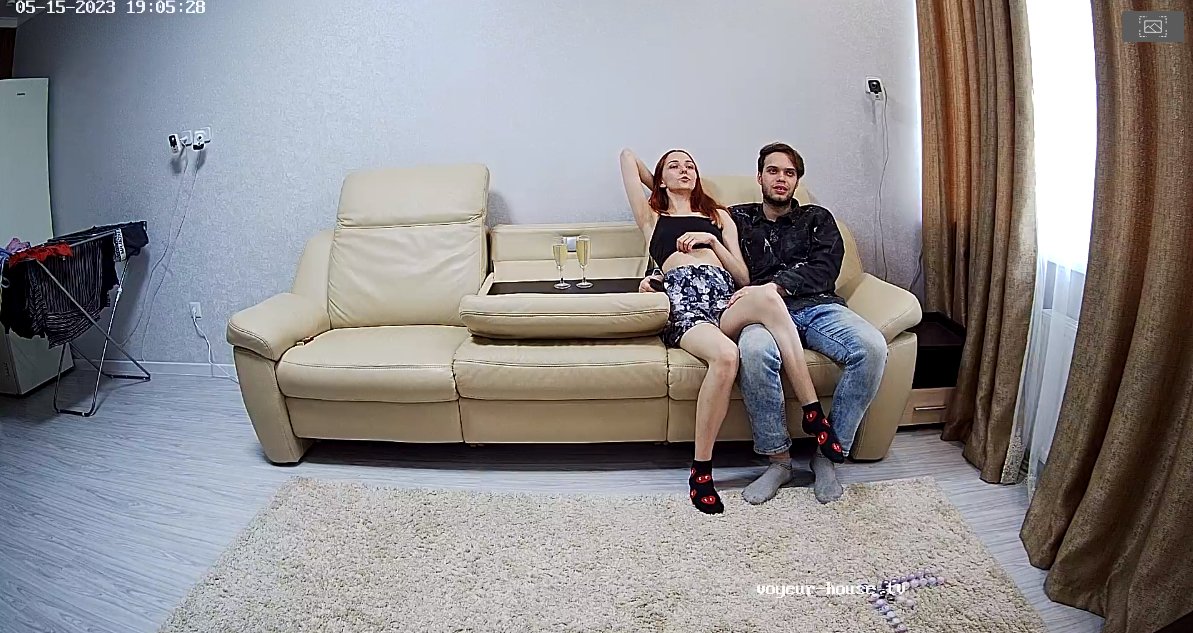
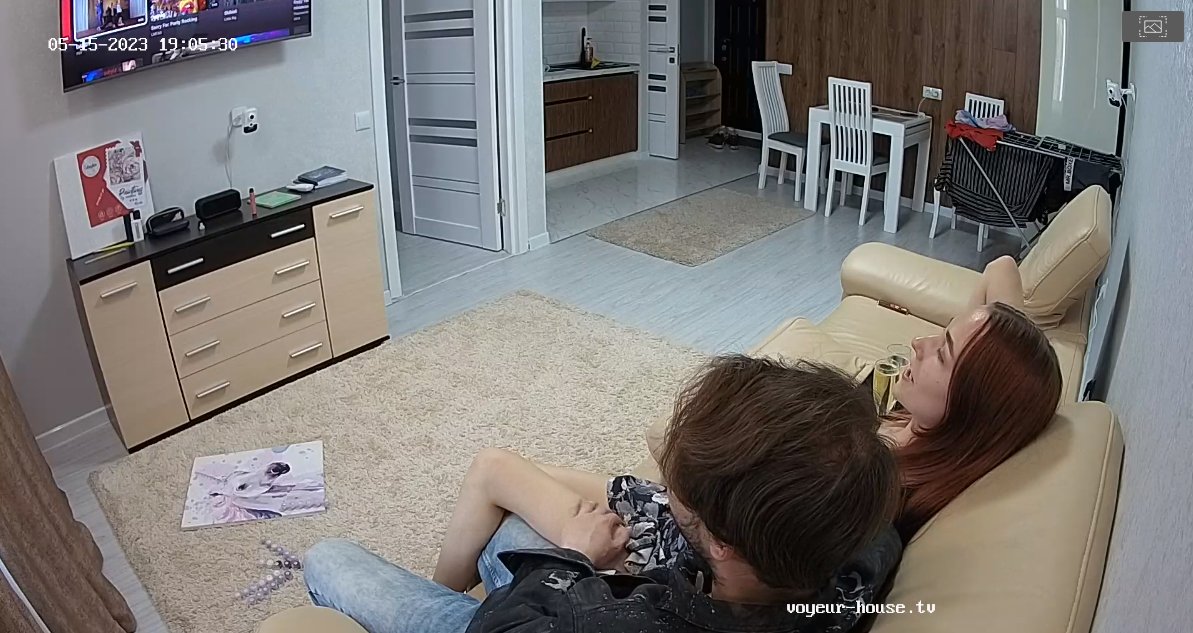
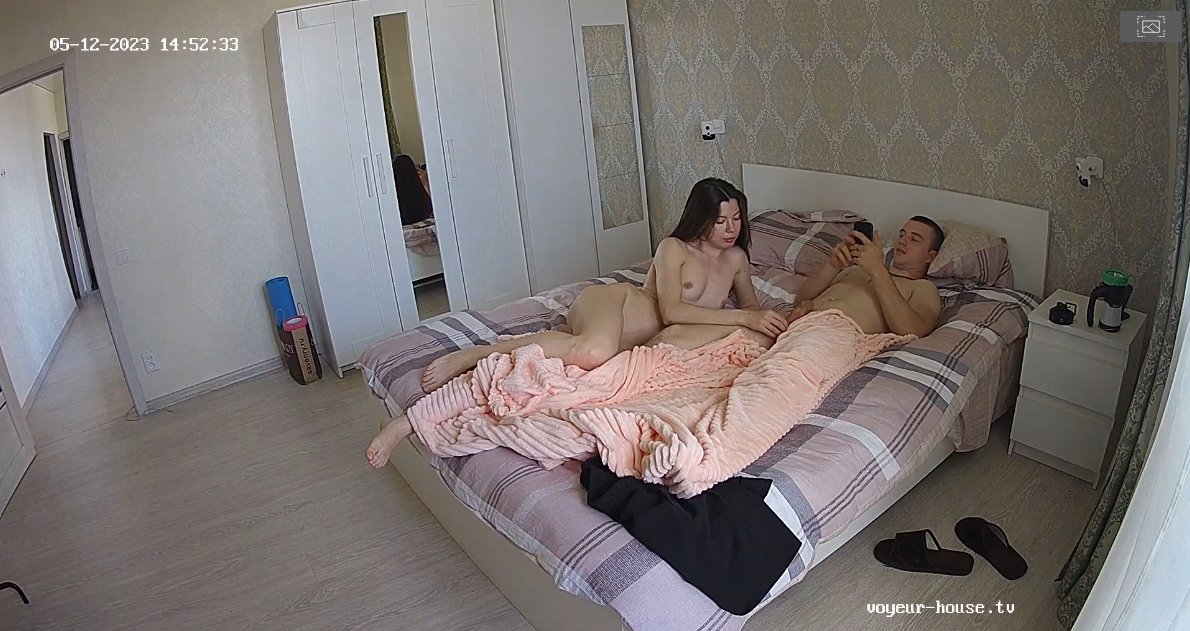
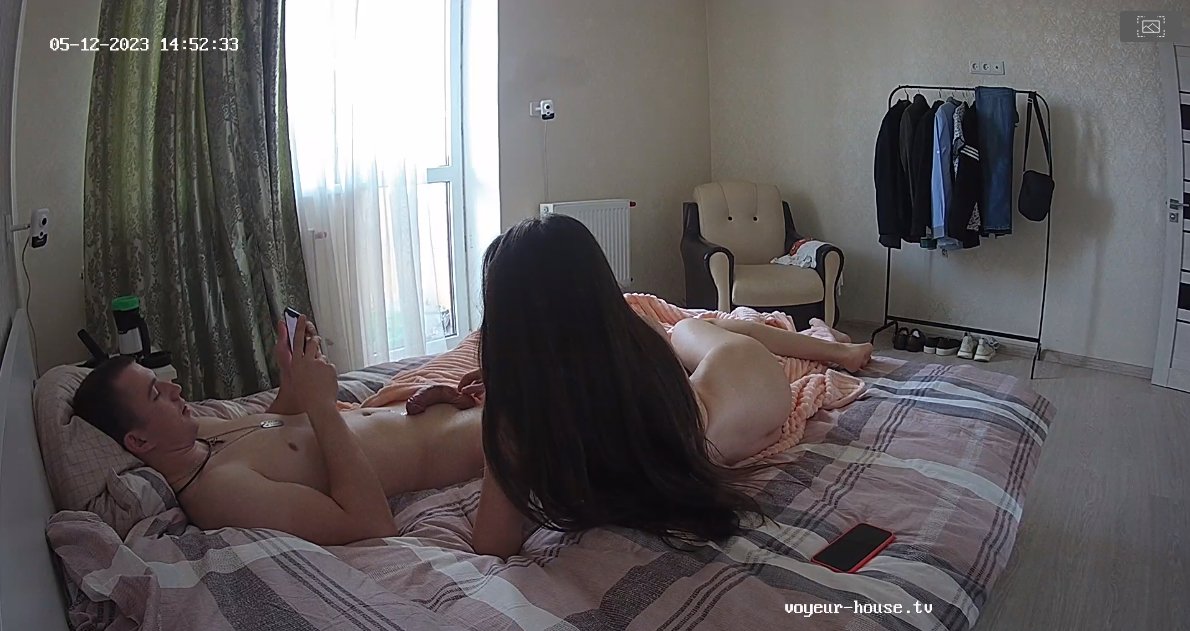
 Like a few others "Azura had a sex appointment with Dylan one of the site's Stud's or should I say house Stud's...lol...seems he gets to please some of the young ladies when their number comes up. LOL Oh well it was a pretty good show between the both of them she gets one star from me, but lets hope all Azura did get out of their last night show was just a few orgasms and nothing else from this wondering Studs Dick......its does get around...when needed, alright who's next?" LOL
Account
Navigation
Search
Configure browser push notifications
Chrome (Android)
- Tap the lock icon next to the address bar.
- Tap Permissions → Notifications.
- Adjust your preference.
Chrome (Desktop)
- Click the padlock icon in the address bar.
- Select Site settings.
- Find Notifications and adjust your preference.
Safari (iOS 16.4+)
- Ensure the site is installed via Add to Home Screen.
- Open Settings App → Notifications.
- Find your app name and adjust your preference.
Safari (macOS)
- Go to Safari → Preferences.
- Click the Websites tab.
- Select Notifications in the sidebar.
- Find this website and adjust your preference.
Edge (Android)
- Tap the lock icon next to the address bar.
- Tap Permissions.
- Find Notifications and adjust your preference.
Edge (Desktop)
- Click the padlock icon in the address bar.
- Click Permissions for this site.
- Find Notifications and adjust your preference.
Firefox (Android)
- Go to Settings → Site permissions.
- Tap Notifications.
- Find this site in the list and adjust your preference.
Firefox (Desktop)
- Open Firefox Settings.
- Search for Notifications.
- Find this site in the list and adjust your preference.