RUBBERMAN
Paid Members
-
Joined
Everything posted by RUBBERMAN
-
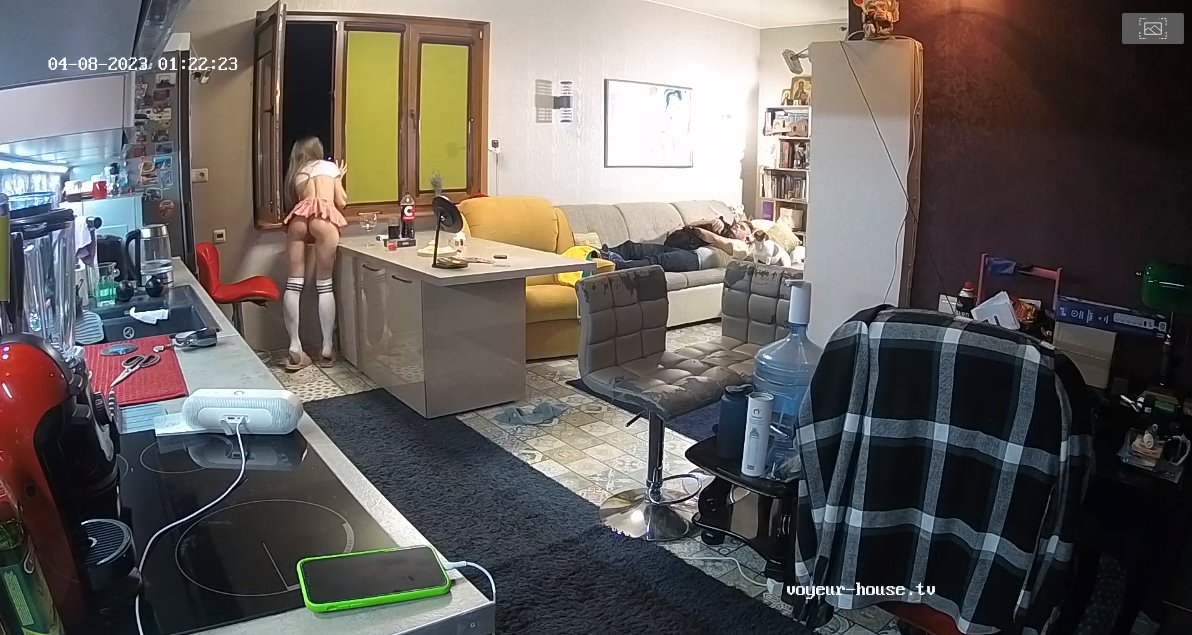
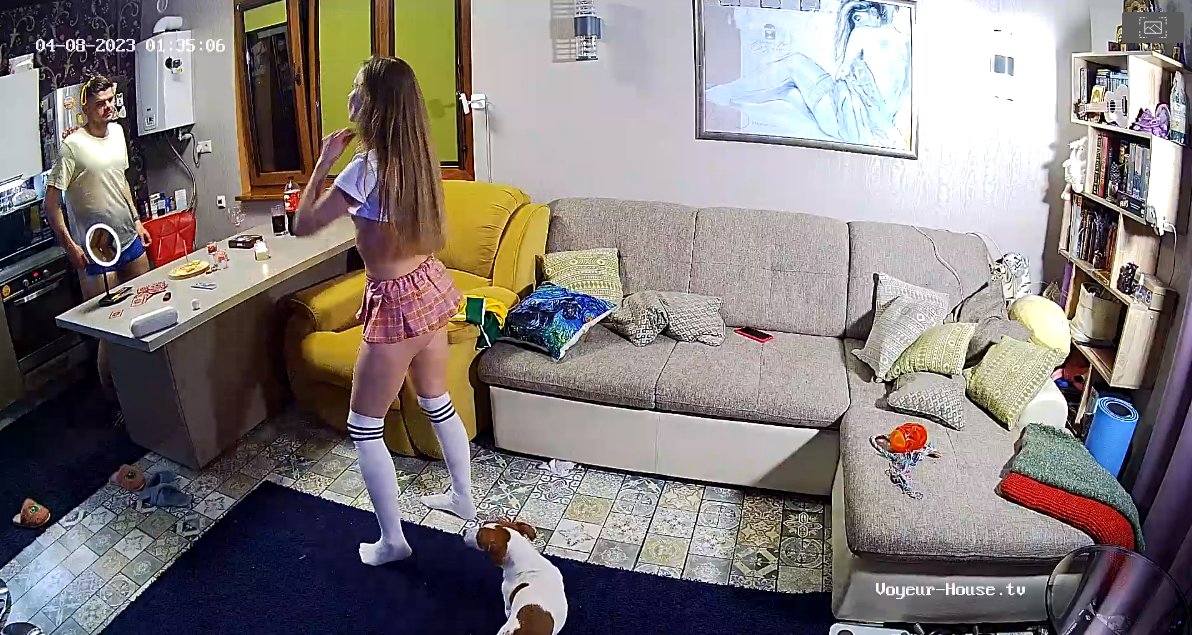
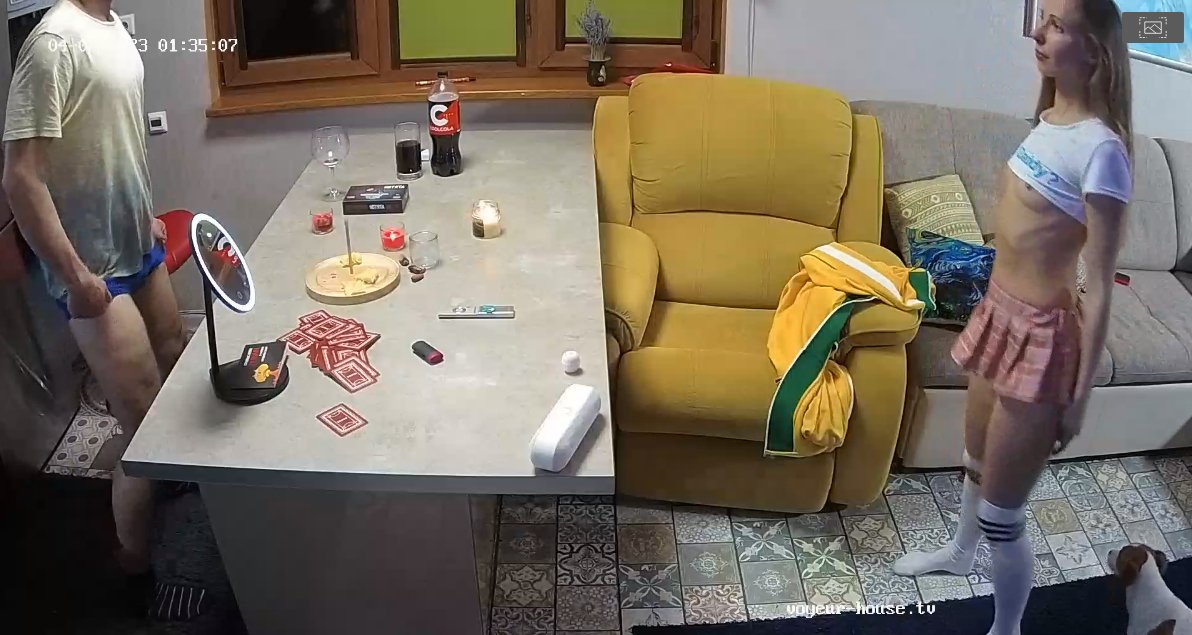
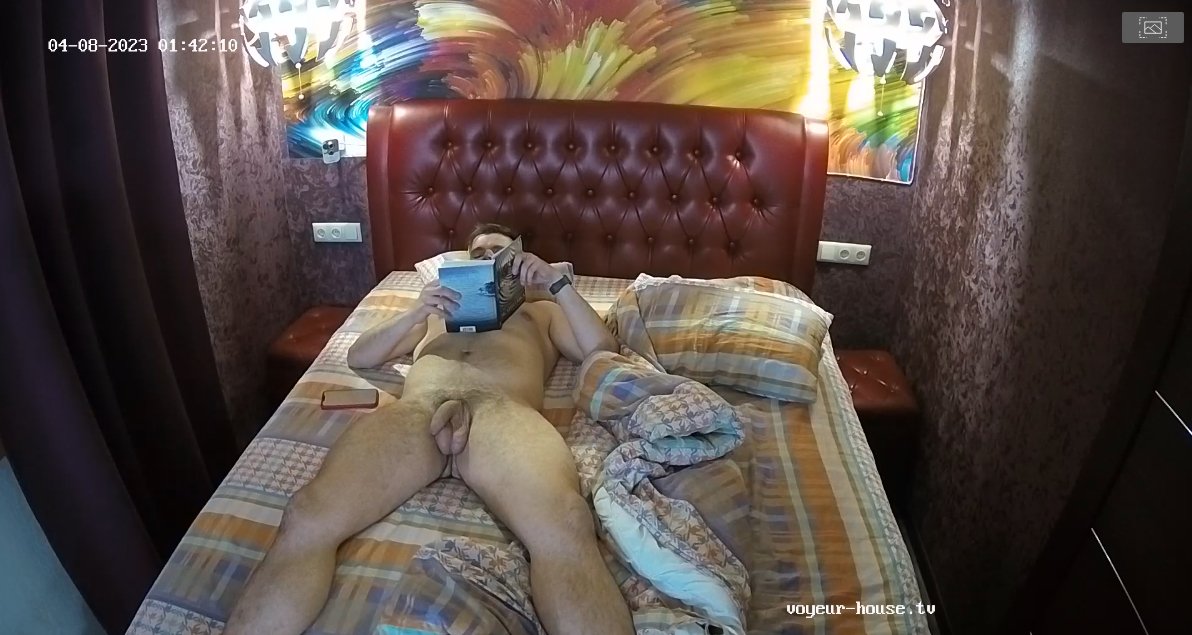
 I see that these two love to roll play a lot.


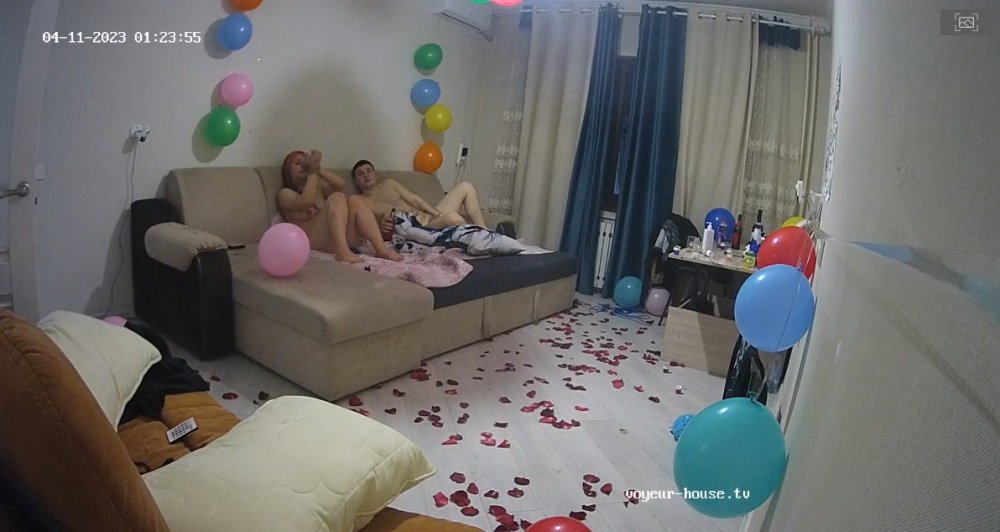 It took me a minute to figure out who these two was and now I remember them from another apartment! "both are always entertaining both sexually and with their guest and seems to always be full of Jet fuel." LOL



 I am thinking someone in that room may have read my comments because Dana and her room mate Zara did put on a show yesterday and today starting off today with both giving us a nude work out even though they where in different rooms and yes "Dana did give us some and but a little masturbation too not much but what the hell I guess it shall do." LOL Thank you ladies and ah.....keep it up!!
Account
Navigation
Search
Configure browser push notifications
Chrome (Android)
- Tap the lock icon next to the address bar.
- Tap Permissions → Notifications.
- Adjust your preference.
Chrome (Desktop)
- Click the padlock icon in the address bar.
- Select Site settings.
- Find Notifications and adjust your preference.
Safari (iOS 16.4+)
- Ensure the site is installed via Add to Home Screen.
- Open Settings App → Notifications.
- Find your app name and adjust your preference.
Safari (macOS)
- Go to Safari → Preferences.
- Click the Websites tab.
- Select Notifications in the sidebar.
- Find this website and adjust your preference.
Edge (Android)
- Tap the lock icon next to the address bar.
- Tap Permissions.
- Find Notifications and adjust your preference.
Edge (Desktop)
- Click the padlock icon in the address bar.
- Click Permissions for this site.
- Find Notifications and adjust your preference.
Firefox (Android)
- Go to Settings → Site permissions.
- Tap Notifications.
- Find this site in the list and adjust your preference.
Firefox (Desktop)
- Open Firefox Settings.
- Search for Notifications.
- Find this site in the list and adjust your preference.