cyberleader
Hero Member
-
Joined
-
Last visited
Everything posted by cyberleader
-
 who ate all the strawberrys
 jewel buttplug
 now she gets it,better late than never
 would like this one merged please
yes she has seen the light and now has knowledge and understanding of the rules
would like this one merged please
yes she has seen the light and now has knowledge and understanding of the rules
 she has also read the small print and knows the score
 shagging in denim shorts is strickly forbiden,1 dont look good.2 not naked,3 he may end chaffing his hickery dickery dock on the material

 nope towels are forbiden,but she is checking
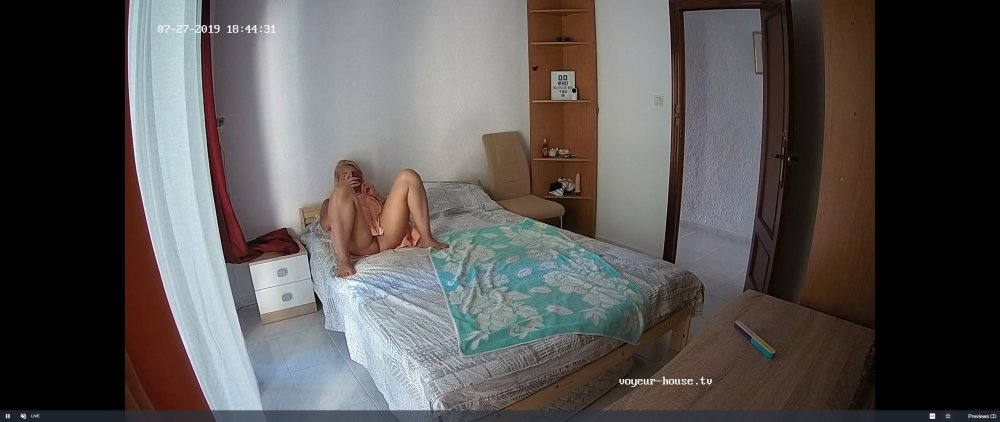 double checking
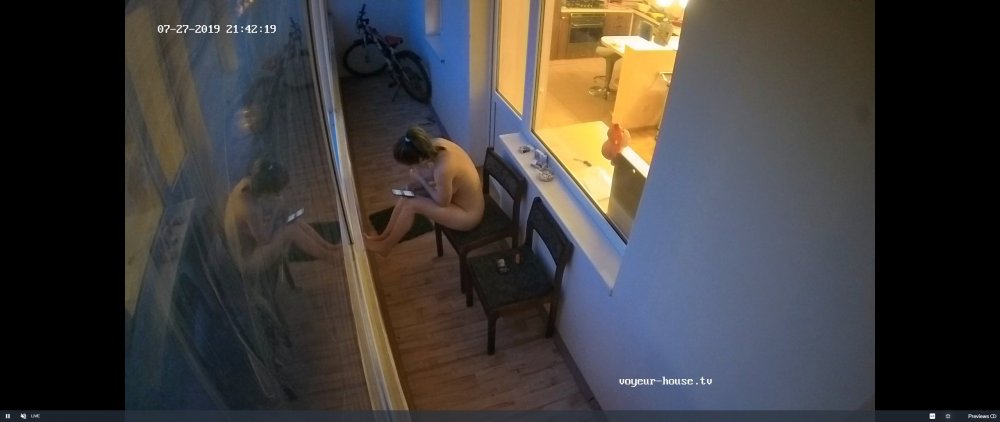 can you show me where it says i must be naked indoors please. its section 1 paragraph 1. it states women must be naked indoors at all times,except in special circumstances.
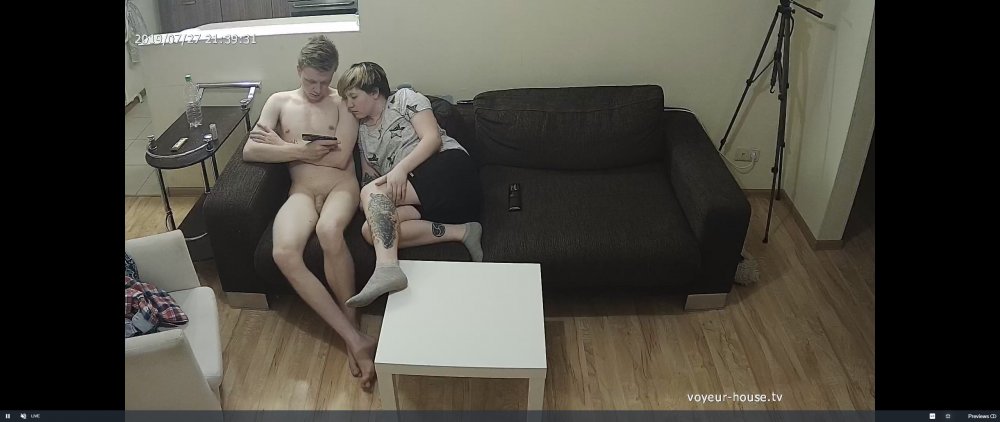 she has read it also
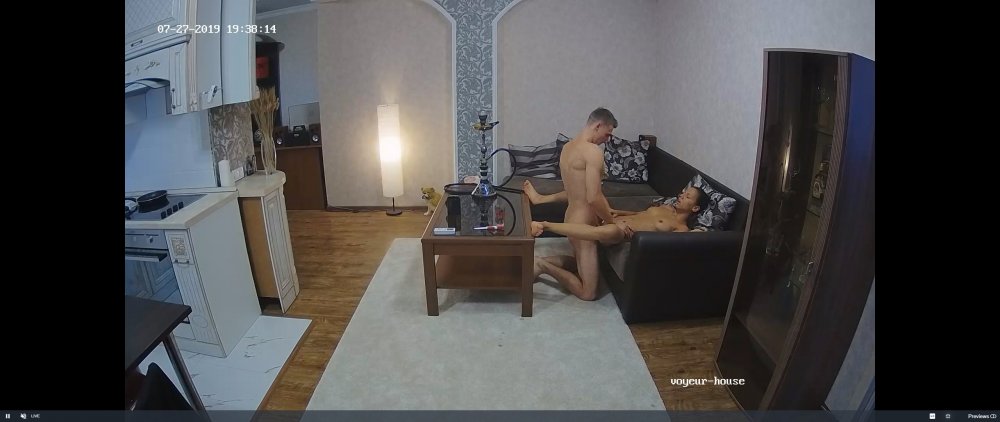 one has read the small print,the other reading it now,although it does not apply to him
 she has read the small print
Account
Navigation
Search
Configure browser push notifications
Chrome (Android)
- Tap the lock icon next to the address bar.
- Tap Permissions → Notifications.
- Adjust your preference.
Chrome (Desktop)
- Click the padlock icon in the address bar.
- Select Site settings.
- Find Notifications and adjust your preference.
Safari (iOS 16.4+)
- Ensure the site is installed via Add to Home Screen.
- Open Settings App → Notifications.
- Find your app name and adjust your preference.
Safari (macOS)
- Go to Safari → Preferences.
- Click the Websites tab.
- Select Notifications in the sidebar.
- Find this website and adjust your preference.
Edge (Android)
- Tap the lock icon next to the address bar.
- Tap Permissions.
- Find Notifications and adjust your preference.
Edge (Desktop)
- Click the padlock icon in the address bar.
- Click Permissions for this site.
- Find Notifications and adjust your preference.
Firefox (Android)
- Go to Settings → Site permissions.
- Tap Notifications.
- Find this site in the list and adjust your preference.
Firefox (Desktop)
- Open Firefox Settings.
- Search for Notifications.
- Find this site in the list and adjust your preference.