cyberleader
Hero Member
-
Joined
-
Last visited
Everything posted by cyberleader
-
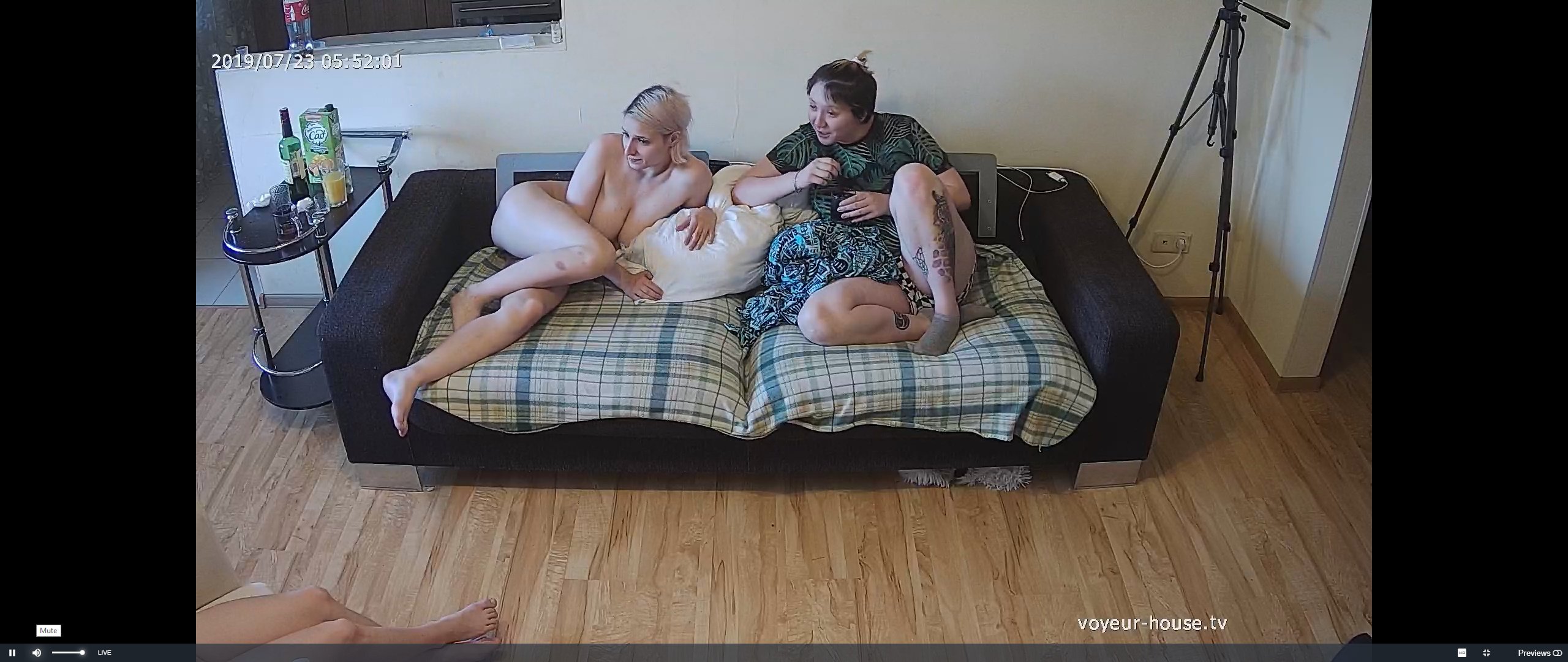
 call the police,fbi,spetnaz.sas,lapd swat,gs9,green berets delta force ,rangers,royal marines,parachute regiment we have to girls indoors watching tv improperly dressed.
-
all that naked female on display,and playing cards? .....cards?
 today she is wearing her best onesie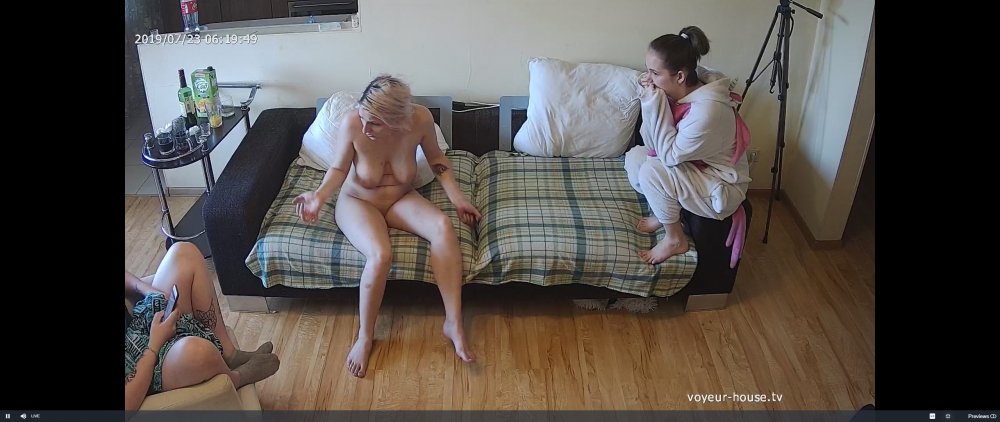
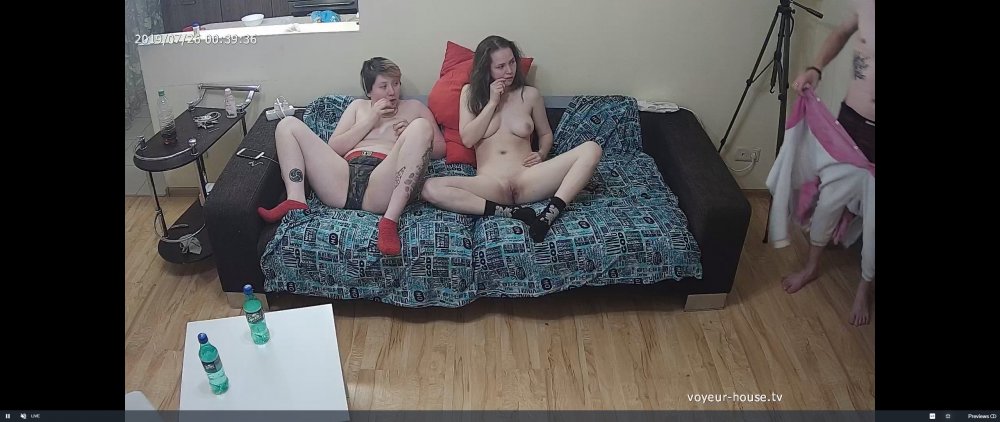
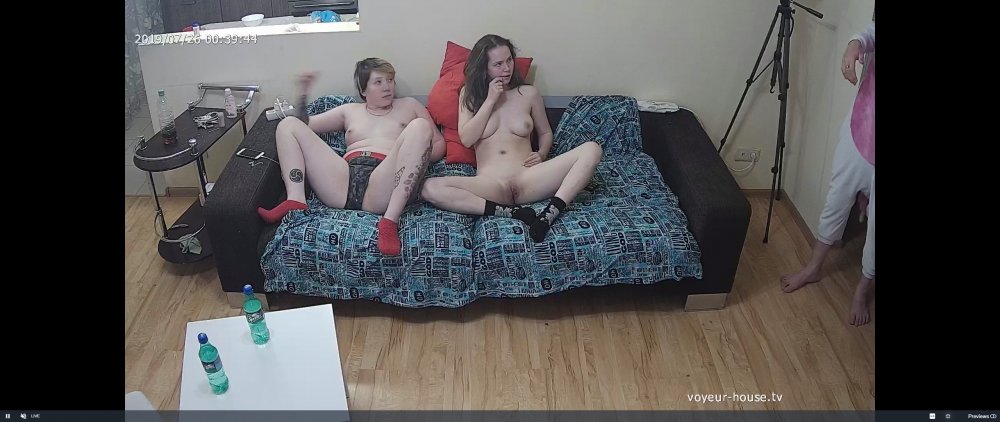
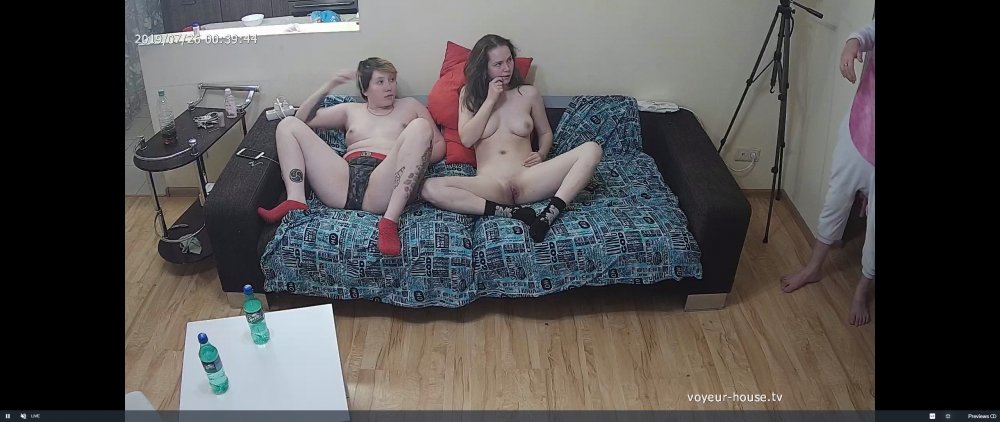 your logic is correct on that one
that is shouting out for dick,that is a open invatation.choose your hole i dont mind she says
your logic is correct on that one
that is shouting out for dick,that is a open invatation.choose your hole i dont mind she says the other night he was strutting around like the top knotch,now someone come with a bigger dick,he took his football and went home
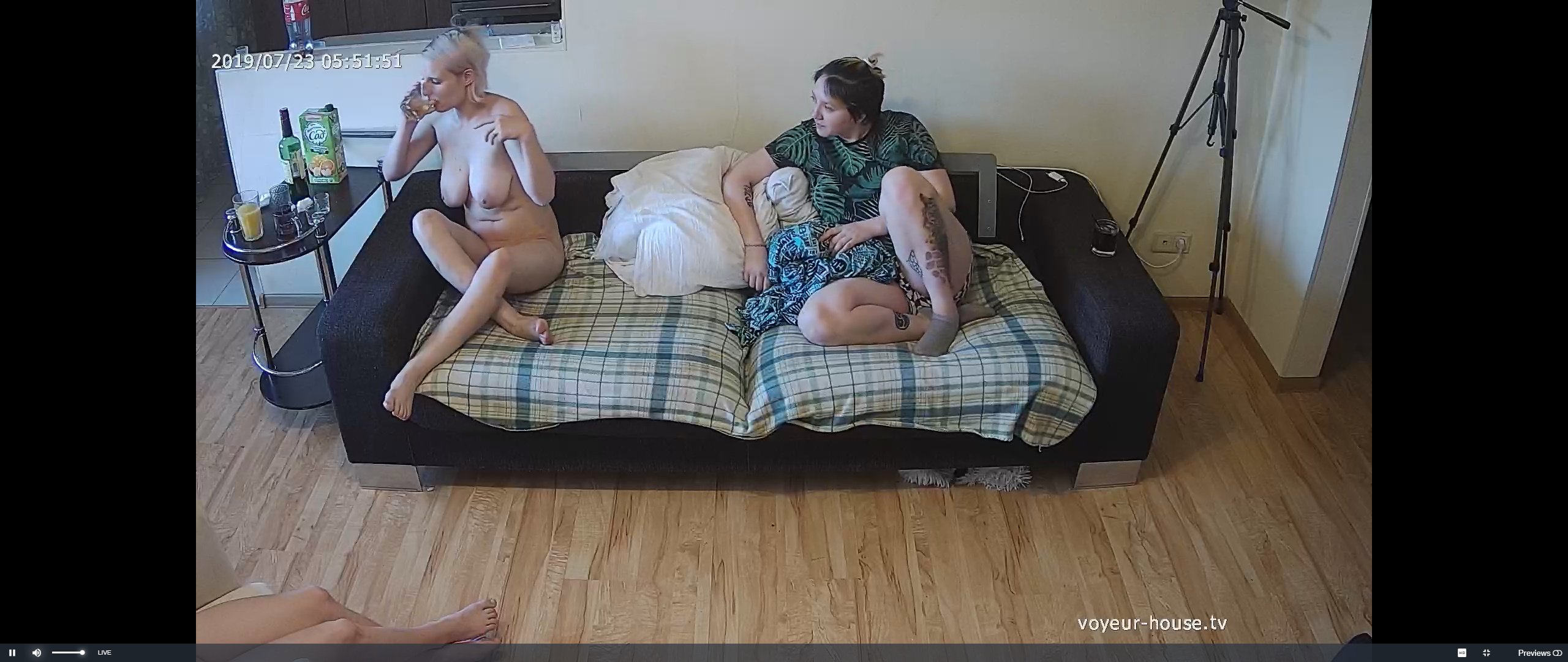
 blondie needs to stay of the sauce for a bit,leave the drink alone.its the cause of many a relationship breakdown
i dont think they know what to do with her
keeping a watchfull eye
blondie needs to stay of the sauce for a bit,leave the drink alone.its the cause of many a relationship breakdown
i dont think they know what to do with her
keeping a watchfull eye
 a visitor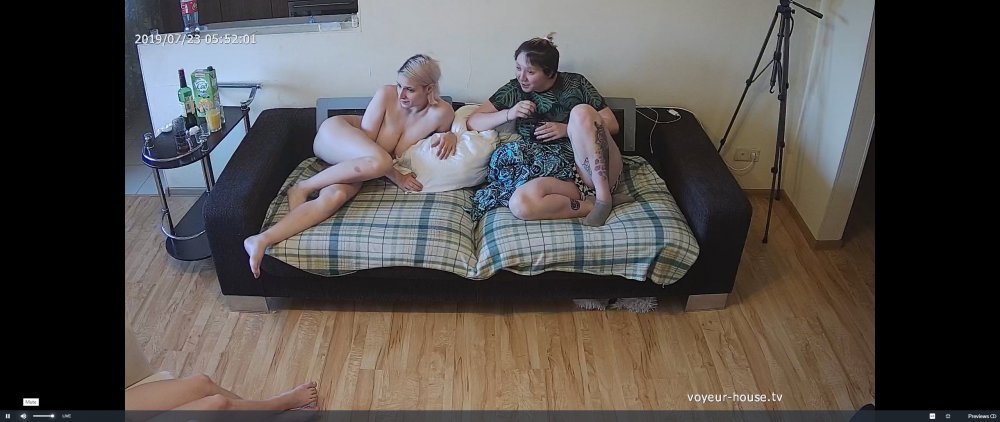
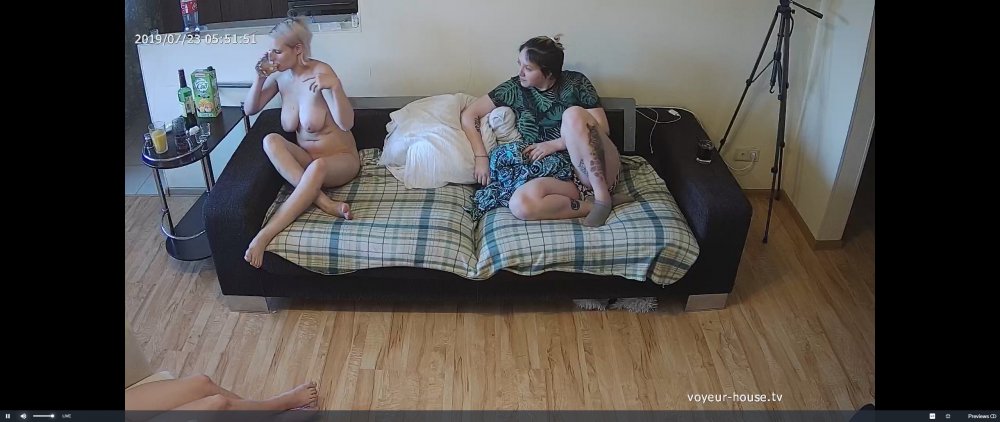 dont stand there looking like one oclock half struck
Account
Navigation
Search
Configure browser push notifications
Chrome (Android)
- Tap the lock icon next to the address bar.
- Tap Permissions → Notifications.
- Adjust your preference.
Chrome (Desktop)
- Click the padlock icon in the address bar.
- Select Site settings.
- Find Notifications and adjust your preference.
Safari (iOS 16.4+)
- Ensure the site is installed via Add to Home Screen.
- Open Settings App → Notifications.
- Find your app name and adjust your preference.
Safari (macOS)
- Go to Safari → Preferences.
- Click the Websites tab.
- Select Notifications in the sidebar.
- Find this website and adjust your preference.
Edge (Android)
- Tap the lock icon next to the address bar.
- Tap Permissions.
- Find Notifications and adjust your preference.
Edge (Desktop)
- Click the padlock icon in the address bar.
- Click Permissions for this site.
- Find Notifications and adjust your preference.
Firefox (Android)
- Go to Settings → Site permissions.
- Tap Notifications.
- Find this site in the list and adjust your preference.
Firefox (Desktop)
- Open Firefox Settings.
- Search for Notifications.
- Find this site in the list and adjust your preference.