cyberleader
Hero Member
-
Joined
-
Last visited
Everything posted by cyberleader
-
 and yes underwear is still clothing no matter how skimpy
did they not read the small print.if not i will enlage it....ladies,no clothes on indoors
and yes underwear is still clothing no matter how skimpy
did they not read the small print.if not i will enlage it....ladies,no clothes on indoors
 how could you not be perpandicular to the square with this on display
 more pie to eat
 sometimes it dont always have to be full on in ya face legs spread for a picture to be sexy
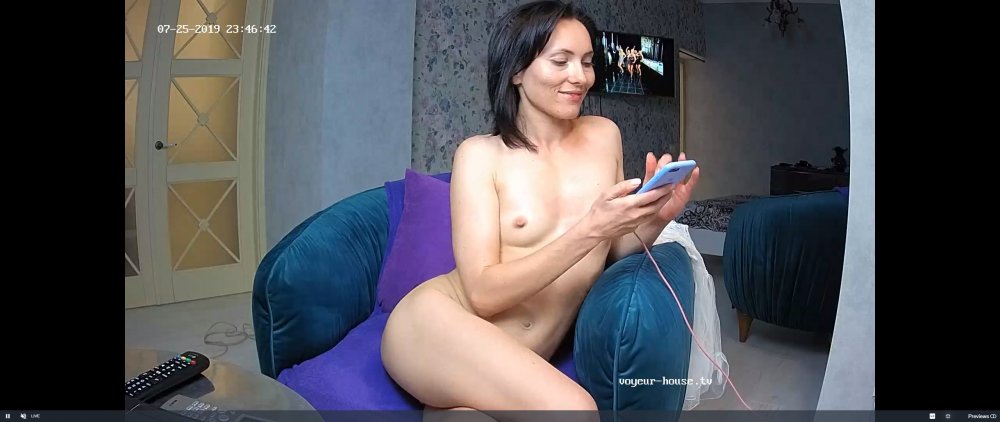
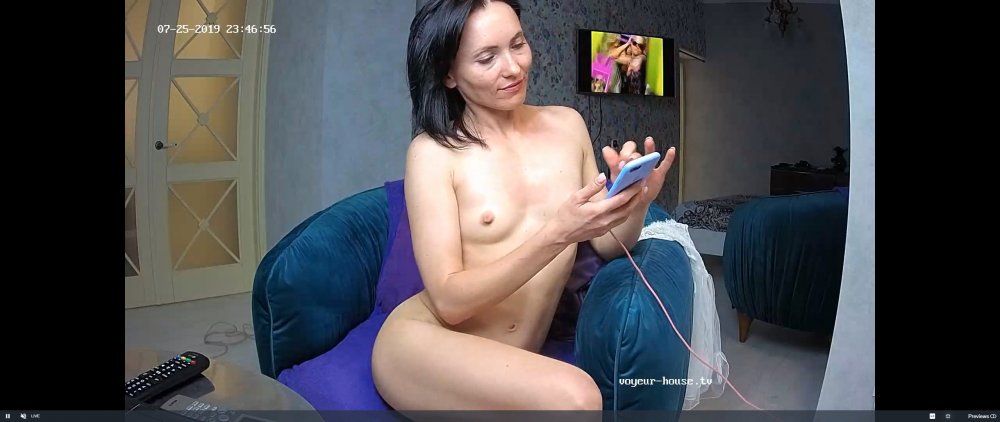
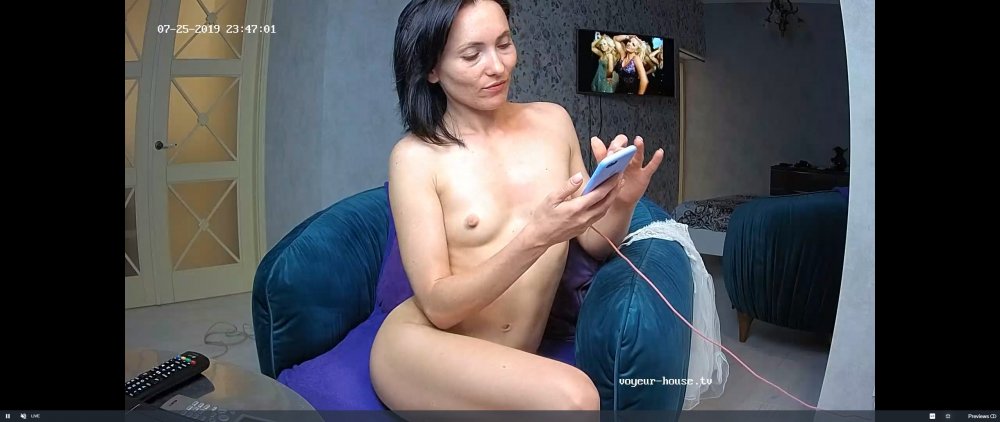 engage
all seems well
engage
all seems well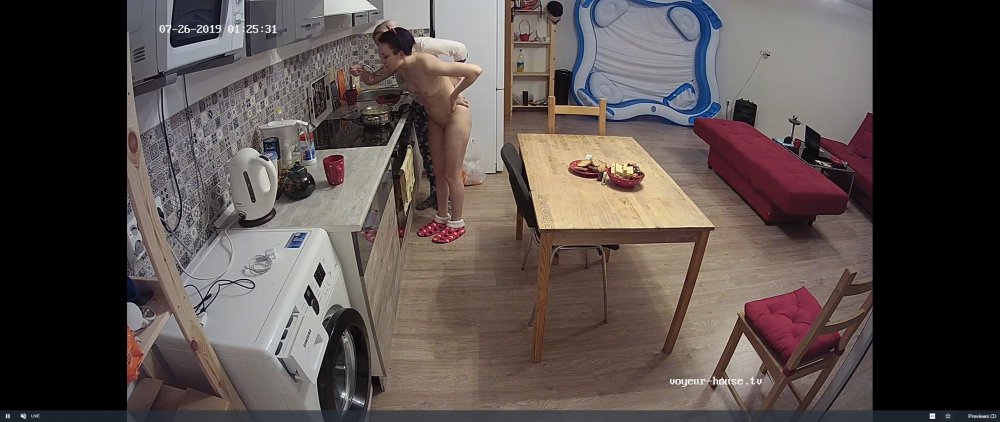
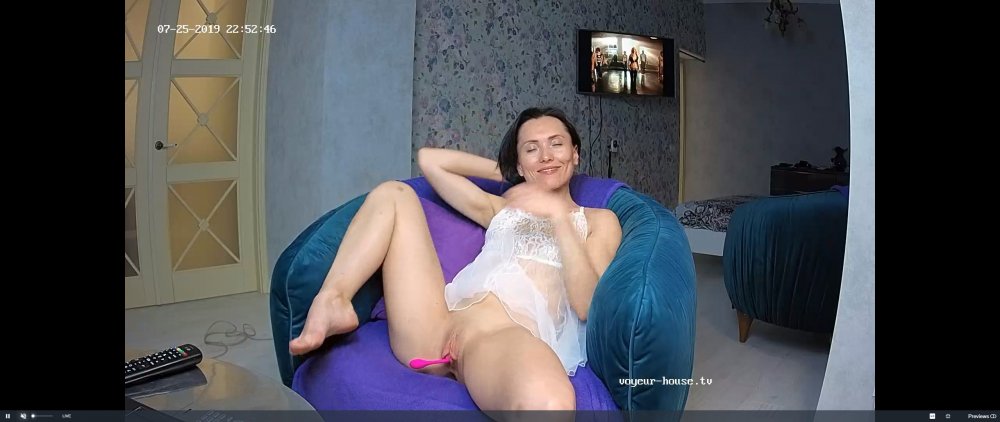
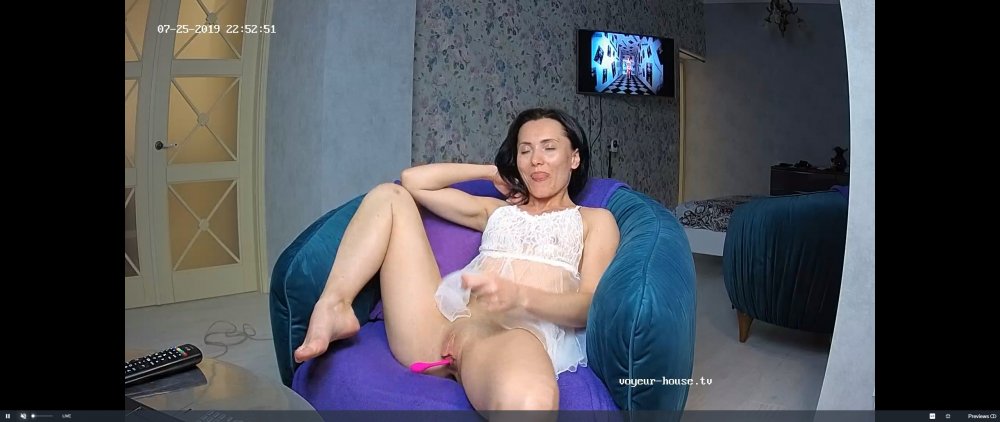
 one thing with clara,she likes to take her time and enjoy every microsecond,she will not be rushed,regaurdless of either caming or aving one herself,she likes to take her time and feel every vibration
Account
Navigation
Search
Configure browser push notifications
Chrome (Android)
- Tap the lock icon next to the address bar.
- Tap Permissions → Notifications.
- Adjust your preference.
Chrome (Desktop)
- Click the padlock icon in the address bar.
- Select Site settings.
- Find Notifications and adjust your preference.
Safari (iOS 16.4+)
- Ensure the site is installed via Add to Home Screen.
- Open Settings App → Notifications.
- Find your app name and adjust your preference.
Safari (macOS)
- Go to Safari → Preferences.
- Click the Websites tab.
- Select Notifications in the sidebar.
- Find this website and adjust your preference.
Edge (Android)
- Tap the lock icon next to the address bar.
- Tap Permissions.
- Find Notifications and adjust your preference.
Edge (Desktop)
- Click the padlock icon in the address bar.
- Click Permissions for this site.
- Find Notifications and adjust your preference.
Firefox (Android)
- Go to Settings → Site permissions.
- Tap Notifications.
- Find this site in the list and adjust your preference.
Firefox (Desktop)
- Open Firefox Settings.
- Search for Notifications.
- Find this site in the list and adjust your preference.