cyberleader
Hero Member
-
Joined
-
Last visited
Everything posted by cyberleader
-
 his actions says it all bandicam 2019-07-10 20-03-09-816.mp4
oh noooo please no,i must i must i must control myself
his actions says it all bandicam 2019-07-10 20-03-09-816.mp4
oh noooo please no,i must i must i must control myself

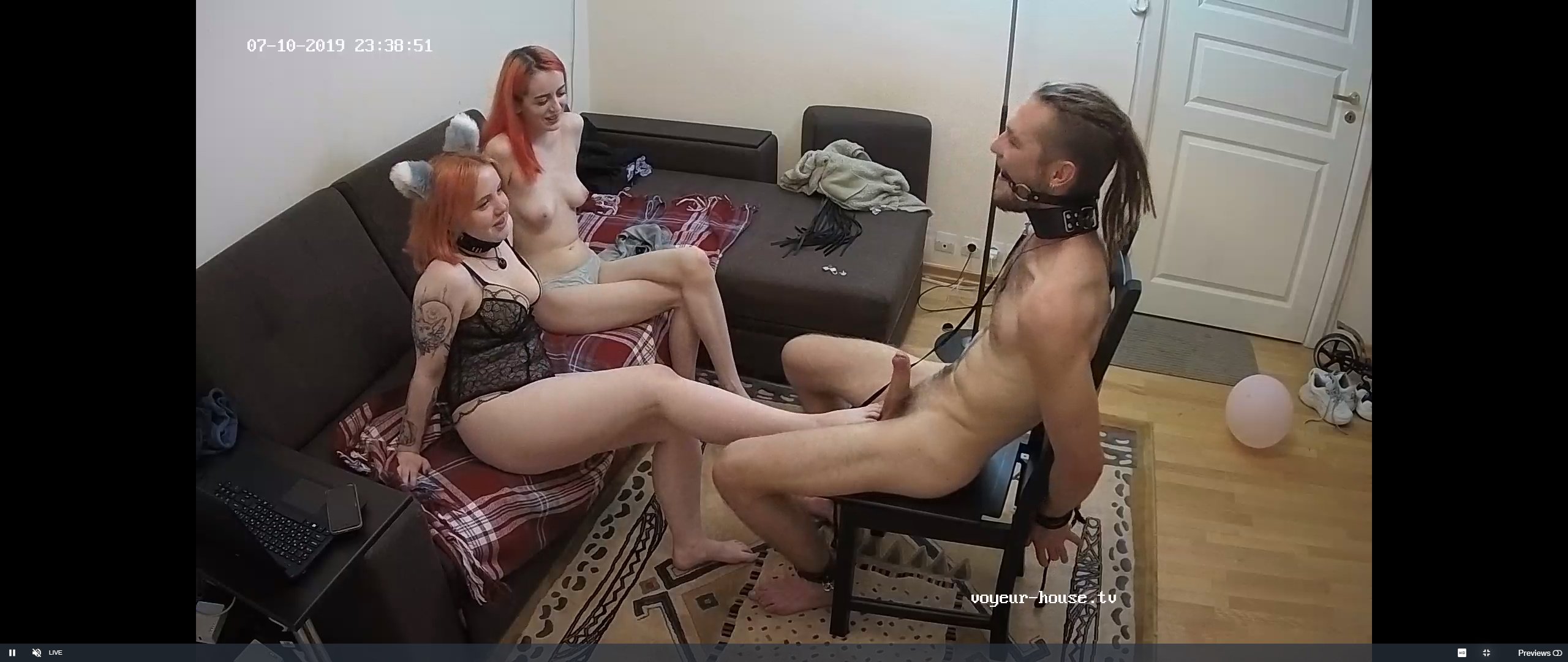
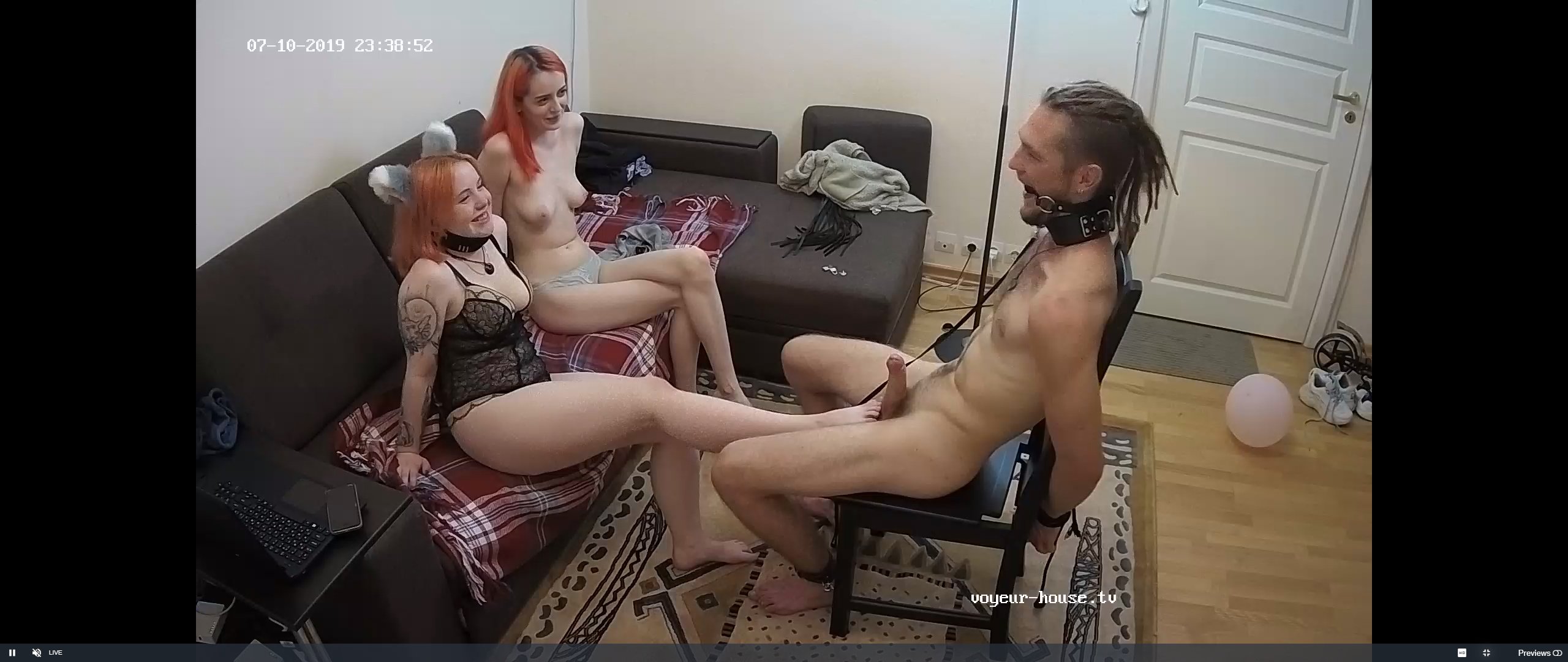
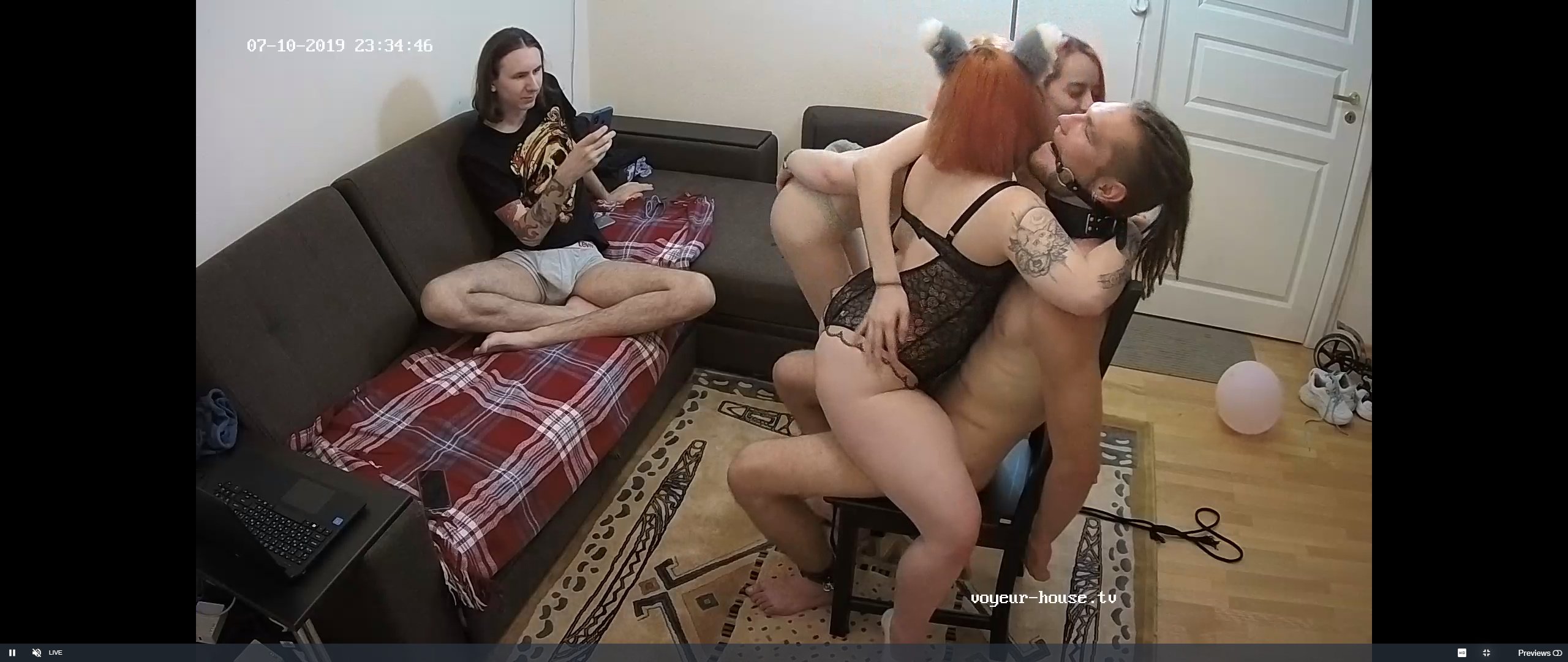
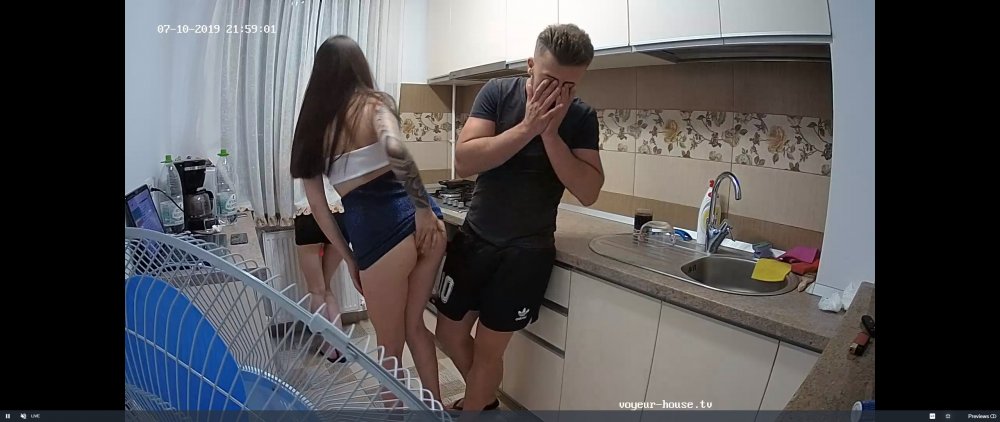 something well rong with this picture,each to their own i suppose
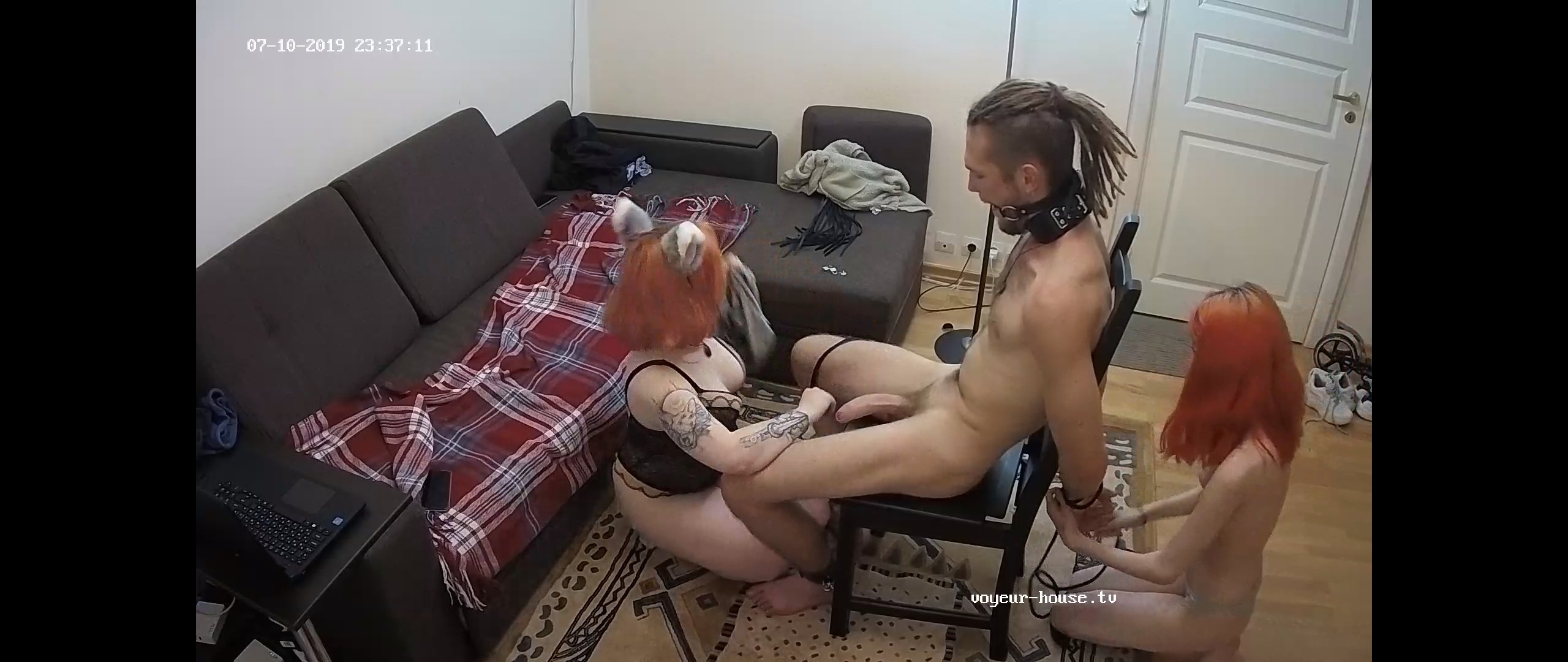
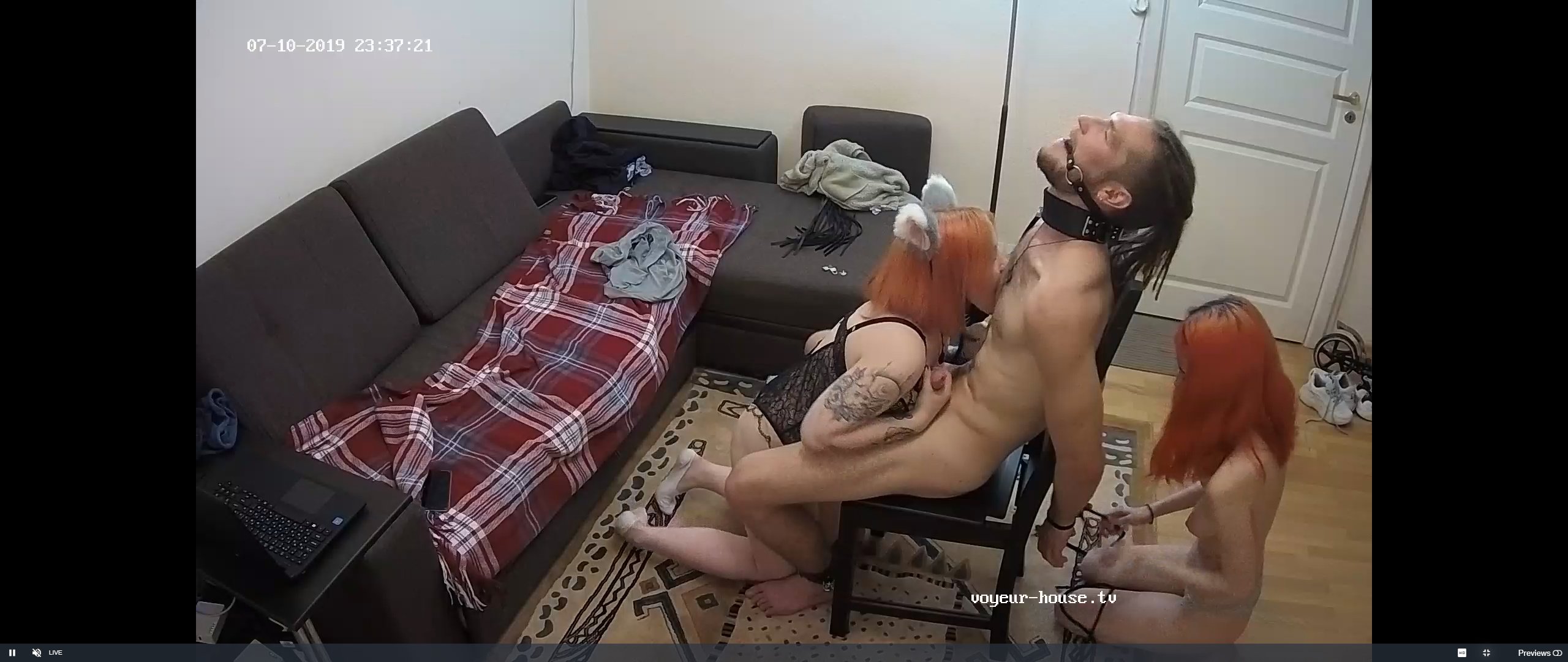
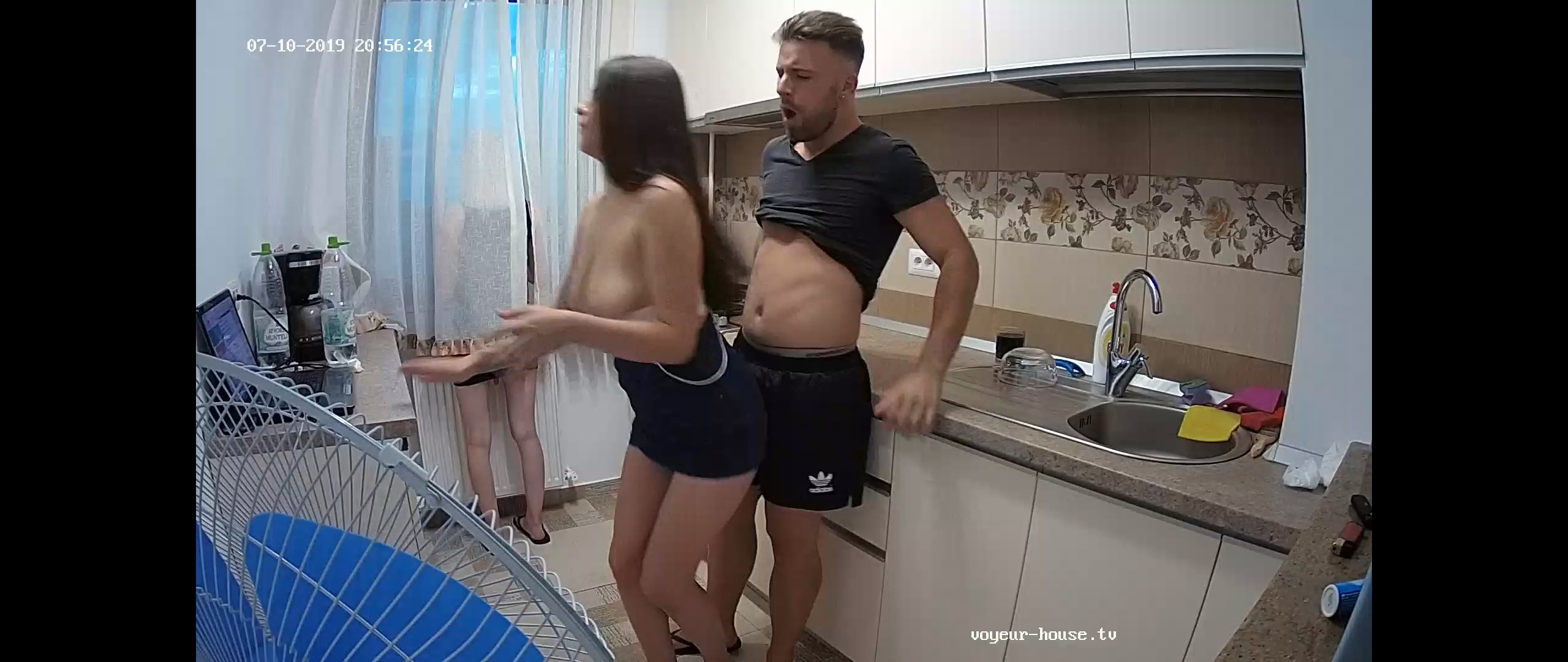
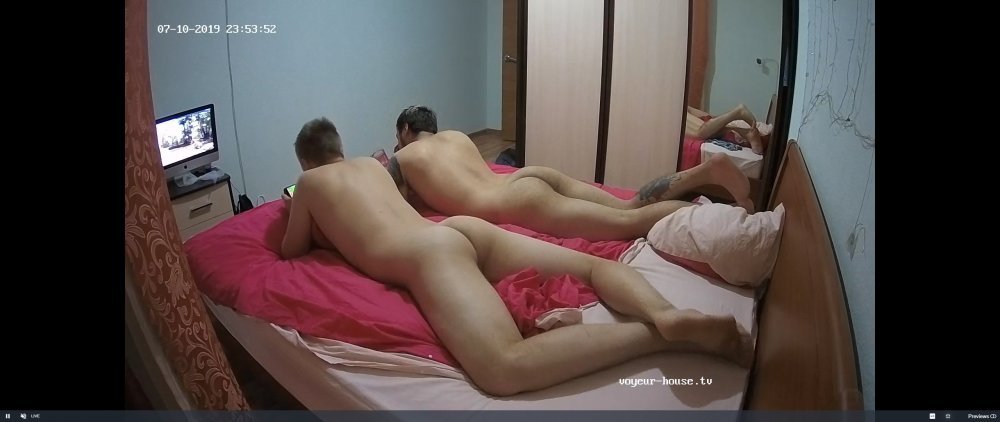 a bloody good thrasing going on here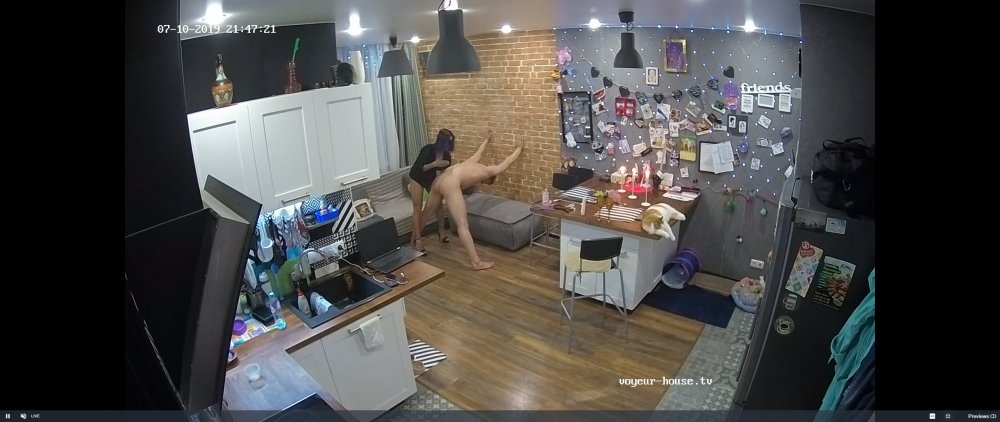
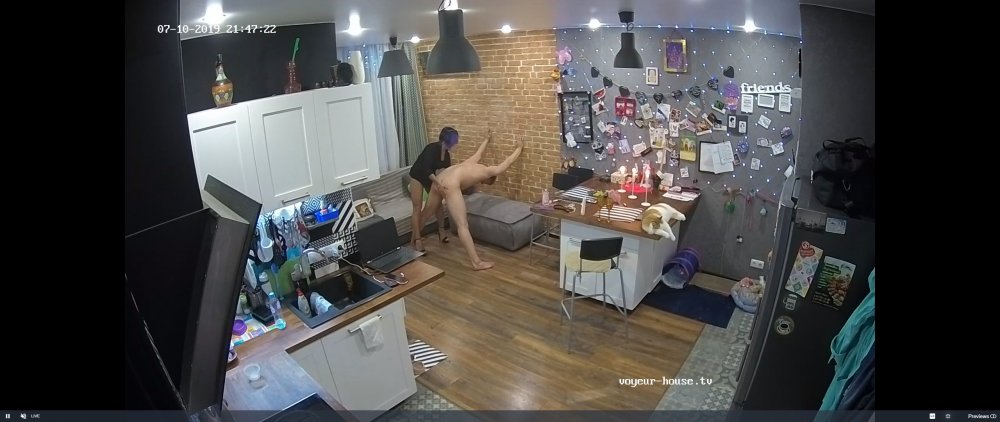
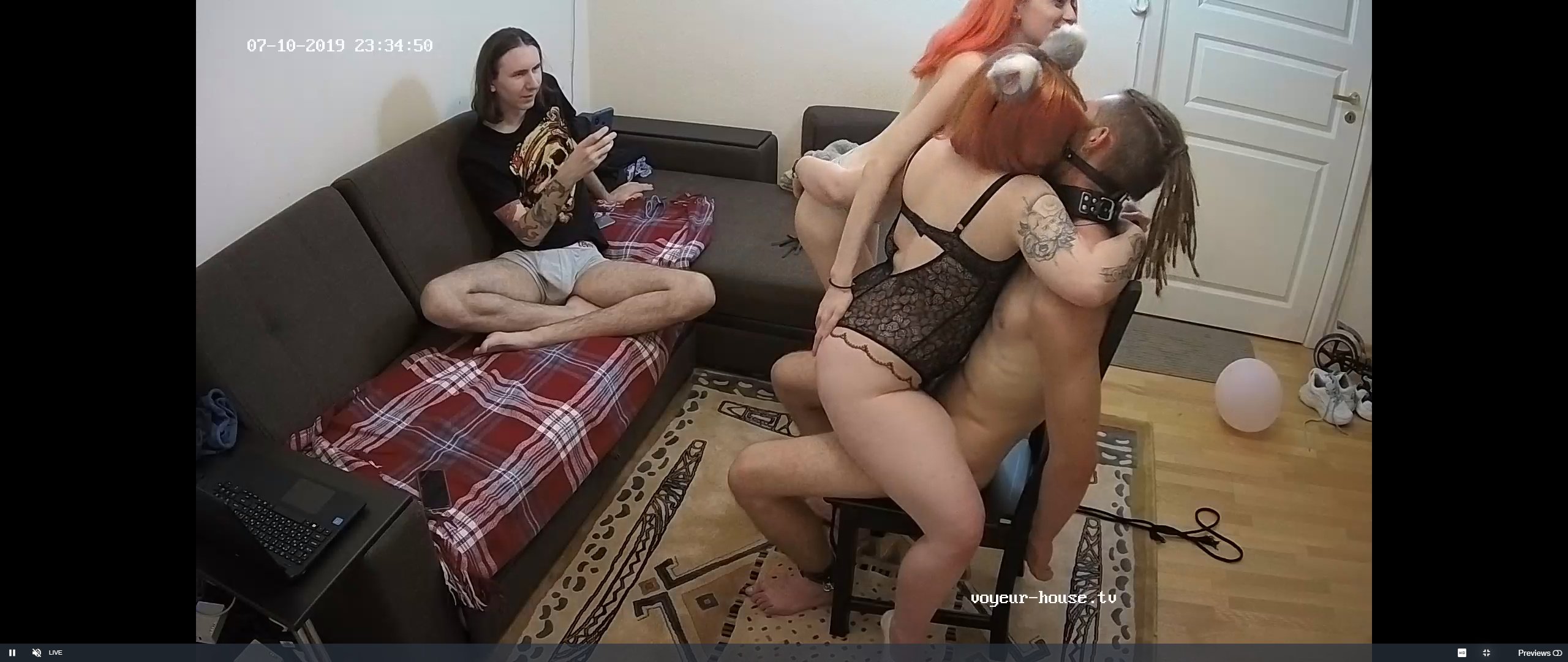
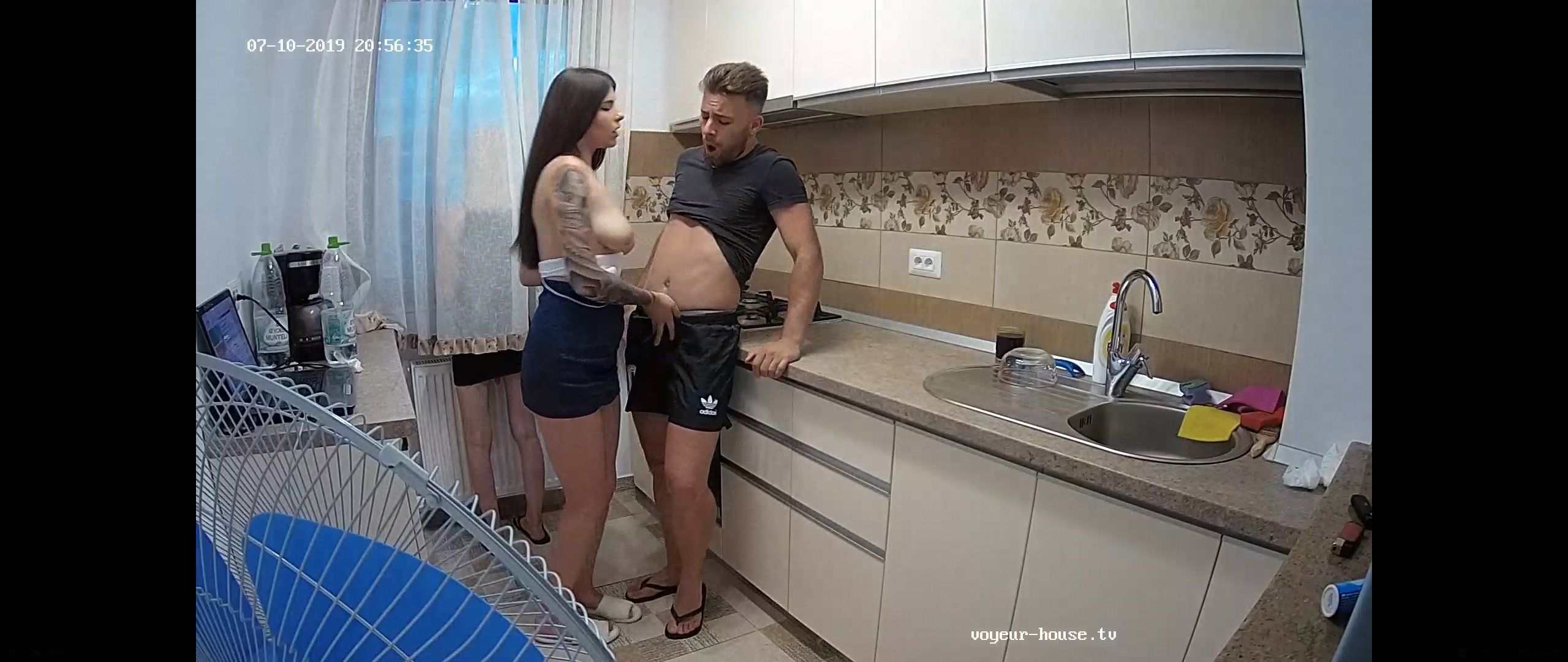
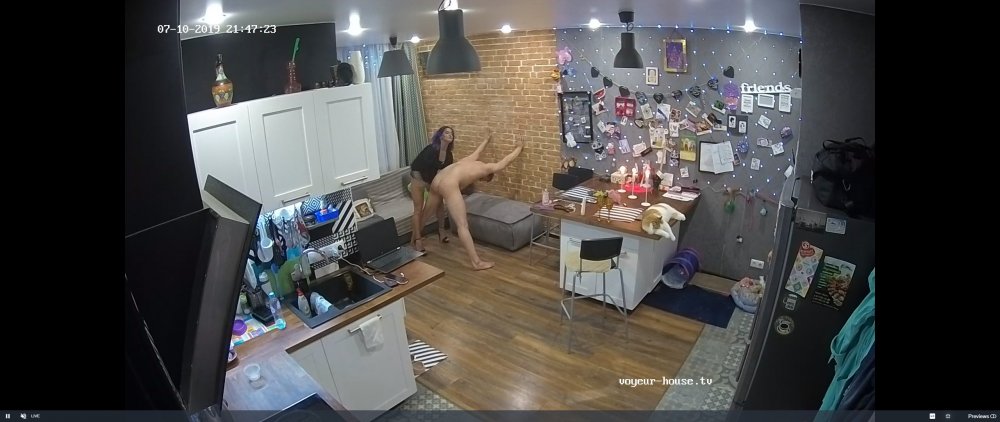 be a good boy now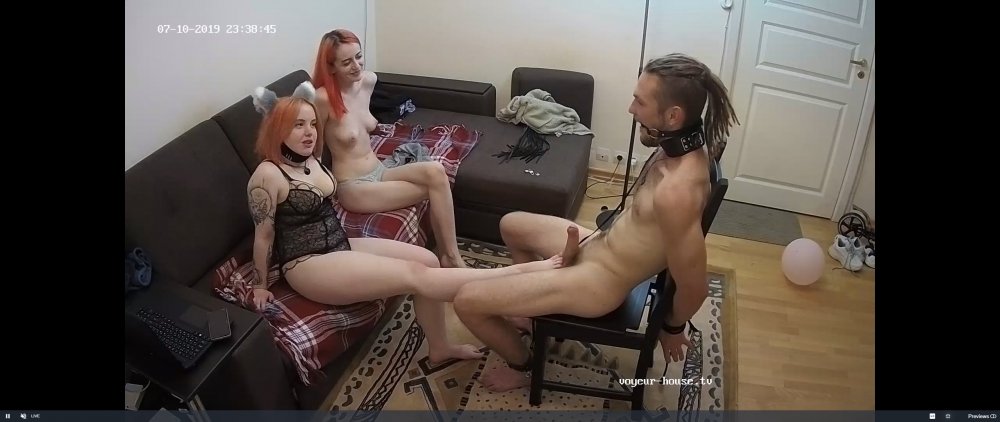
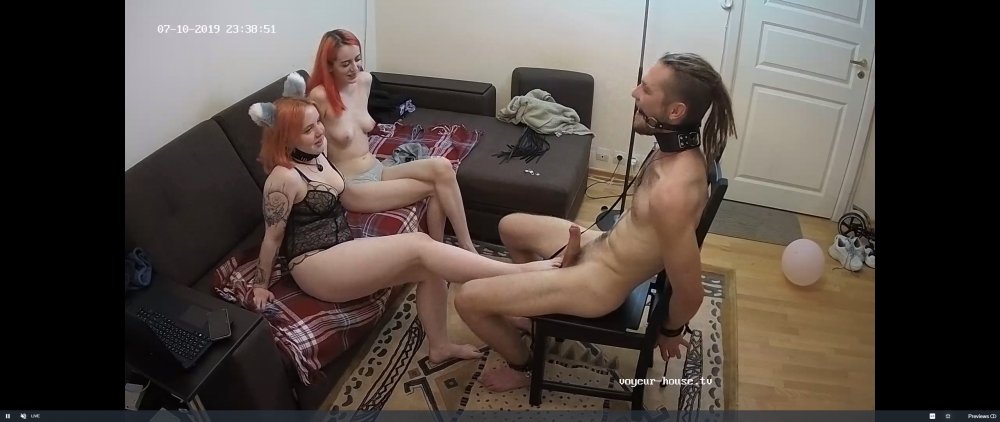
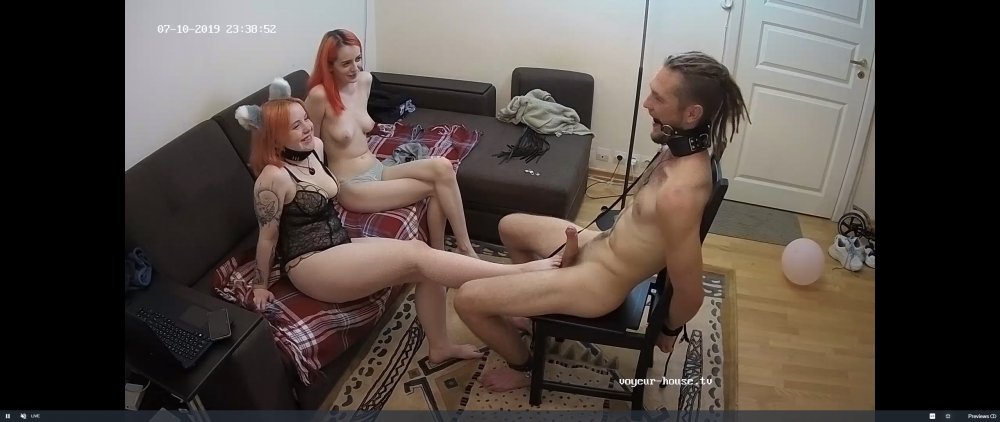 told ya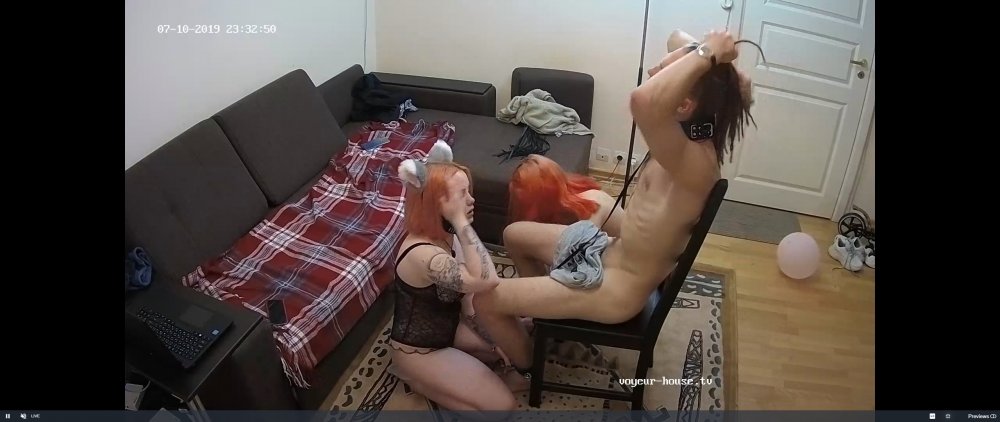
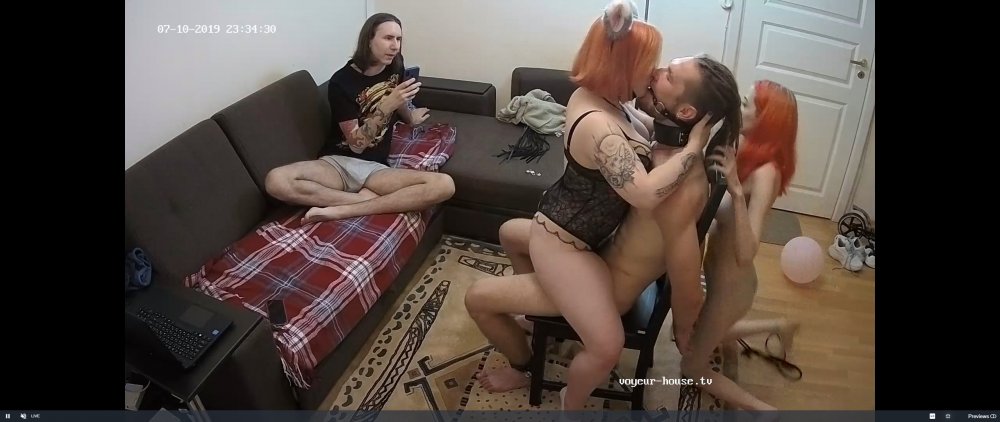

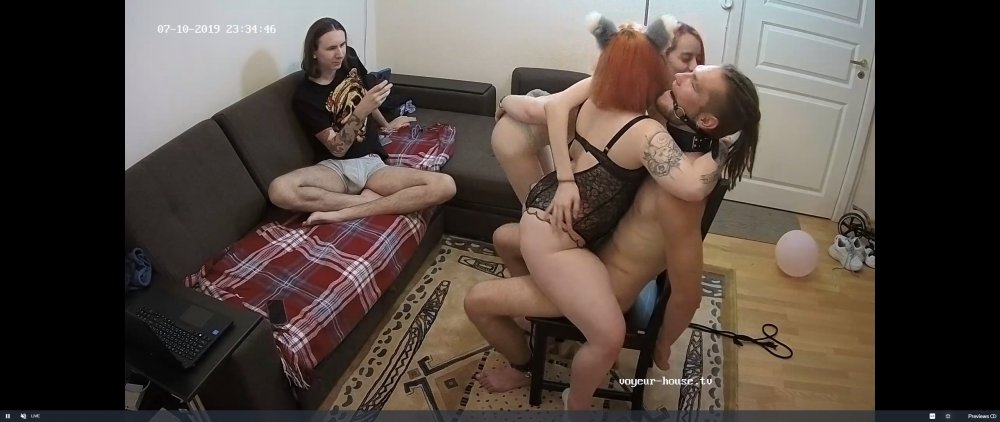
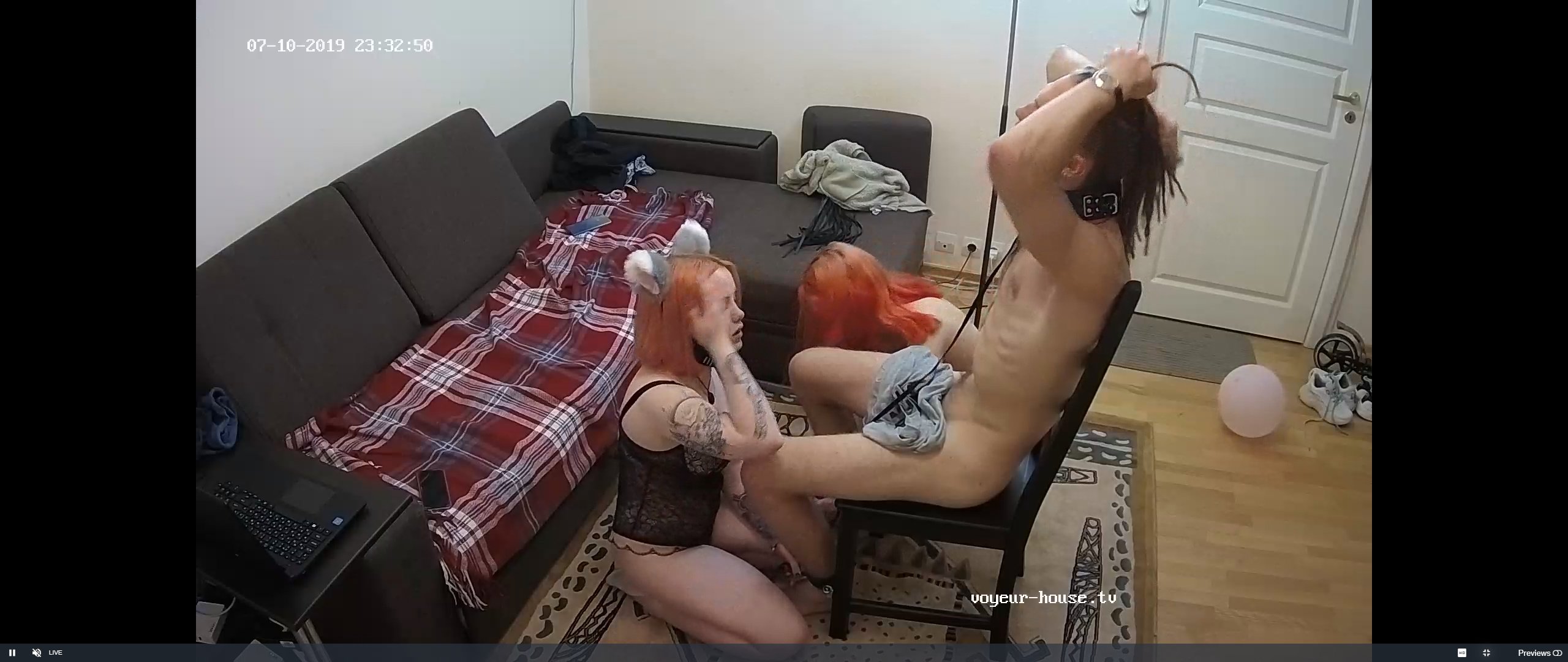
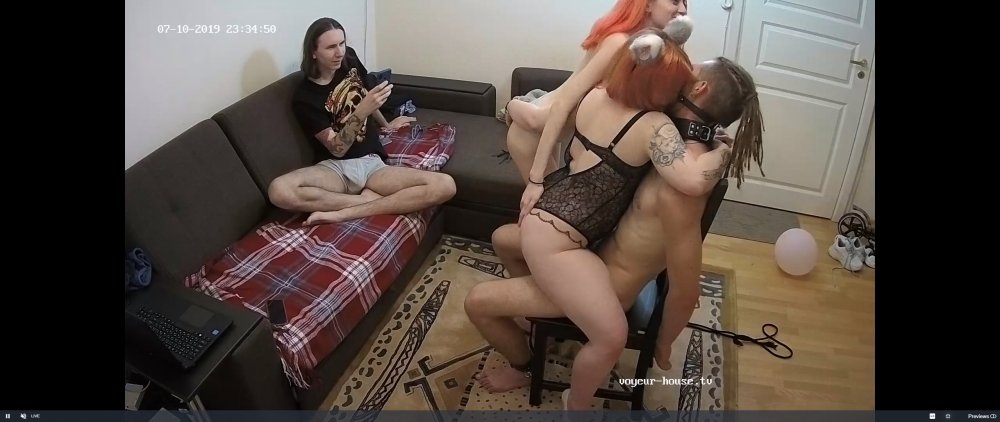 tie him to the chair and tease him till cock drop off
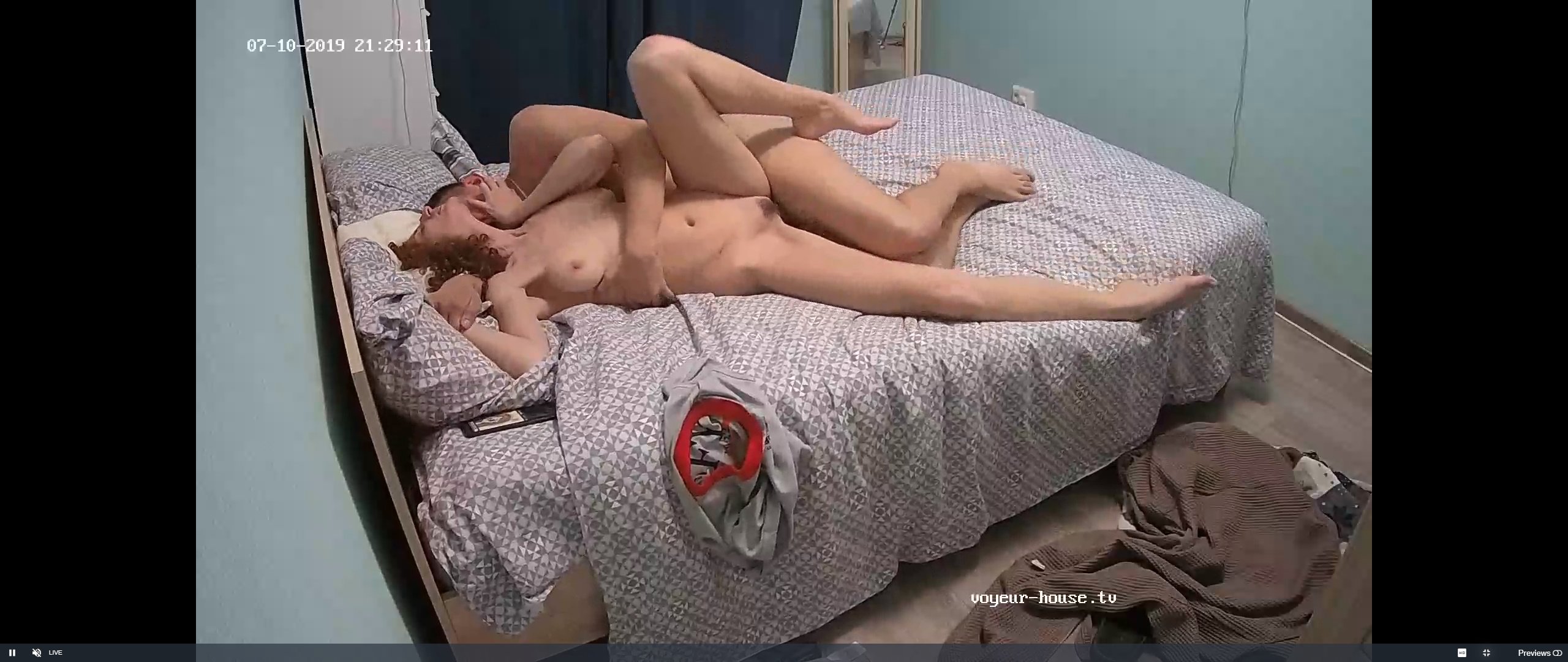
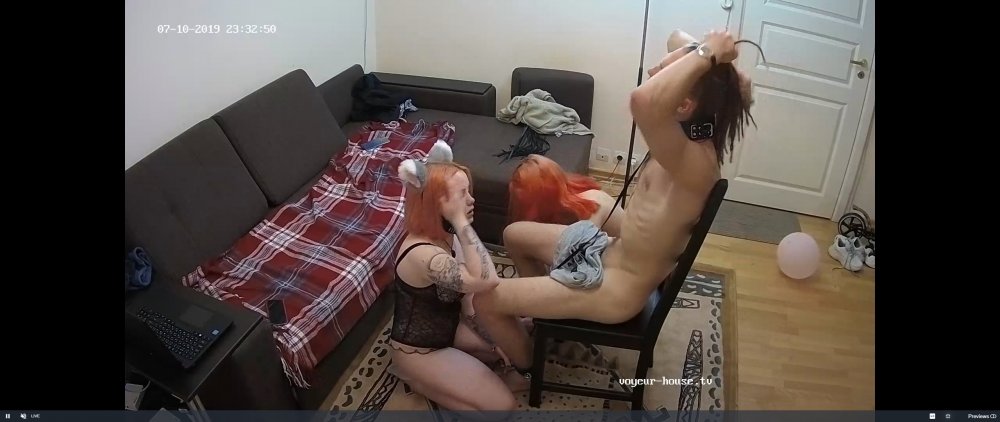 proper shagging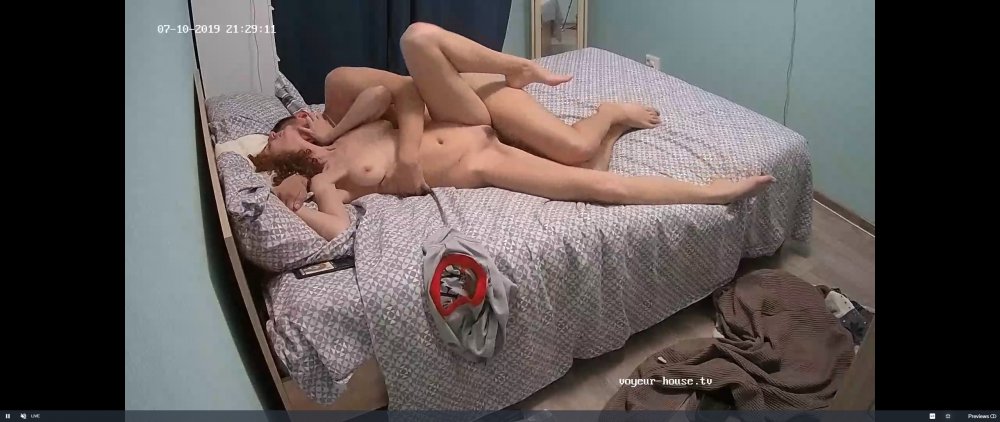
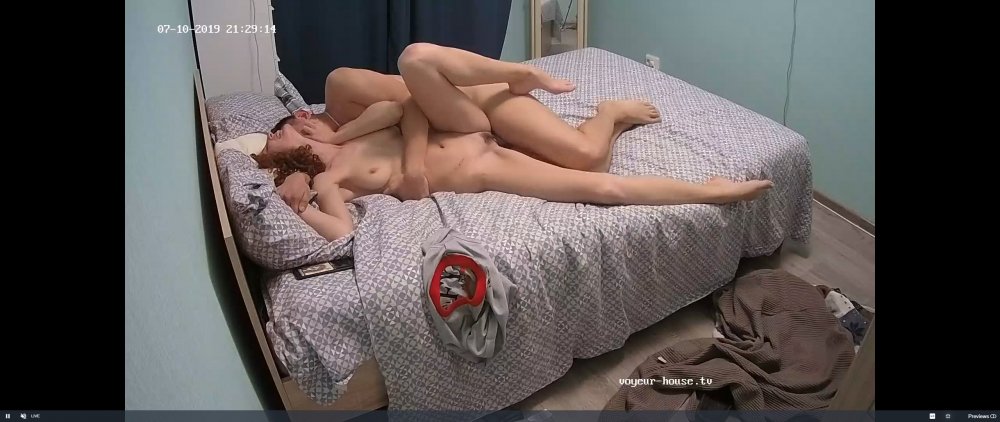
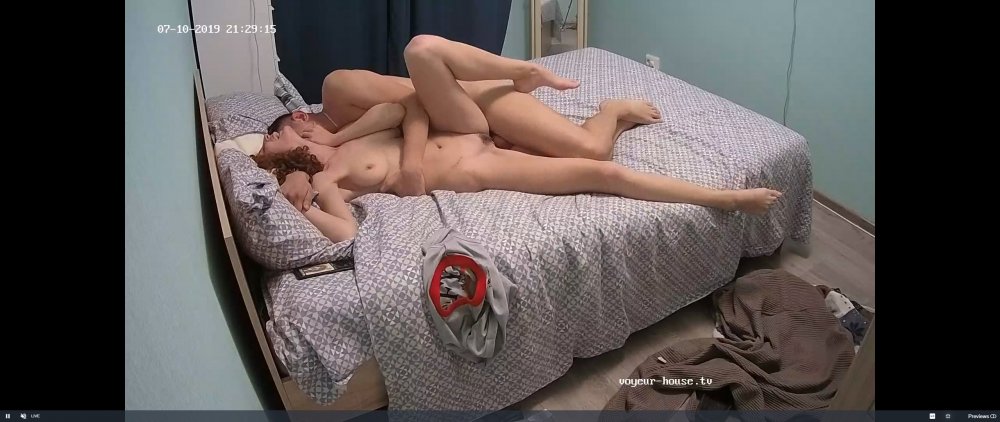
 i would agree
your logic is correct,i suppose to them a shag is a shag
good boy gets his reward
i would agree
your logic is correct,i suppose to them a shag is a shag
good boy gets his reward
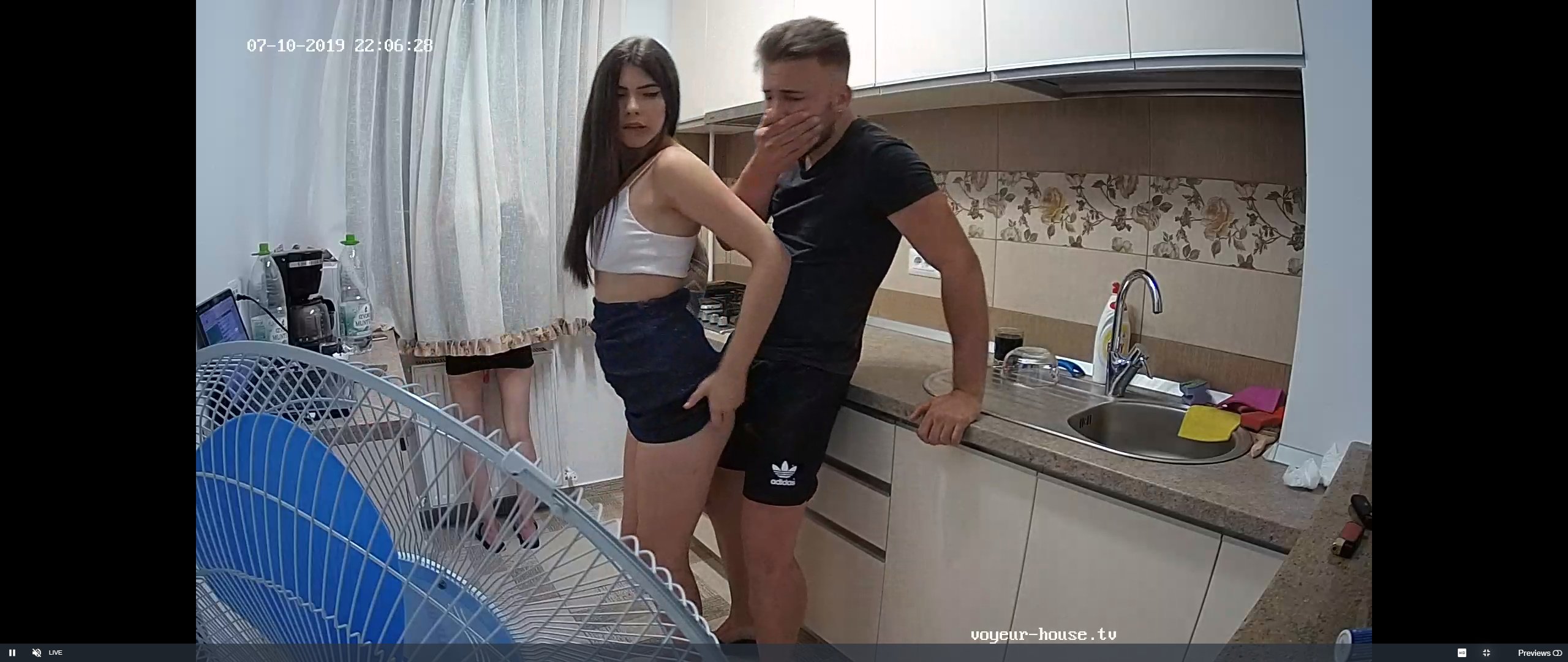
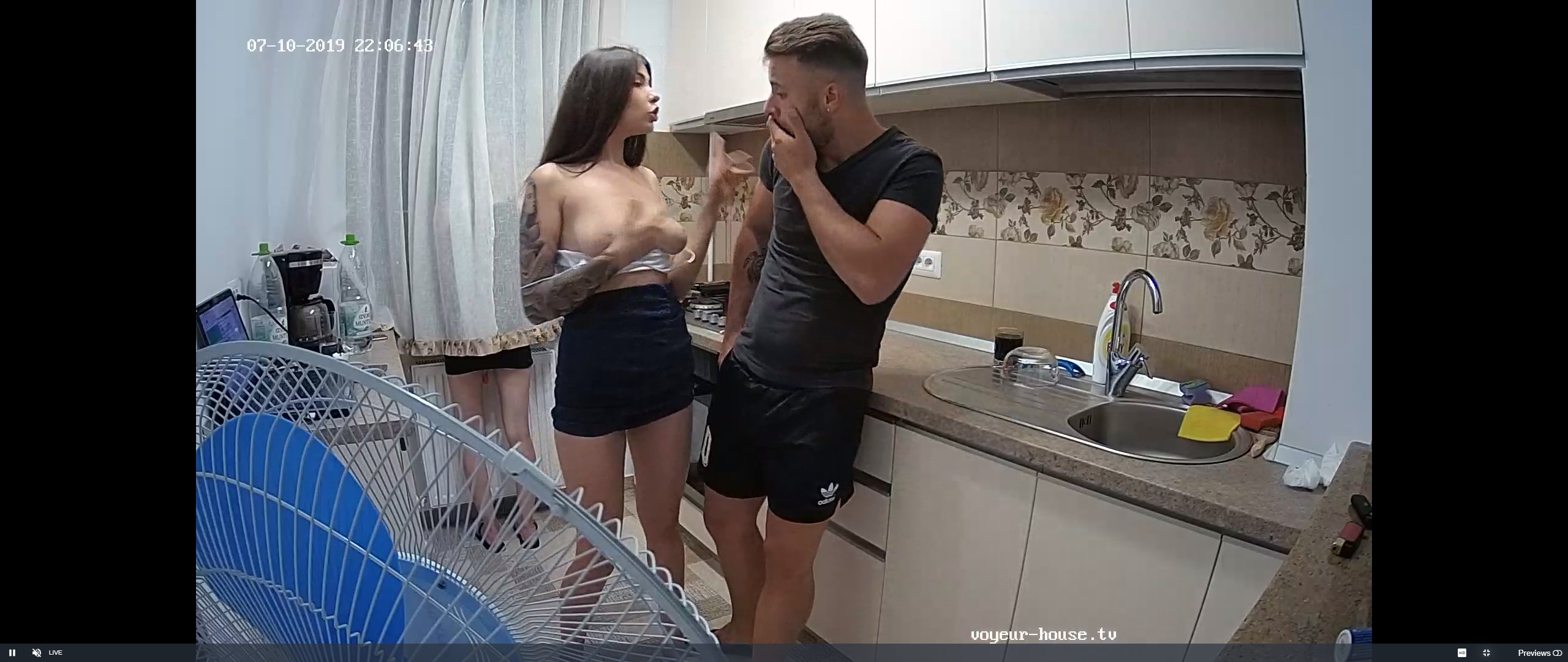
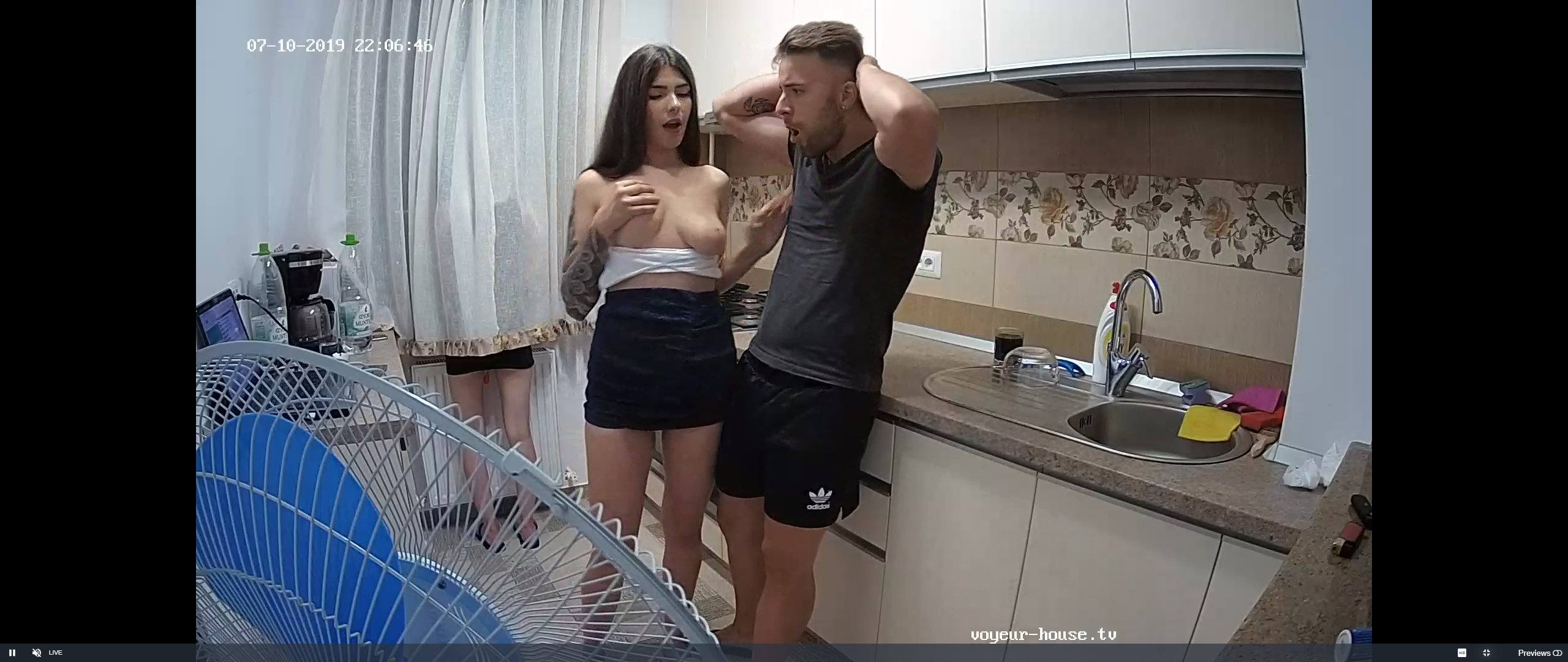
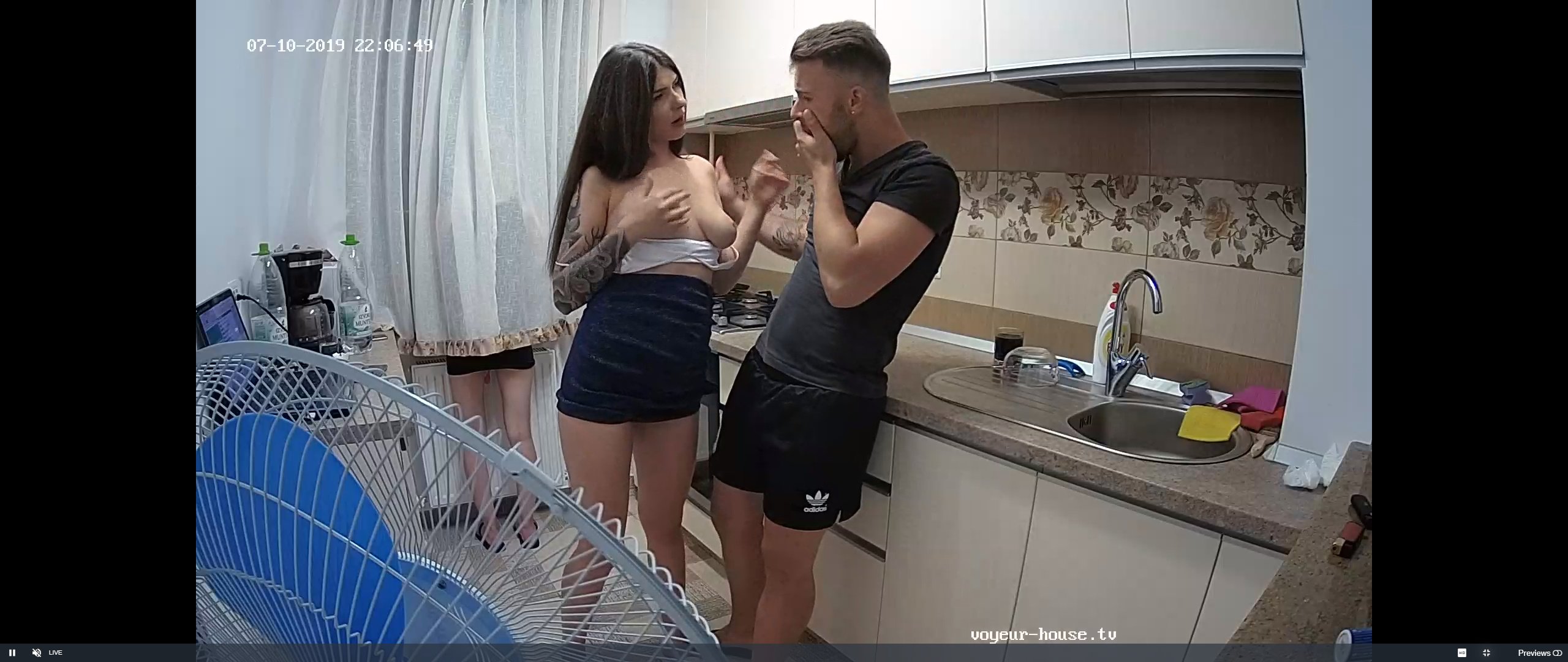
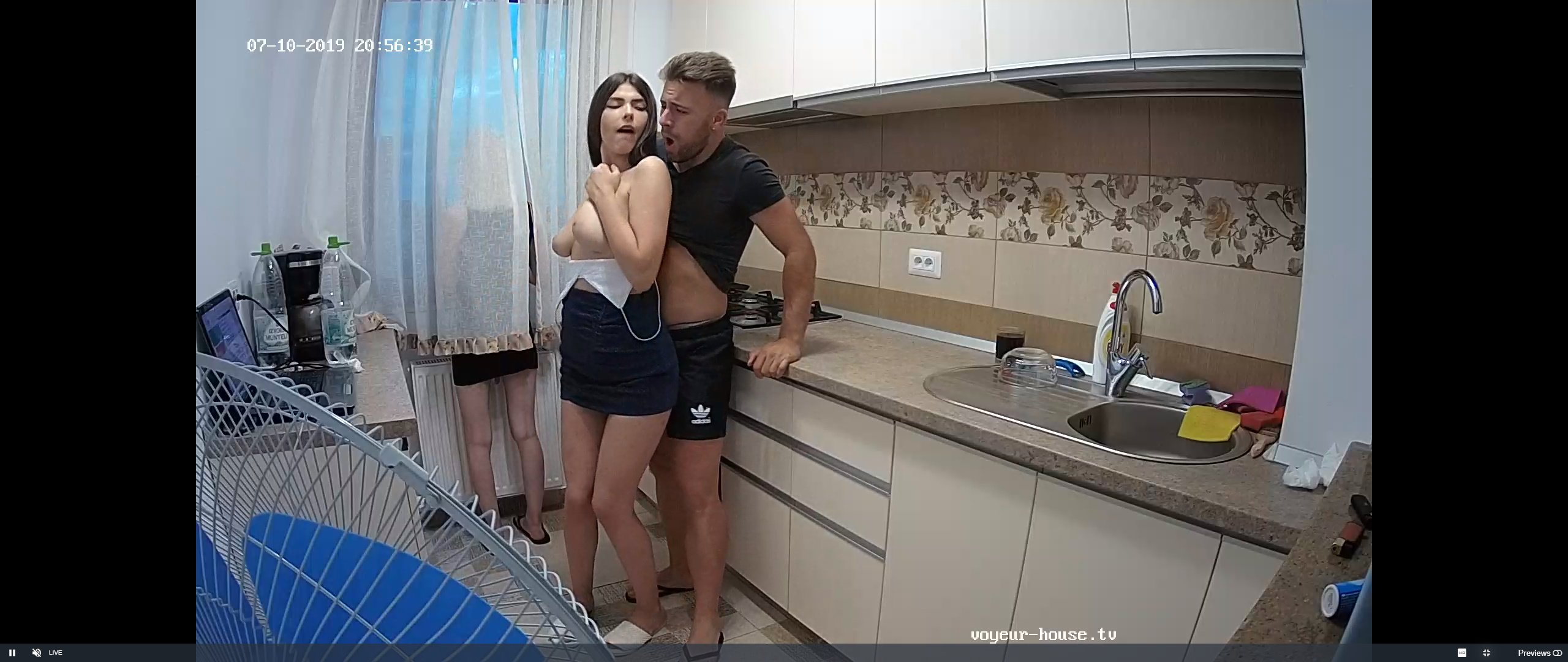
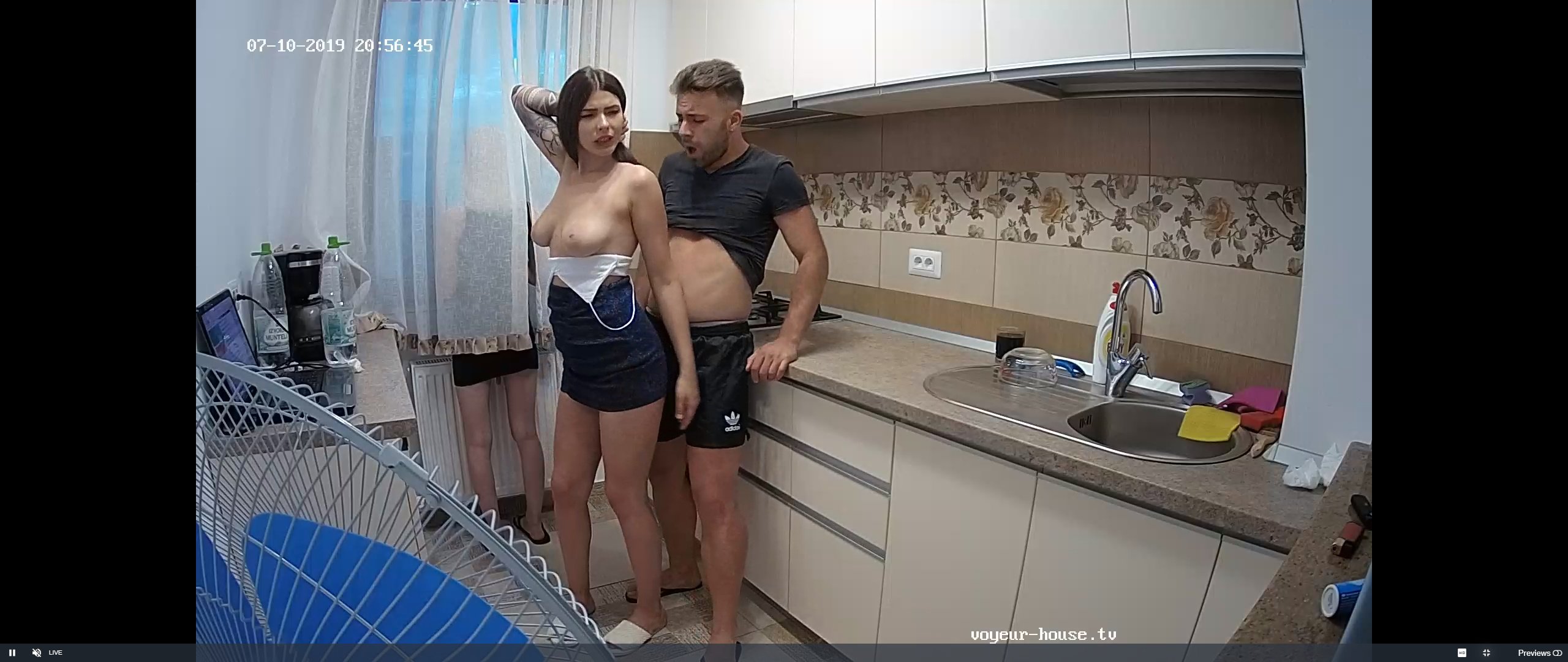
 no no please he says,my missus is just by the window.oh help she so sexy but i must control myself but them boobs oh my help,down boy down.i must be a good boy.or missus wil thrash me
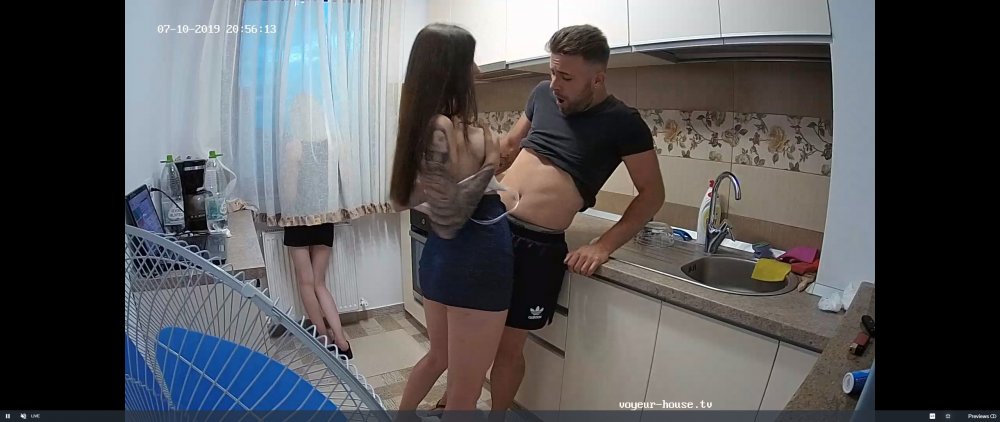

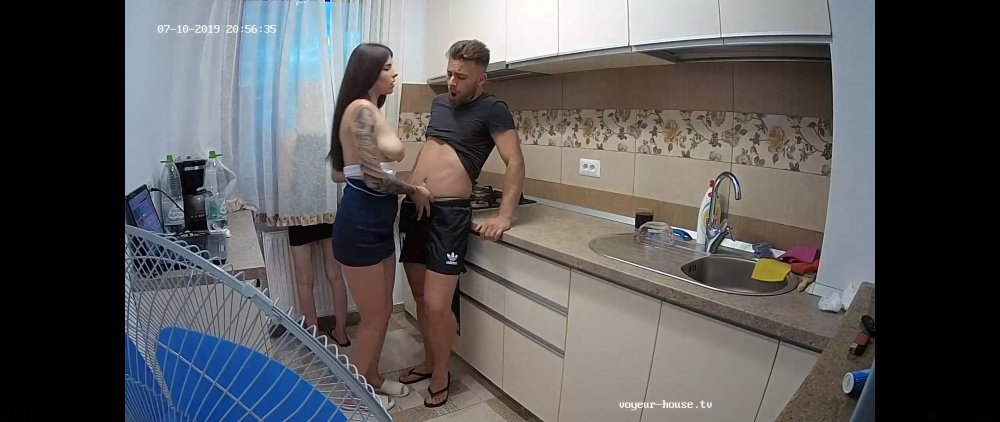
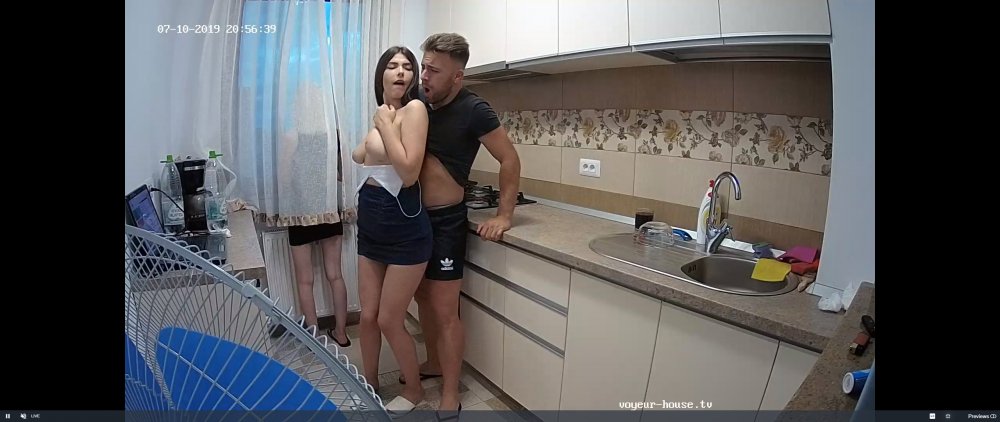
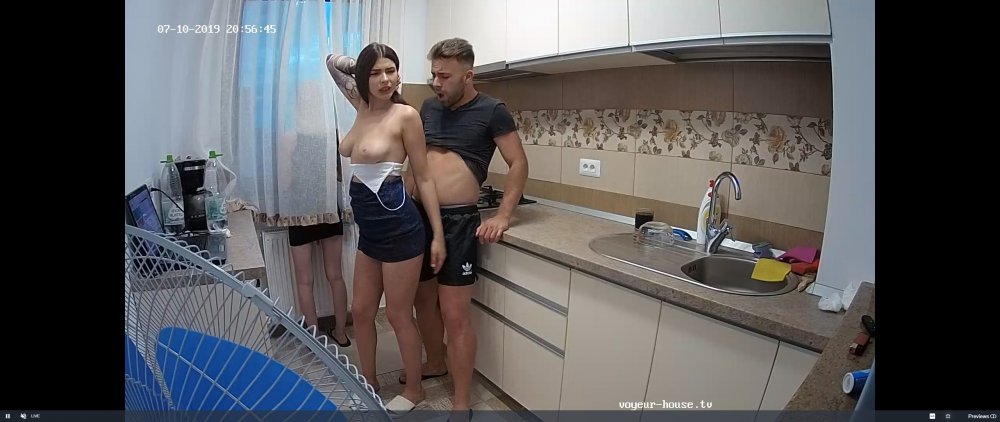
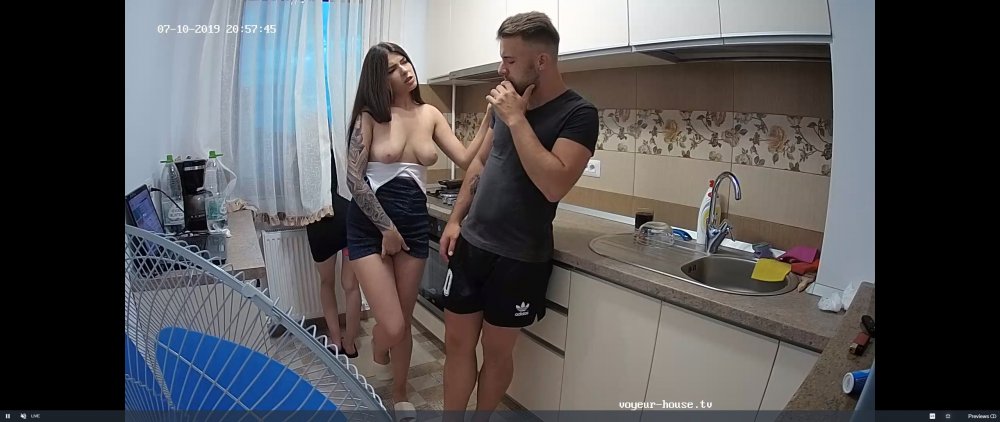
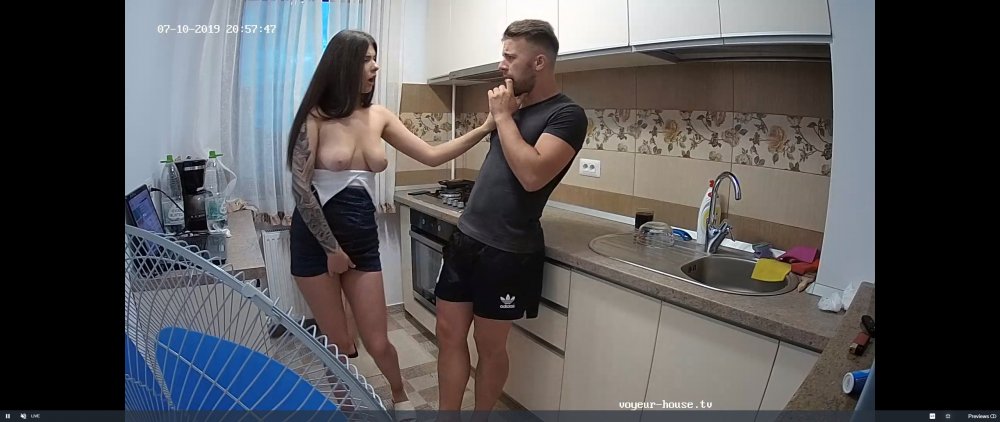
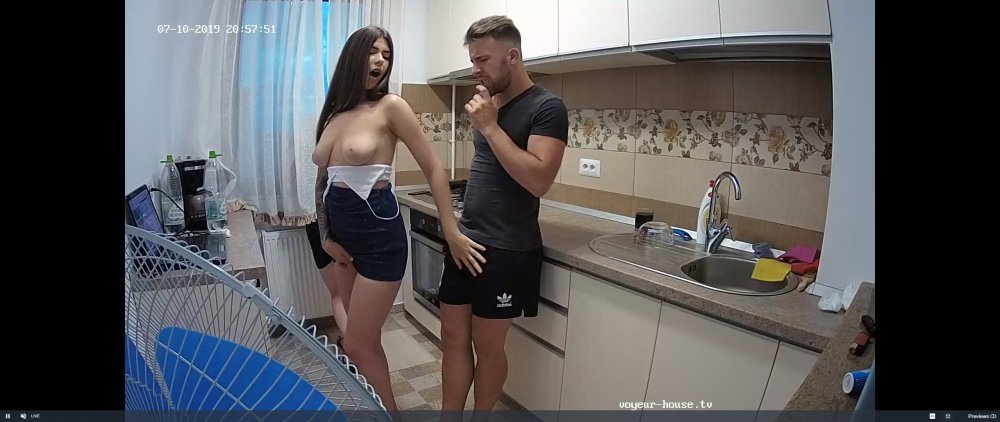
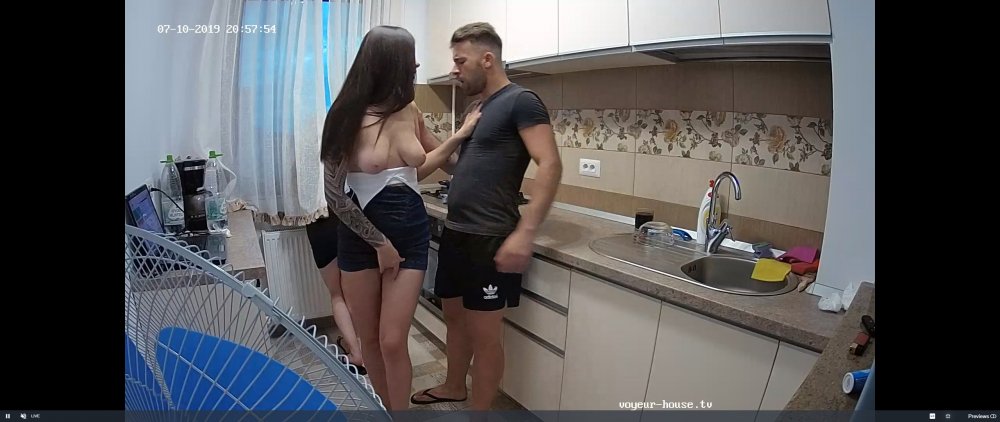 their act is a little different though
they were from camarads
their act is a little different though
they were from camarads
Account
Navigation
Search
Configure browser push notifications
Chrome (Android)
- Tap the lock icon next to the address bar.
- Tap Permissions → Notifications.
- Adjust your preference.
Chrome (Desktop)
- Click the padlock icon in the address bar.
- Select Site settings.
- Find Notifications and adjust your preference.
Safari (iOS 16.4+)
- Ensure the site is installed via Add to Home Screen.
- Open Settings App → Notifications.
- Find your app name and adjust your preference.
Safari (macOS)
- Go to Safari → Preferences.
- Click the Websites tab.
- Select Notifications in the sidebar.
- Find this website and adjust your preference.
Edge (Android)
- Tap the lock icon next to the address bar.
- Tap Permissions.
- Find Notifications and adjust your preference.
Edge (Desktop)
- Click the padlock icon in the address bar.
- Click Permissions for this site.
- Find Notifications and adjust your preference.
Firefox (Android)
- Go to Settings → Site permissions.
- Tap Notifications.
- Find this site in the list and adjust your preference.
Firefox (Desktop)
- Open Firefox Settings.
- Search for Notifications.
- Find this site in the list and adjust your preference.