cyberleader
Hero Member
-
Joined
-
Last visited
Everything posted by cyberleader
-
 they are great would like to know how you make gif images
 -
i dont really know the ins and outs too strong,i just watch and snap away
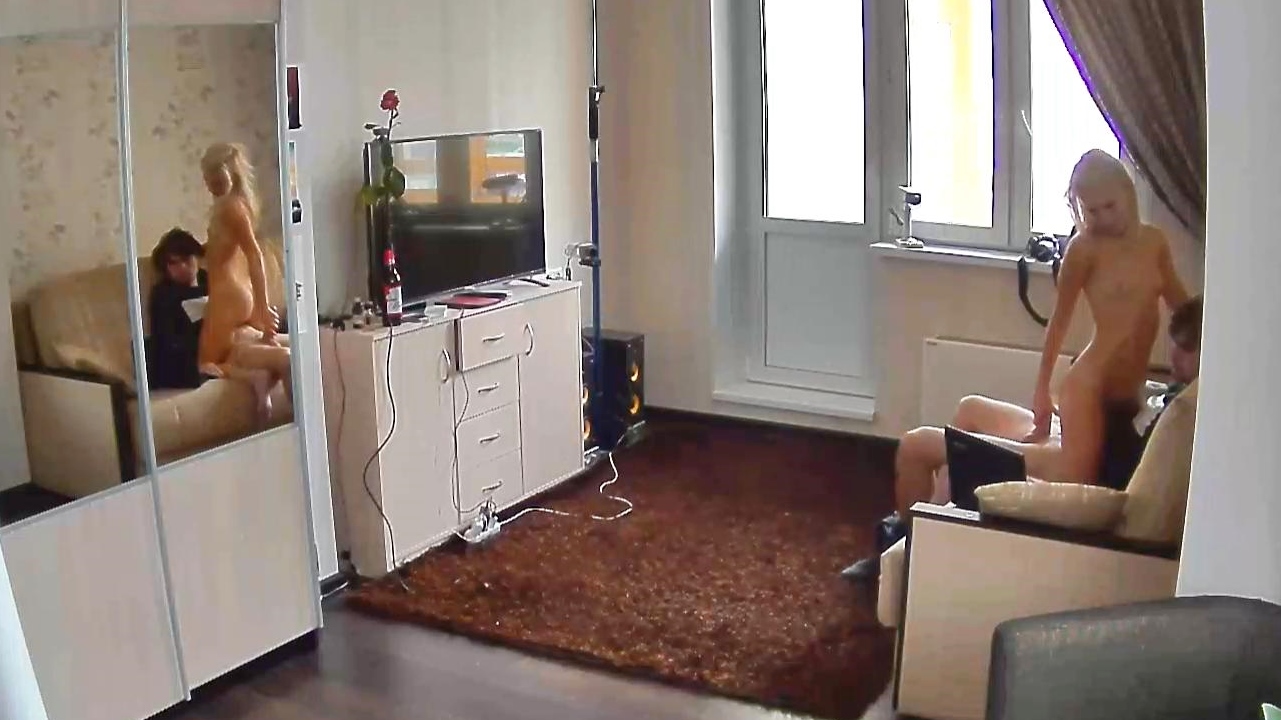
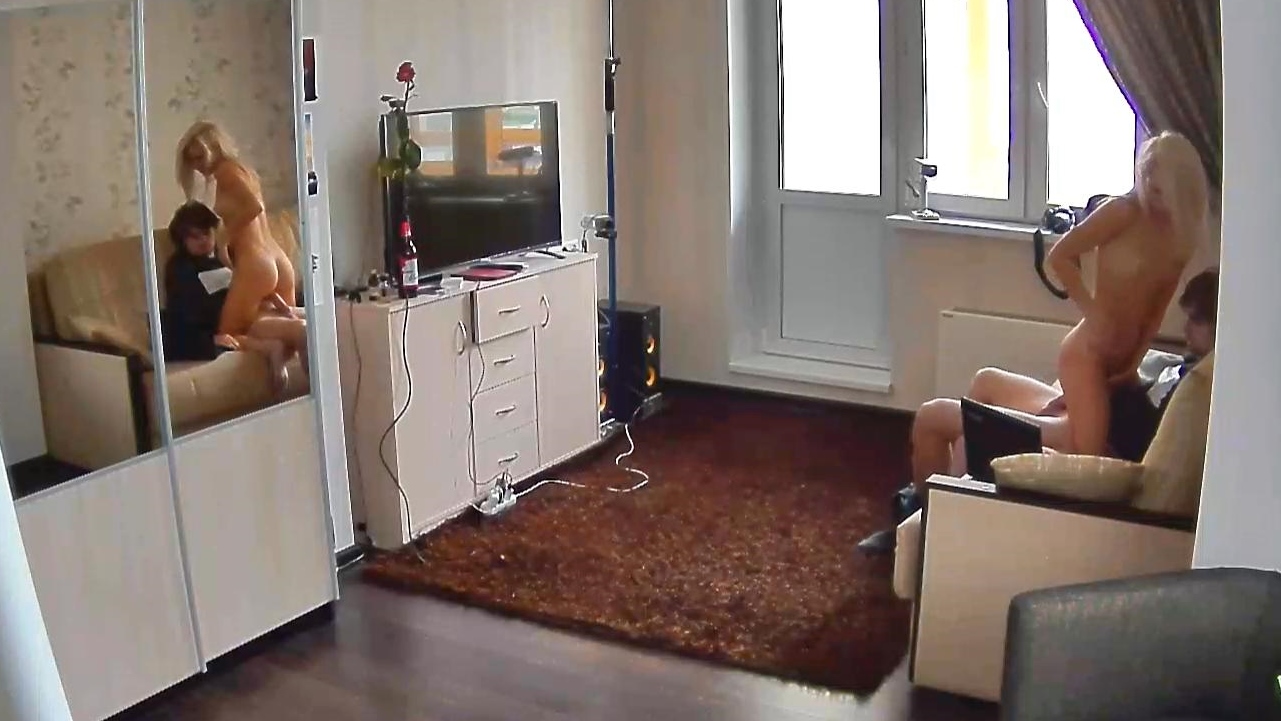
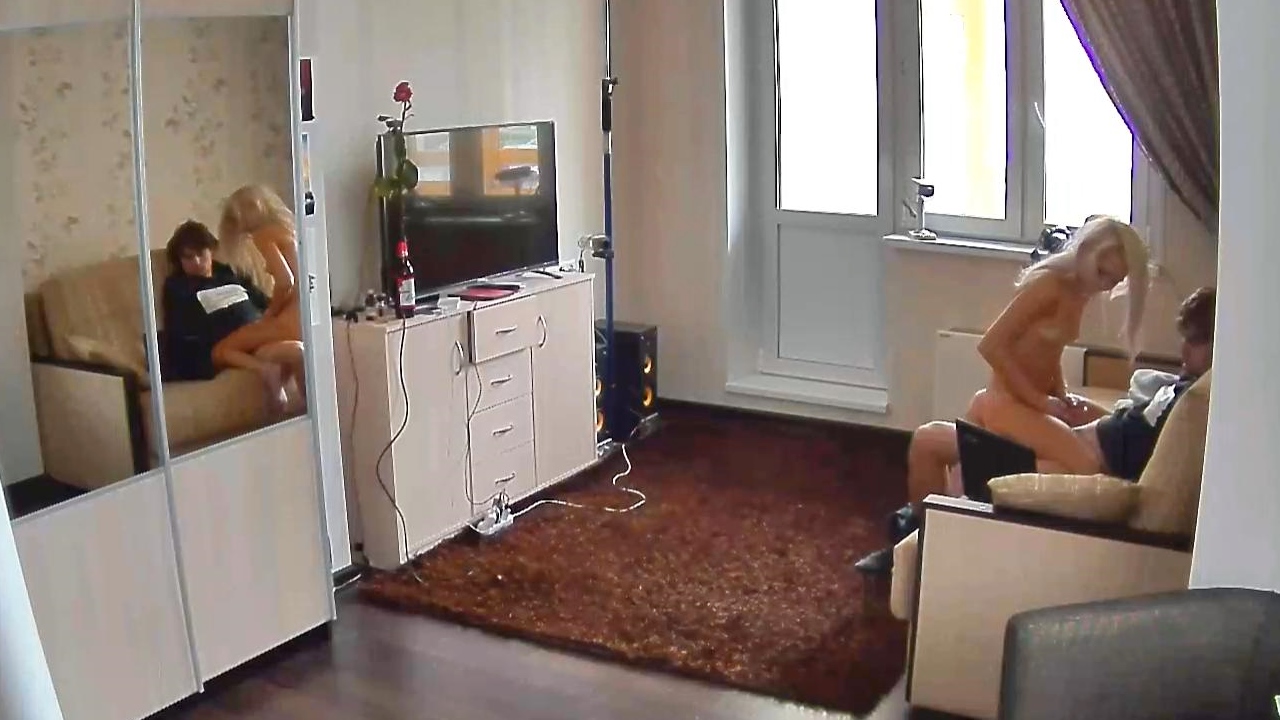
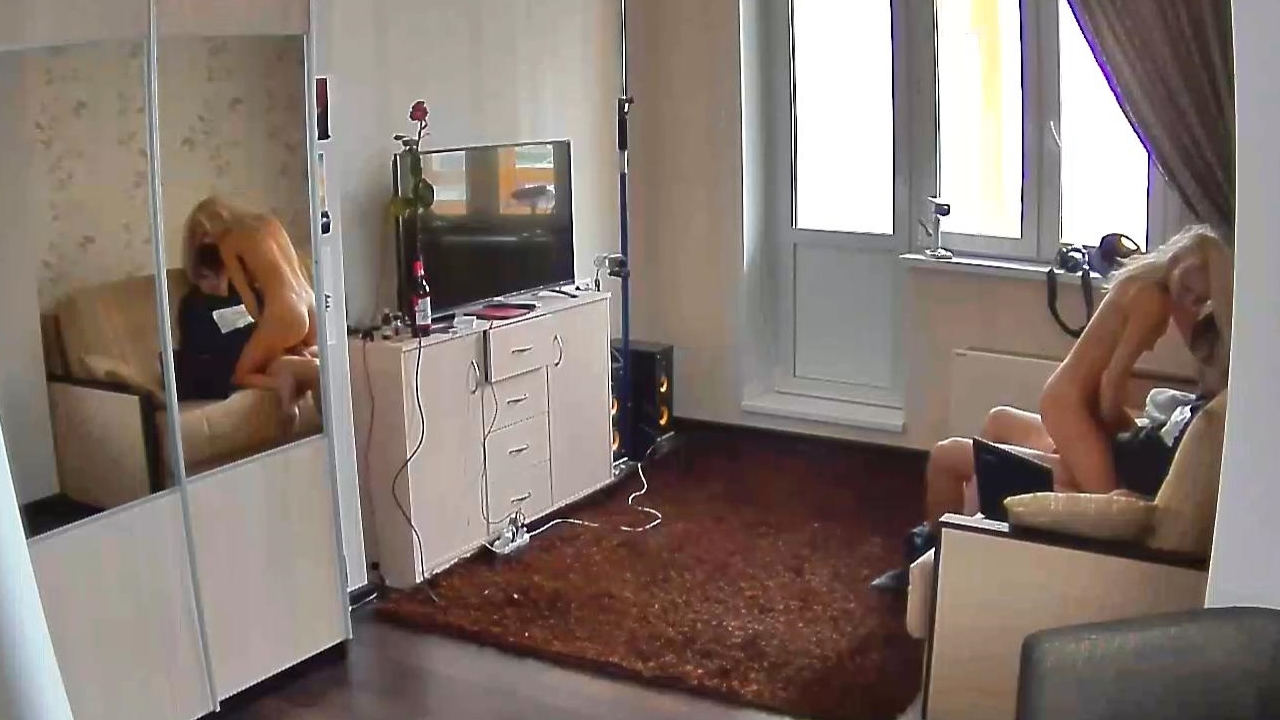
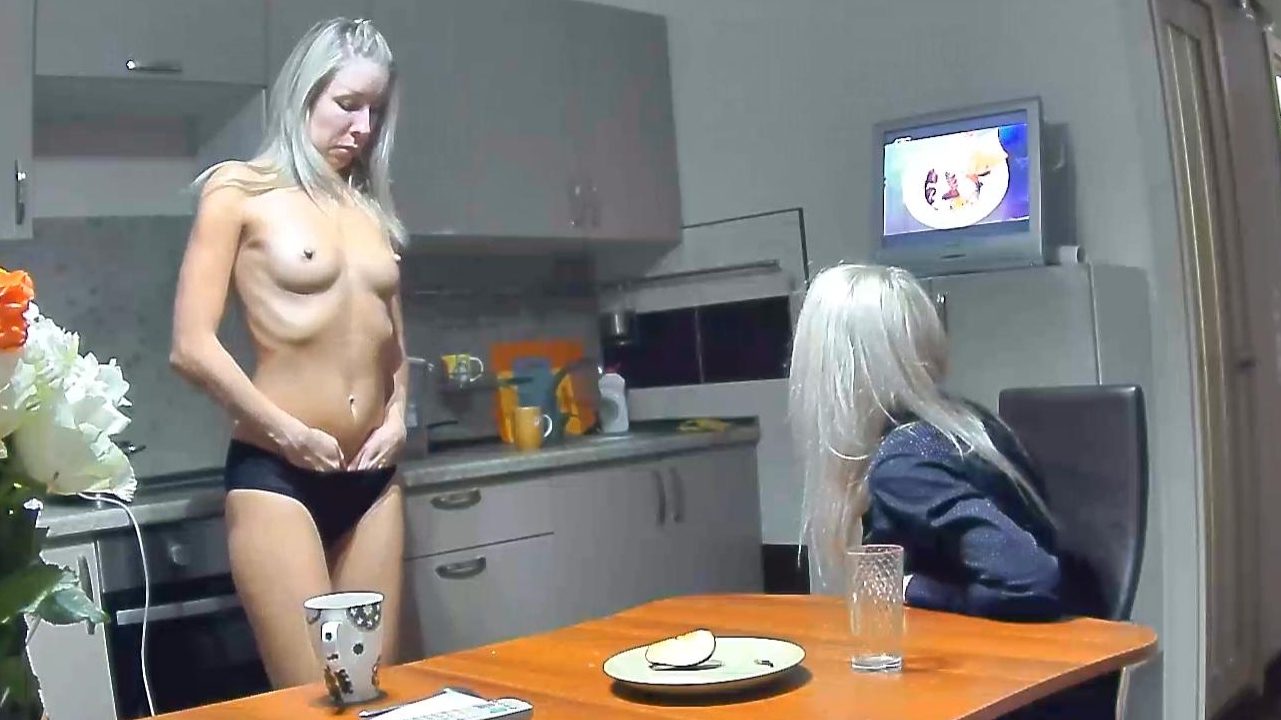
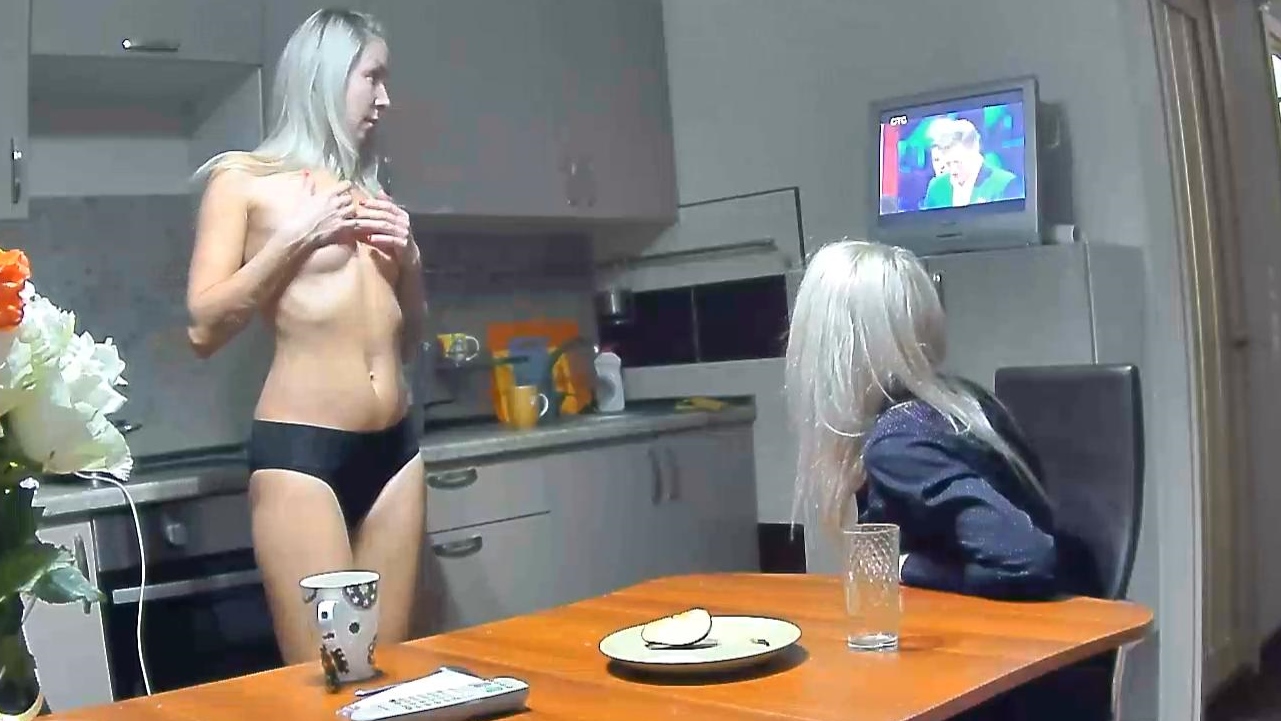
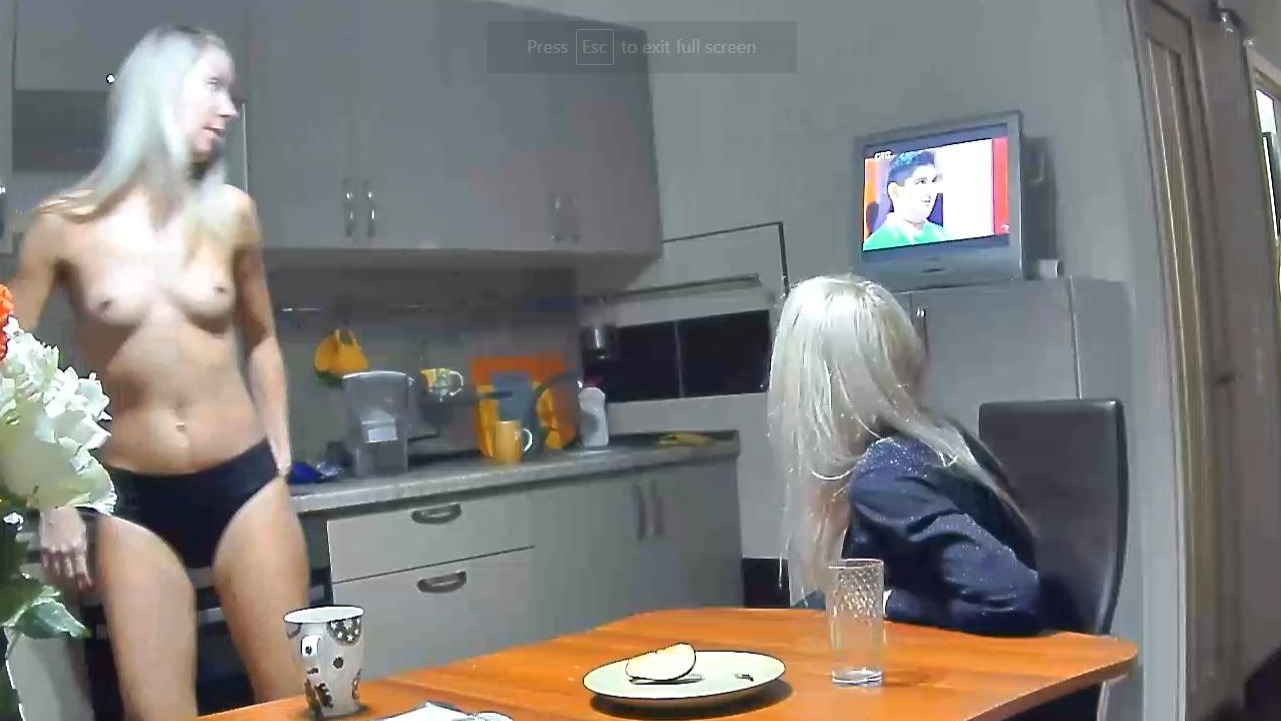
its called voyeur villa,bit like rlc
your logic is correct your logic is correct
she is happier here than when she was with the other two pickled onions,just her general manor shows she is a happier belle.
a mix from two apartments.it pays to have two monitors
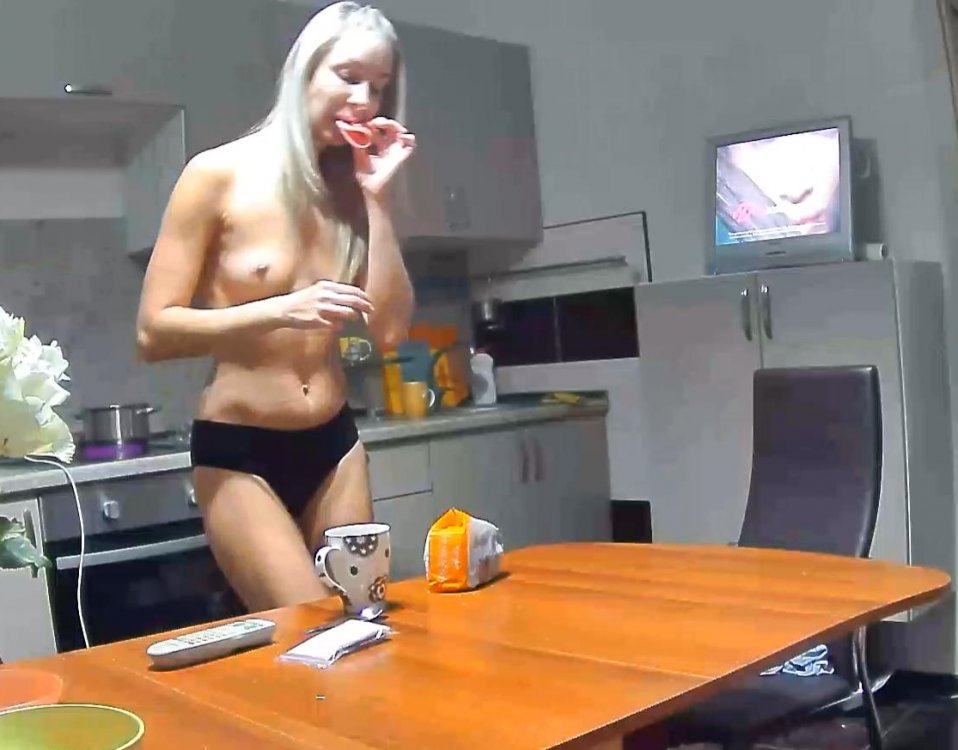 thanks,desiree dont seem to mind being topless or naked,which i do like,,she has a peach of a body
Account
Navigation
Search
Configure browser push notifications
Chrome (Android)
- Tap the lock icon next to the address bar.
- Tap Permissions → Notifications.
- Adjust your preference.
Chrome (Desktop)
- Click the padlock icon in the address bar.
- Select Site settings.
- Find Notifications and adjust your preference.
Safari (iOS 16.4+)
- Ensure the site is installed via Add to Home Screen.
- Open Settings App → Notifications.
- Find your app name and adjust your preference.
Safari (macOS)
- Go to Safari → Preferences.
- Click the Websites tab.
- Select Notifications in the sidebar.
- Find this website and adjust your preference.
Edge (Android)
- Tap the lock icon next to the address bar.
- Tap Permissions.
- Find Notifications and adjust your preference.
Edge (Desktop)
- Click the padlock icon in the address bar.
- Click Permissions for this site.
- Find Notifications and adjust your preference.
Firefox (Android)
- Go to Settings → Site permissions.
- Tap Notifications.
- Find this site in the list and adjust your preference.
Firefox (Desktop)
- Open Firefox Settings.
- Search for Notifications.
- Find this site in the list and adjust your preference.