cyberleader
Hero Member
-
Joined
-
Last visited
Everything posted by cyberleader
-
 last night and this morning
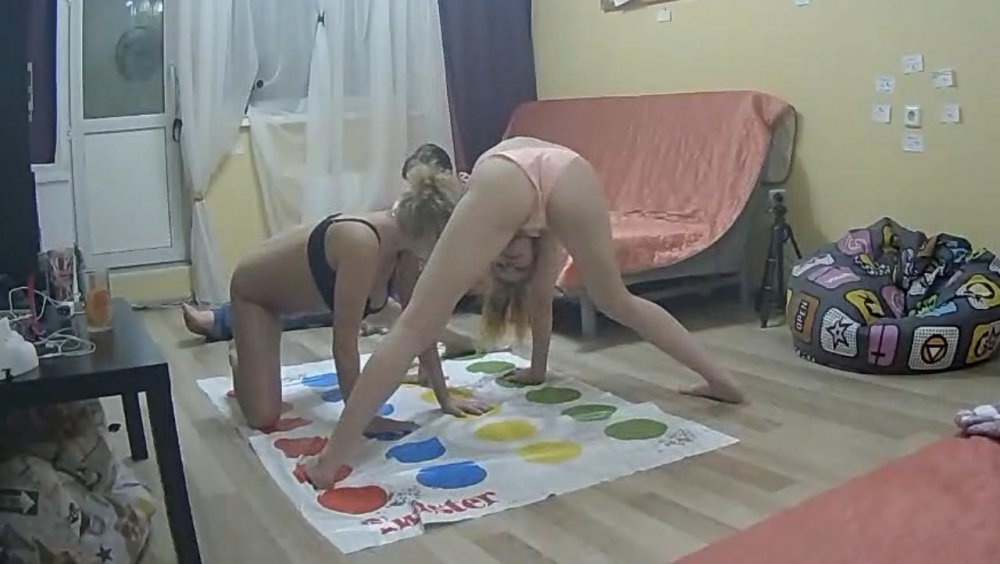
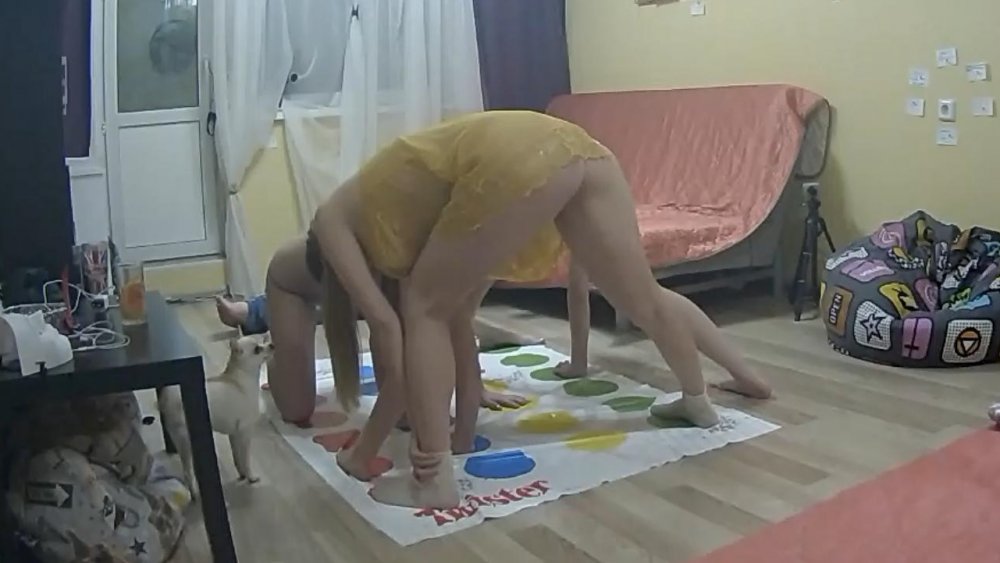
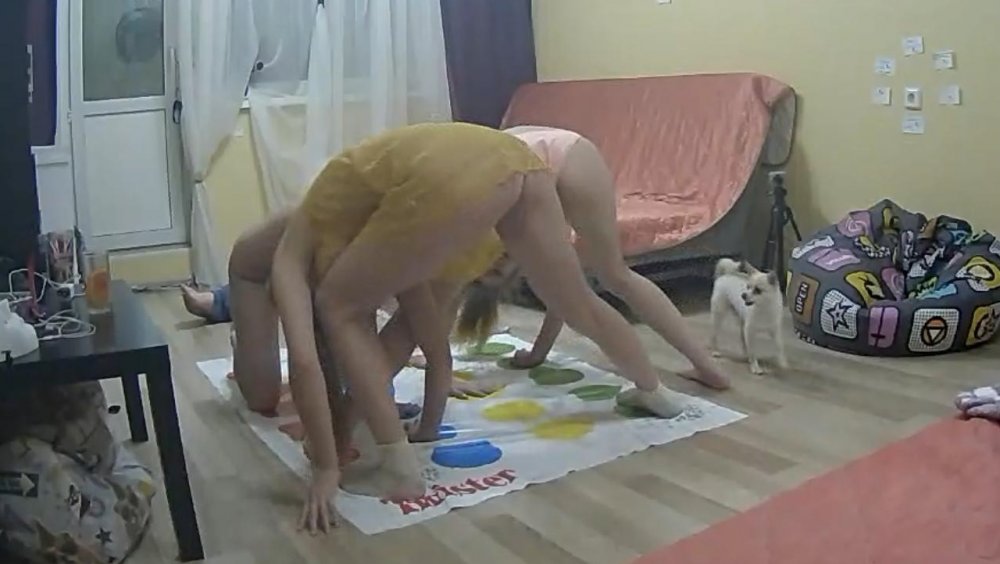
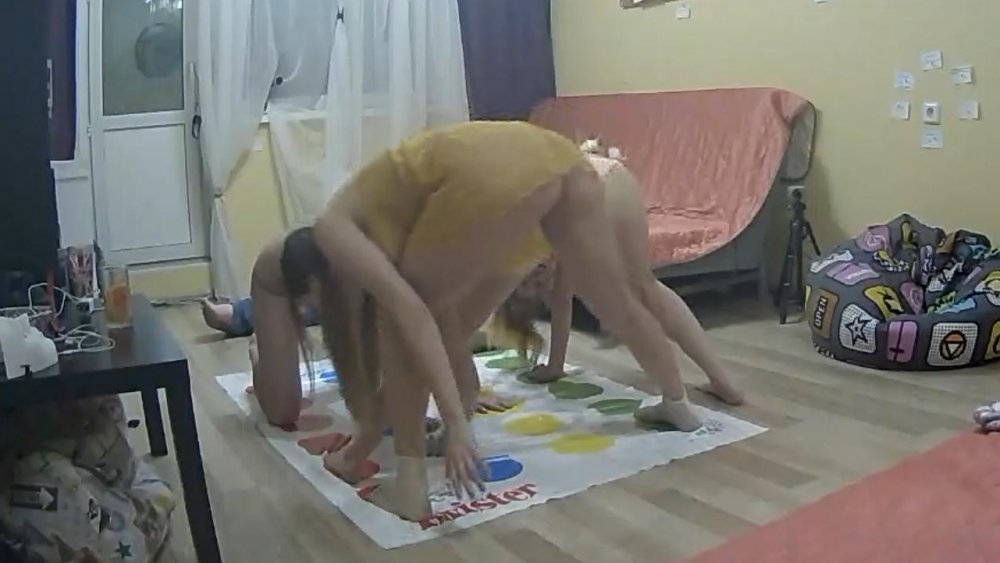
 finally marna in her best dress
 more boobie
.jpg.9166a60e9fe4965ec06d3d5e313a29f9.jpg)
.jpg.4fb69b0119cfb1ef788a9299d76950be.jpg)
.jpg.a5230b3a77835febee7734d70024844b.jpg)
.jpg.58505b21cc1a9f4a3dd516effd3d9d29.jpg)
.jpg.3ff6768d904b5ab6d660a4f269cbd6ef.jpg) anna
anna
 our favourite boobie
 top n tails
 ???????????????
 nice tail
 what was that tennis poster.
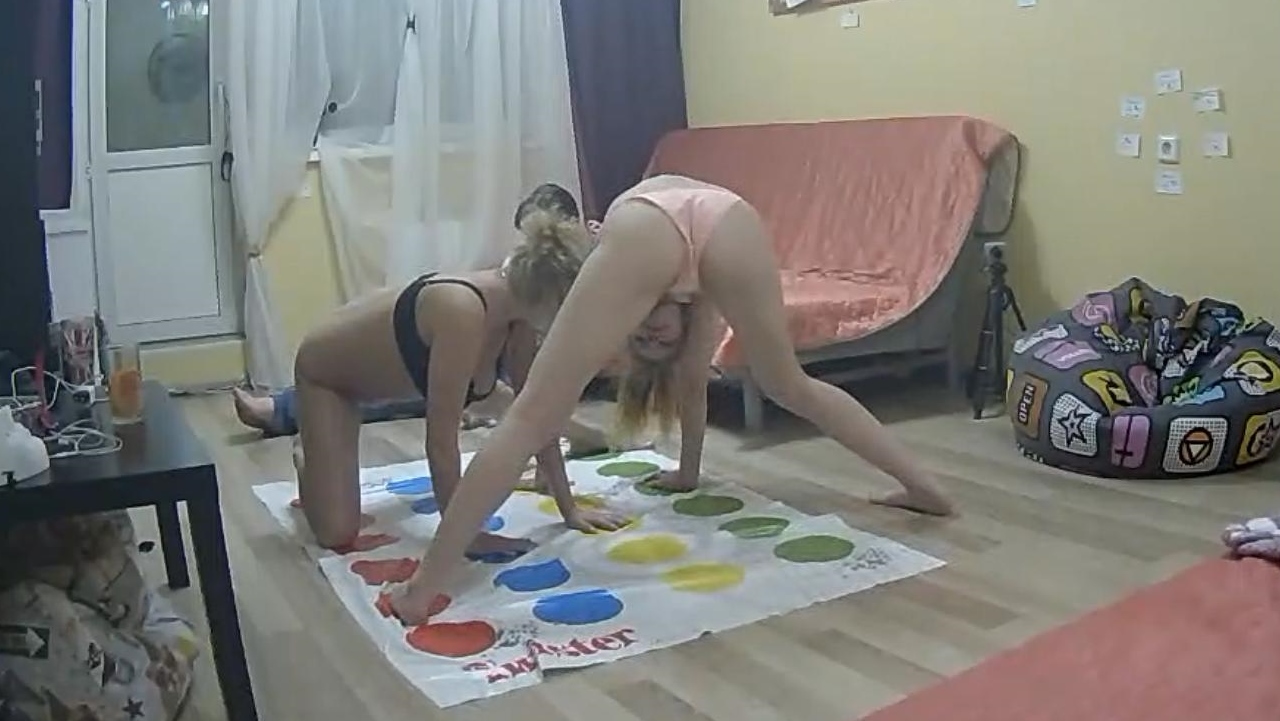
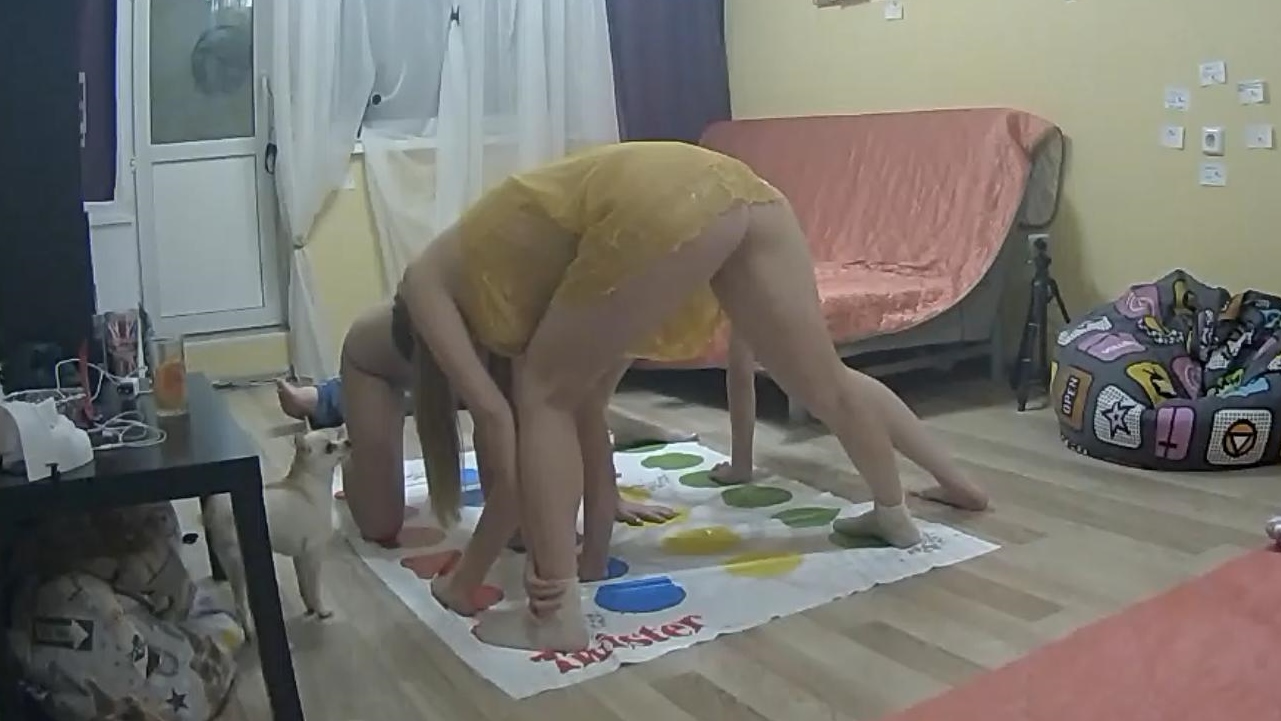
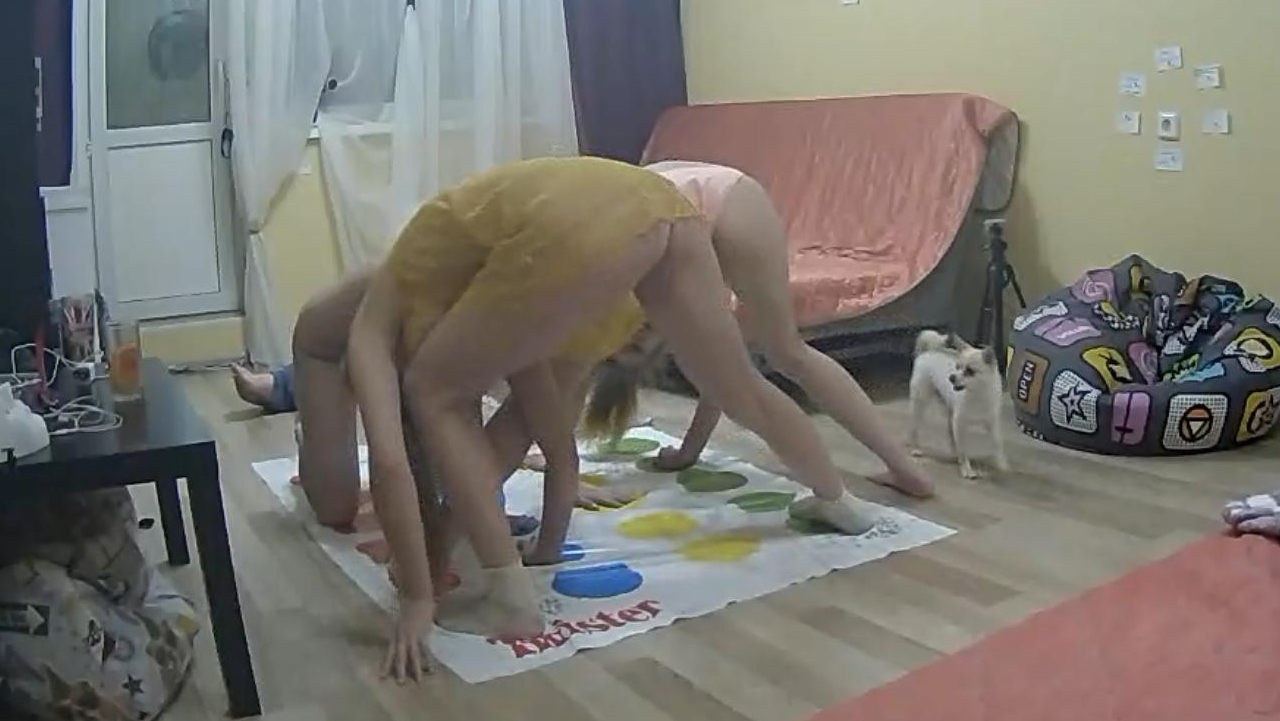
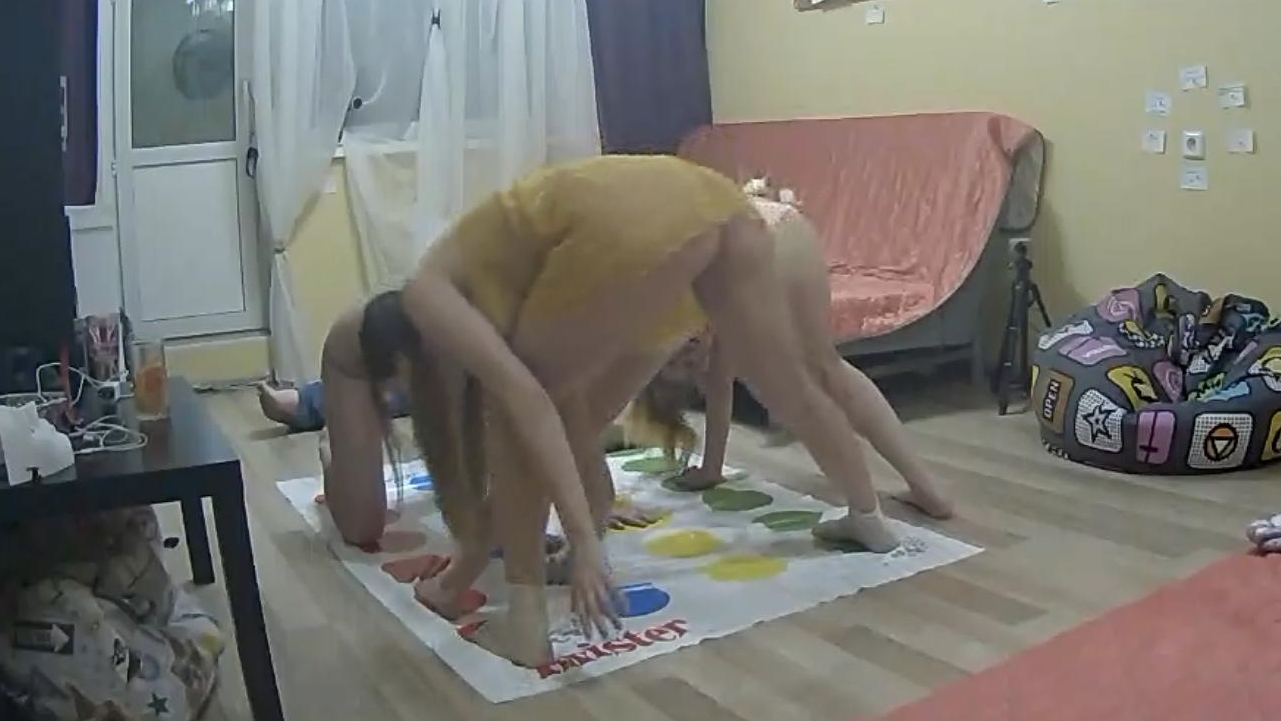
 its by sheer luck that i get these shots and little bit of timing but catching marna the dark haired one with her thrupnies out was a great capture,mioght have been more had the other two housemates not distress the programme and forced her to cover up rather quickly,the other two were watching porn playing with themselves then started on eachother.
just the two girls and that foul mutt
its by sheer luck that i get these shots and little bit of timing but catching marna the dark haired one with her thrupnies out was a great capture,mioght have been more had the other two housemates not distress the programme and forced her to cover up rather quickly,the other two were watching porn playing with themselves then started on eachother.
just the two girls and that foul mutt
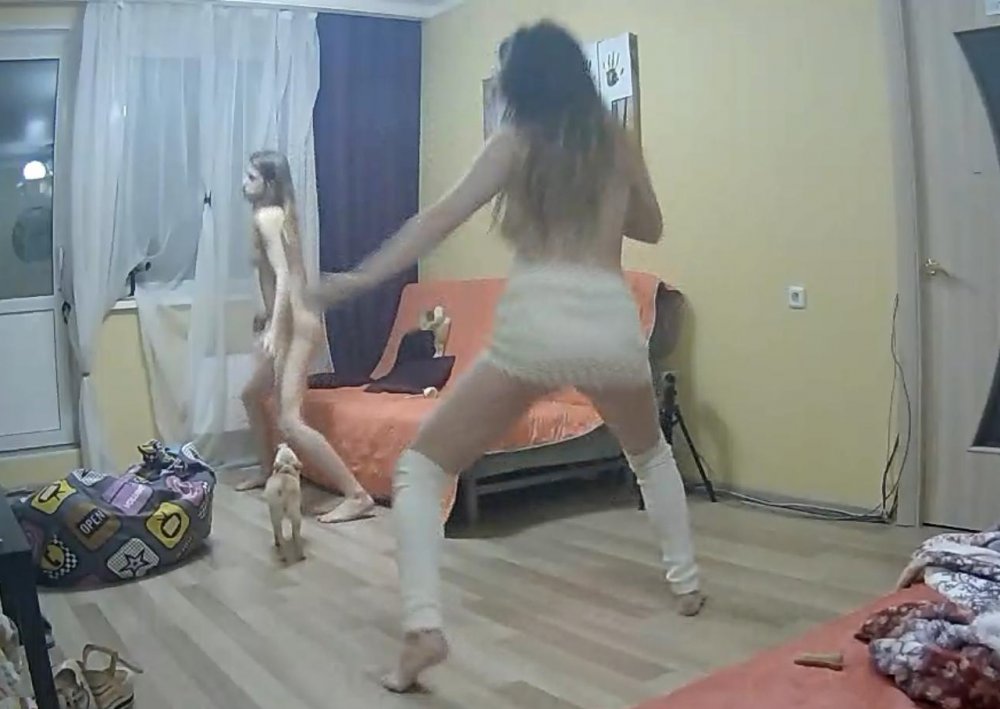
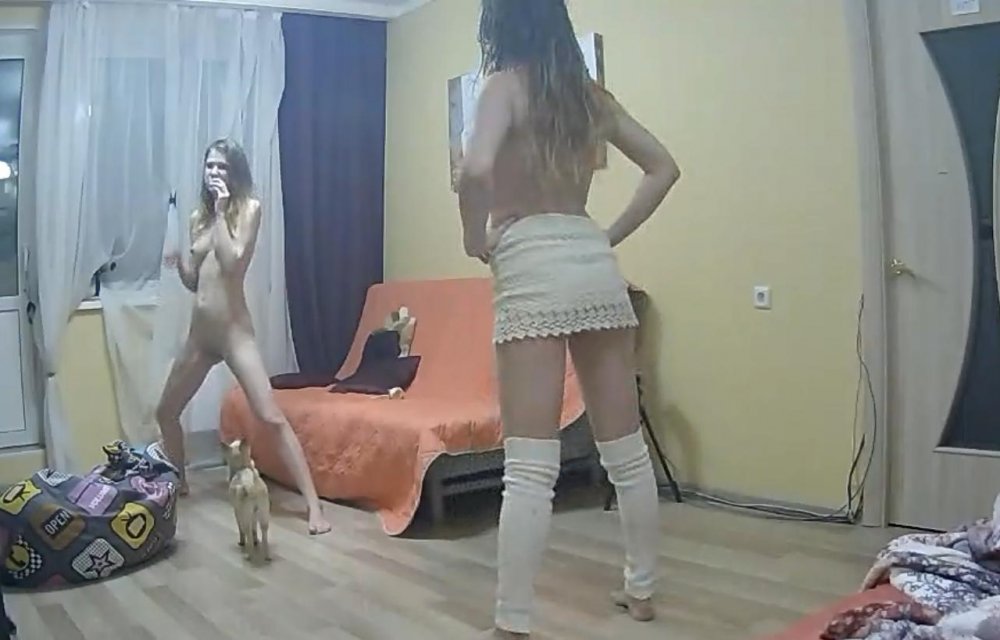
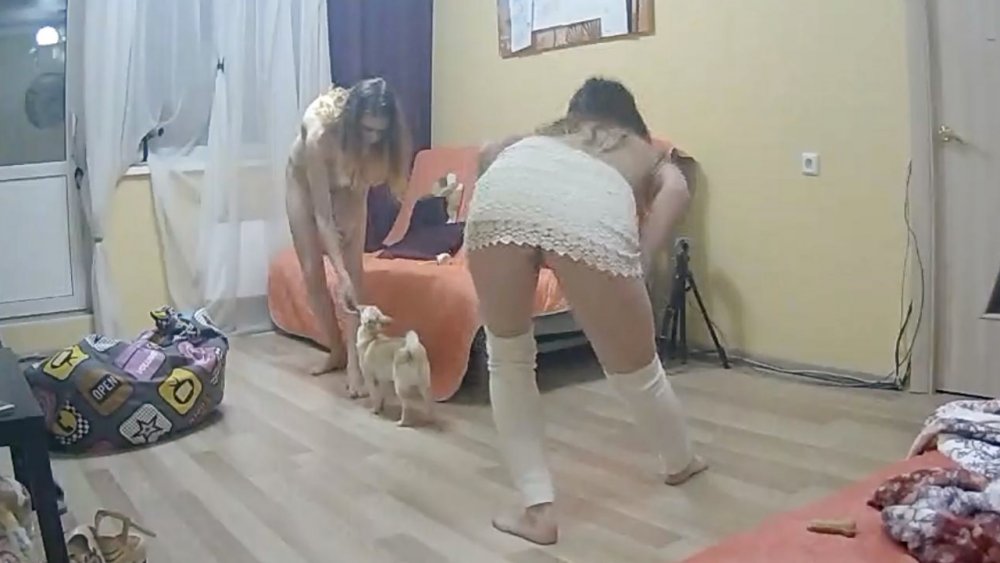
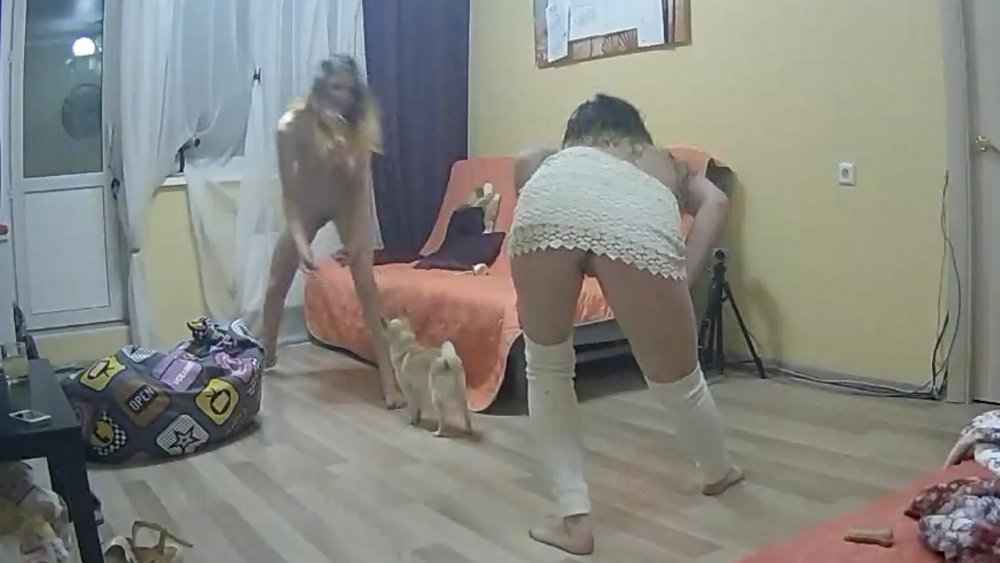
 a rare sight these days the shepards bush is
Account
Navigation
Search
Configure browser push notifications
Chrome (Android)
- Tap the lock icon next to the address bar.
- Tap Permissions → Notifications.
- Adjust your preference.
Chrome (Desktop)
- Click the padlock icon in the address bar.
- Select Site settings.
- Find Notifications and adjust your preference.
Safari (iOS 16.4+)
- Ensure the site is installed via Add to Home Screen.
- Open Settings App → Notifications.
- Find your app name and adjust your preference.
Safari (macOS)
- Go to Safari → Preferences.
- Click the Websites tab.
- Select Notifications in the sidebar.
- Find this website and adjust your preference.
Edge (Android)
- Tap the lock icon next to the address bar.
- Tap Permissions.
- Find Notifications and adjust your preference.
Edge (Desktop)
- Click the padlock icon in the address bar.
- Click Permissions for this site.
- Find Notifications and adjust your preference.
Firefox (Android)
- Go to Settings → Site permissions.
- Tap Notifications.
- Find this site in the list and adjust your preference.
Firefox (Desktop)
- Open Firefox Settings.
- Search for Notifications.
- Find this site in the list and adjust your preference.


.png.1f21a62789ea9b24c67401f3ce71c702.png)
.png.08461792f0956f7b1ab94cb237cda16c.png)
.png.fd4c4781612fb25b545ee258a050046c.png)