cyberleader
Hero Member
-
Joined
-
Last visited
Everything posted by cyberleader
-
 indeed,just hoping she will give us a shot
working on getting a shot
speaking of juicy buttz
indeed,just hoping she will give us a shot
working on getting a shot
speaking of juicy buttz




















 veggie insertion time

 it was a mix of the two i wanted to achieve,the redheads juicy rump then anna
i know there will be times when people in close proximity to eachother with have a row from time to time,keep it at words,words also can be just as painfull,by violence is totaly unaceptable,espacially against a woman.
i see no logic in the masks especially if you have visable tattoos, well at least the best bits are unmasked
desiree would fit in quite nicely
y
it was a mix of the two i wanted to achieve,the redheads juicy rump then anna
i know there will be times when people in close proximity to eachother with have a row from time to time,keep it at words,words also can be just as painfull,by violence is totaly unaceptable,espacially against a woman.
i see no logic in the masks especially if you have visable tattoos, well at least the best bits are unmasked
desiree would fit in quite nicely
y























 choose your favourite butt.i am going to be greed and ave da lottt





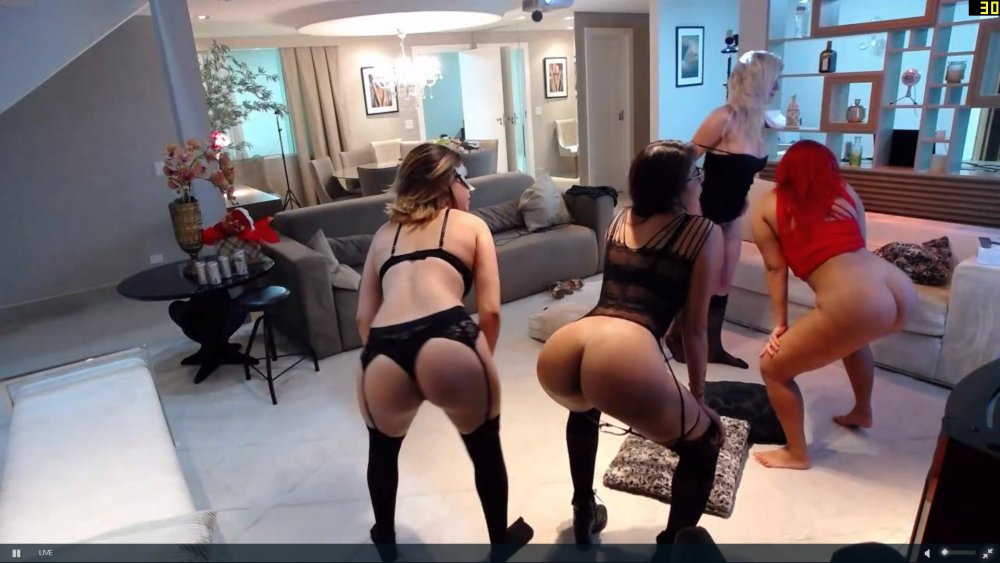











































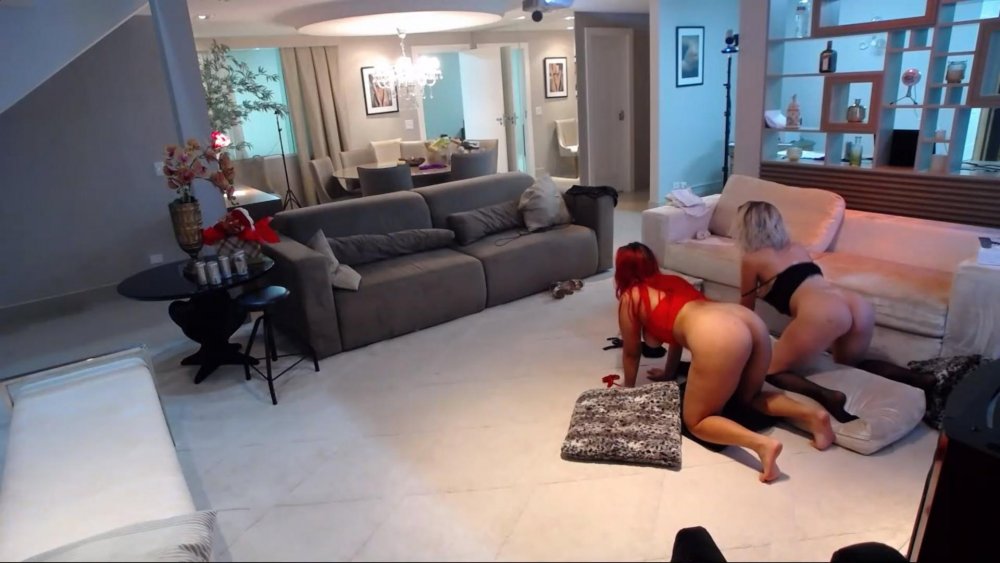

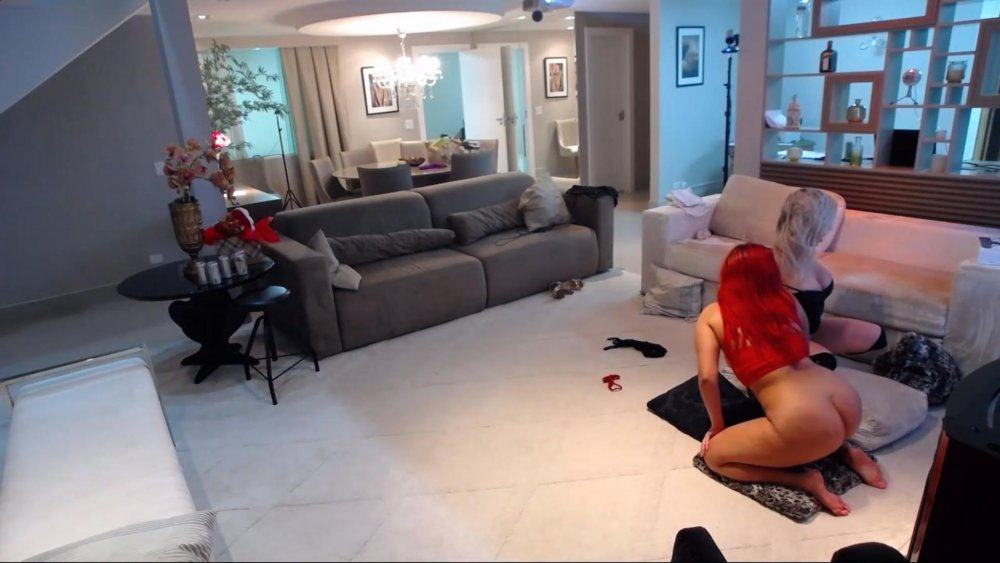


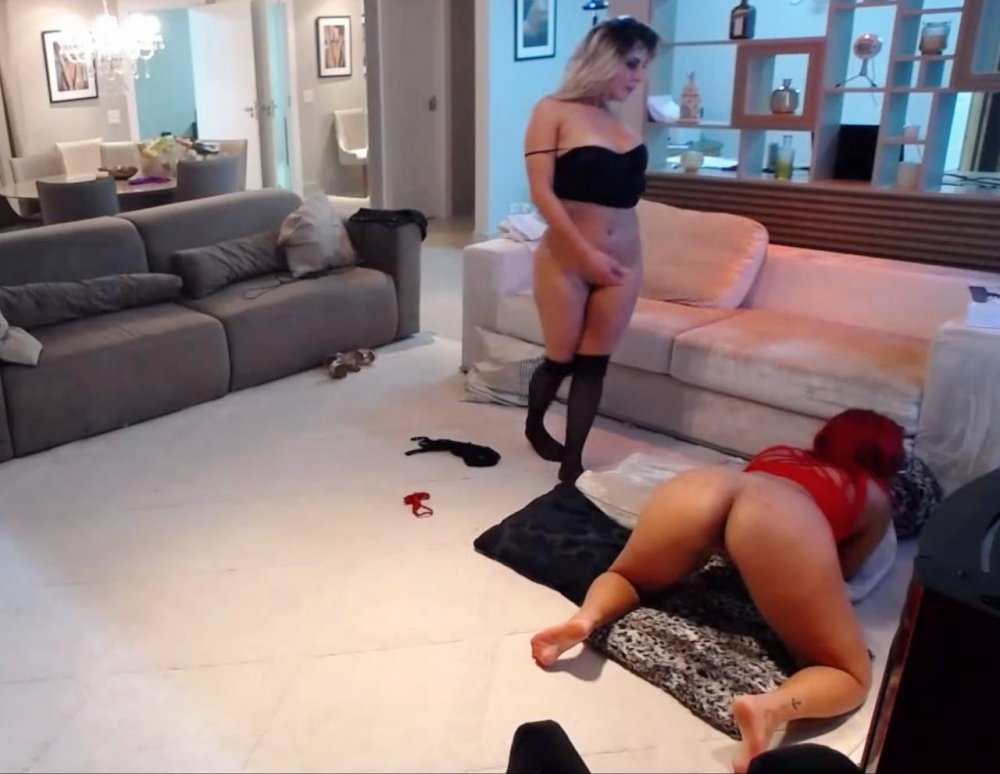











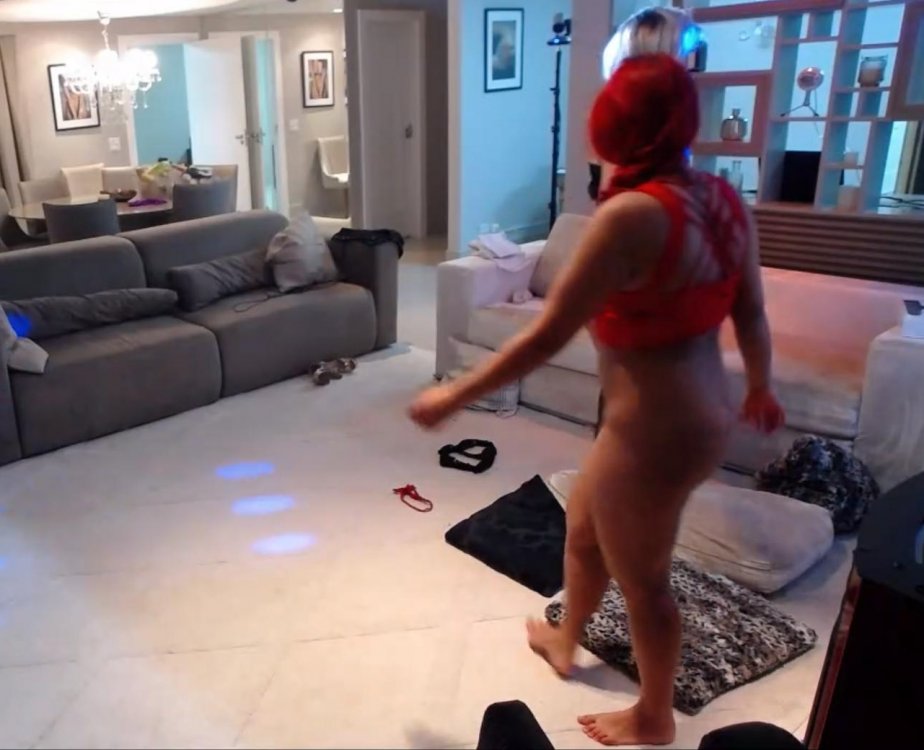



 i think there are in brazil,accoring to the website
your logic is correct she has a nice voice too..time to invent interactive tv and reach in and carress that butt of hers
this bird has a great arse
i think there are in brazil,accoring to the website
your logic is correct she has a nice voice too..time to invent interactive tv and reach in and carress that butt of hers
this bird has a great arse




Account
Navigation
Search
Configure browser push notifications
Chrome (Android)
- Tap the lock icon next to the address bar.
- Tap Permissions → Notifications.
- Adjust your preference.
Chrome (Desktop)
- Click the padlock icon in the address bar.
- Select Site settings.
- Find Notifications and adjust your preference.
Safari (iOS 16.4+)
- Ensure the site is installed via Add to Home Screen.
- Open Settings App → Notifications.
- Find your app name and adjust your preference.
Safari (macOS)
- Go to Safari → Preferences.
- Click the Websites tab.
- Select Notifications in the sidebar.
- Find this website and adjust your preference.
Edge (Android)
- Tap the lock icon next to the address bar.
- Tap Permissions.
- Find Notifications and adjust your preference.
Edge (Desktop)
- Click the padlock icon in the address bar.
- Click Permissions for this site.
- Find Notifications and adjust your preference.
Firefox (Android)
- Go to Settings → Site permissions.
- Tap Notifications.
- Find this site in the list and adjust your preference.
Firefox (Desktop)
- Open Firefox Settings.
- Search for Notifications.
- Find this site in the list and adjust your preference.