cyberleader
Hero Member
-
Joined
-
Last visited
Everything posted by cyberleader
-
 nope they called a meeting of the joint chiefs and decided to make their own way to the washing machine
very true rob
your logic is correct we all have at sometime but we know when its time for a change without being on camera,maybe he has several pairs of the same colour shorts
you have to learn the dynamics of each household,adriana is not a show off dollybird,between her and daniel its serious lovemaking and sometime biological urge sex,but when they do go its explosive
not really its catching them at the right time
or fraps
belle looks upto lola,she sees lola as a guiding figure,maybe she needs guidence or just someone to re assure her that everything is ok,we have all watched this long enough to work out behaviour patterns,although we are not experts,i think she needs a mixture of someone her age for playtime and someone of lola or milenas age to show her the right way and just let her know everything is ok.belle seems happiest when lola is about,but she has to understand that she cant keep snapping at lolas heel for affection every minute,she will be ok
find their own way to the laundry
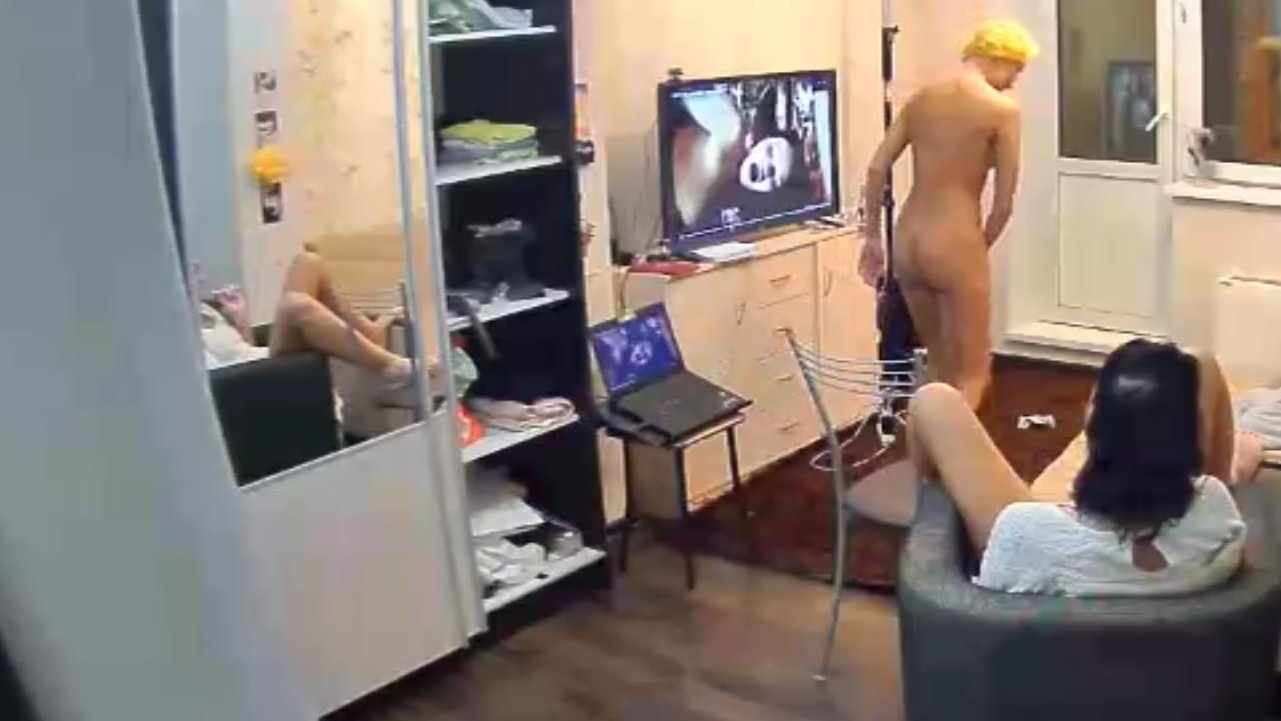
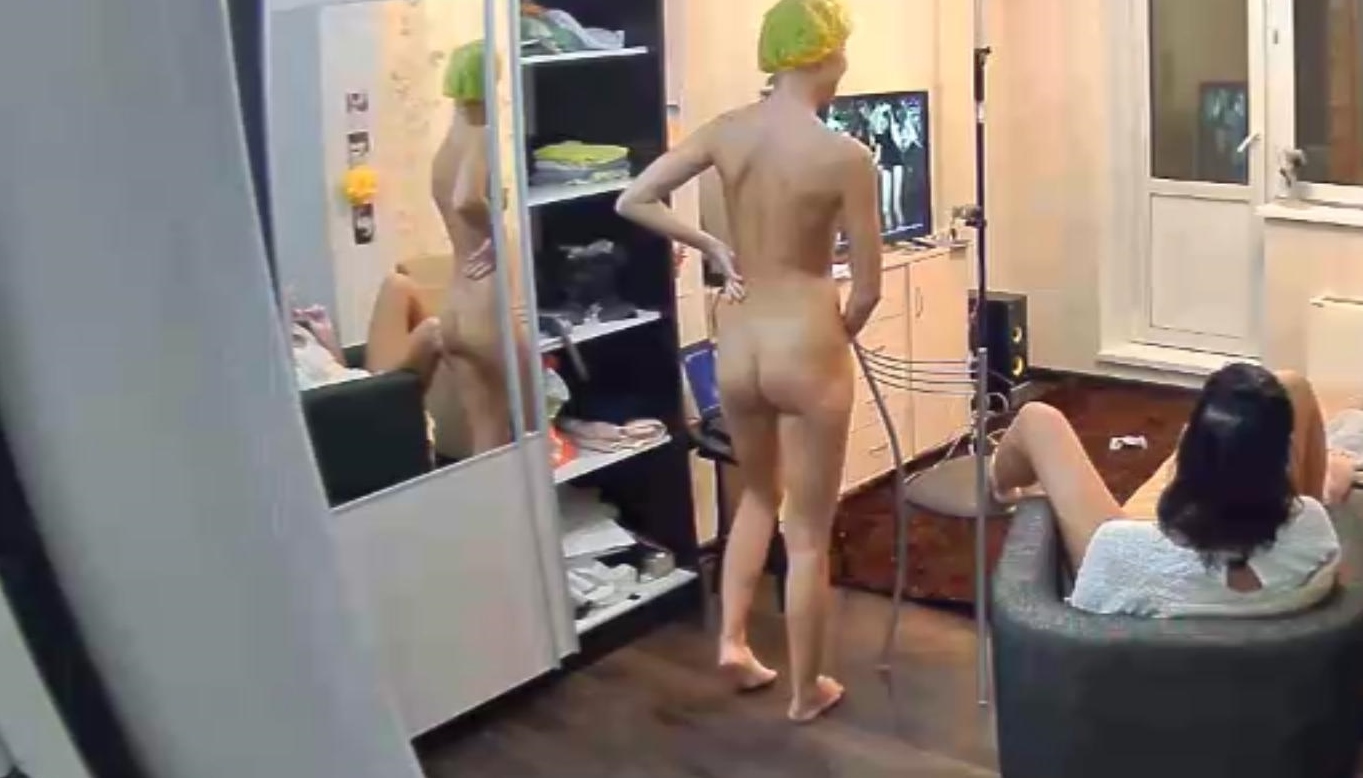
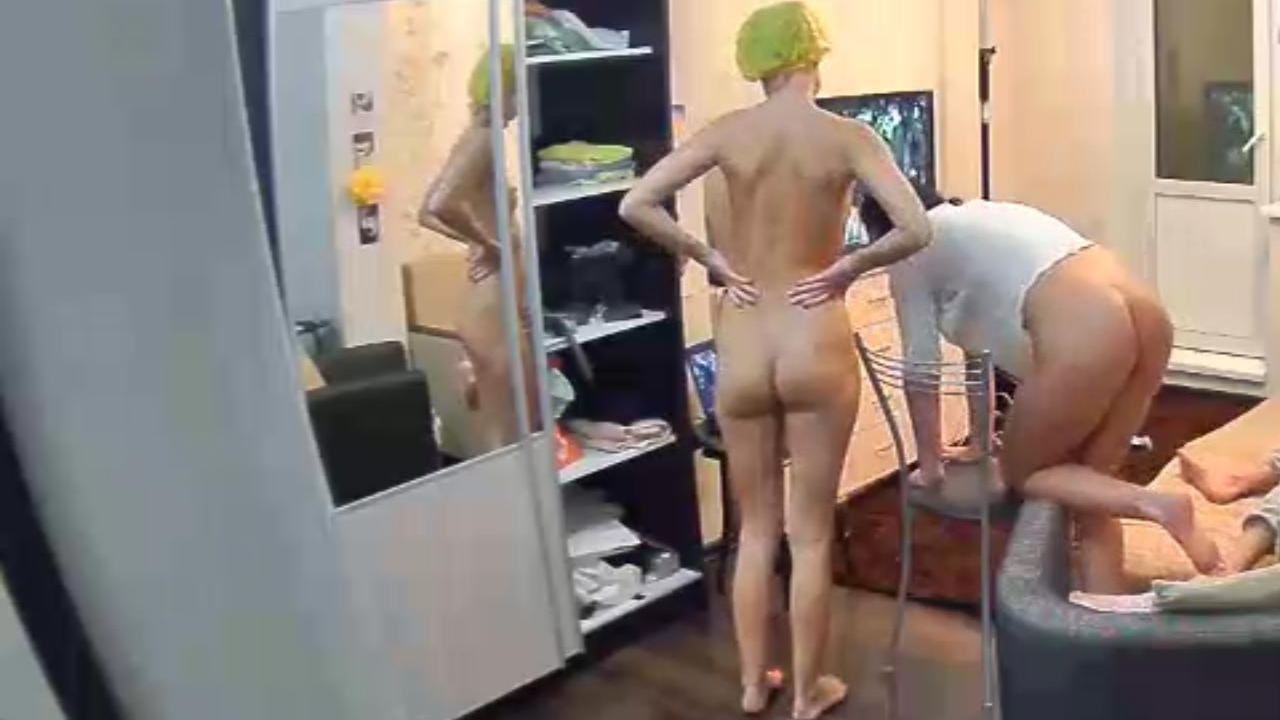
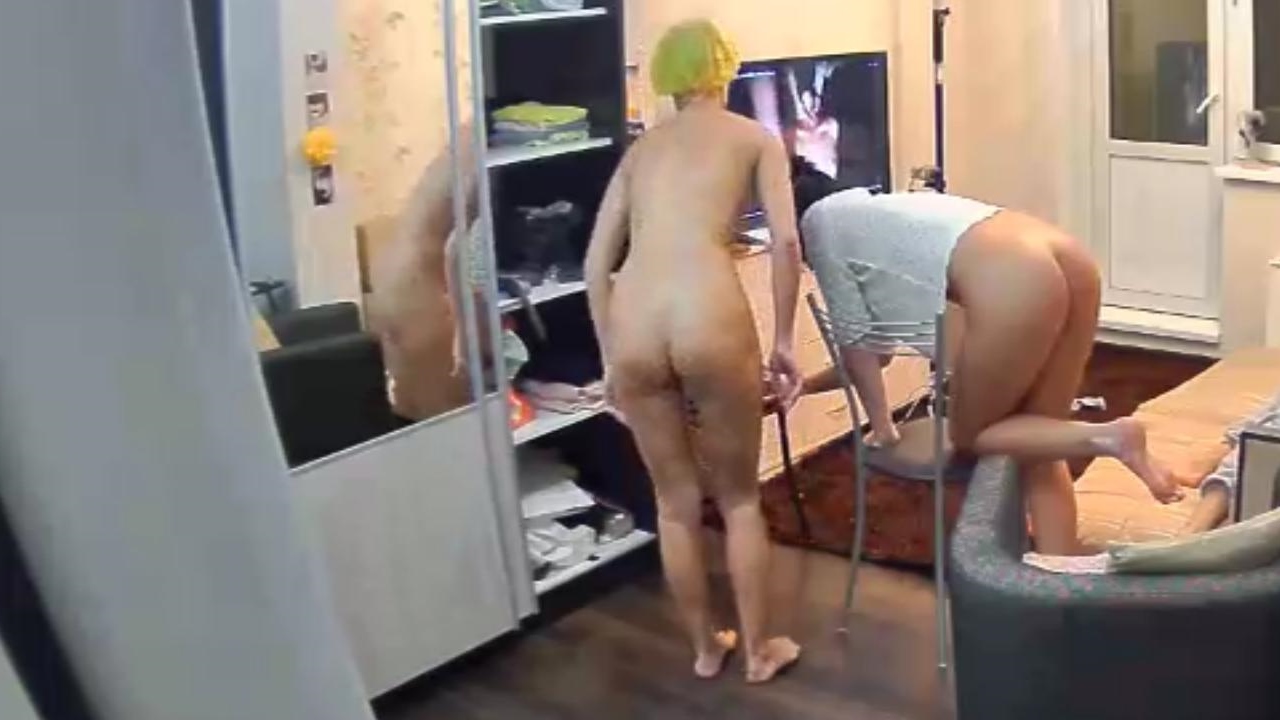
these two dont look happy at all,the one with the hat is saying eh,some serious cash have to put my way for this. and the other one says.50.000 wired to my account,before i exit this motherf er
nope they called a meeting of the joint chiefs and decided to make their own way to the washing machine
very true rob
your logic is correct we all have at sometime but we know when its time for a change without being on camera,maybe he has several pairs of the same colour shorts
you have to learn the dynamics of each household,adriana is not a show off dollybird,between her and daniel its serious lovemaking and sometime biological urge sex,but when they do go its explosive
not really its catching them at the right time
or fraps
belle looks upto lola,she sees lola as a guiding figure,maybe she needs guidence or just someone to re assure her that everything is ok,we have all watched this long enough to work out behaviour patterns,although we are not experts,i think she needs a mixture of someone her age for playtime and someone of lola or milenas age to show her the right way and just let her know everything is ok.belle seems happiest when lola is about,but she has to understand that she cant keep snapping at lolas heel for affection every minute,she will be ok
find their own way to the laundry
these two dont look happy at all,the one with the hat is saying eh,some serious cash have to put my way for this. and the other one says.50.000 wired to my account,before i exit this motherf er she seems to be the cheif of staff
maybe they should put belle n carolina with stella,and let the 3 milfs get it on.just a thought
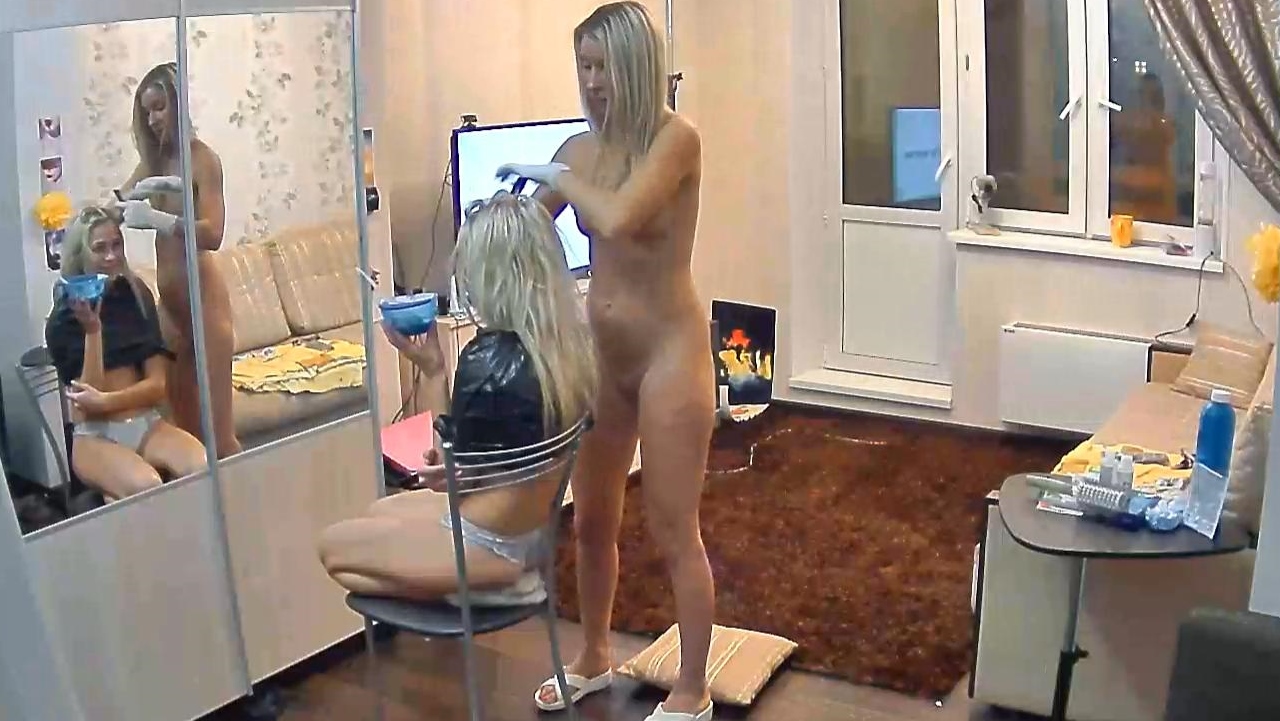
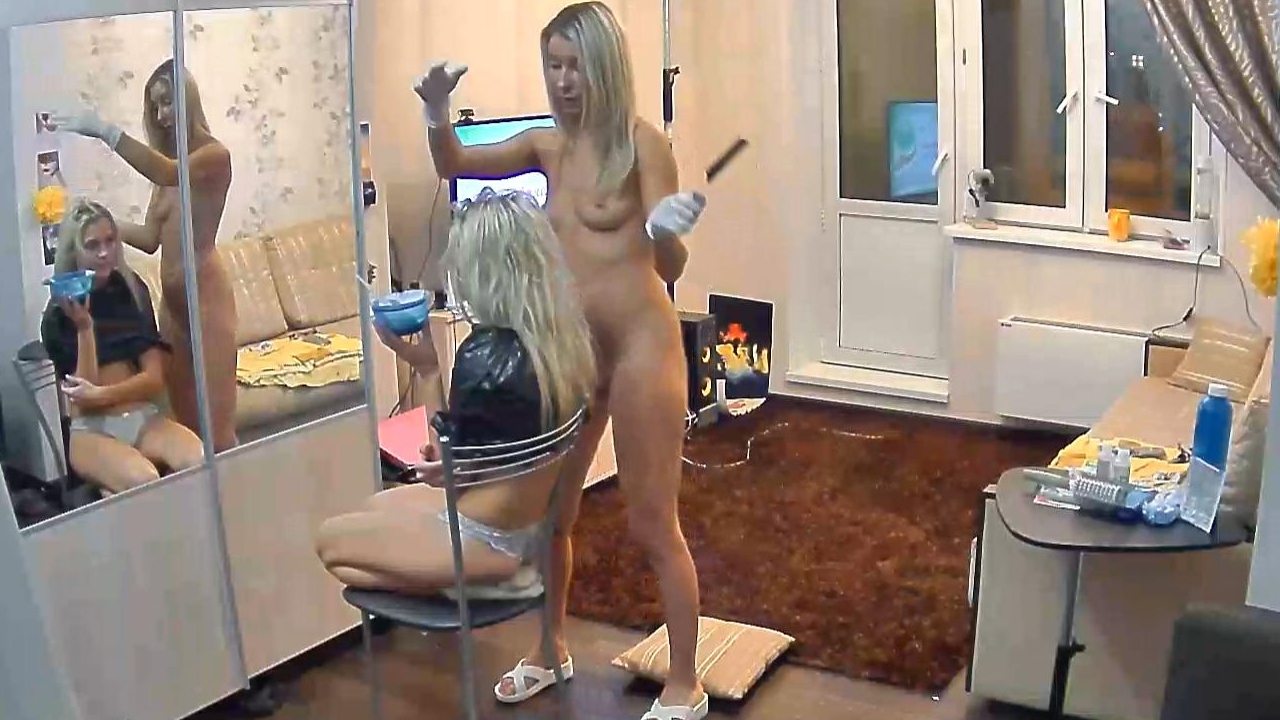
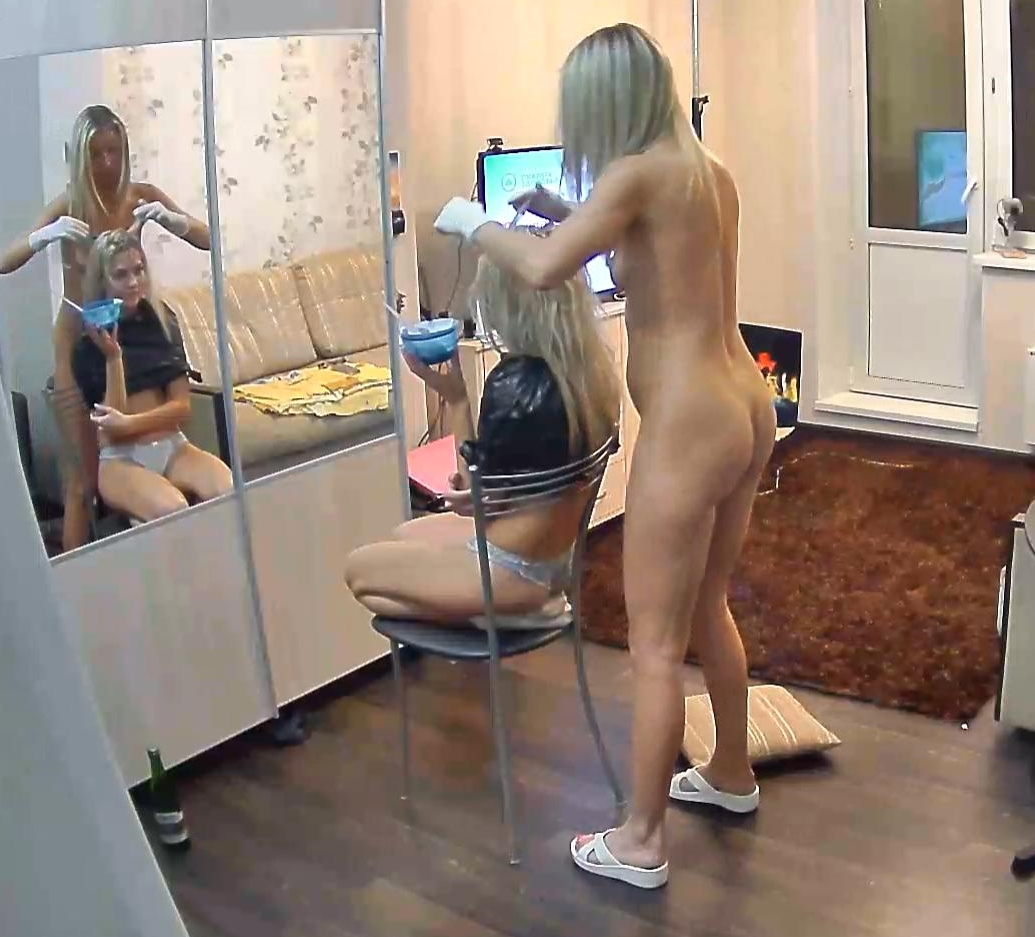
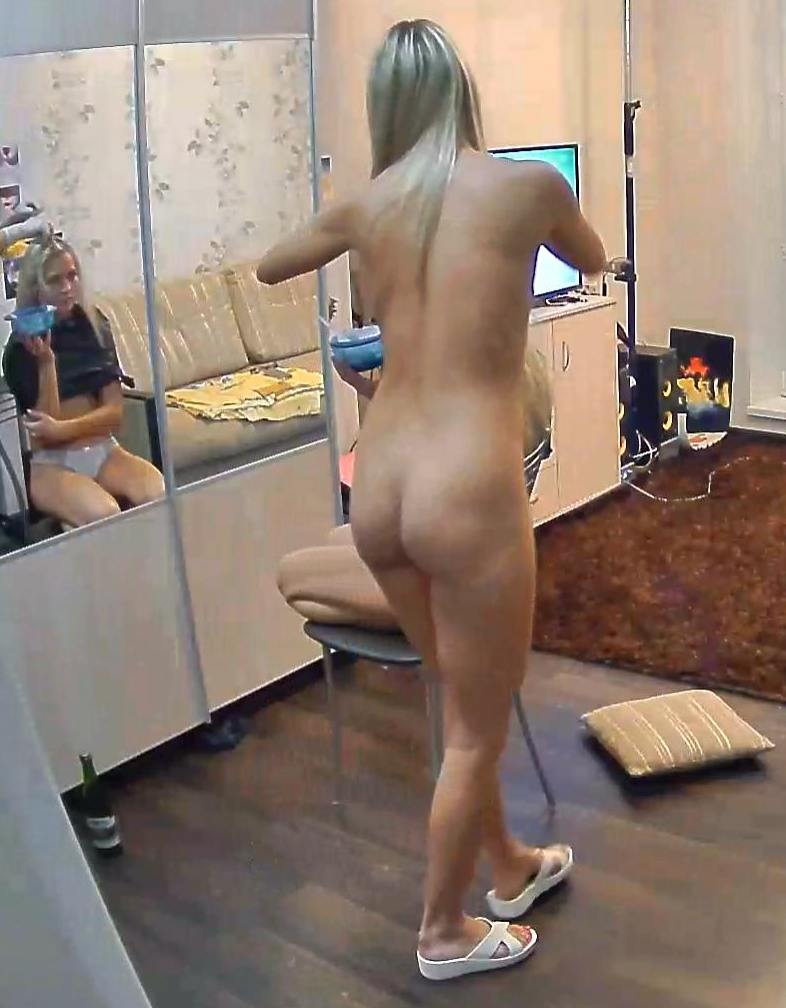
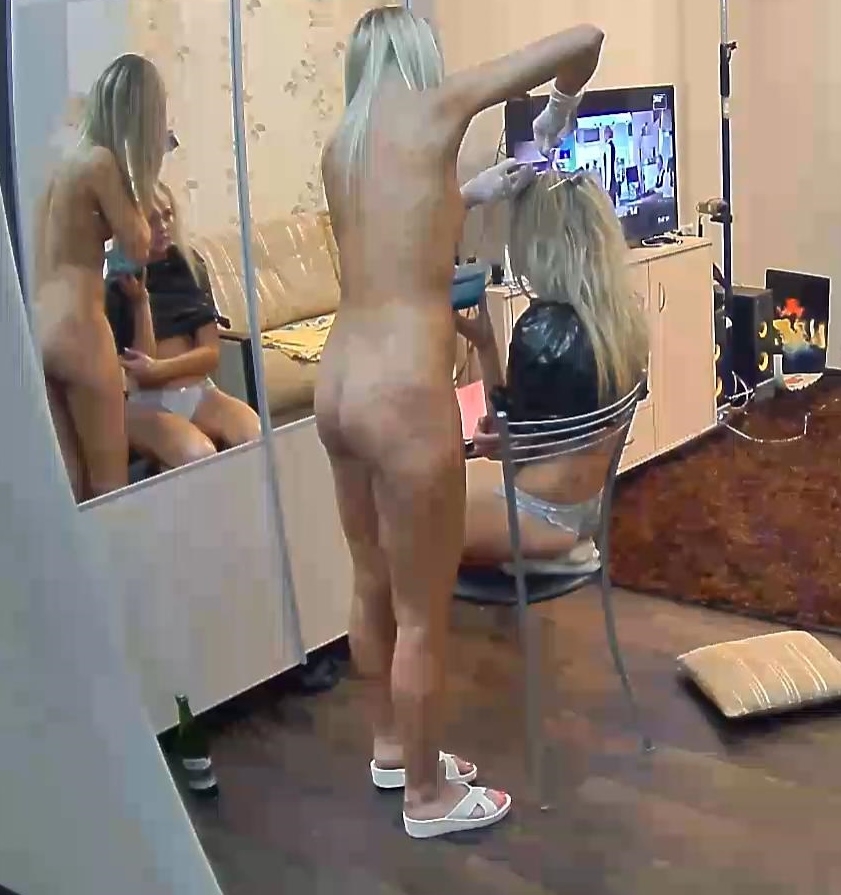
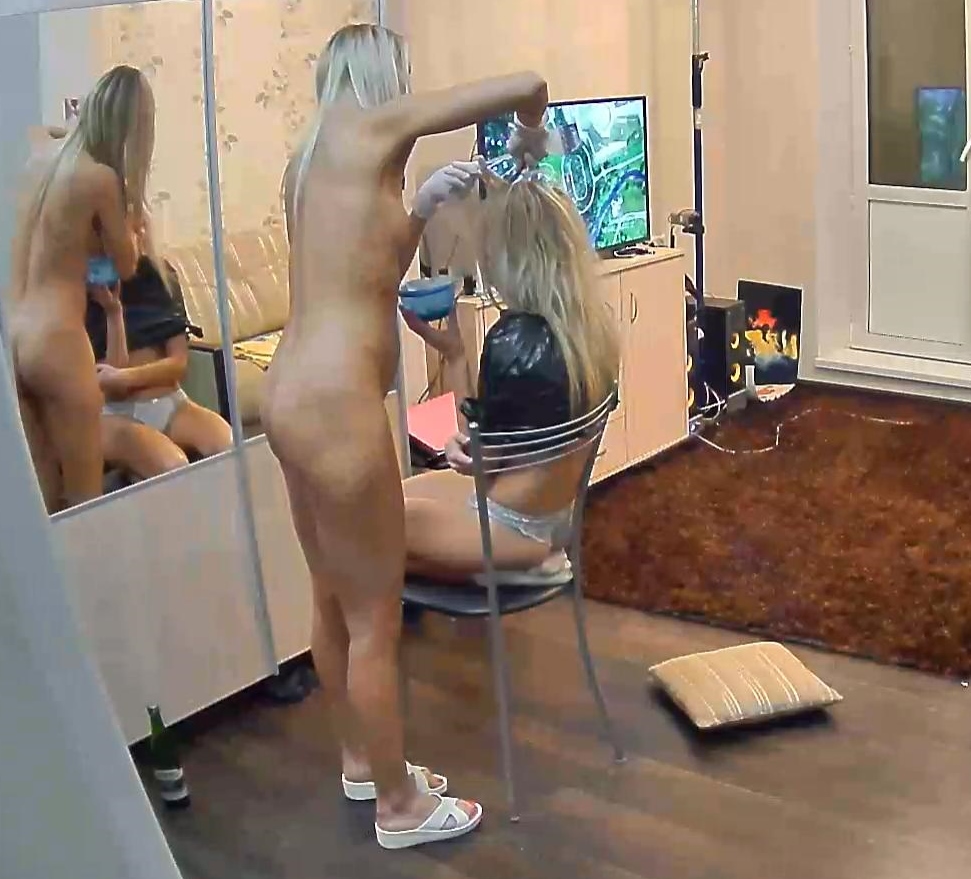
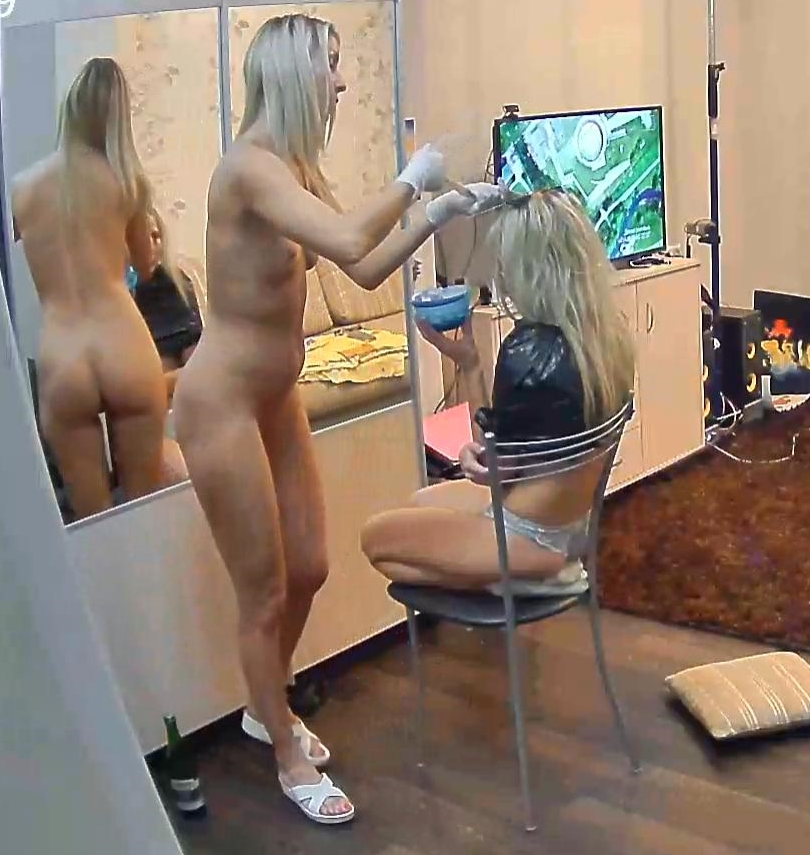
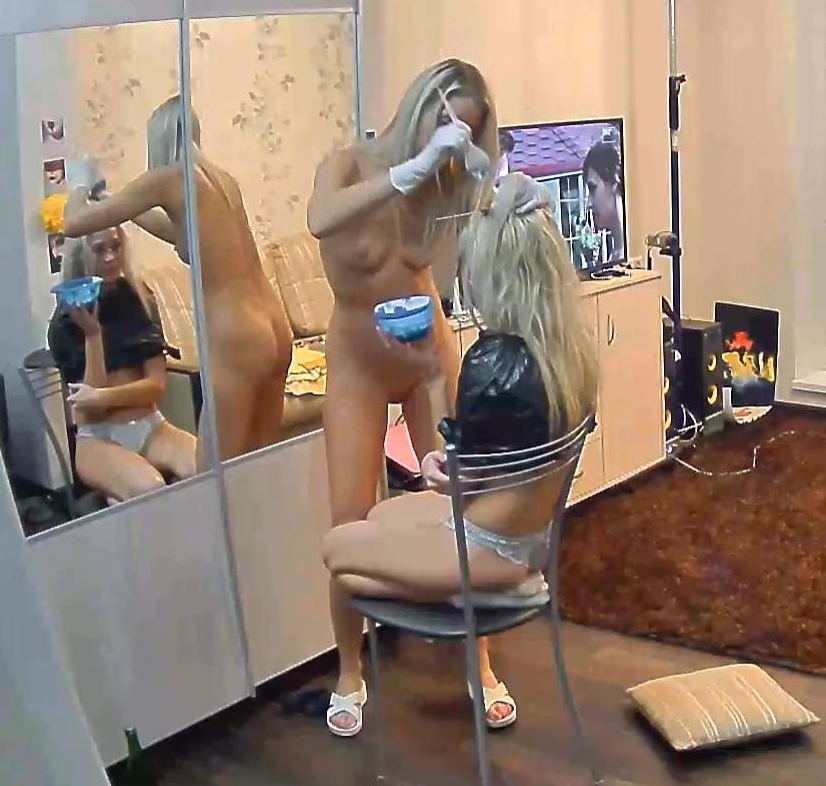
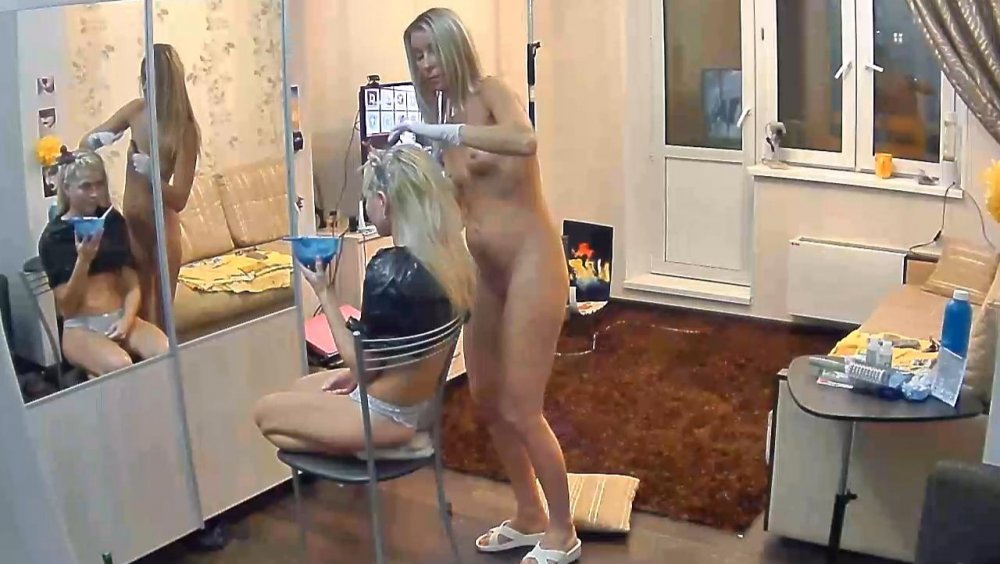
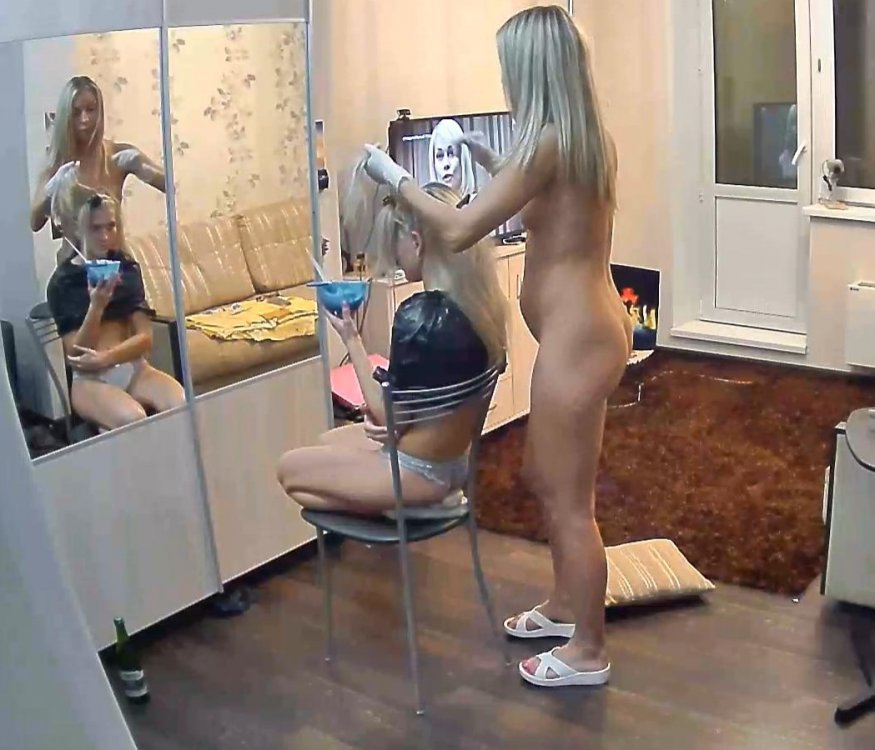
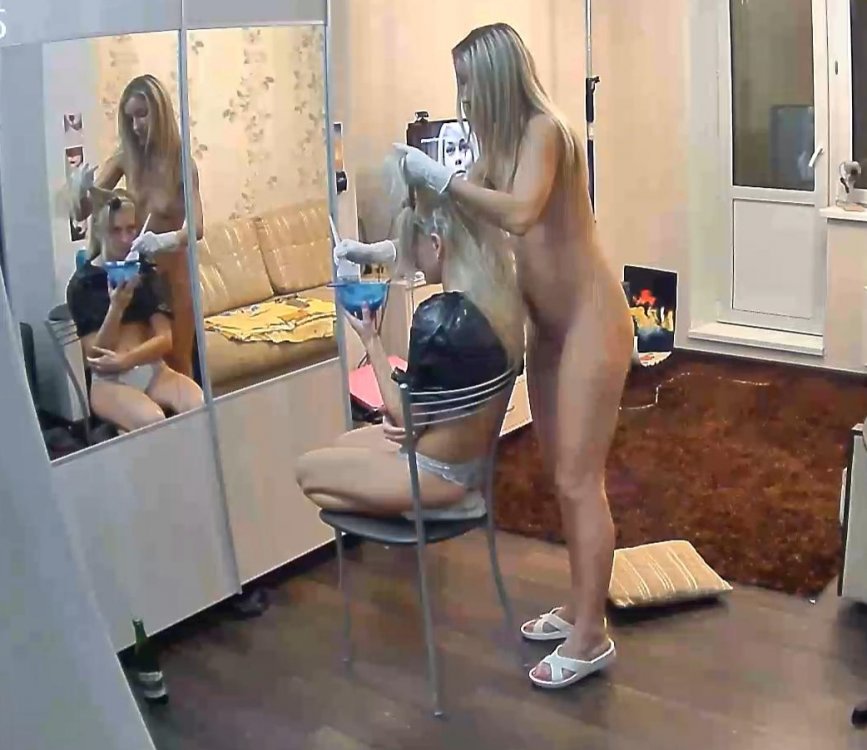
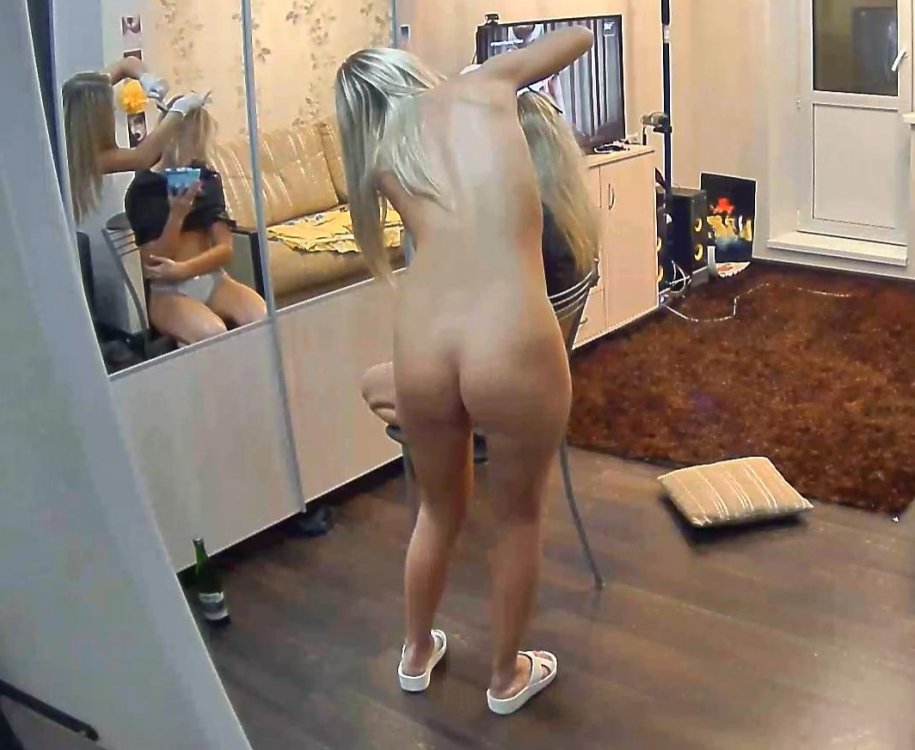
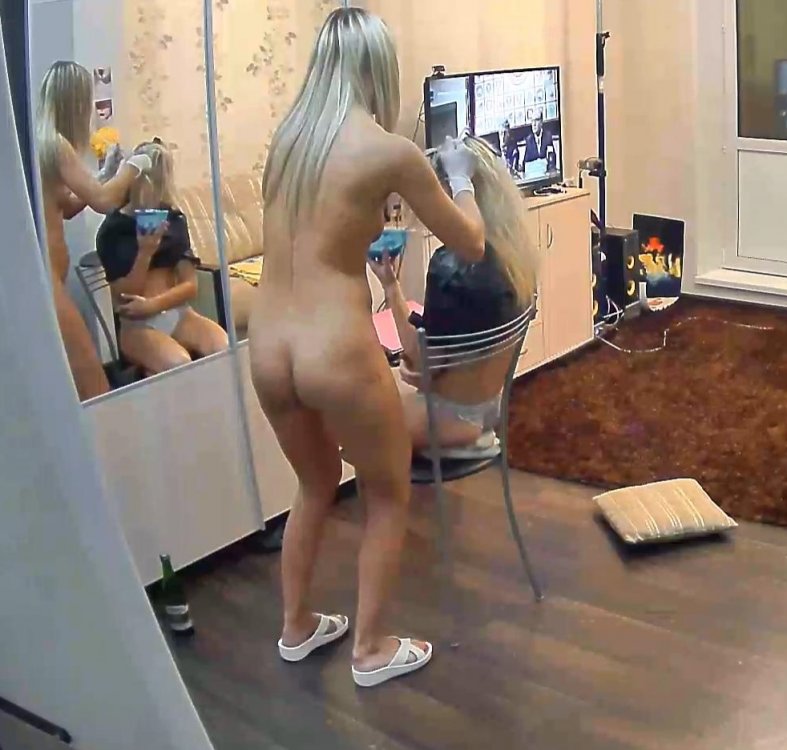
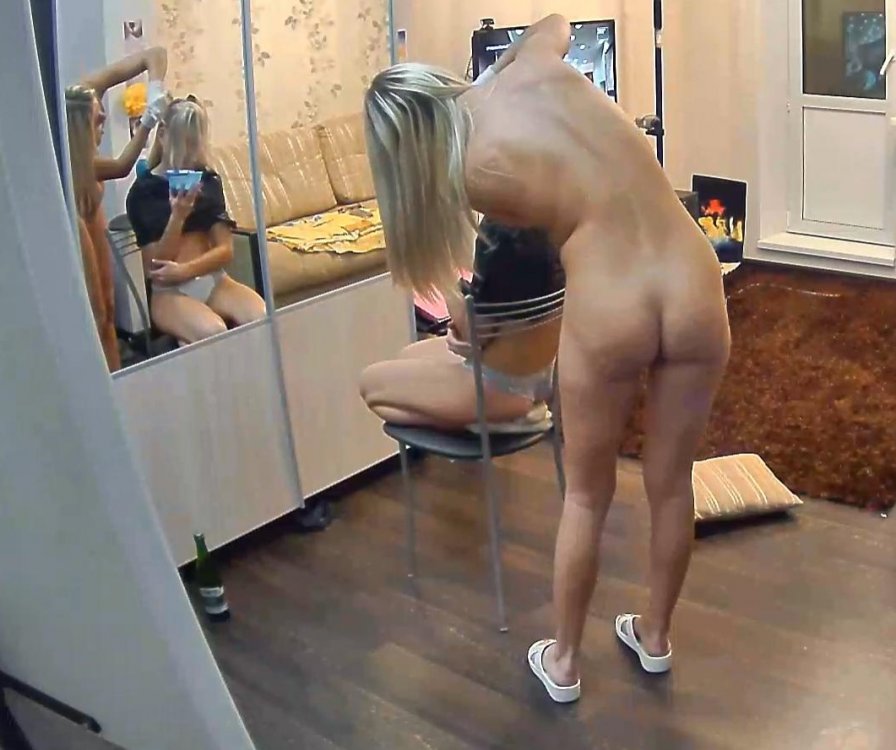
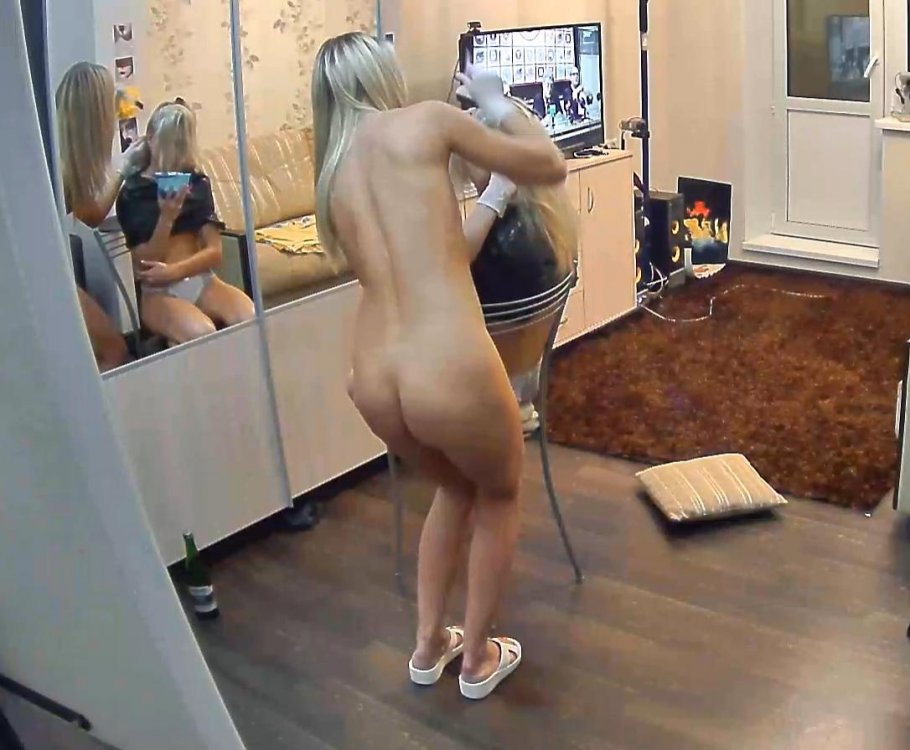
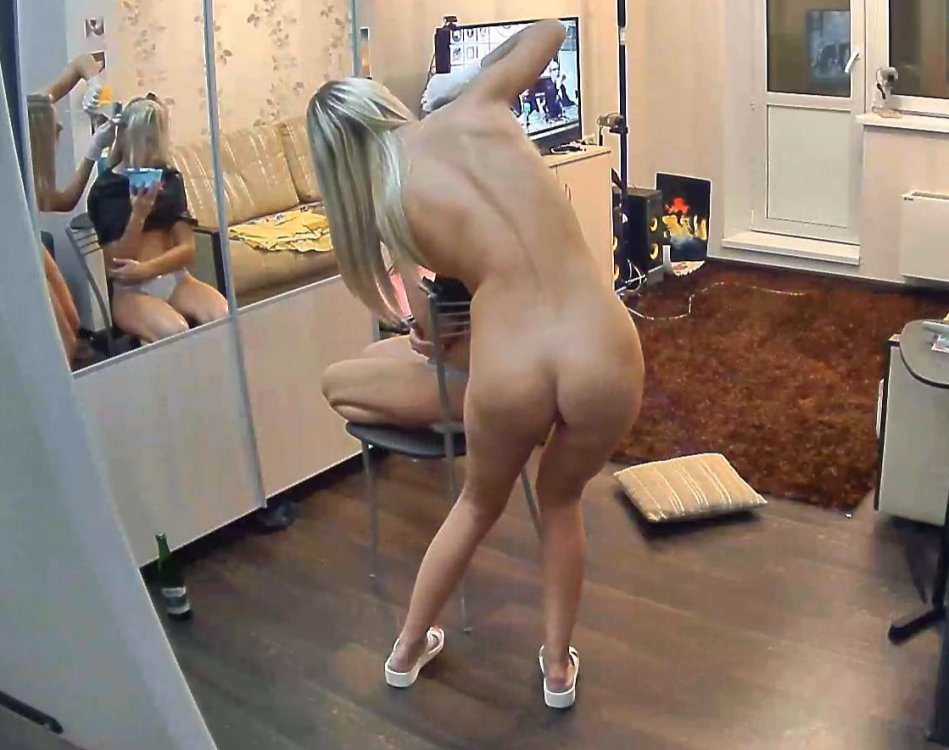
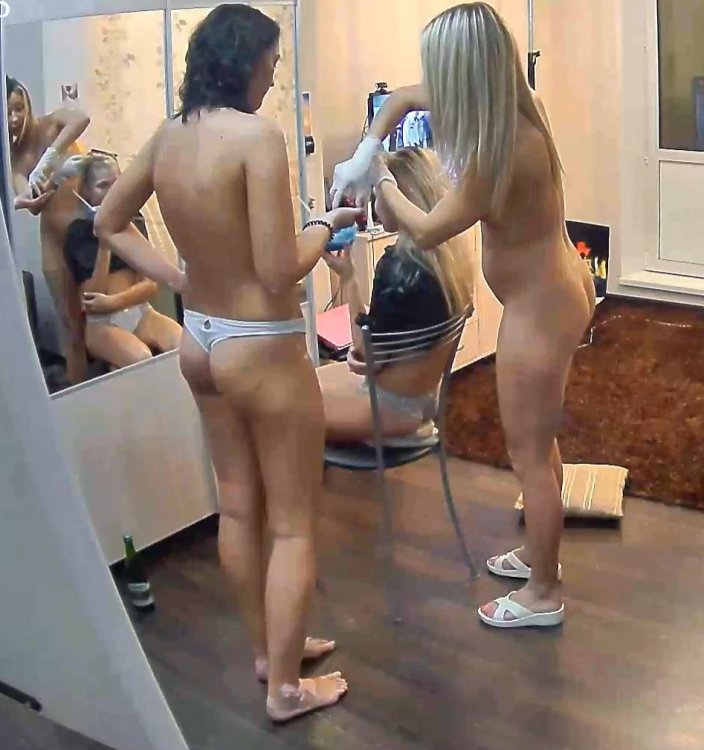
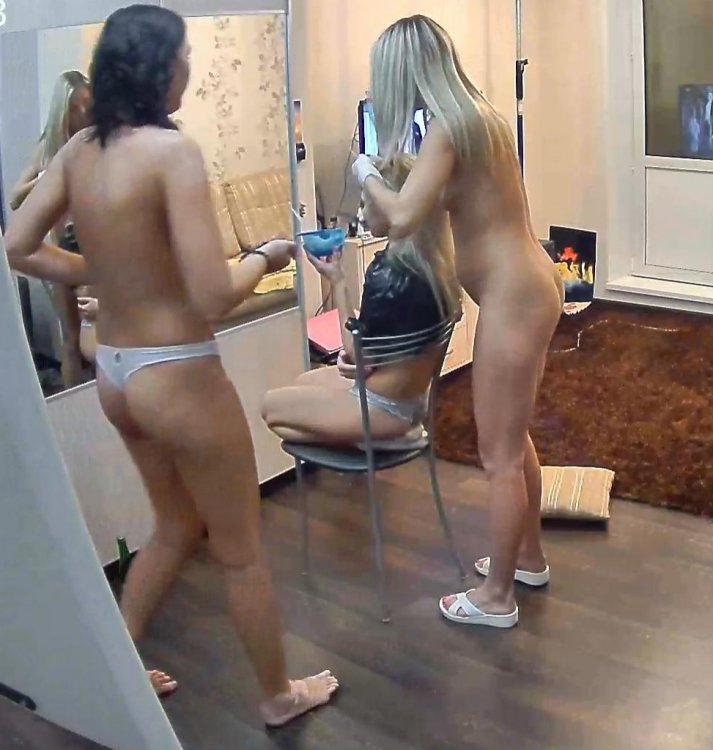
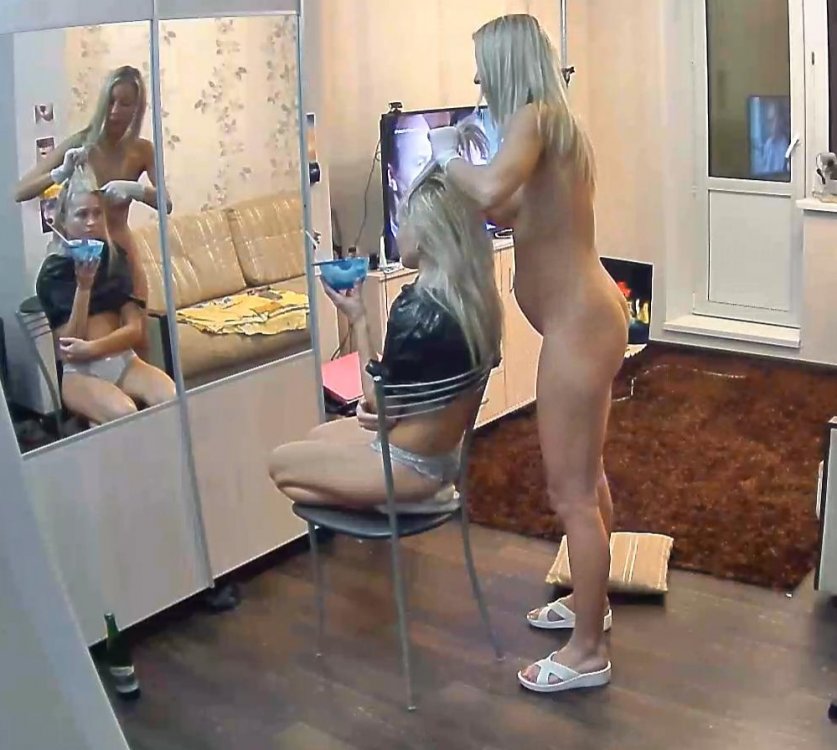
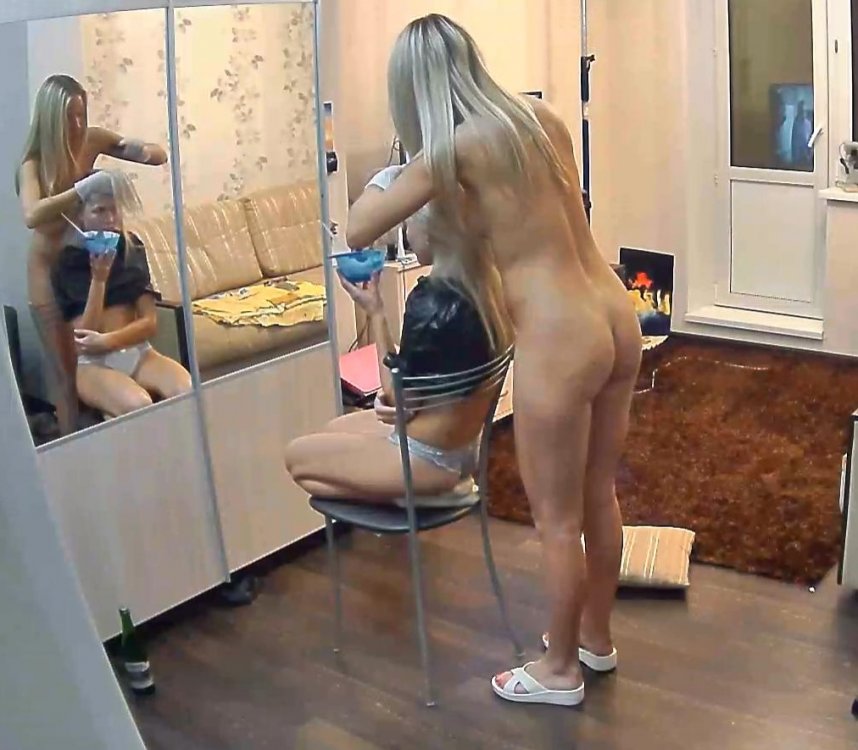
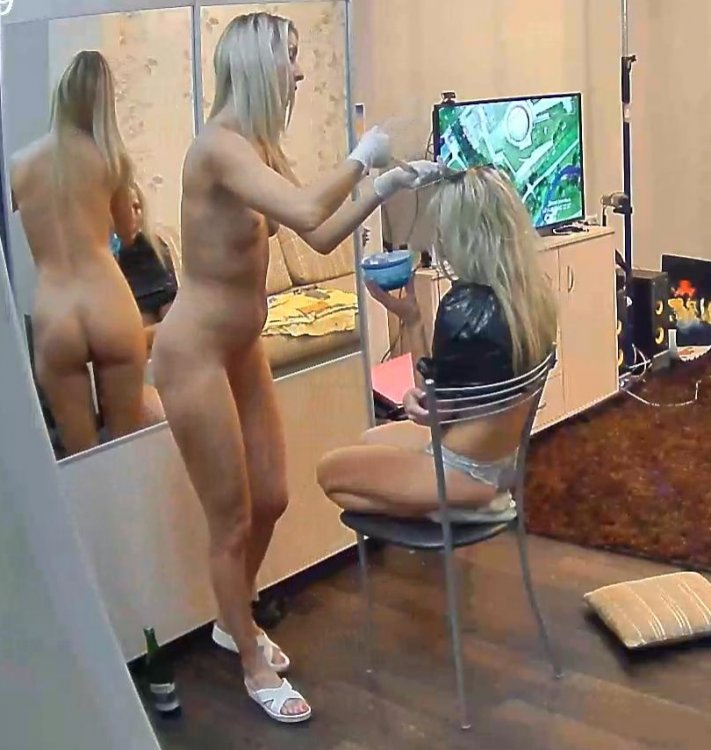
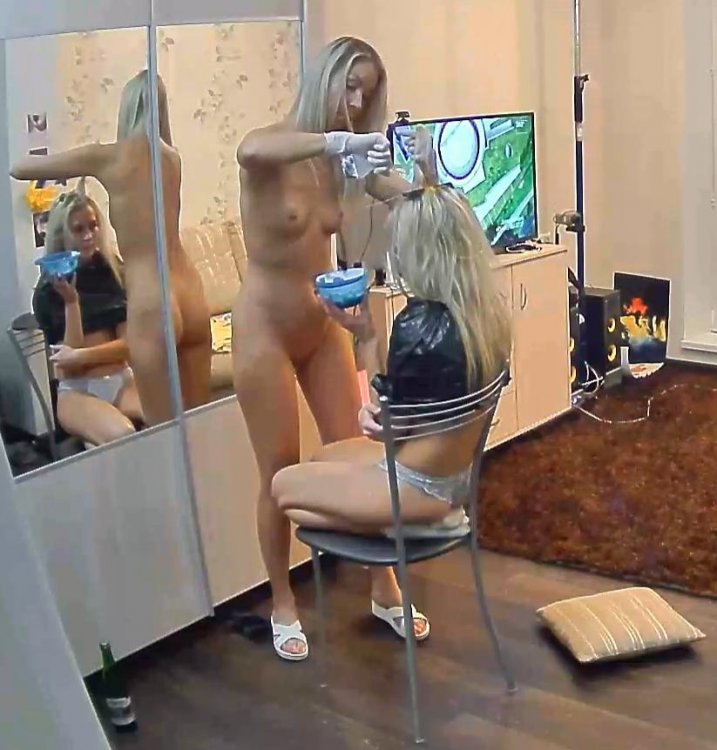
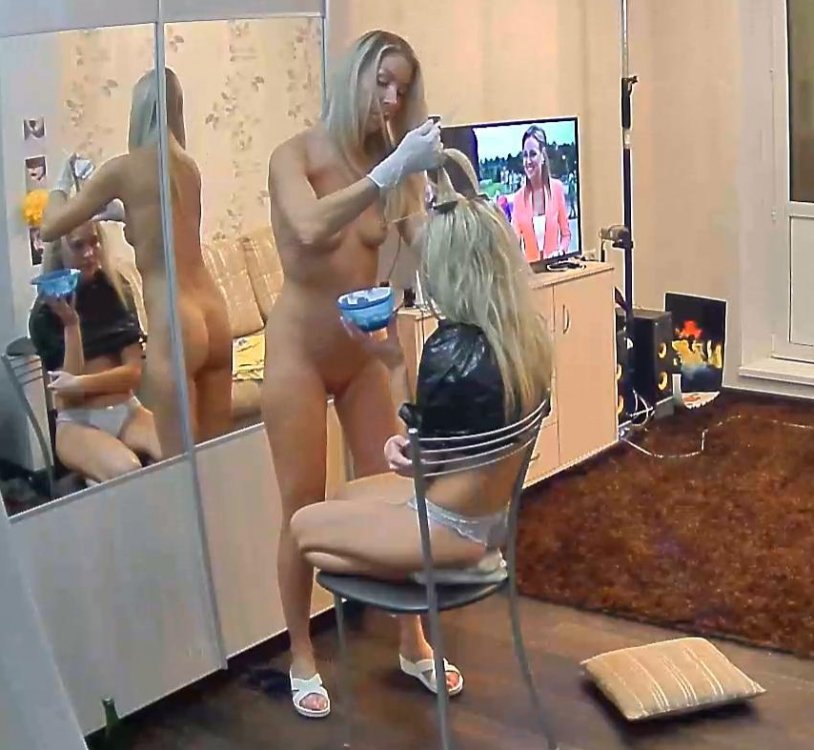
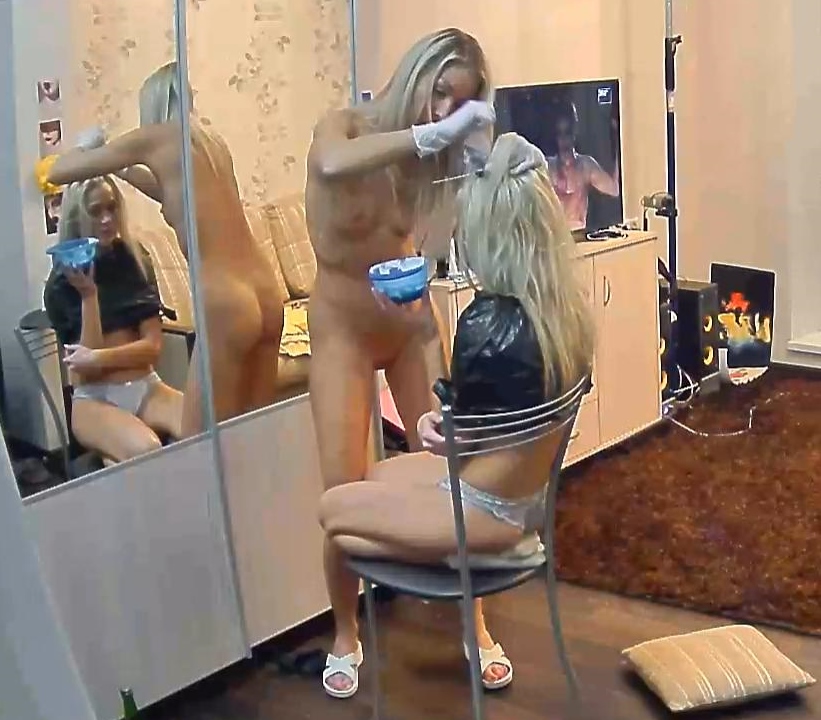
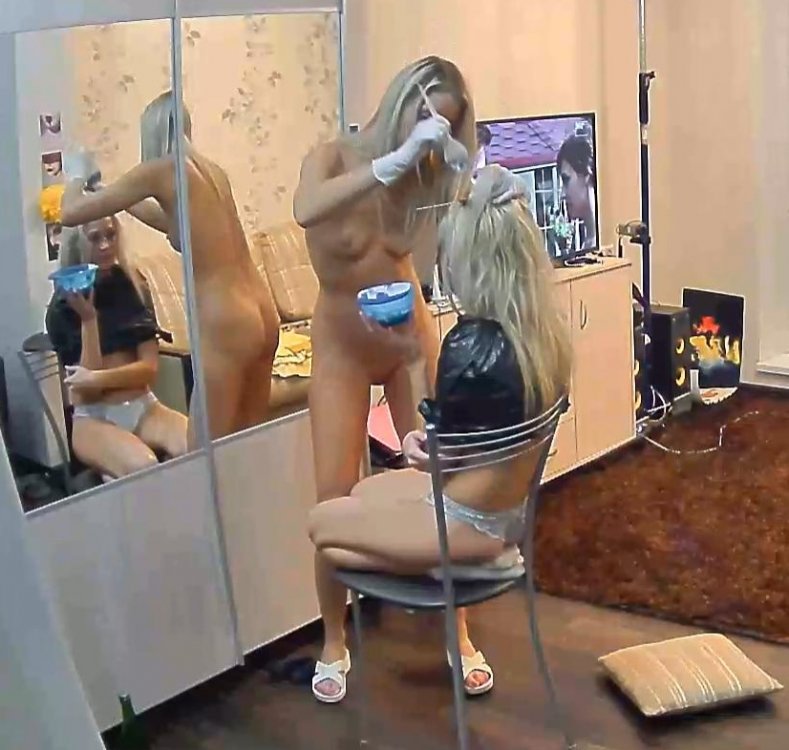
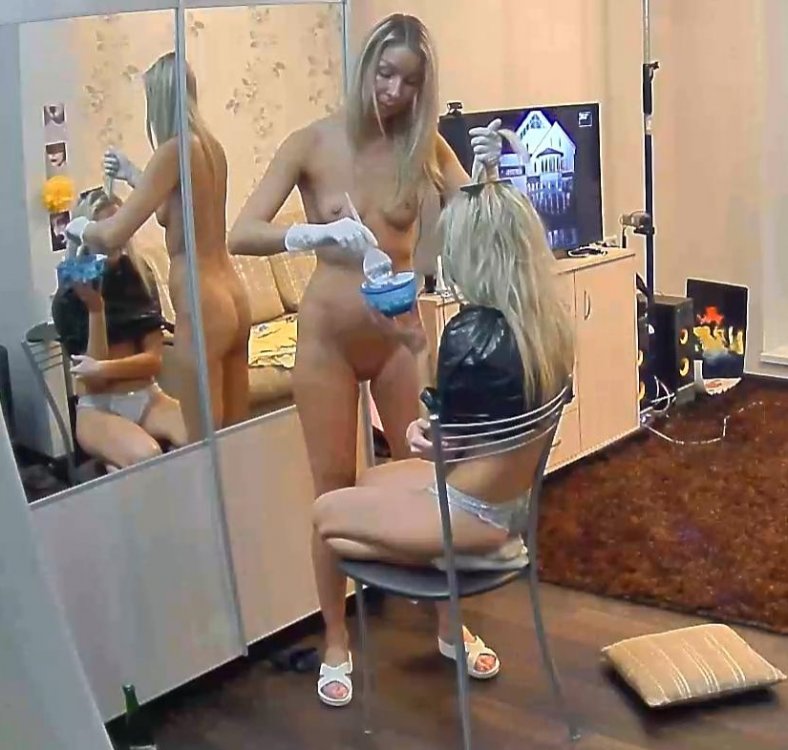
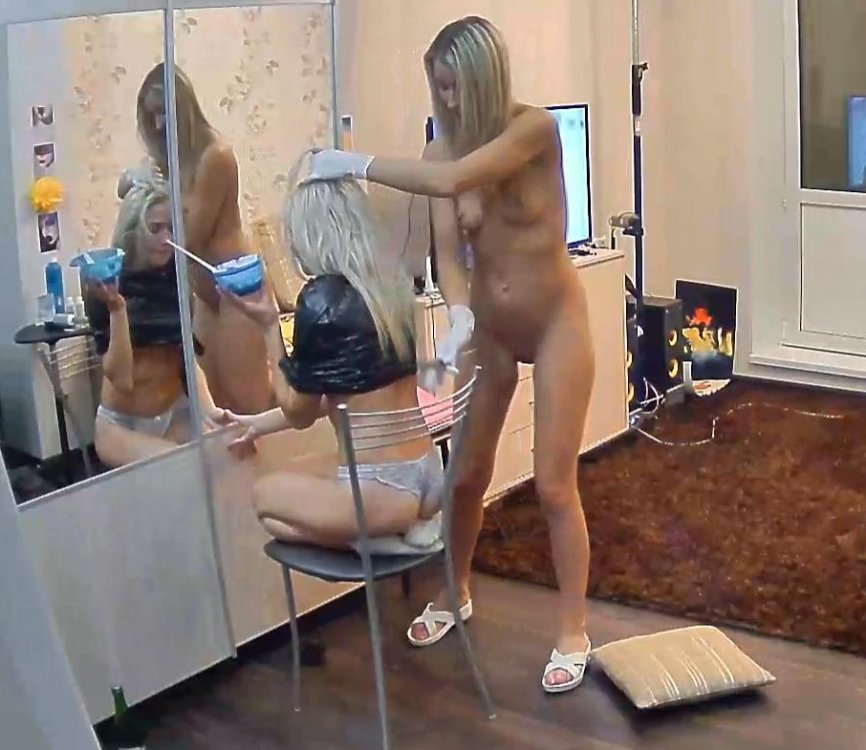
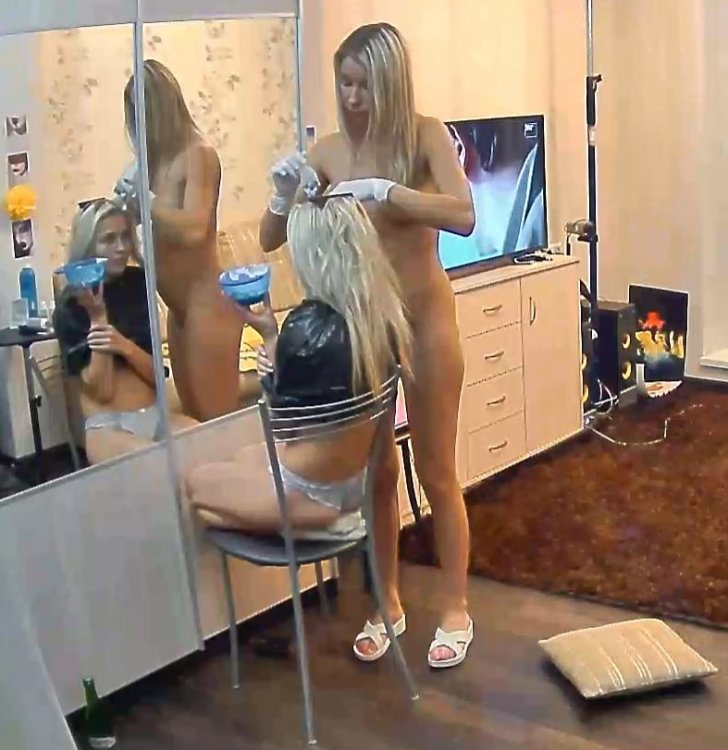
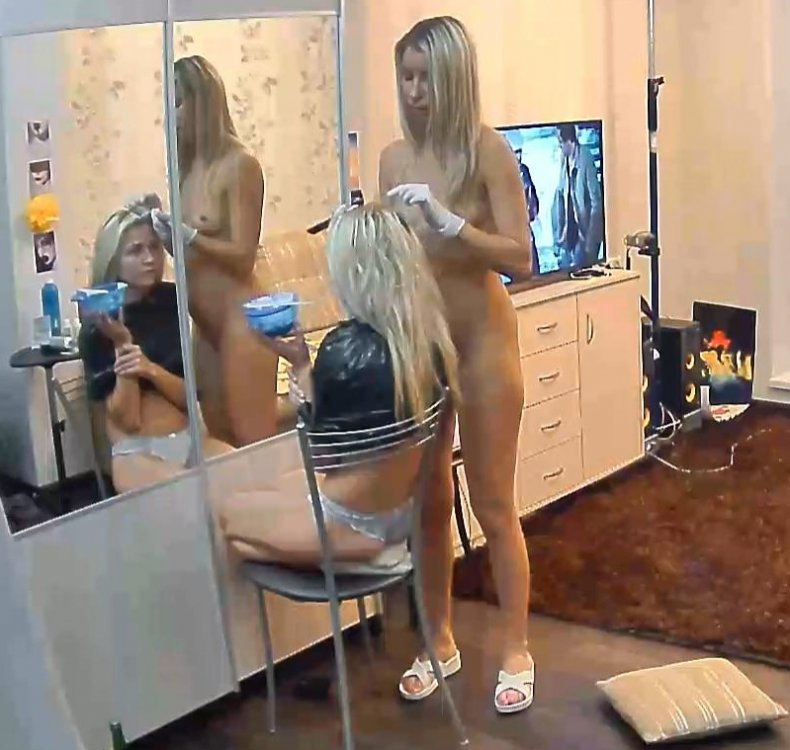
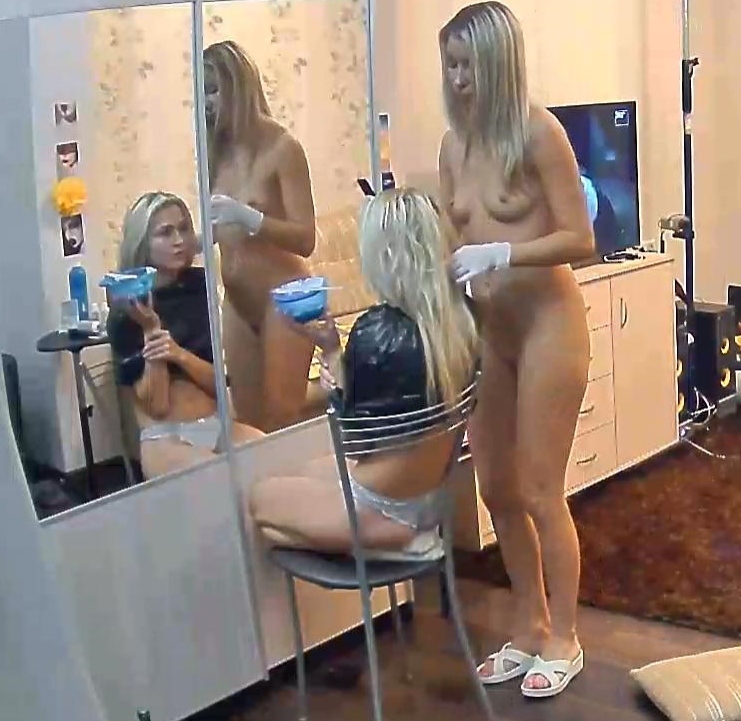
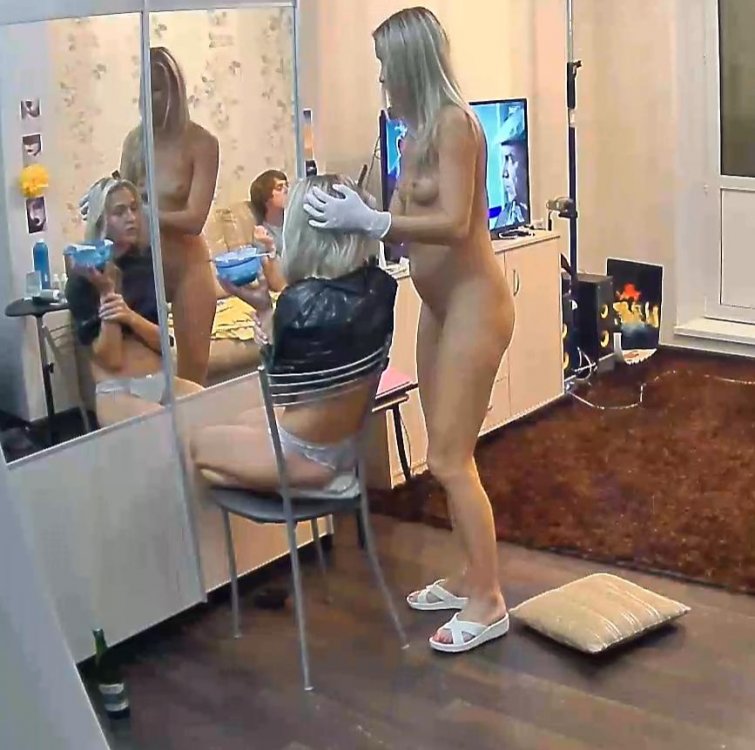
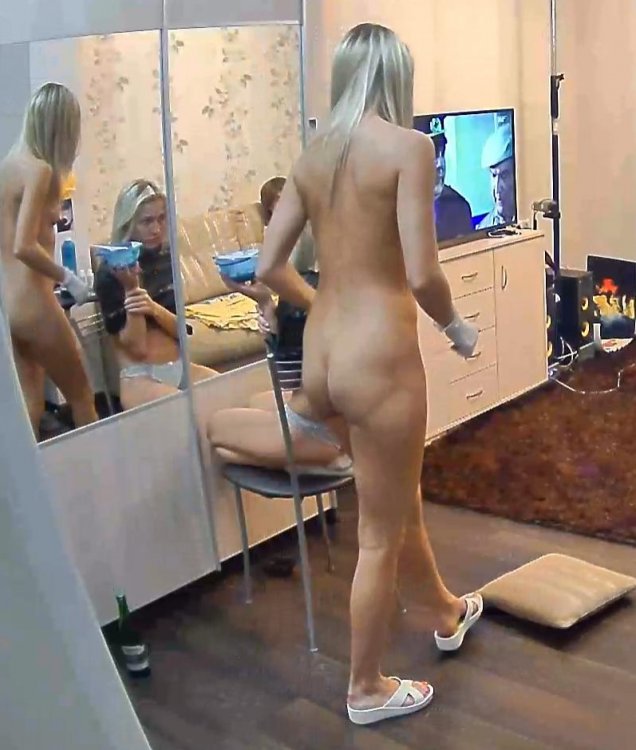
naked hairdresser
she seems to be the cheif of staff
maybe they should put belle n carolina with stella,and let the 3 milfs get it on.just a thought
naked hairdresser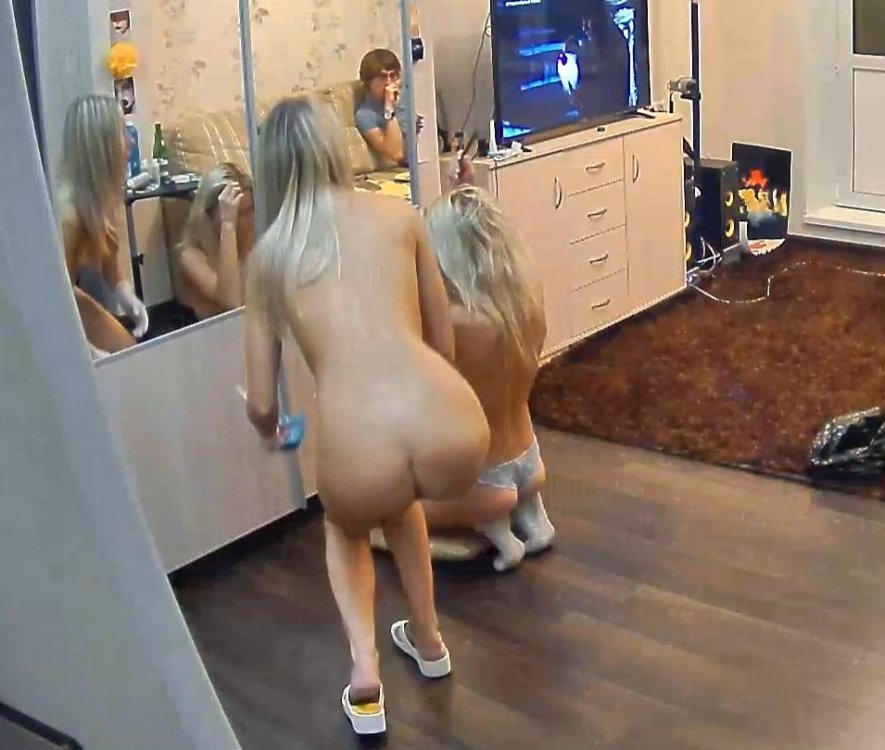
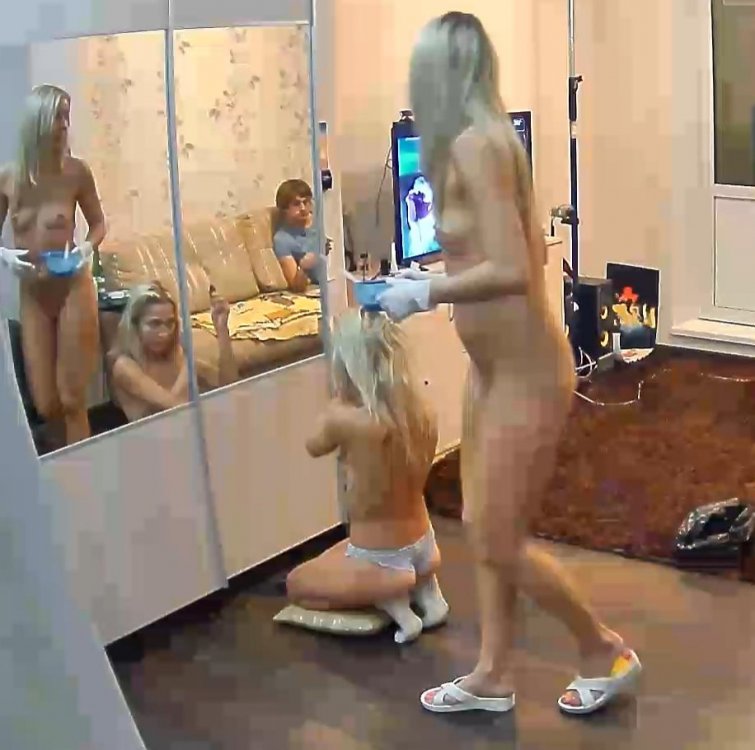
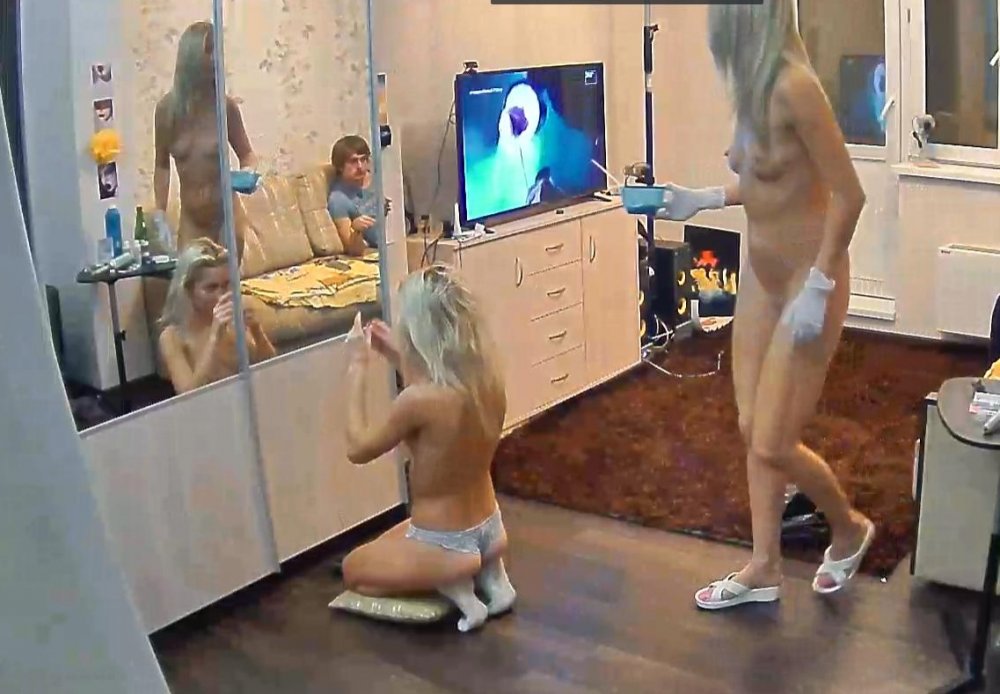
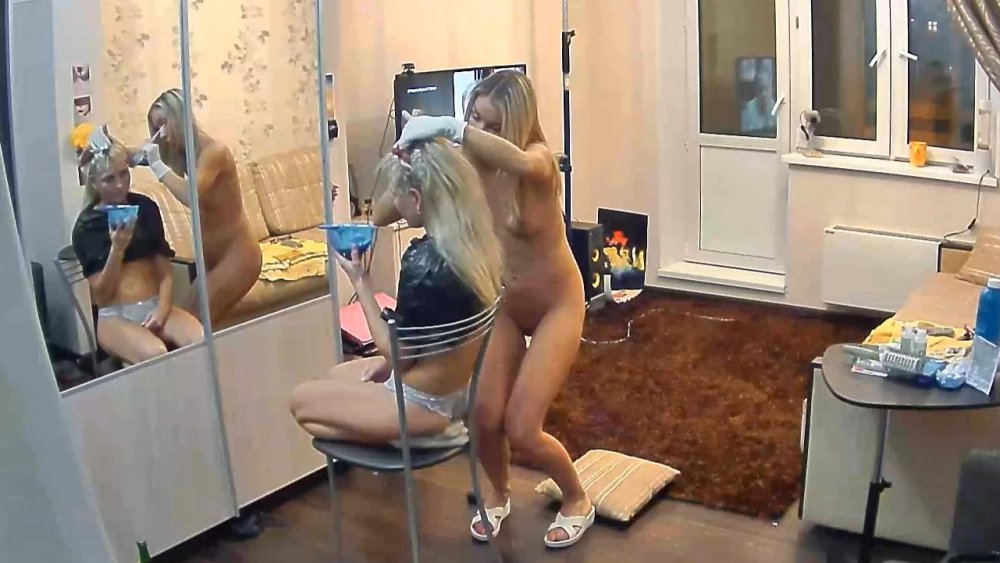




 upskirt
 someone getting his hornet polished
 i cant choose between the two,but would be more than happy with either one,stella or desiree
.jpg.dbc46450b1b8d415ac73c27bfe3081e9.jpg)
Account
Navigation
Search
Configure browser push notifications
Chrome (Android)
- Tap the lock icon next to the address bar.
- Tap Permissions → Notifications.
- Adjust your preference.
Chrome (Desktop)
- Click the padlock icon in the address bar.
- Select Site settings.
- Find Notifications and adjust your preference.
Safari (iOS 16.4+)
- Ensure the site is installed via Add to Home Screen.
- Open Settings App → Notifications.
- Find your app name and adjust your preference.
Safari (macOS)
- Go to Safari → Preferences.
- Click the Websites tab.
- Select Notifications in the sidebar.
- Find this website and adjust your preference.
Edge (Android)
- Tap the lock icon next to the address bar.
- Tap Permissions.
- Find Notifications and adjust your preference.
Edge (Desktop)
- Click the padlock icon in the address bar.
- Click Permissions for this site.
- Find Notifications and adjust your preference.
Firefox (Android)
- Go to Settings → Site permissions.
- Tap Notifications.
- Find this site in the list and adjust your preference.
Firefox (Desktop)
- Open Firefox Settings.
- Search for Notifications.
- Find this site in the list and adjust your preference.