cyberleader
Hero Member
-
Joined
-
Last visited
Everything posted by cyberleader
-
 the connell twins.mp4
star trek the eyoung ones..
the connell twins.mp4
star trek the eyoung ones.. outstanding pictures by everyone
excellent
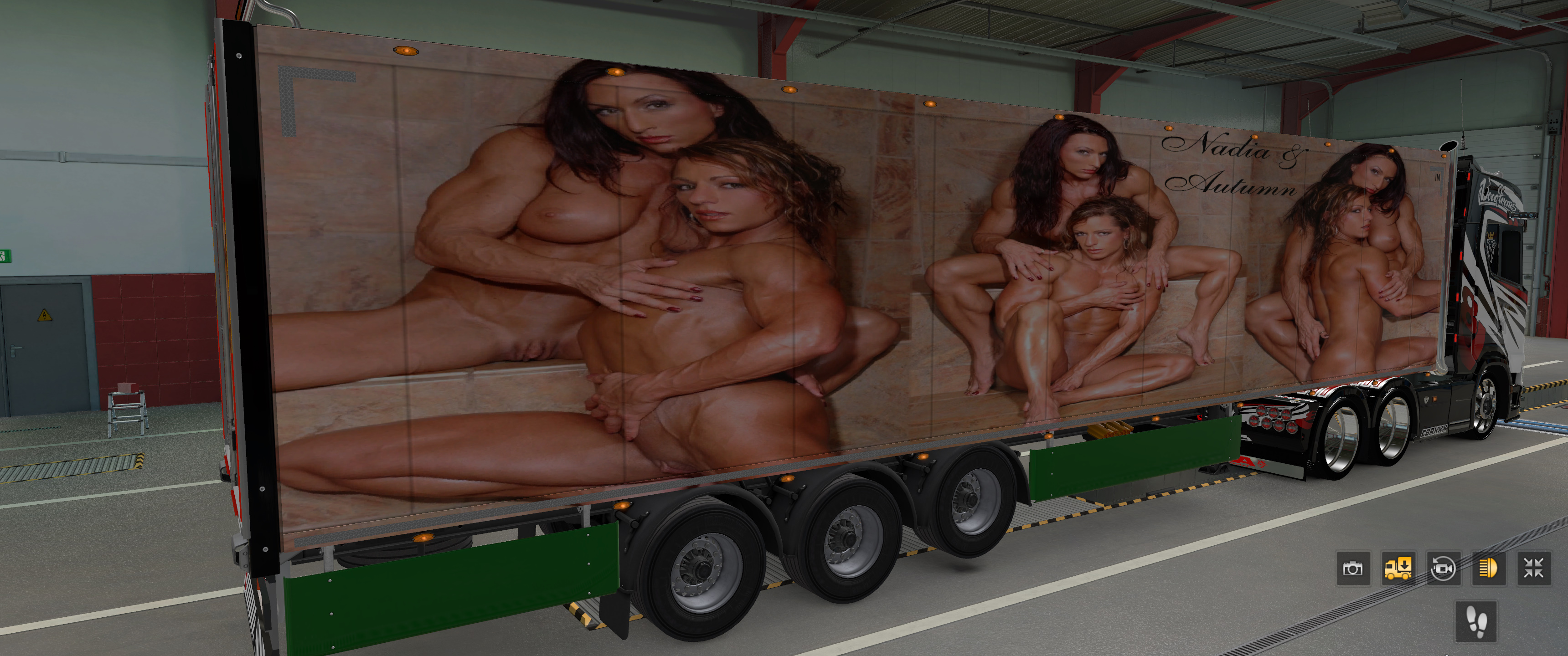
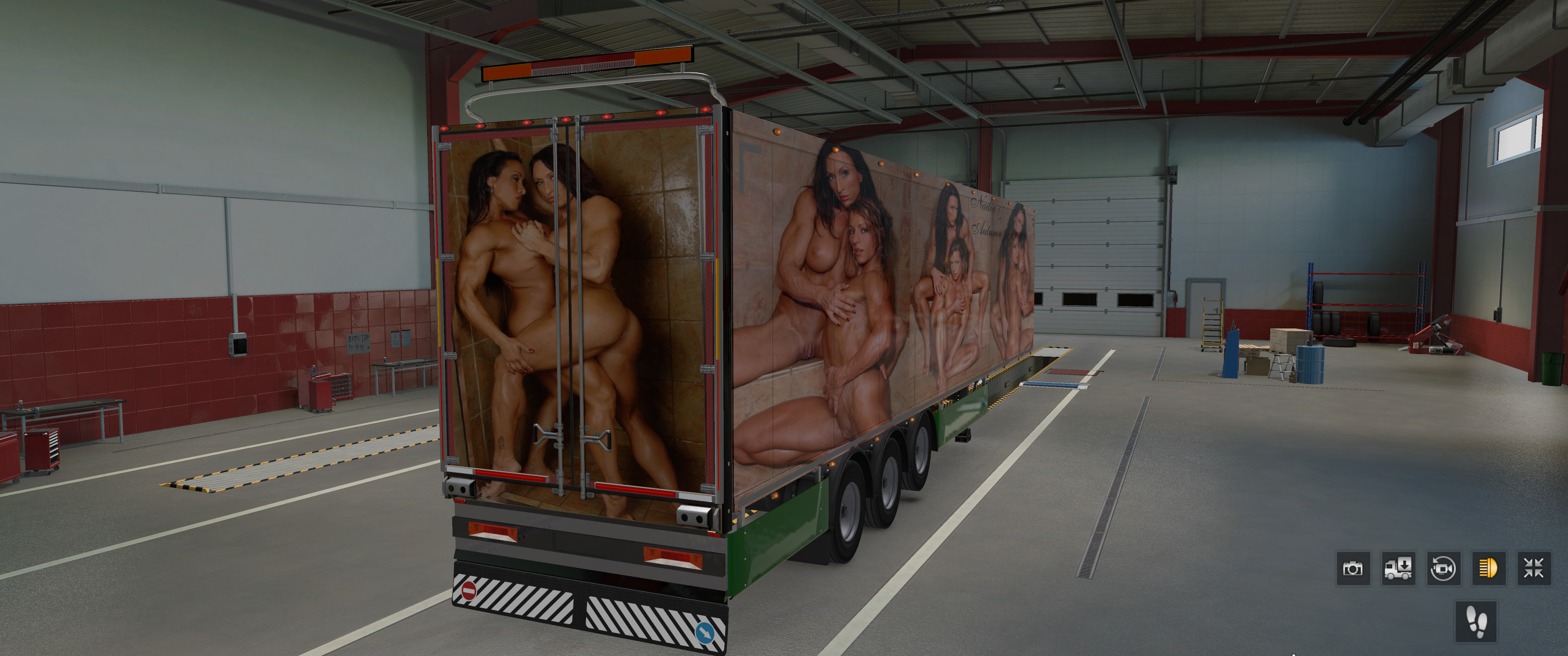
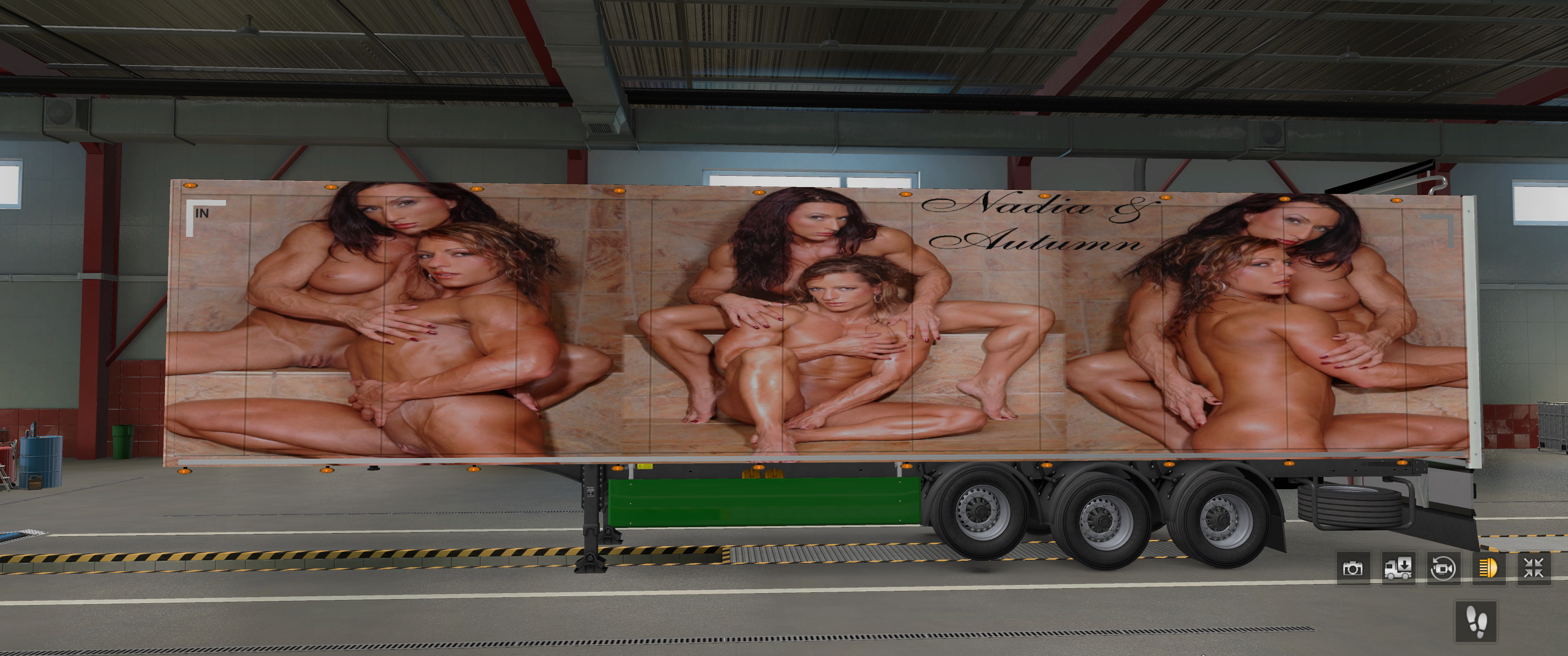
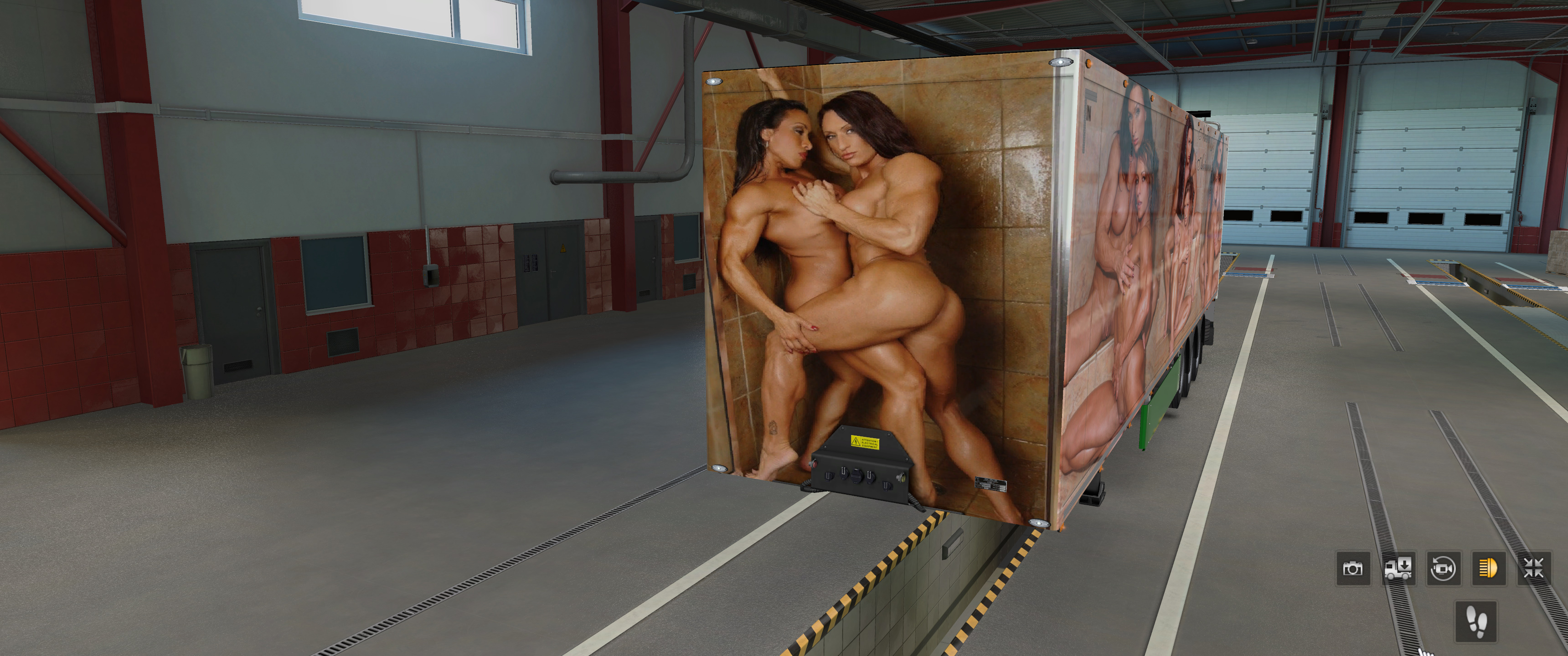
it all came about from a idea i had for my truck game
seeing double these are some hottt ladies
what is happening?? explain explain bandicam 2023-08-11 19-41-45-135.mp4 bandicam 2023-08-11 19-47-34-944.mp4 bandicam 2023-08-11 19-52-27-169.mp4
no i was waiting for new dlc to download on sniper ghost warrior contracts 2,ps4
its only out of sheer boredome why i was here. bandicam 2023-07-21 02-12-54-162.mp4
outstanding pictures by everyone
excellent
it all came about from a idea i had for my truck game
seeing double these are some hottt ladies
what is happening?? explain explain bandicam 2023-08-11 19-41-45-135.mp4 bandicam 2023-08-11 19-47-34-944.mp4 bandicam 2023-08-11 19-52-27-169.mp4
no i was waiting for new dlc to download on sniper ghost warrior contracts 2,ps4
its only out of sheer boredome why i was here. bandicam 2023-07-21 02-12-54-162.mp4


 1354605191_Fbbtrio.mp4
Two lesbian Bodybuilders In A Shower.mp4
excellent shots
1354605191_Fbbtrio.mp4
Two lesbian Bodybuilders In A Shower.mp4
excellent shots
Account
Navigation
Search
Configure browser push notifications
Chrome (Android)
- Tap the lock icon next to the address bar.
- Tap Permissions → Notifications.
- Adjust your preference.
Chrome (Desktop)
- Click the padlock icon in the address bar.
- Select Site settings.
- Find Notifications and adjust your preference.
Safari (iOS 16.4+)
- Ensure the site is installed via Add to Home Screen.
- Open Settings App → Notifications.
- Find your app name and adjust your preference.
Safari (macOS)
- Go to Safari → Preferences.
- Click the Websites tab.
- Select Notifications in the sidebar.
- Find this website and adjust your preference.
Edge (Android)
- Tap the lock icon next to the address bar.
- Tap Permissions.
- Find Notifications and adjust your preference.
Edge (Desktop)
- Click the padlock icon in the address bar.
- Click Permissions for this site.
- Find Notifications and adjust your preference.
Firefox (Android)
- Go to Settings → Site permissions.
- Tap Notifications.
- Find this site in the list and adjust your preference.
Firefox (Desktop)
- Open Firefox Settings.
- Search for Notifications.
- Find this site in the list and adjust your preference.






















_gia-hill-and-noma-hill-naked-twins-preview.jpg.d36a820712973c93dc3b649fa5b236b6.jpg)











.jpeg.cf1758c536f88fb44bd1dfc37fdb6194.jpeg)







.png.2357f33a4f4f2aa40bba258a1838a80f.png)





.jpg.02a977e74478ad876487a516098500df.jpg)





.jpg.42decbb48f9afeac6ae7bd1074124cc9.jpg)