Vaz
Members
-
Joined
-
Last visited
Everything posted by Vaz
-
Be doing more than that if got given that piss. lol
-
Been a lost cause for years. Lack of staff not helped. Way too many idiots thinking they own the place.
You can see why they try and not give out a lot of private information.
.gif.43553fee09f26372f4a56d716d887c53.gif) You know the site is bad when members are watching and commenting on Masha's trashy apartment.
One particular weirdo bangs on about it constantly.
As if America doesn't have enough fucking weirdos.
Still pitiful and filled with complete morons.
Still getting thrown out there by certain members. Fair point to an extent. But also still part of a package that paying members pay for. Especially when they (tenants) are clearly taking the Mick. Also, suppose to be a forum when you can share your views/opinions. Where does it say they have to be praising all the time. 🤔👀
You know the site is bad when members are watching and commenting on Masha's trashy apartment.
One particular weirdo bangs on about it constantly.
As if America doesn't have enough fucking weirdos.
Still pitiful and filled with complete morons.
Still getting thrown out there by certain members. Fair point to an extent. But also still part of a package that paying members pay for. Especially when they (tenants) are clearly taking the Mick. Also, suppose to be a forum when you can share your views/opinions. Where does it say they have to be praising all the time. 🤔👀
Account
Navigation
Search
Configure browser push notifications
Chrome (Android)
- Tap the lock icon next to the address bar.
- Tap Permissions → Notifications.
- Adjust your preference.
Chrome (Desktop)
- Click the padlock icon in the address bar.
- Select Site settings.
- Find Notifications and adjust your preference.
Safari (iOS 16.4+)
- Ensure the site is installed via Add to Home Screen.
- Open Settings App → Notifications.
- Find your app name and adjust your preference.
Safari (macOS)
- Go to Safari → Preferences.
- Click the Websites tab.
- Select Notifications in the sidebar.
- Find this website and adjust your preference.
Edge (Android)
- Tap the lock icon next to the address bar.
- Tap Permissions.
- Find Notifications and adjust your preference.
Edge (Desktop)
- Click the padlock icon in the address bar.
- Click Permissions for this site.
- Find Notifications and adjust your preference.
Firefox (Android)
- Go to Settings → Site permissions.
- Tap Notifications.
- Find this site in the list and adjust your preference.
Firefox (Desktop)
- Open Firefox Settings.
- Search for Notifications.
- Find this site in the list and adjust your preference.



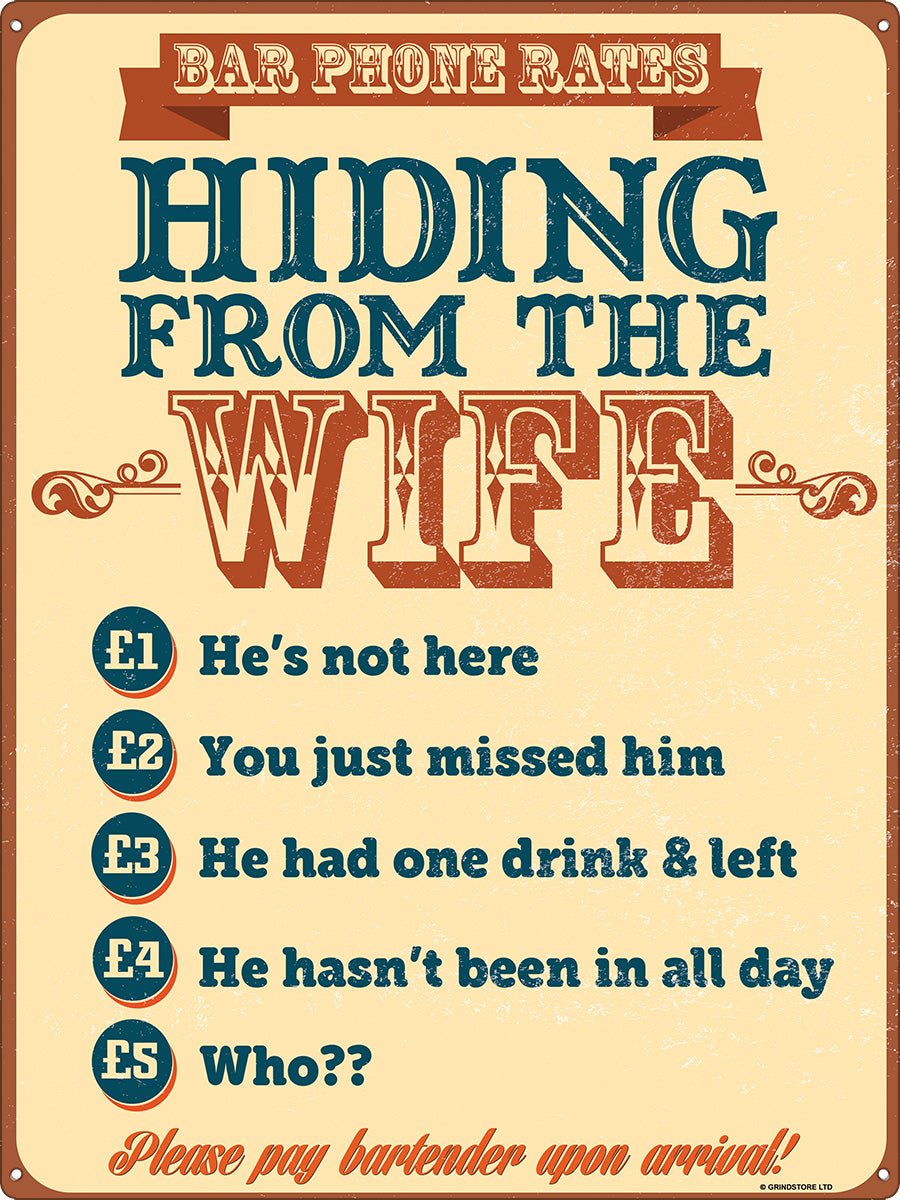






.gif.cf29e087d0bb43ae583fd84b55357b15.gif)

.jpg.adc0bd43832318b5e27effe8d9dd2cd2.jpg)
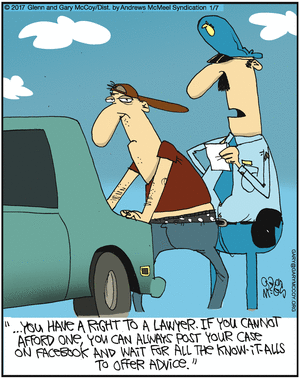
.jpeg.7012b69bfb993a7dad4eaae0db34cd80.jpeg)