



Scorpio 2.2
Hero Member
-
Joined
Everything posted by Scorpio 2.2
-
 🤣
🤣 -
Both are just as full of shit as the other. "Chat discussions". Well, that's questionable. But what do us losers know. 🤣
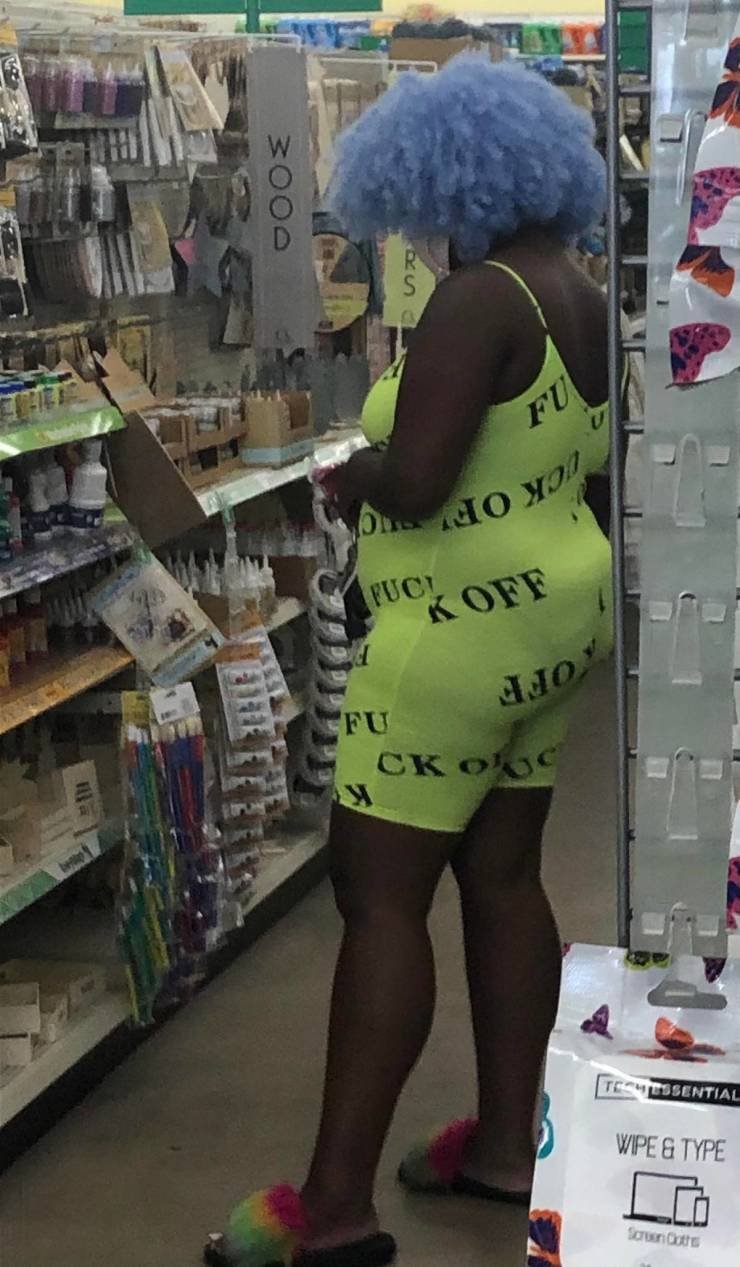
Four great Assentials to have in your truck. 🤣
Big D is gone. His male fans will be devastated lol.
For the last time this time. 🤣
Obvious that wouldn't last long. 🤣
Account
Navigation
Search
Configure browser push notifications
Chrome (Android)
- Tap the lock icon next to the address bar.
- Tap Permissions → Notifications.
- Adjust your preference.
Chrome (Desktop)
- Click the padlock icon in the address bar.
- Select Site settings.
- Find Notifications and adjust your preference.
Safari (iOS 16.4+)
- Ensure the site is installed via Add to Home Screen.
- Open Settings App → Notifications.
- Find your app name and adjust your preference.
Safari (macOS)
- Go to Safari → Preferences.
- Click the Websites tab.
- Select Notifications in the sidebar.
- Find this website and adjust your preference.
Edge (Android)
- Tap the lock icon next to the address bar.
- Tap Permissions.
- Find Notifications and adjust your preference.
Edge (Desktop)
- Click the padlock icon in the address bar.
- Click Permissions for this site.
- Find Notifications and adjust your preference.
Firefox (Android)
- Go to Settings → Site permissions.
- Tap Notifications.
- Find this site in the list and adjust your preference.
Firefox (Desktop)
- Open Firefox Settings.
- Search for Notifications.
- Find this site in the list and adjust your preference.




.jpeg.c334b8de6d998b8367bc268051c7ce83.jpeg)
.jpeg.4047a3989b1cbcfbaa2fcf2c082c54b8.jpeg)
.jpeg.0682210144a3f5c3219fdfd07c36c5e0.jpeg)
.jpeg.18208e633133fecc7e522cbcc9f1c7a1.jpeg)




.gif.8328edb66755d991e09644eb2591ff1f.gif)






.gif.493006bba6af530f5a3159bd42e91a55.gif)