Scotsman84
Hero Member
-
Joined
Everything posted by Scotsman84
-
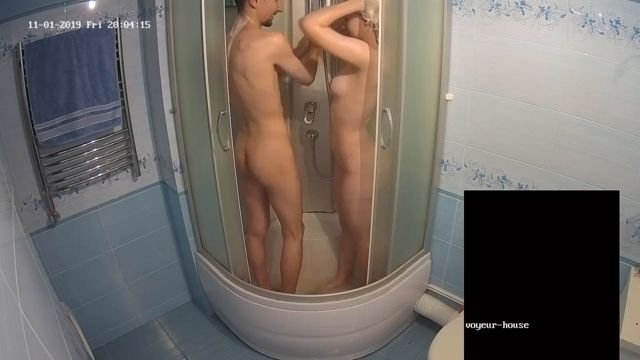
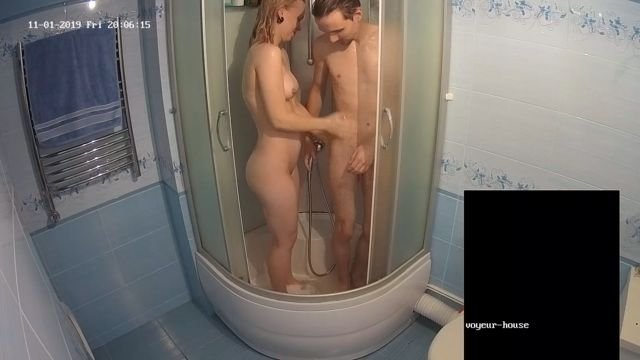
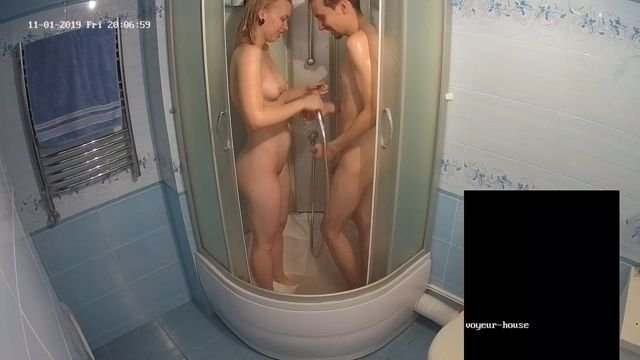
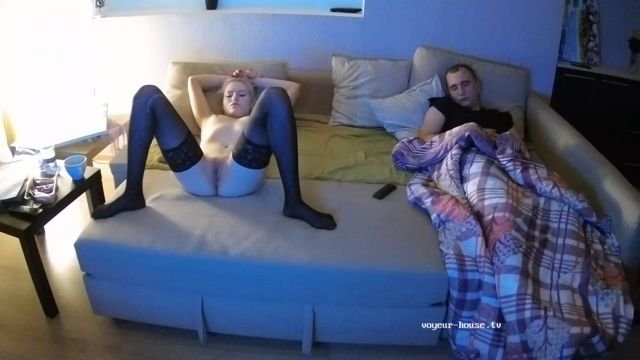
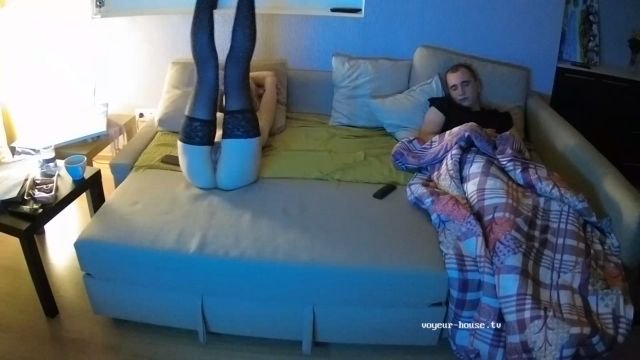
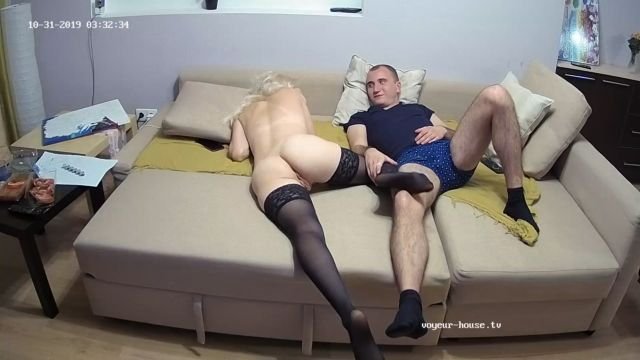
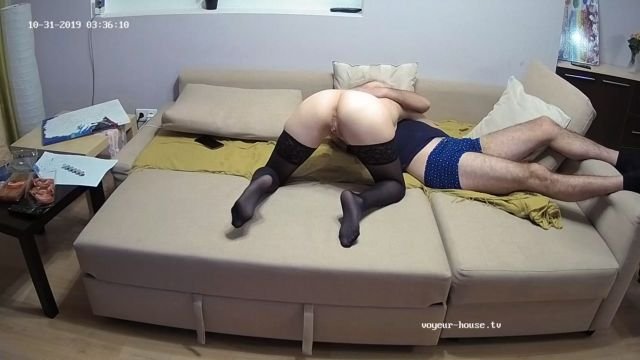
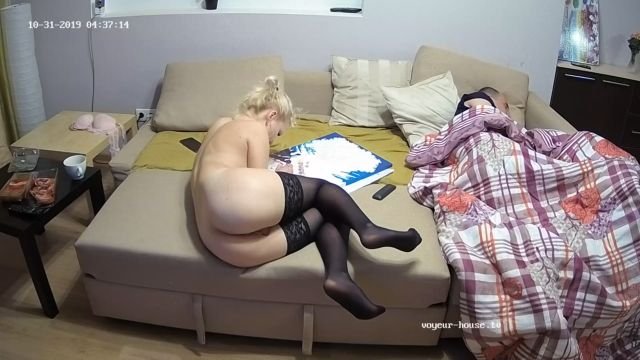
 Topic for Eva & Adam. Place your Comments and Pictures for this Apartment.
Isa&Bart and Minnie&Jackson left. Eva&Adam joined.
Could learn how to eat pussy and what it actually looks like, compared to the make believe crap they put on.
Topic for Eva & Adam. Place your Comments and Pictures for this Apartment.
Isa&Bart and Minnie&Jackson left. Eva&Adam joined.
Could learn how to eat pussy and what it actually looks like, compared to the make believe crap they put on.
Account
Navigation
Search
Configure browser push notifications
Chrome (Android)
- Tap the lock icon next to the address bar.
- Tap Permissions → Notifications.
- Adjust your preference.
Chrome (Desktop)
- Click the padlock icon in the address bar.
- Select Site settings.
- Find Notifications and adjust your preference.
Safari (iOS 16.4+)
- Ensure the site is installed via Add to Home Screen.
- Open Settings App → Notifications.
- Find your app name and adjust your preference.
Safari (macOS)
- Go to Safari → Preferences.
- Click the Websites tab.
- Select Notifications in the sidebar.
- Find this website and adjust your preference.
Edge (Android)
- Tap the lock icon next to the address bar.
- Tap Permissions.
- Find Notifications and adjust your preference.
Edge (Desktop)
- Click the padlock icon in the address bar.
- Click Permissions for this site.
- Find Notifications and adjust your preference.
Firefox (Android)
- Go to Settings → Site permissions.
- Tap Notifications.
- Find this site in the list and adjust your preference.
Firefox (Desktop)
- Open Firefox Settings.
- Search for Notifications.
- Find this site in the list and adjust your preference.