Scotsman84
Hero Member
-
Joined
Everything posted by Scotsman84
-
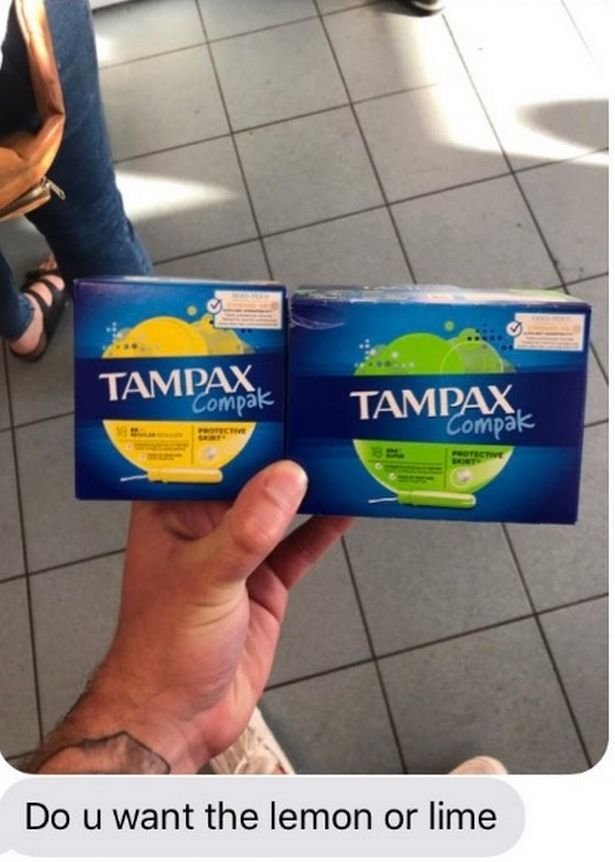
 One lady commented: " Showed my boyfriend this and he said, " Wait, are there really different flavours?".
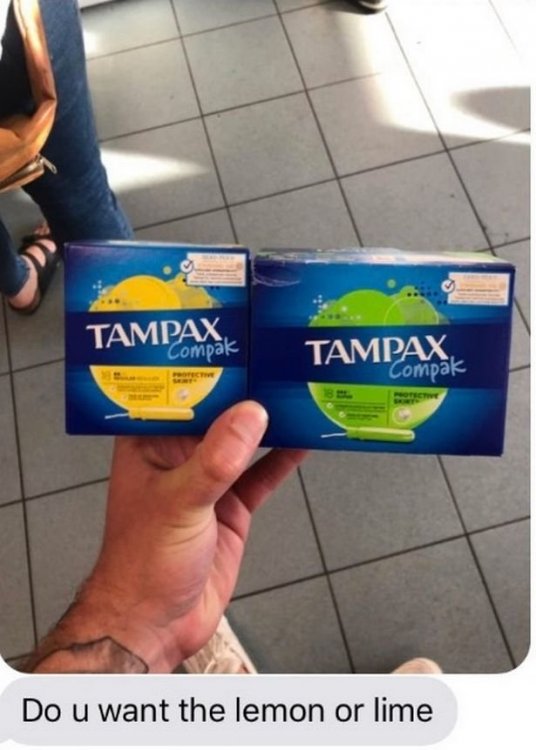 LOL.
LOL..jpeg.f8ef10971dd12dcfc2e0c0f7dd236cf8.jpeg) Walmart at it's best. LOL
New Tenants. Sicilia & Pablo.
Walmart at it's best. LOL
New Tenants. Sicilia & Pablo. Got some rack on her.
 That would mean giving a fuck and quite frankly I don't. Plenty other members to do that. LOL
Account
Navigation
Search
Configure browser push notifications
Chrome (Android)
- Tap the lock icon next to the address bar.
- Tap Permissions → Notifications.
- Adjust your preference.
Chrome (Desktop)
- Click the padlock icon in the address bar.
- Select Site settings.
- Find Notifications and adjust your preference.
Safari (iOS 16.4+)
- Ensure the site is installed via Add to Home Screen.
- Open Settings App → Notifications.
- Find your app name and adjust your preference.
Safari (macOS)
- Go to Safari → Preferences.
- Click the Websites tab.
- Select Notifications in the sidebar.
- Find this website and adjust your preference.
Edge (Android)
- Tap the lock icon next to the address bar.
- Tap Permissions.
- Find Notifications and adjust your preference.
Edge (Desktop)
- Click the padlock icon in the address bar.
- Click Permissions for this site.
- Find Notifications and adjust your preference.
Firefox (Android)
- Go to Settings → Site permissions.
- Tap Notifications.
- Find this site in the list and adjust your preference.
Firefox (Desktop)
- Open Firefox Settings.
- Search for Notifications.
- Find this site in the list and adjust your preference.














.gif.721687d5b035ebf9d4dcd7aade68a94e.gif)