




Scotsman84
Hero Member
-
Joined
Everything posted by Scotsman84
-
 Not naked.. My bad.
Look peaceful and if it's the missus you get some piece and quiet. LOL
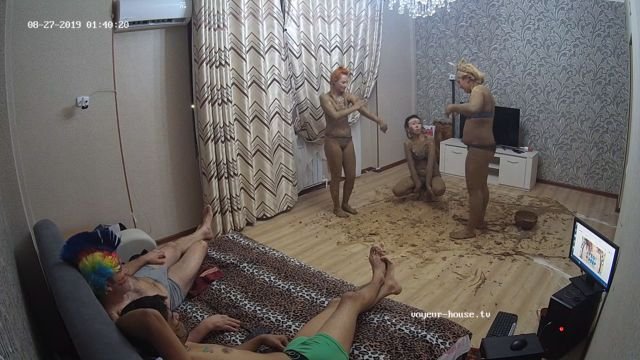
Certainly a different way to introduce yourselves LOL. Ment to be mud wrestling I suppose, looked more like elephants rolling about with each other. LOL
Nobody is giving a fly fuck what your saying. LOL
What is it with these sites fucking paint and twister. LOL
Not naked.. My bad.
Look peaceful and if it's the missus you get some piece and quiet. LOL
Certainly a different way to introduce yourselves LOL. Ment to be mud wrestling I suppose, looked more like elephants rolling about with each other. LOL
Nobody is giving a fly fuck what your saying. LOL
What is it with these sites fucking paint and twister. LOL
 Will get her pension at 60. LOL
Personally none of my business, but yeah Kira gives a lot more than she recieves.
Will get her pension at 60. LOL
Personally none of my business, but yeah Kira gives a lot more than she recieves.
Account
Navigation
Search
Configure browser push notifications
Chrome (Android)
- Tap the lock icon next to the address bar.
- Tap Permissions → Notifications.
- Adjust your preference.
Chrome (Desktop)
- Click the padlock icon in the address bar.
- Select Site settings.
- Find Notifications and adjust your preference.
Safari (iOS 16.4+)
- Ensure the site is installed via Add to Home Screen.
- Open Settings App → Notifications.
- Find your app name and adjust your preference.
Safari (macOS)
- Go to Safari → Preferences.
- Click the Websites tab.
- Select Notifications in the sidebar.
- Find this website and adjust your preference.
Edge (Android)
- Tap the lock icon next to the address bar.
- Tap Permissions.
- Find Notifications and adjust your preference.
Edge (Desktop)
- Click the padlock icon in the address bar.
- Click Permissions for this site.
- Find Notifications and adjust your preference.
Firefox (Android)
- Go to Settings → Site permissions.
- Tap Notifications.
- Find this site in the list and adjust your preference.
Firefox (Desktop)
- Open Firefox Settings.
- Search for Notifications.
- Find this site in the list and adjust your preference.


















.jpg.9e83dcbf3136f7d9f1a305e4946447eb.jpg)