Scotsman84
Hero Member
-
Joined
Everything posted by Scotsman84
-
 I am close with saying " Fuck It " with RLC but still in hope of seeing Linda Masturbate.. Lol As for RLCF still get a Laugh once in a while, Going to take more than a couple of annoying Newbies to get rid of me.. Lol
 PMSL.
PMSL. Sounds Lovely... lol
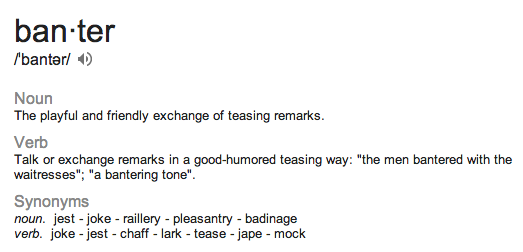
 Yeah hard to find a time when some are either talking bollocks or seem to just make up shit.... We can all do it, some of us just choose not to. As for B1 & B2 both a joke and Laughable. Even having a Laugh And Banter has gone... Most don't know the meaning.
 Engine Flooded.. lol
 No Thank You Don't Like Baseball.. lol
 Mario must be struggling for work.. lol
 Aye Czech Republic.. Got flights for next week, meeting up with Linda..
Account
Navigation
Search
Configure browser push notifications
Chrome (Android)
- Tap the lock icon next to the address bar.
- Tap Permissions → Notifications.
- Adjust your preference.
Chrome (Desktop)
- Click the padlock icon in the address bar.
- Select Site settings.
- Find Notifications and adjust your preference.
Safari (iOS 16.4+)
- Ensure the site is installed via Add to Home Screen.
- Open Settings App → Notifications.
- Find your app name and adjust your preference.
Safari (macOS)
- Go to Safari → Preferences.
- Click the Websites tab.
- Select Notifications in the sidebar.
- Find this website and adjust your preference.
Edge (Android)
- Tap the lock icon next to the address bar.
- Tap Permissions.
- Find Notifications and adjust your preference.
Edge (Desktop)
- Click the padlock icon in the address bar.
- Click Permissions for this site.
- Find Notifications and adjust your preference.
Firefox (Android)
- Go to Settings → Site permissions.
- Tap Notifications.
- Find this site in the list and adjust your preference.
Firefox (Desktop)
- Open Firefox Settings.
- Search for Notifications.
- Find this site in the list and adjust your preference.