Everything posted by RUBBERMAN
-
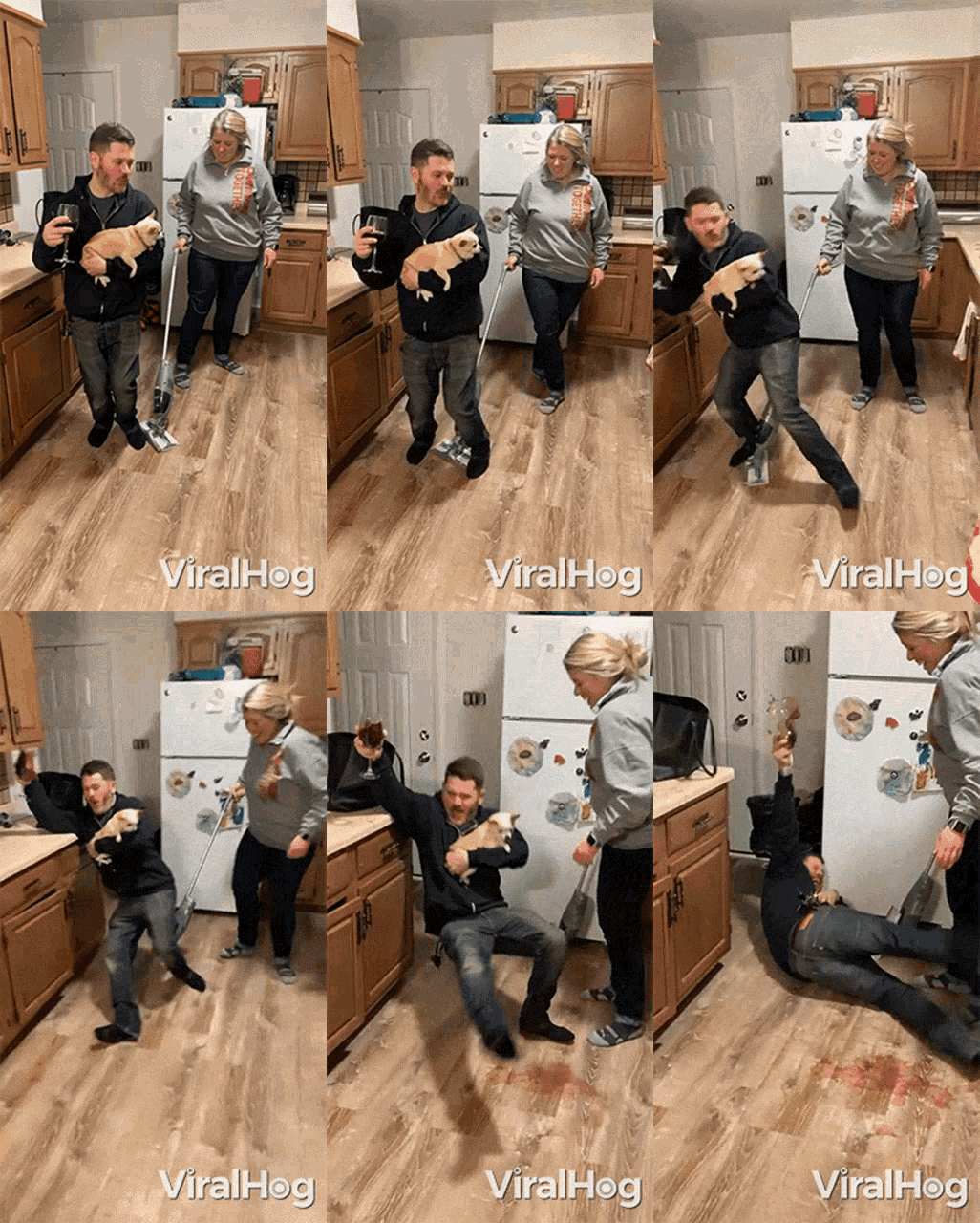
Funny Cartoons #3.
- Cindy & Tyrone
- Cindy & Tyrone
- Cindy & Tyrone
- Cindy & Tyrone
- Cindy & Tyrone
- Cindy & Tyrone
- Madison Fan Page
Looks like Wolf is baby sitting Madison again!!! "Surly if this keeps up she may be talked into giving him a little sex..lol....then again she may not have to be talked into it...lol she act at times much younger then she looks. LOL Keep trying Wolf....."don't give up on little Red Riding Hood!!" LOL😎- Funny Signs #2.
- Funny Signs #2.
- Funny Signs #2.
- Funny Signs #2.
- Funny Signs #2.
- Funny Signs #2.
- Outdoor Nudity #3.
- Madison Fan Page
Sorry about the room mate part, didn't know they were sisters and didn't have time to look up her family history..."I guess i put my foot in my mouth on the room mate part."LOL😎- Madison Fan Page
For the pass few days i have been checking out this girl Madison, "she is sexy but somewhat useless for that apartment, seems she doesn't want to do to much participating when it comes to anything really sexual, while playing with her cell phone she is almost a master at masturbating under the covers daily when her room mate is out of the room or asleep." Seems the guy Wolf is after her little hot box too, but seems to keep coming up unsuccessful....lol.."I do think if this girl is saving herself for someone on the outside "maybe she should have never joined the RLC project, its obvious she is horny most of the time and masturbates when ever she gets a minute alone, "but does or will she ever do any thing sexually with her room mate or Wolf threw out the rest of her stay?......"Maybe its time for Nelly to give her some coaching or time for her to drop the covers for all to see her fingers do the digging and rubbing."LOL😎- need a laugh when rlc is dead #12
Account
Navigation
Search
Configure browser push notifications
Chrome (Android)
- Tap the lock icon next to the address bar.
- Tap Permissions → Notifications.
- Adjust your preference.
Chrome (Desktop)
- Click the padlock icon in the address bar.
- Select Site settings.
- Find Notifications and adjust your preference.
Safari (iOS 16.4+)
- Ensure the site is installed via Add to Home Screen.
- Open Settings App → Notifications.
- Find your app name and adjust your preference.
Safari (macOS)
- Go to Safari → Preferences.
- Click the Websites tab.
- Select Notifications in the sidebar.
- Find this website and adjust your preference.
Edge (Android)
- Tap the lock icon next to the address bar.
- Tap Permissions.
- Find Notifications and adjust your preference.
Edge (Desktop)
- Click the padlock icon in the address bar.
- Click Permissions for this site.
- Find Notifications and adjust your preference.
Firefox (Android)
- Go to Settings → Site permissions.
- Tap Notifications.
- Find this site in the list and adjust your preference.
Firefox (Desktop)
- Open Firefox Settings.
- Search for Notifications.
- Find this site in the list and adjust your preference.
- Cindy & Tyrone