RUBBERMAN
Paid Members
-
Joined
Everything posted by RUBBERMAN
-
 VHTV Seems to be moving up although some workers are moving in with others.
 "OMG!! OMG!!" I wonder what took so long for Dasha and Sasha to get their own place, "unless times have really gotten hard for the two money wise and I do see that they have an add on Tasha." I am sure the flames of love are still burning in their relationship for both Dasha and Sasha as Dasha seems so happy and more healthy looking then she did before their departure over a year ago, I am also wondering what well Tasha's roll be in the house, and the big question is "well they ever invite Masha over for a weekend stay?".........."I wouldn't." LOL
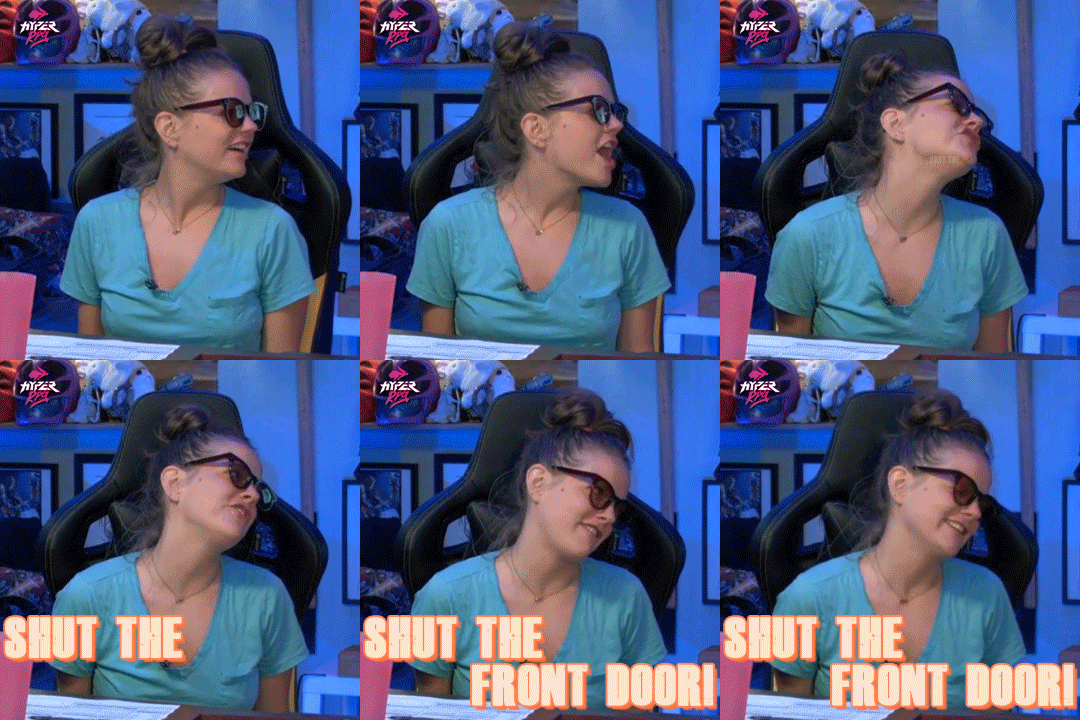 What happen to the wild sex??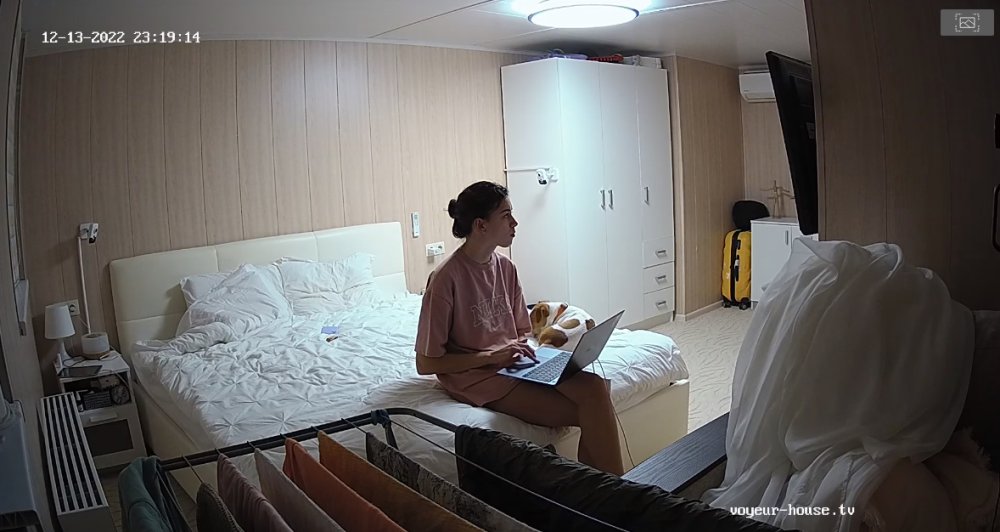
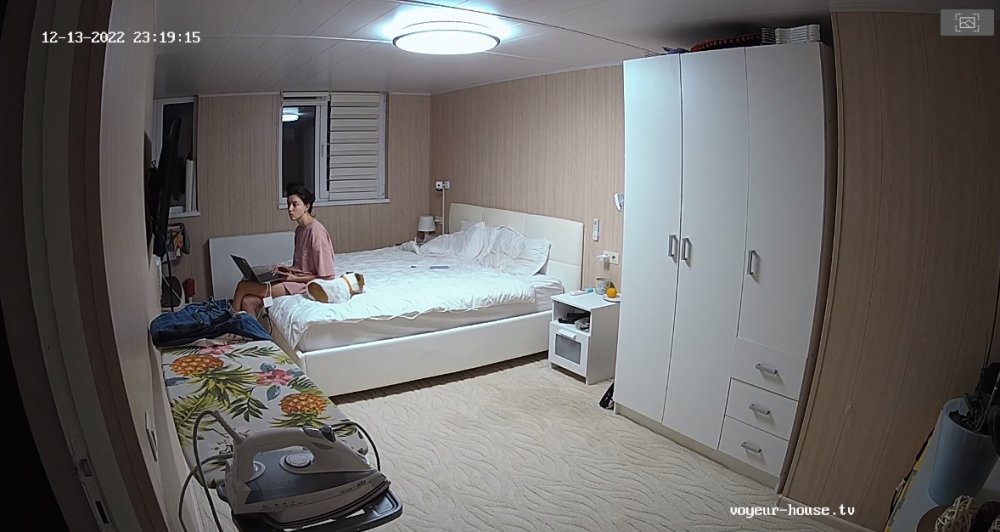
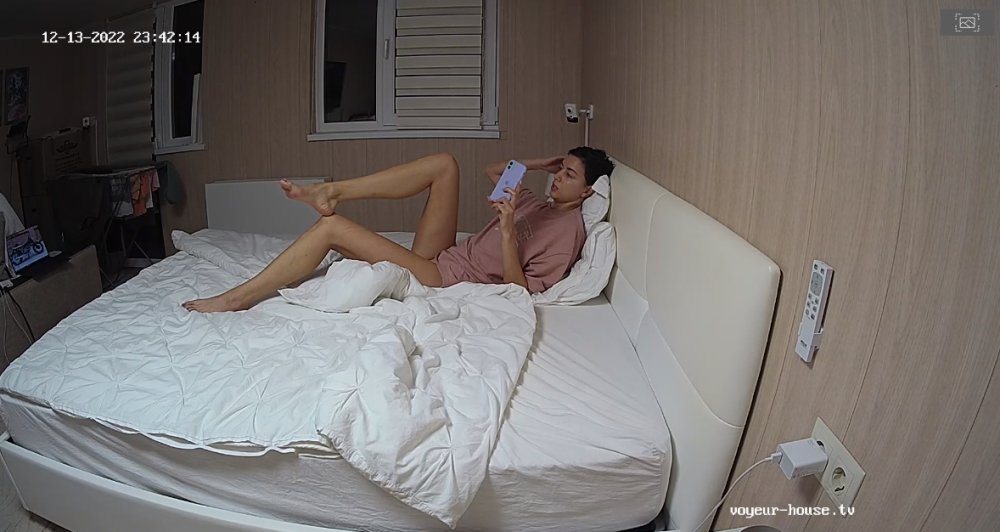
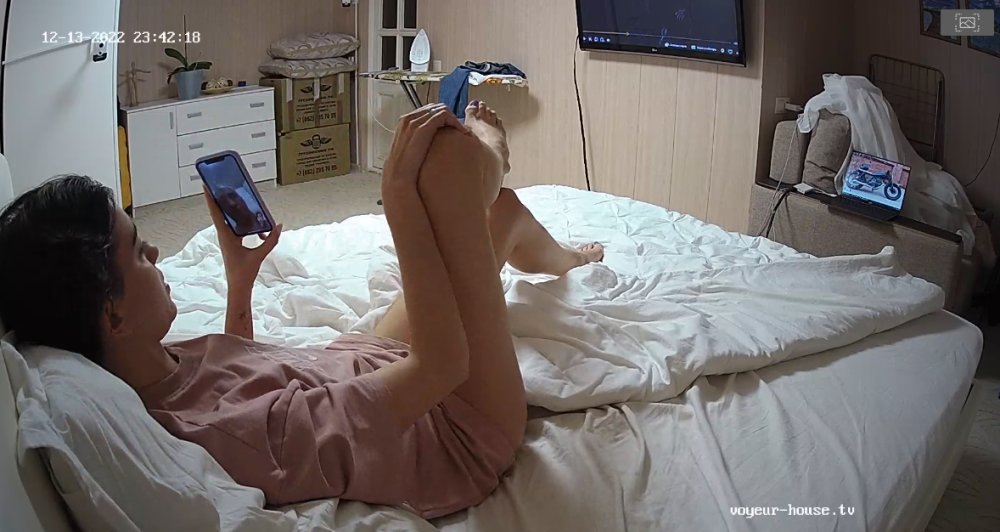
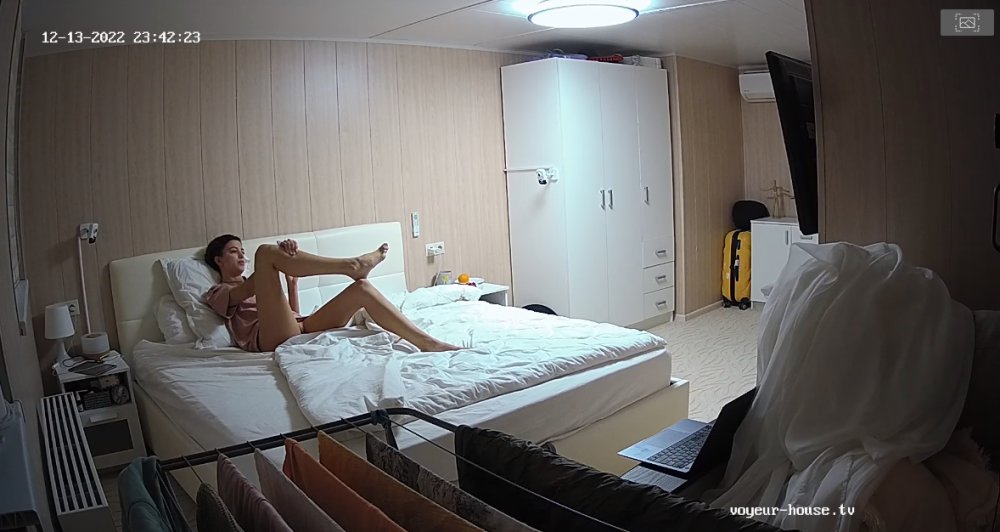 Kassandra gone!!!! "When, why??" LOL
Account
Navigation
Search
Configure browser push notifications
Chrome (Android)
- Tap the lock icon next to the address bar.
- Tap Permissions → Notifications.
- Adjust your preference.
Chrome (Desktop)
- Click the padlock icon in the address bar.
- Select Site settings.
- Find Notifications and adjust your preference.
Safari (iOS 16.4+)
- Ensure the site is installed via Add to Home Screen.
- Open Settings App → Notifications.
- Find your app name and adjust your preference.
Safari (macOS)
- Go to Safari → Preferences.
- Click the Websites tab.
- Select Notifications in the sidebar.
- Find this website and adjust your preference.
Edge (Android)
- Tap the lock icon next to the address bar.
- Tap Permissions.
- Find Notifications and adjust your preference.
Edge (Desktop)
- Click the padlock icon in the address bar.
- Click Permissions for this site.
- Find Notifications and adjust your preference.
Firefox (Android)
- Go to Settings → Site permissions.
- Tap Notifications.
- Find this site in the list and adjust your preference.
Firefox (Desktop)
- Open Firefox Settings.
- Search for Notifications.
- Find this site in the list and adjust your preference.