RUBBERMAN
Paid Members
-
Joined
Everything posted by RUBBERMAN
-
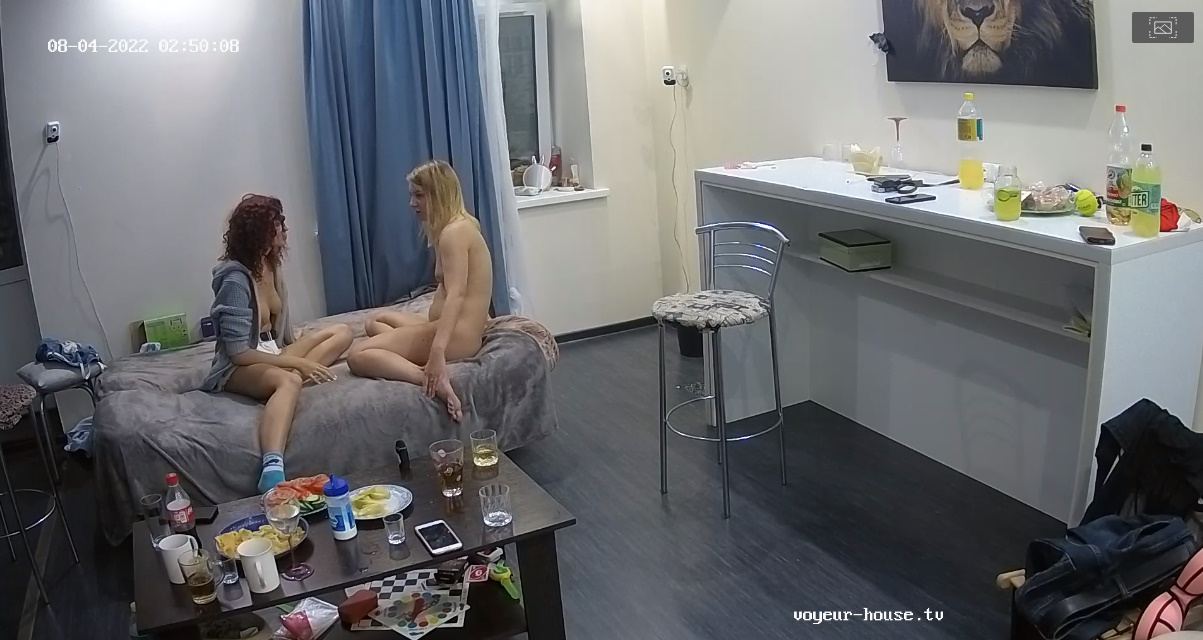
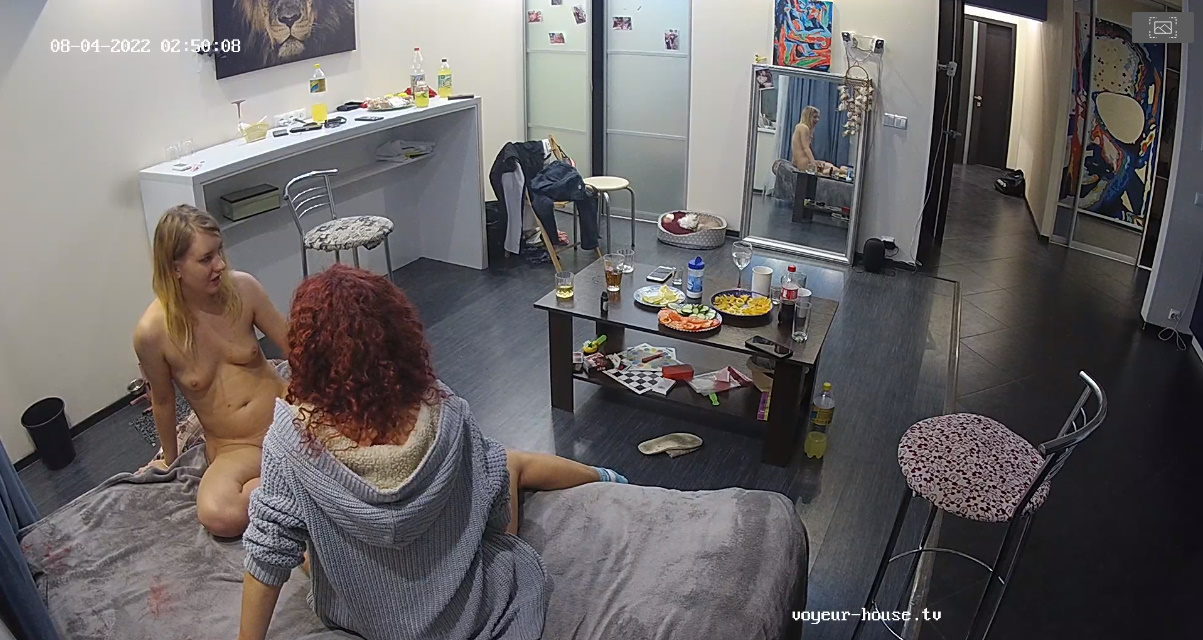
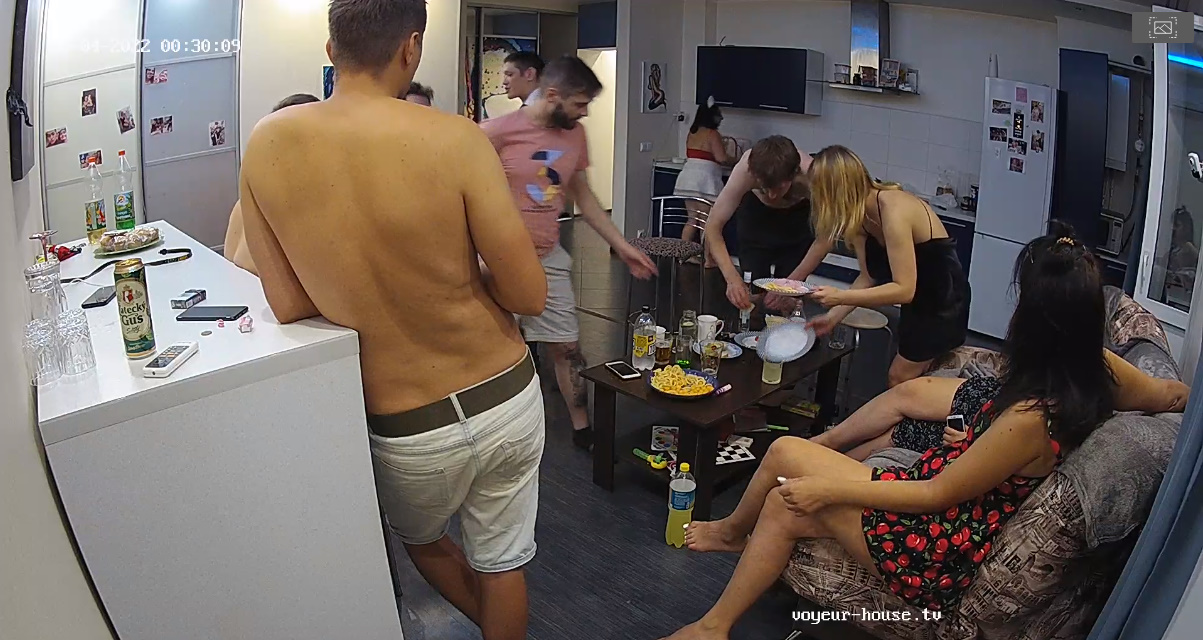
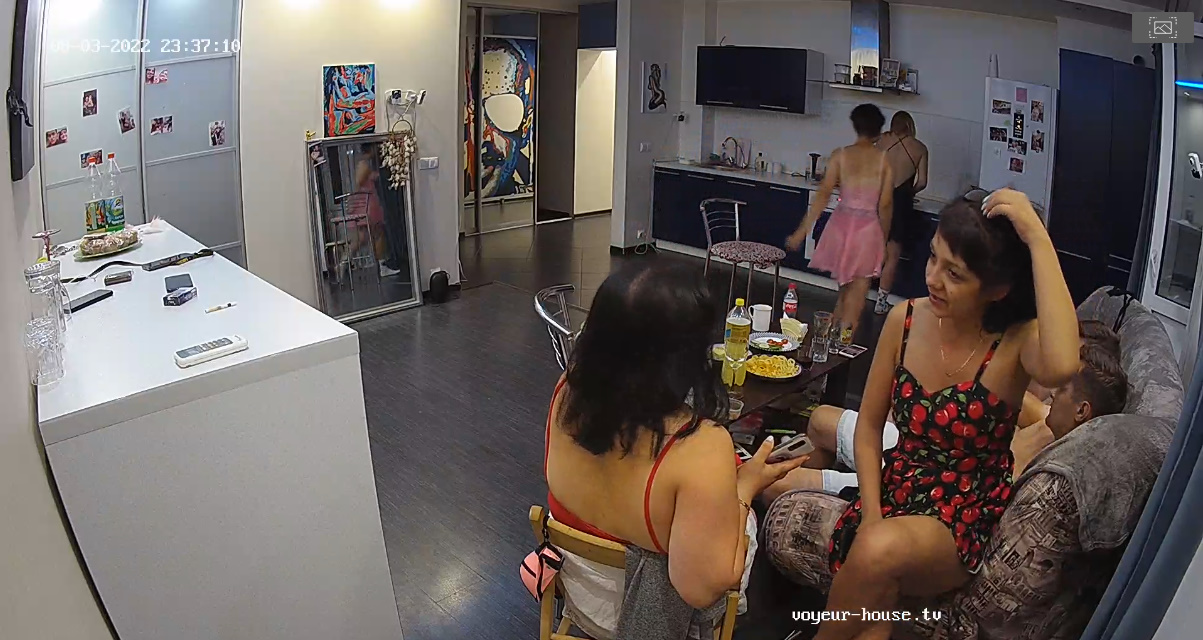
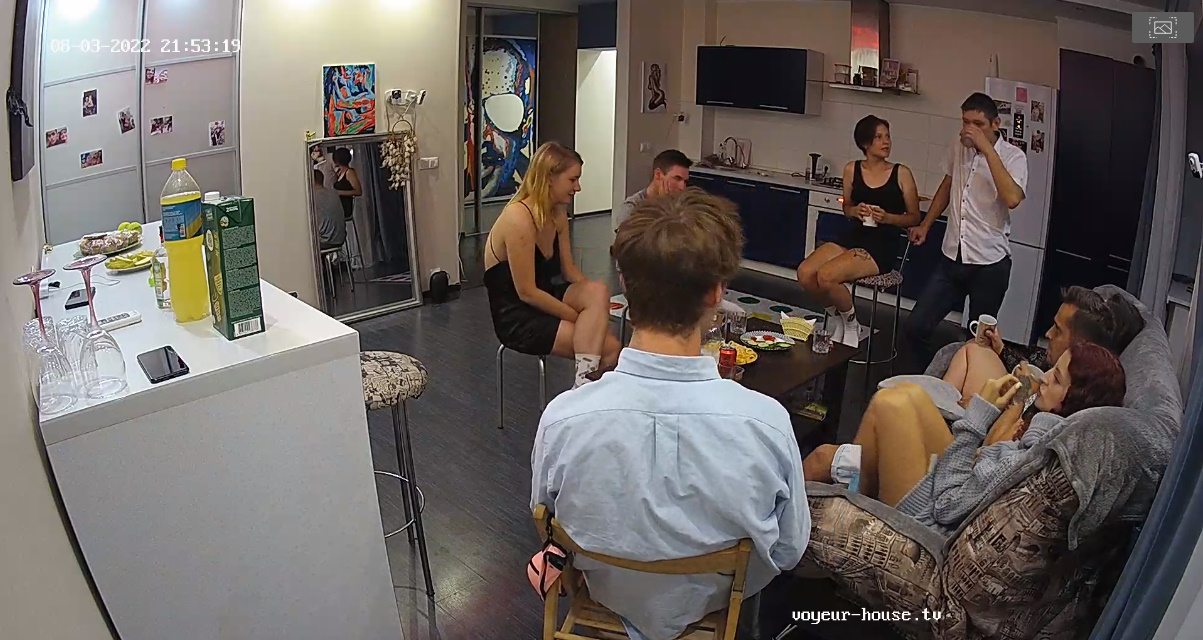
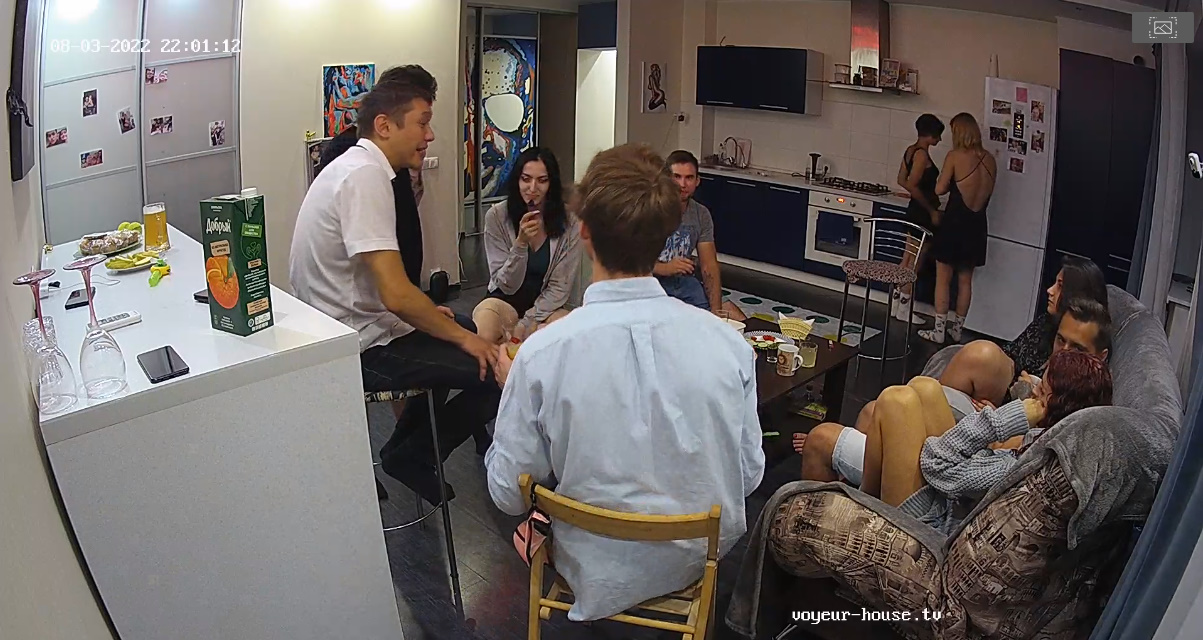
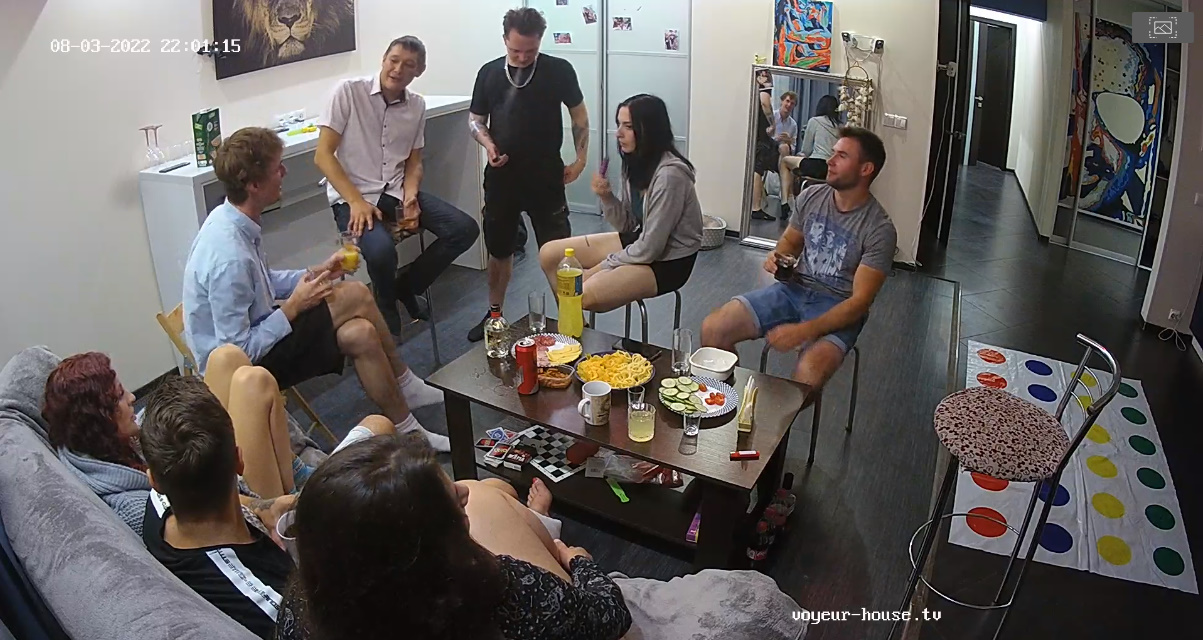
 They where at "Shana's" apartment last night, all were having a wild sex party.
This one. PICTURE 40000.mp4
Good luck with your fined my friend, "I would love to have any of those vids myself, I really don't think either did much of any masturbation on cam." If you happen to fined any pls let me know or just send me a copy.
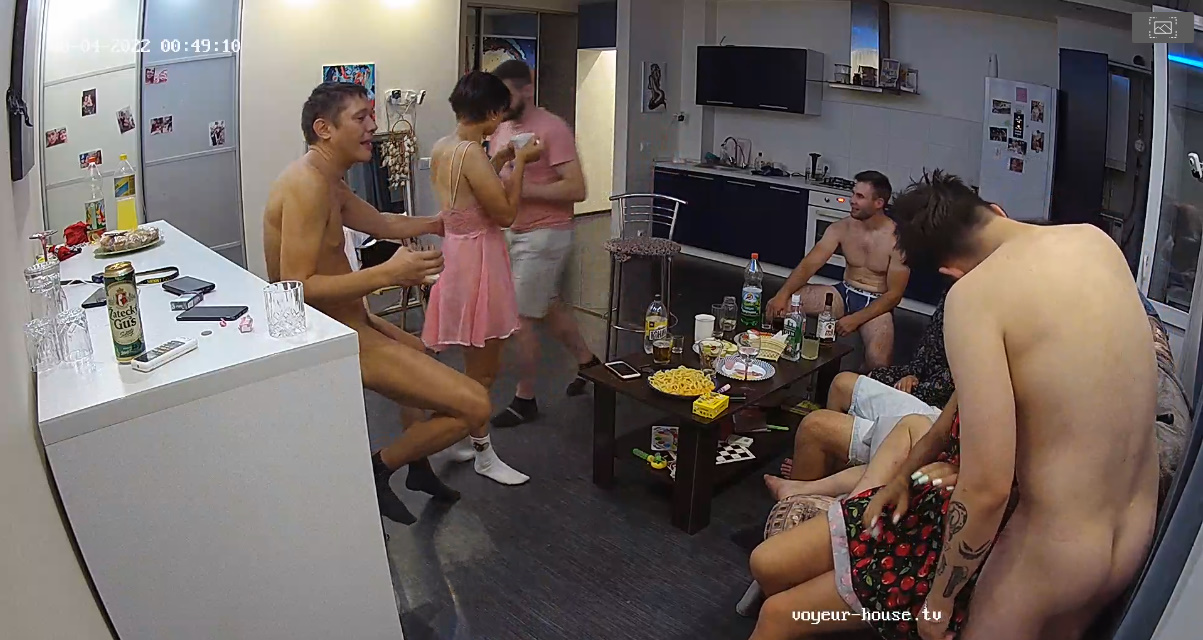
They where at "Shana's" apartment last night, all were having a wild sex party.
This one. PICTURE 40000.mp4
Good luck with your fined my friend, "I would love to have any of those vids myself, I really don't think either did much of any masturbation on cam." If you happen to fined any pls let me know or just send me a copy. "I knew that phony sexual relationship wasn't going to work"...Masha with just one!!!"Ya right." She must have reminded him about the hour glass that she had under the bed. "times up buddy, sorry Sam you did your best or did you?" LOL
Account
Navigation
Search
Configure browser push notifications
Chrome (Android)
- Tap the lock icon next to the address bar.
- Tap Permissions → Notifications.
- Adjust your preference.
Chrome (Desktop)
- Click the padlock icon in the address bar.
- Select Site settings.
- Find Notifications and adjust your preference.
Safari (iOS 16.4+)
- Ensure the site is installed via Add to Home Screen.
- Open Settings App → Notifications.
- Find your app name and adjust your preference.
Safari (macOS)
- Go to Safari → Preferences.
- Click the Websites tab.
- Select Notifications in the sidebar.
- Find this website and adjust your preference.
Edge (Android)
- Tap the lock icon next to the address bar.
- Tap Permissions.
- Find Notifications and adjust your preference.
Edge (Desktop)
- Click the padlock icon in the address bar.
- Click Permissions for this site.
- Find Notifications and adjust your preference.
Firefox (Android)
- Go to Settings → Site permissions.
- Tap Notifications.
- Find this site in the list and adjust your preference.
Firefox (Desktop)
- Open Firefox Settings.
- Search for Notifications.
- Find this site in the list and adjust your preference.