RUBBERMAN
Paid Members
-
Joined
Everything posted by RUBBERMAN
-
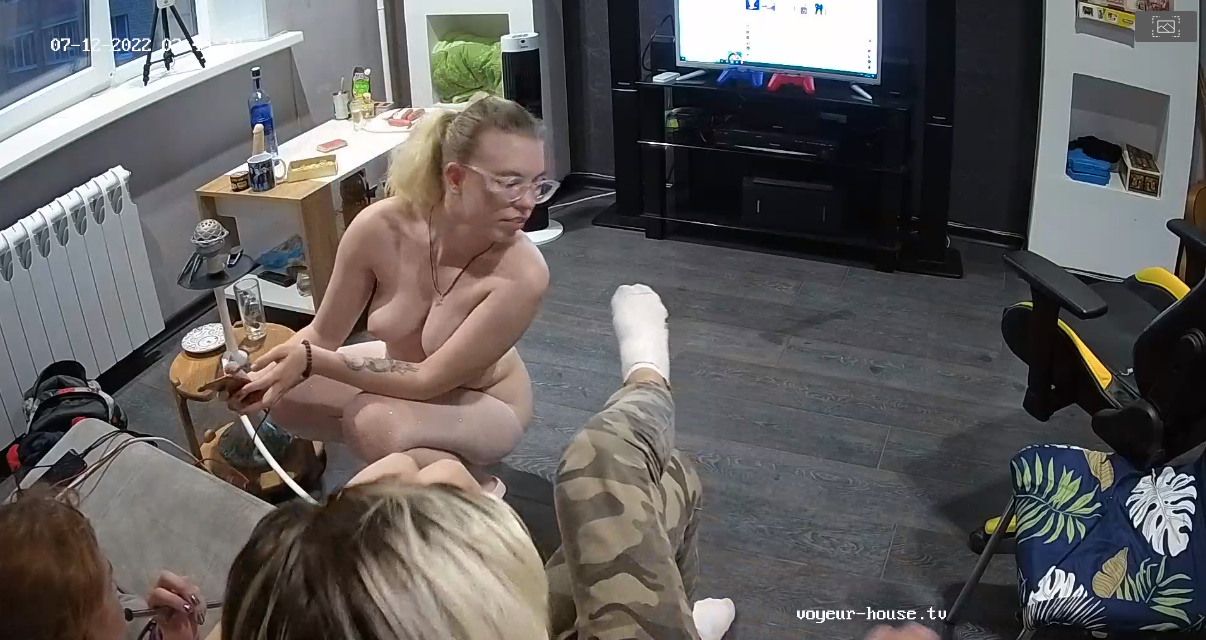
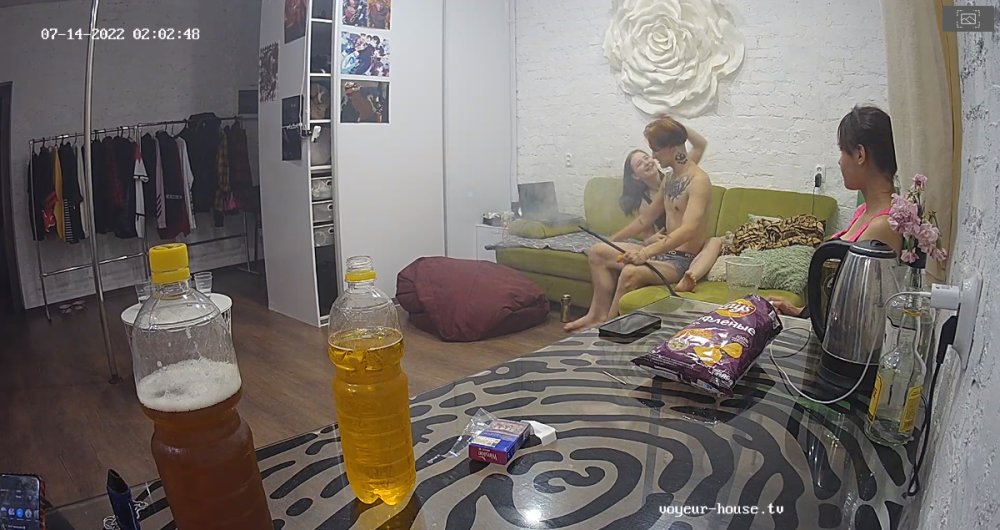
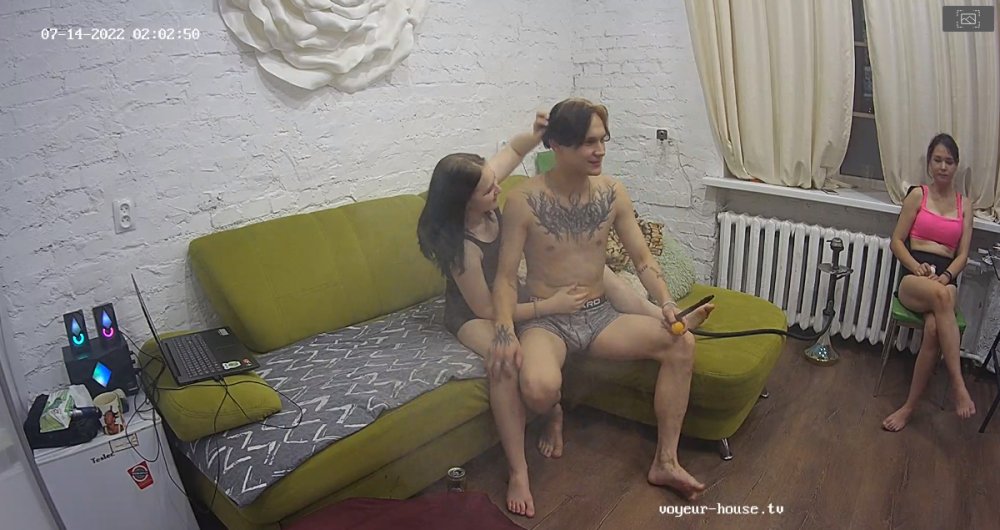
 I haven't really seen a lot of action in this apartment...."just a few young people getting high around the clock and one girl who doesn't seem to happy it all." If it wasn't for all the smoking and drinking they would probably get sick of each other. LOL Lets hope things improve for their fans soon.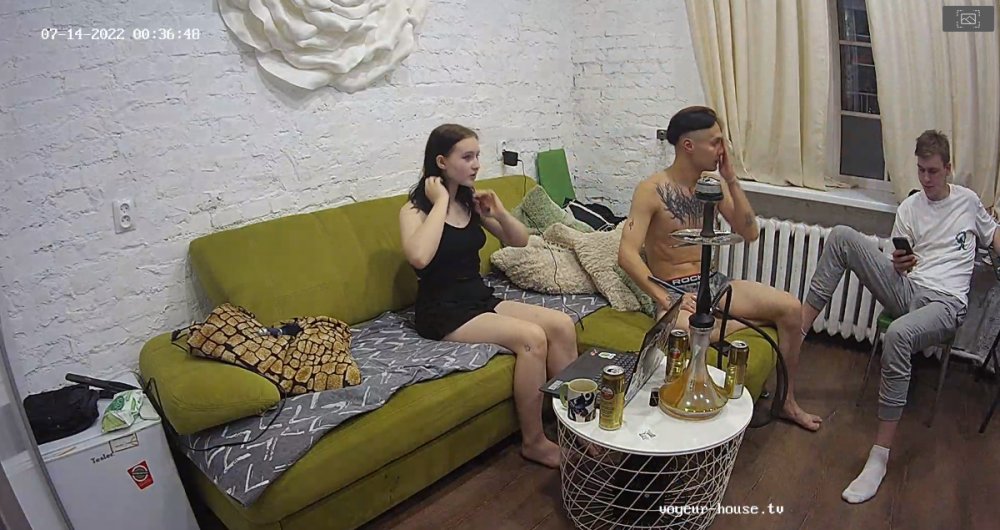
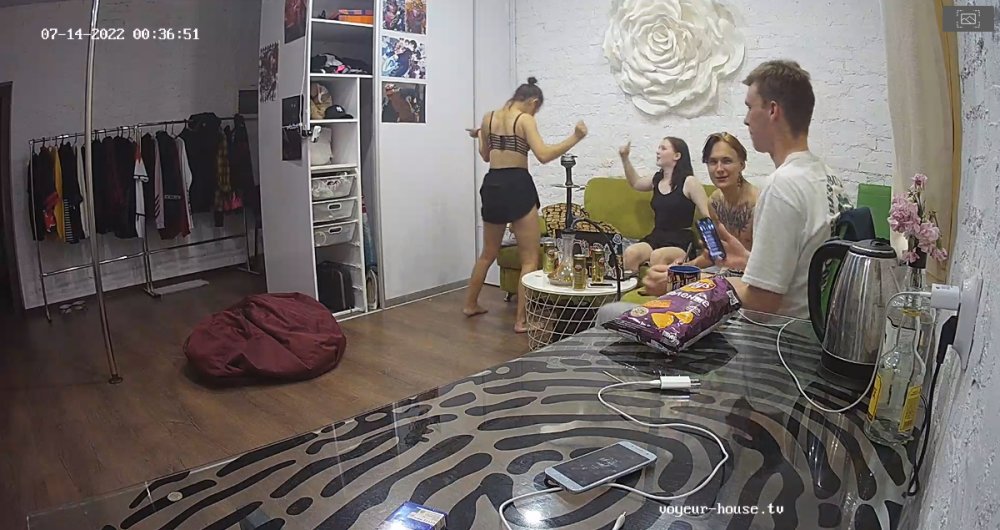
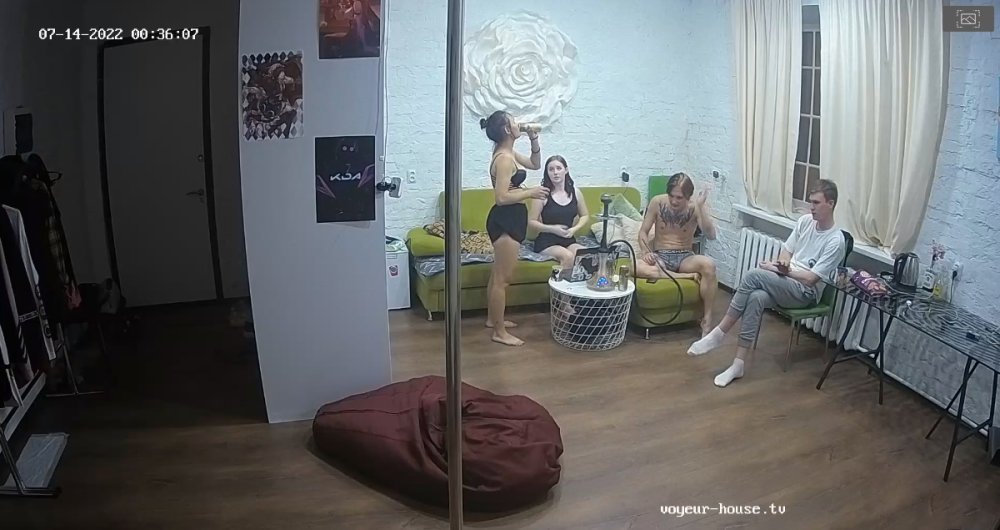
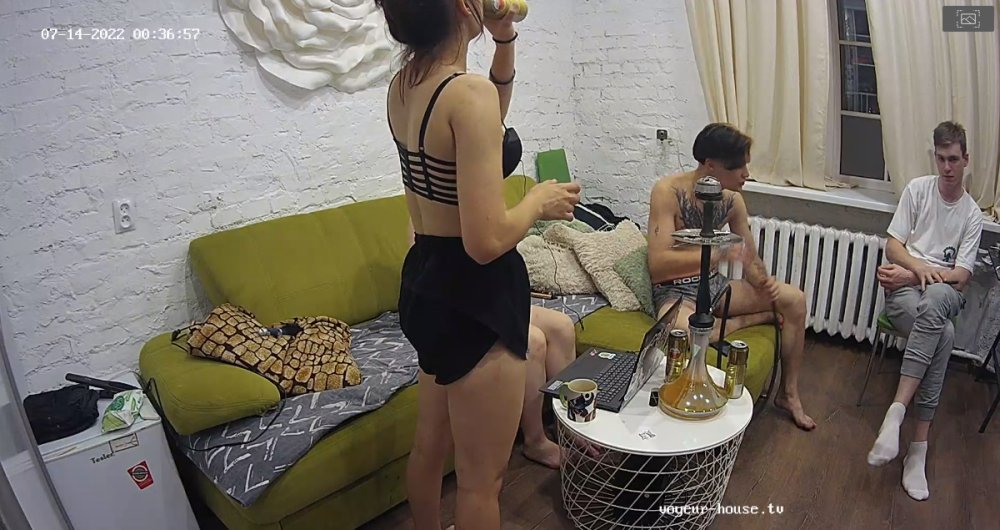
 Loraine has been around for some time now, I am wondering how much longer is her stay this time? Yesterday she did give us a nice masturbation session. Time for all of these girls to get together and come up with some kind of big sexy idea for their paying fans...."things are dead now."
I am just taking a guess "that she may have caught a small dose of the covid virus" what ever it was lets hope she gets better soon, "right now RLC can use all they can get from their workers."
Nice, "I just wish she was giving us more open sessions like this before she got pregnant."
Loraine has been around for some time now, I am wondering how much longer is her stay this time? Yesterday she did give us a nice masturbation session. Time for all of these girls to get together and come up with some kind of big sexy idea for their paying fans...."things are dead now."
I am just taking a guess "that she may have caught a small dose of the covid virus" what ever it was lets hope she gets better soon, "right now RLC can use all they can get from their workers."
Nice, "I just wish she was giving us more open sessions like this before she got pregnant."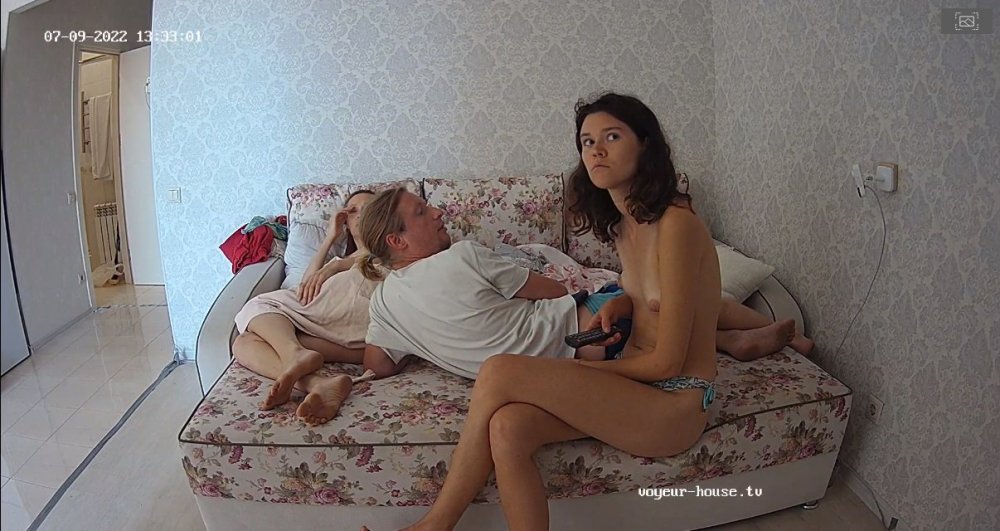
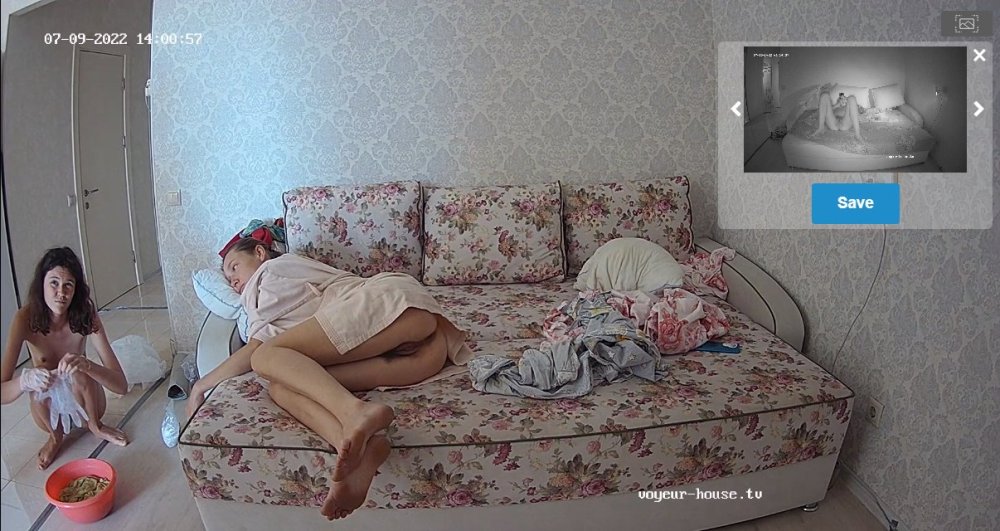
 I am wondering if they are going to give us more?
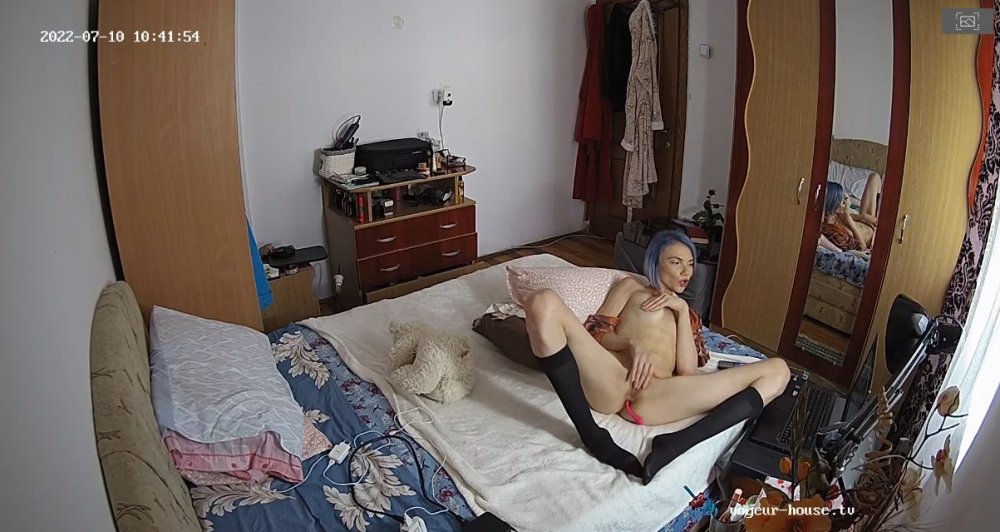
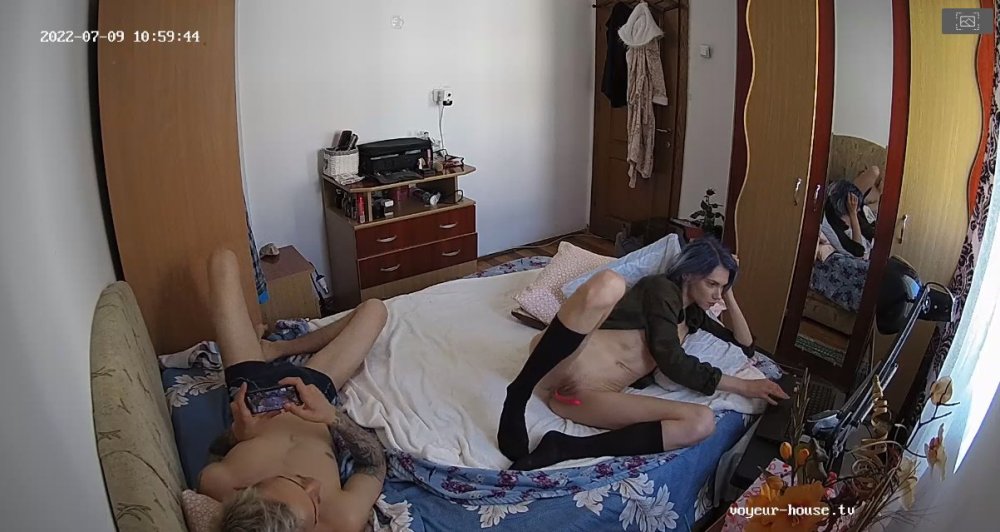 Kinky group, I am waiting for something special "as in sex" to happen doing their stay.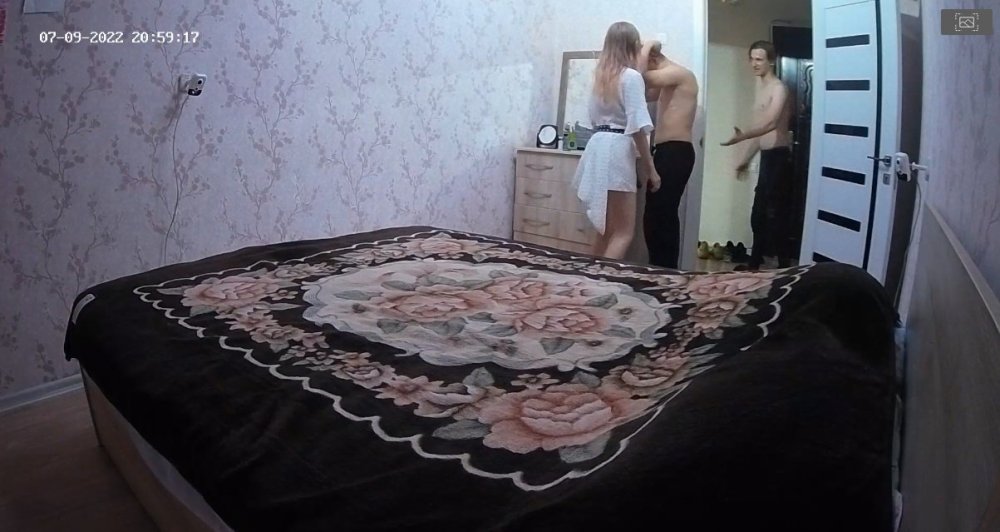
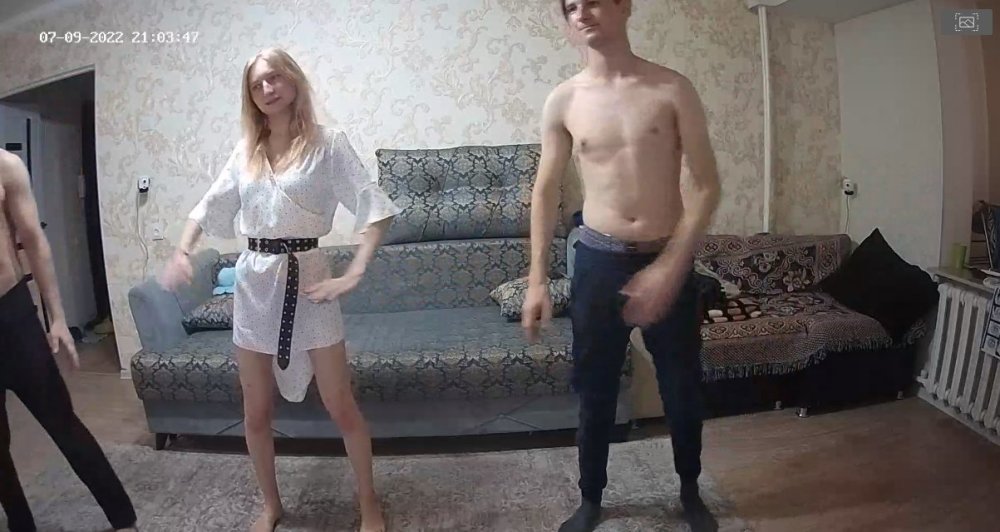
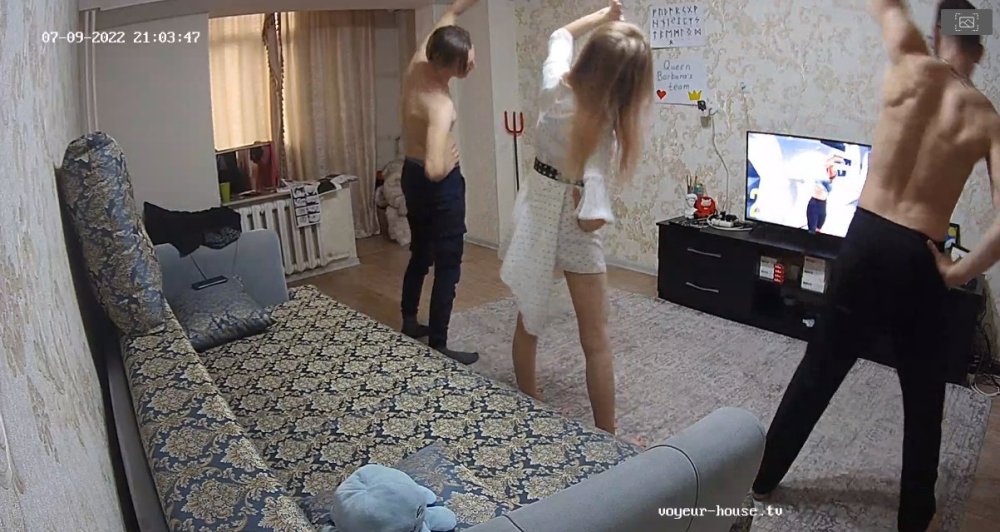
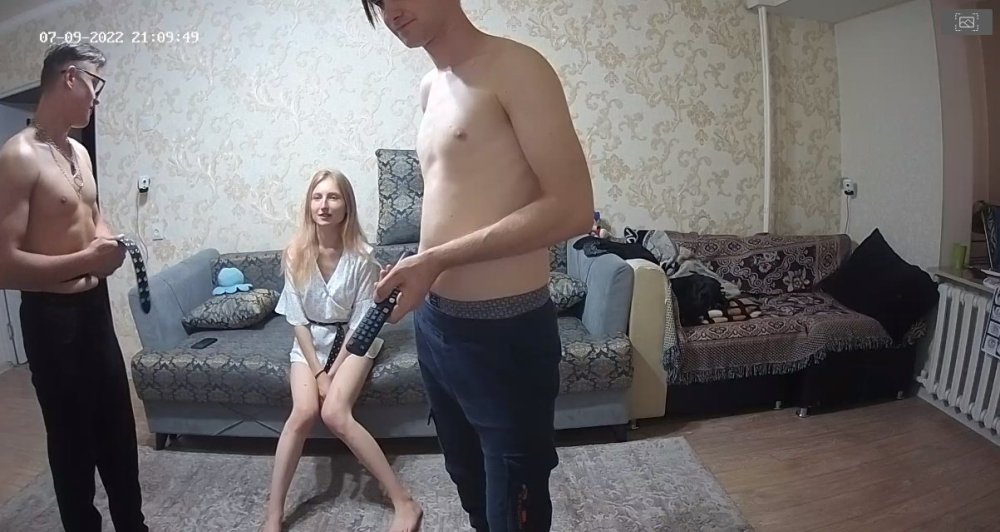
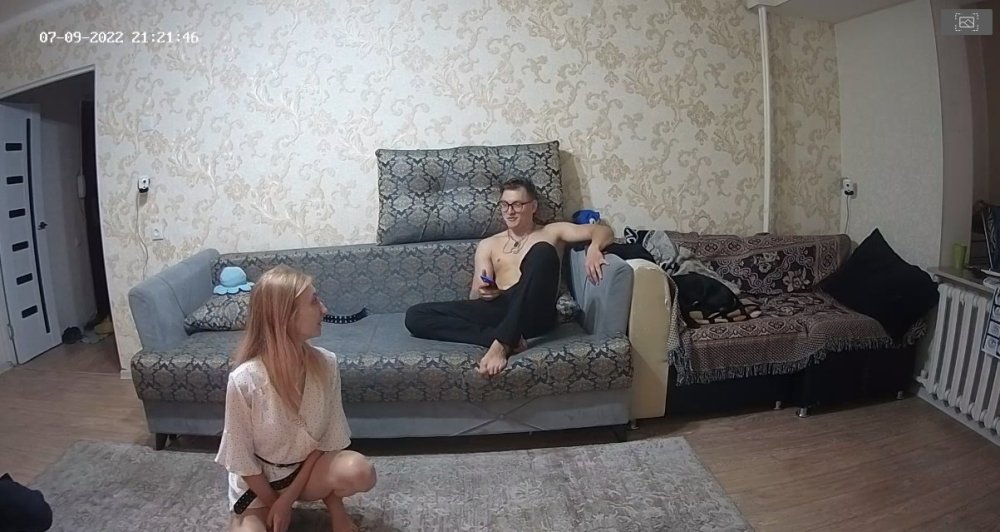
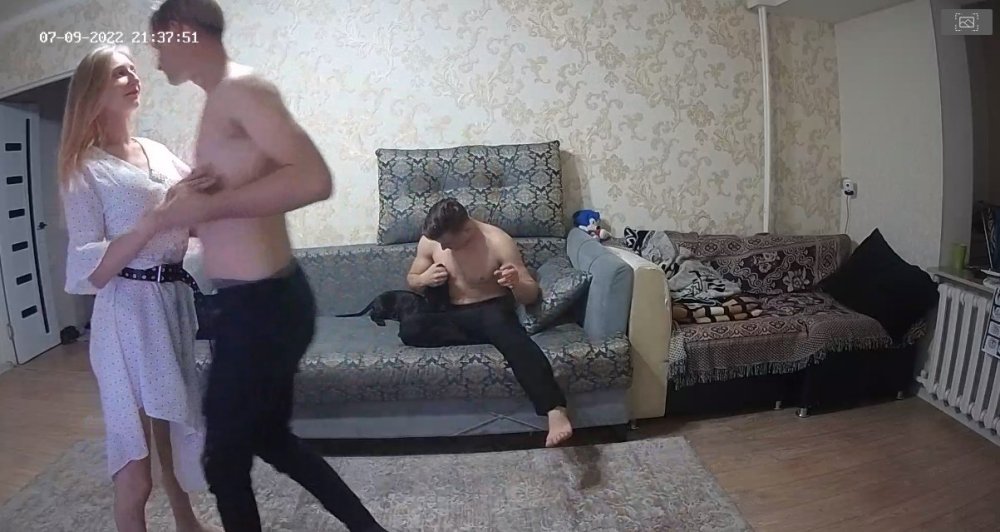
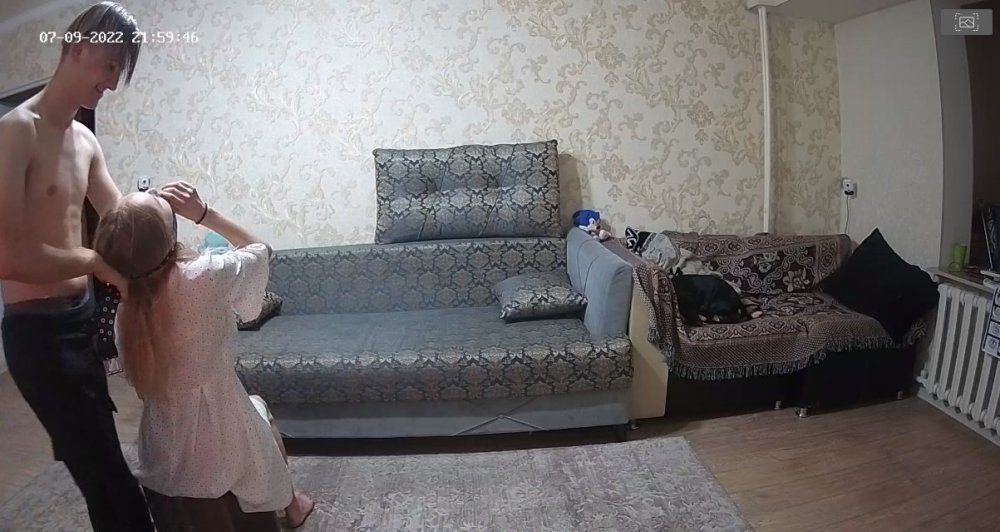 I would guess this would be the right time for RLC to pull a rabbit out of a hat "seeing a few apartments are either on vacation or have lost some key workers and those that are left are either at other apartments trying to help keep the motivation going or just in the way of things." I would suggest that RLC should just put everyone under the same roof until someone comes up with some kind of idea!!! "lets face it the party is dead for now." LOL
Account
Navigation
Search
Configure browser push notifications
Chrome (Android)
- Tap the lock icon next to the address bar.
- Tap Permissions → Notifications.
- Adjust your preference.
Chrome (Desktop)
- Click the padlock icon in the address bar.
- Select Site settings.
- Find Notifications and adjust your preference.
Safari (iOS 16.4+)
- Ensure the site is installed via Add to Home Screen.
- Open Settings App → Notifications.
- Find your app name and adjust your preference.
Safari (macOS)
- Go to Safari → Preferences.
- Click the Websites tab.
- Select Notifications in the sidebar.
- Find this website and adjust your preference.
Edge (Android)
- Tap the lock icon next to the address bar.
- Tap Permissions.
- Find Notifications and adjust your preference.
Edge (Desktop)
- Click the padlock icon in the address bar.
- Click Permissions for this site.
- Find Notifications and adjust your preference.
Firefox (Android)
- Go to Settings → Site permissions.
- Tap Notifications.
- Find this site in the list and adjust your preference.
Firefox (Desktop)
- Open Firefox Settings.
- Search for Notifications.
- Find this site in the list and adjust your preference.