RUBBERMAN
Paid Members
-
Joined
Everything posted by RUBBERMAN
-
 WoW!!!! "I was hoping she would return and get her own place, but not like that either, she still has some sexy views though...."Dam who's the daddy?"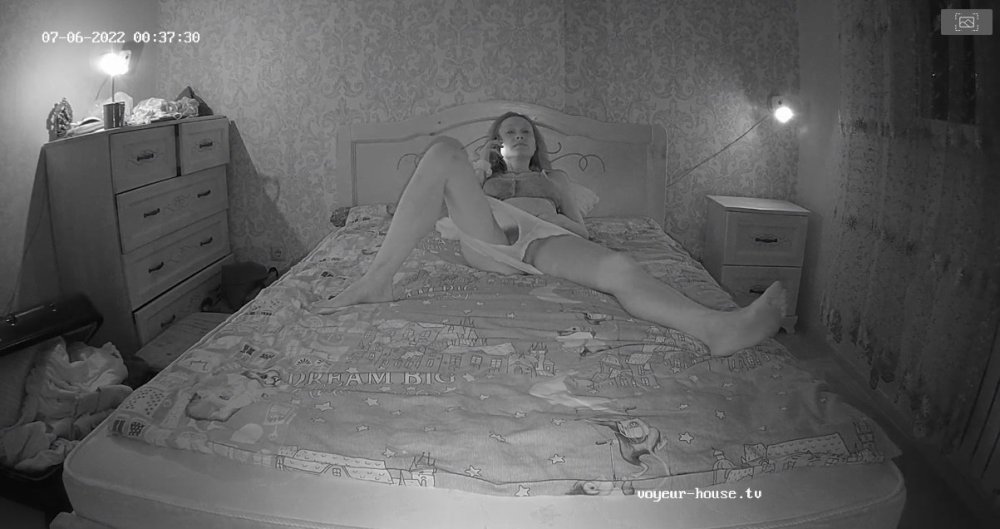
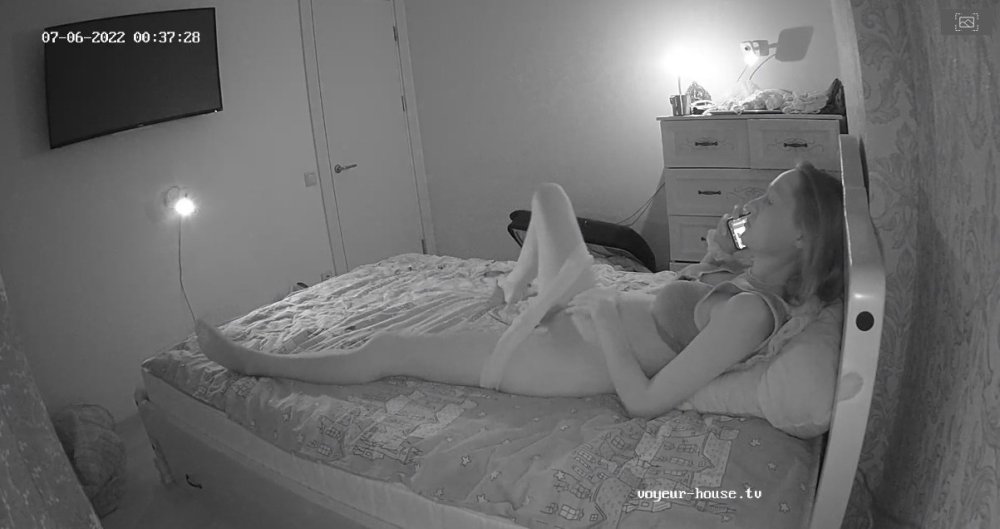
 All though things seems to be improving on both sides of the house RLC and VHTV, I do believe VHTV is still taking the lead when it comes to replacing their workers and way less scripted shows. LOL
 I really enjoyed your stay Karol, I hope to see you again in the future and do hope you get your own apartment one day, have a safe trip back home.
Very kinky crew, seems they are always doing something sexy for the cams!!
I really enjoyed your stay Karol, I hope to see you again in the future and do hope you get your own apartment one day, have a safe trip back home.
Very kinky crew, seems they are always doing something sexy for the cams!!
 Karol can't leave now, she is the one holding up the ship!!! Karol is to dam sexy and I love that girl. LOL Somebody call who ever is in charge and tell them to keep Karol for another 60 days or more. LOL Giver her - her own apartment!!!
 I haven't seen her at all, "I am surprised that Nina and Kira are still around."
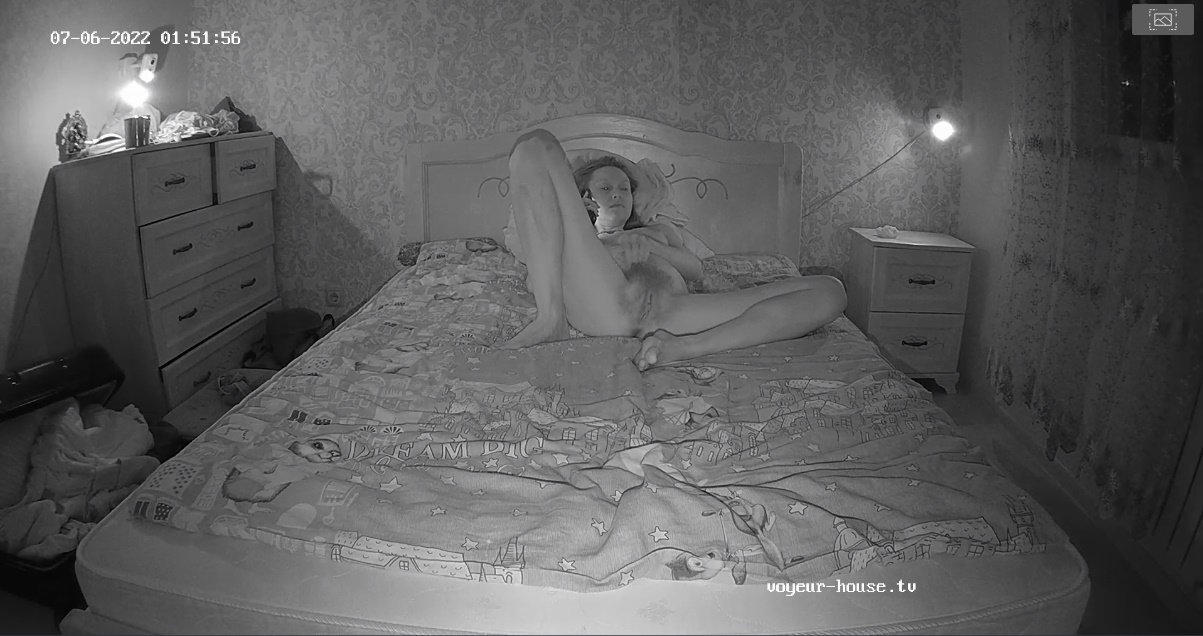
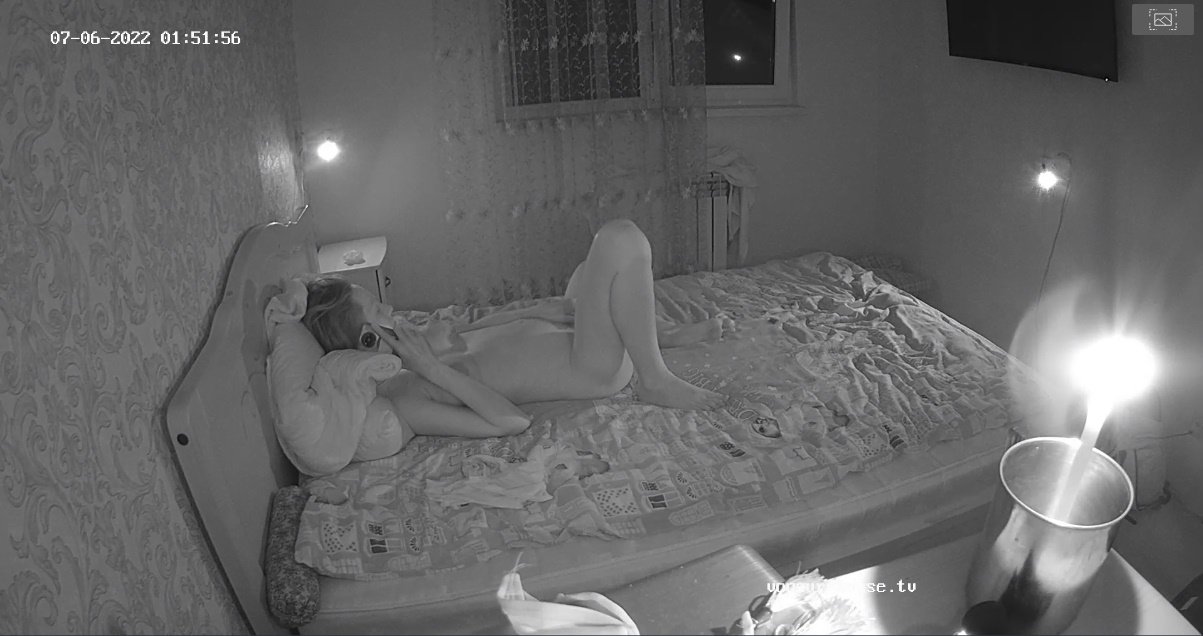
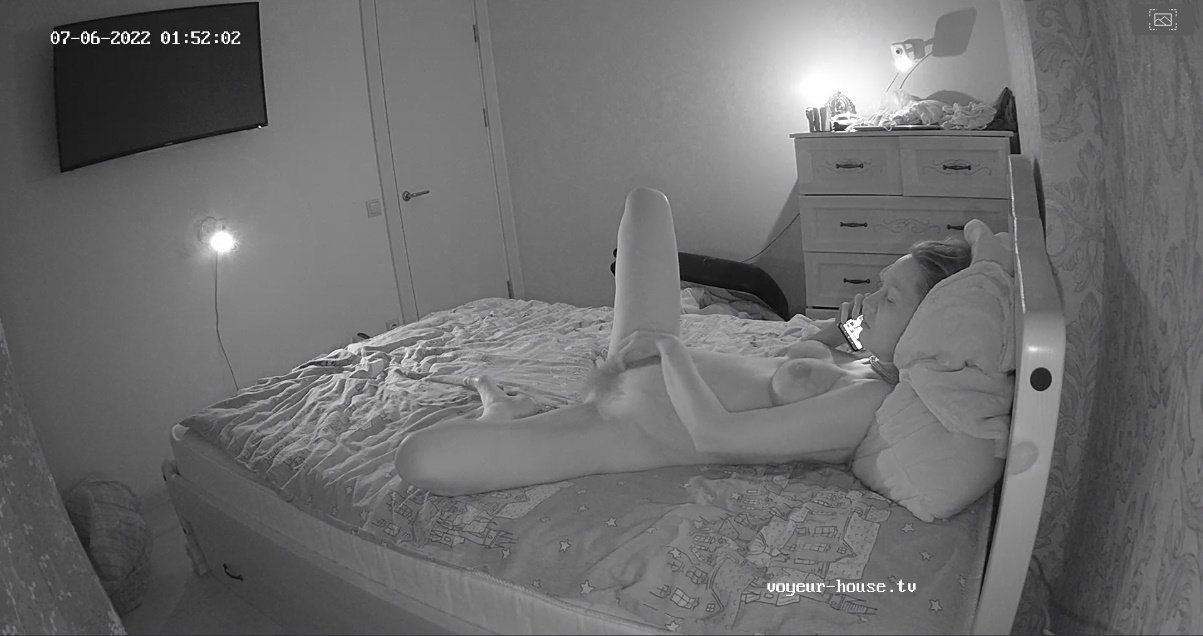
I did catch the very sexy Masturbation session Karol gave did for her fans a few minutes ago, seeing earlier that she was kid of packing her things "lets hope that wasn't her finally masturbation set."
I read the funnest shit today in the Chat room where someone said "they didn't like to start rumors"....well I do believe 99% of the shit that's said in the Chat Room are rumors. LOL
I haven't seen her at all, "I am surprised that Nina and Kira are still around."
I did catch the very sexy Masturbation session Karol gave did for her fans a few minutes ago, seeing earlier that she was kid of packing her things "lets hope that wasn't her finally masturbation set."
I read the funnest shit today in the Chat room where someone said "they didn't like to start rumors"....well I do believe 99% of the shit that's said in the Chat Room are rumors. LOL
Account
Navigation
Search
Configure browser push notifications
Chrome (Android)
- Tap the lock icon next to the address bar.
- Tap Permissions → Notifications.
- Adjust your preference.
Chrome (Desktop)
- Click the padlock icon in the address bar.
- Select Site settings.
- Find Notifications and adjust your preference.
Safari (iOS 16.4+)
- Ensure the site is installed via Add to Home Screen.
- Open Settings App → Notifications.
- Find your app name and adjust your preference.
Safari (macOS)
- Go to Safari → Preferences.
- Click the Websites tab.
- Select Notifications in the sidebar.
- Find this website and adjust your preference.
Edge (Android)
- Tap the lock icon next to the address bar.
- Tap Permissions.
- Find Notifications and adjust your preference.
Edge (Desktop)
- Click the padlock icon in the address bar.
- Click Permissions for this site.
- Find Notifications and adjust your preference.
Firefox (Android)
- Go to Settings → Site permissions.
- Tap Notifications.
- Find this site in the list and adjust your preference.
Firefox (Desktop)
- Open Firefox Settings.
- Search for Notifications.
- Find this site in the list and adjust your preference.