RUBBERMAN
Paid Members
-
Joined
Everything posted by RUBBERMAN
-
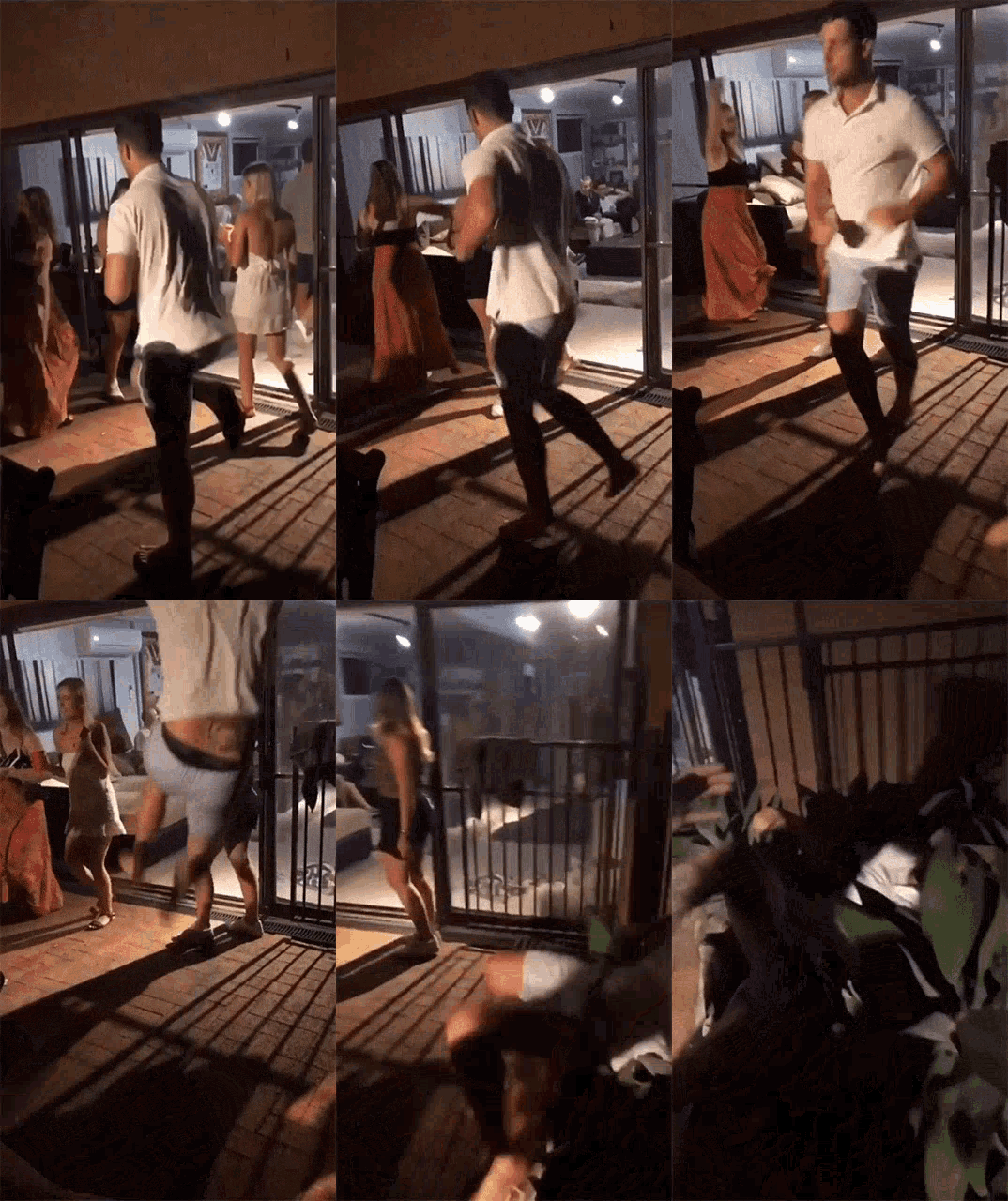
 BREAKING NEWS "That RLC has finally spent some money on a new apartment....with check this out.."new people" LOL Hot dam....RLC thank you. LOL
 Its understandable that some of the apartments members seems to have the look on their faces about whats going on in parts of their country, while others seems to still have the more exciting energy to continue to party and give us entertainment when ever they can. I myself wonders if either of the sites well one day pull the plug with out giving us members warning. Until then I guess we have to enjoy what we have for now.
Account
Navigation
Search
Configure browser push notifications
Chrome (Android)
- Tap the lock icon next to the address bar.
- Tap Permissions → Notifications.
- Adjust your preference.
Chrome (Desktop)
- Click the padlock icon in the address bar.
- Select Site settings.
- Find Notifications and adjust your preference.
Safari (iOS 16.4+)
- Ensure the site is installed via Add to Home Screen.
- Open Settings App → Notifications.
- Find your app name and adjust your preference.
Safari (macOS)
- Go to Safari → Preferences.
- Click the Websites tab.
- Select Notifications in the sidebar.
- Find this website and adjust your preference.
Edge (Android)
- Tap the lock icon next to the address bar.
- Tap Permissions.
- Find Notifications and adjust your preference.
Edge (Desktop)
- Click the padlock icon in the address bar.
- Click Permissions for this site.
- Find Notifications and adjust your preference.
Firefox (Android)
- Go to Settings → Site permissions.
- Tap Notifications.
- Find this site in the list and adjust your preference.
Firefox (Desktop)
- Open Firefox Settings.
- Search for Notifications.
- Find this site in the list and adjust your preference.