RUBBERMAN
Paid Members
-
Joined
Everything posted by RUBBERMAN
-
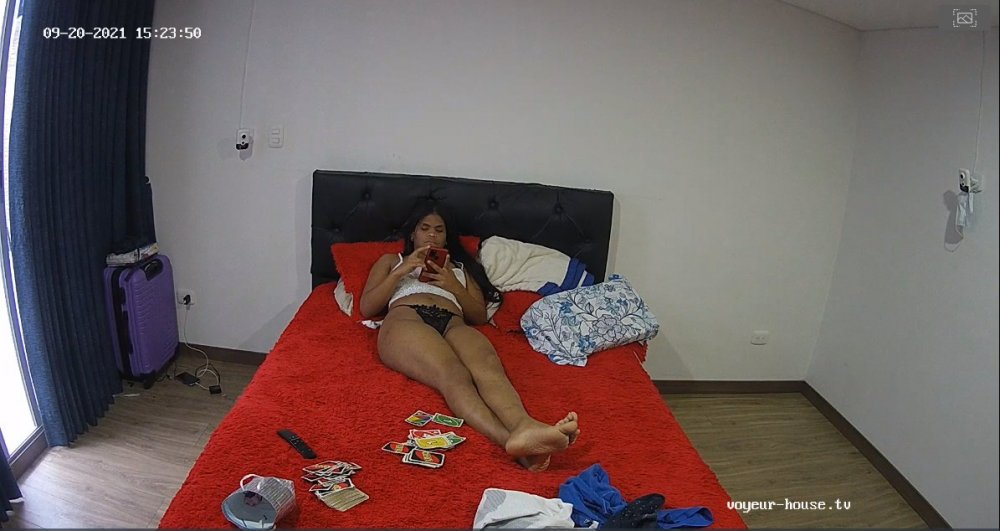
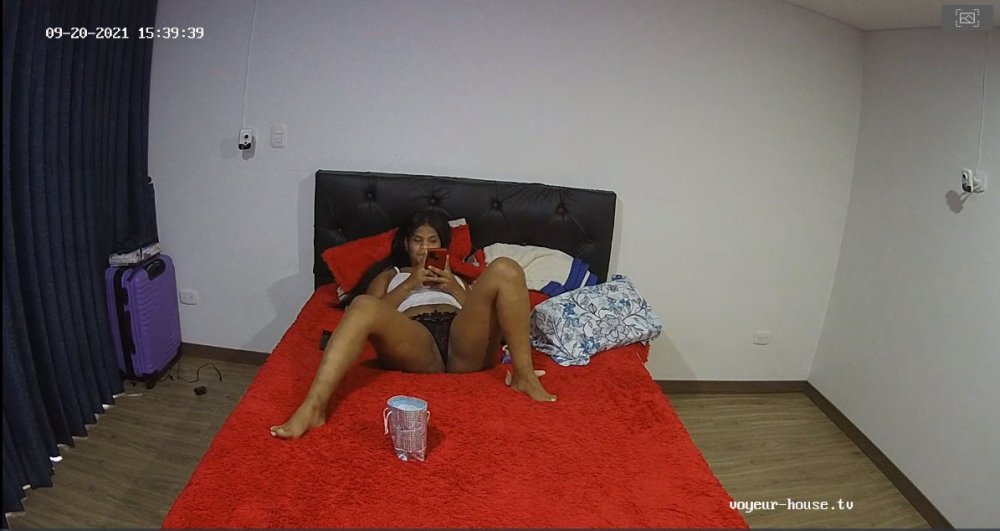
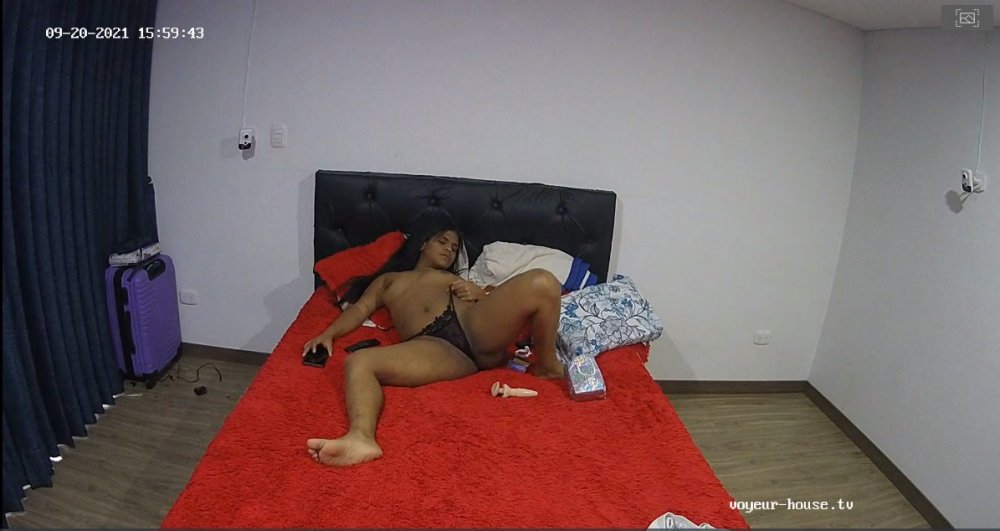
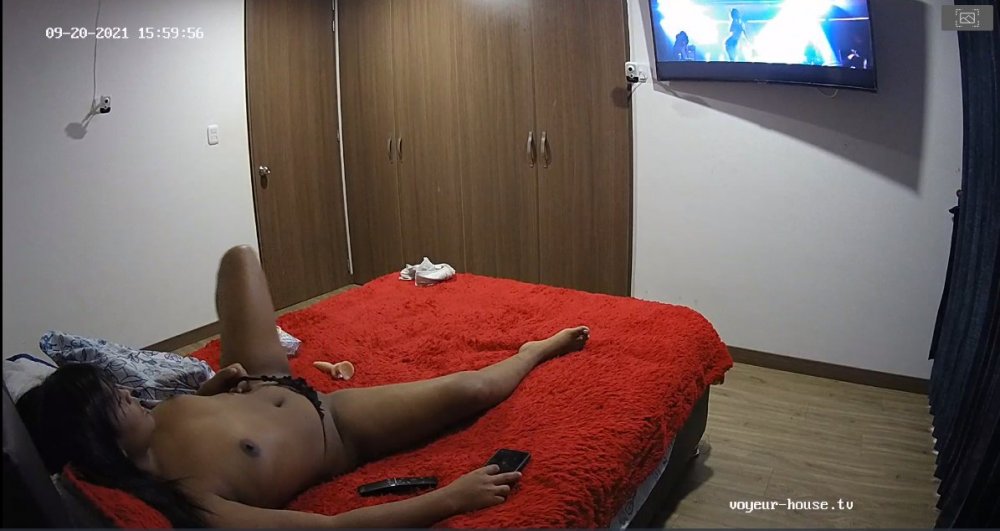
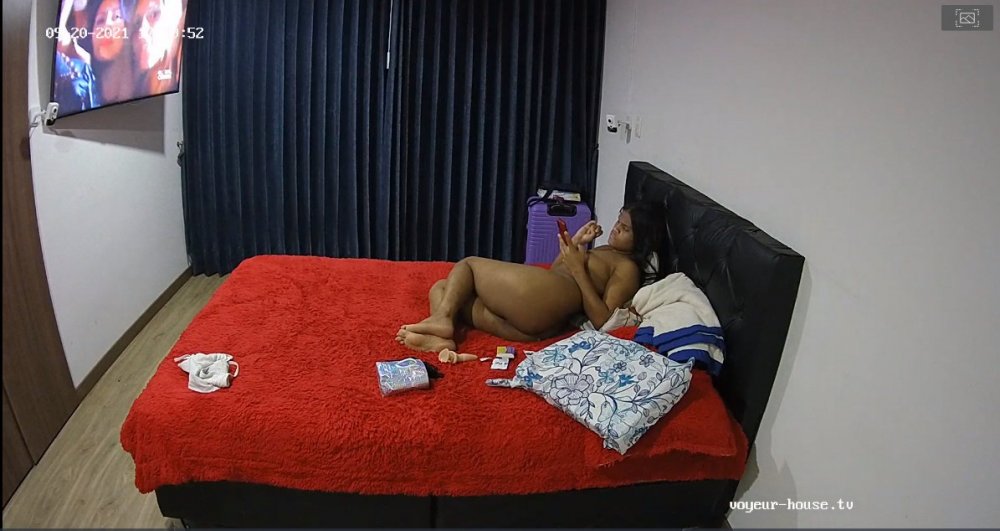
 With a big fill of porn and just a pinch of voyeurism, "VHTV seems to be doing very well for me..."all though I can't speak for others, maybe it's time for the crew at the RLC site to either join in or close down from what I have been reading in the Chat Room things aren't going well at all. Looking for something new and un-scripted..."VHTV." I am not saying I well never re-join RLC one day again, just maybe one day things well get better over there soon, but until then lets keep on getting our monies worth at the VHTV site. "just look at the sample down below!!!" LOL
 I wonder if she really likes her job?? LOL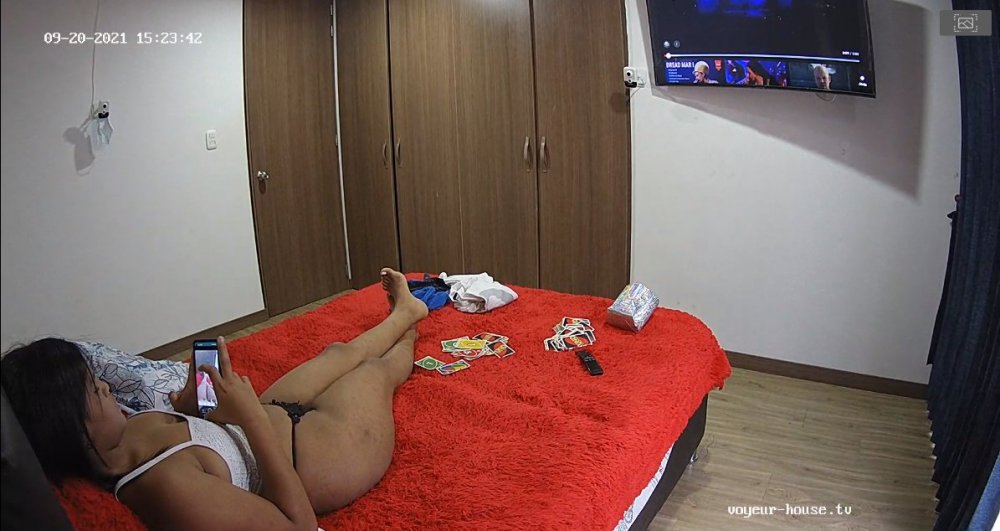
Account
Navigation
Search
Configure browser push notifications
Chrome (Android)
- Tap the lock icon next to the address bar.
- Tap Permissions → Notifications.
- Adjust your preference.
Chrome (Desktop)
- Click the padlock icon in the address bar.
- Select Site settings.
- Find Notifications and adjust your preference.
Safari (iOS 16.4+)
- Ensure the site is installed via Add to Home Screen.
- Open Settings App → Notifications.
- Find your app name and adjust your preference.
Safari (macOS)
- Go to Safari → Preferences.
- Click the Websites tab.
- Select Notifications in the sidebar.
- Find this website and adjust your preference.
Edge (Android)
- Tap the lock icon next to the address bar.
- Tap Permissions.
- Find Notifications and adjust your preference.
Edge (Desktop)
- Click the padlock icon in the address bar.
- Click Permissions for this site.
- Find Notifications and adjust your preference.
Firefox (Android)
- Go to Settings → Site permissions.
- Tap Notifications.
- Find this site in the list and adjust your preference.
Firefox (Desktop)
- Open Firefox Settings.
- Search for Notifications.
- Find this site in the list and adjust your preference.