RUBBERMAN
Paid Members
-
Joined
Everything posted by RUBBERMAN
-
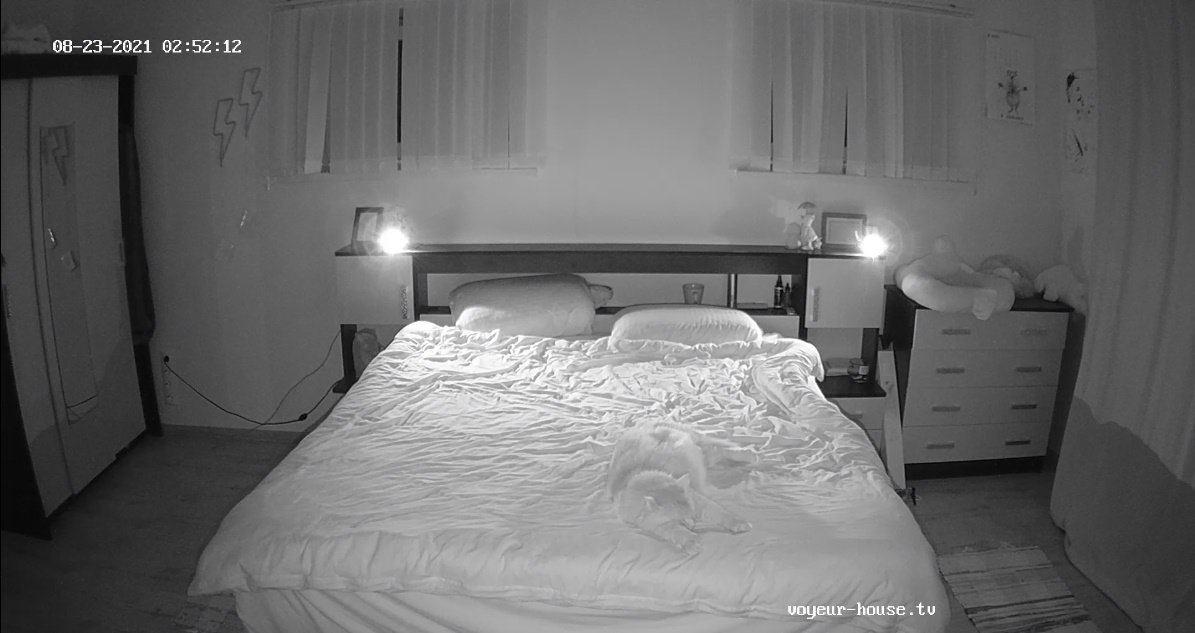
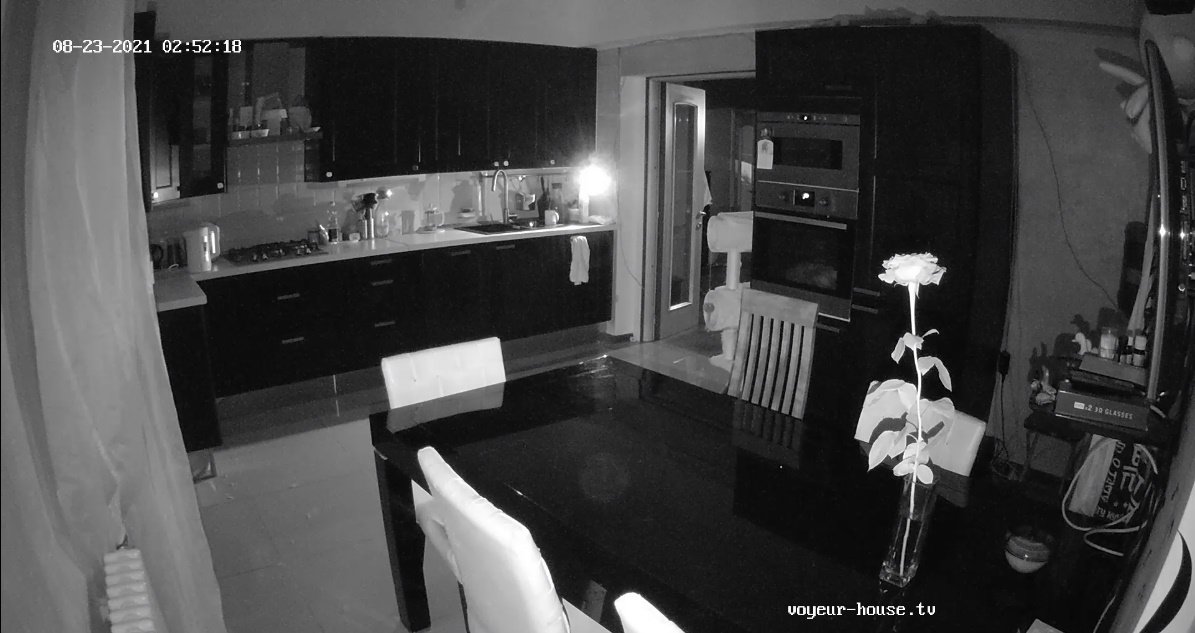
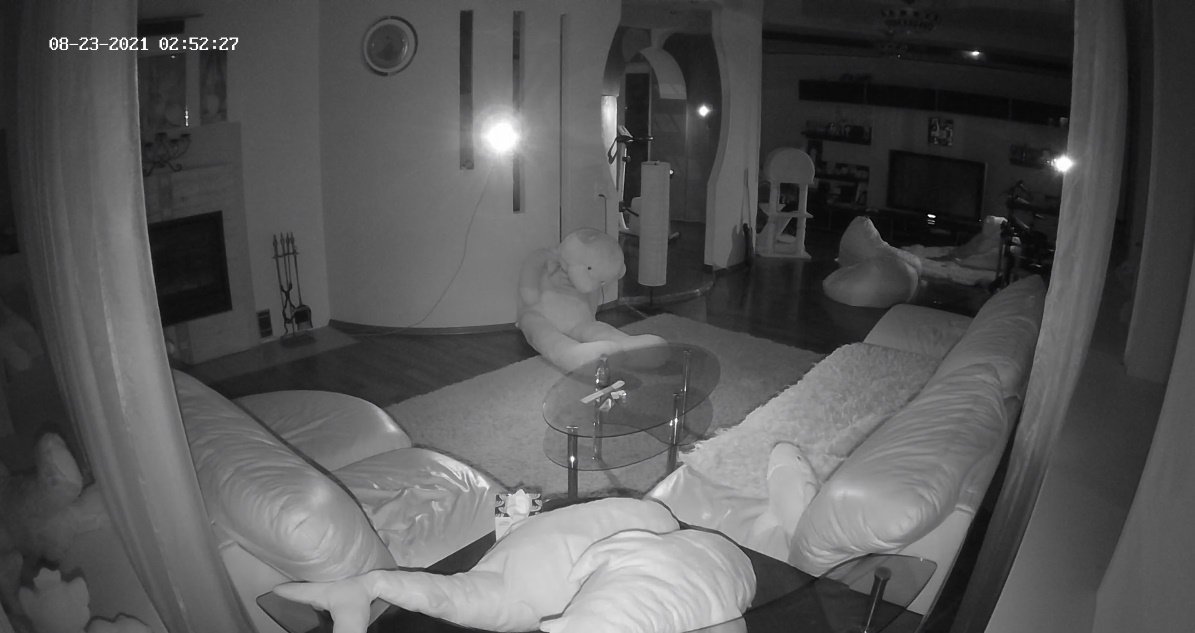
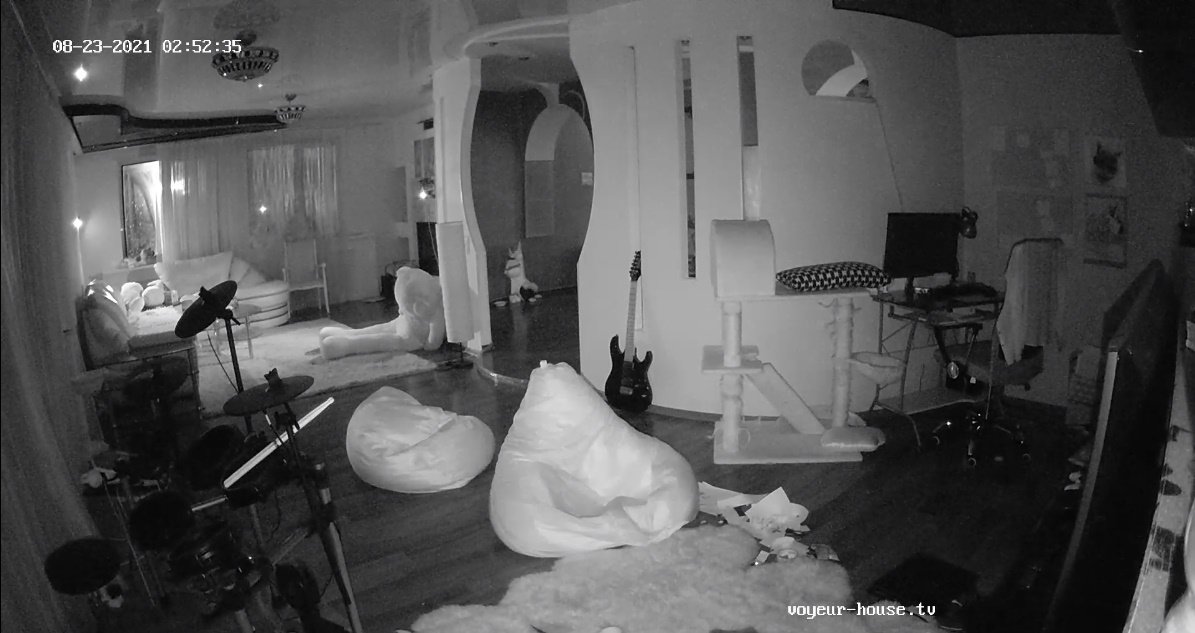
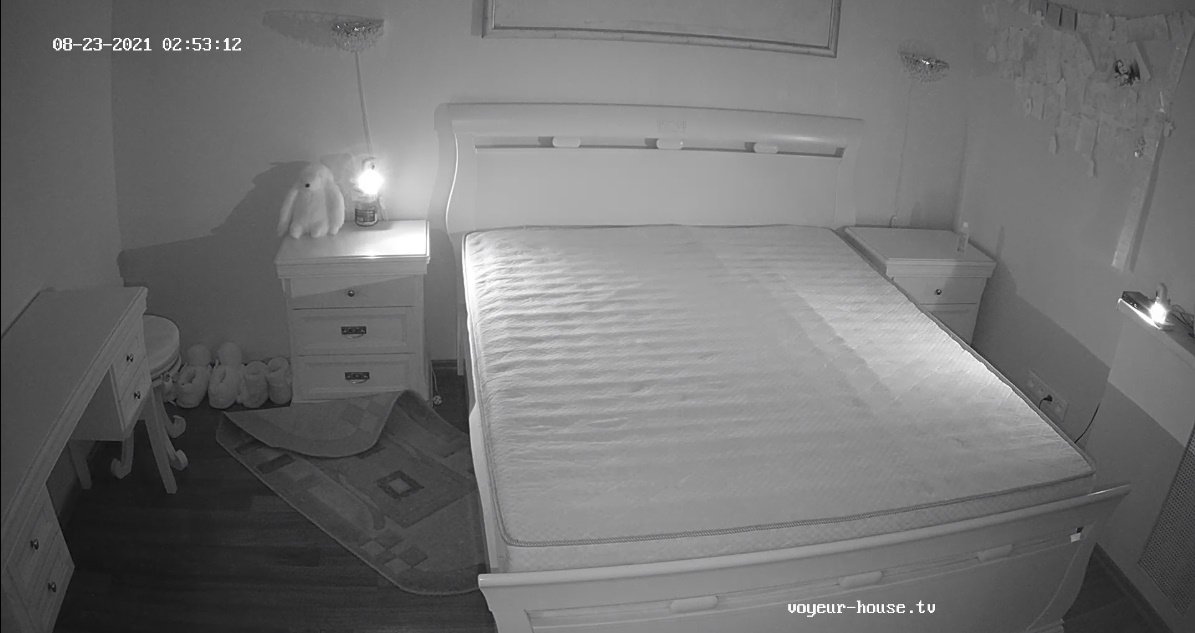
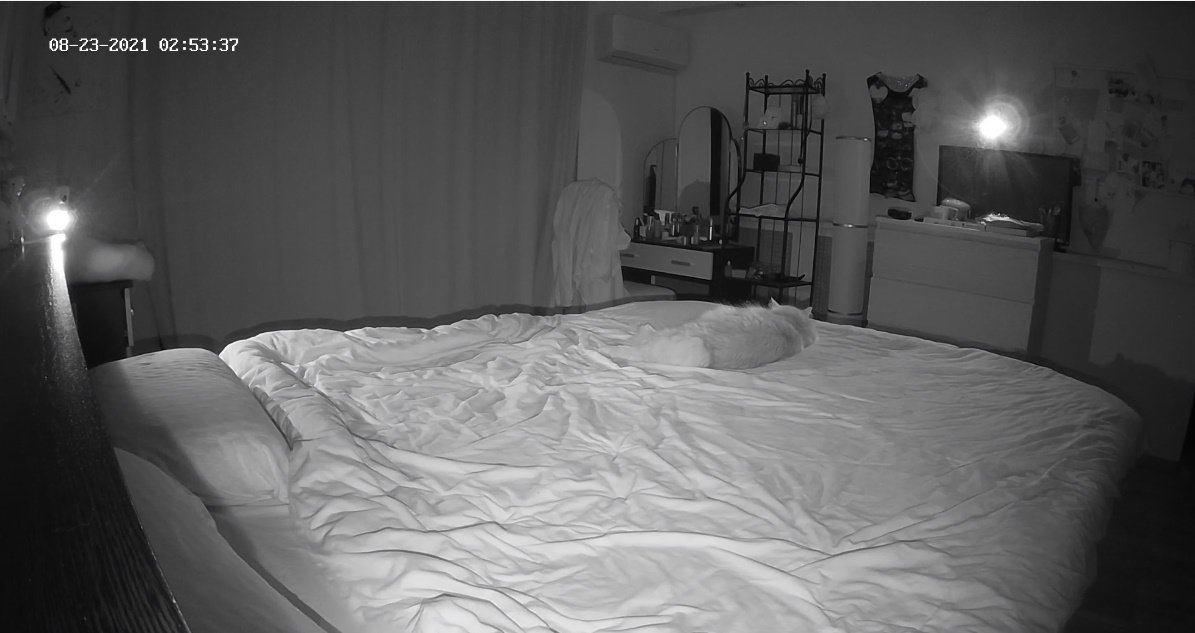
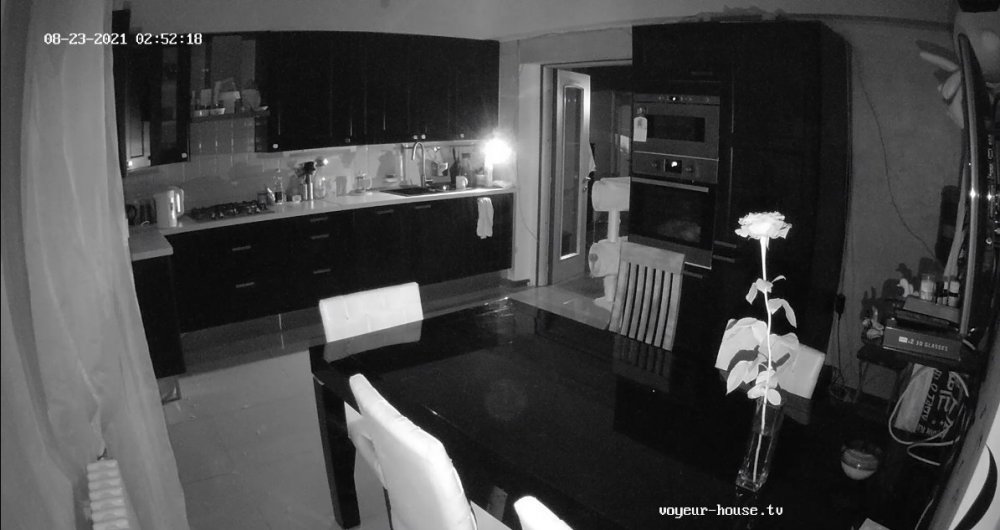
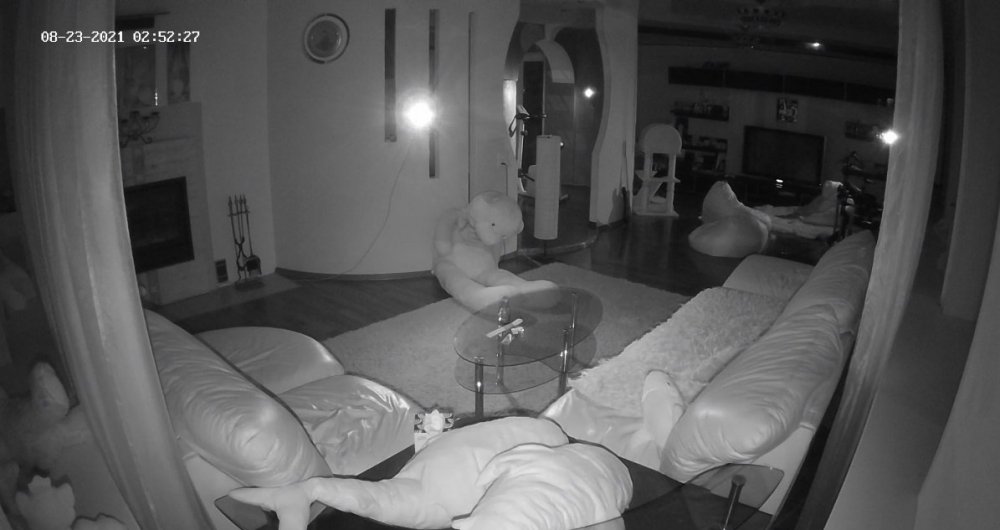
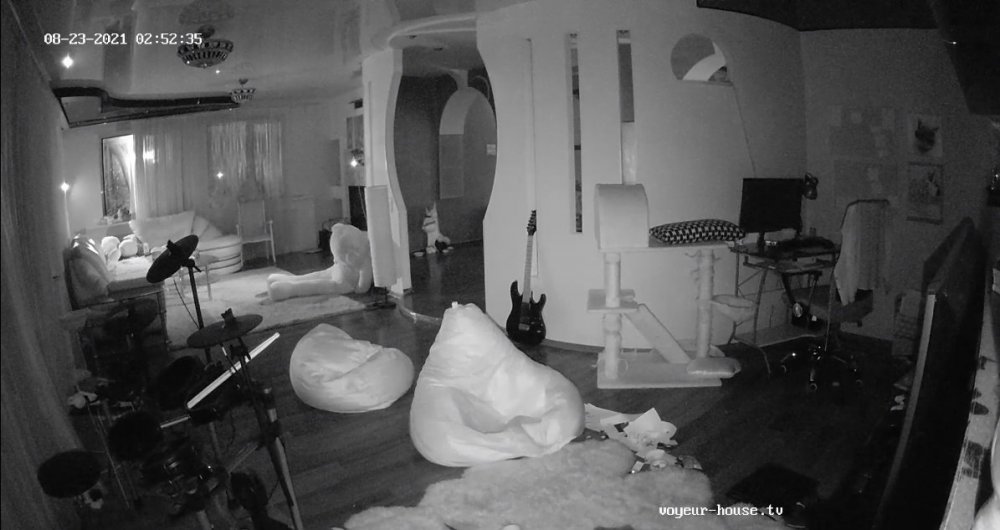
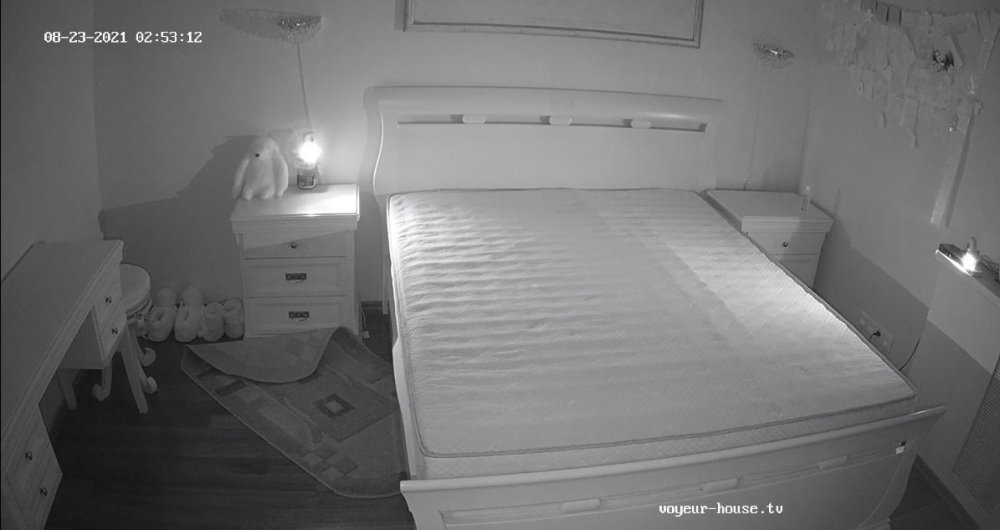
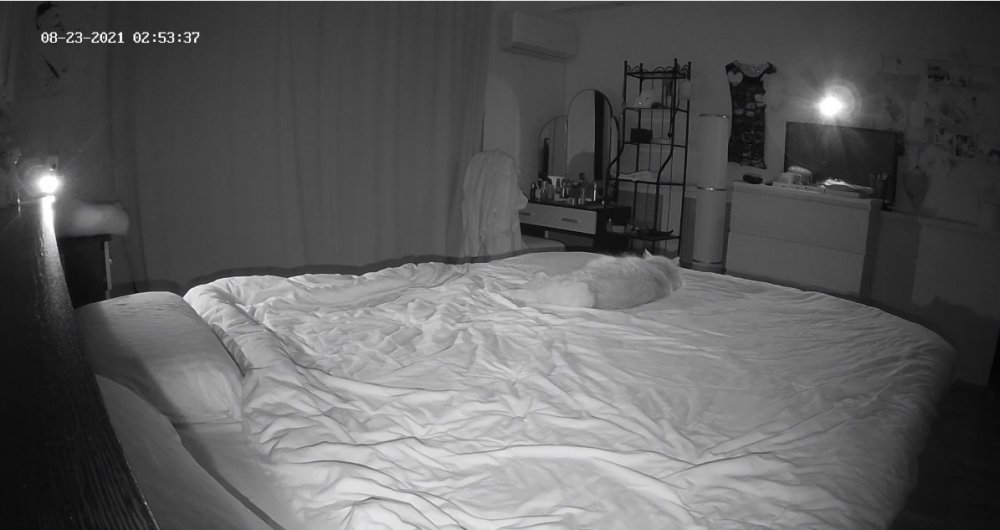
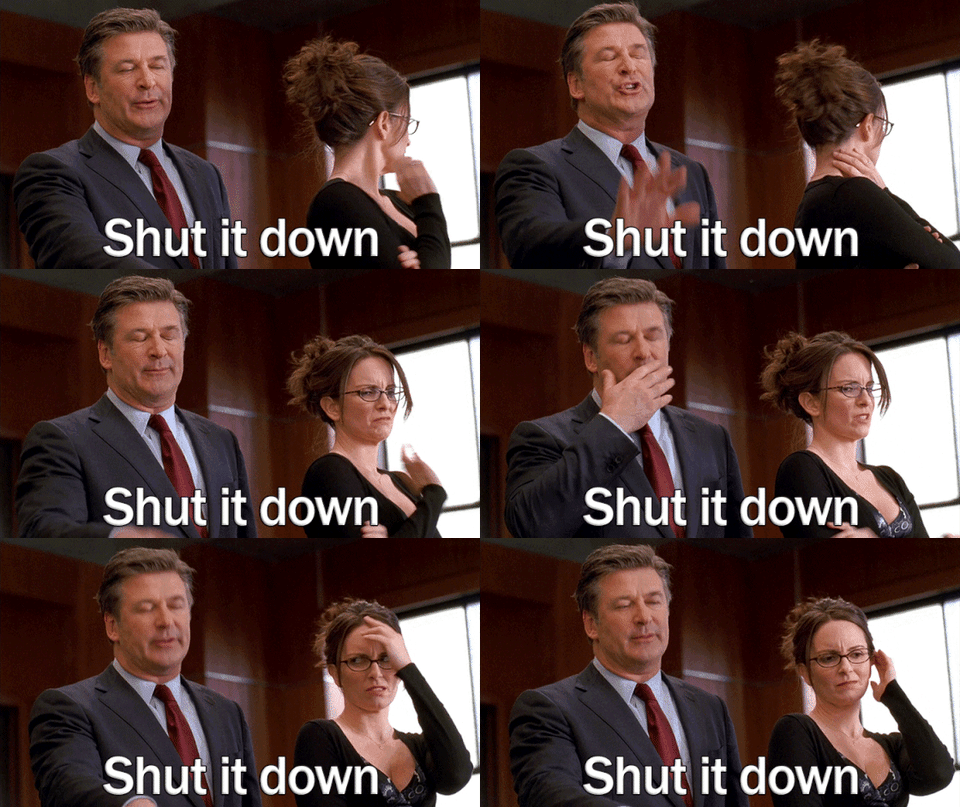
 Seems about all where going to get is Kira's nudity and that's all, these to have been skating the stage for a long time now and giving the viewers nothing but cat shows and a big ass nice house with two dead beats living in it. Surly its time for some changes...."are they are for entertainment or are they just there like the house furniture. I say send them on there way!!! Lets stop holding on to dead beats VHTV!!!..."if I wanted to watch two people sleep all day and an empty house I would go to the a funeral home!!...send their ass's packing!!!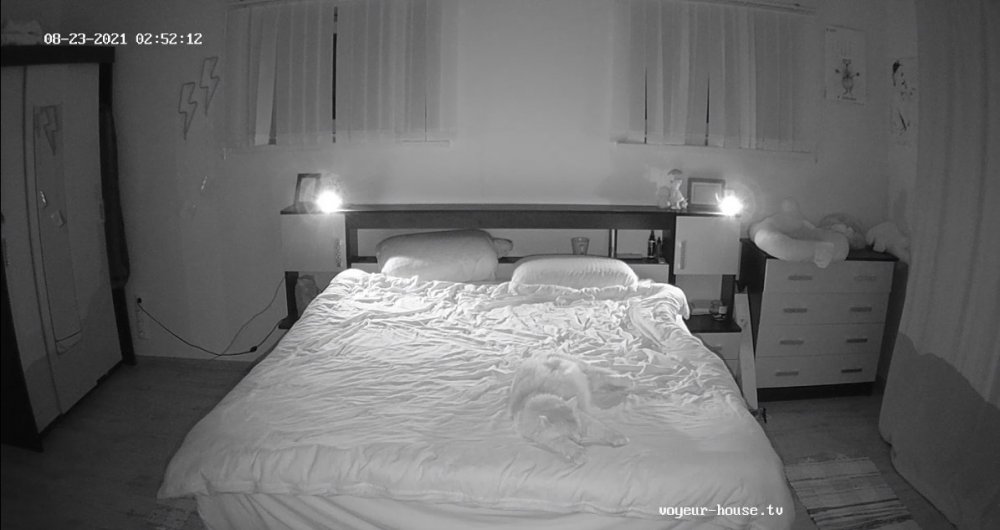
-
Account
Navigation
Search
Configure browser push notifications
Chrome (Android)
- Tap the lock icon next to the address bar.
- Tap Permissions → Notifications.
- Adjust your preference.
Chrome (Desktop)
- Click the padlock icon in the address bar.
- Select Site settings.
- Find Notifications and adjust your preference.
Safari (iOS 16.4+)
- Ensure the site is installed via Add to Home Screen.
- Open Settings App → Notifications.
- Find your app name and adjust your preference.
Safari (macOS)
- Go to Safari → Preferences.
- Click the Websites tab.
- Select Notifications in the sidebar.
- Find this website and adjust your preference.
Edge (Android)
- Tap the lock icon next to the address bar.
- Tap Permissions.
- Find Notifications and adjust your preference.
Edge (Desktop)
- Click the padlock icon in the address bar.
- Click Permissions for this site.
- Find Notifications and adjust your preference.
Firefox (Android)
- Go to Settings → Site permissions.
- Tap Notifications.
- Find this site in the list and adjust your preference.
Firefox (Desktop)
- Open Firefox Settings.
- Search for Notifications.
- Find this site in the list and adjust your preference.