RUBBERMAN
Paid Members
-
Joined
Everything posted by RUBBERMAN
-
 I haven't been apart of RLC for a while now and really don't know what's going on with any of those apartments any more "only what I read in the Chat from time to time." Martina and Alberto was one of my favorite apartments when I as active with RLC, and if Nelly has started visiting Martina and Alberto....lol....then RLC has gotten very desperate for new members!!!...LOL
I have only seen Rocco have sex with their guest once "when Maddy wasn't there"...surly from what I saw today he wants another go round with her by now and she him too.
I haven't been apart of RLC for a while now and really don't know what's going on with any of those apartments any more "only what I read in the Chat from time to time." Martina and Alberto was one of my favorite apartments when I as active with RLC, and if Nelly has started visiting Martina and Alberto....lol....then RLC has gotten very desperate for new members!!!...LOL
I have only seen Rocco have sex with their guest once "when Maddy wasn't there"...surly from what I saw today he wants another go round with her by now and she him too.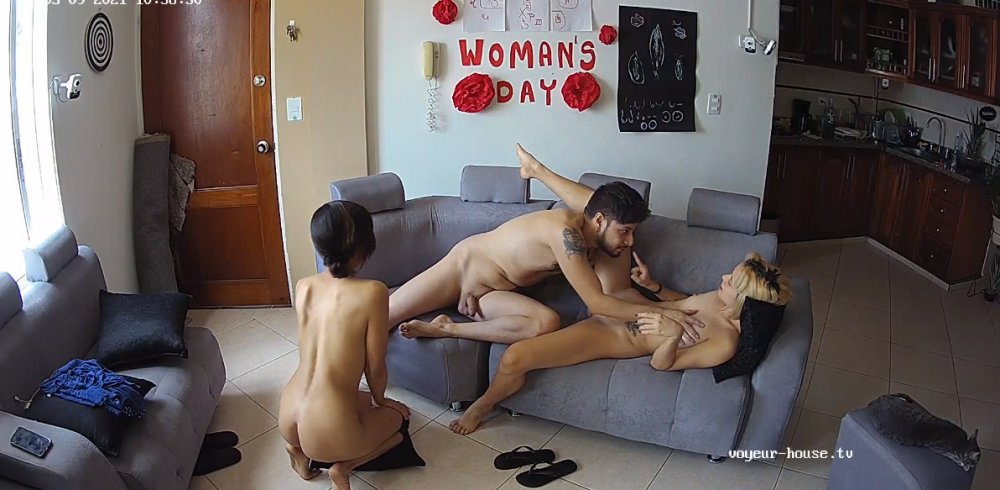
 Even though some of their cams does freezes every now and then VHTV does have a better collection and much better viewing apartments then RLC "who can't seem to afford nothing but the same actors and actress over and over again." I also think that VHTV may have one or two apartments that aren't cutting the cake and are just living freely on a high horse and I mean free!! and are useless for the project....VHTV seems to be "only about gatherings and lots of sex from sun up to sun down....and very much un-scripted as the RLC show is."
Account
Navigation
Search
Configure browser push notifications
Chrome (Android)
- Tap the lock icon next to the address bar.
- Tap Permissions → Notifications.
- Adjust your preference.
Chrome (Desktop)
- Click the padlock icon in the address bar.
- Select Site settings.
- Find Notifications and adjust your preference.
Safari (iOS 16.4+)
- Ensure the site is installed via Add to Home Screen.
- Open Settings App → Notifications.
- Find your app name and adjust your preference.
Safari (macOS)
- Go to Safari → Preferences.
- Click the Websites tab.
- Select Notifications in the sidebar.
- Find this website and adjust your preference.
Edge (Android)
- Tap the lock icon next to the address bar.
- Tap Permissions.
- Find Notifications and adjust your preference.
Edge (Desktop)
- Click the padlock icon in the address bar.
- Click Permissions for this site.
- Find Notifications and adjust your preference.
Firefox (Android)
- Go to Settings → Site permissions.
- Tap Notifications.
- Find this site in the list and adjust your preference.
Firefox (Desktop)
- Open Firefox Settings.
- Search for Notifications.
- Find this site in the list and adjust your preference.