cyberleader
Hero Member
-
Joined
-
Last visited
Everything posted by cyberleader
-
 or haryius bottomus
now the one who lost his trousers has some explainging and cleaning to do
they are the voyees that like to voyeur the voyeurs and voyeur themselves voyeuring.
if he was roman he would be know as limpus dikkus
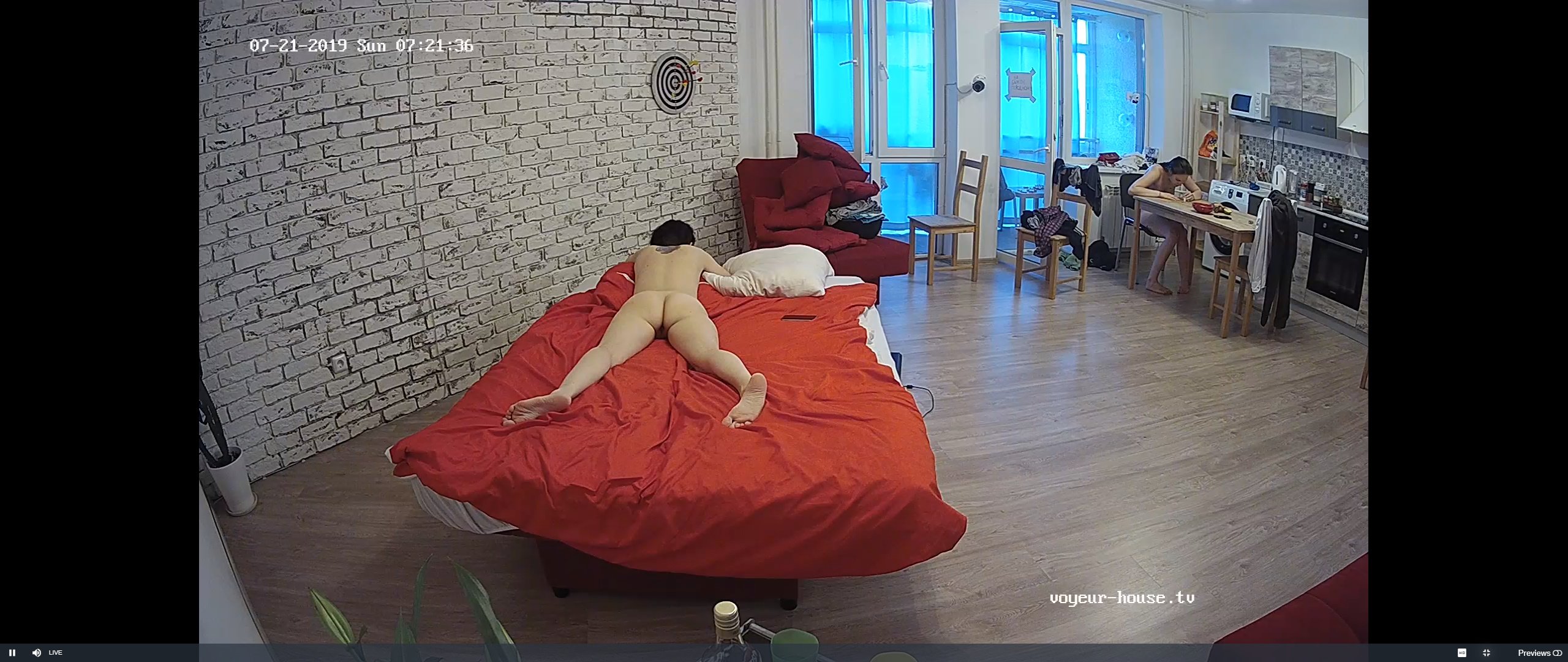
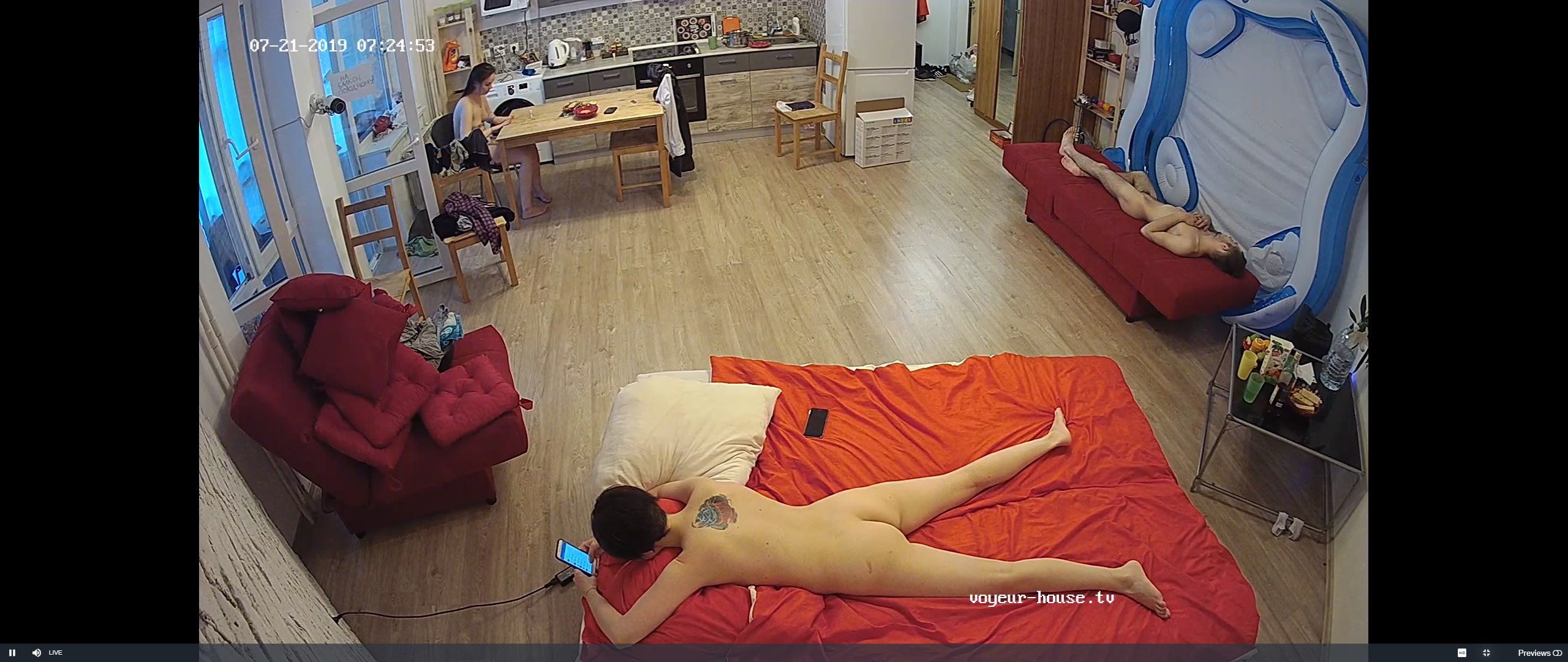
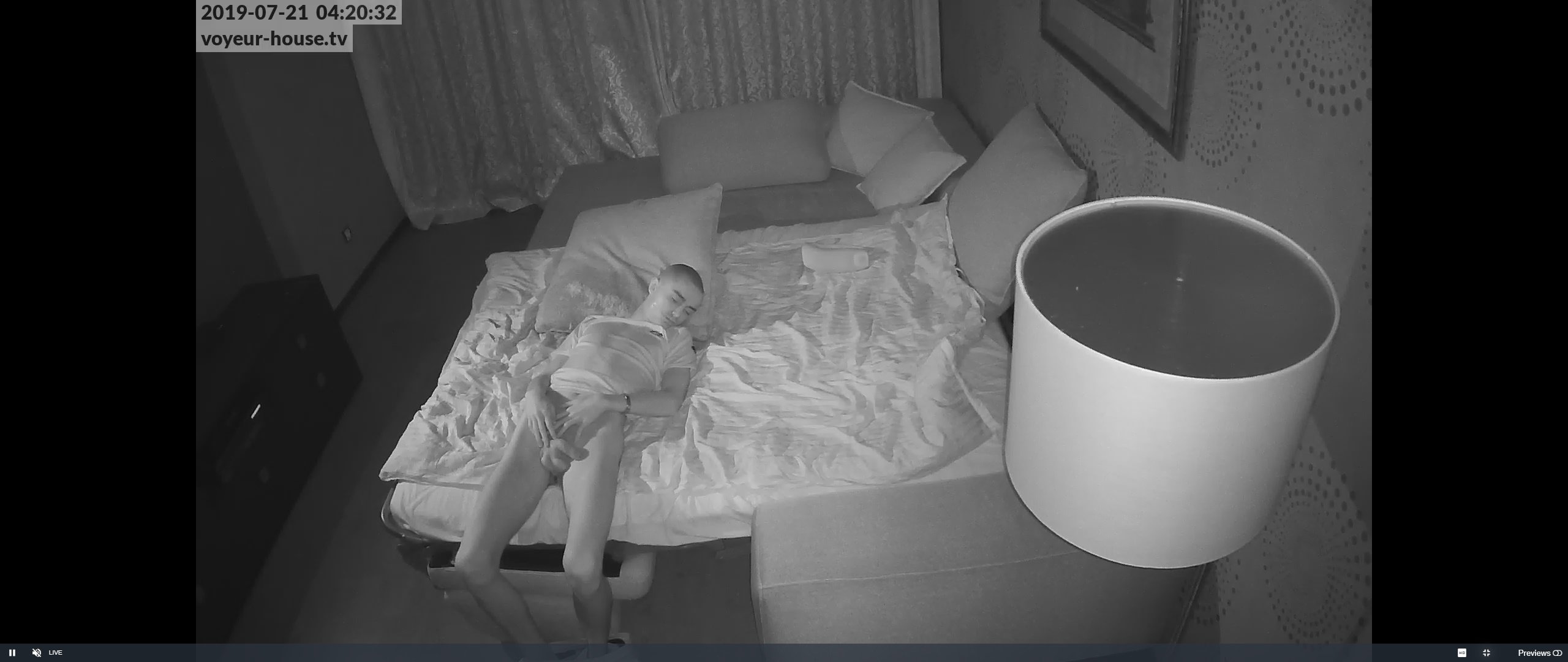
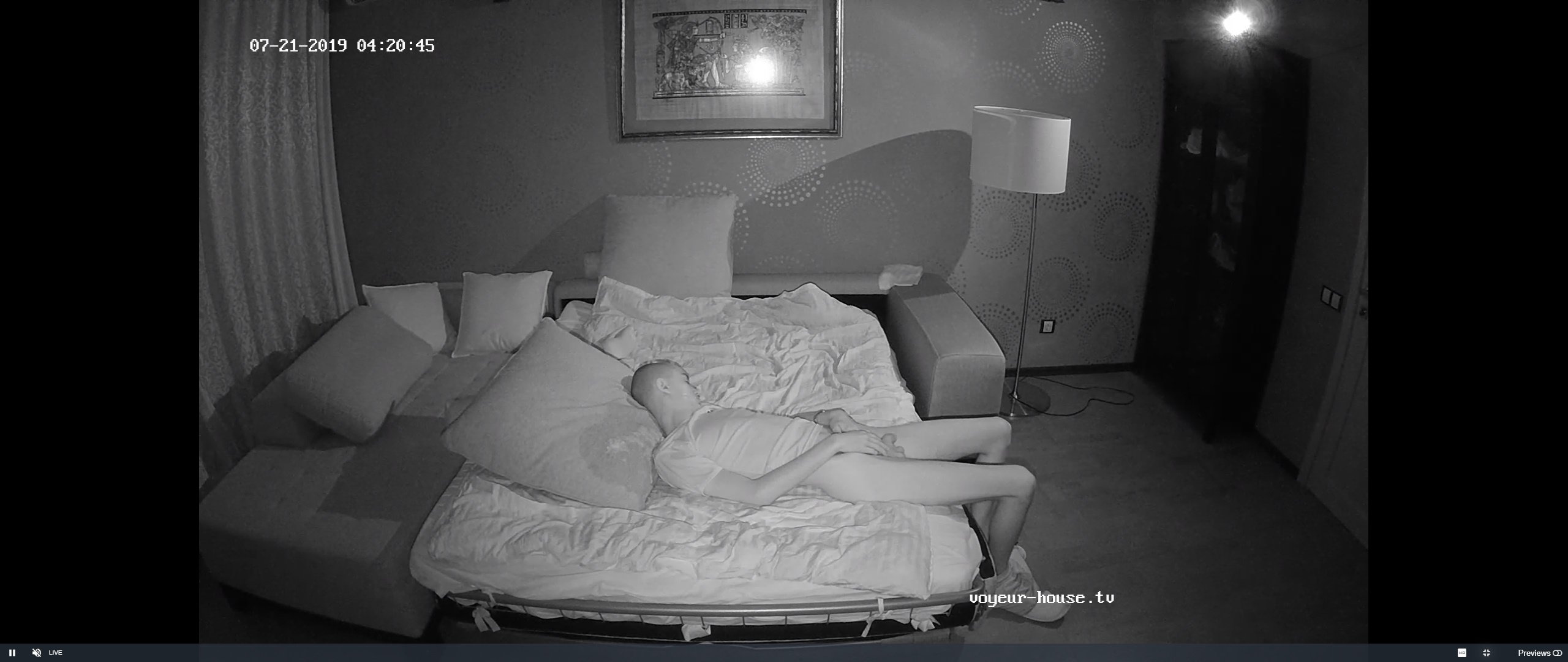
now one of them come plonk himself in the living room and sleep.not even cover himself
or haryius bottomus
now the one who lost his trousers has some explainging and cleaning to do
they are the voyees that like to voyeur the voyeurs and voyeur themselves voyeuring.
if he was roman he would be know as limpus dikkus
now one of them come plonk himself in the living room and sleep.not even cover himself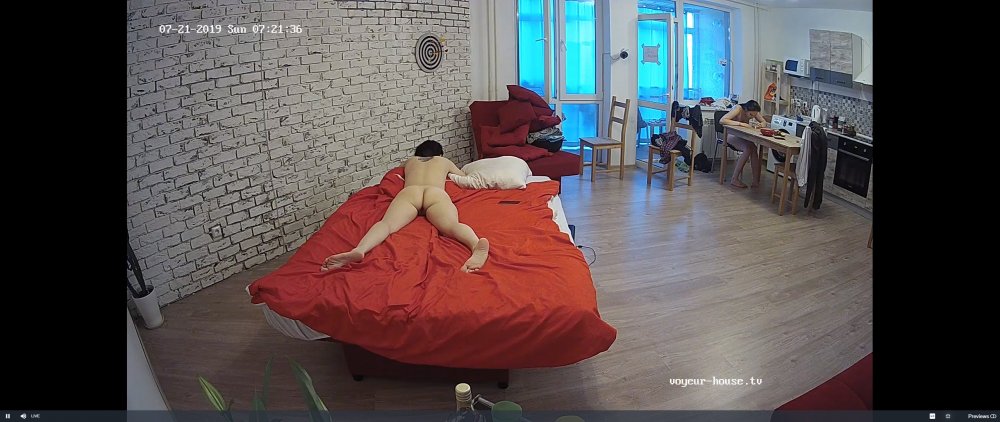
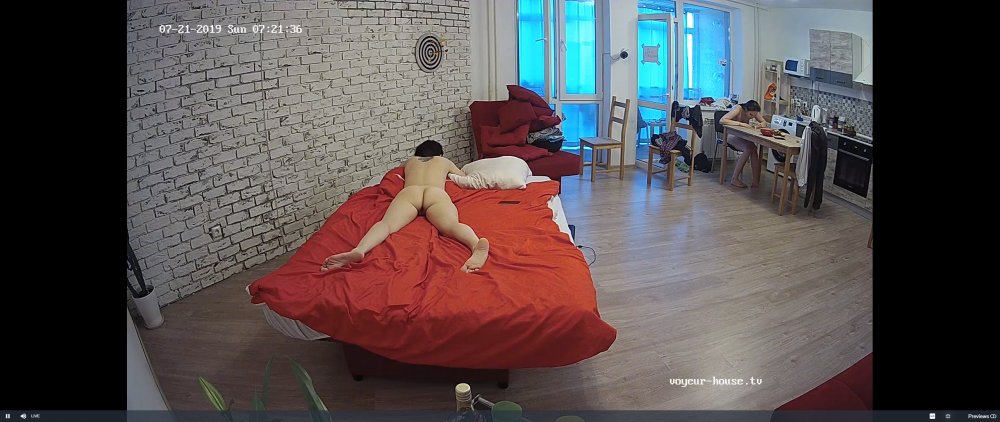
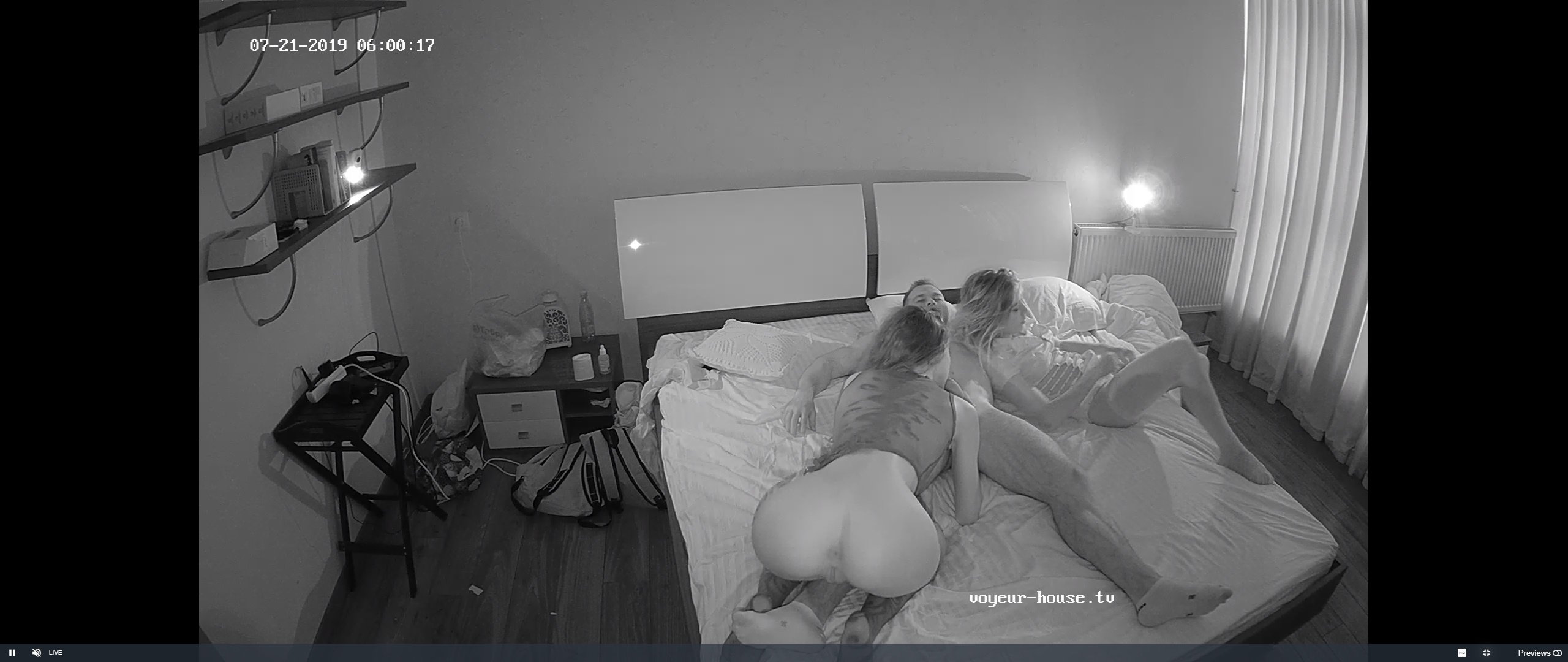
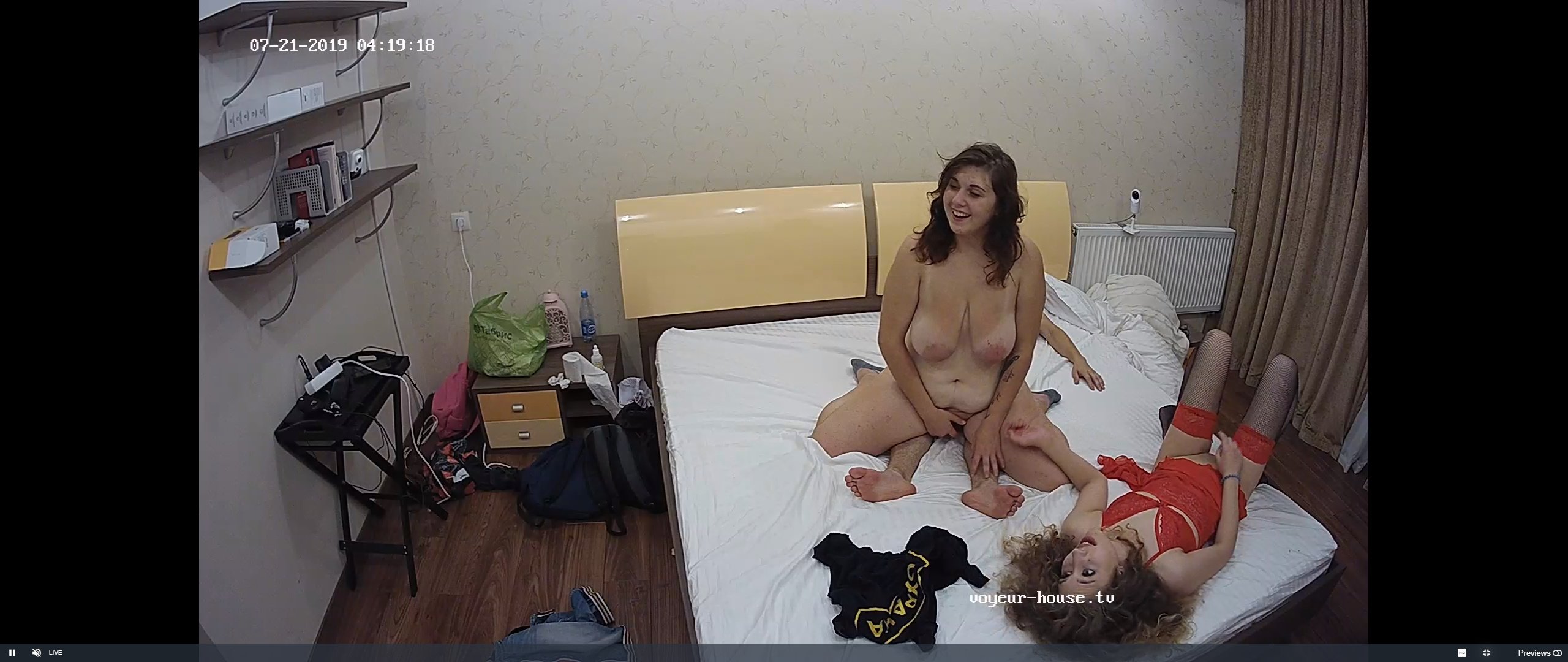
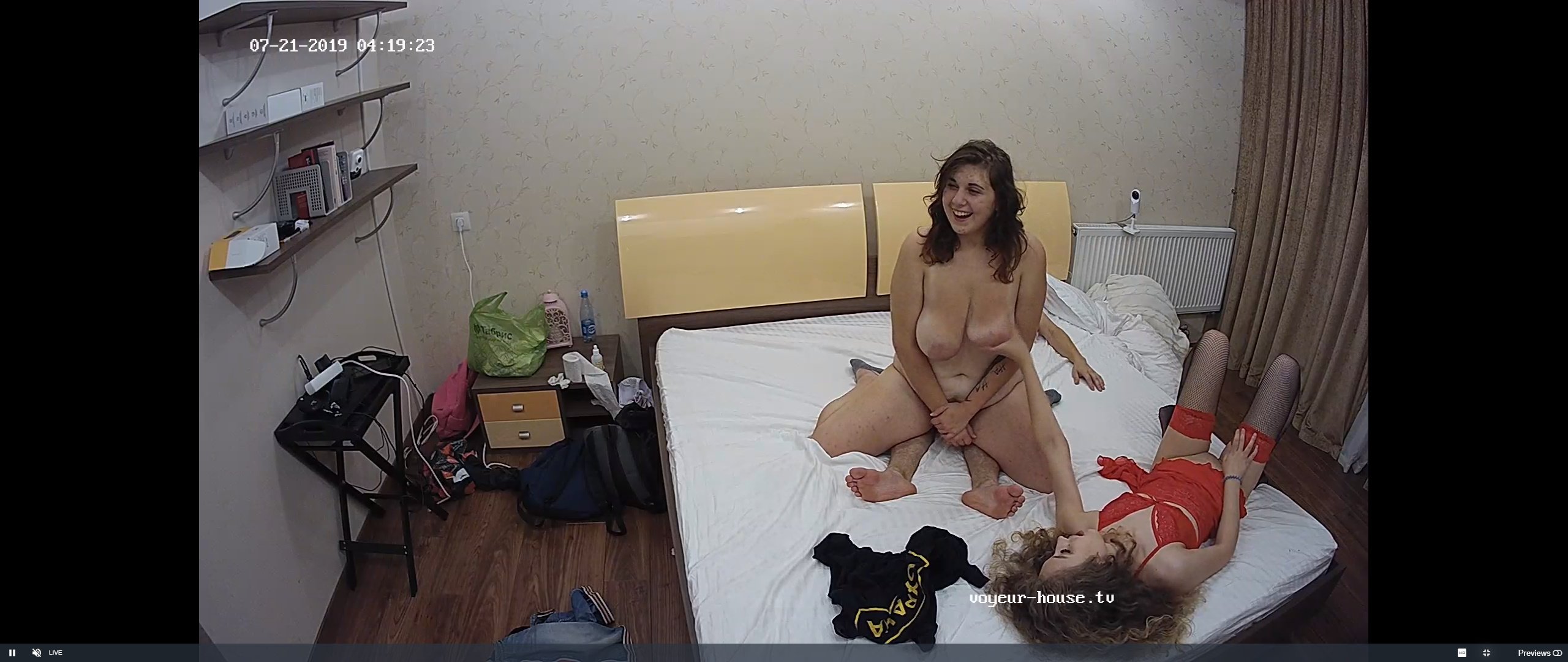
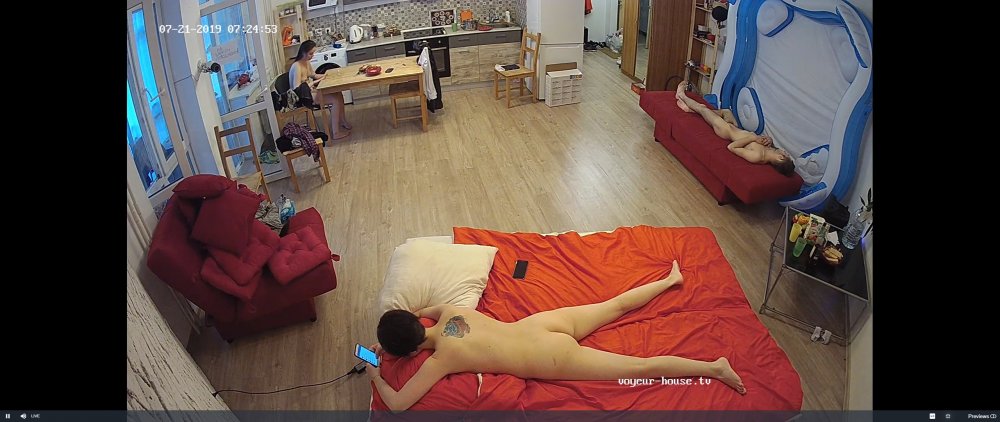 indeed so but this time what they were watching was what was going on in their bed.normally they watch it on the laptop.but had to keep it quiet and disceet.and have a quiet sort of giggle
 some man fred man buisness going on
 they watching whats going on in their bed
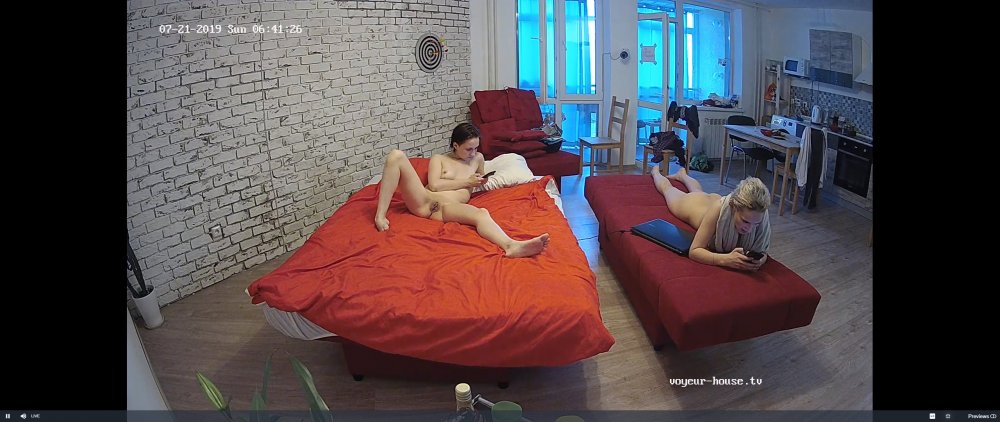
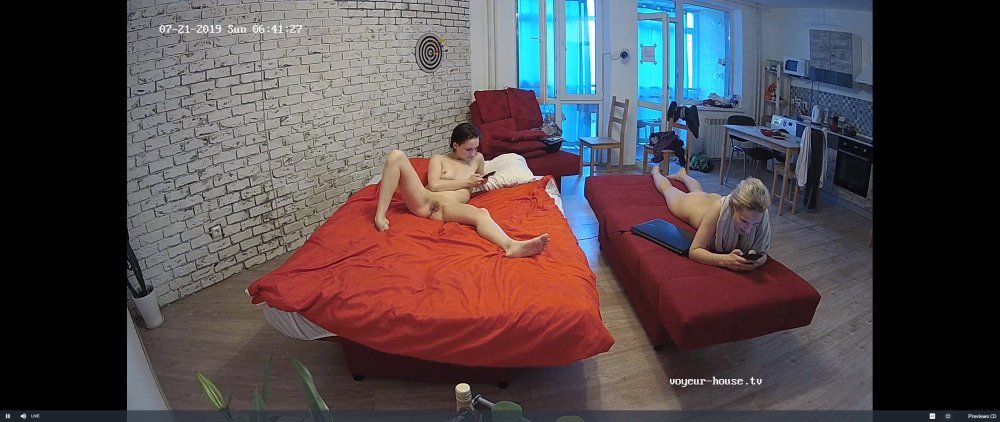
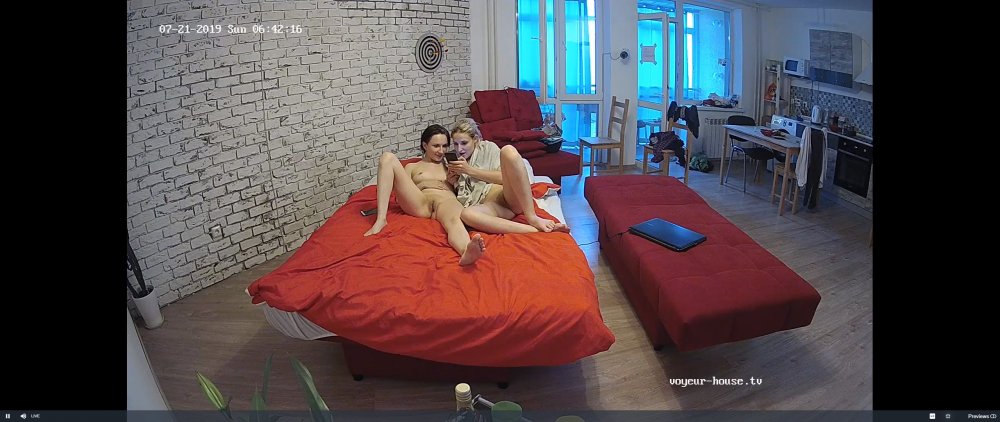
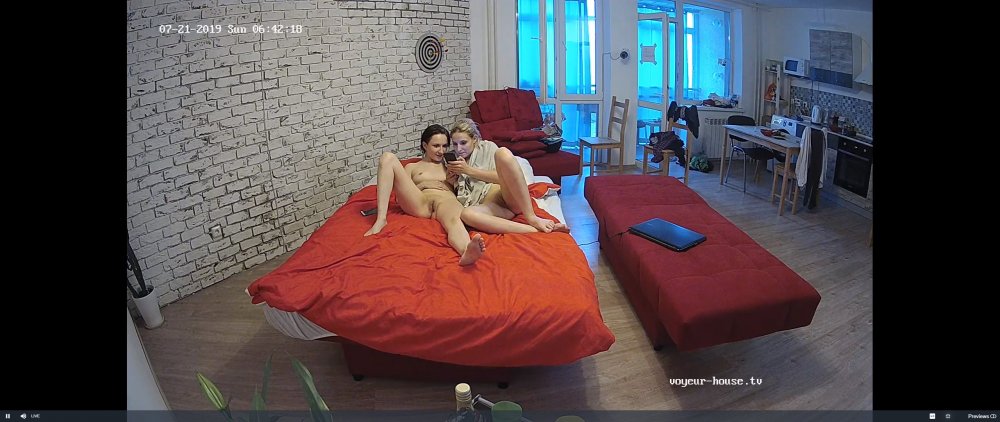
 your logic is correct,robodick he is
meet andreas redknob
your logic is correct,robodick he is
meet andreas redknob
 nuff girl in the house and him drop asleep with his trouser round his ankles
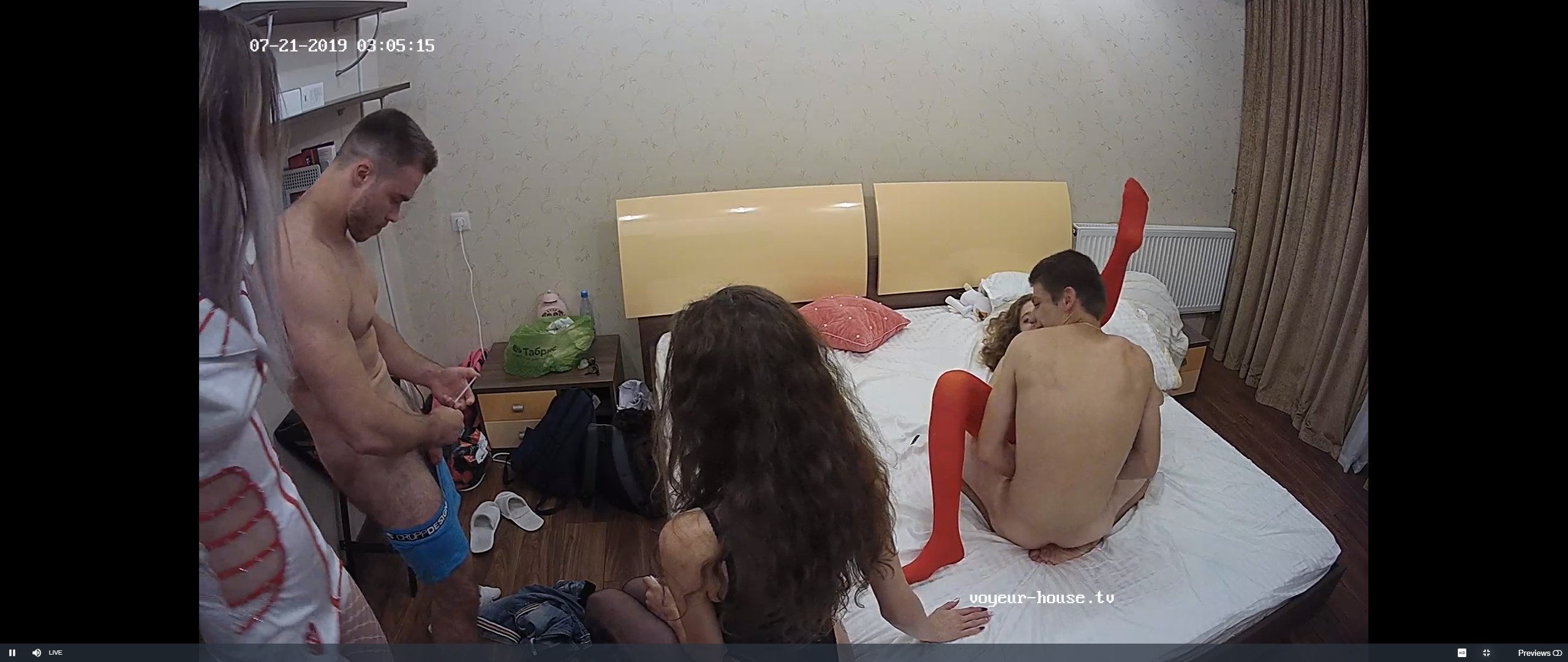
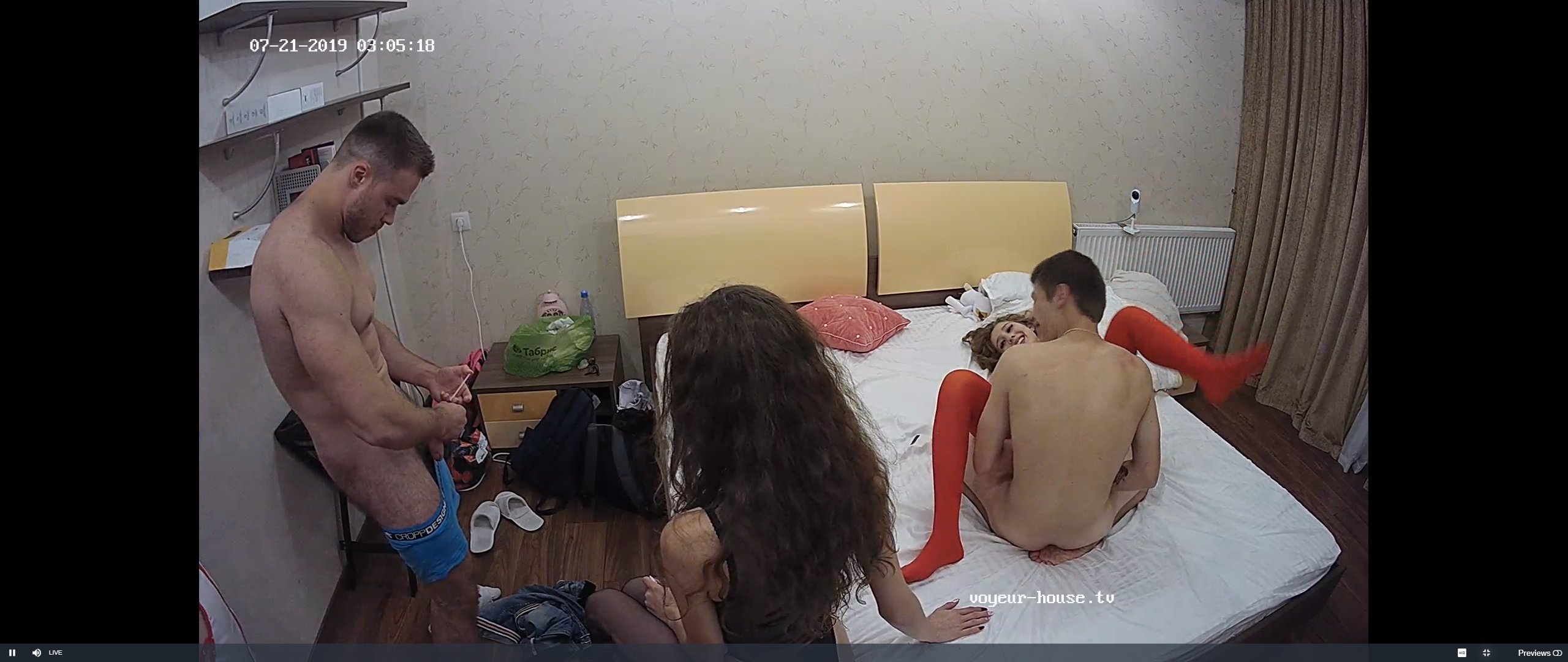
 what is this twat with the blue shorts upto
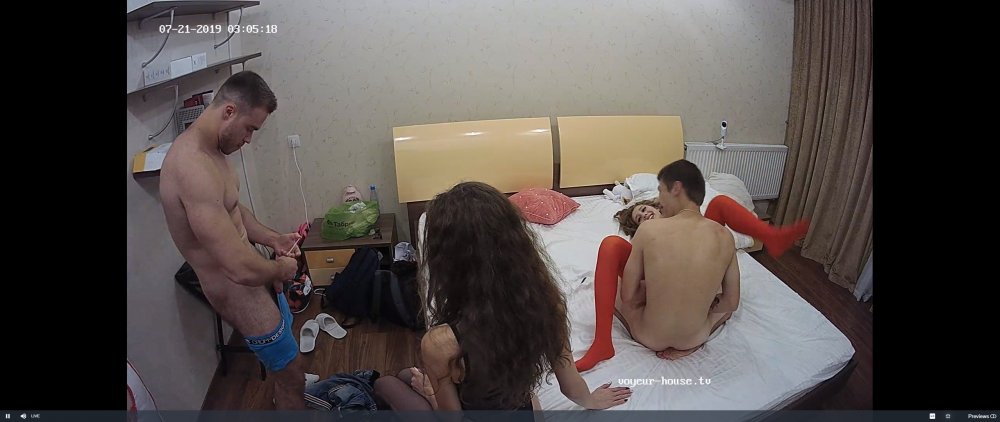
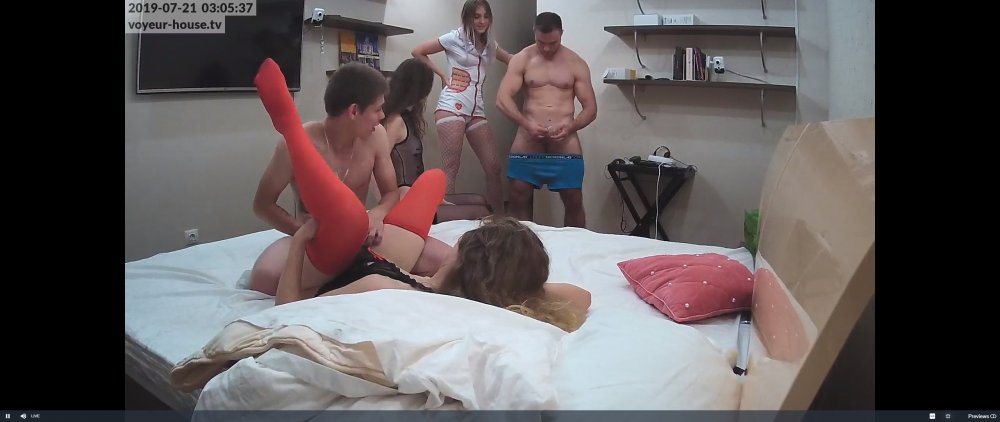
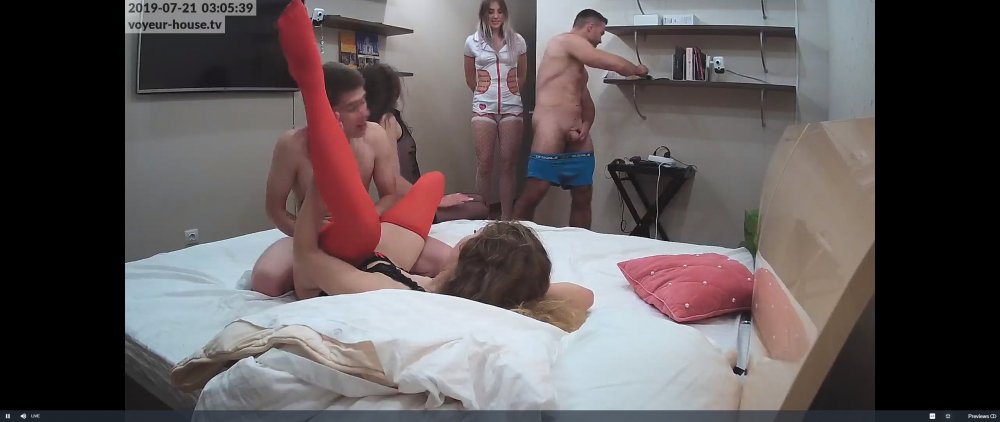
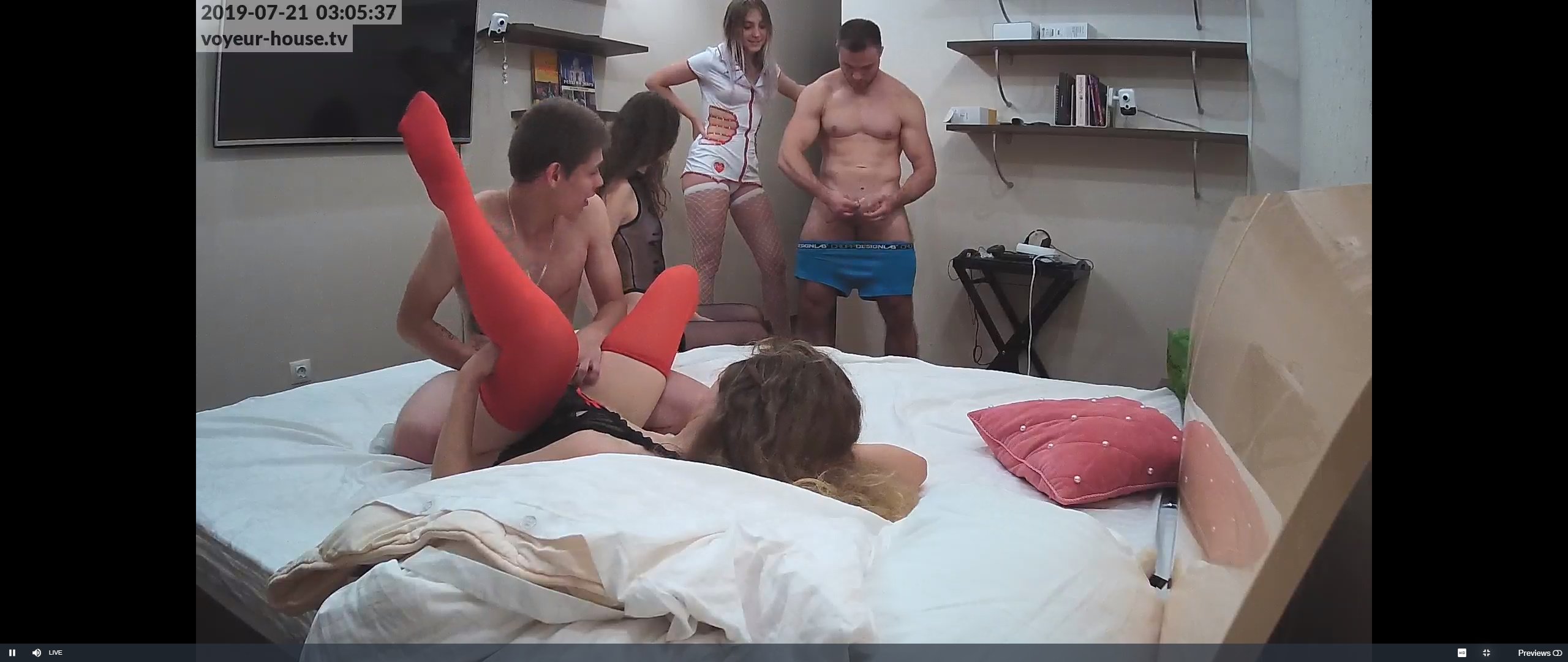
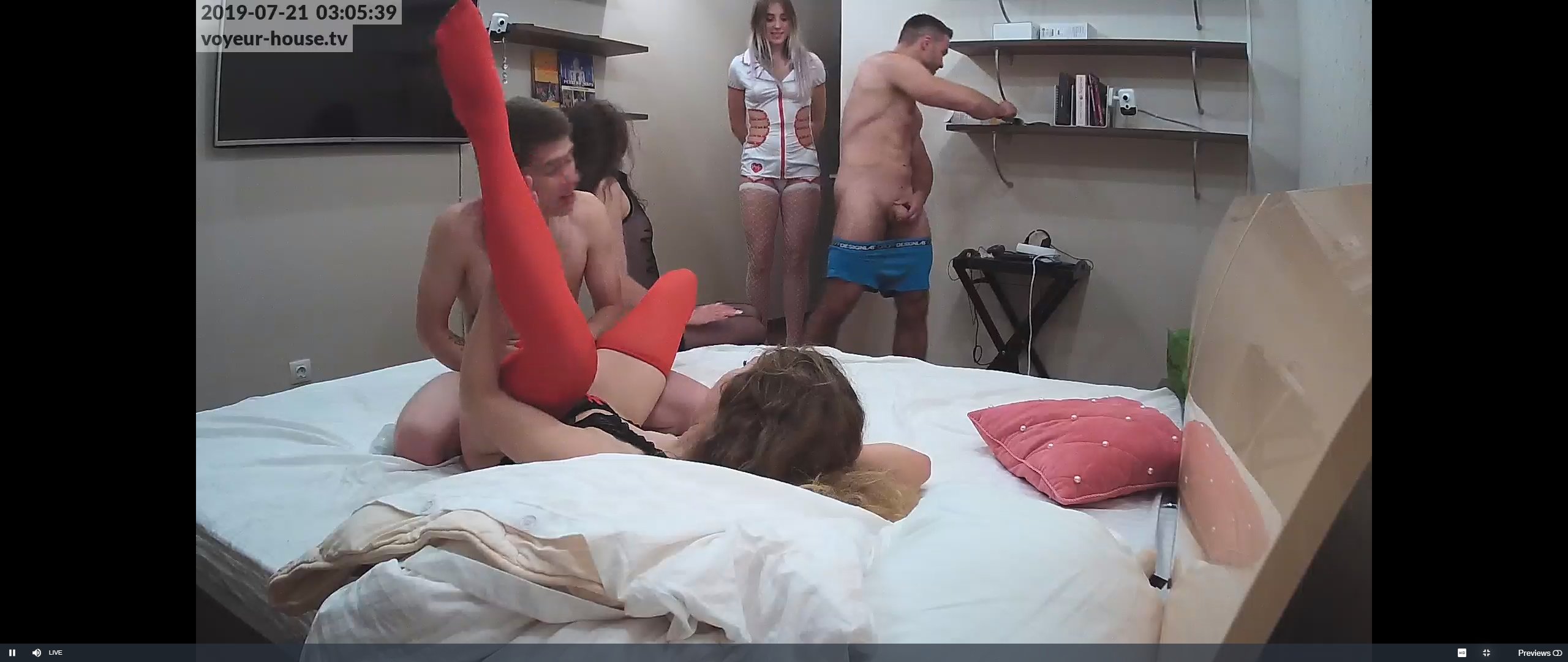
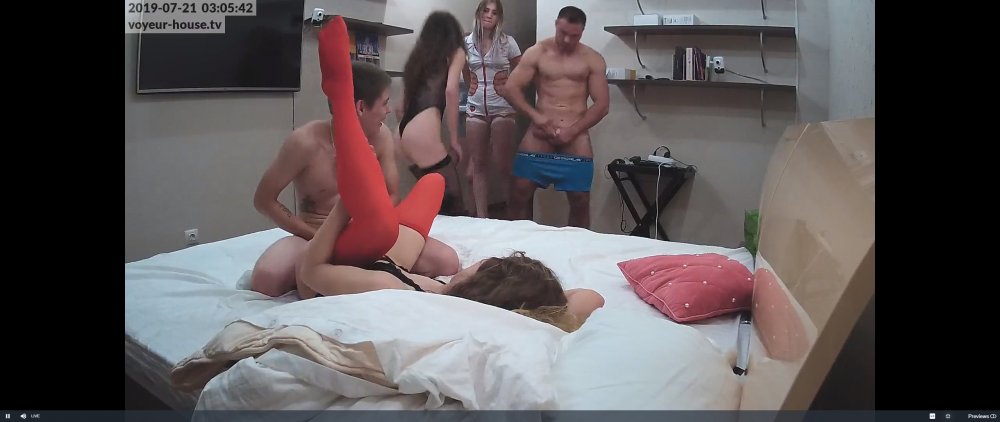 party ruiened now that man have turned up
Account
Navigation
Search
Configure browser push notifications
Chrome (Android)
- Tap the lock icon next to the address bar.
- Tap Permissions → Notifications.
- Adjust your preference.
Chrome (Desktop)
- Click the padlock icon in the address bar.
- Select Site settings.
- Find Notifications and adjust your preference.
Safari (iOS 16.4+)
- Ensure the site is installed via Add to Home Screen.
- Open Settings App → Notifications.
- Find your app name and adjust your preference.
Safari (macOS)
- Go to Safari → Preferences.
- Click the Websites tab.
- Select Notifications in the sidebar.
- Find this website and adjust your preference.
Edge (Android)
- Tap the lock icon next to the address bar.
- Tap Permissions.
- Find Notifications and adjust your preference.
Edge (Desktop)
- Click the padlock icon in the address bar.
- Click Permissions for this site.
- Find Notifications and adjust your preference.
Firefox (Android)
- Go to Settings → Site permissions.
- Tap Notifications.
- Find this site in the list and adjust your preference.
Firefox (Desktop)
- Open Firefox Settings.
- Search for Notifications.
- Find this site in the list and adjust your preference.