cyberleader
Hero Member
-
Joined
-
Last visited
Everything posted by cyberleader
-
 https://mab.to/Bj18jWpgd https://mab.to/StTI5NQ39
 -
inna and marna https://mab.to/34tVKMO8r
-
https://mab.to/5qoLpr36D
-
what we need is a dedicated place to upload pictures,as most other sites take down pics n videos,as not everyone is online at the same time its not fair for them to click and only find dead links,maybe the tech crew could find a way of doing this that does not break the rules.and keeps everyone smiling.
-
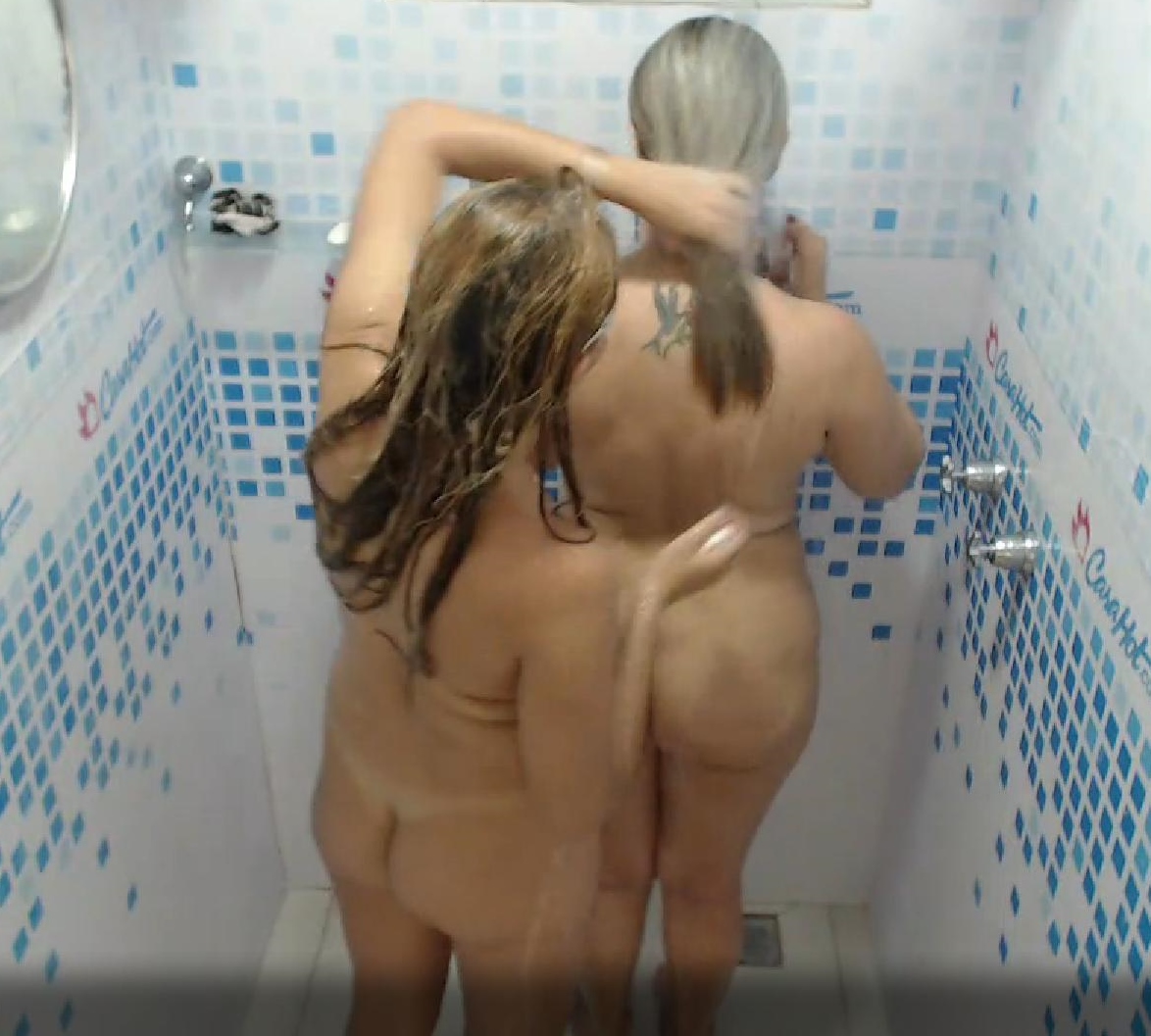
tonights theme seems to be belly dancing,the all have curves in the right places for this one..




 the jury is still out on who has the best arse,you know what sod it they all have,,
there they are avin it large and the doorbell rings,me i would have made them wait till i done
the jury is still out on who has the best arse,you know what sod it they all have,,
there they are avin it large and the doorbell rings,me i would have made them wait till i done
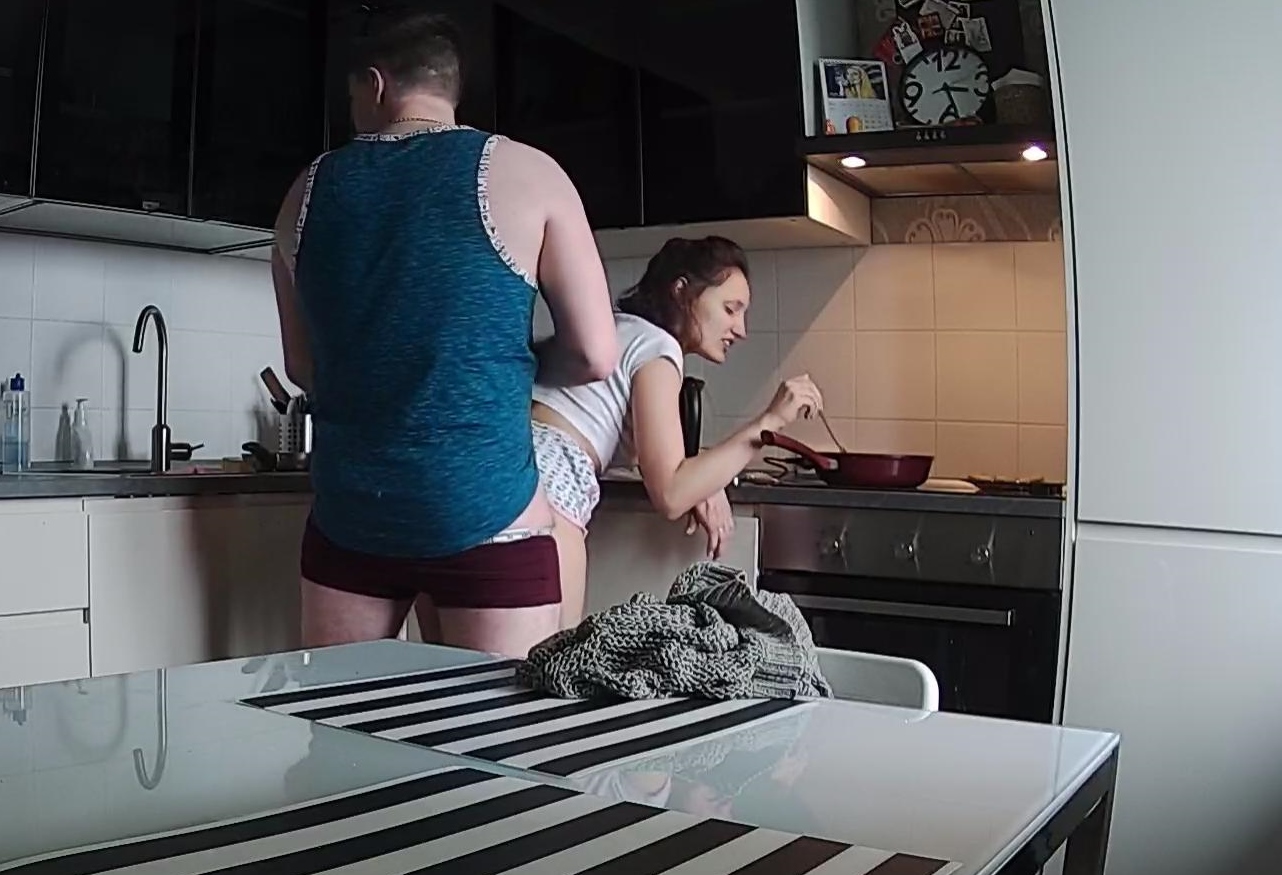
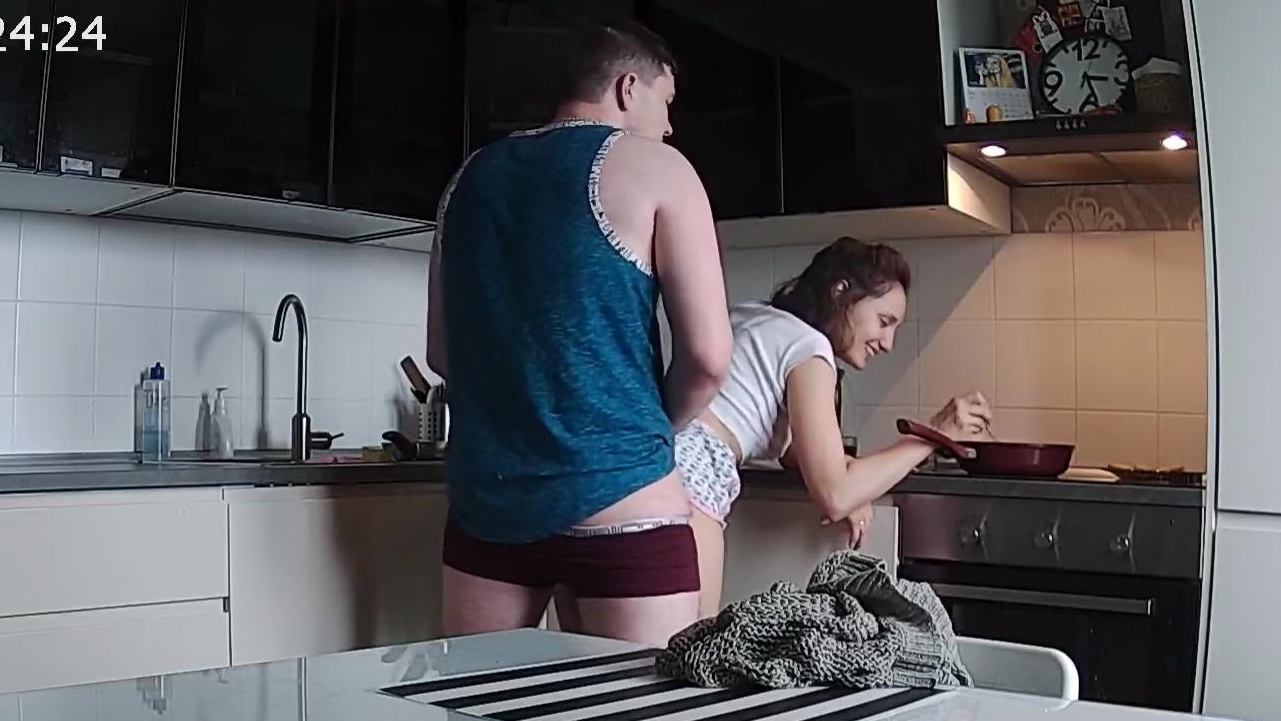
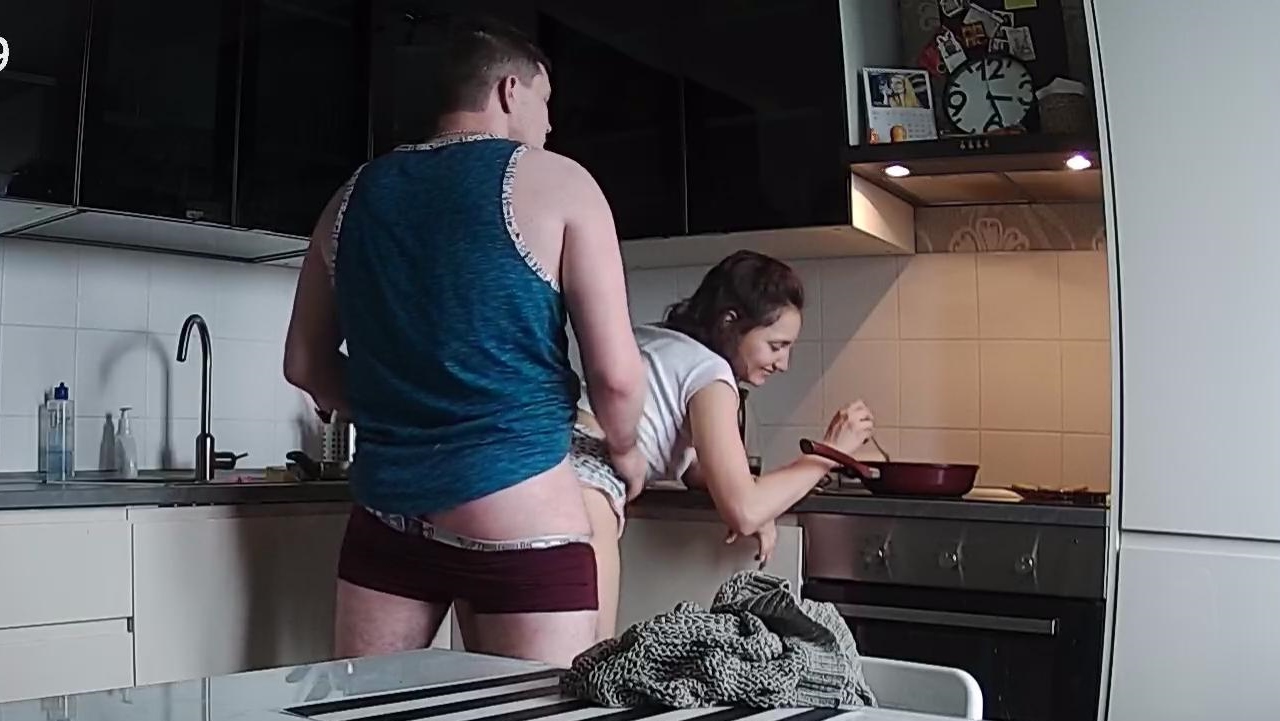
 must admit i have not seen this method mentioned in any cookbook,maybe they are onto something here..
you dont see this on the cooking shows on tv
must admit i have not seen this method mentioned in any cookbook,maybe they are onto something here..
you dont see this on the cooking shows on tv
 just checking
 the blueprint couple,this is so nice to see
 ladies night
 i was thinking the excat same thing
one squirt already
i was thinking the excat same thing
one squirt already





Account
Navigation
Search
Configure browser push notifications
Chrome (Android)
- Tap the lock icon next to the address bar.
- Tap Permissions → Notifications.
- Adjust your preference.
Chrome (Desktop)
- Click the padlock icon in the address bar.
- Select Site settings.
- Find Notifications and adjust your preference.
Safari (iOS 16.4+)
- Ensure the site is installed via Add to Home Screen.
- Open Settings App → Notifications.
- Find your app name and adjust your preference.
Safari (macOS)
- Go to Safari → Preferences.
- Click the Websites tab.
- Select Notifications in the sidebar.
- Find this website and adjust your preference.
Edge (Android)
- Tap the lock icon next to the address bar.
- Tap Permissions.
- Find Notifications and adjust your preference.
Edge (Desktop)
- Click the padlock icon in the address bar.
- Click Permissions for this site.
- Find Notifications and adjust your preference.
Firefox (Android)
- Go to Settings → Site permissions.
- Tap Notifications.
- Find this site in the list and adjust your preference.
Firefox (Desktop)
- Open Firefox Settings.
- Search for Notifications.
- Find this site in the list and adjust your preference.
































.jpg.f4abc41dbe05ebfb549270b3e2bb97b5.jpg)