cyberleader
Hero Member
-
Joined
-
Last visited
Everything posted by cyberleader
-
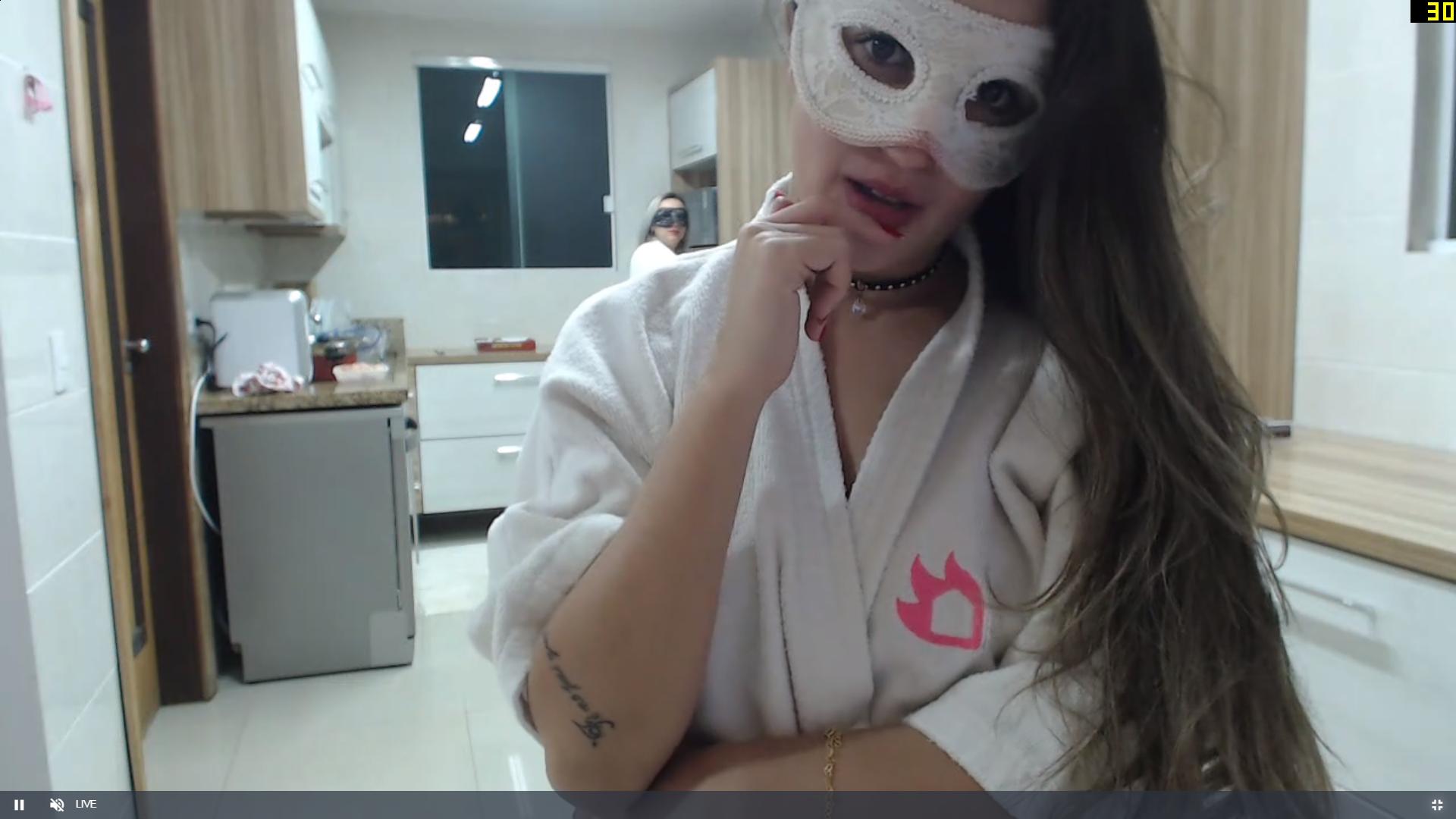
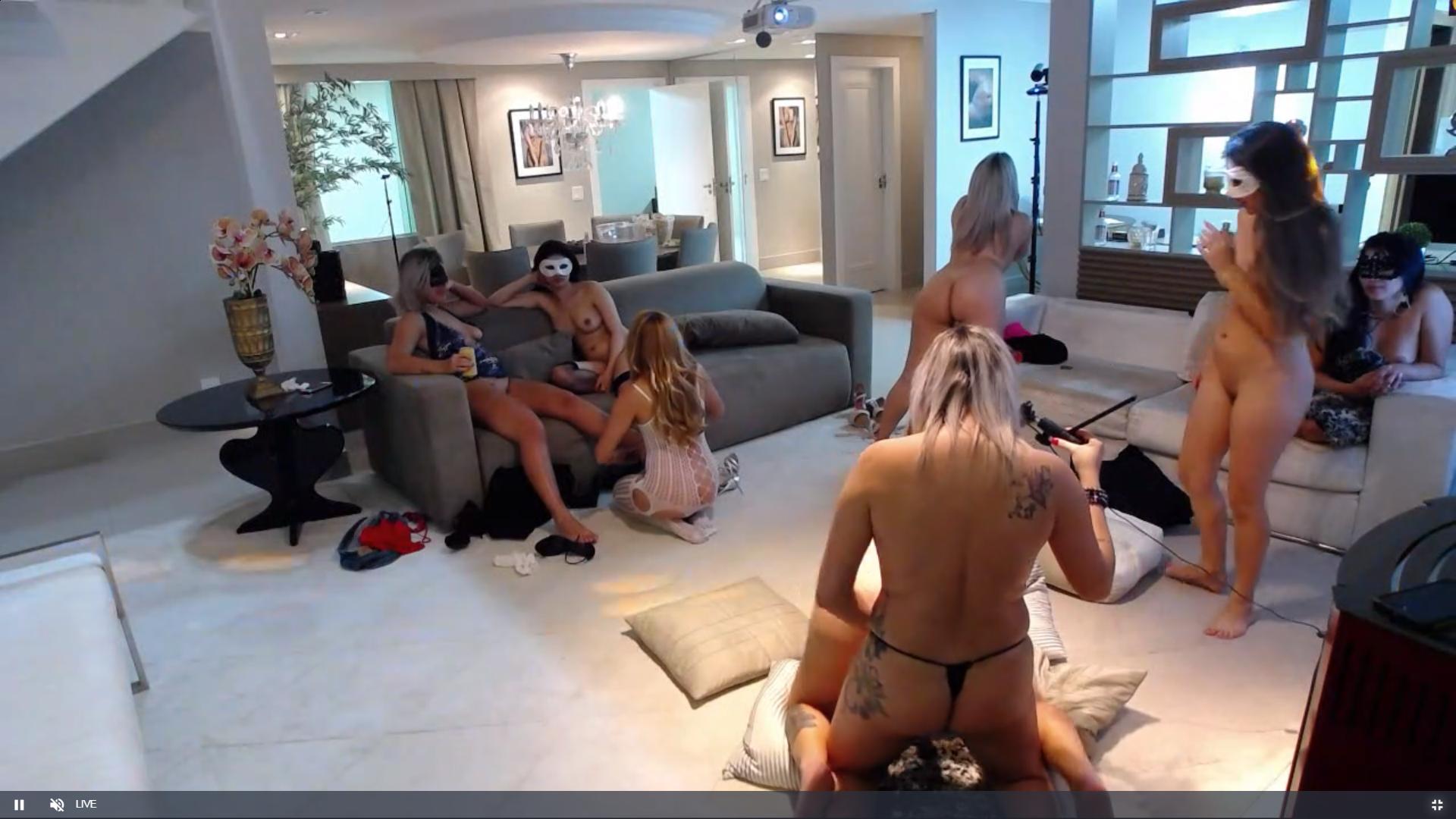
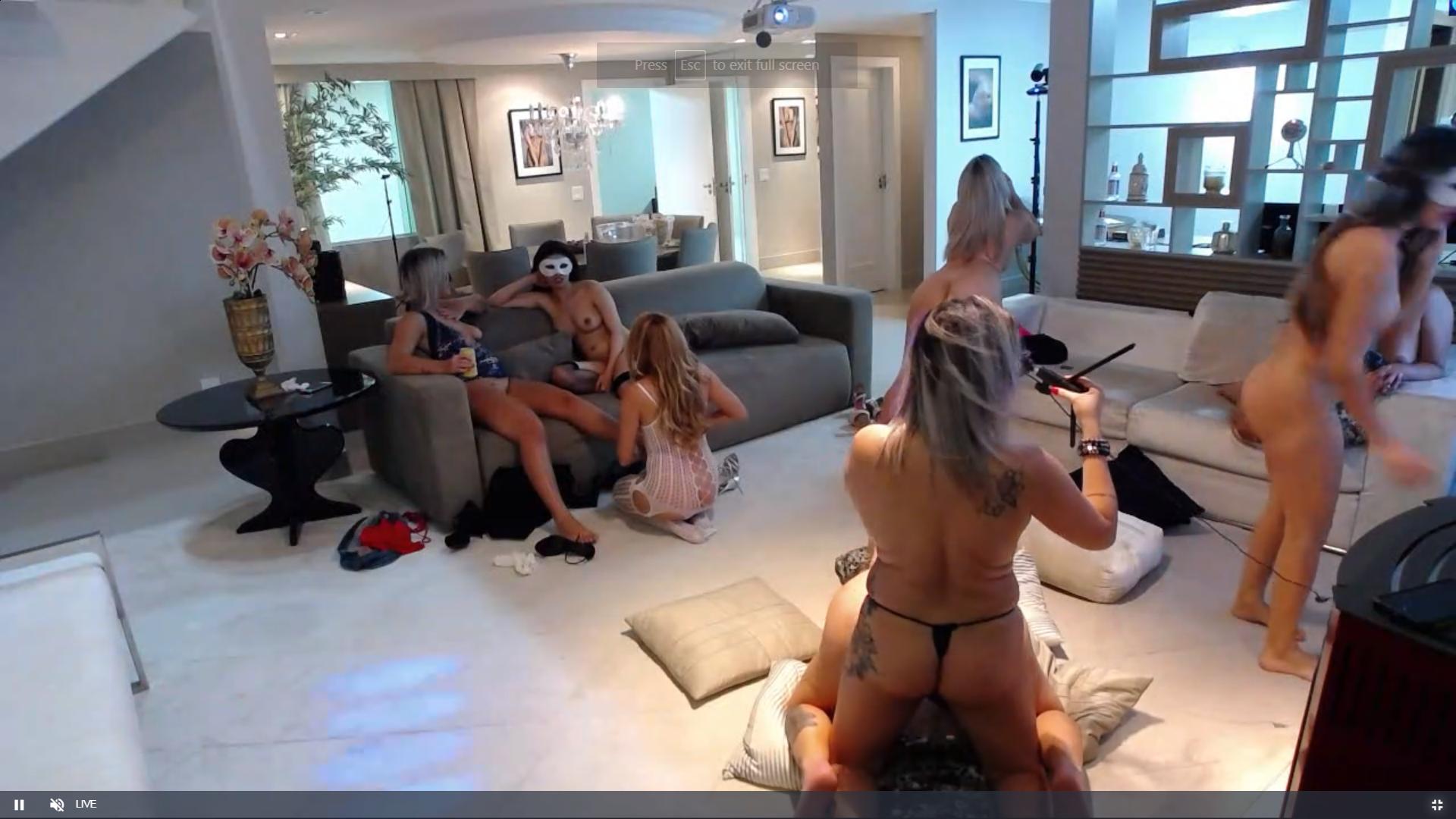
 thats a would you like to join us look
 many many thanks


 stuff like this




 i agree with you on that one and the only one without a superhero mask
this will keep any mans hornet happy
i agree with you on that one and the only one without a superhero mask
this will keep any mans hornet happy
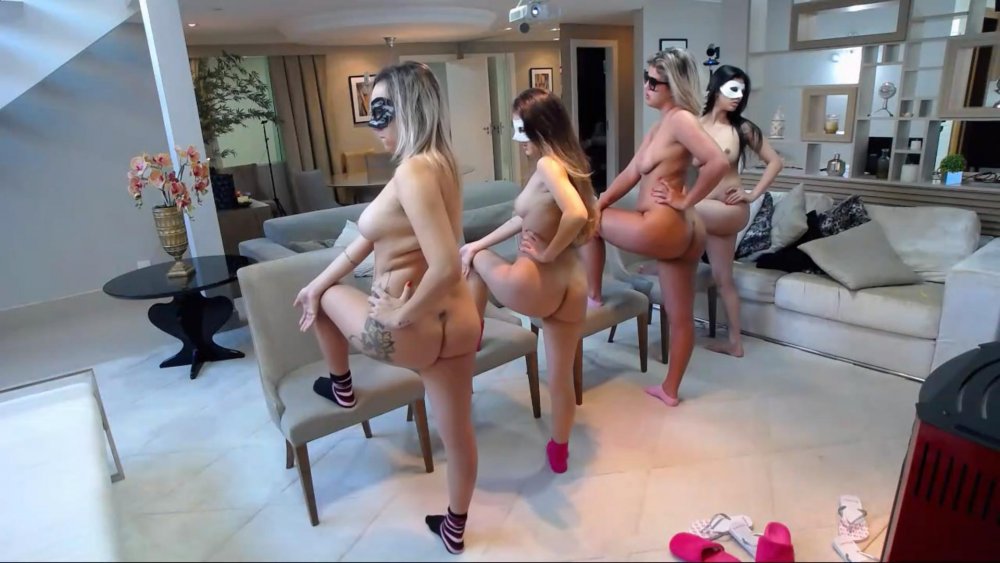
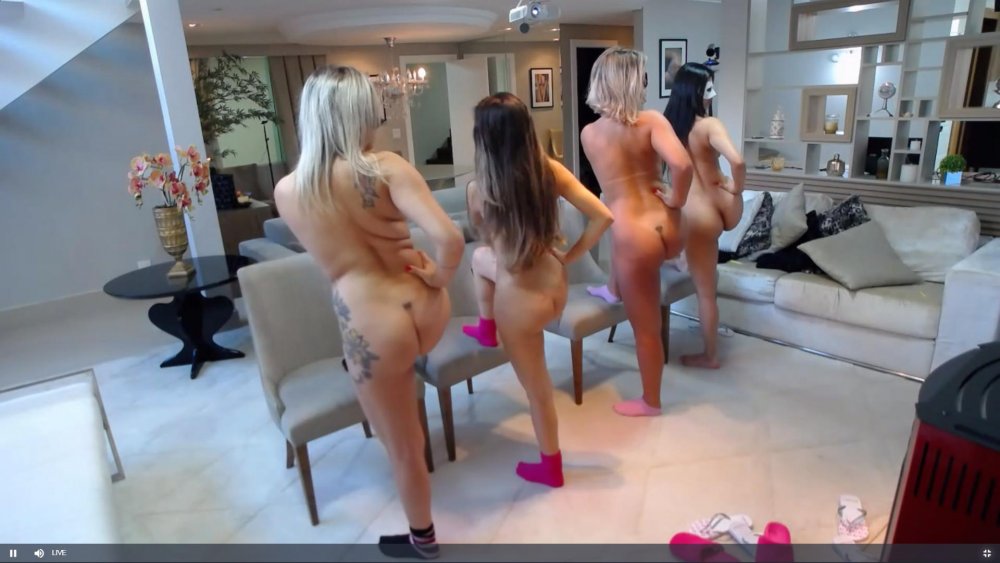

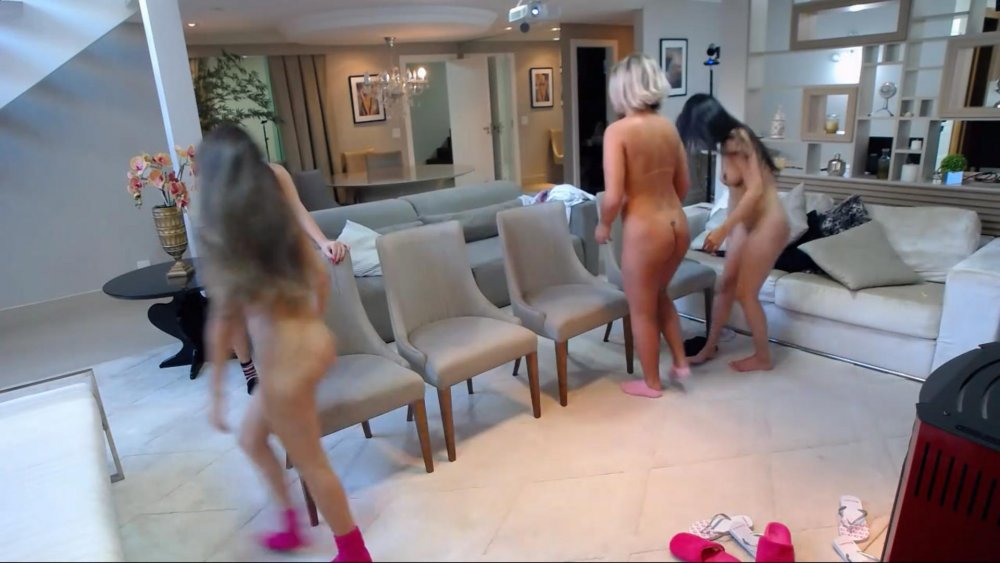
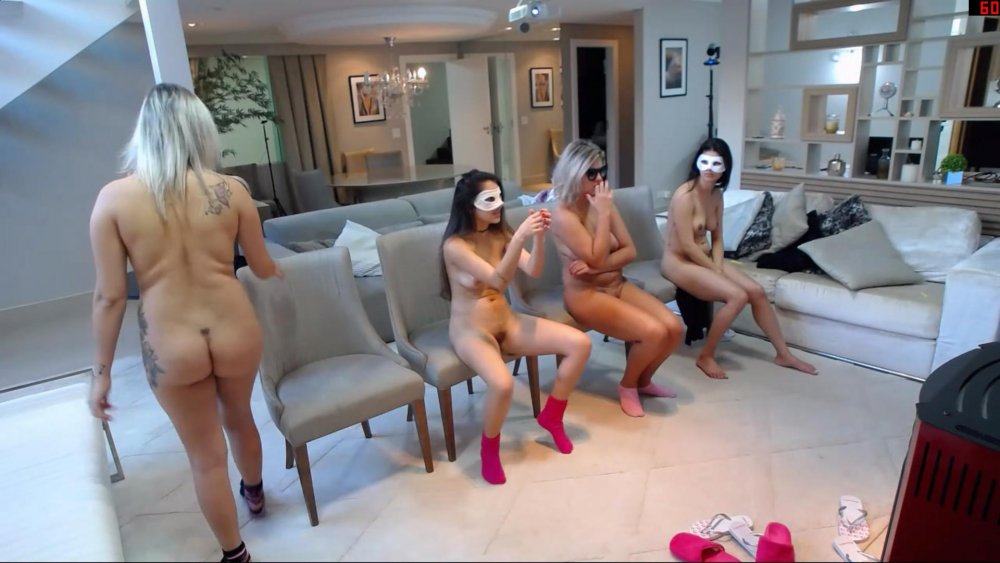

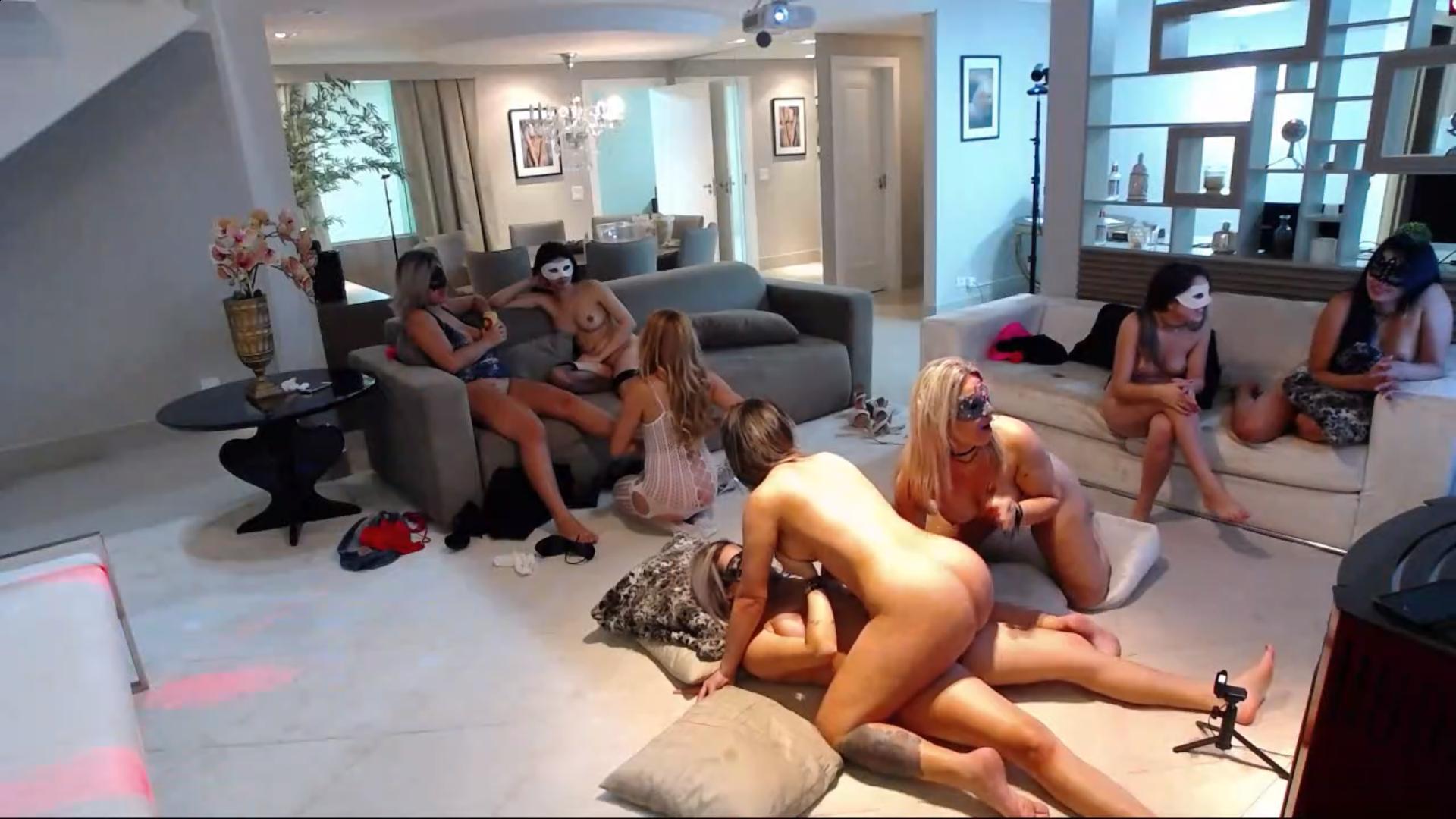
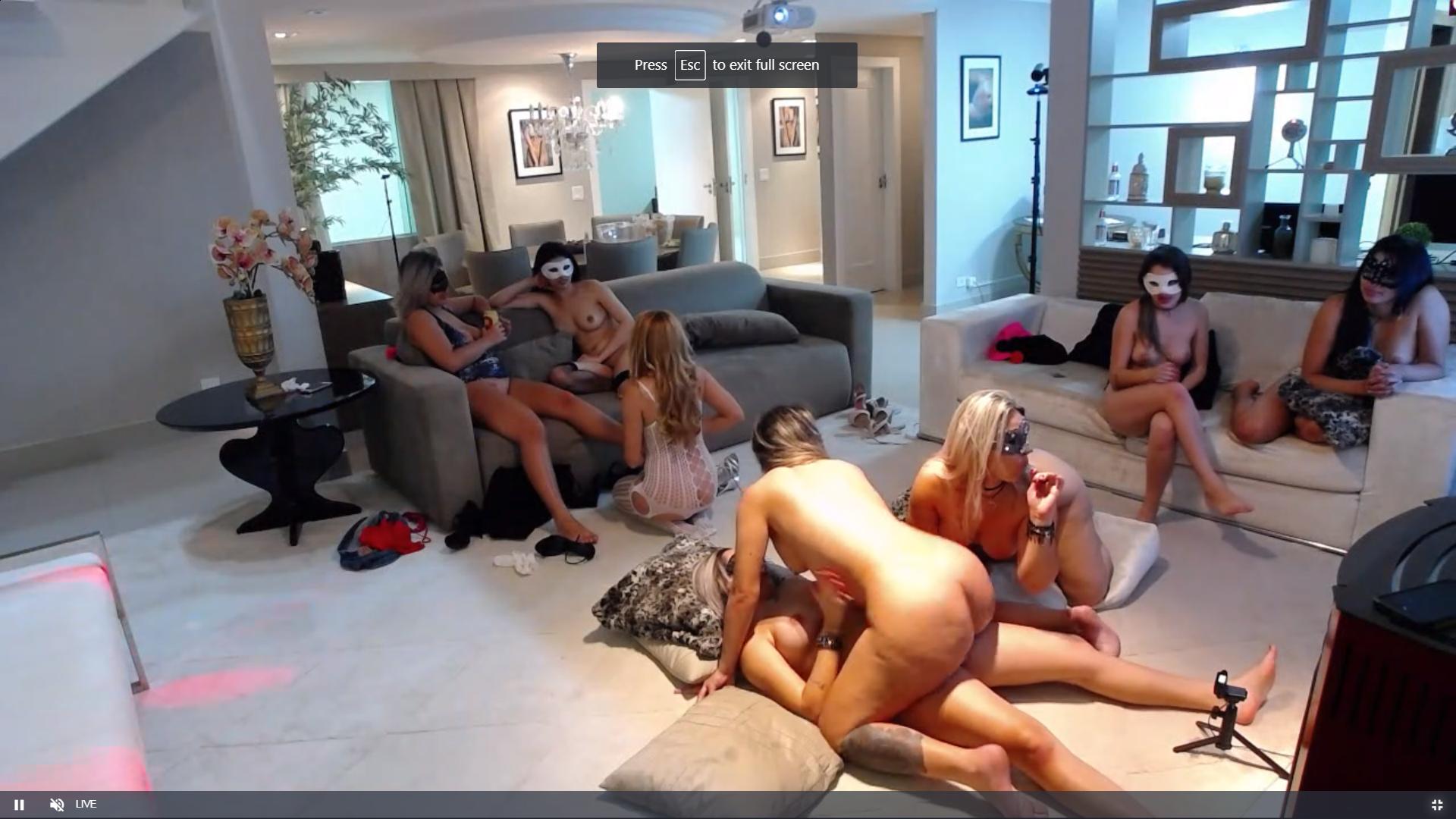
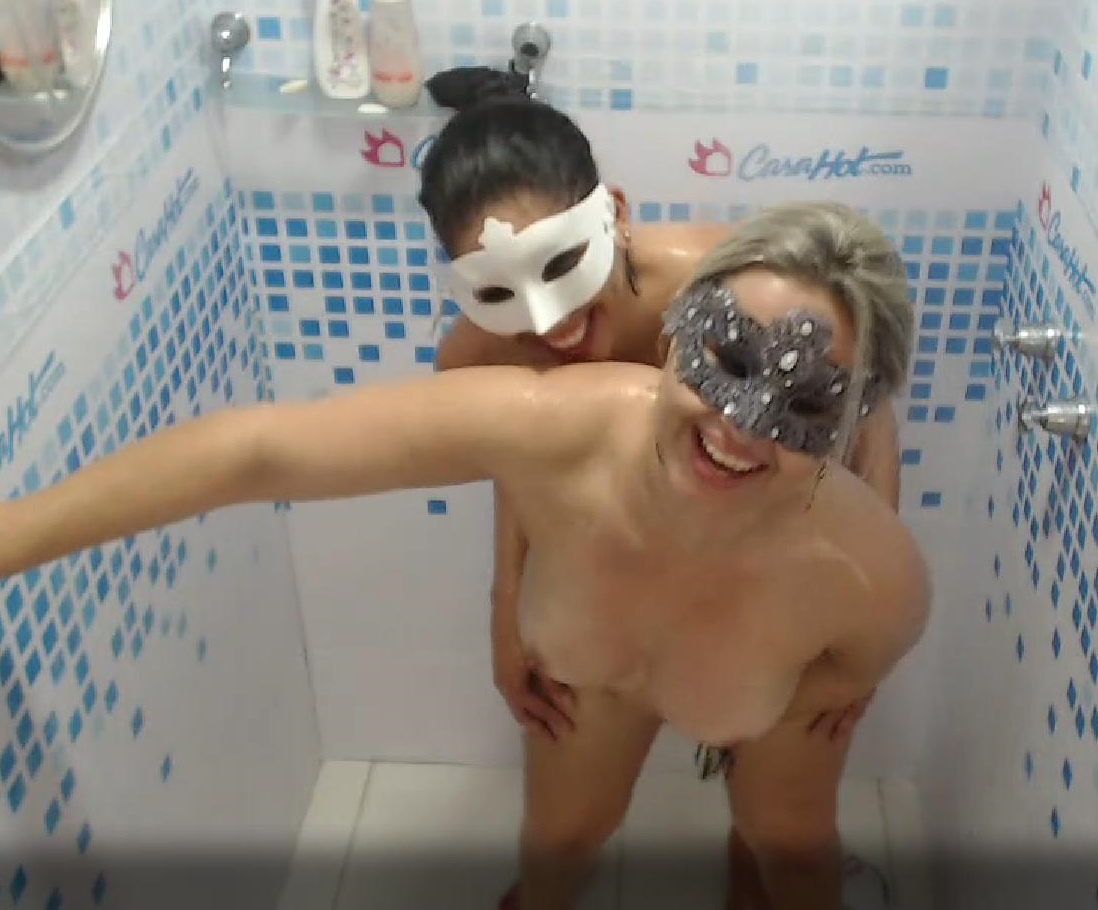
 dont worry about the likes,it happens.but i would give a weeks worth of likes for some time with the casa ladies
i will bring some jack daniels and some overproof rum,it would be a parrrty/orgy
lend?? the trouble with lending is that you have to give it back evetually i could not let them go,i would end up defaulting.
whoever gets the ping pong ball in the cup does something sexy good game
dont worry about the likes,it happens.but i would give a weeks worth of likes for some time with the casa ladies
i will bring some jack daniels and some overproof rum,it would be a parrrty/orgy
lend?? the trouble with lending is that you have to give it back evetually i could not let them go,i would end up defaulting.
whoever gets the ping pong ball in the cup does something sexy good game
 errr thank you very much.. check the girls in that video.
thats is the tune playing now,
errr thank you very much.. check the girls in that video.
thats is the tune playing now,







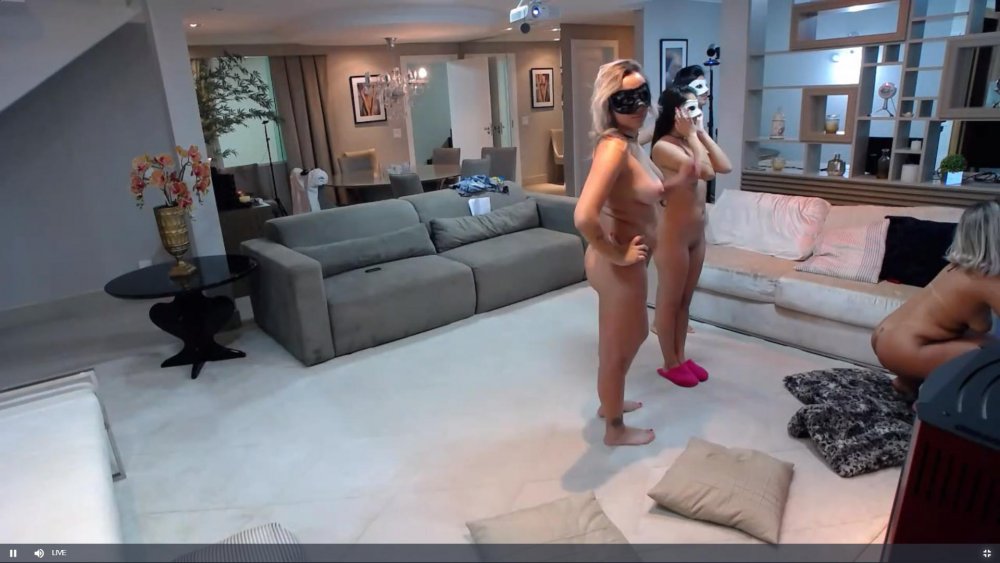
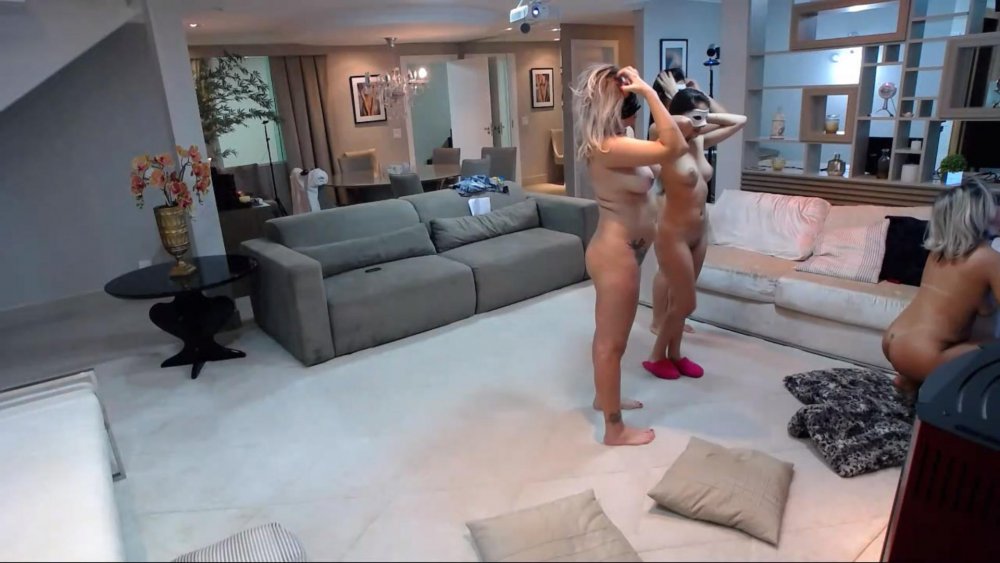 i did capture a few shots of silvia in her best dress but true she was upset and not her usuall happy self i declined to post them.
i do hope they sort it out,as these two are the best couple here,
i did capture a few shots of silvia in her best dress but true she was upset and not her usuall happy self i declined to post them.
i do hope they sort it out,as these two are the best couple here,Account
Navigation
Search
Configure browser push notifications
Chrome (Android)
- Tap the lock icon next to the address bar.
- Tap Permissions → Notifications.
- Adjust your preference.
Chrome (Desktop)
- Click the padlock icon in the address bar.
- Select Site settings.
- Find Notifications and adjust your preference.
Safari (iOS 16.4+)
- Ensure the site is installed via Add to Home Screen.
- Open Settings App → Notifications.
- Find your app name and adjust your preference.
Safari (macOS)
- Go to Safari → Preferences.
- Click the Websites tab.
- Select Notifications in the sidebar.
- Find this website and adjust your preference.
Edge (Android)
- Tap the lock icon next to the address bar.
- Tap Permissions.
- Find Notifications and adjust your preference.
Edge (Desktop)
- Click the padlock icon in the address bar.
- Click Permissions for this site.
- Find Notifications and adjust your preference.
Firefox (Android)
- Go to Settings → Site permissions.
- Tap Notifications.
- Find this site in the list and adjust your preference.
Firefox (Desktop)
- Open Firefox Settings.
- Search for Notifications.
- Find this site in the list and adjust your preference.