cyberleader
Hero Member
-
Joined
-
Last visited
Everything posted by cyberleader
-
 the best i could get








 no buts about it just butts


 indeed she fine
they all tucked up in bed together.
indeed she fine
they all tucked up in bed together. your logic is correct,thankfully it ended with them both having sex,the interchange can be a good thing but like you said it does pose a bit of head scratching,but seeing them in the sam place all the time can get a bit stale,so its nice to mix it up abit
there was a nice ending
your logic is correct,thankfully it ended with them both having sex,the interchange can be a good thing but like you said it does pose a bit of head scratching,but seeing them in the sam place all the time can get a bit stale,so its nice to mix it up abit
there was a nice ending








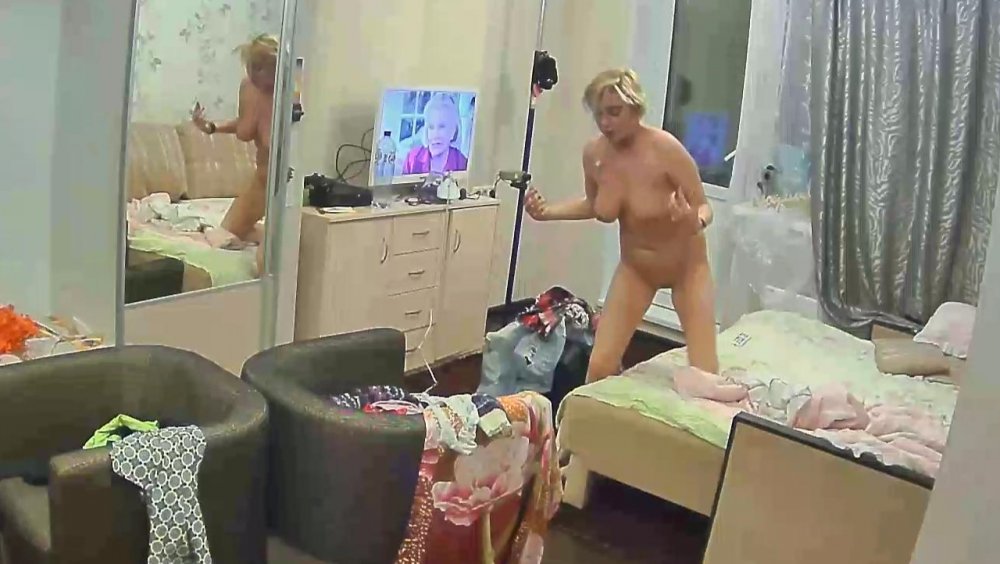
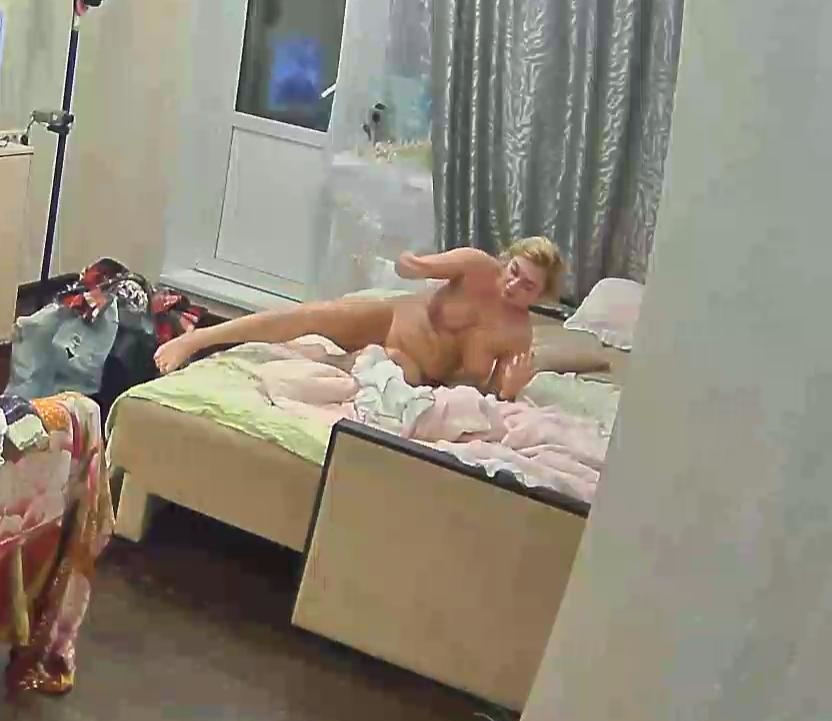
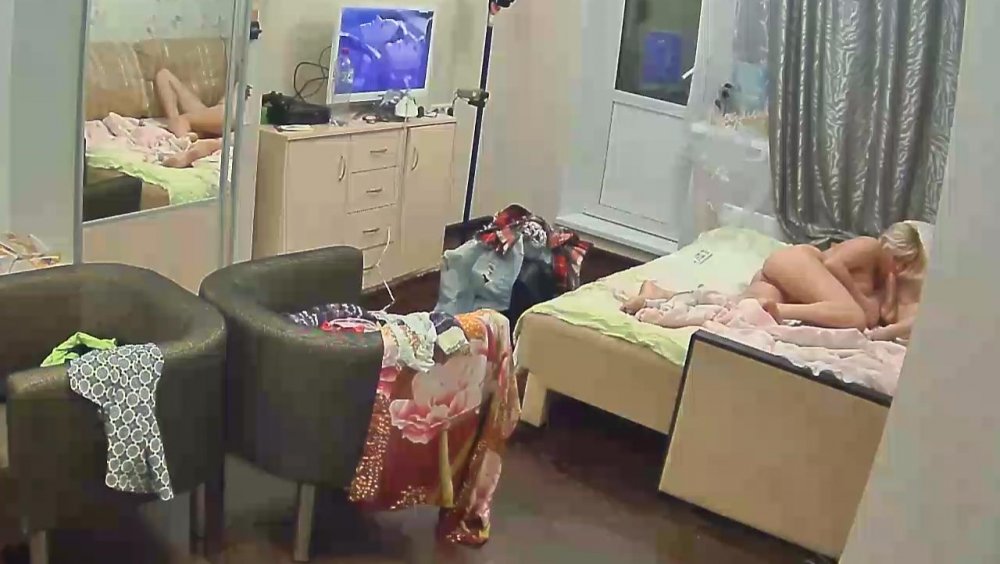








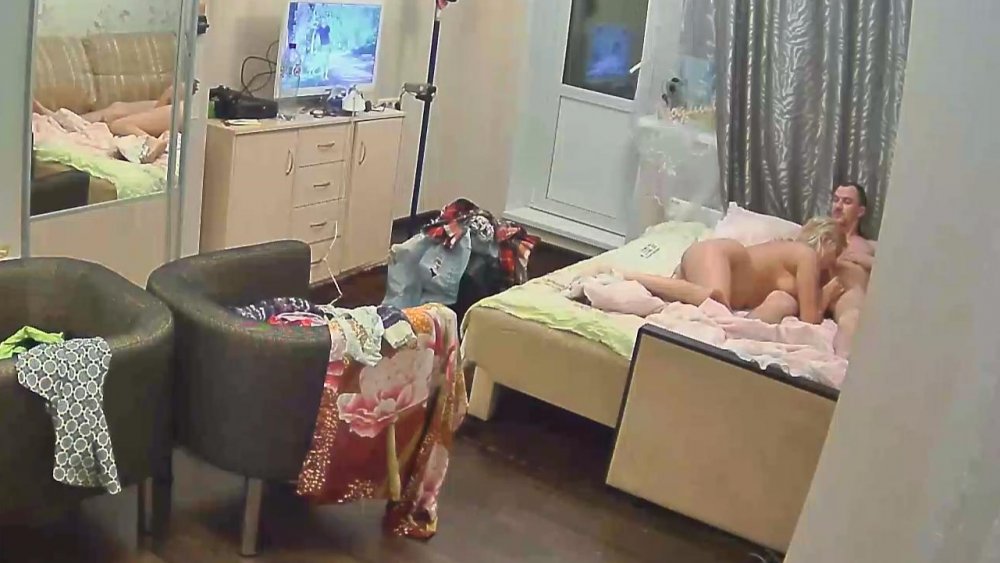
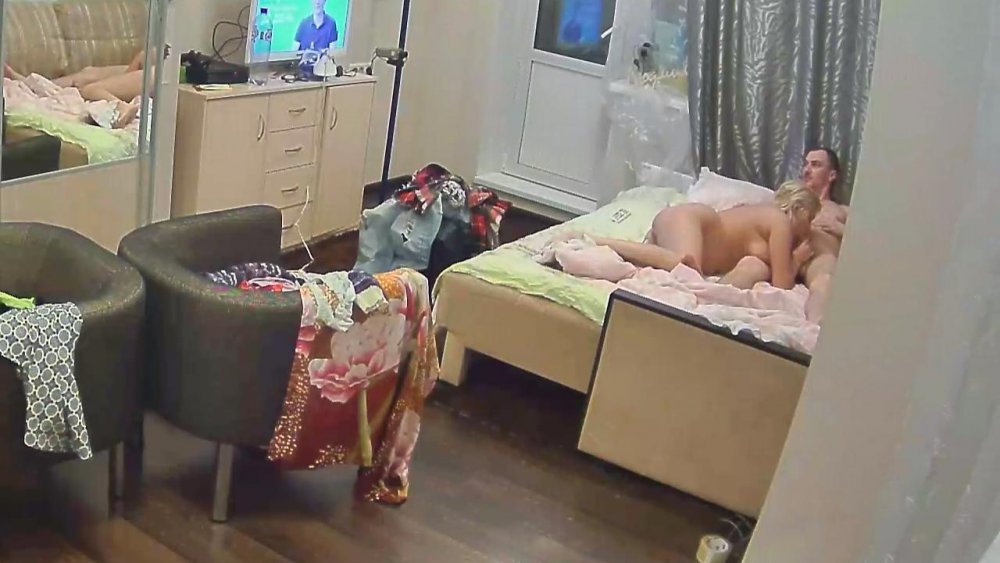



 i like role play sex games as much as the next man,but this one is a bit to near the knuckle for me,just hope the play safe.






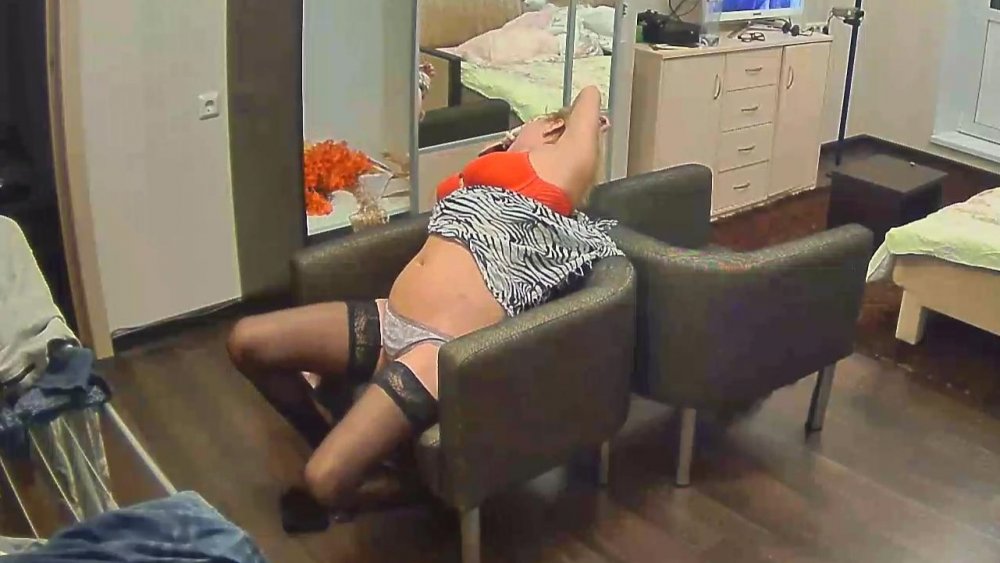

 seriously curvylisious
cheeky
seriously curvylisious
cheeky
Account
Navigation
Search
Configure browser push notifications
Chrome (Android)
- Tap the lock icon next to the address bar.
- Tap Permissions → Notifications.
- Adjust your preference.
Chrome (Desktop)
- Click the padlock icon in the address bar.
- Select Site settings.
- Find Notifications and adjust your preference.
Safari (iOS 16.4+)
- Ensure the site is installed via Add to Home Screen.
- Open Settings App → Notifications.
- Find your app name and adjust your preference.
Safari (macOS)
- Go to Safari → Preferences.
- Click the Websites tab.
- Select Notifications in the sidebar.
- Find this website and adjust your preference.
Edge (Android)
- Tap the lock icon next to the address bar.
- Tap Permissions.
- Find Notifications and adjust your preference.
Edge (Desktop)
- Click the padlock icon in the address bar.
- Click Permissions for this site.
- Find Notifications and adjust your preference.
Firefox (Android)
- Go to Settings → Site permissions.
- Tap Notifications.
- Find this site in the list and adjust your preference.
Firefox (Desktop)
- Open Firefox Settings.
- Search for Notifications.
- Find this site in the list and adjust your preference.