cyberleader
Hero Member
-
Joined
-
Last visited
Everything posted by cyberleader
-
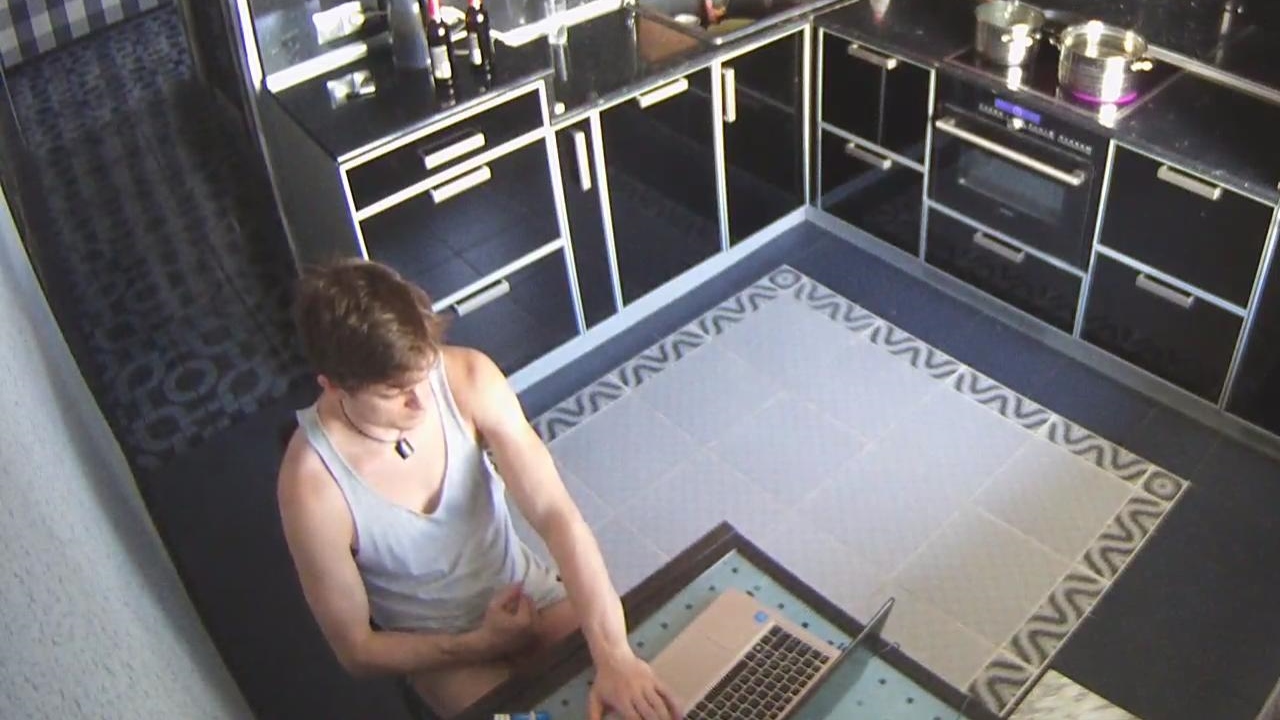
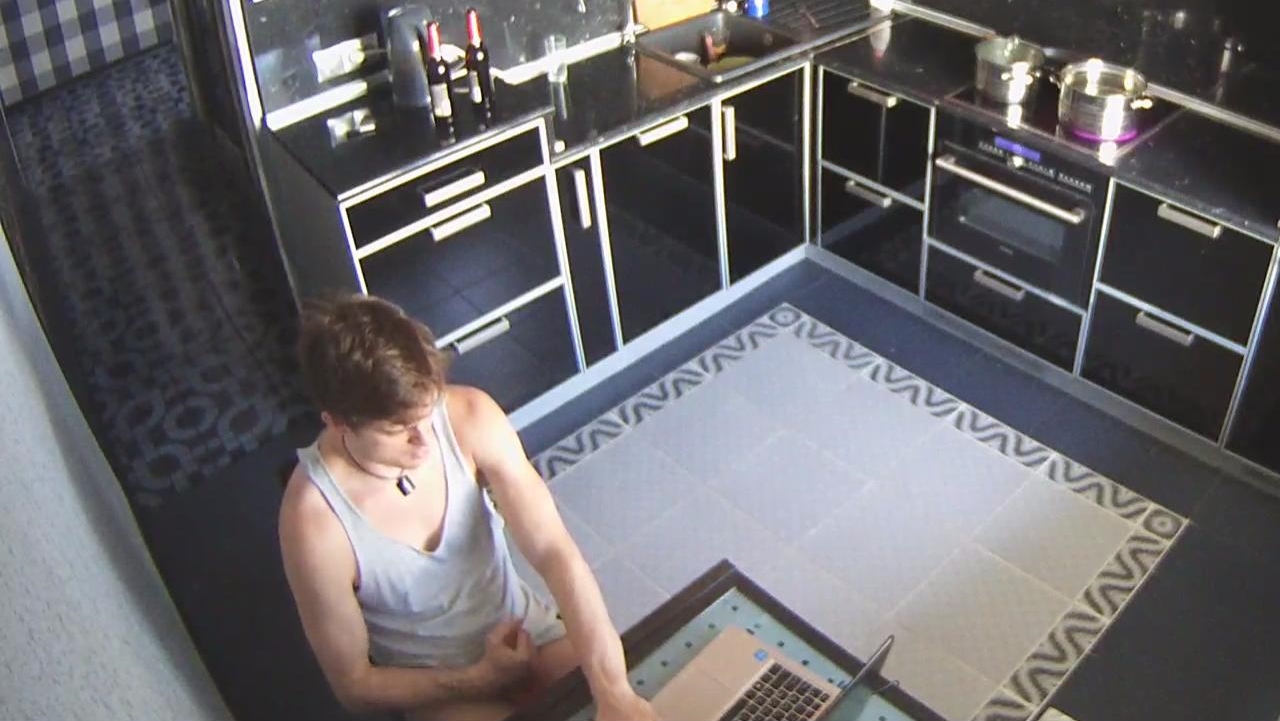
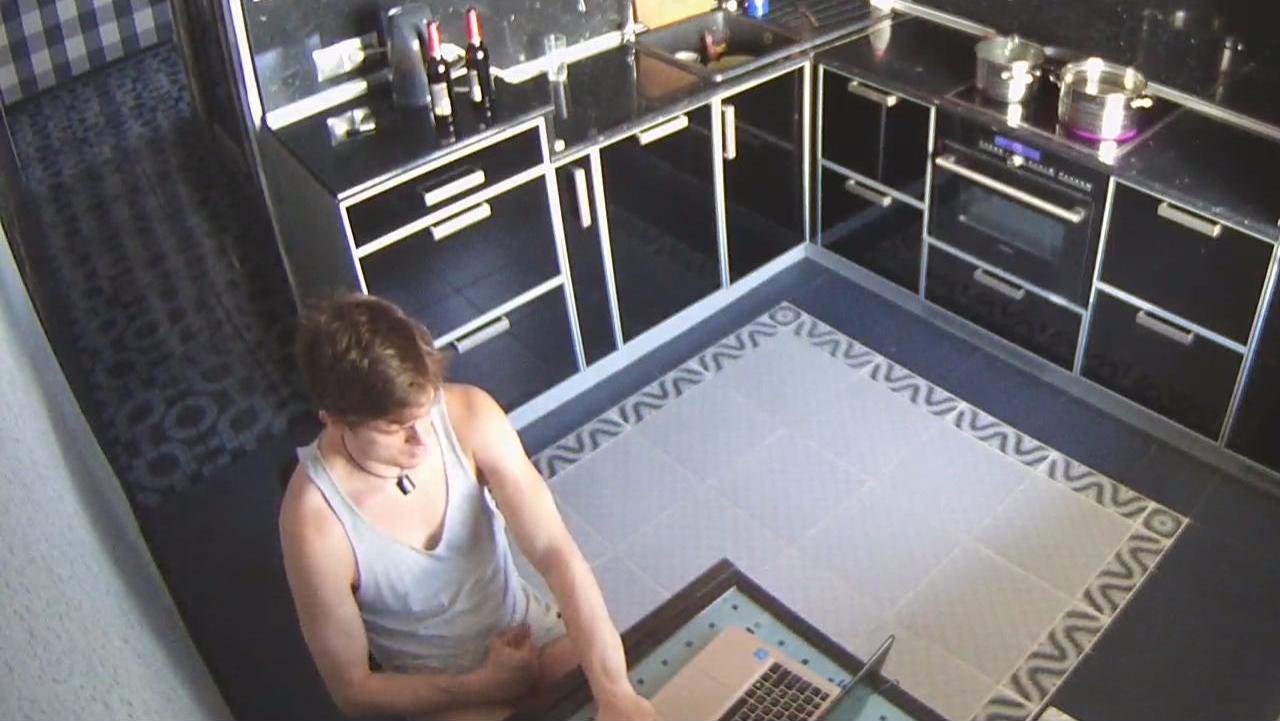
 the phantom bishop basher is in the kitchen choking the chicken jerking the gherkin avin a hand shandy mrs palm an candy proper giving it large.

 your logic is correct.it would be nice to be in there.each taking turn to give a good scrub down.i keep on like this i will blow a cyber fuse
and so on and so on
your logic is correct.it would be nice to be in there.each taking turn to give a good scrub down.i keep on like this i will blow a cyber fuse
and so on and so on


















 talk about kid in a sweet shop where just do you start.top to bottom? or side to side?
purple alert purple alert,if you want a red alert that does mean changing the bulb.. alex has got his archbishop out again,a certified bishop basher
talk about kid in a sweet shop where just do you start.top to bottom? or side to side?
purple alert purple alert,if you want a red alert that does mean changing the bulb.. alex has got his archbishop out again,a certified bishop basher its hard to get a good shot due to the light in the background,the window
 i kinda like silvia,to me she is a nice looking lady,i would be proud to have her as my queen.
poker night and group hug
i kinda like silvia,to me she is a nice looking lady,i would be proud to have her as my queen.
poker night and group hug



 a few more and she has company

 i do try my best,its a matter of timing and luck.sometime you can read a situation,even if i cannot understand whats being said,the trick is to read the body language and the eyes
Account
Navigation
Search
Configure browser push notifications
Chrome (Android)
- Tap the lock icon next to the address bar.
- Tap Permissions → Notifications.
- Adjust your preference.
Chrome (Desktop)
- Click the padlock icon in the address bar.
- Select Site settings.
- Find Notifications and adjust your preference.
Safari (iOS 16.4+)
- Ensure the site is installed via Add to Home Screen.
- Open Settings App → Notifications.
- Find your app name and adjust your preference.
Safari (macOS)
- Go to Safari → Preferences.
- Click the Websites tab.
- Select Notifications in the sidebar.
- Find this website and adjust your preference.
Edge (Android)
- Tap the lock icon next to the address bar.
- Tap Permissions.
- Find Notifications and adjust your preference.
Edge (Desktop)
- Click the padlock icon in the address bar.
- Click Permissions for this site.
- Find Notifications and adjust your preference.
Firefox (Android)
- Go to Settings → Site permissions.
- Tap Notifications.
- Find this site in the list and adjust your preference.
Firefox (Desktop)
- Open Firefox Settings.
- Search for Notifications.
- Find this site in the list and adjust your preference.