cyberleader
Hero Member
-
Joined
-
Last visited
Everything posted by cyberleader
-
 casahot is brazilian
this just made me laugh,he getting his marble polished,then he says something and pisses her of and she took of and left him there,you would think when you have your delicates in a womans mouth you would just shut up and enjoy what is being done for you,but oh no.
casahot is brazilian
this just made me laugh,he getting his marble polished,then he says something and pisses her of and she took of and left him there,you would think when you have your delicates in a womans mouth you would just shut up and enjoy what is being done for you,but oh no.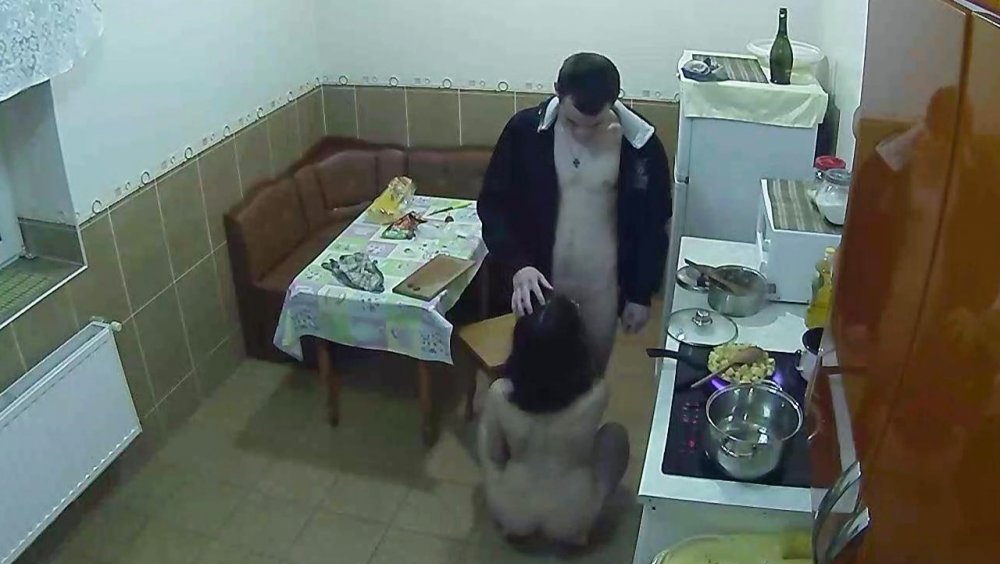

 i have no idea what they call this ,it makes for not nice viewing at times the way they treat the women.if they were not so rough i believe the sessions would be a lot better.gret captures plank but the fun has gone out of it due to the way the boys behave sometimes
tonight will be the last night i see my fave cutie
i have no idea what they call this ,it makes for not nice viewing at times the way they treat the women.if they were not so rough i believe the sessions would be a lot better.gret captures plank but the fun has gone out of it due to the way the boys behave sometimes
tonight will be the last night i see my fave cutie
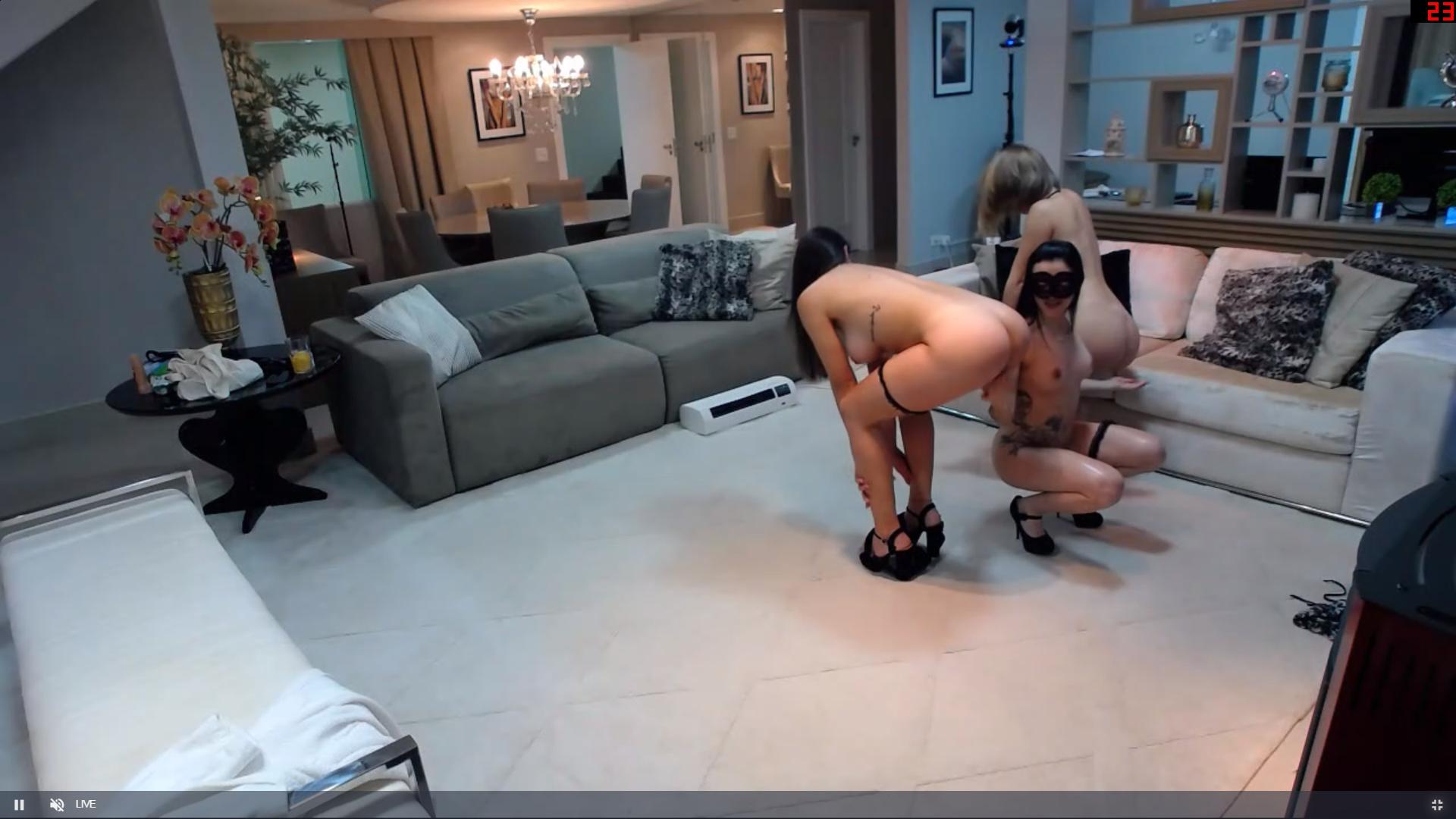
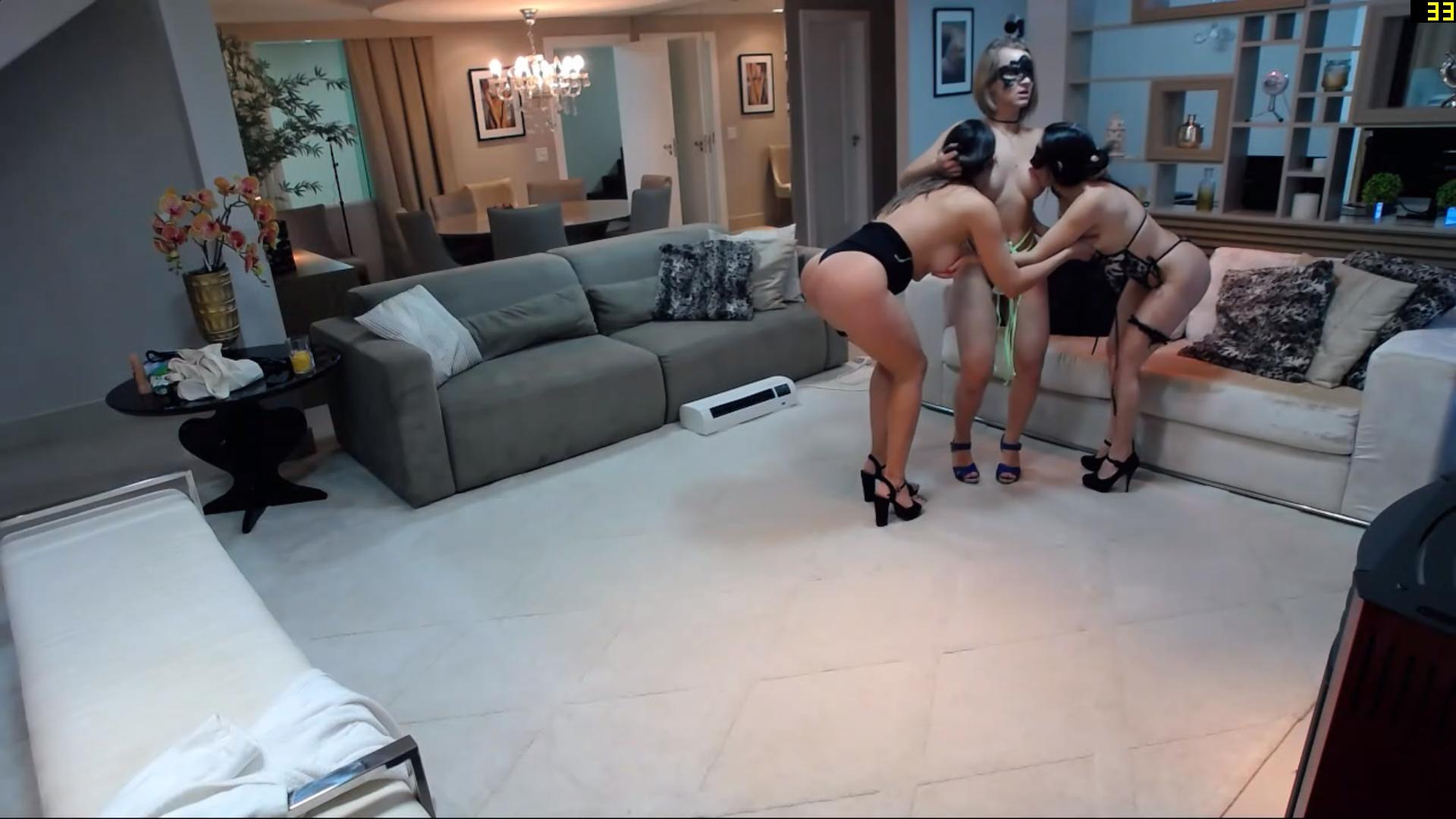
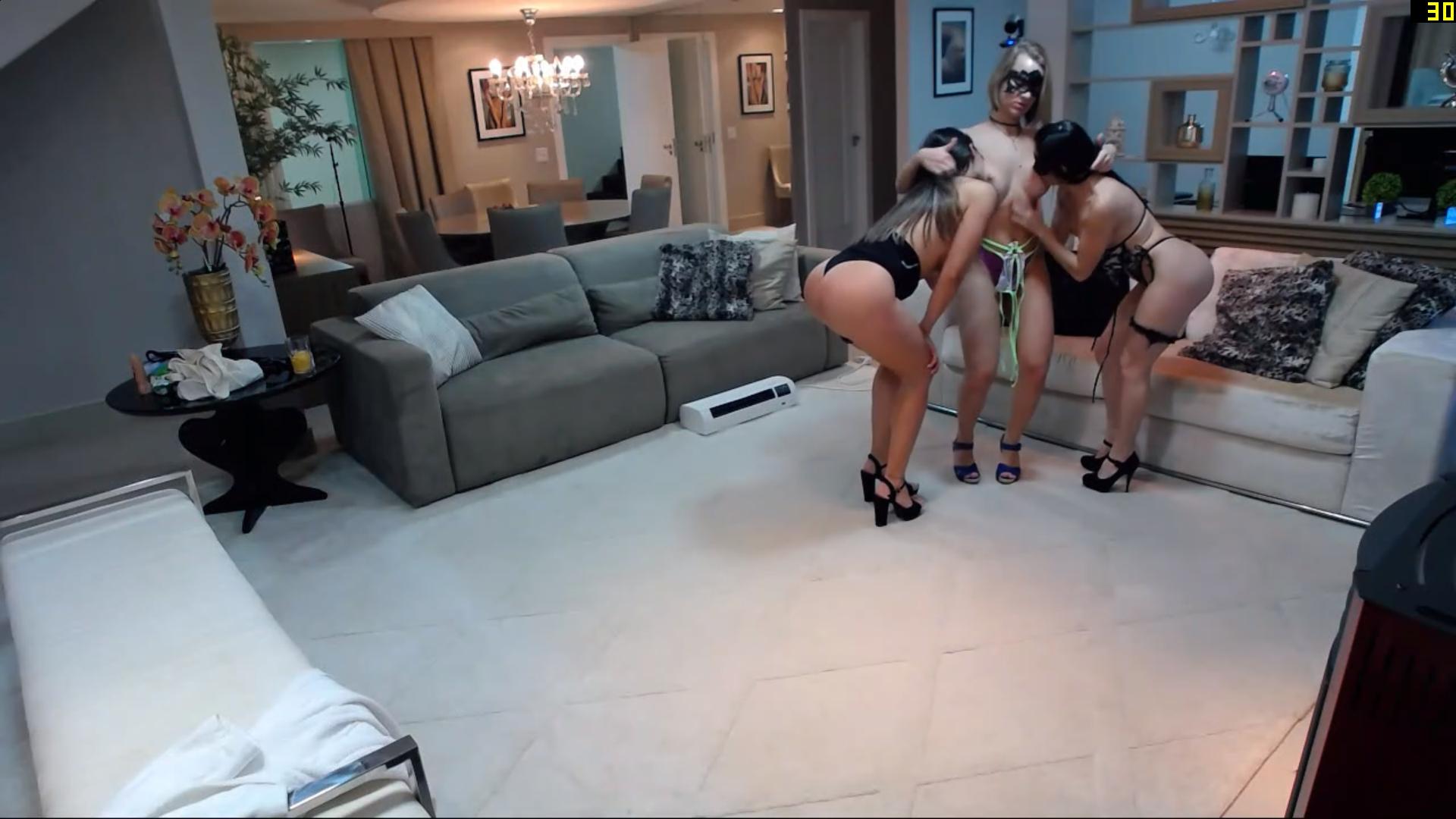
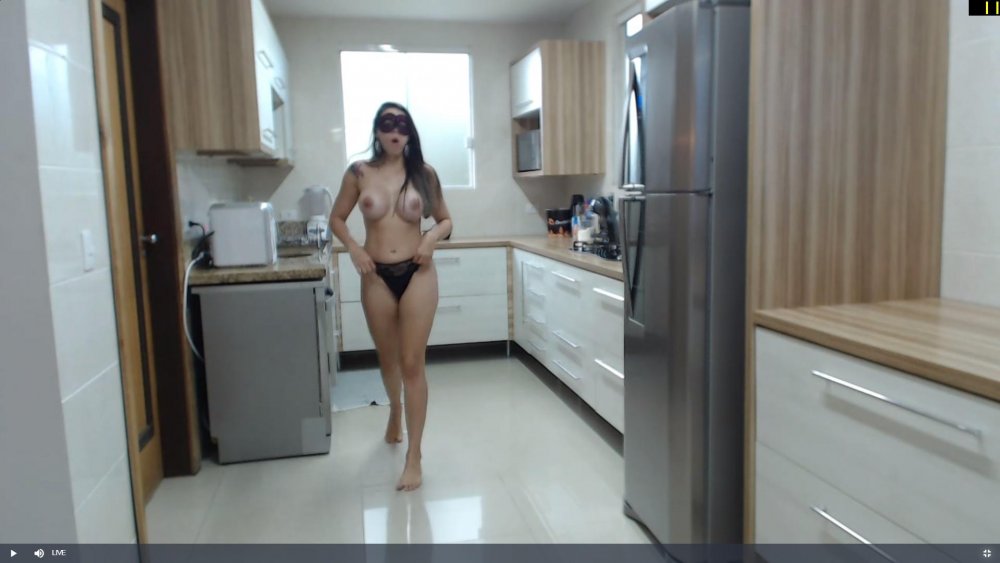 this is why its called casa hot hot hot hot



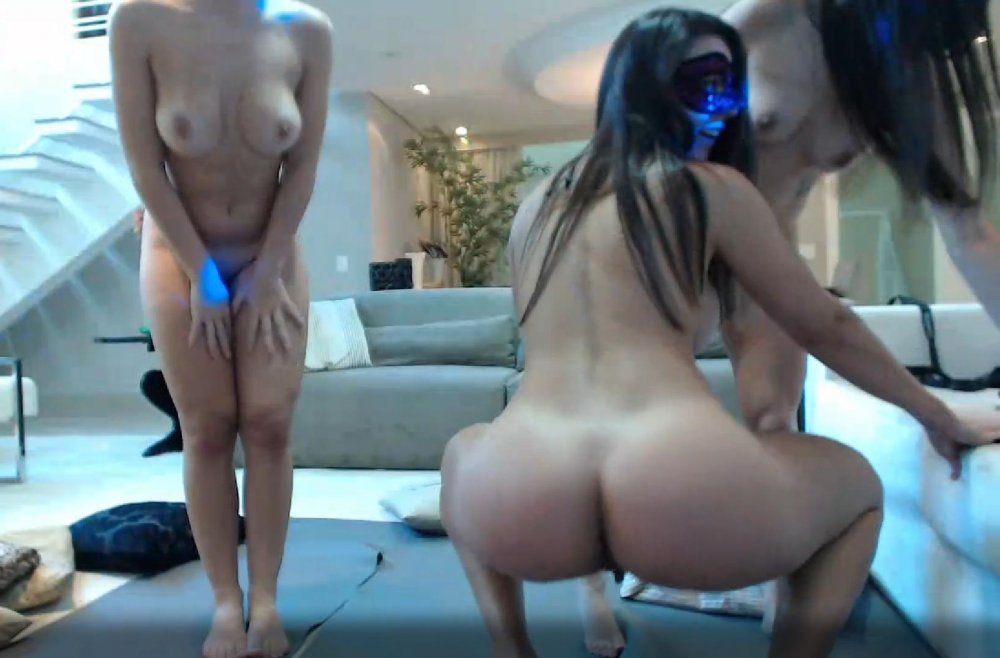














 the ladies are so hot as you can see the camera has overheated,from looking at all these delicious ladies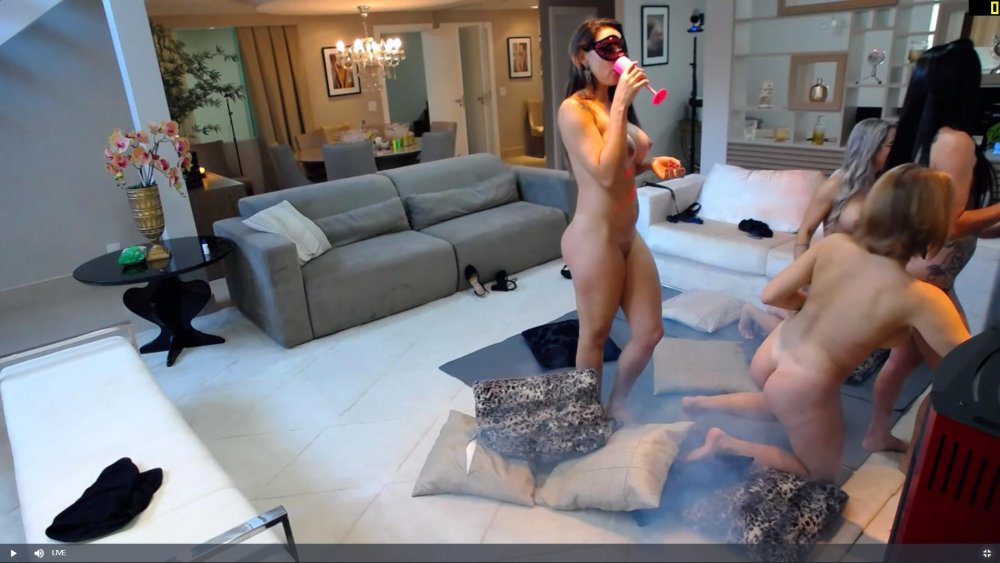
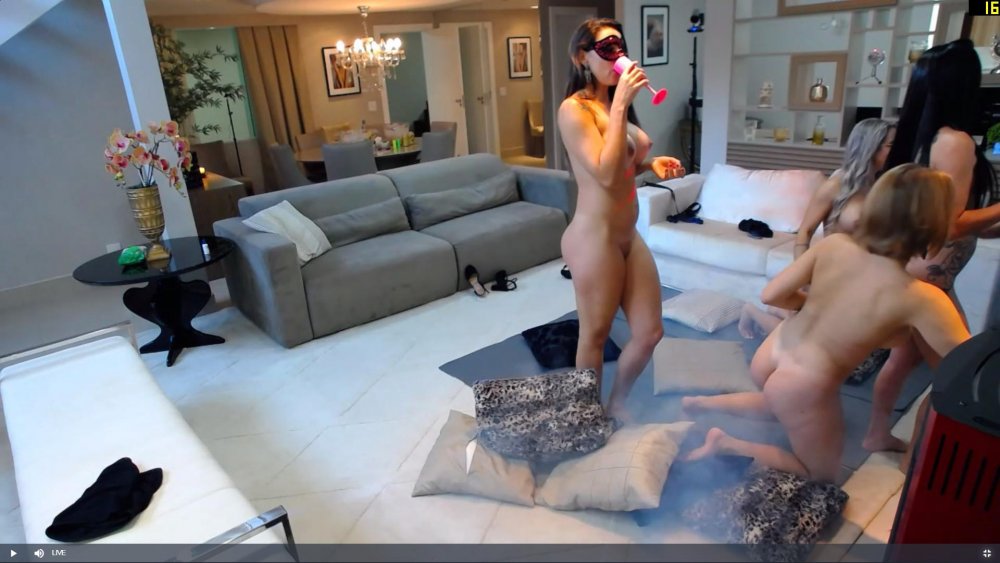 new lady been here all of 15 mins and she is undressed already, excellent
Account
Navigation
Search
Configure browser push notifications
Chrome (Android)
- Tap the lock icon next to the address bar.
- Tap Permissions → Notifications.
- Adjust your preference.
Chrome (Desktop)
- Click the padlock icon in the address bar.
- Select Site settings.
- Find Notifications and adjust your preference.
Safari (iOS 16.4+)
- Ensure the site is installed via Add to Home Screen.
- Open Settings App → Notifications.
- Find your app name and adjust your preference.
Safari (macOS)
- Go to Safari → Preferences.
- Click the Websites tab.
- Select Notifications in the sidebar.
- Find this website and adjust your preference.
Edge (Android)
- Tap the lock icon next to the address bar.
- Tap Permissions.
- Find Notifications and adjust your preference.
Edge (Desktop)
- Click the padlock icon in the address bar.
- Click Permissions for this site.
- Find Notifications and adjust your preference.
Firefox (Android)
- Go to Settings → Site permissions.
- Tap Notifications.
- Find this site in the list and adjust your preference.
Firefox (Desktop)
- Open Firefox Settings.
- Search for Notifications.
- Find this site in the list and adjust your preference.