cyberleader
Hero Member
-
Joined
-
Last visited
Everything posted by cyberleader
-
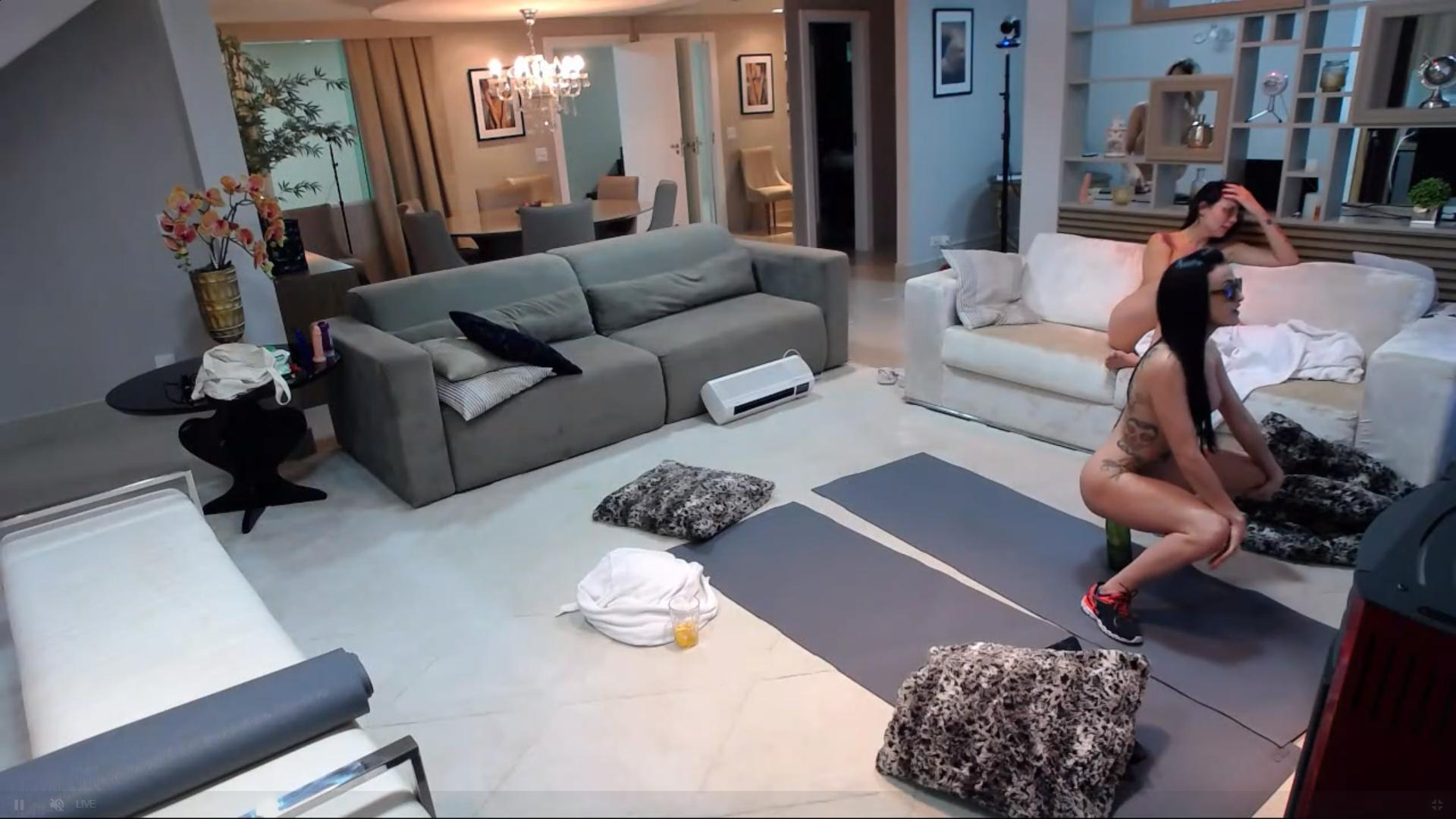
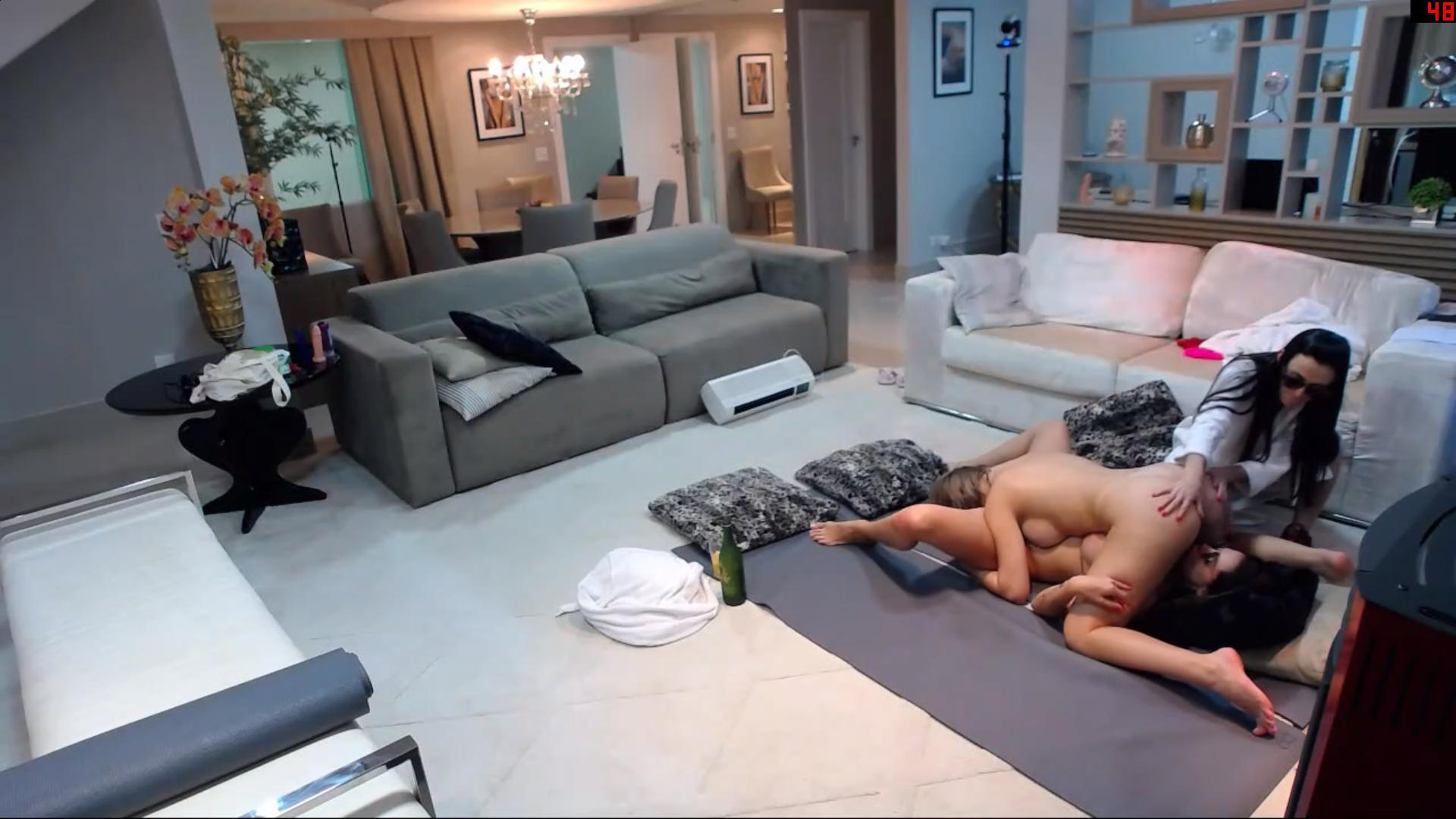
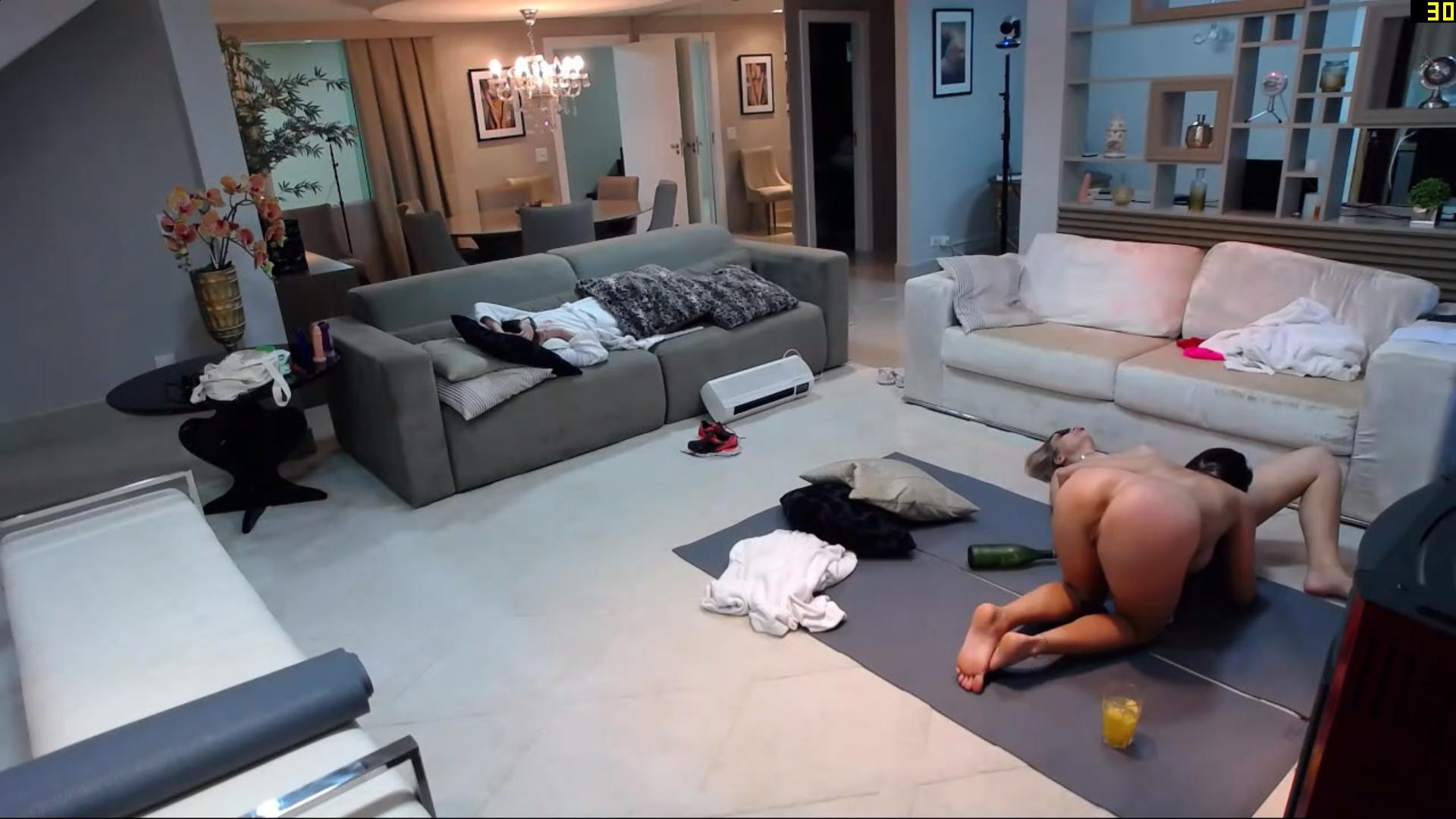
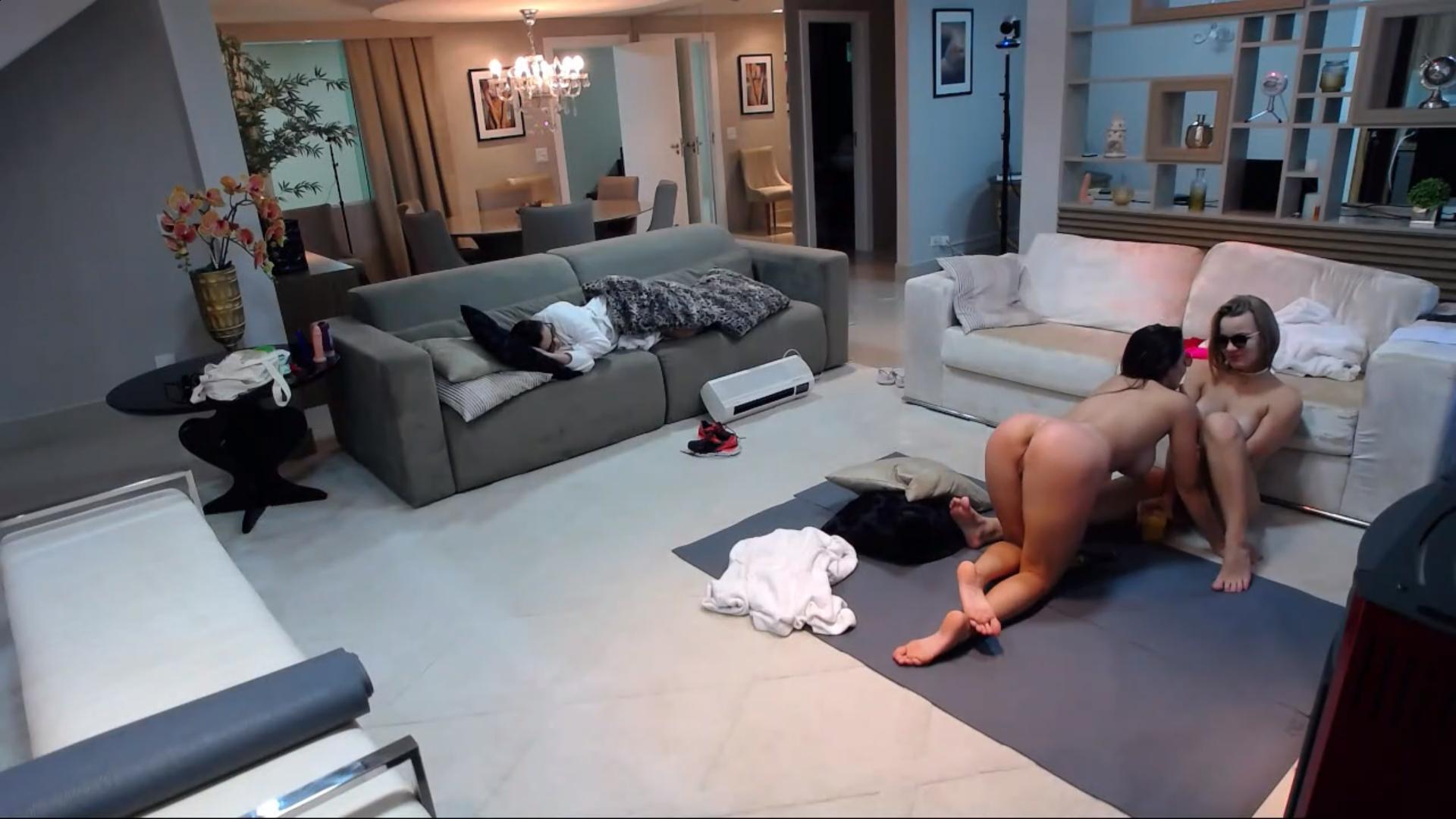
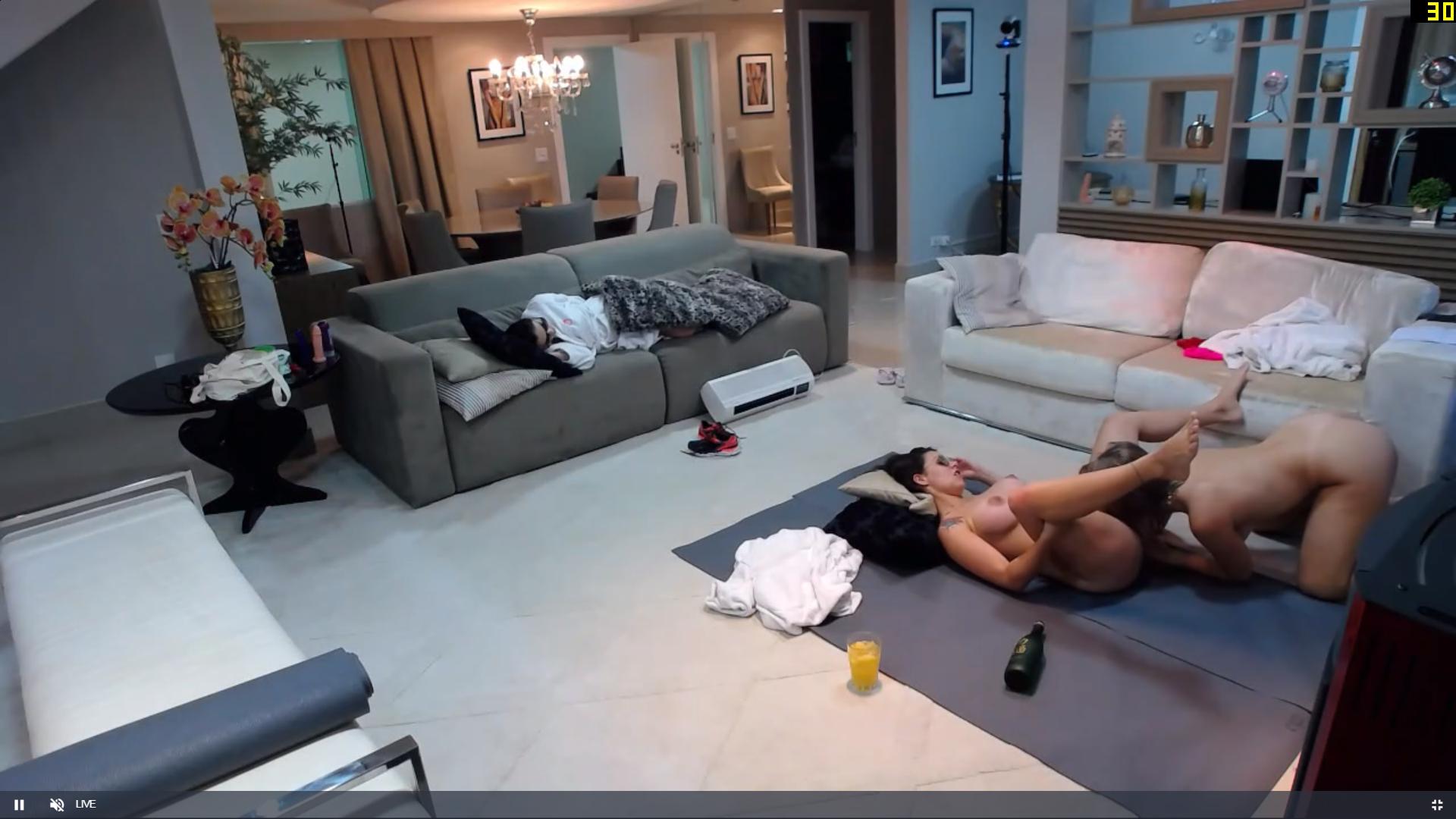
 and so it begins again
-
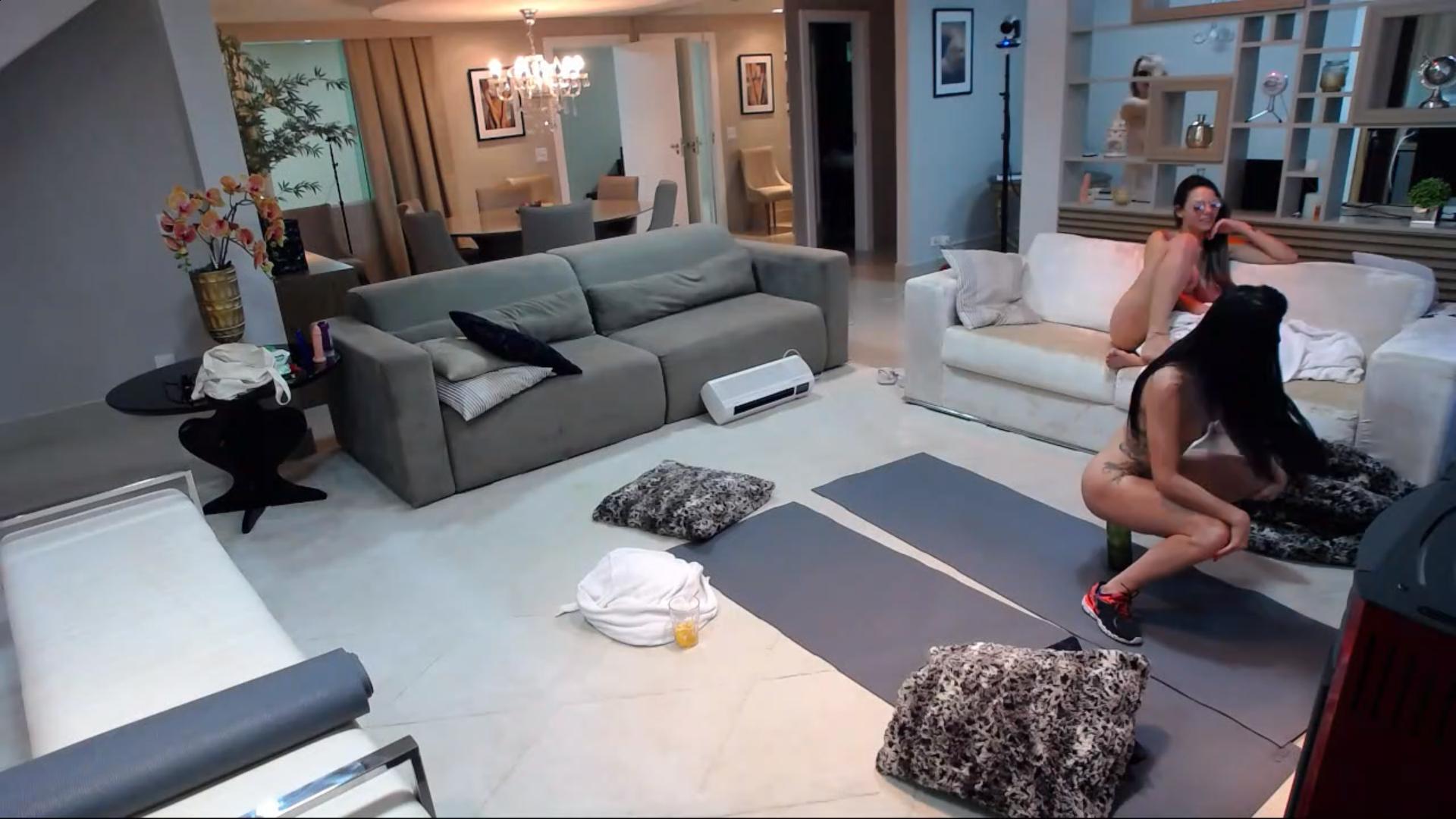
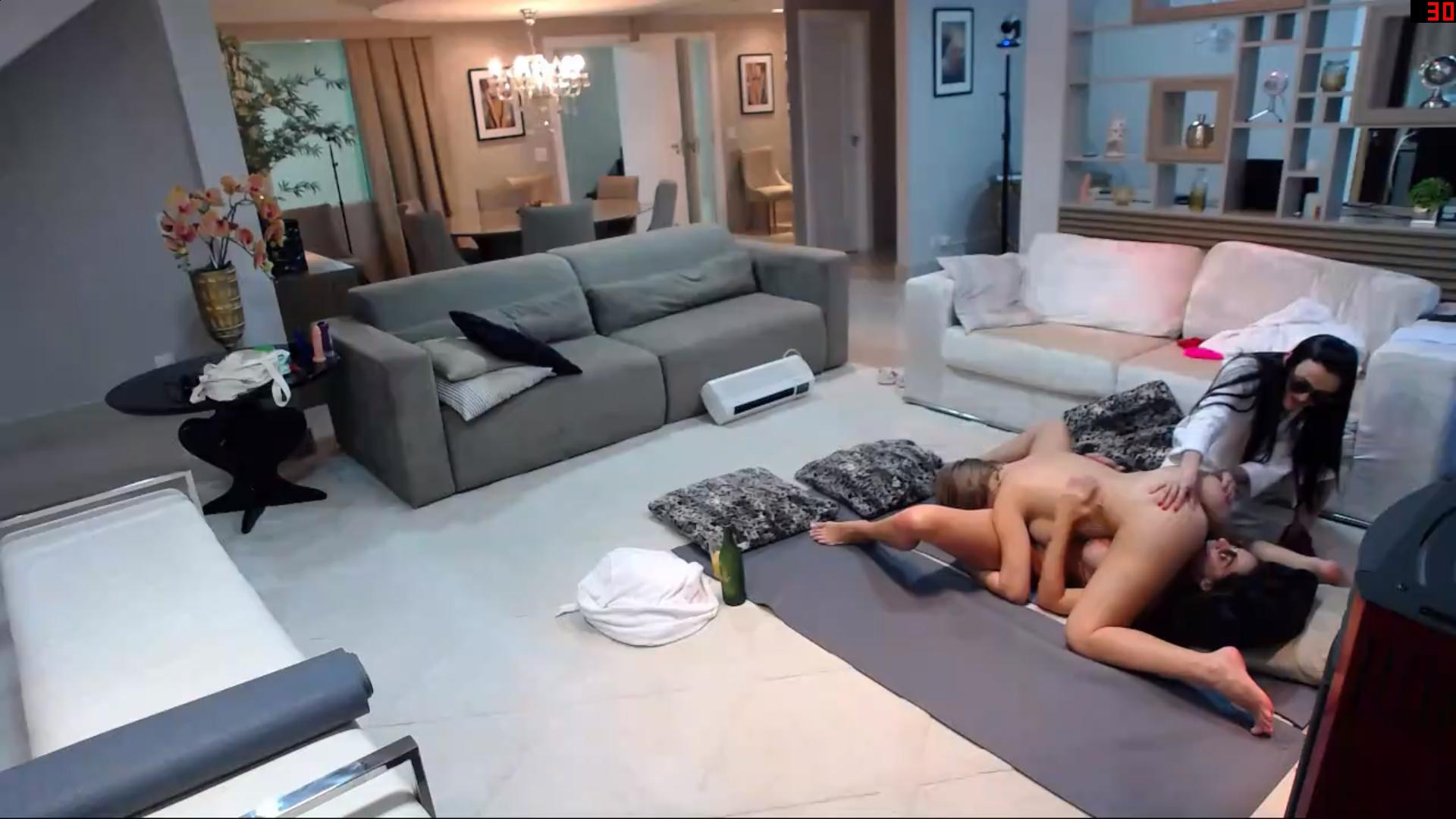
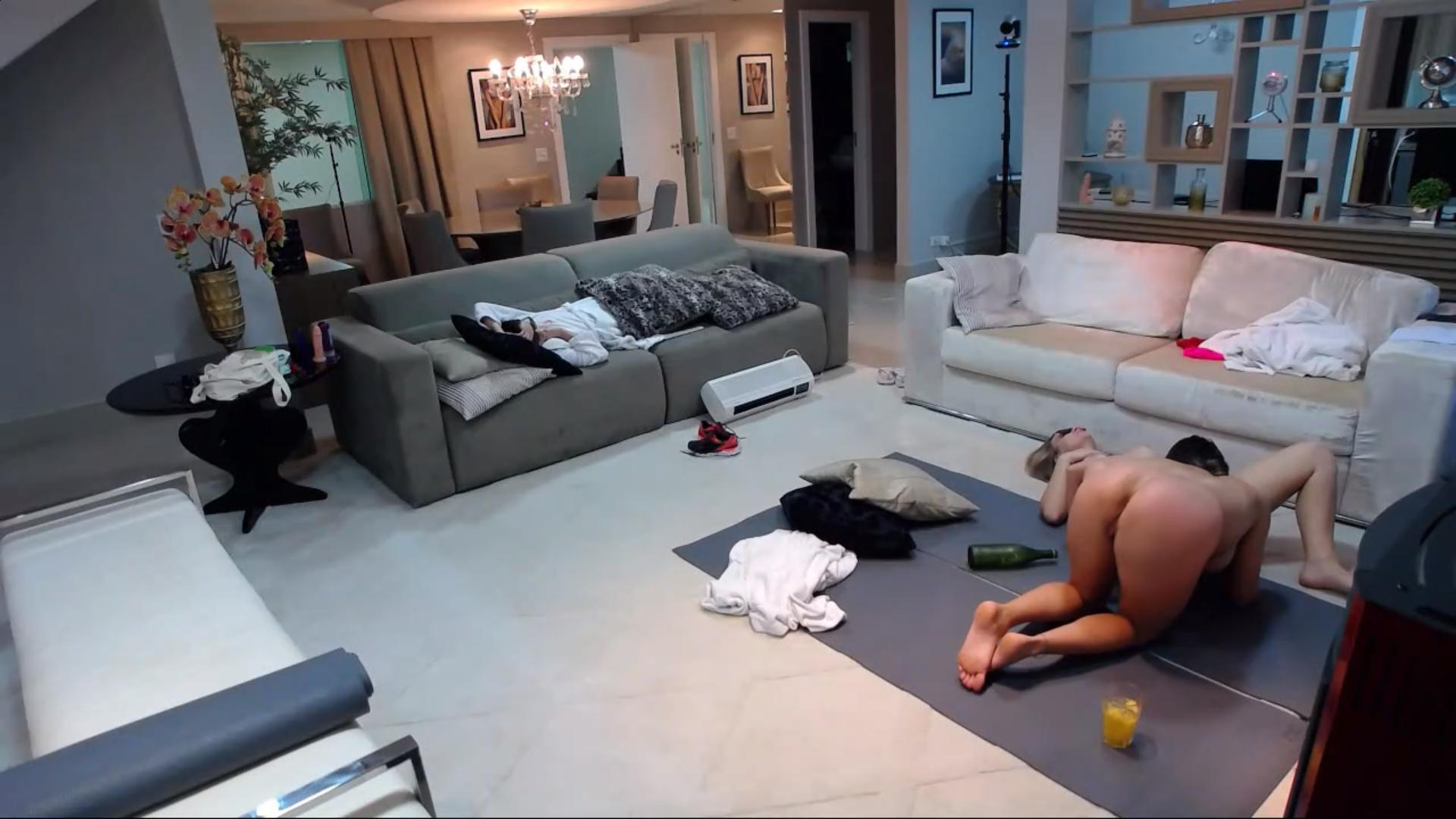
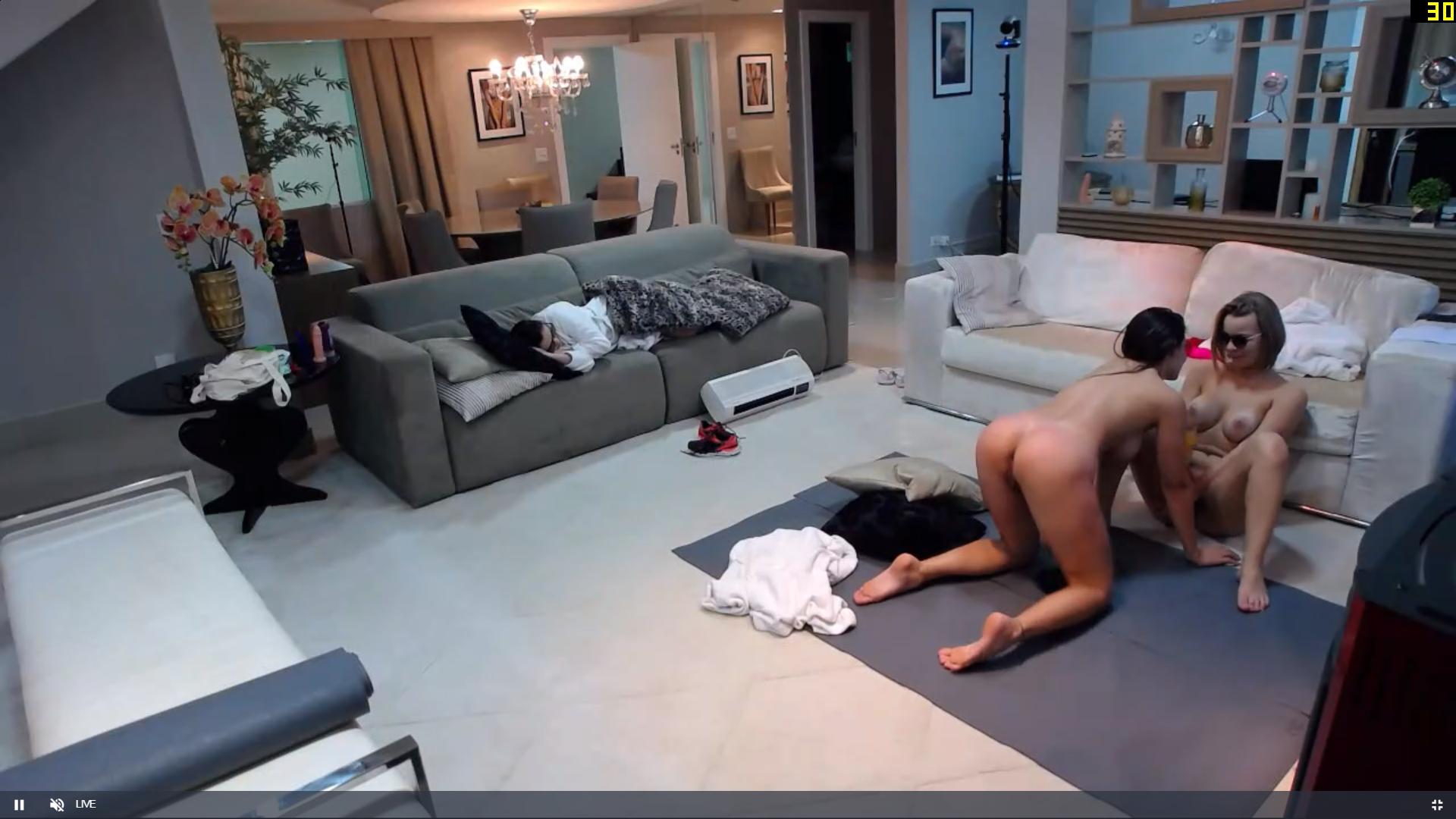
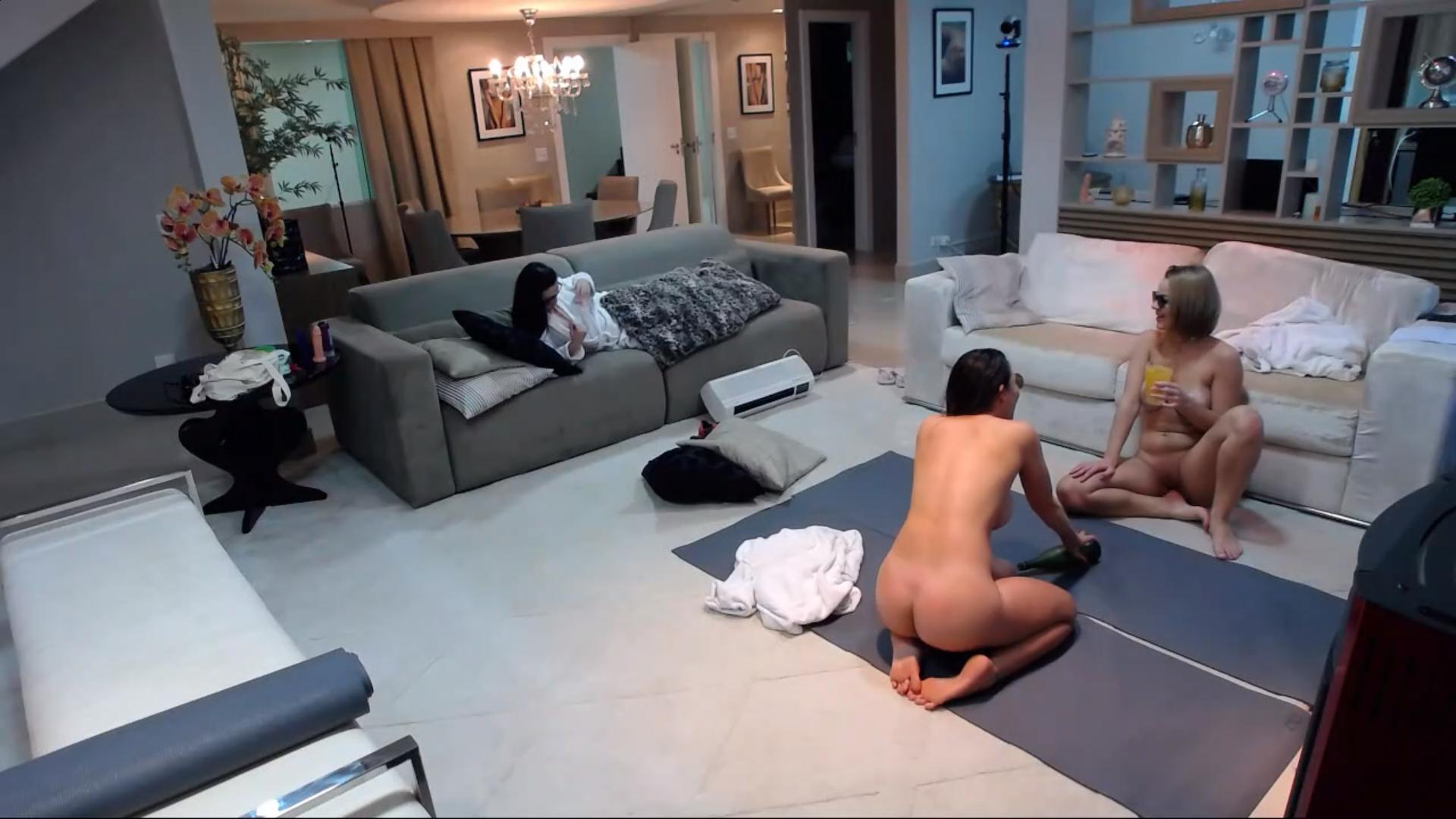
talking of candy
-
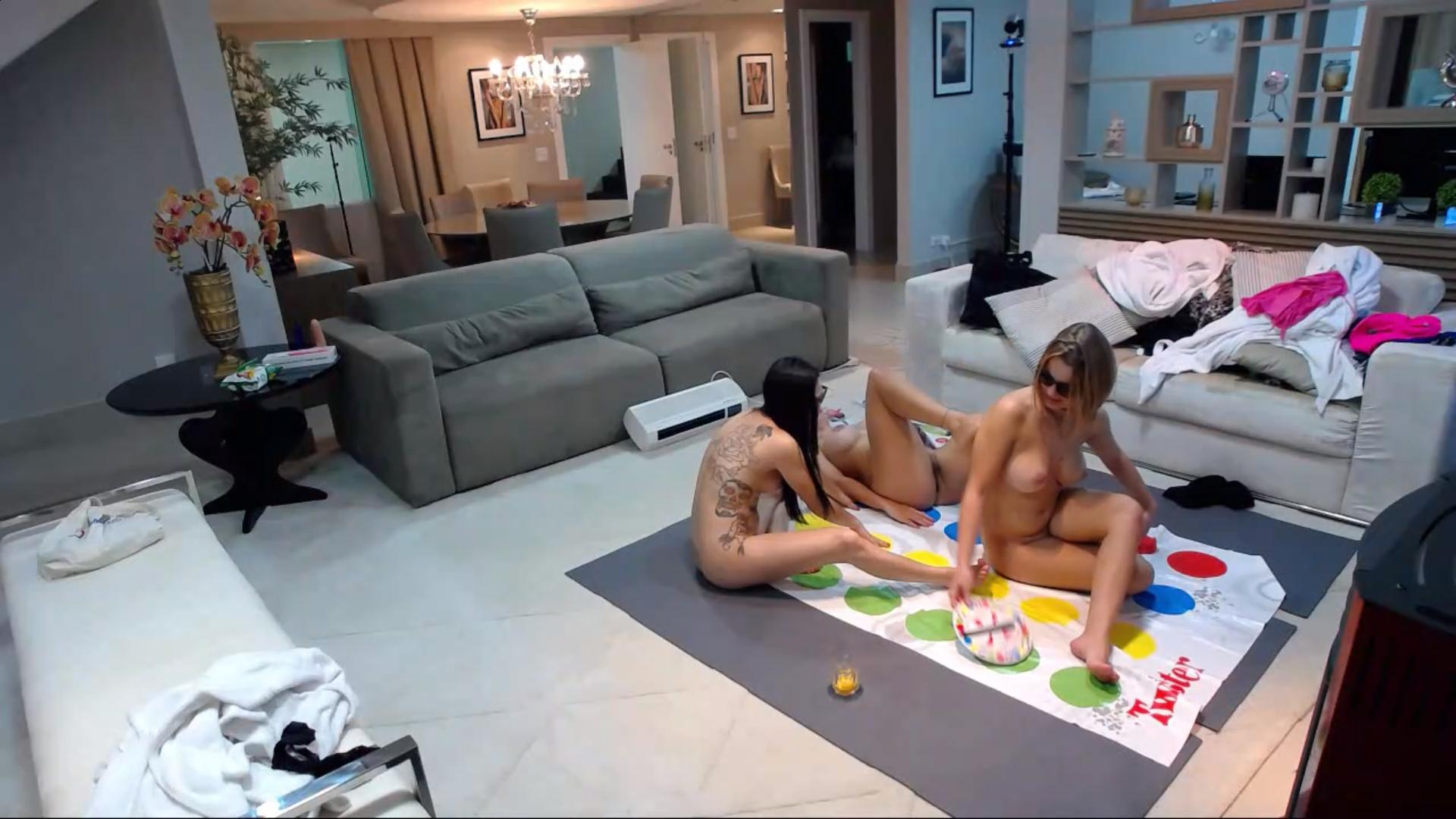
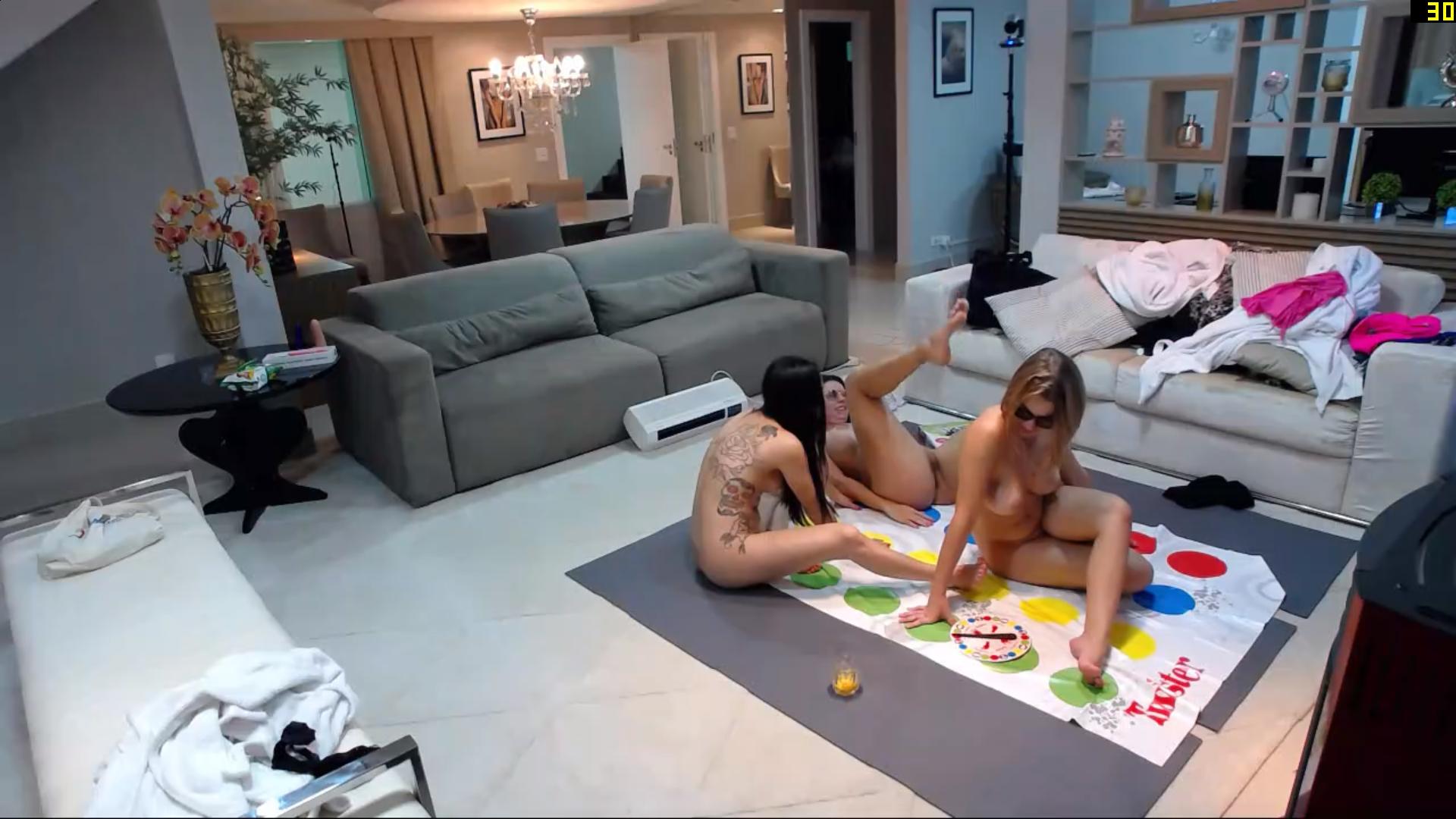
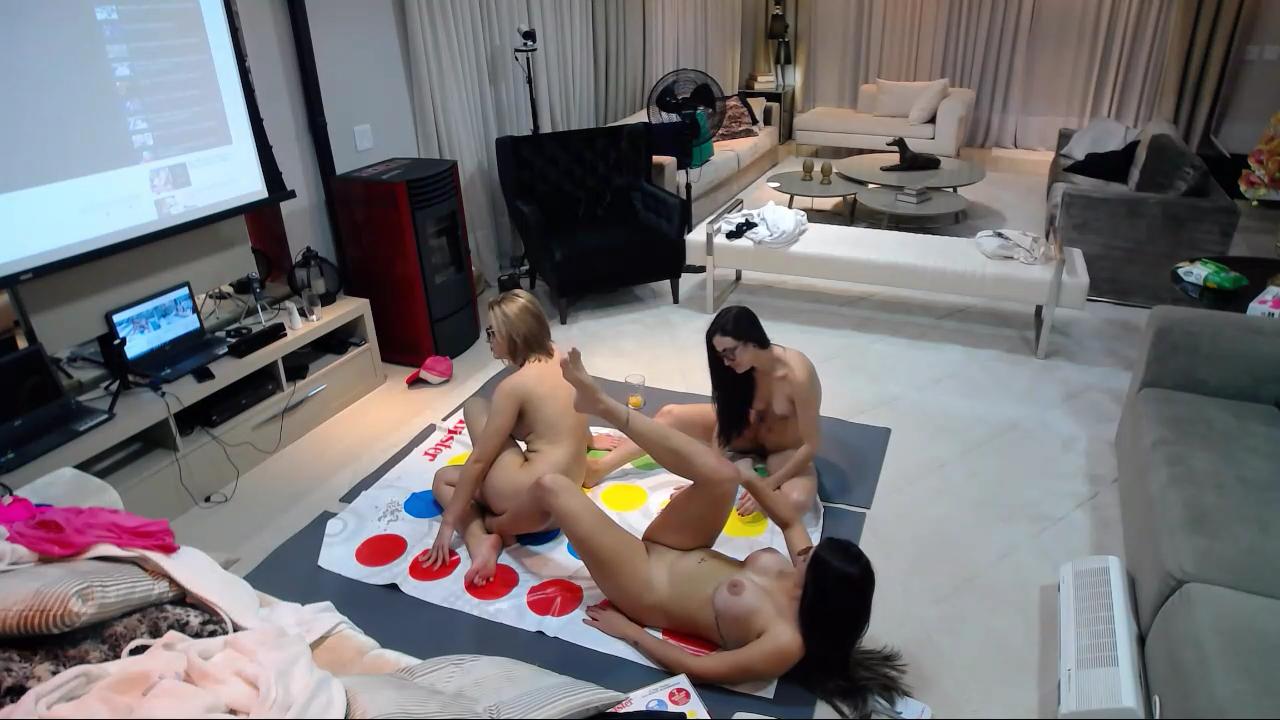
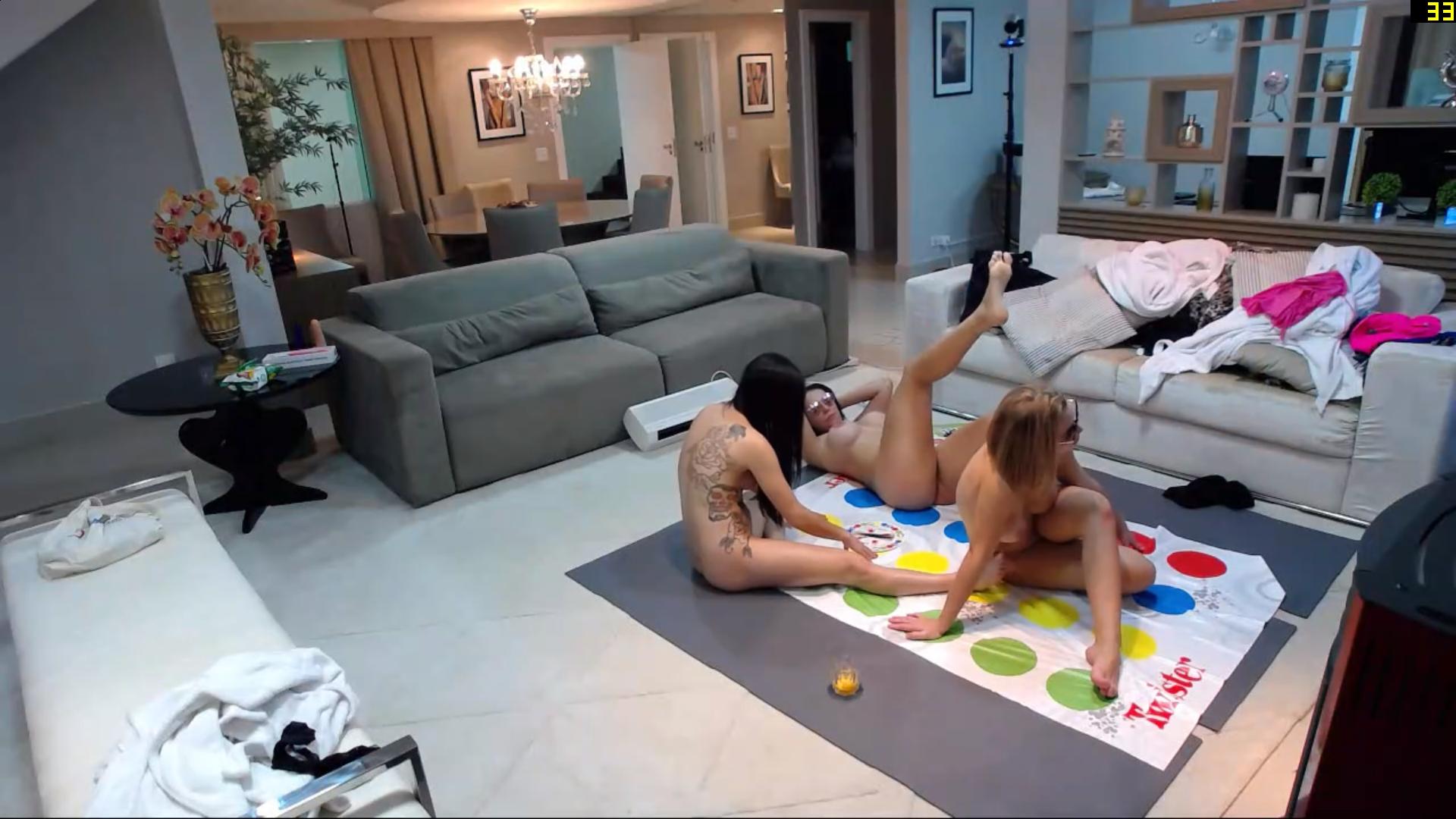
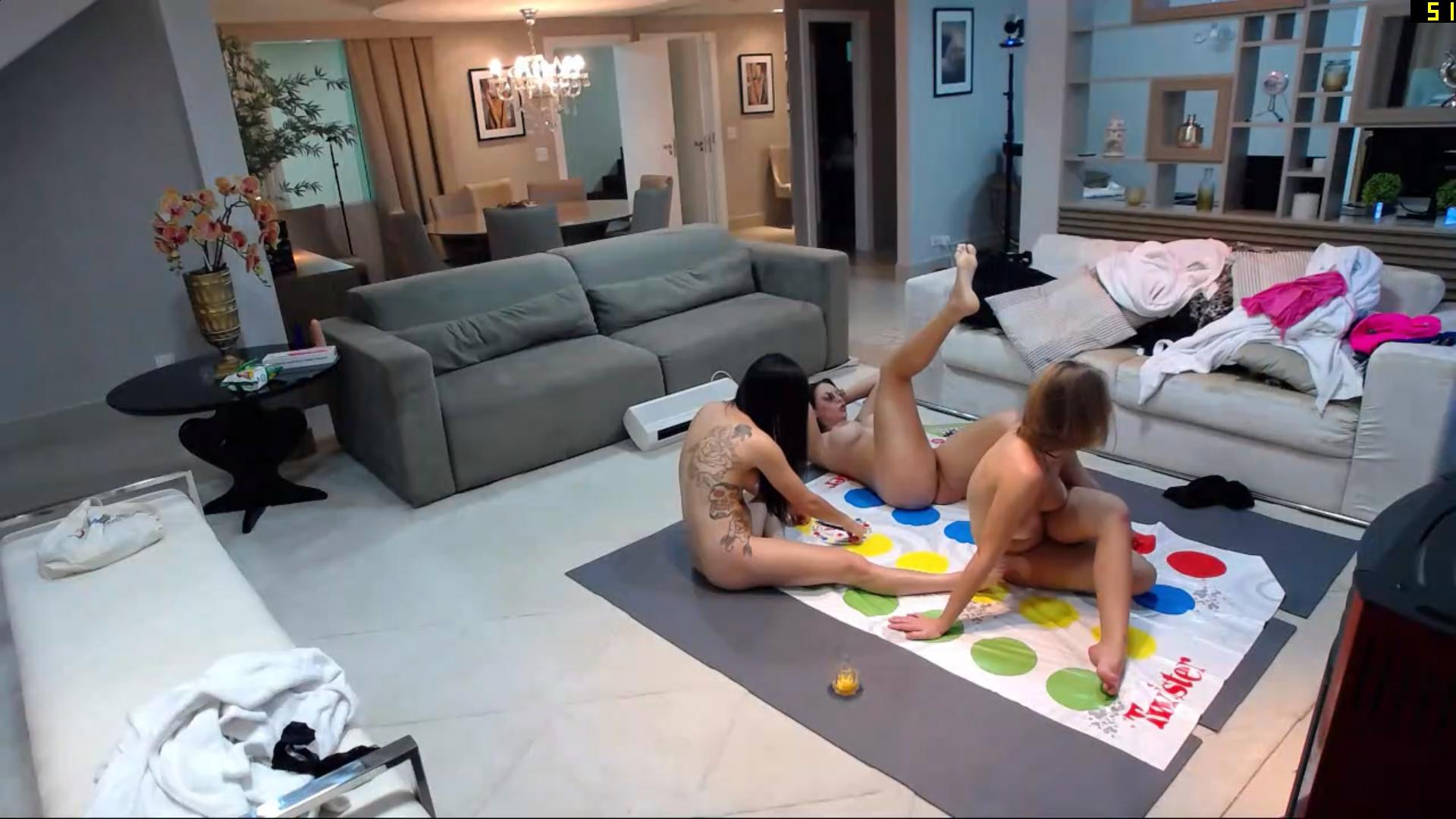
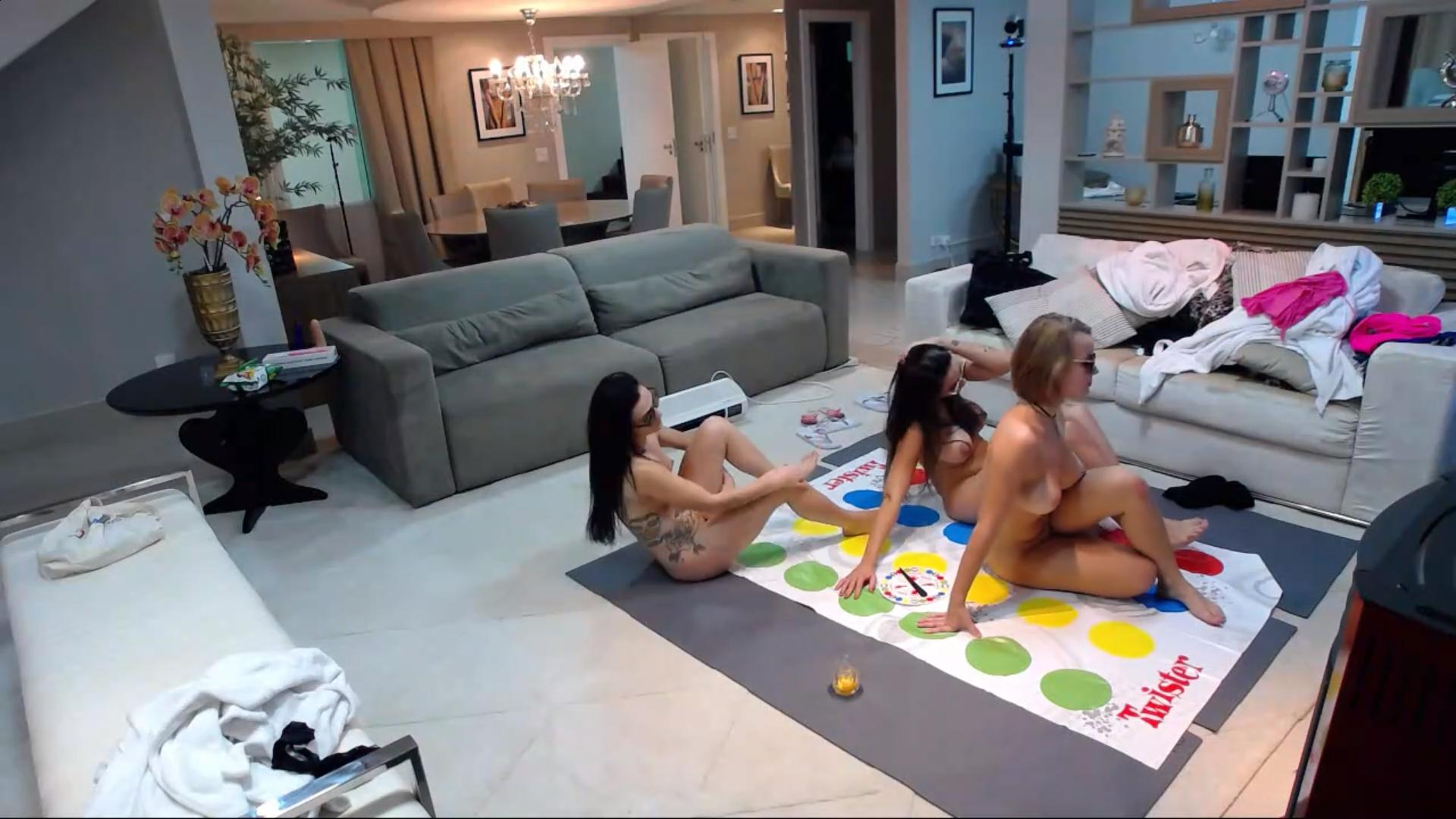
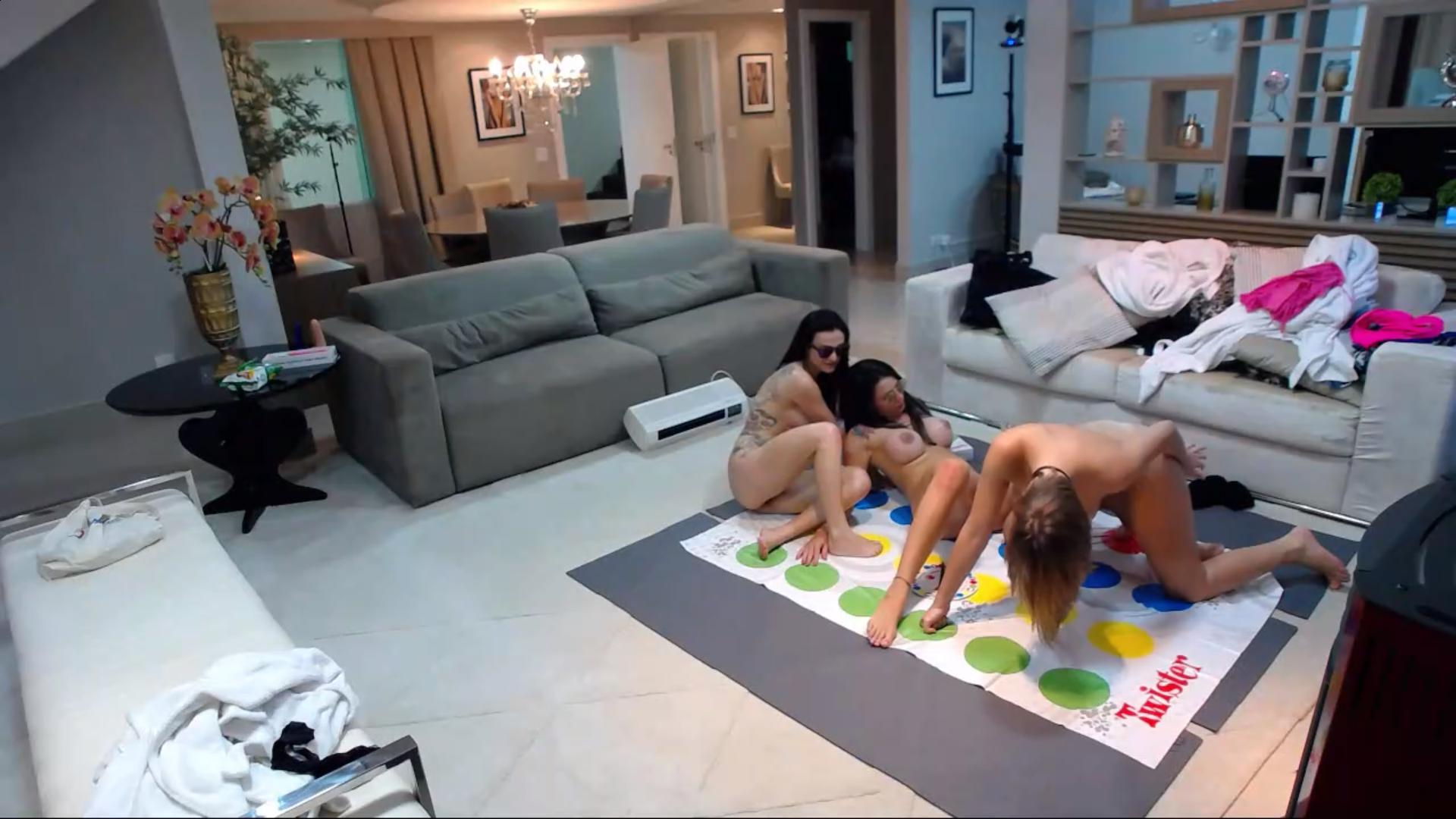
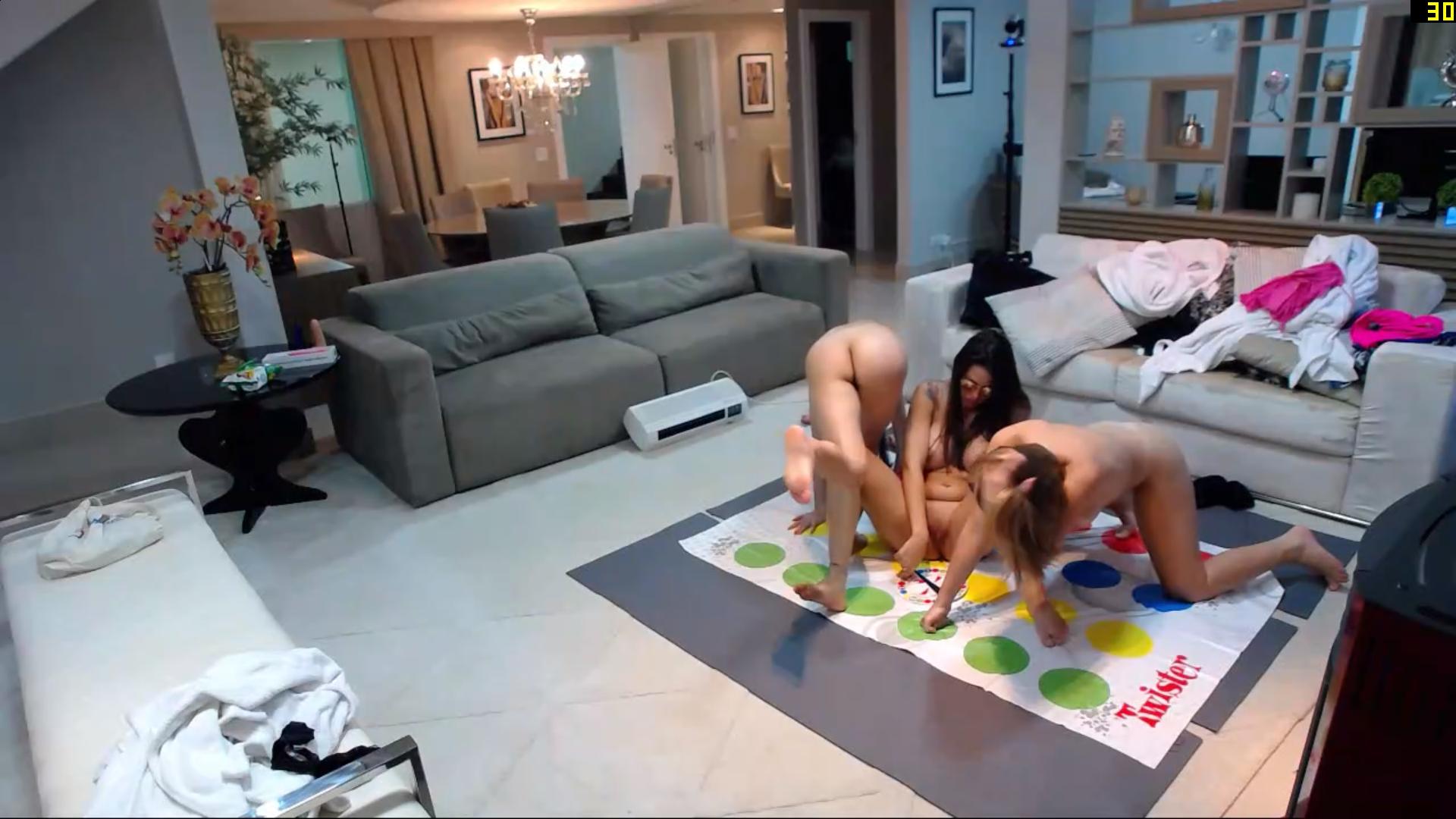
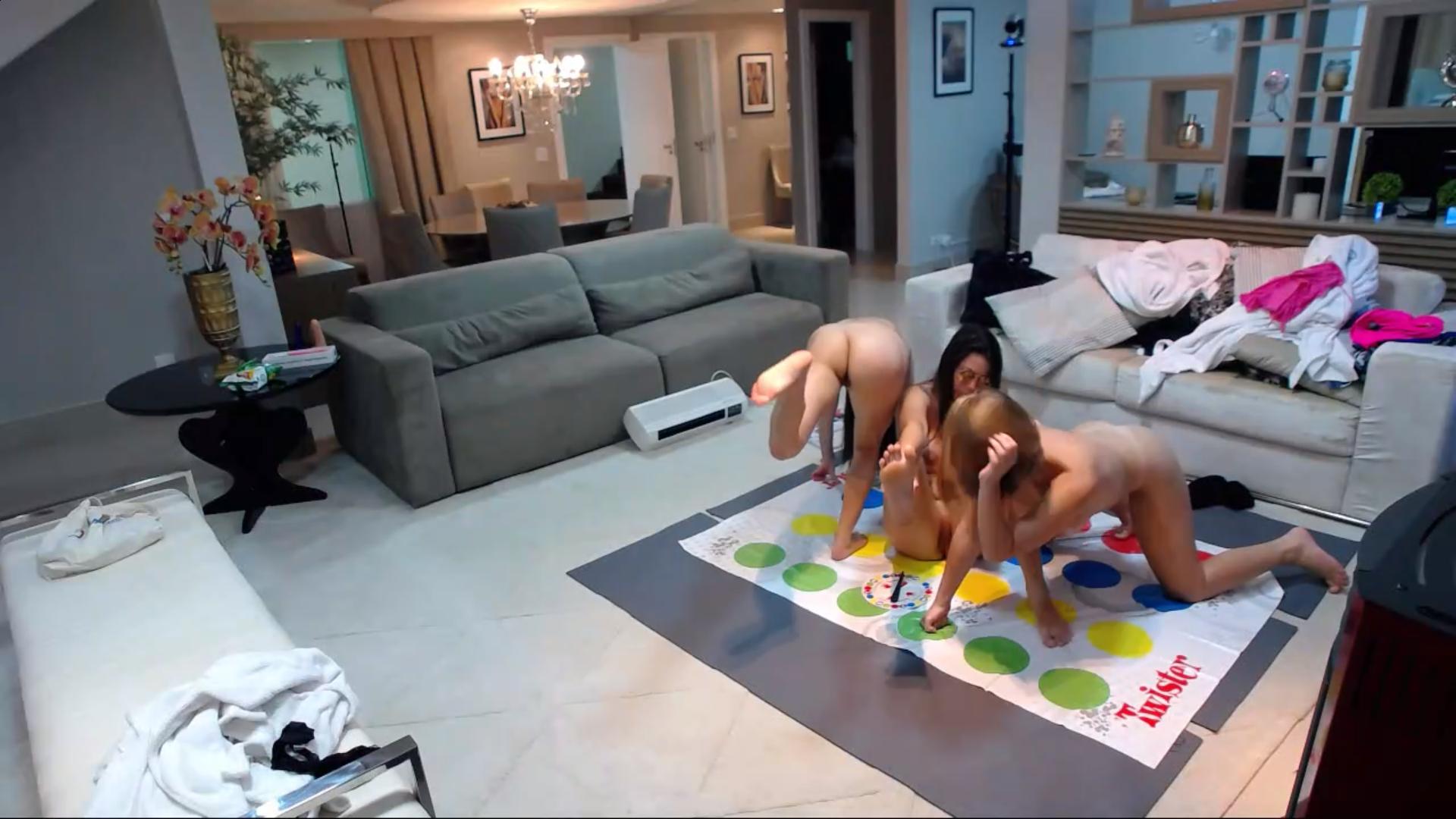
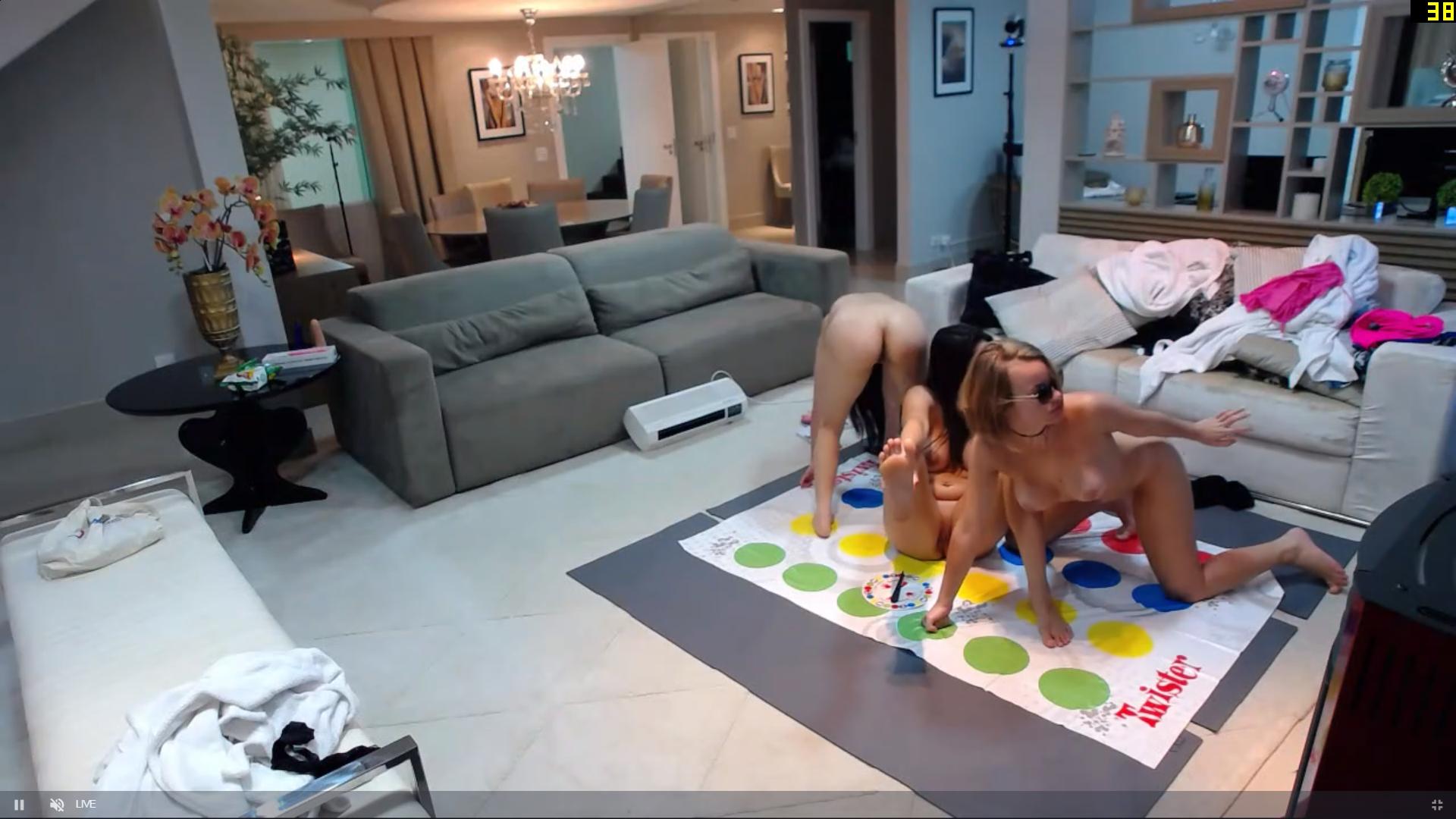
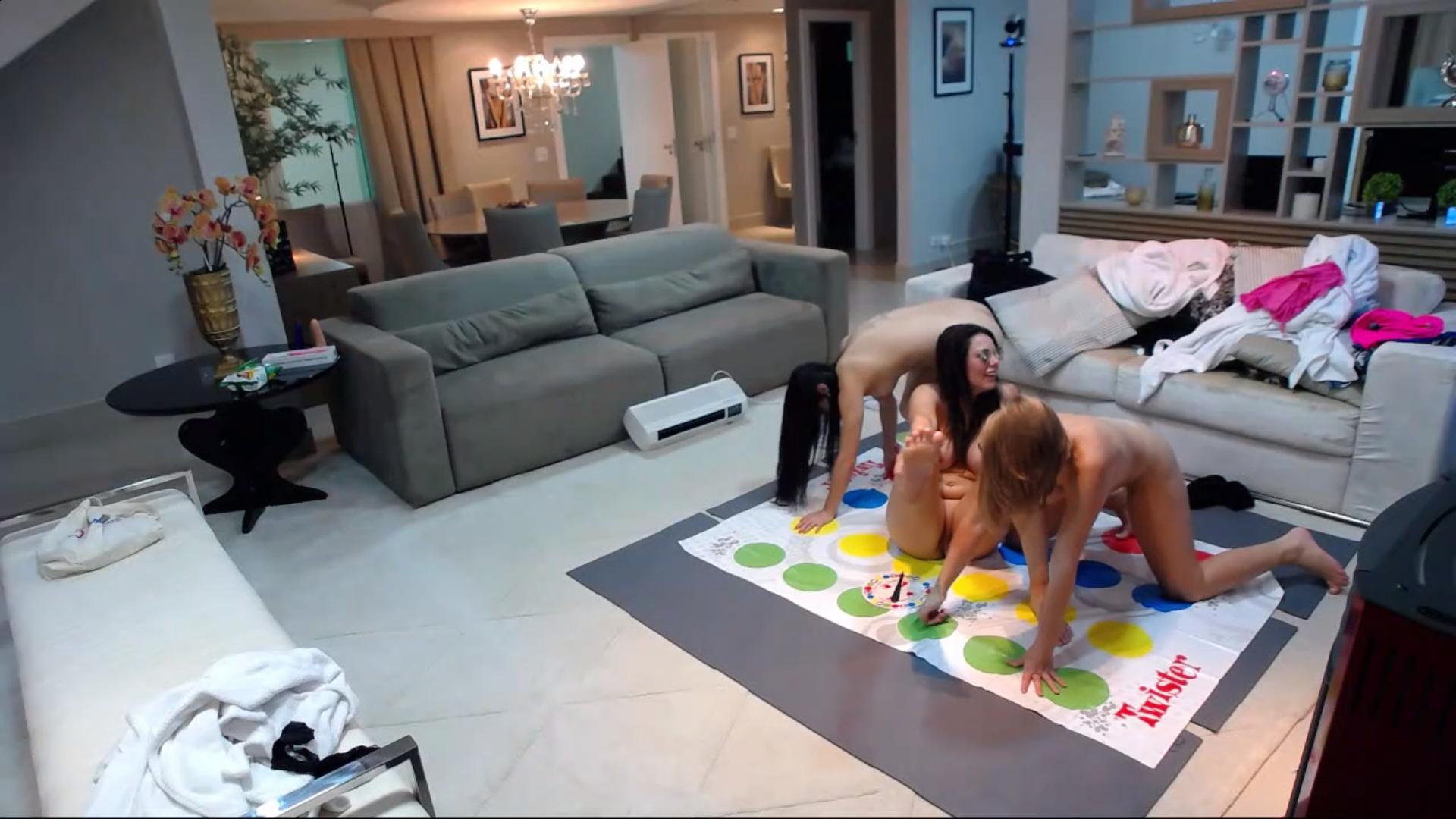
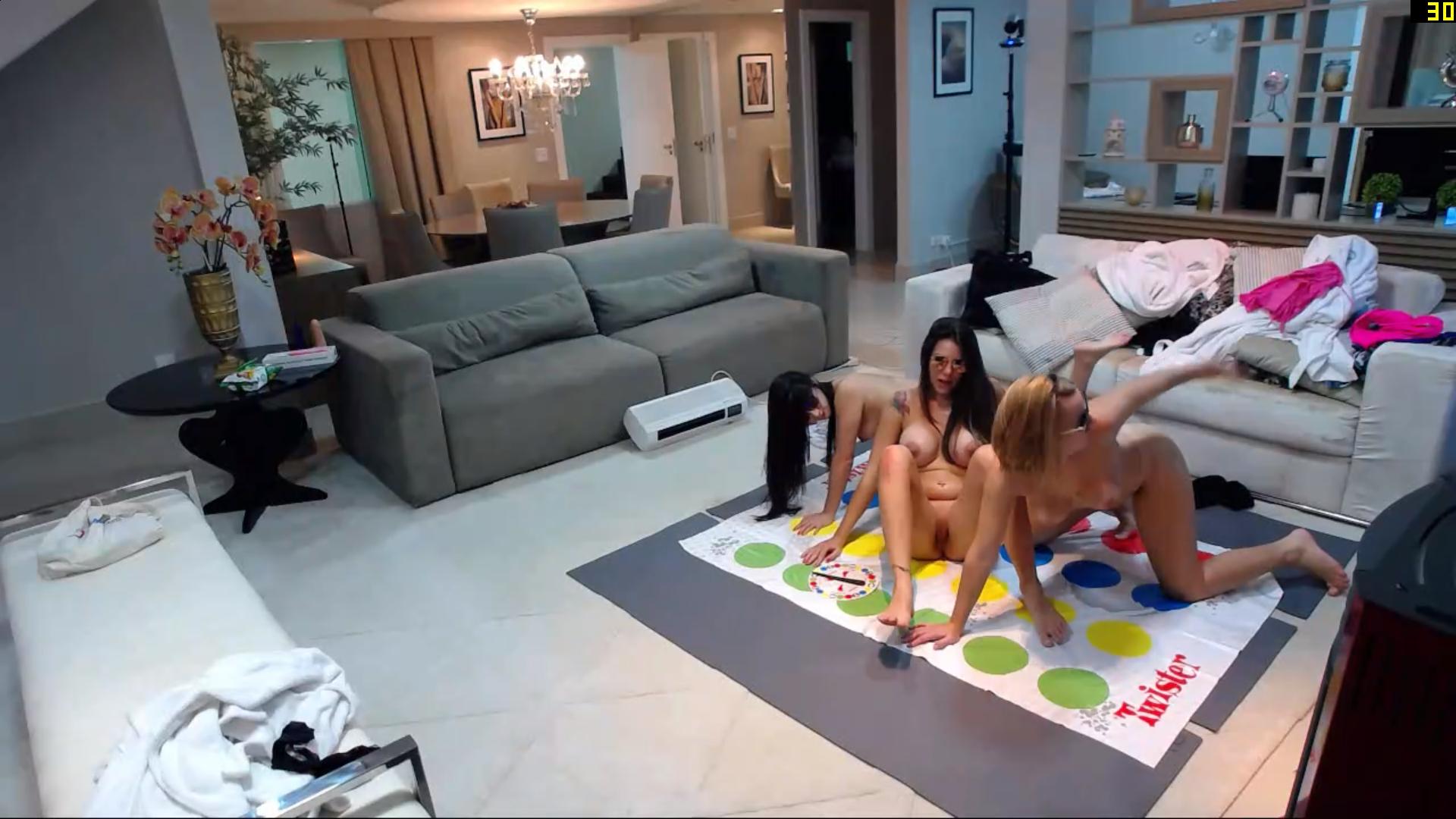
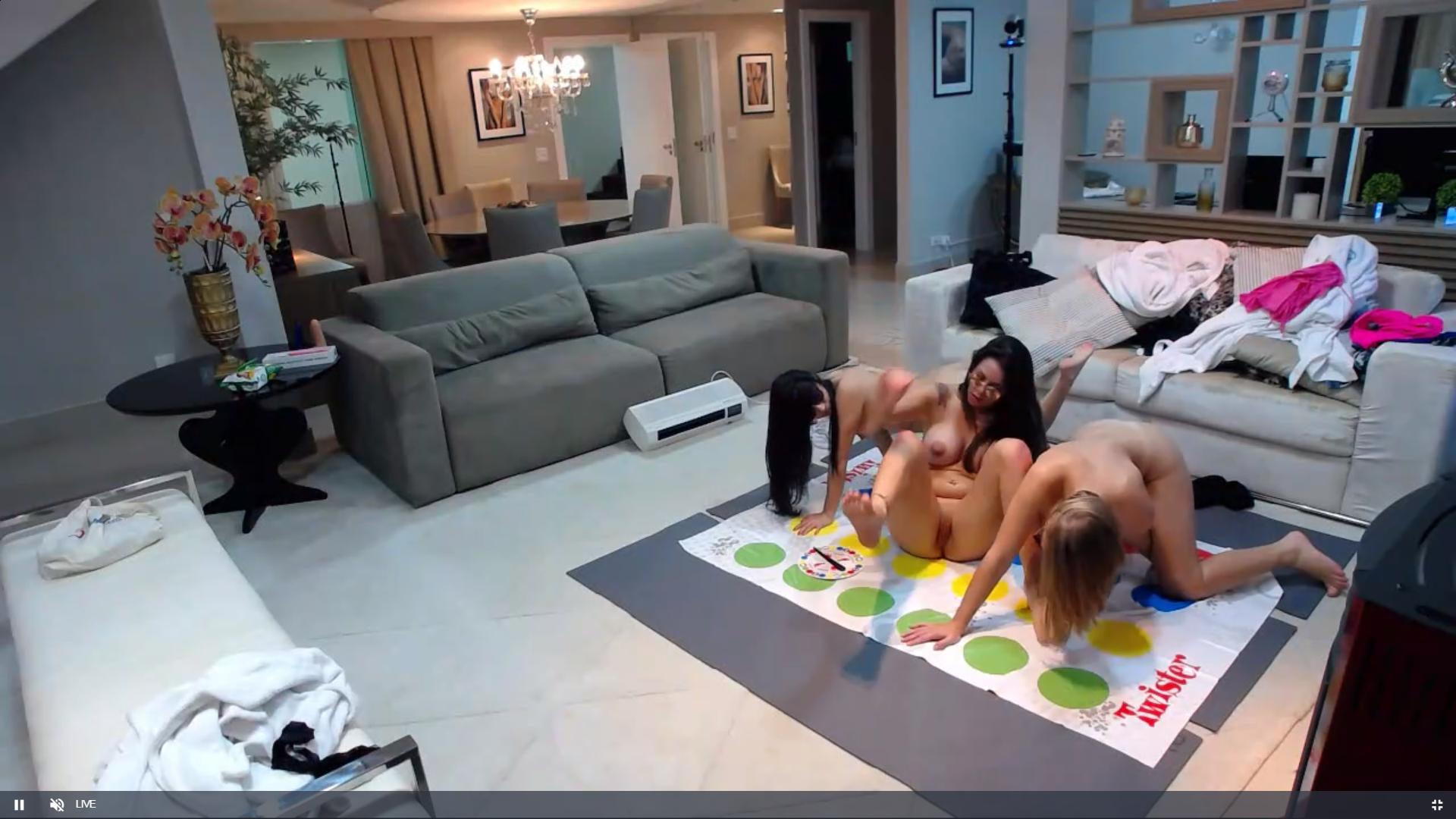
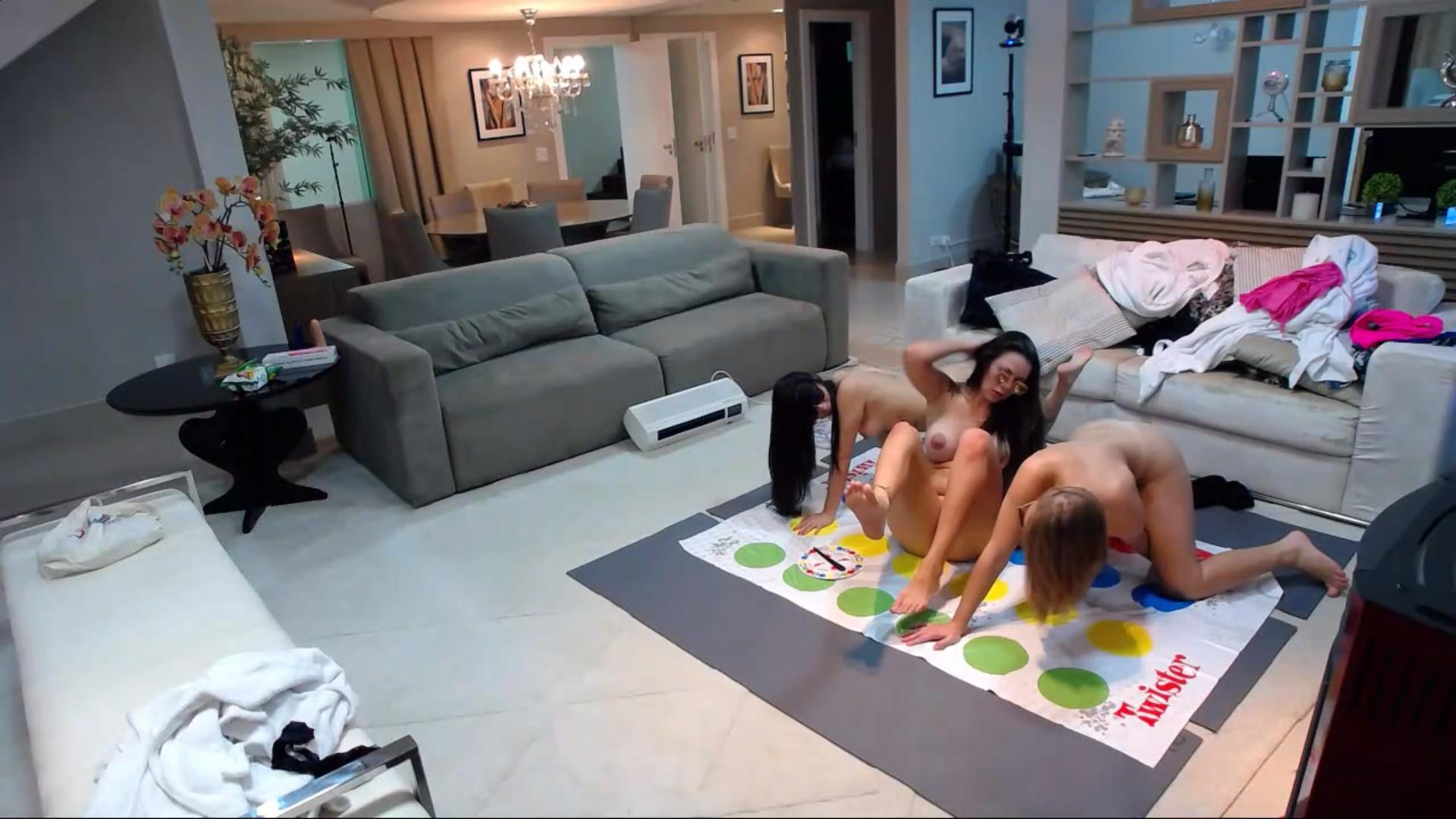
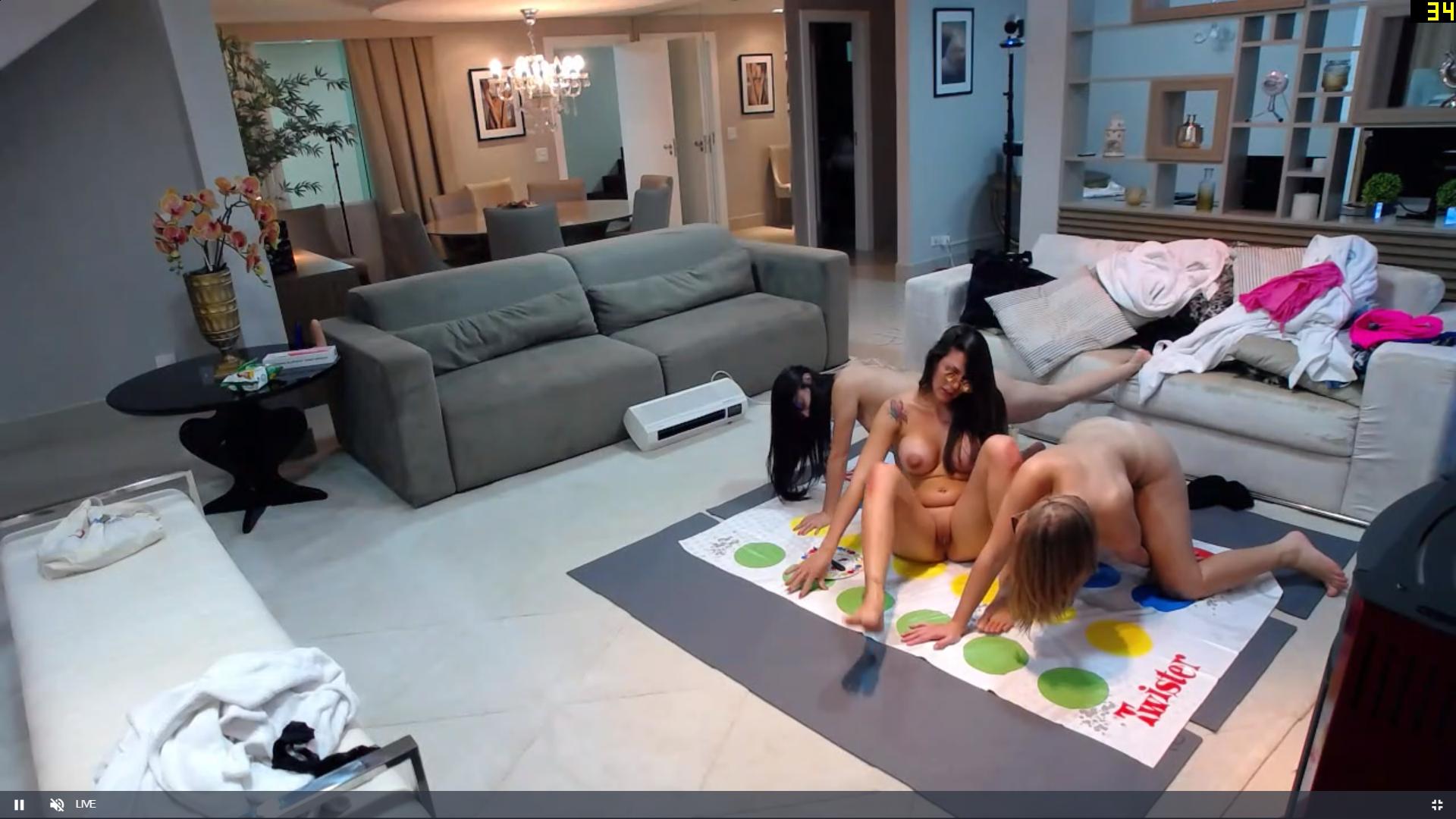
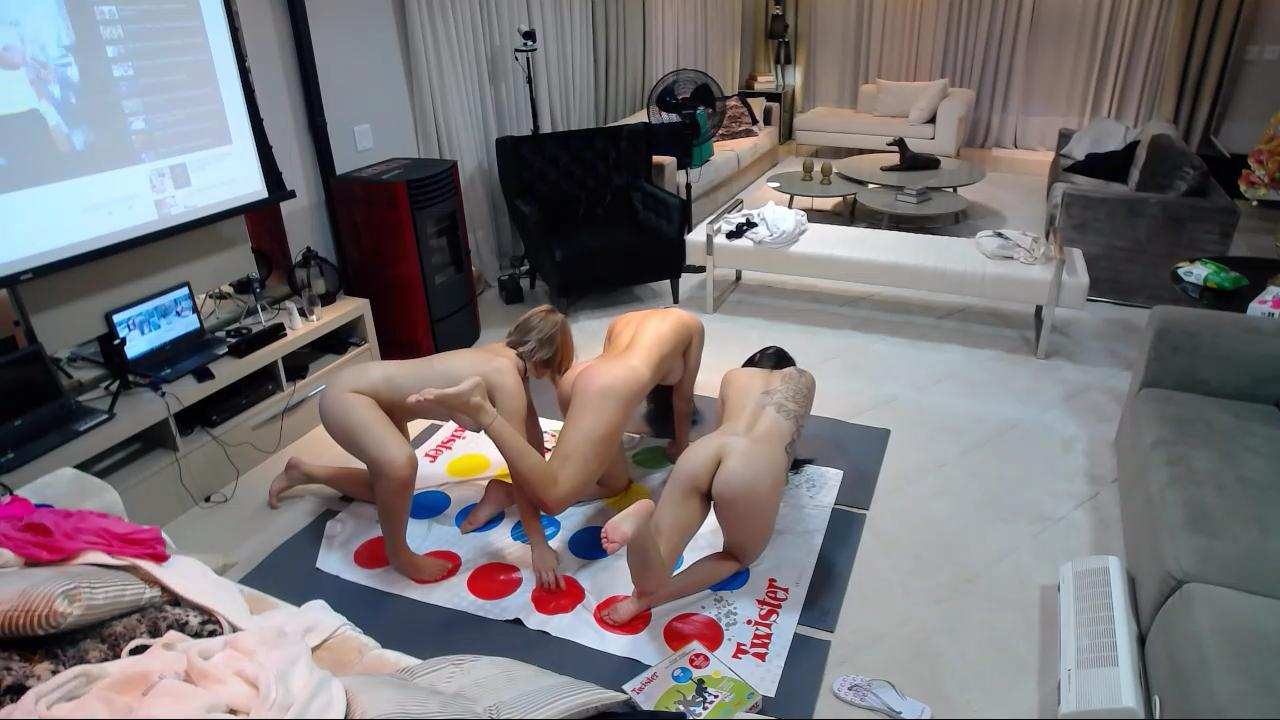
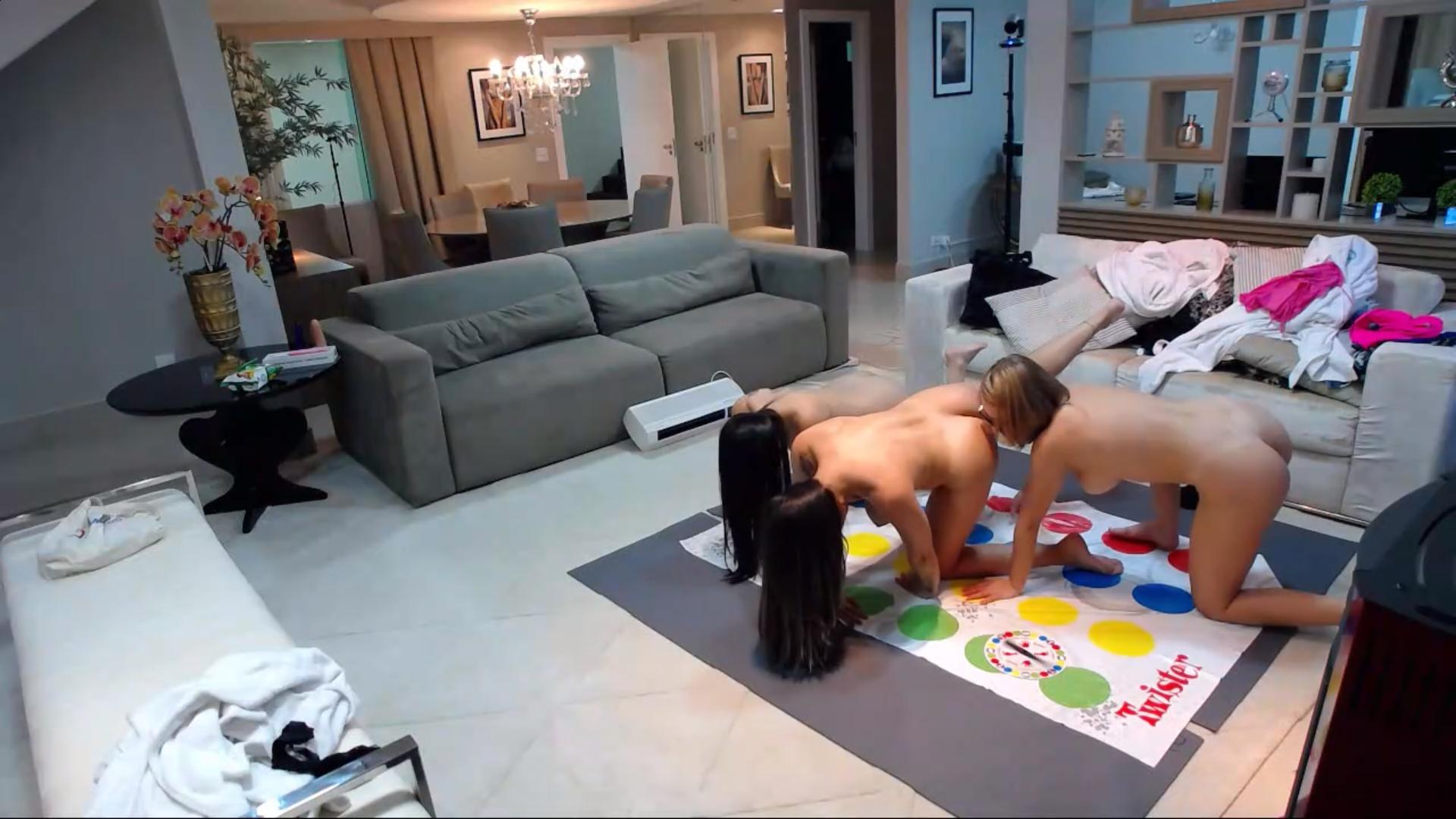
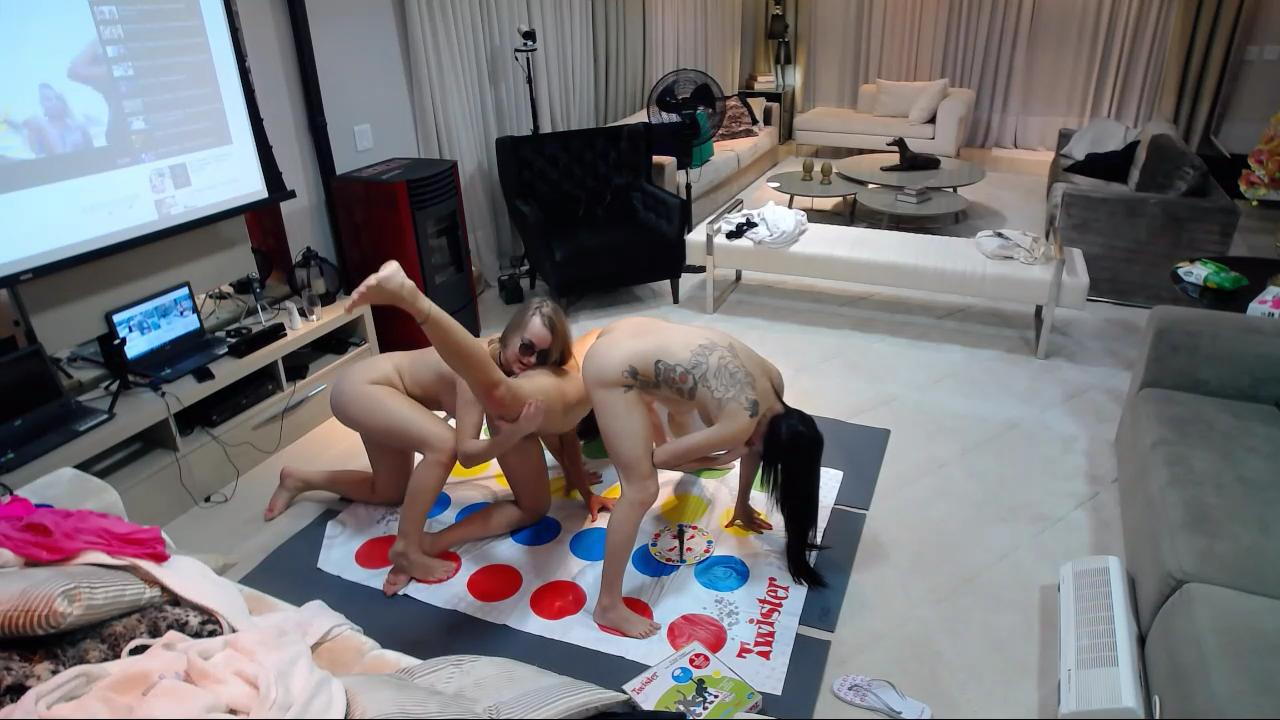
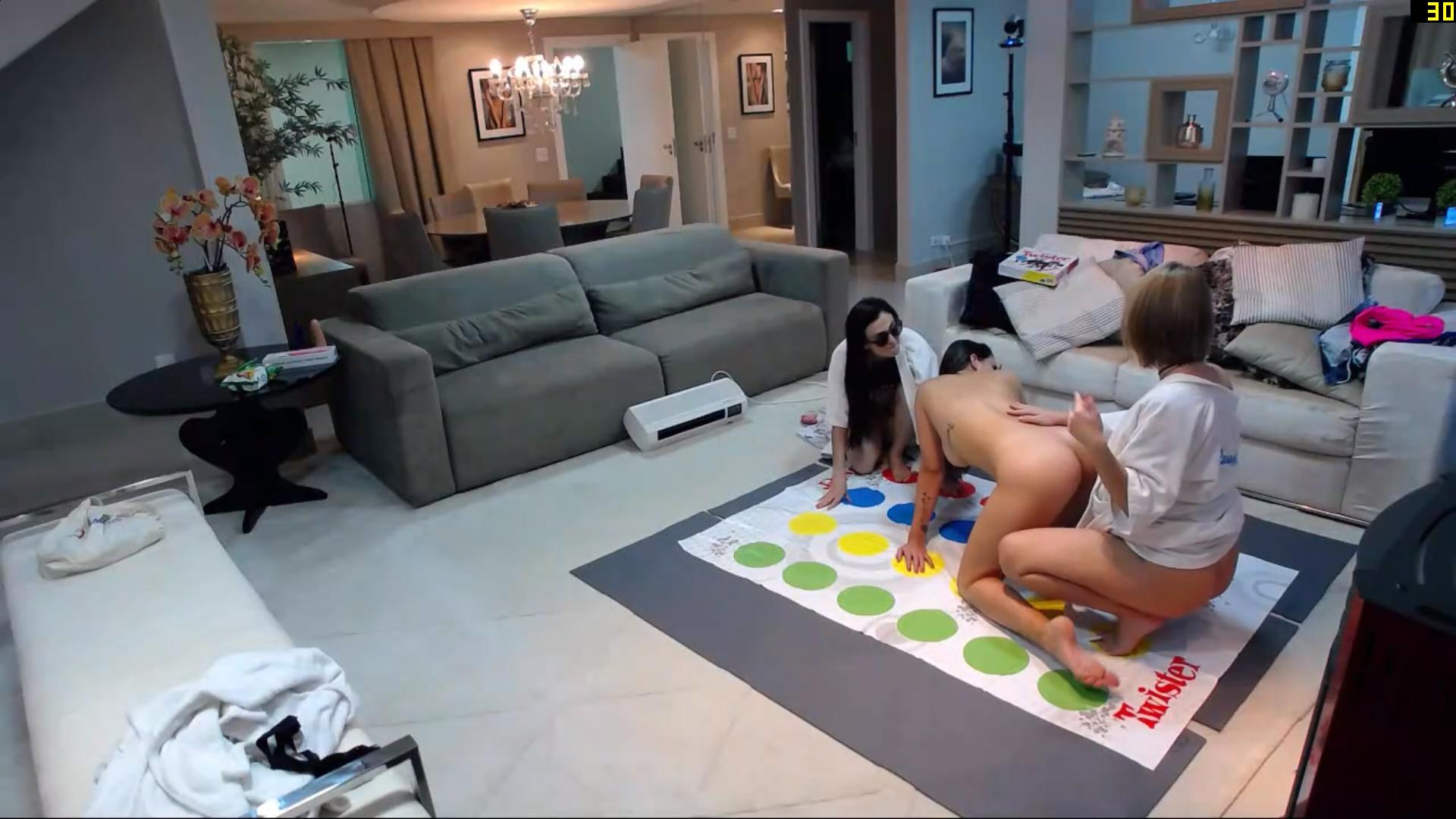
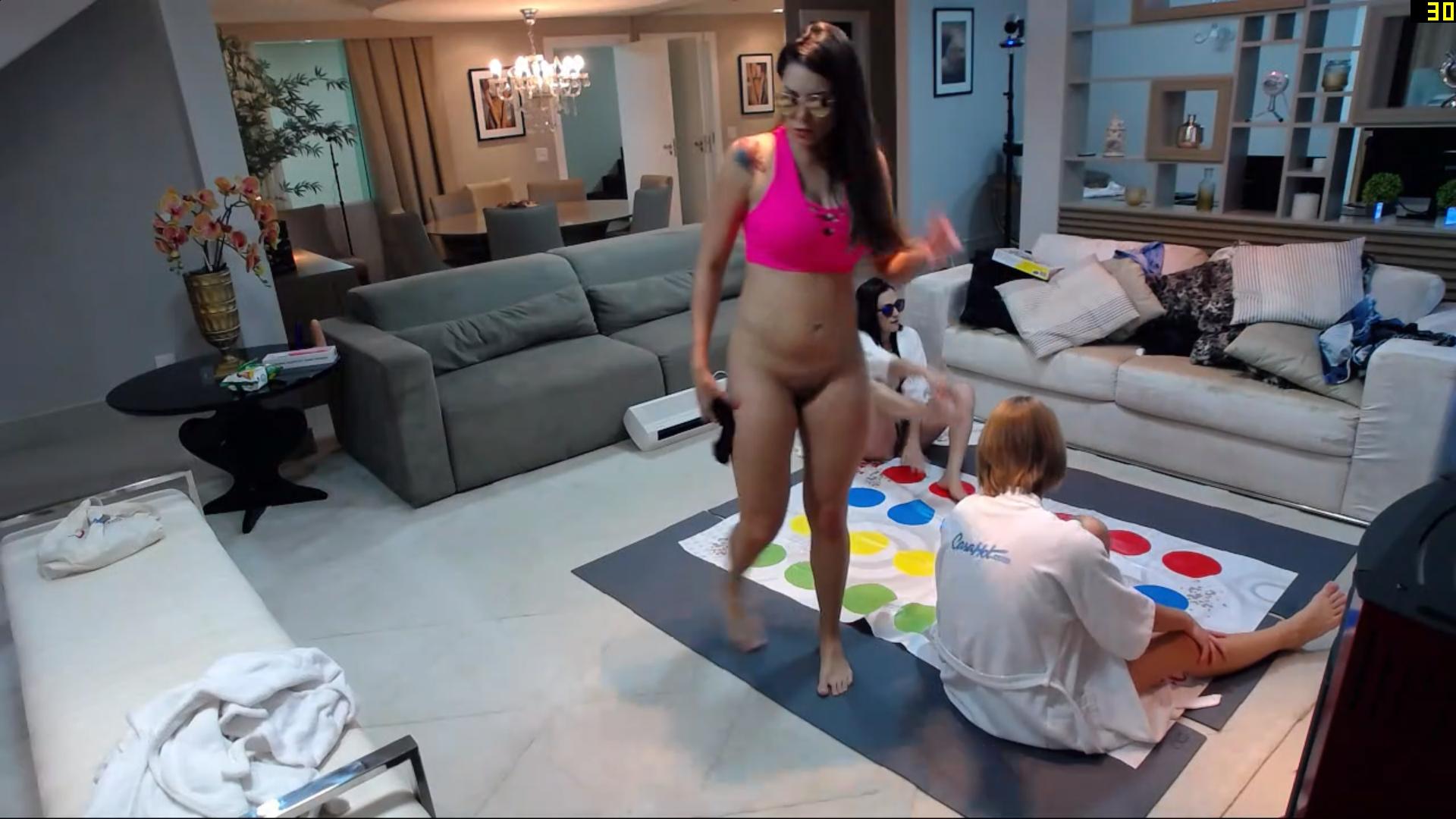
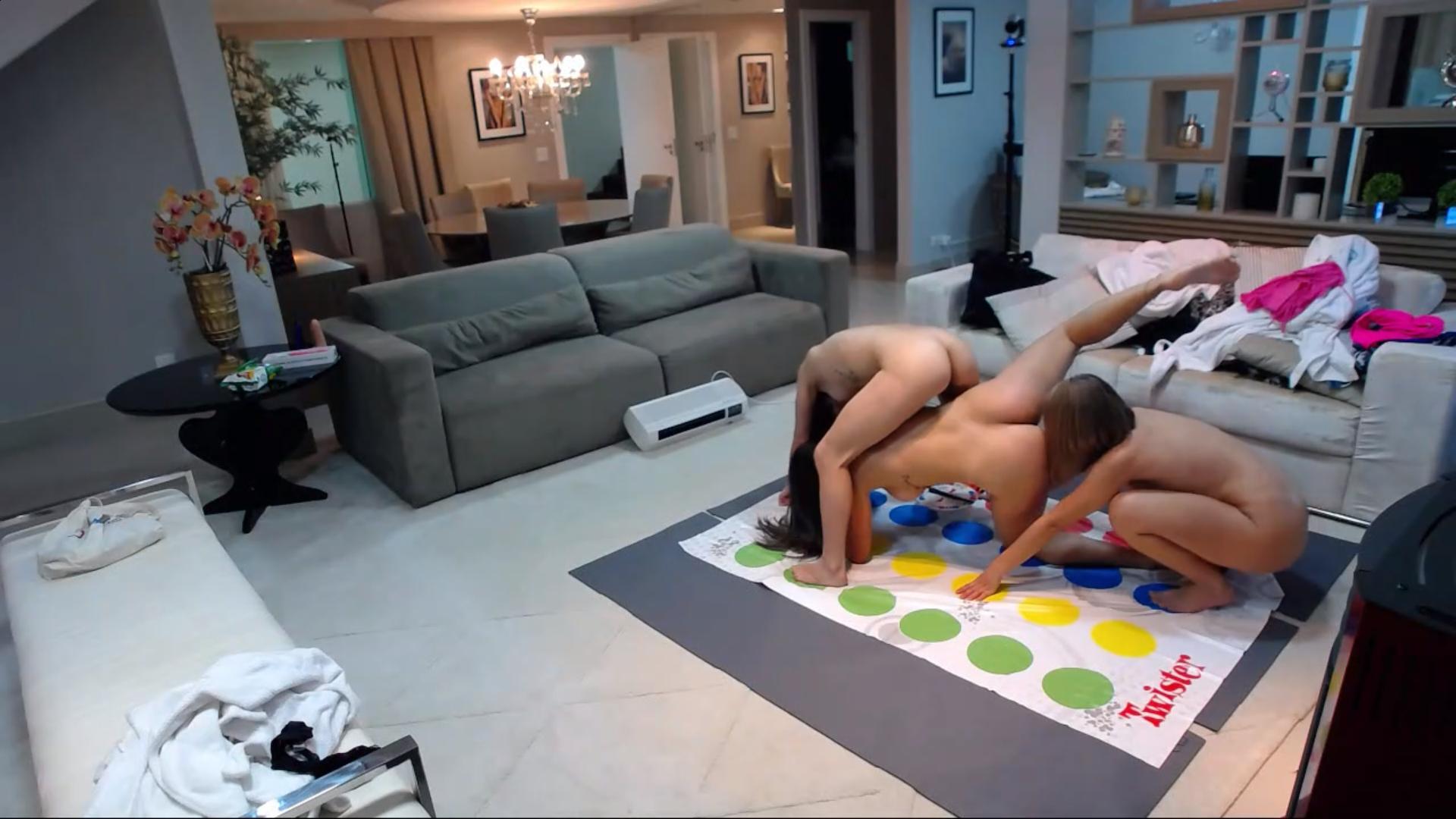
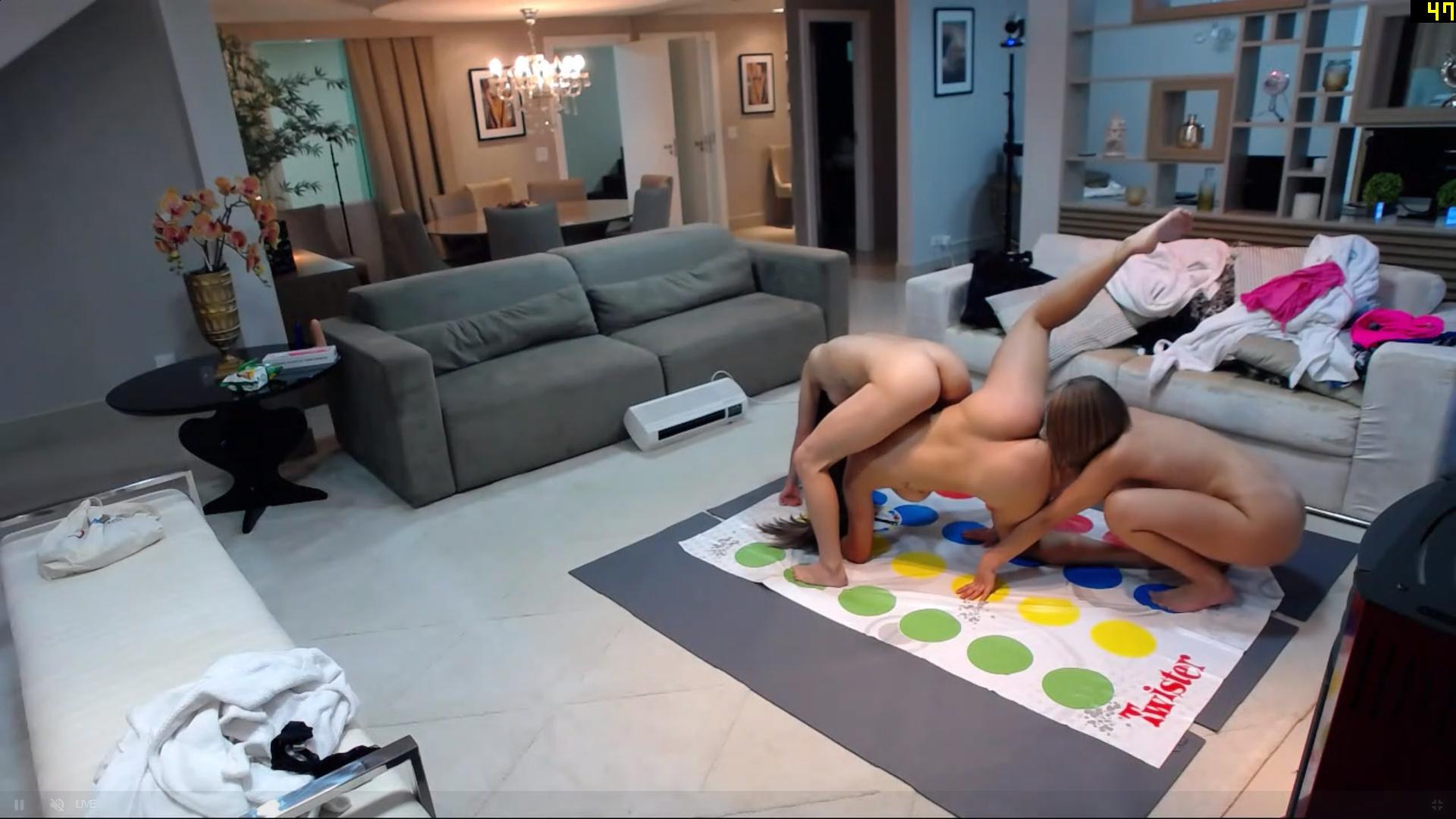
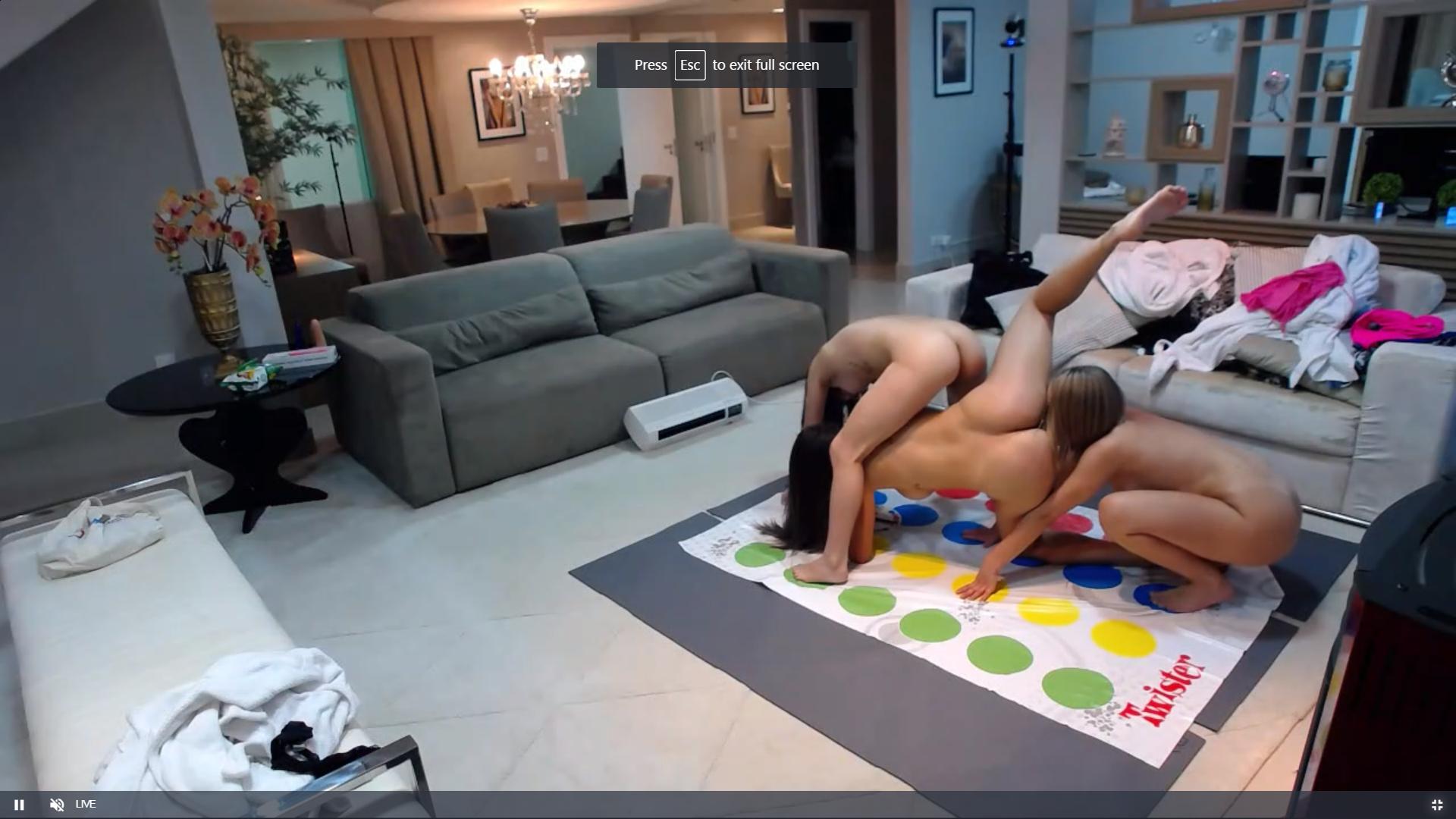
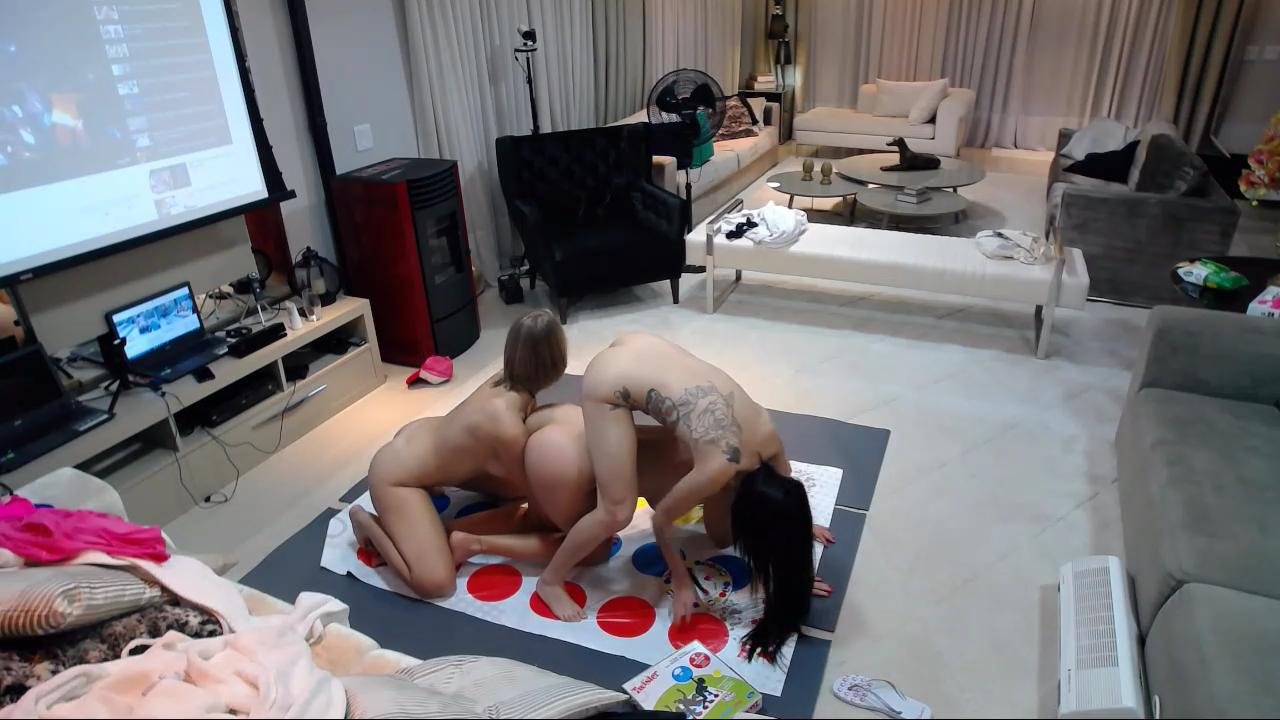
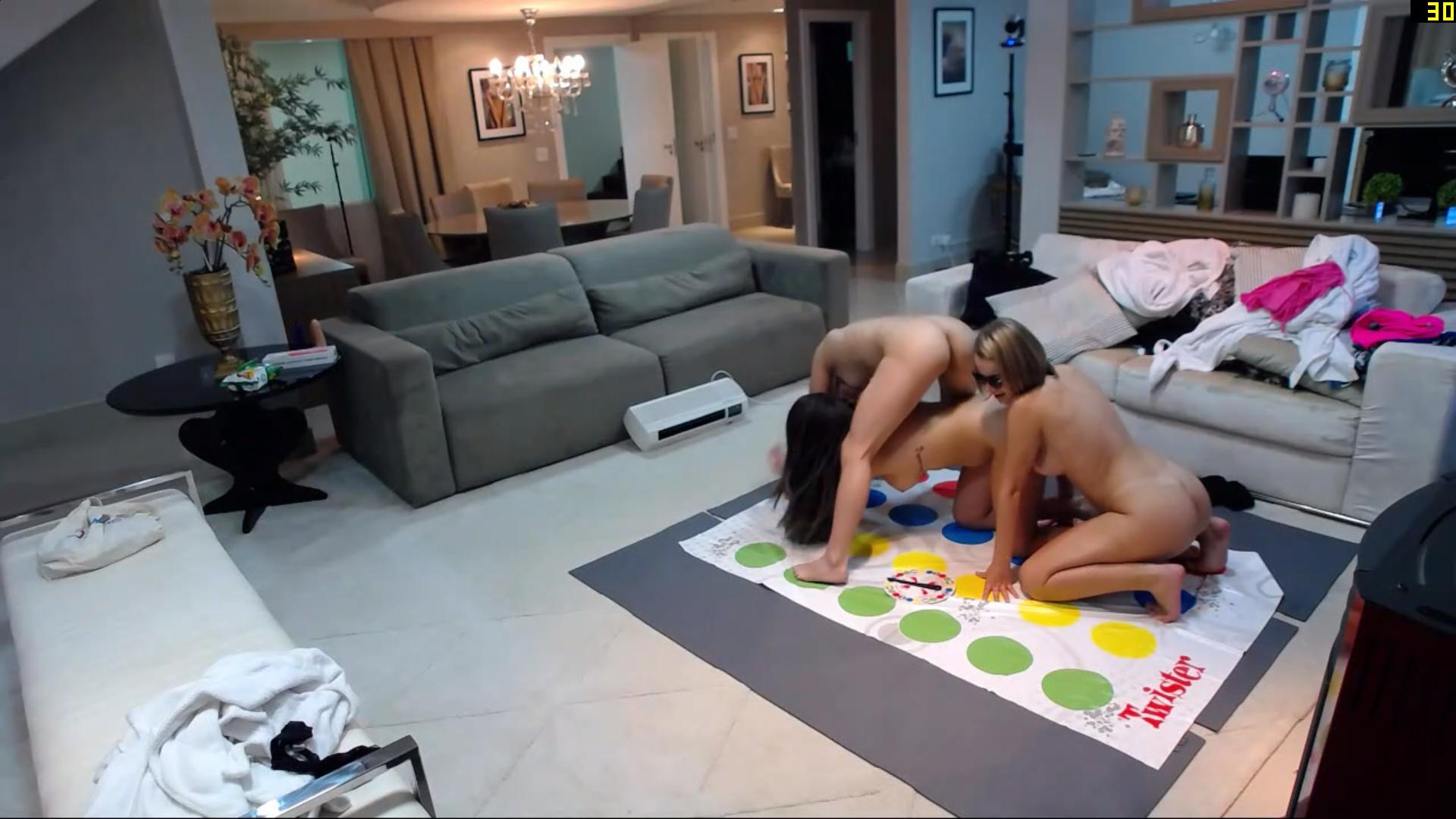
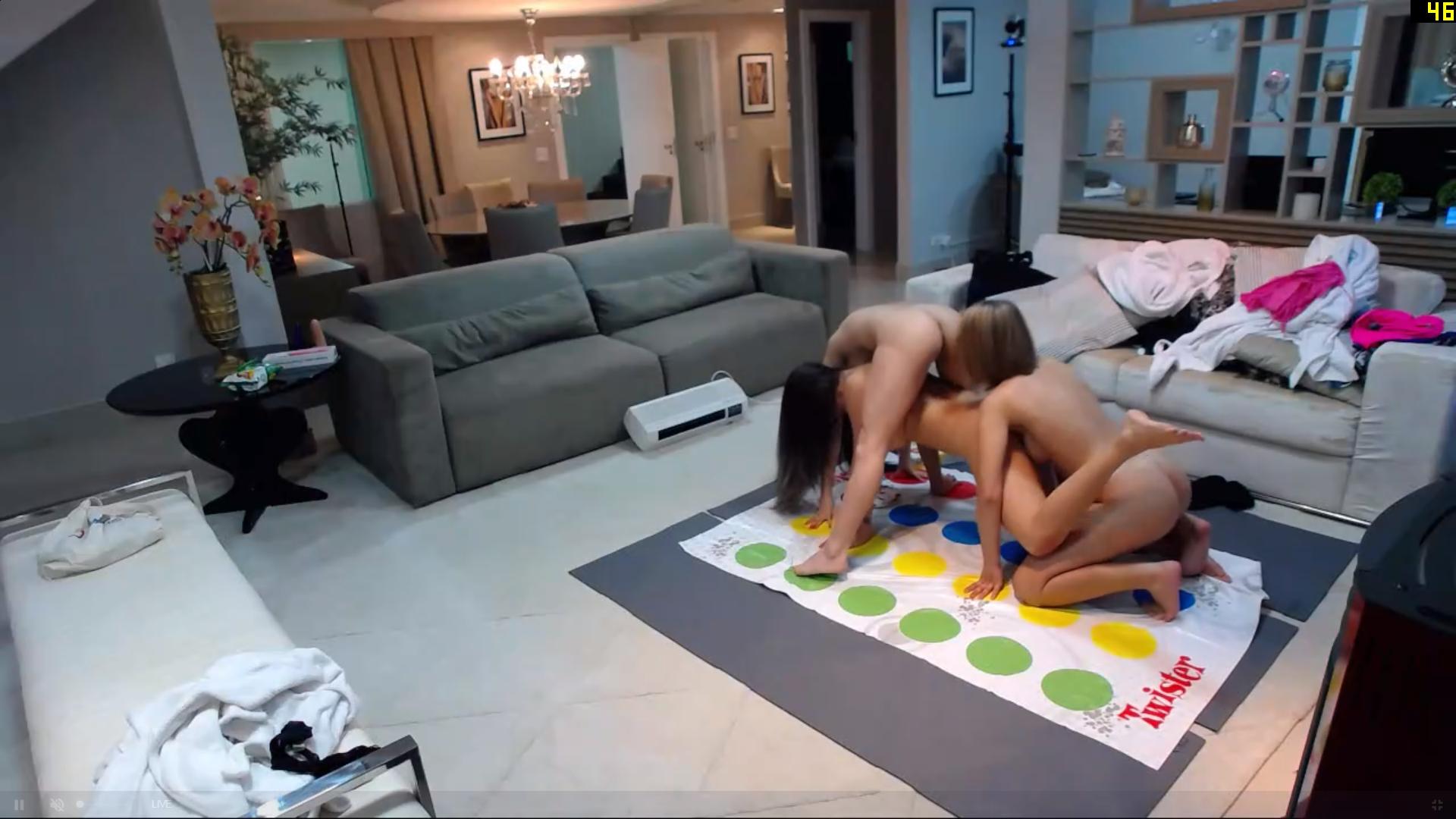
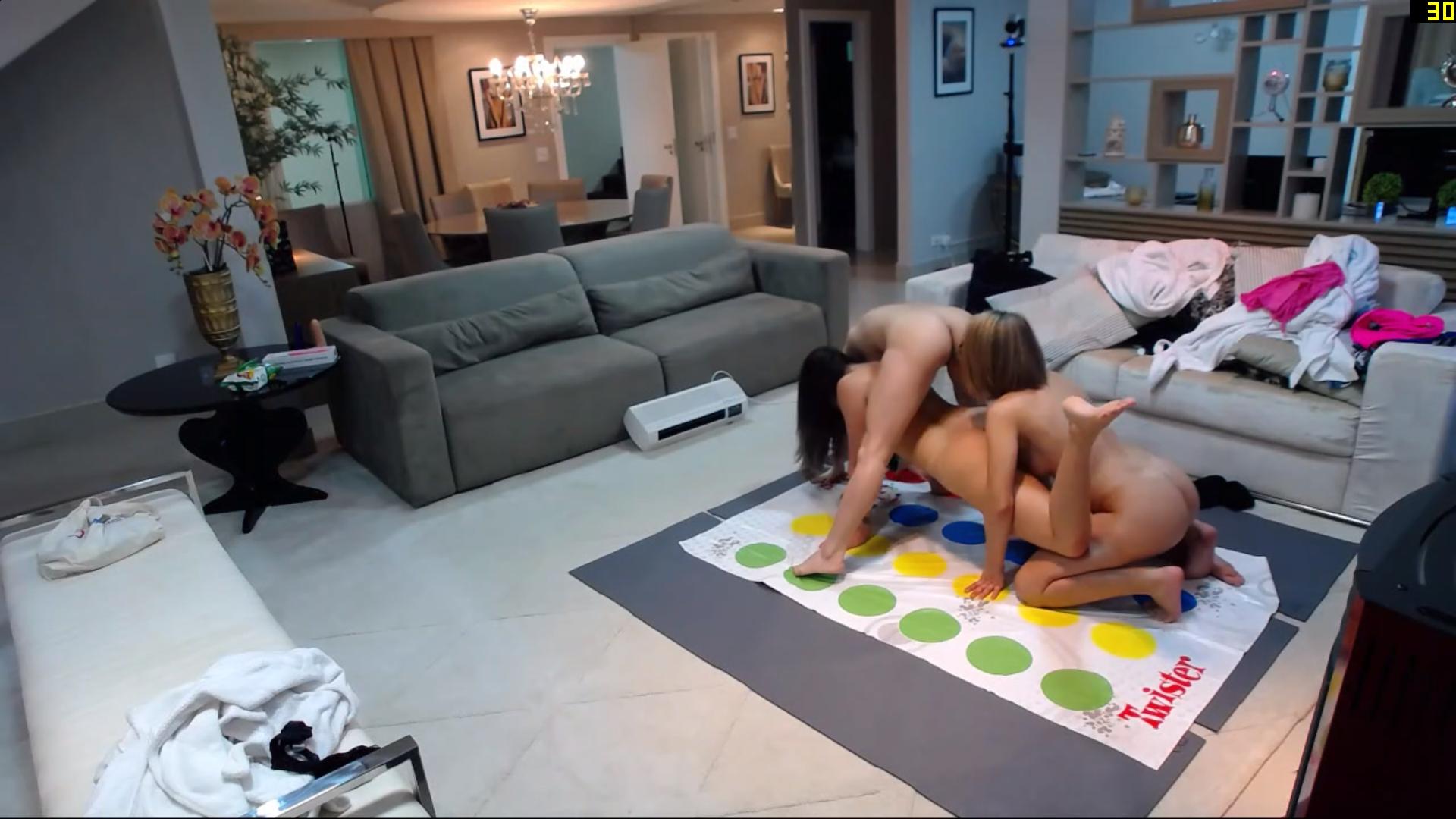
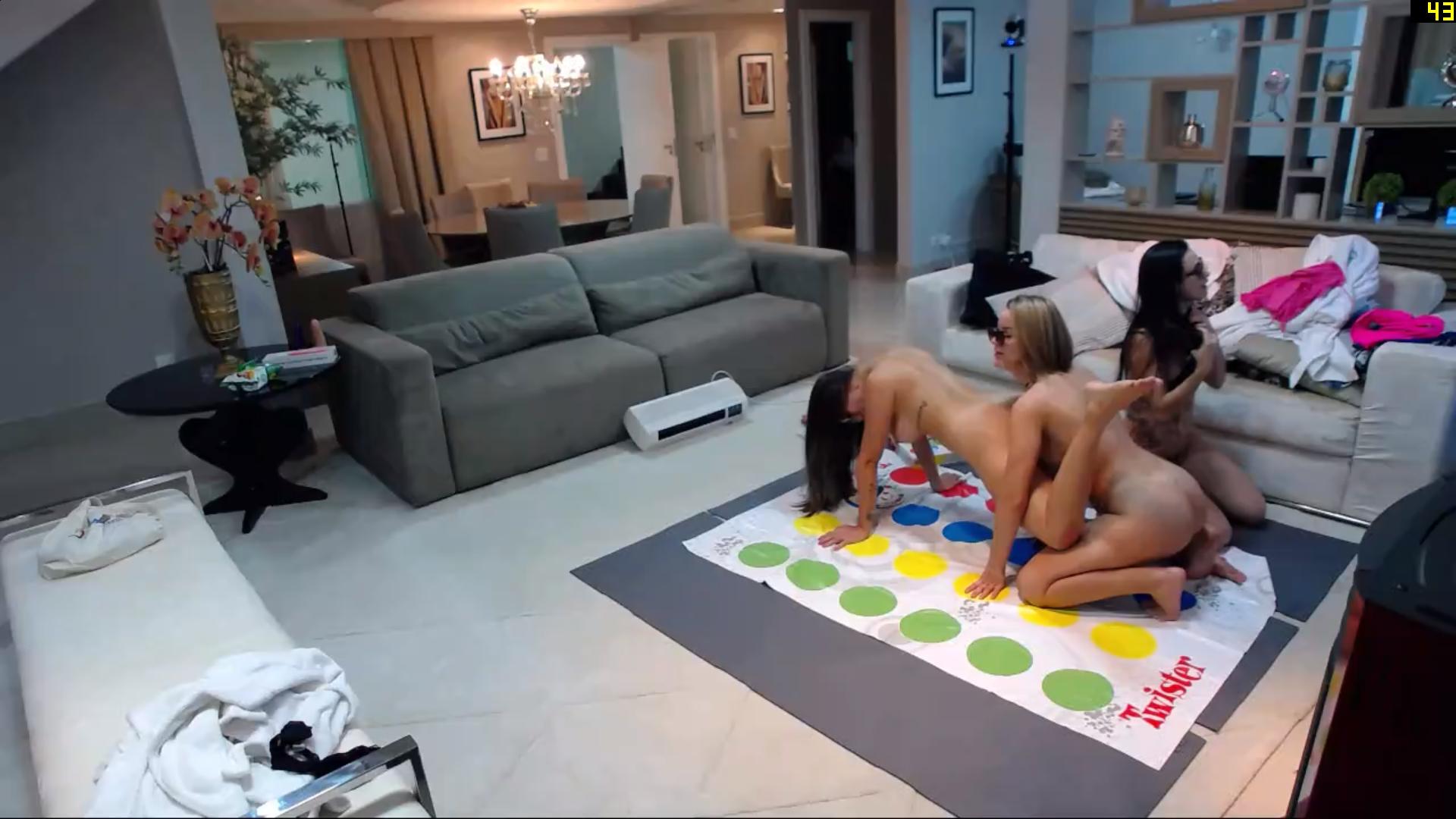
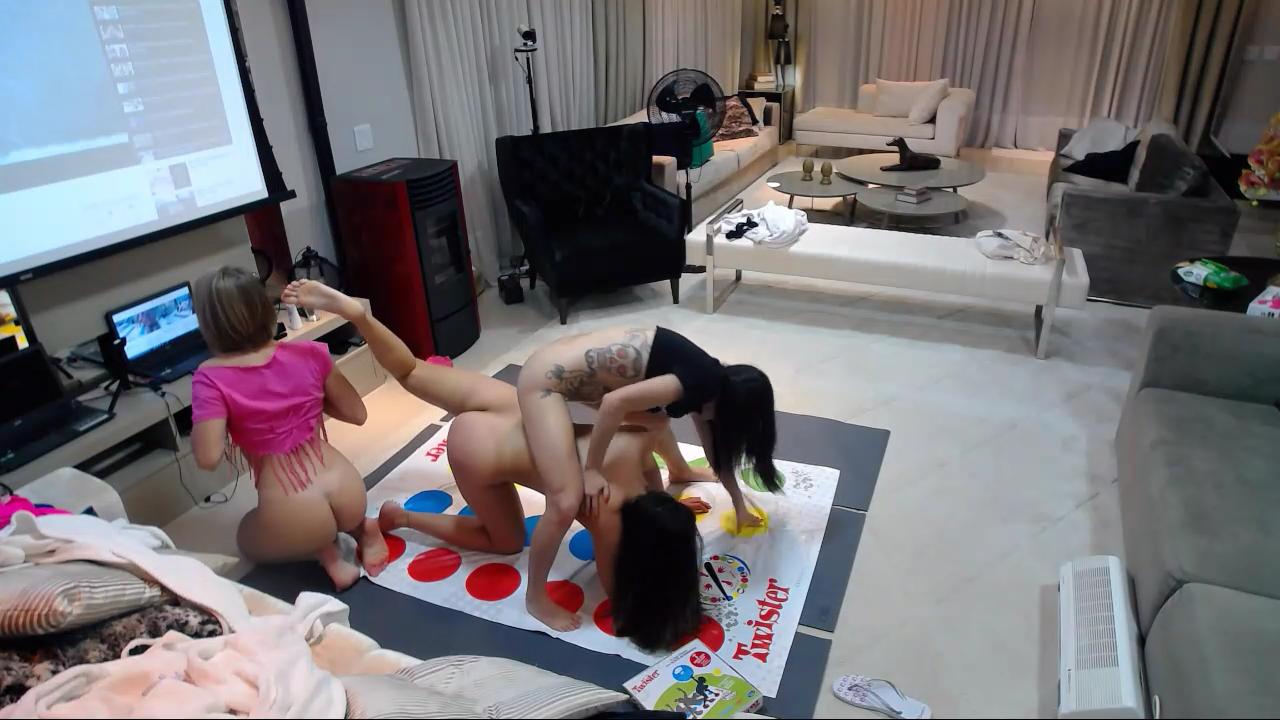
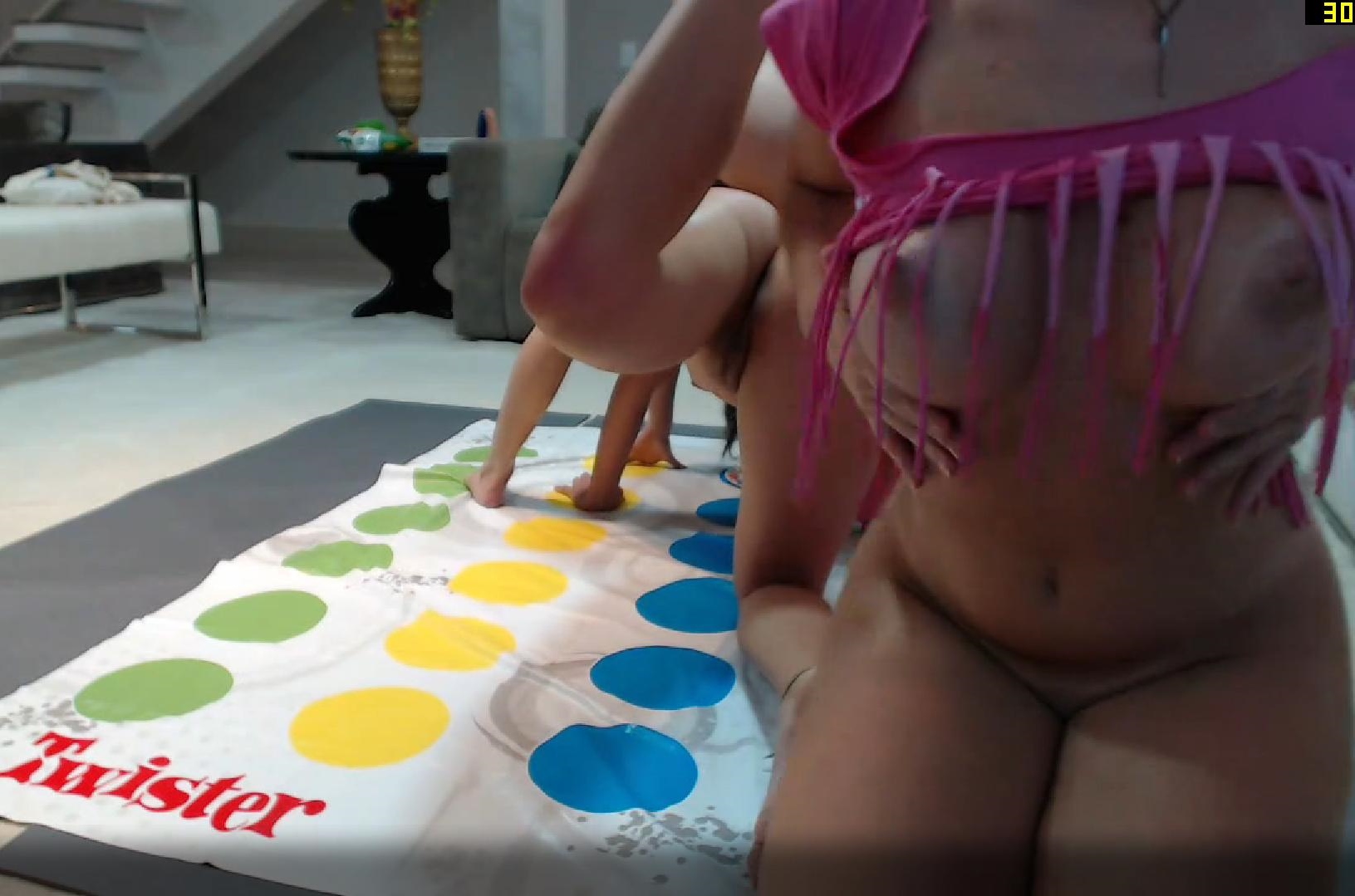
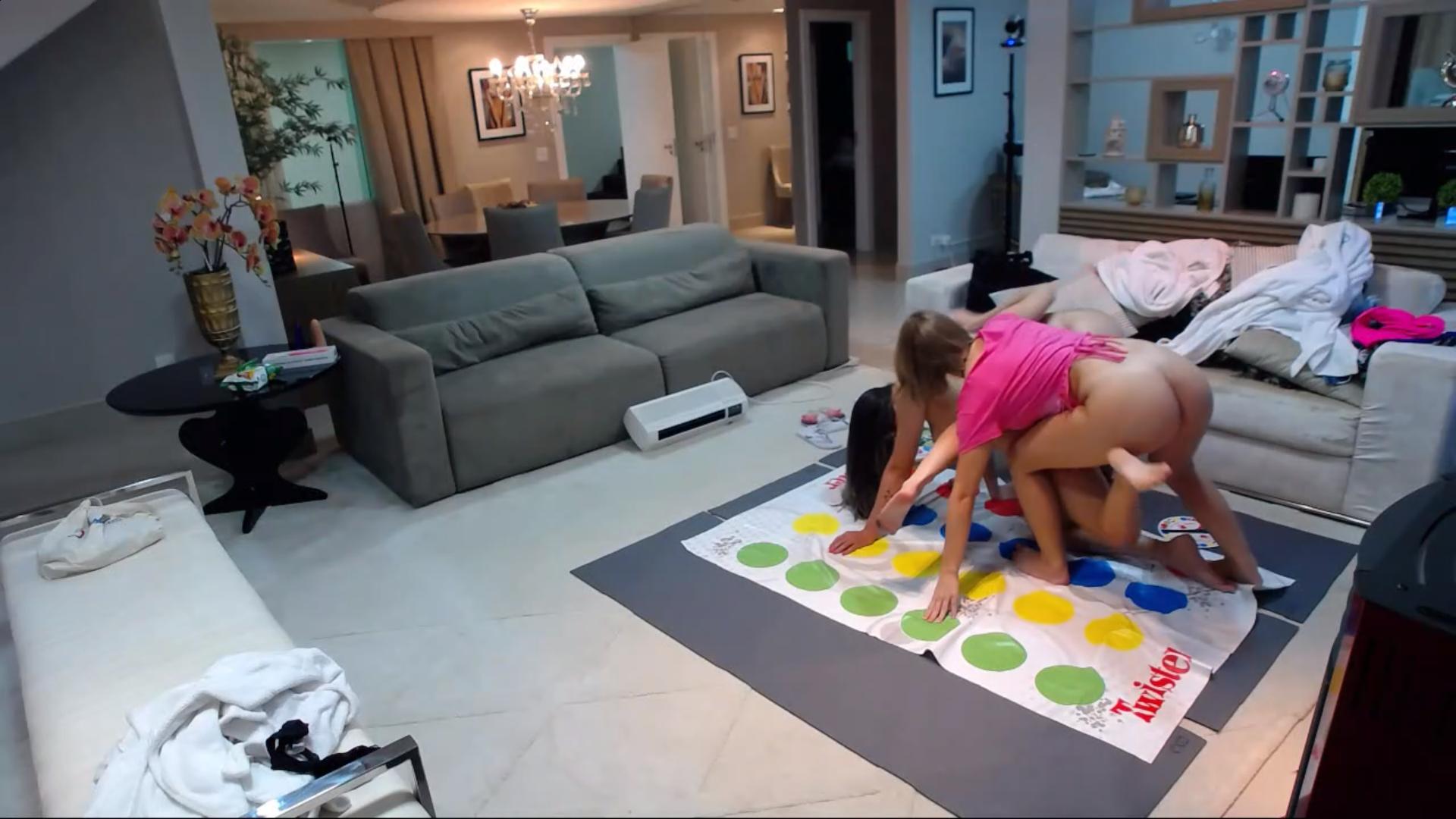
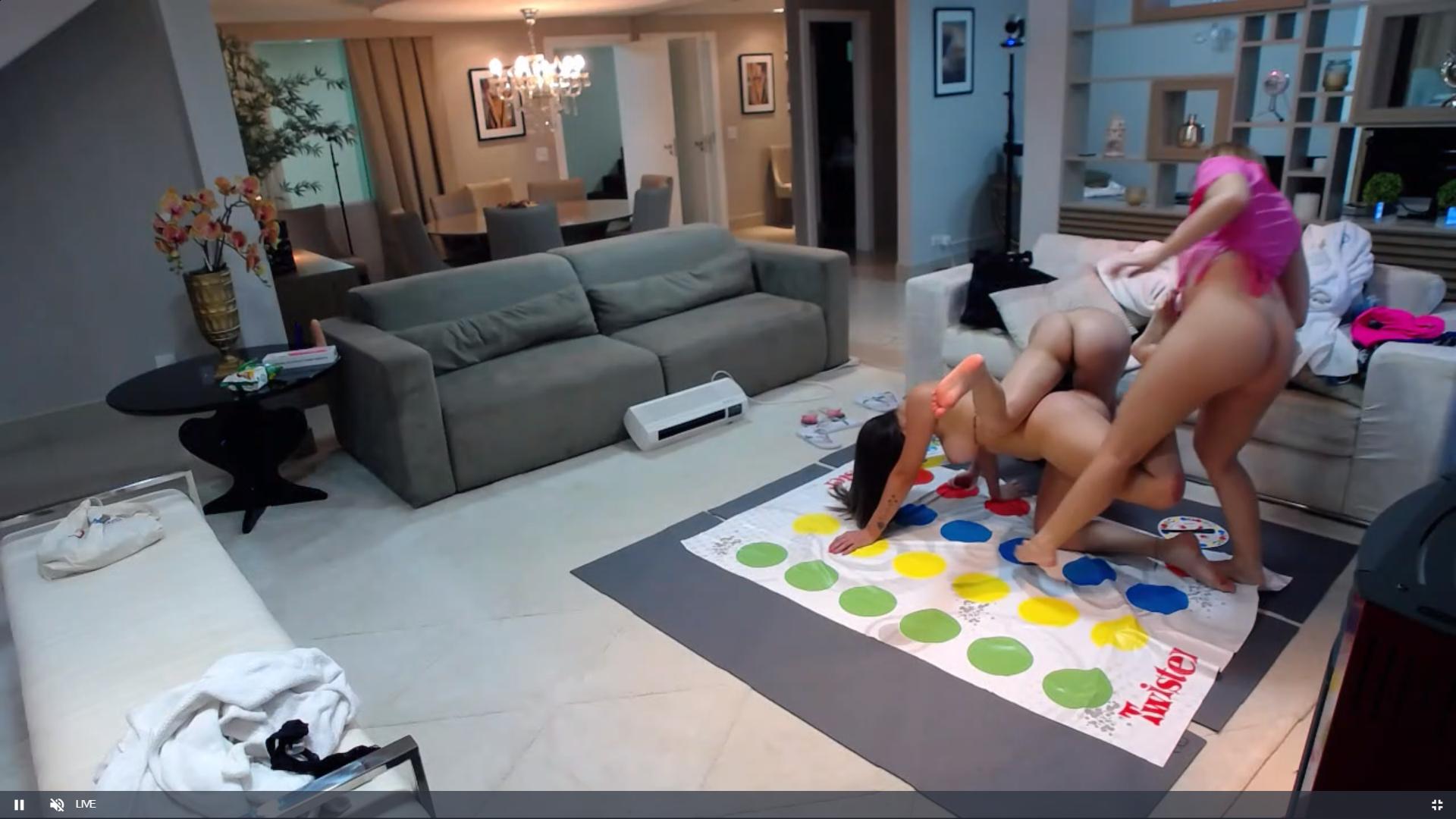
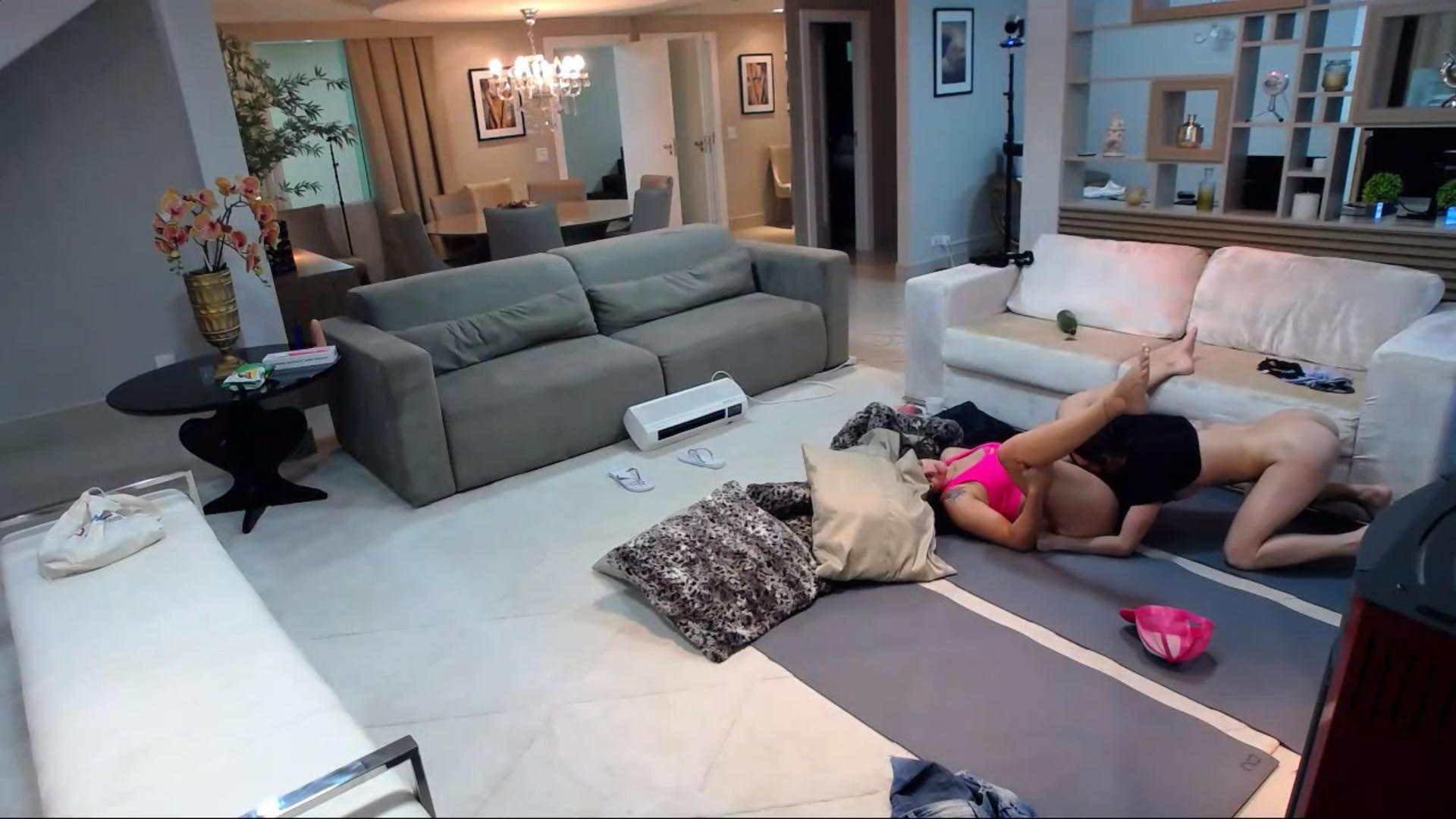
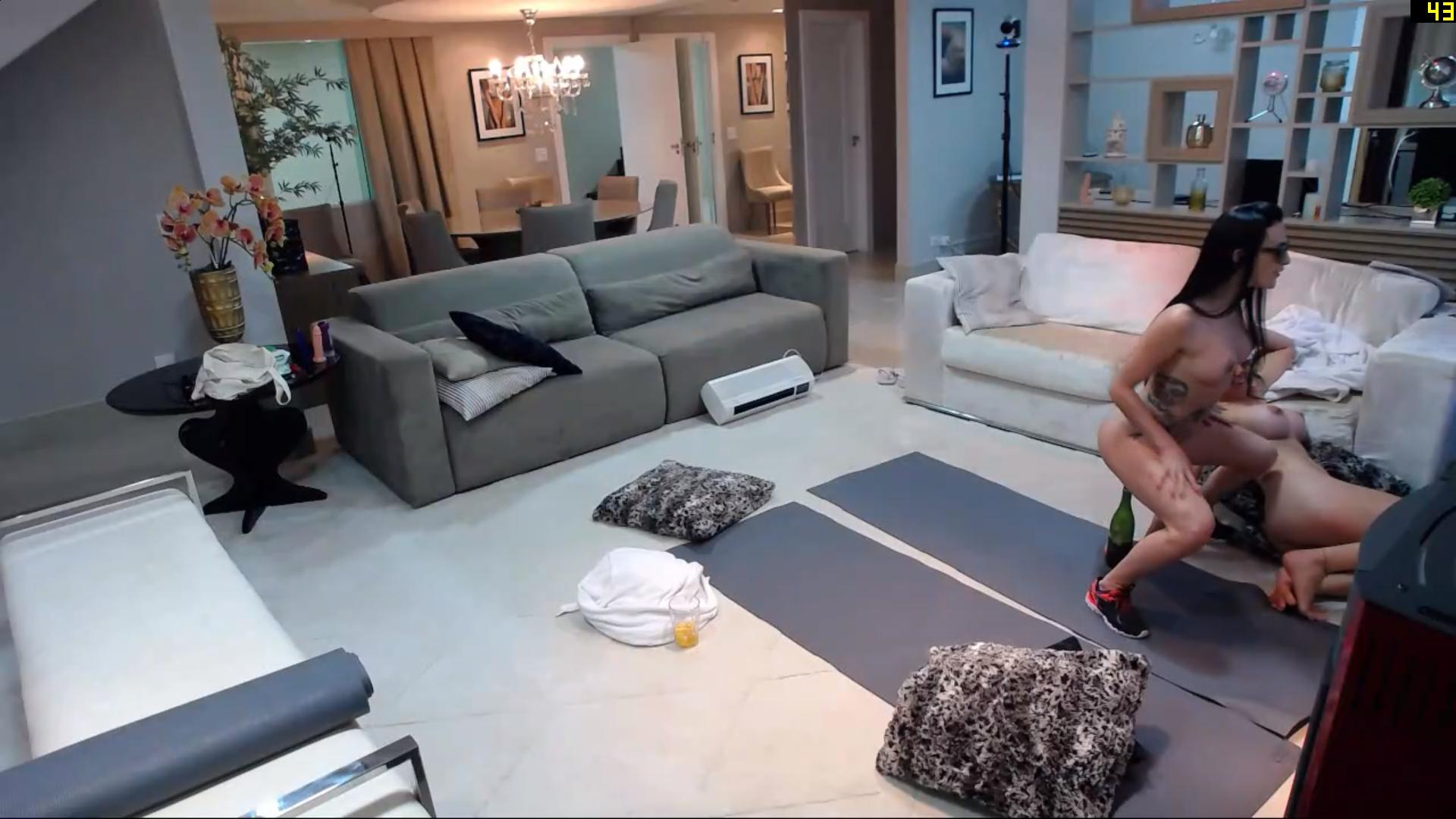
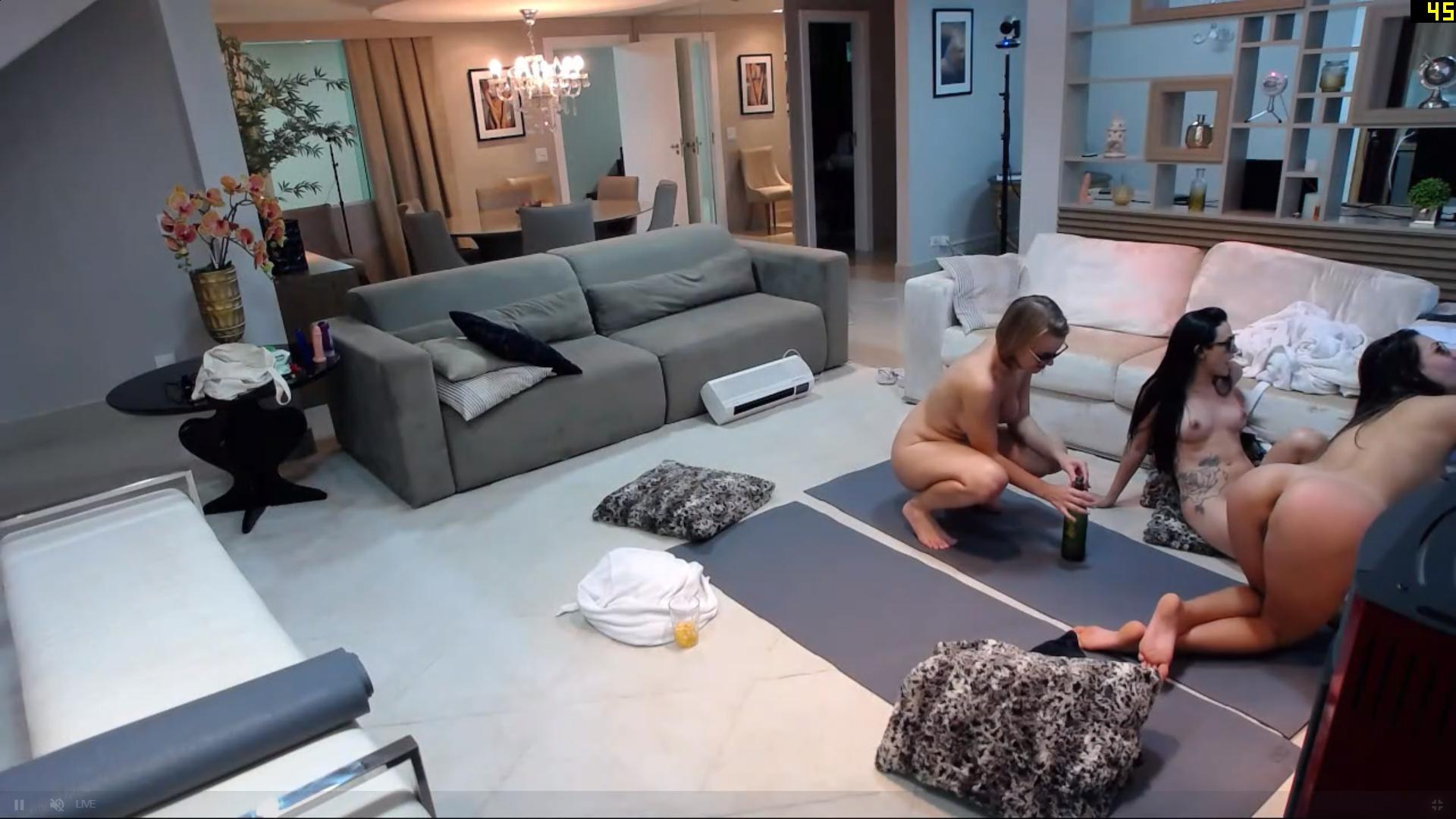
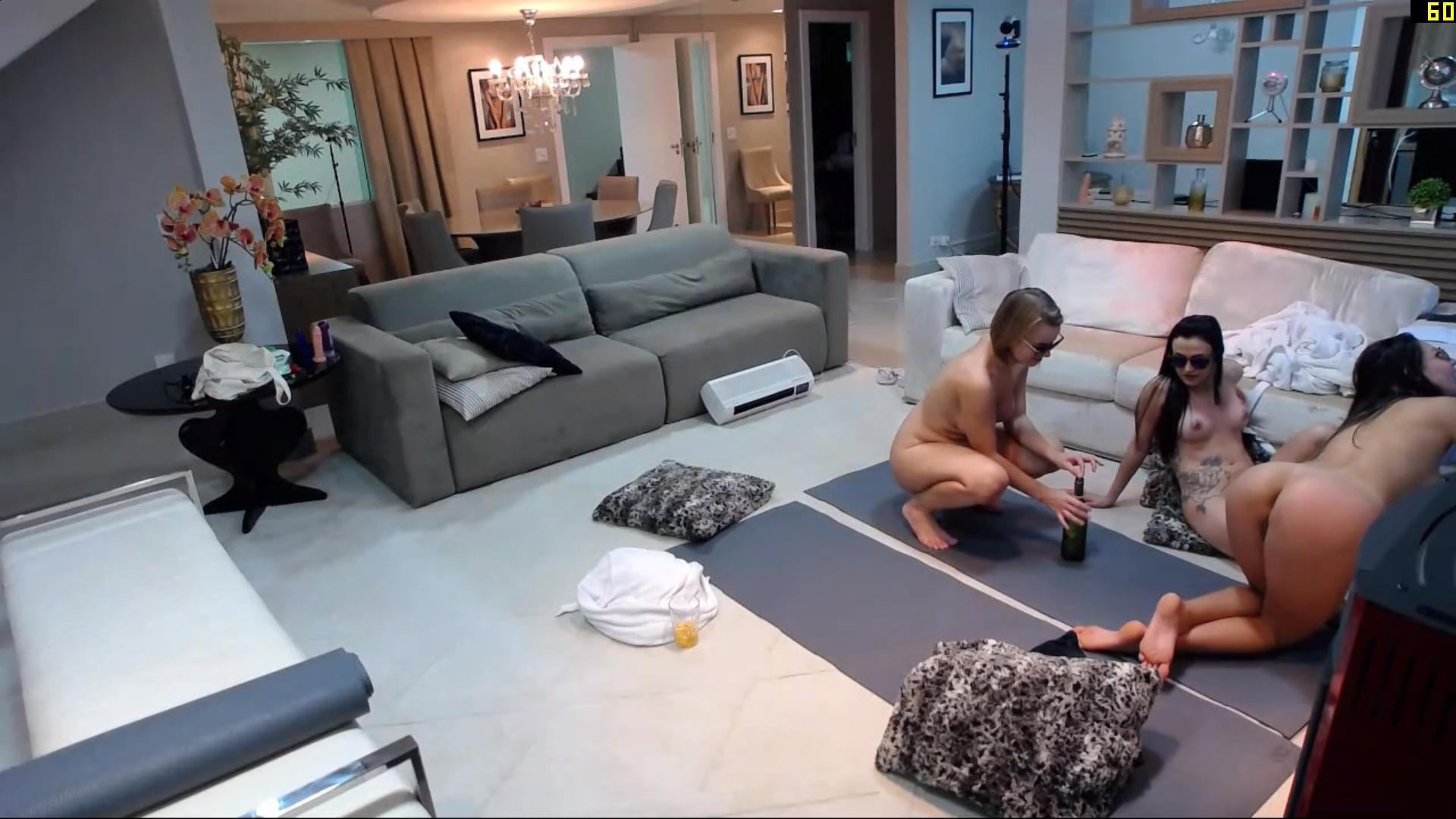
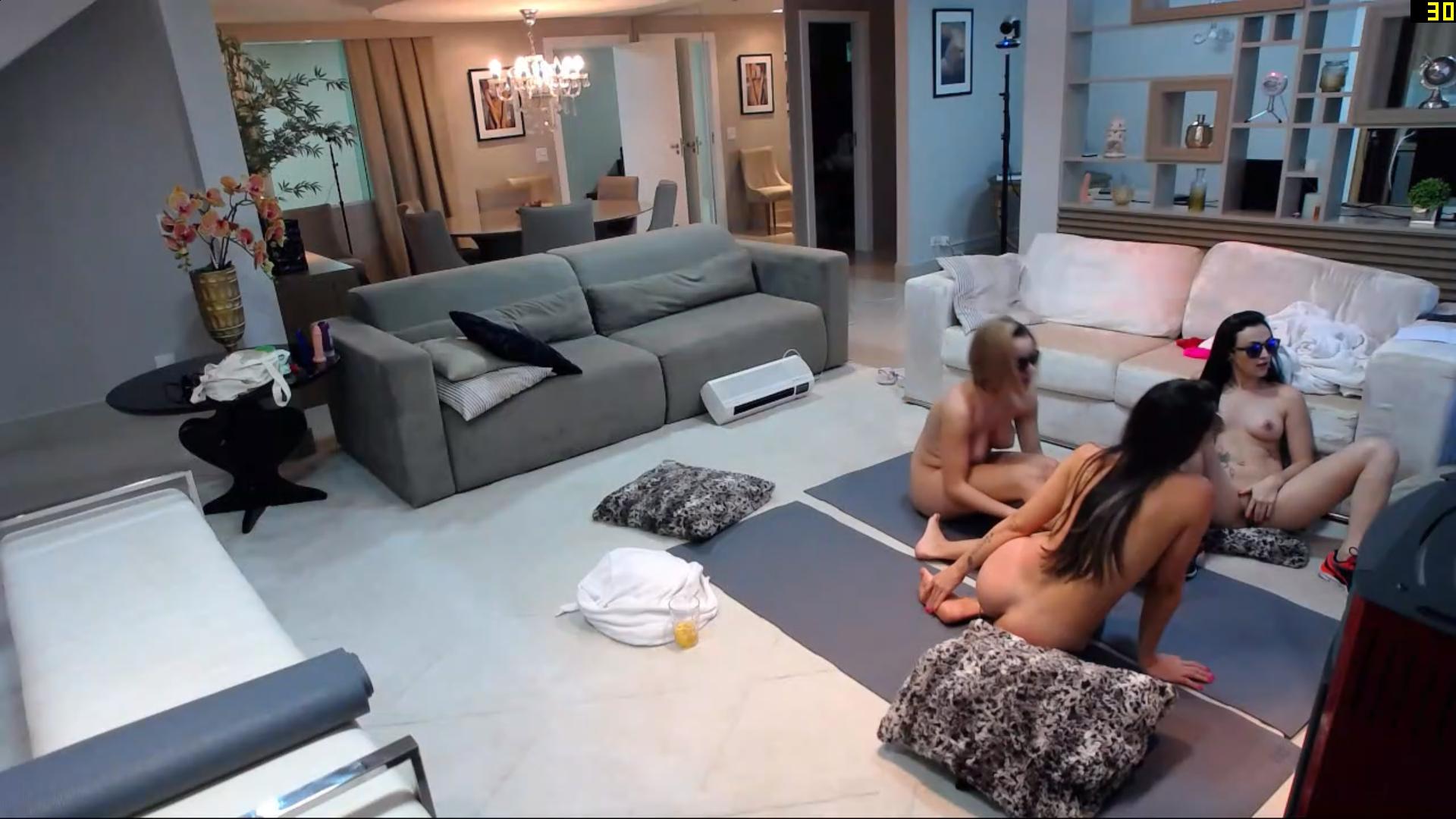
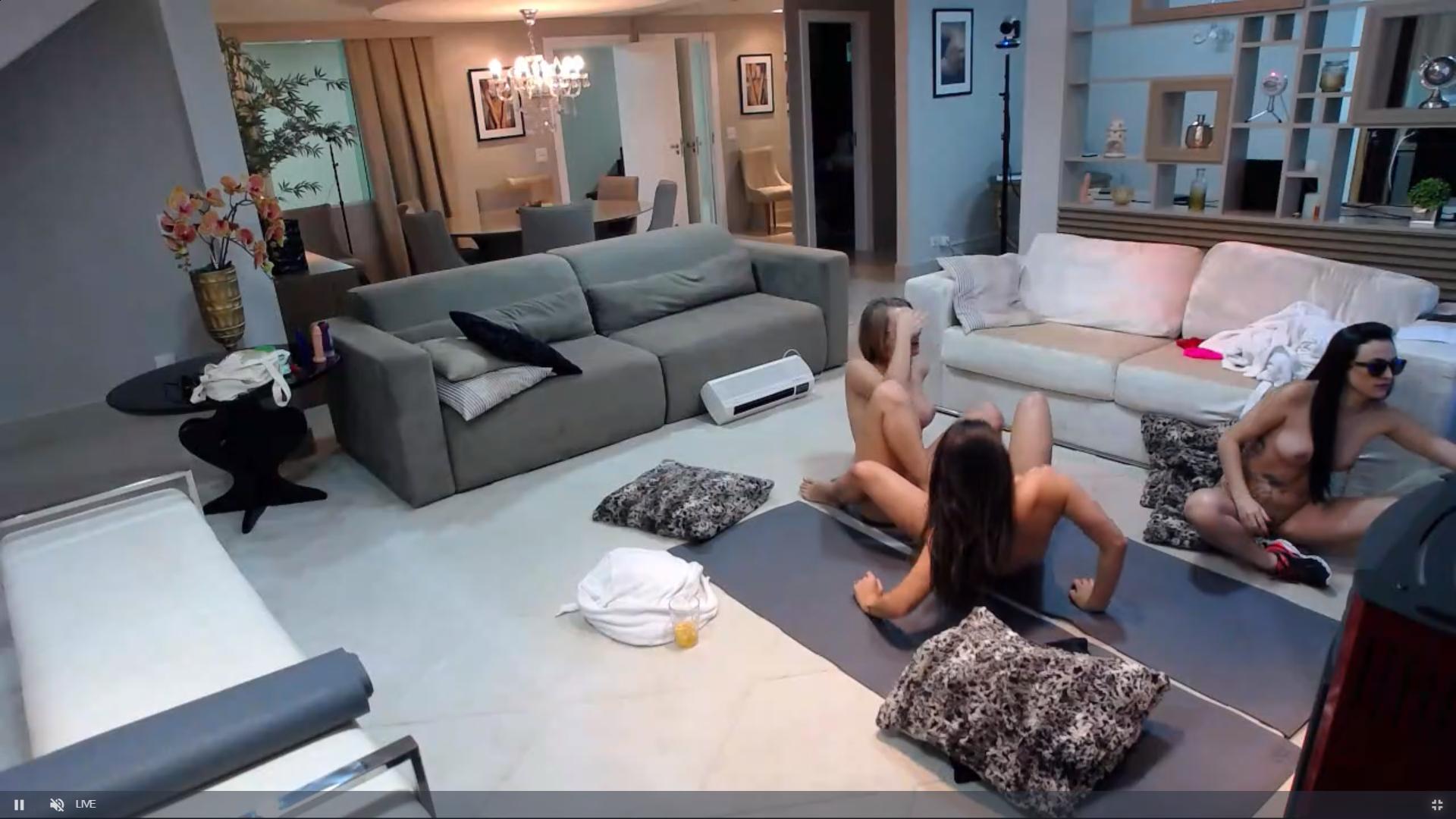
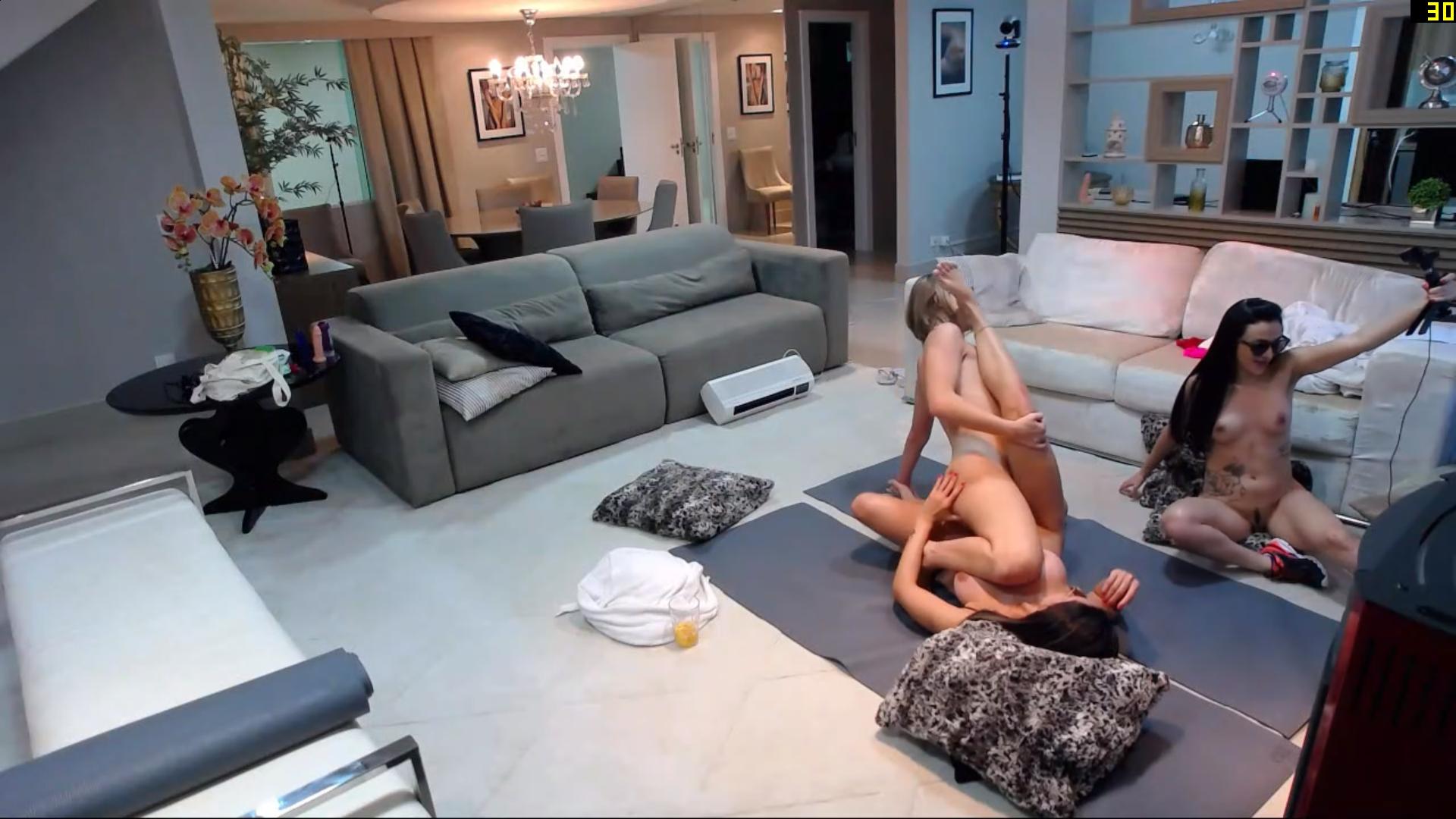
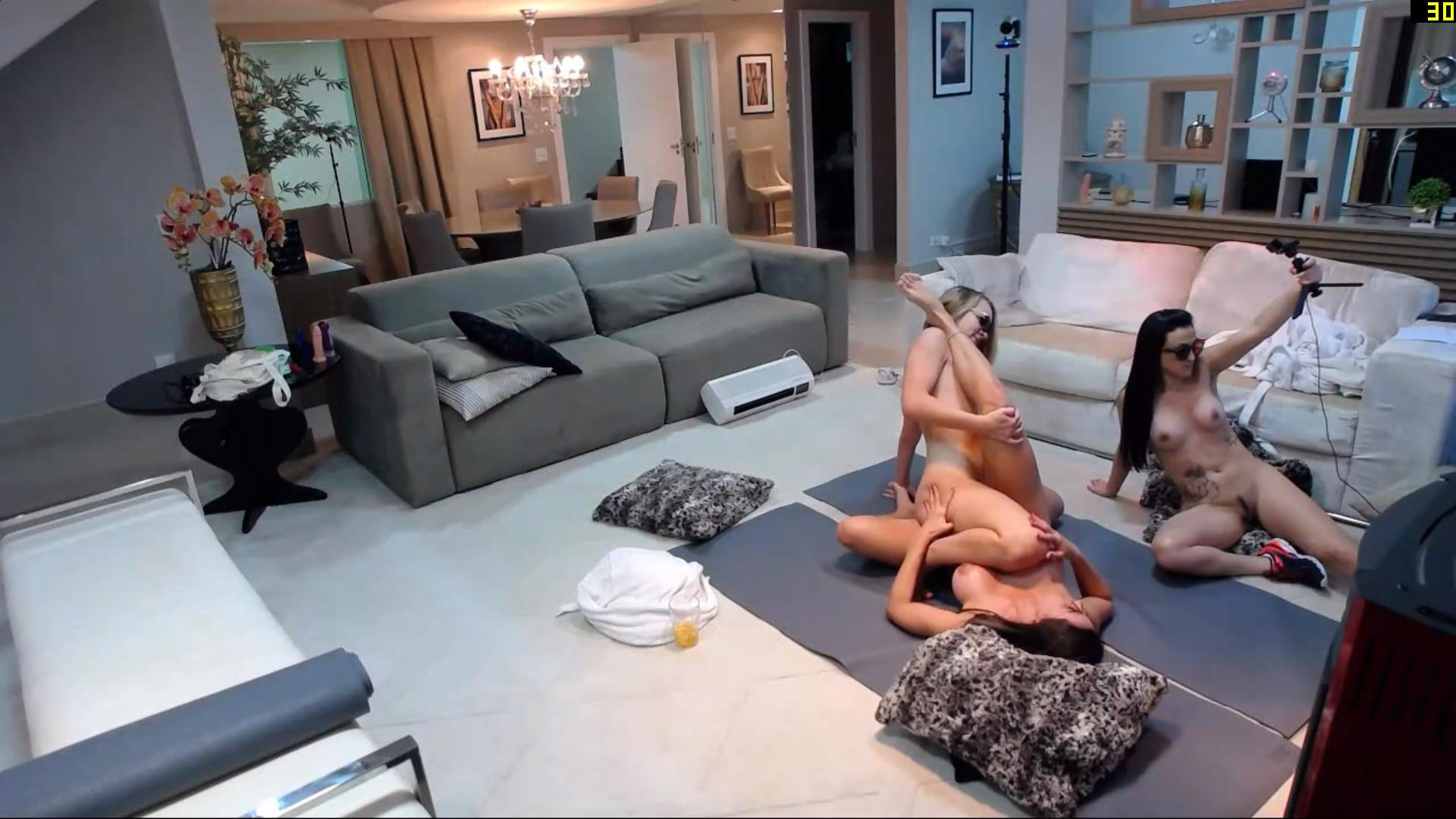
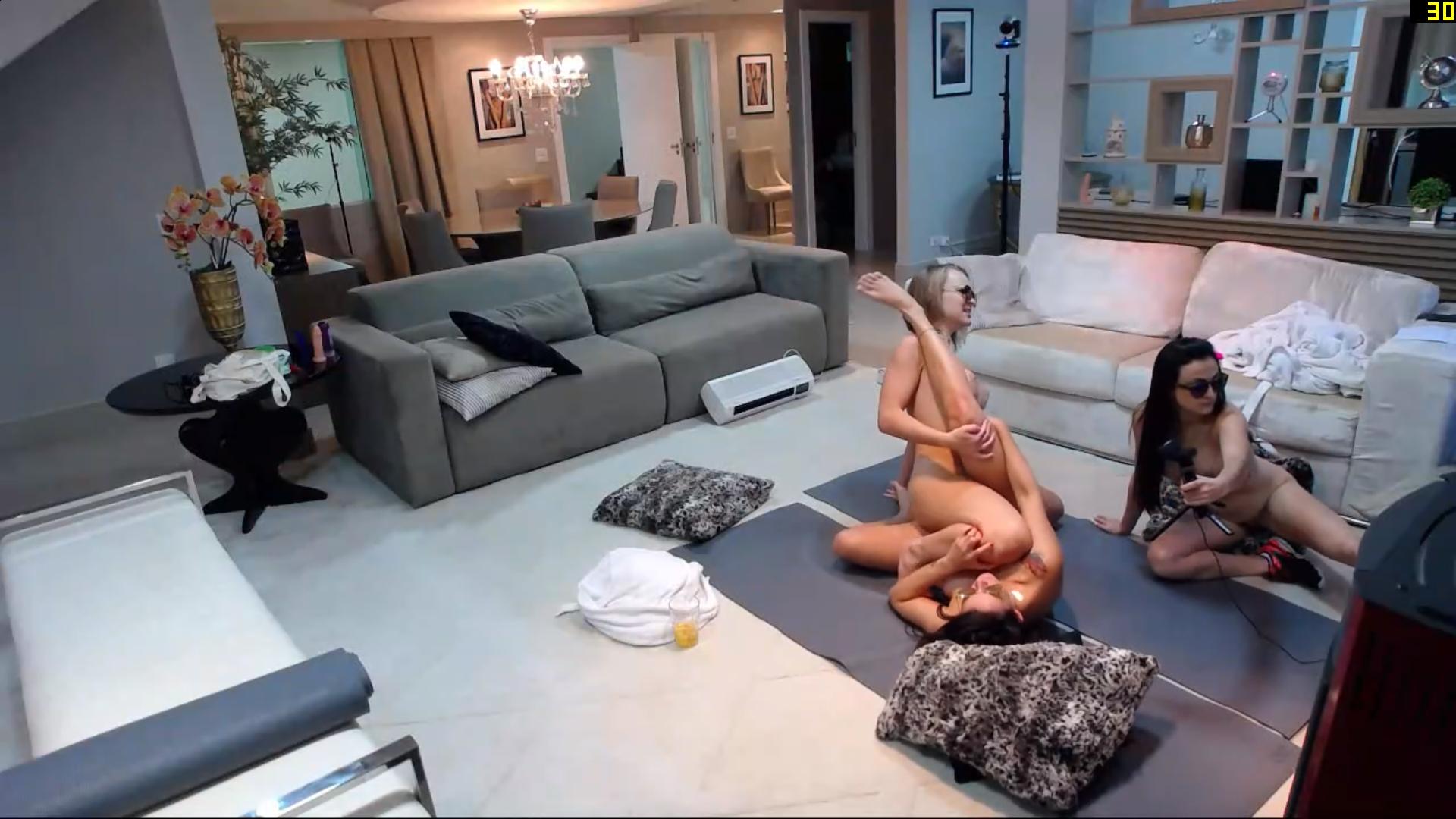
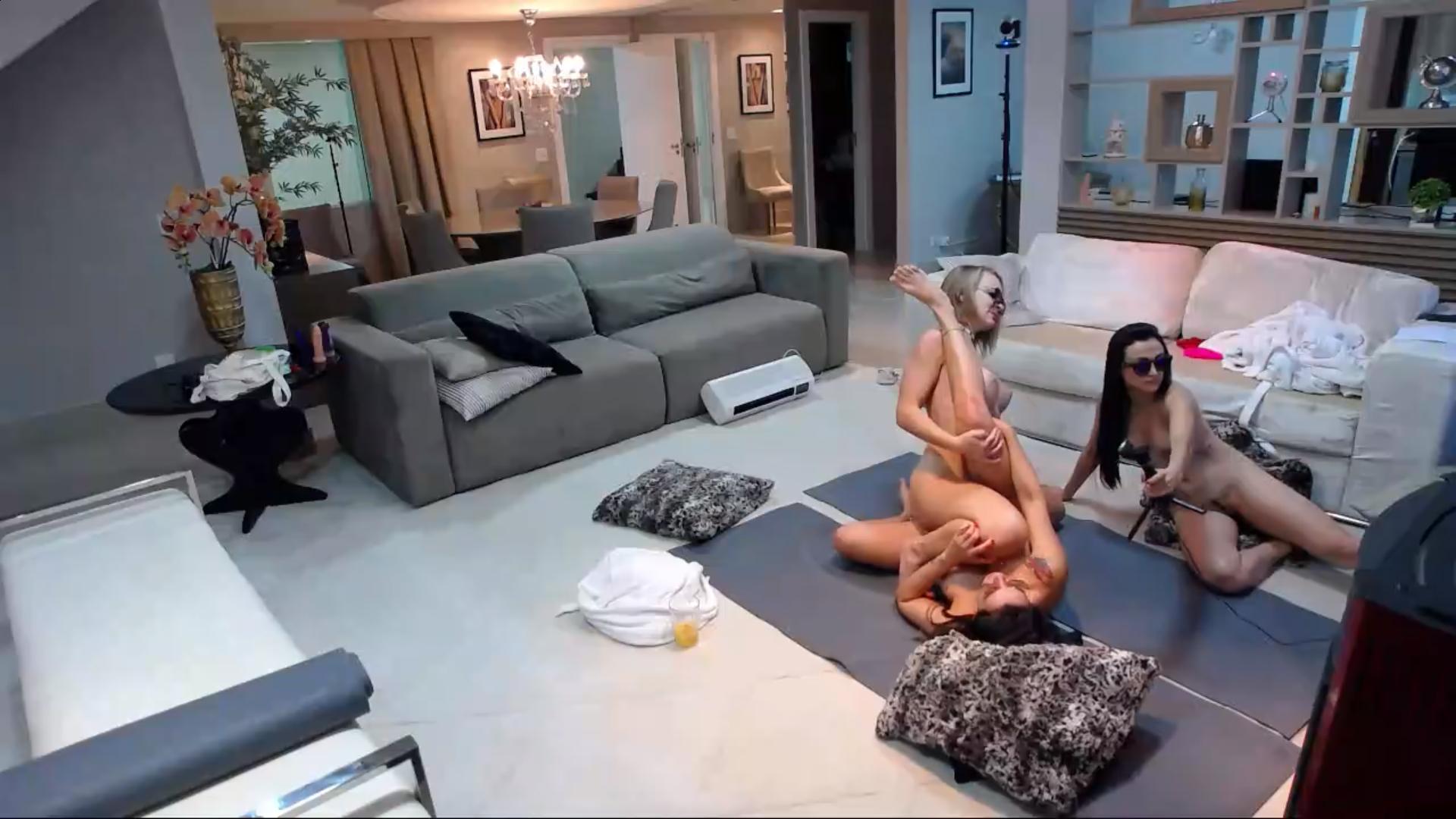
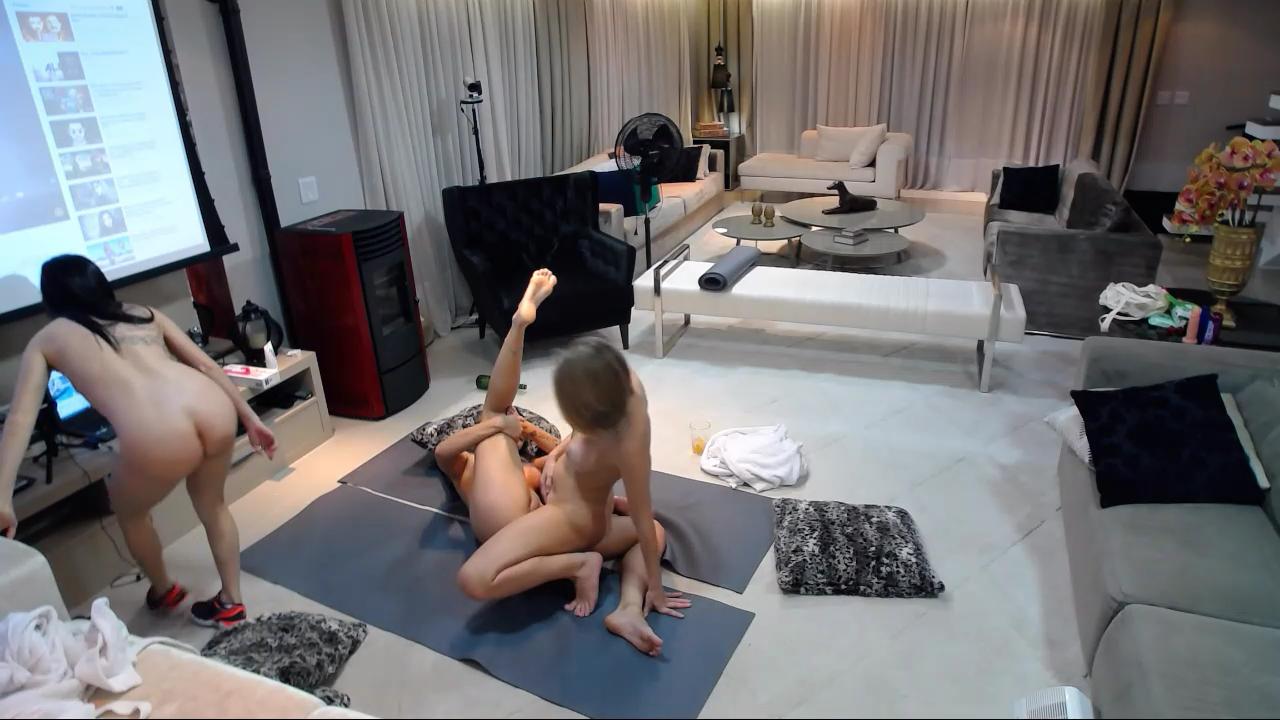
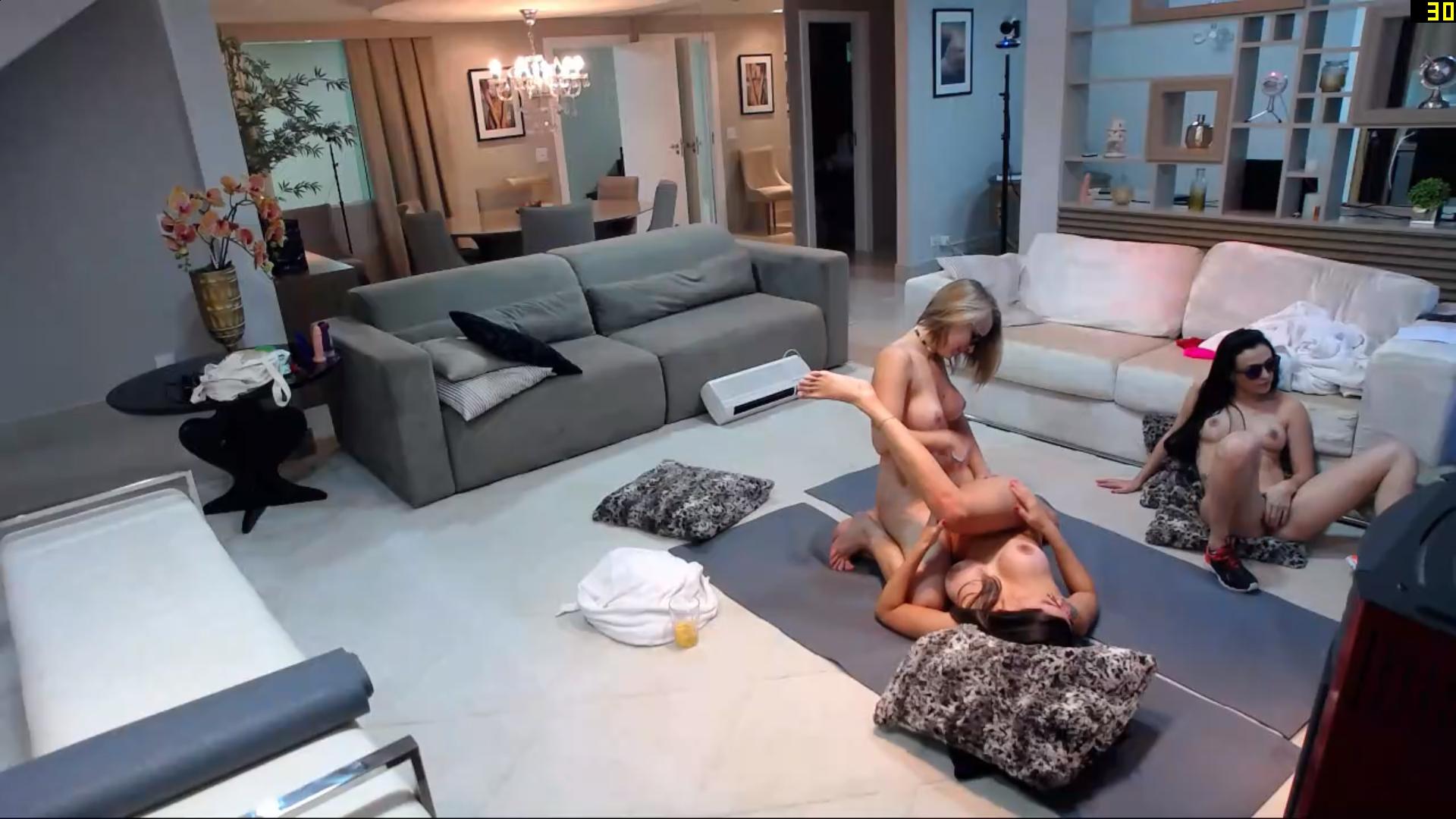
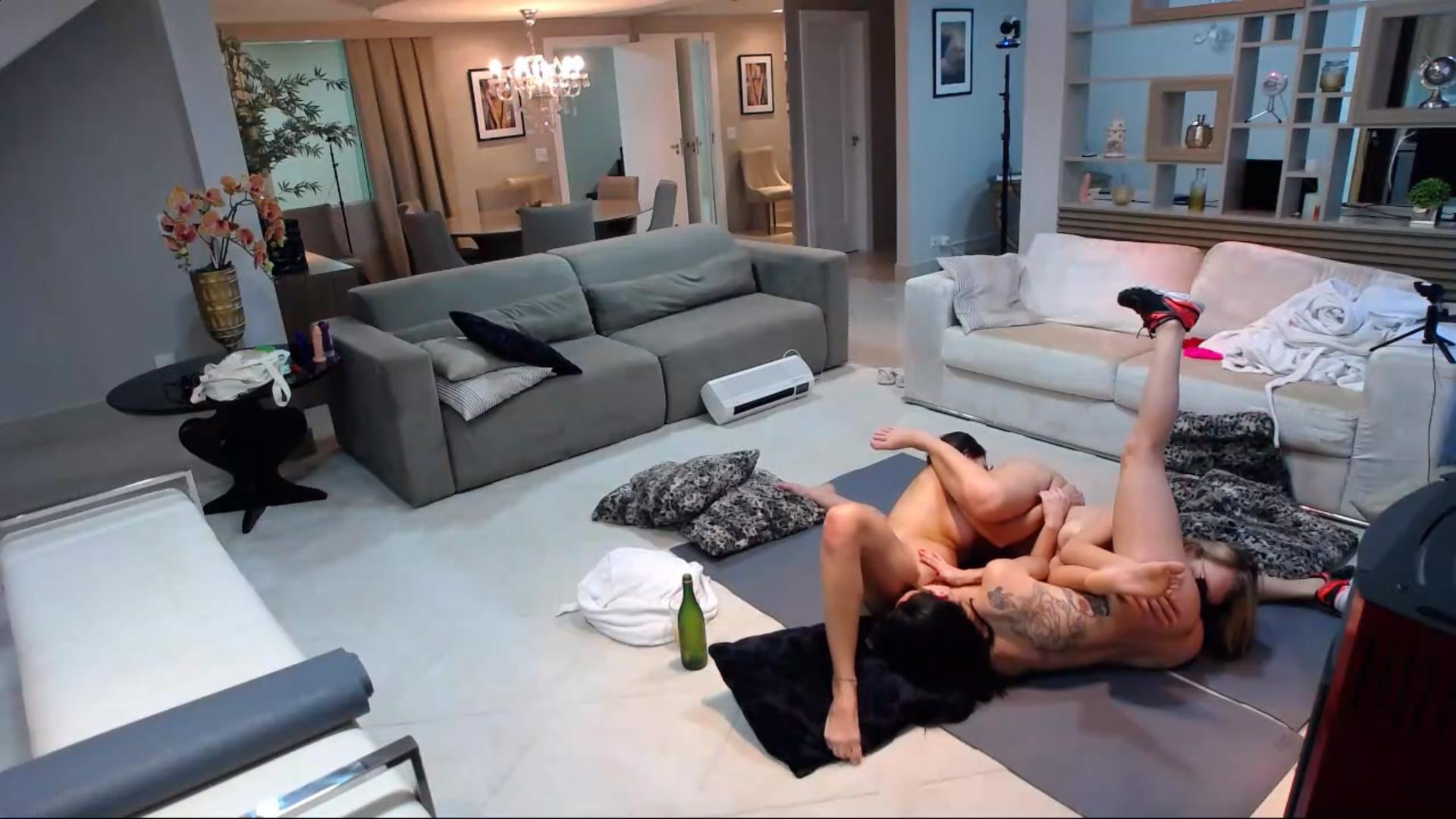
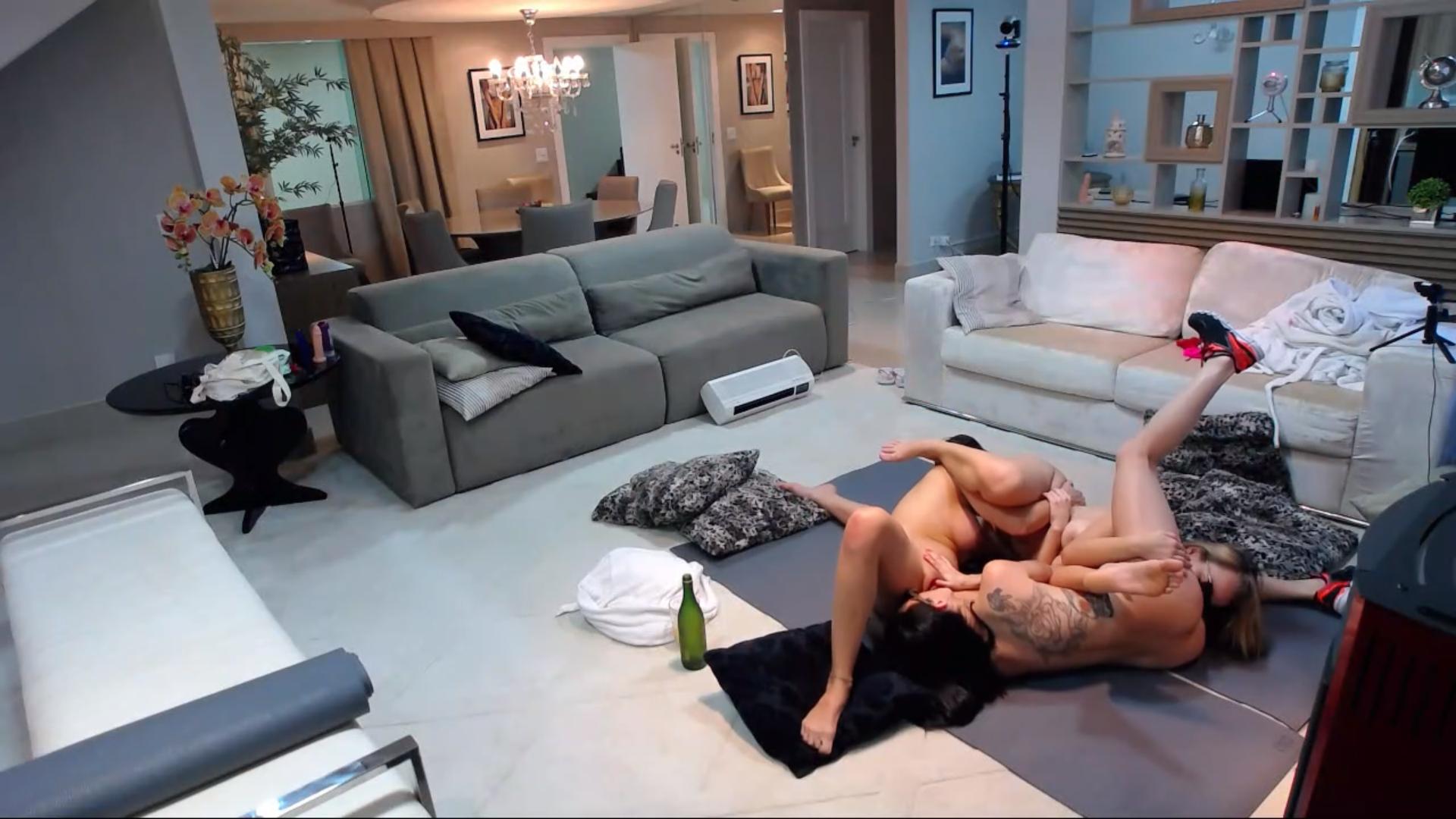
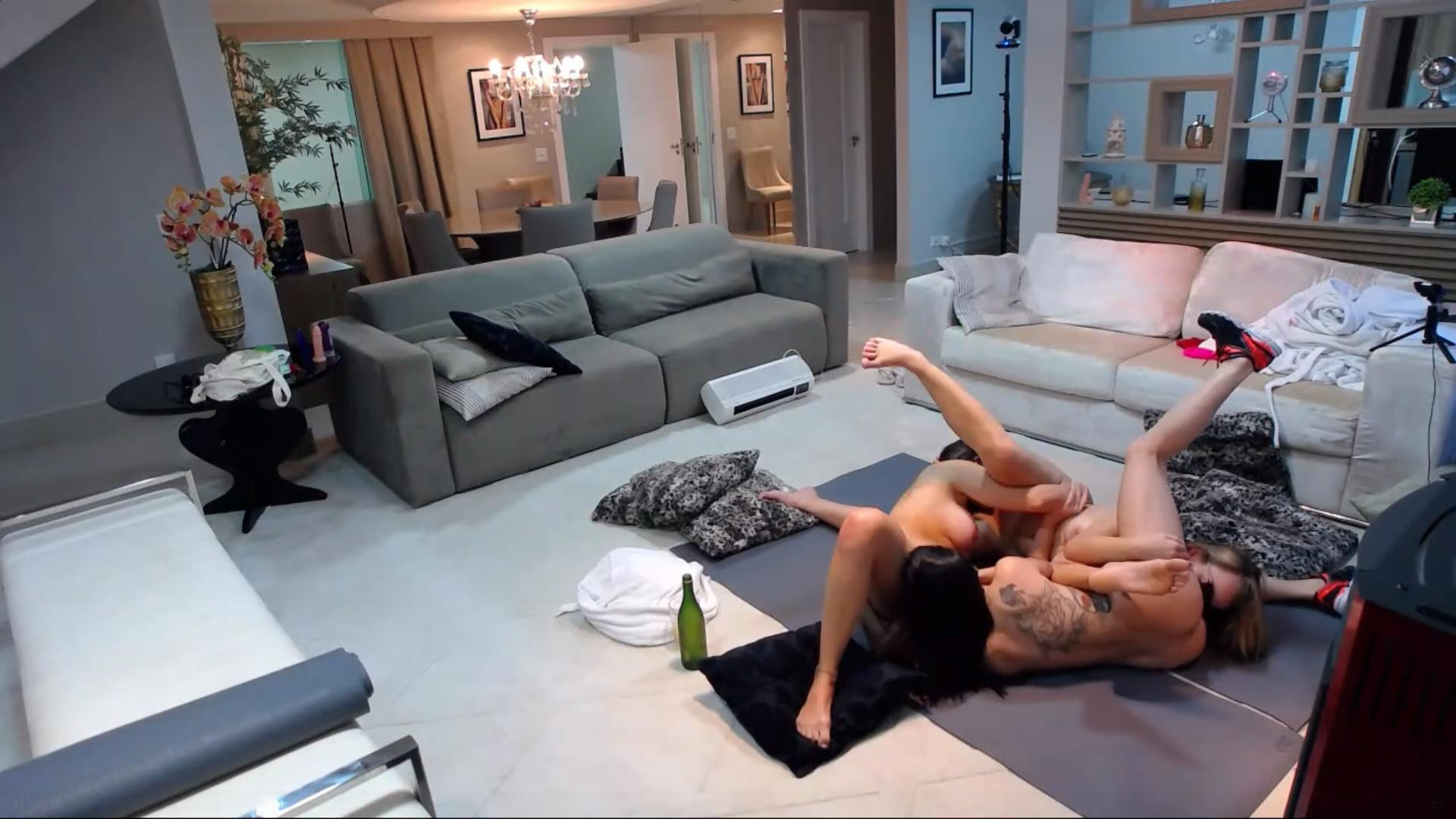
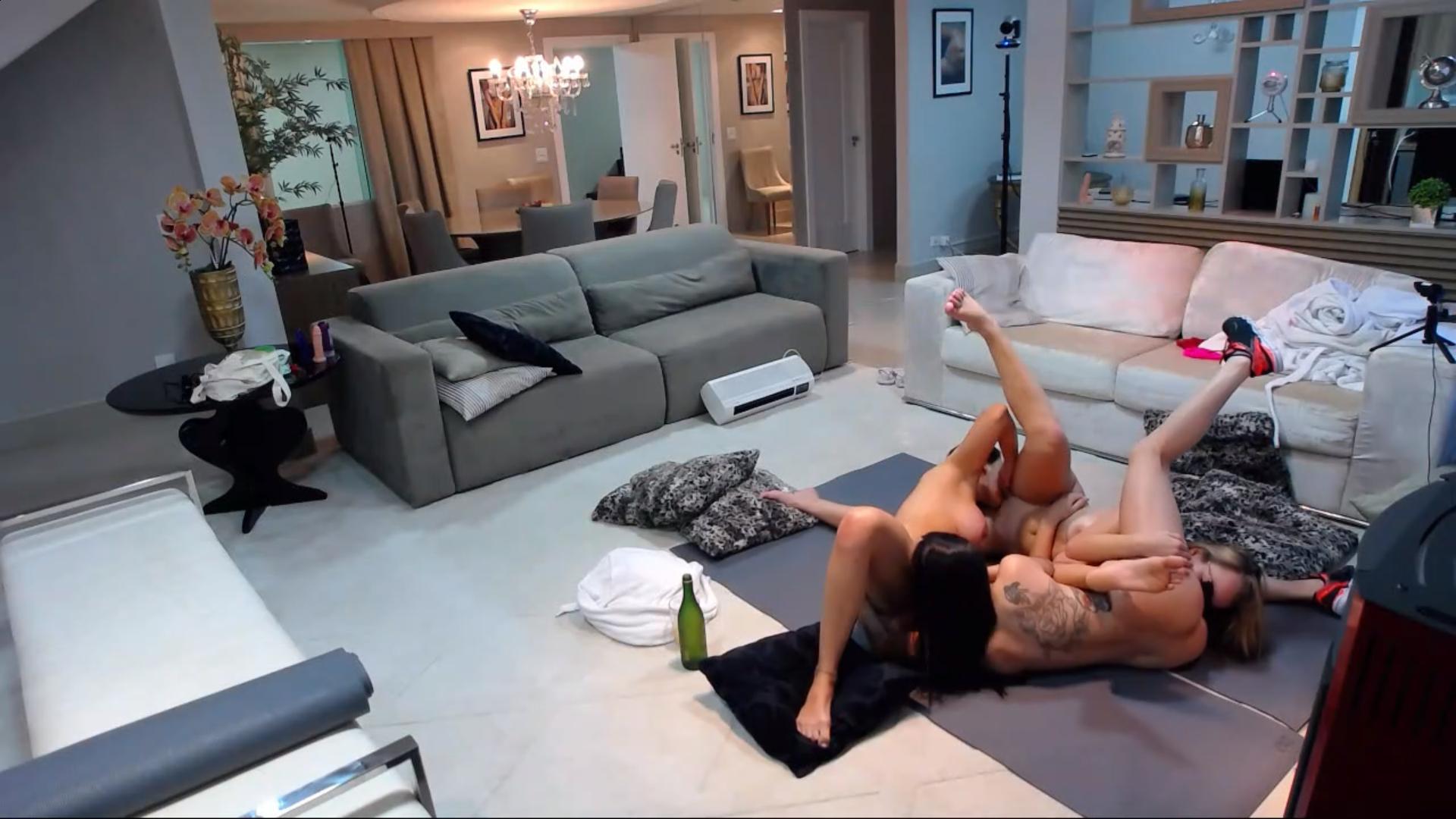
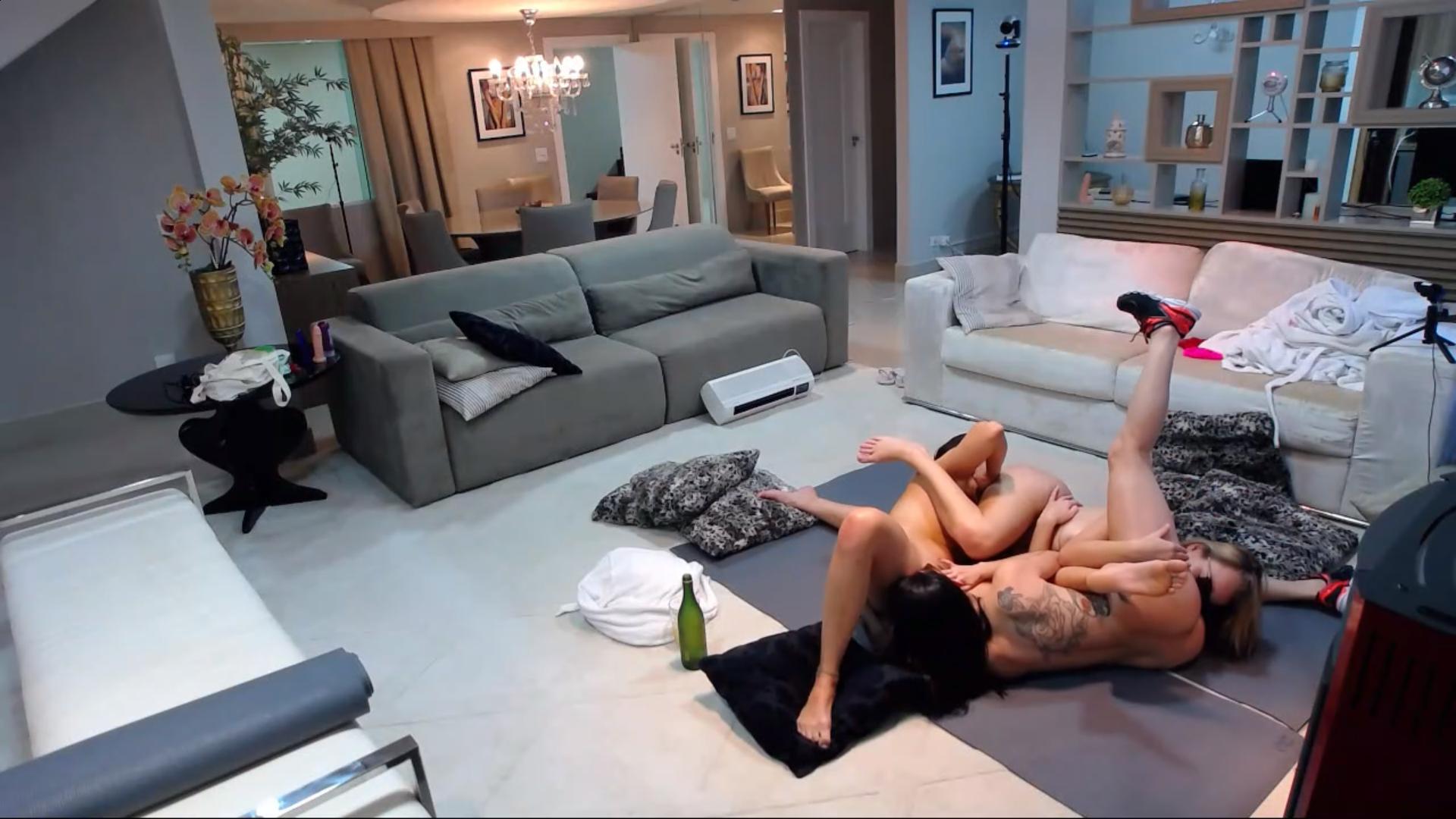
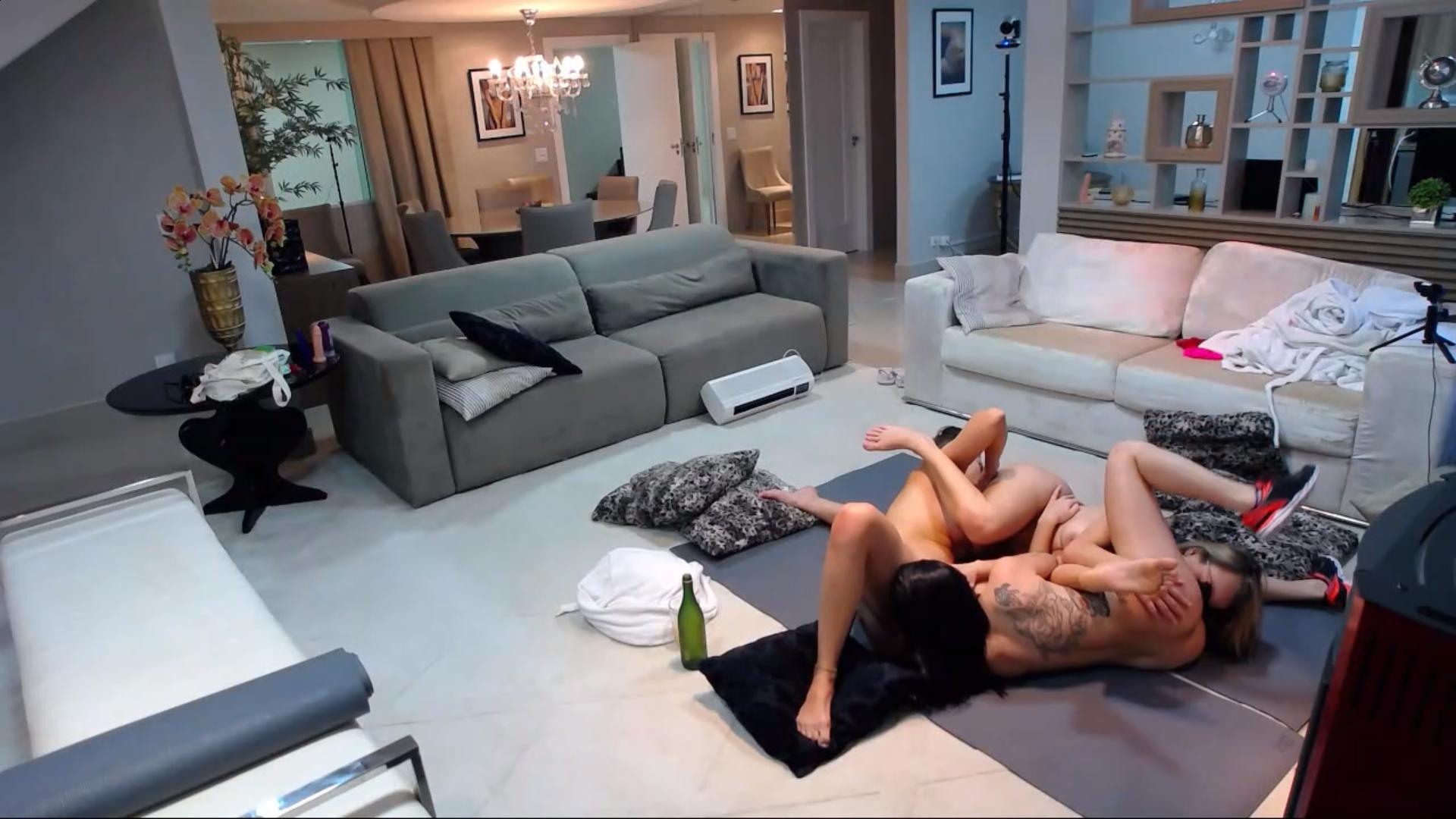
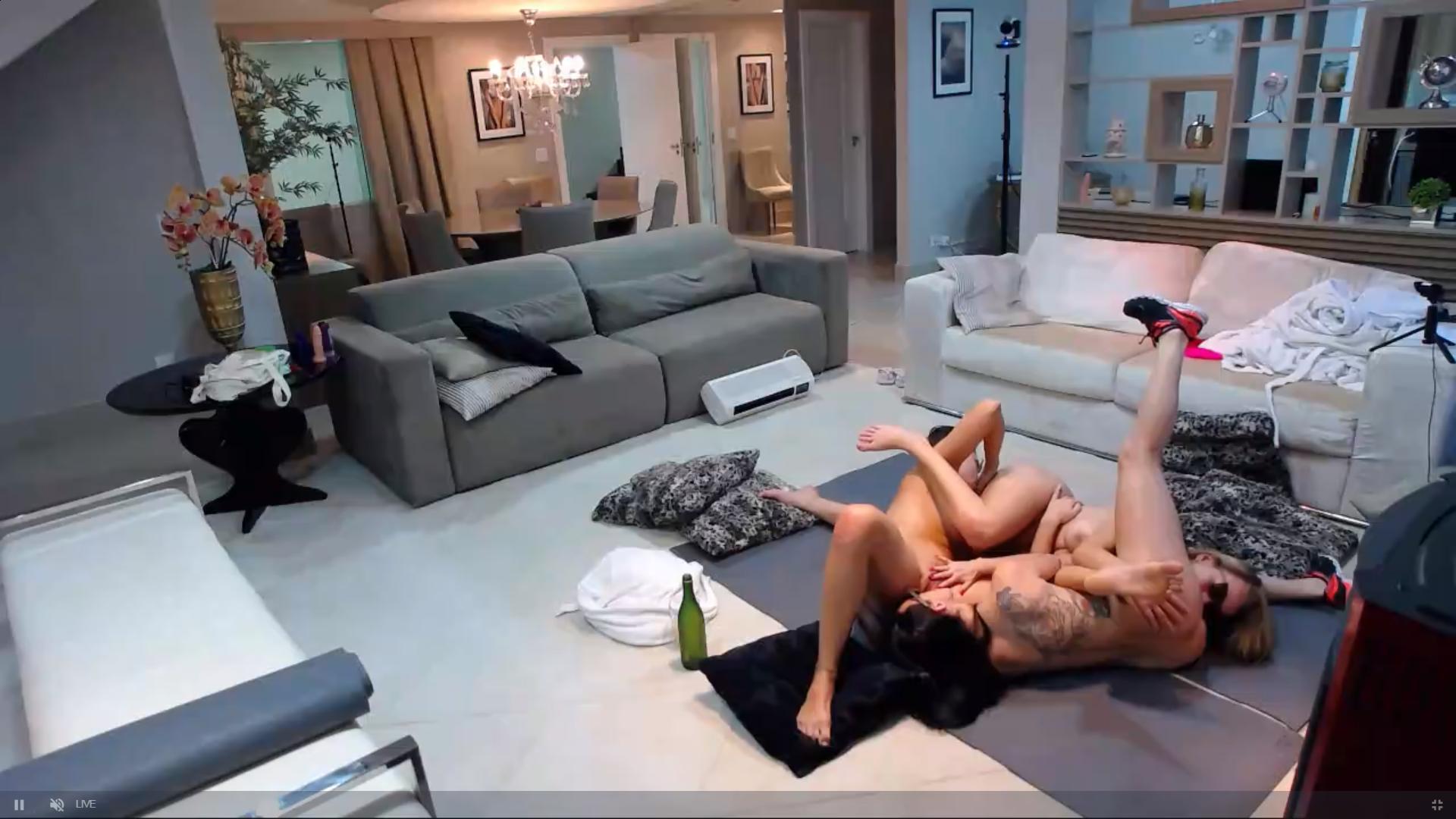
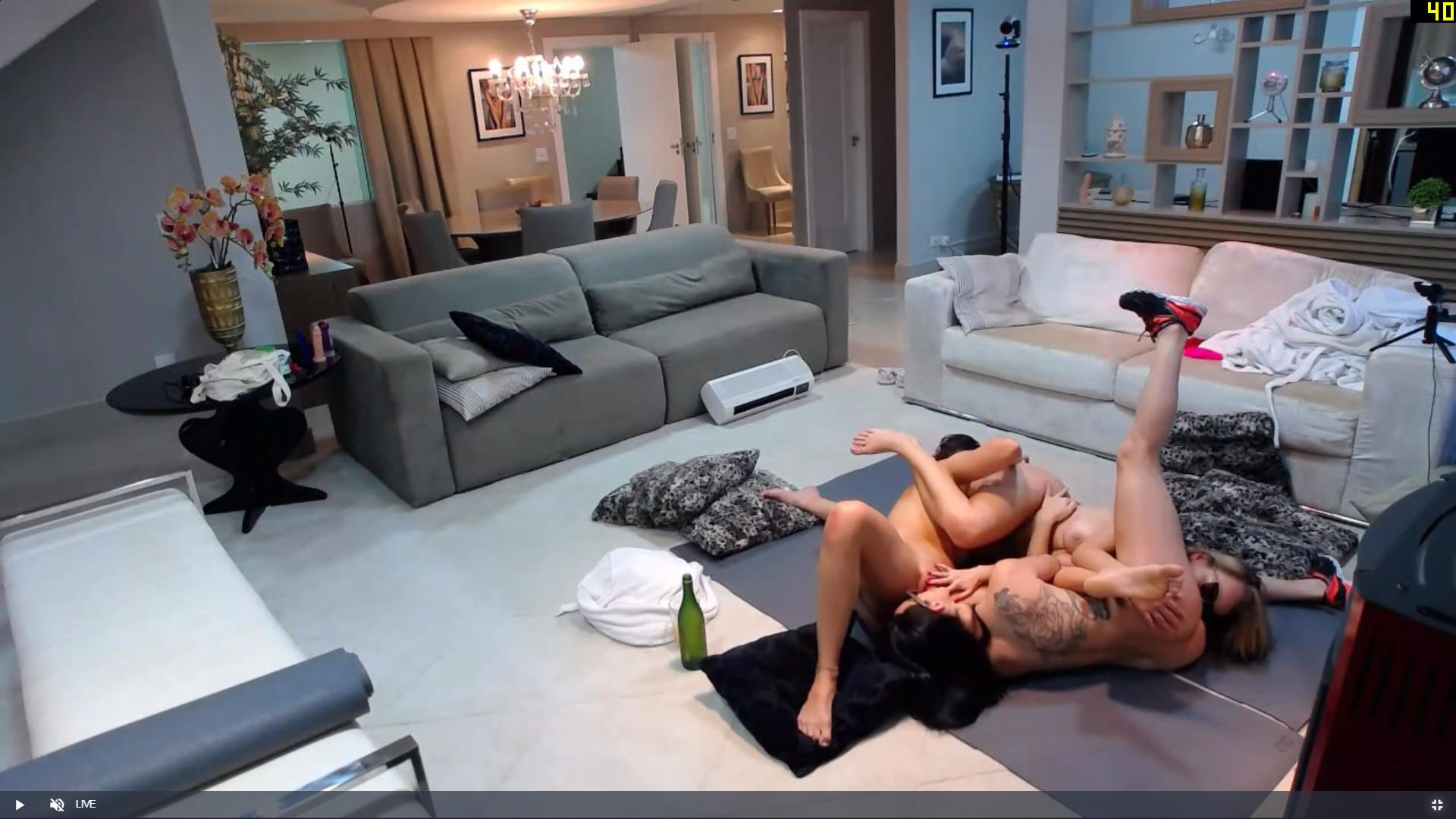
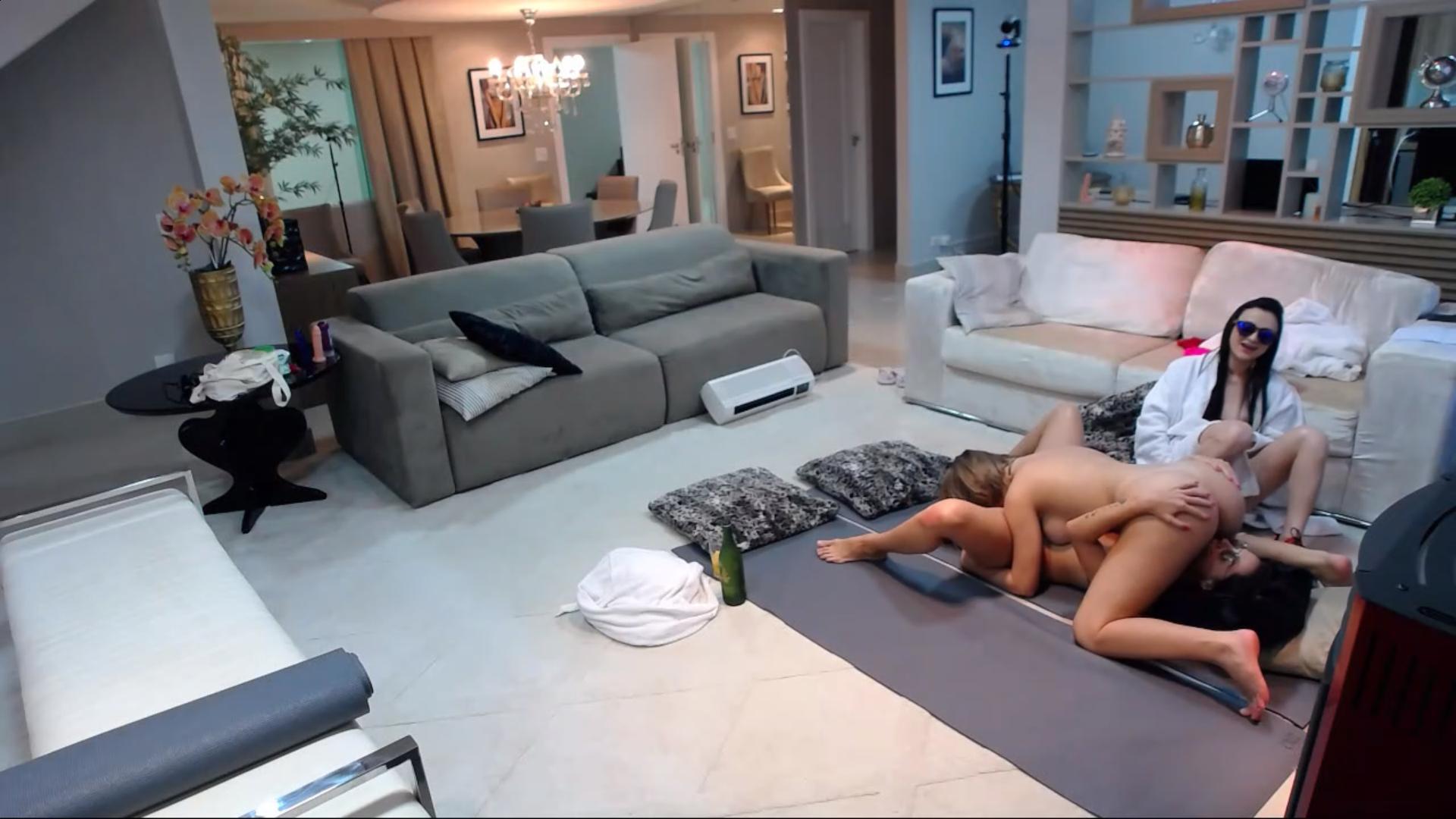
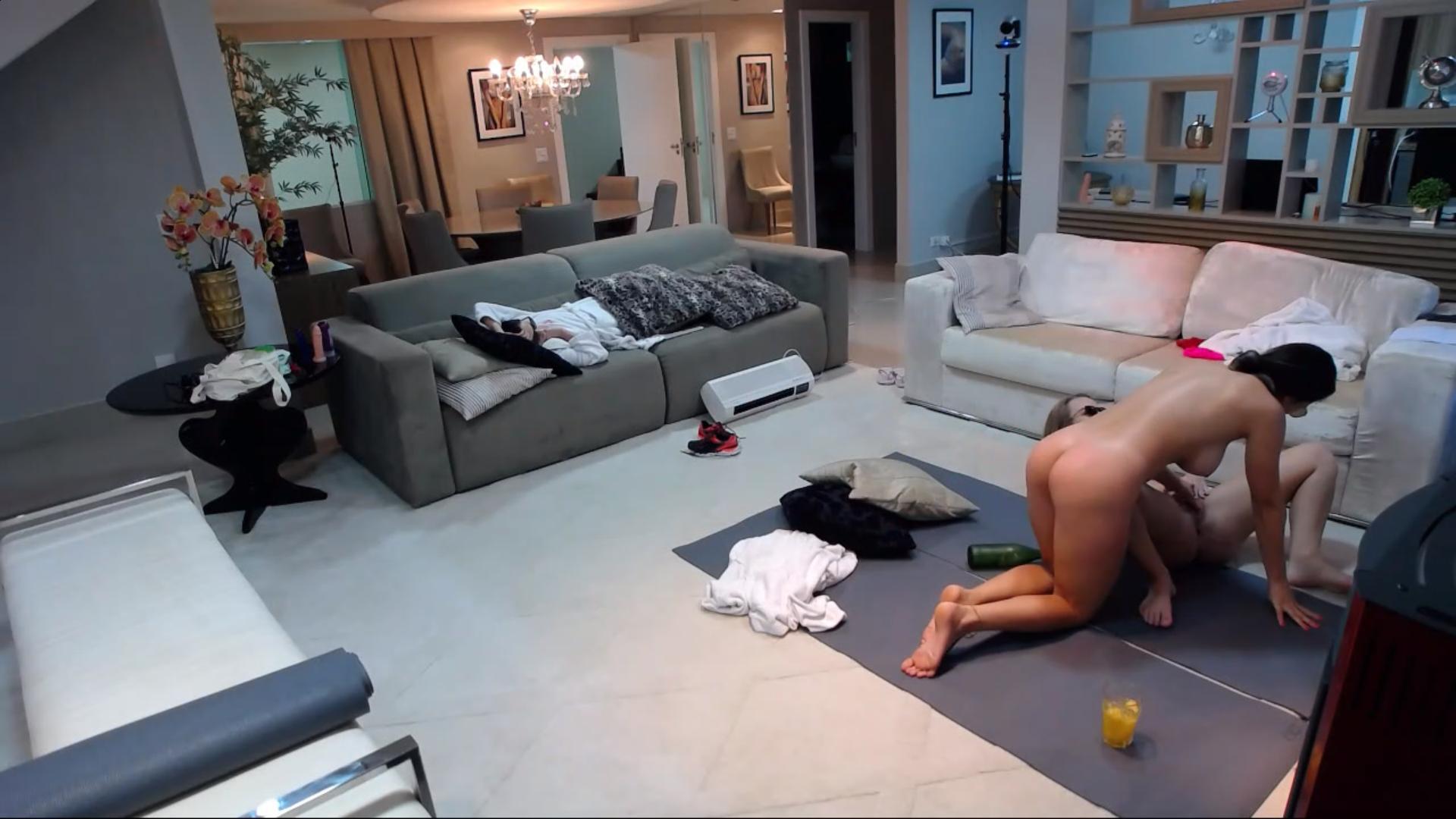
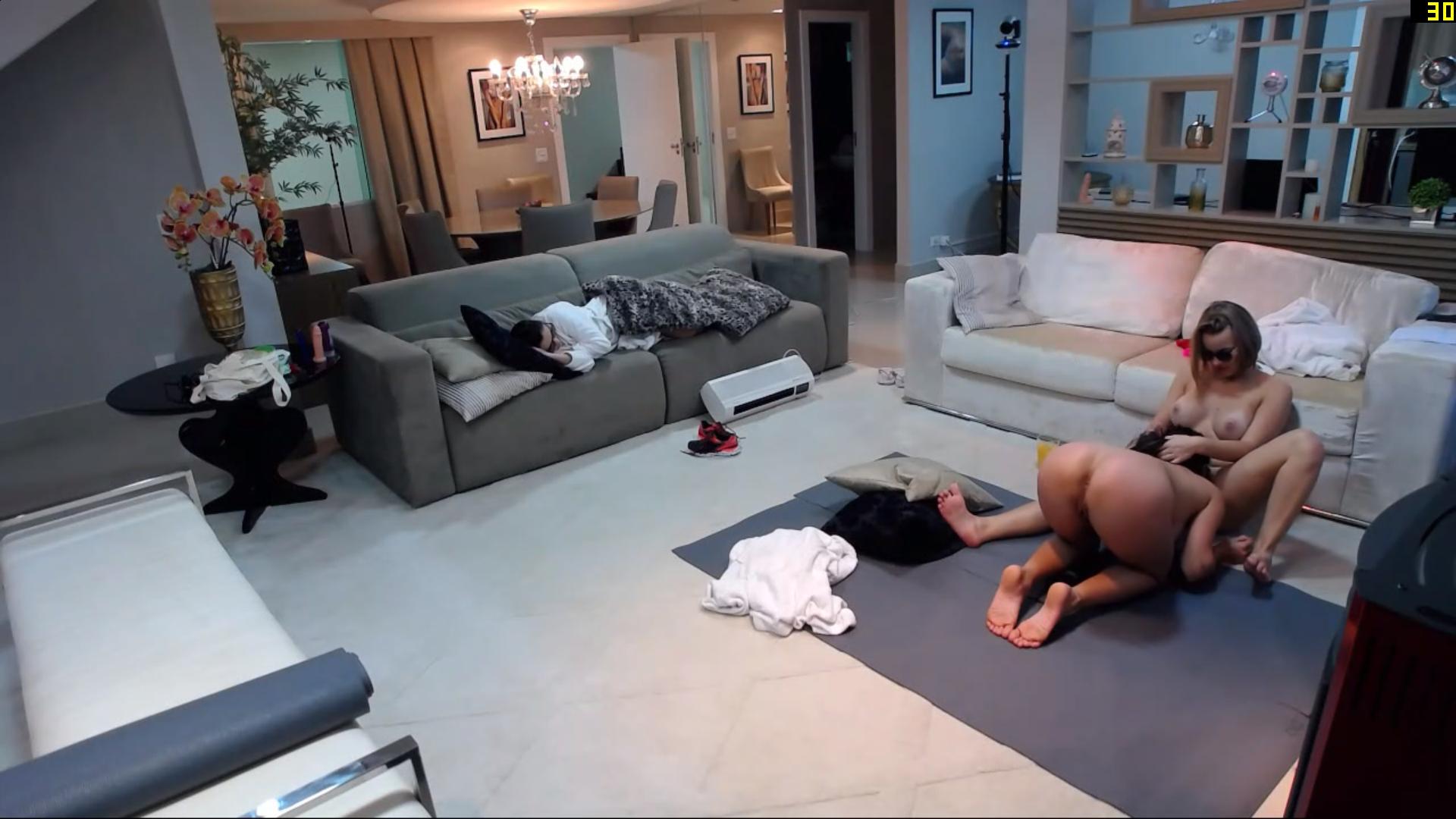
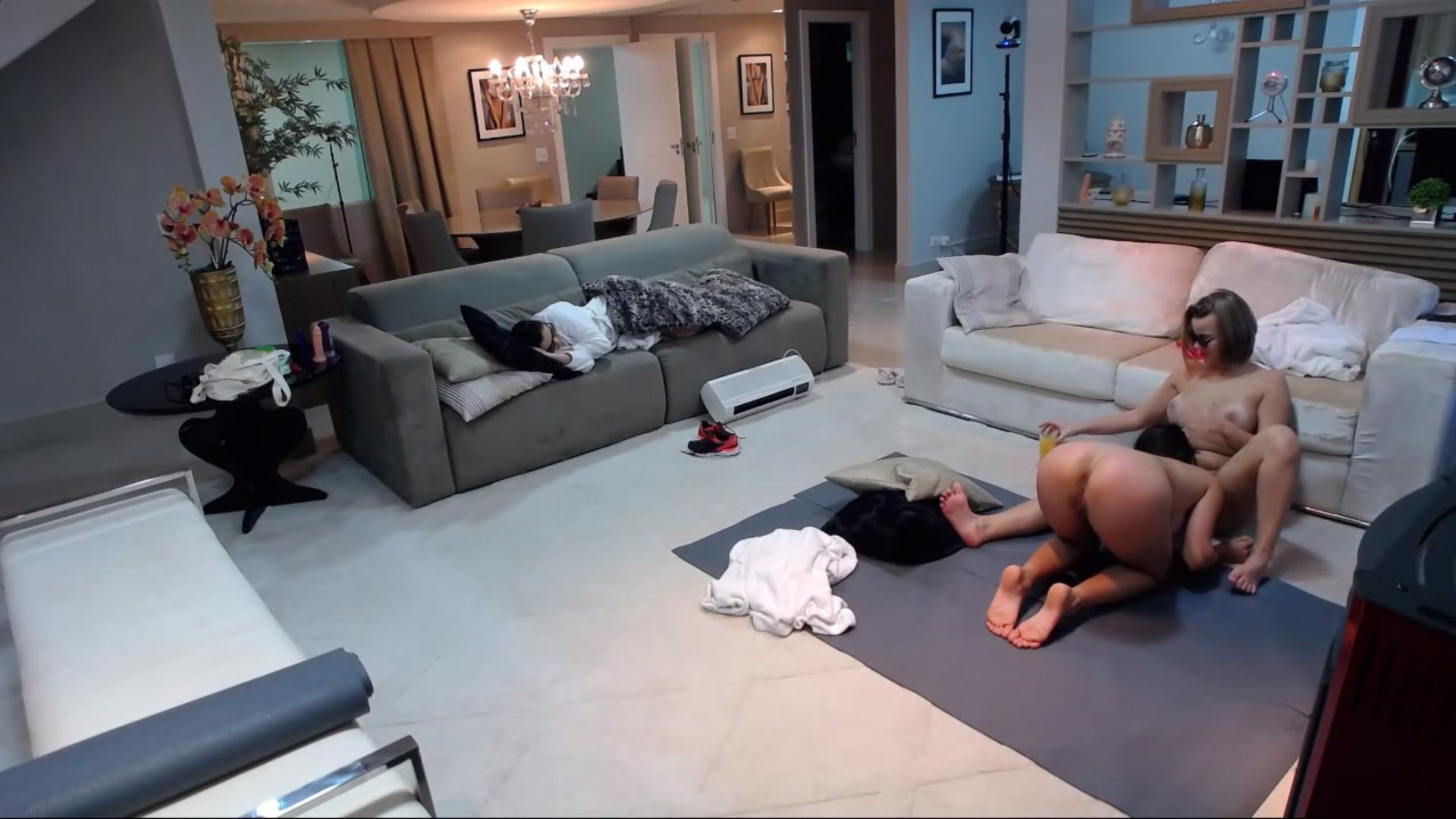
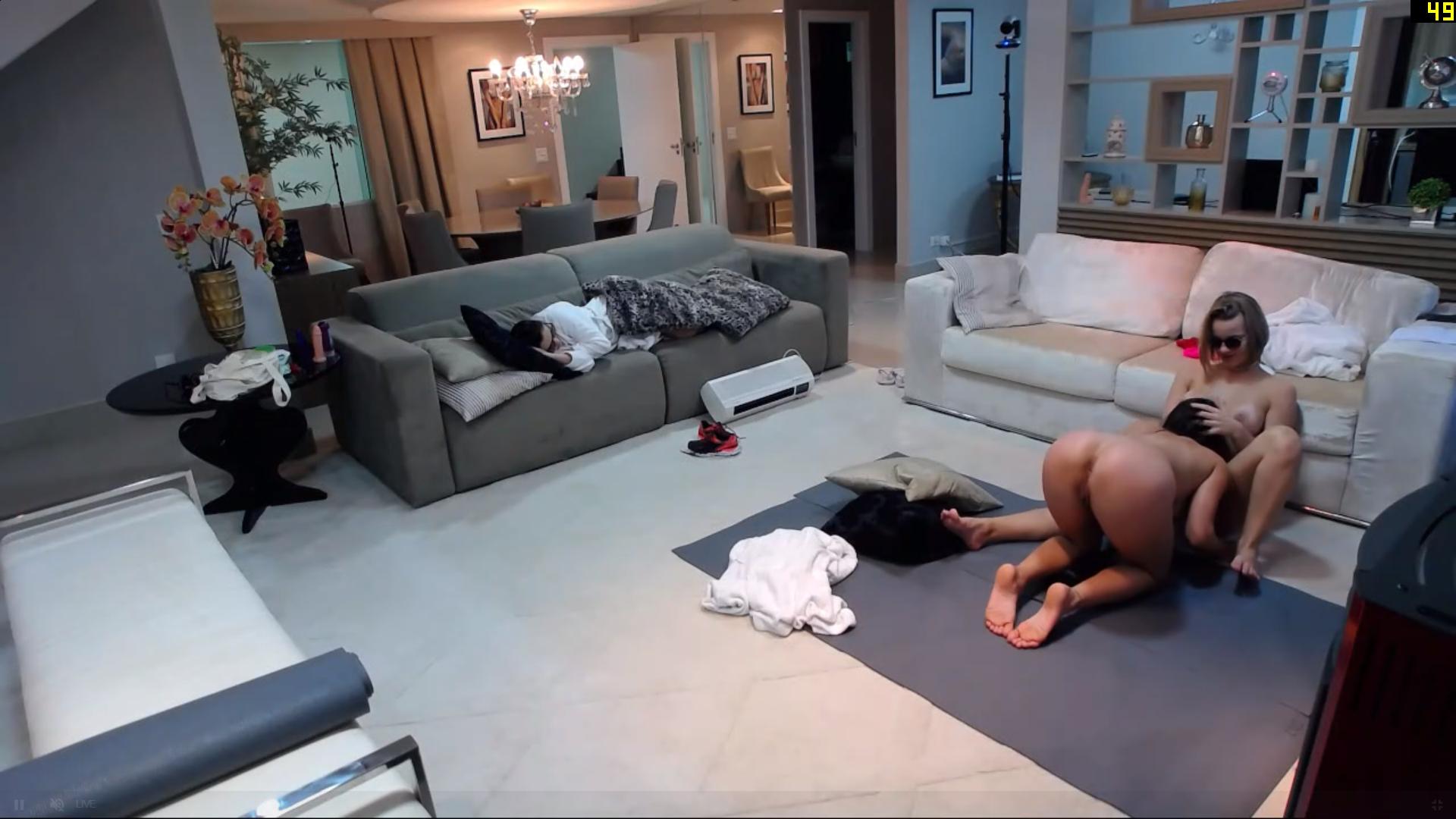
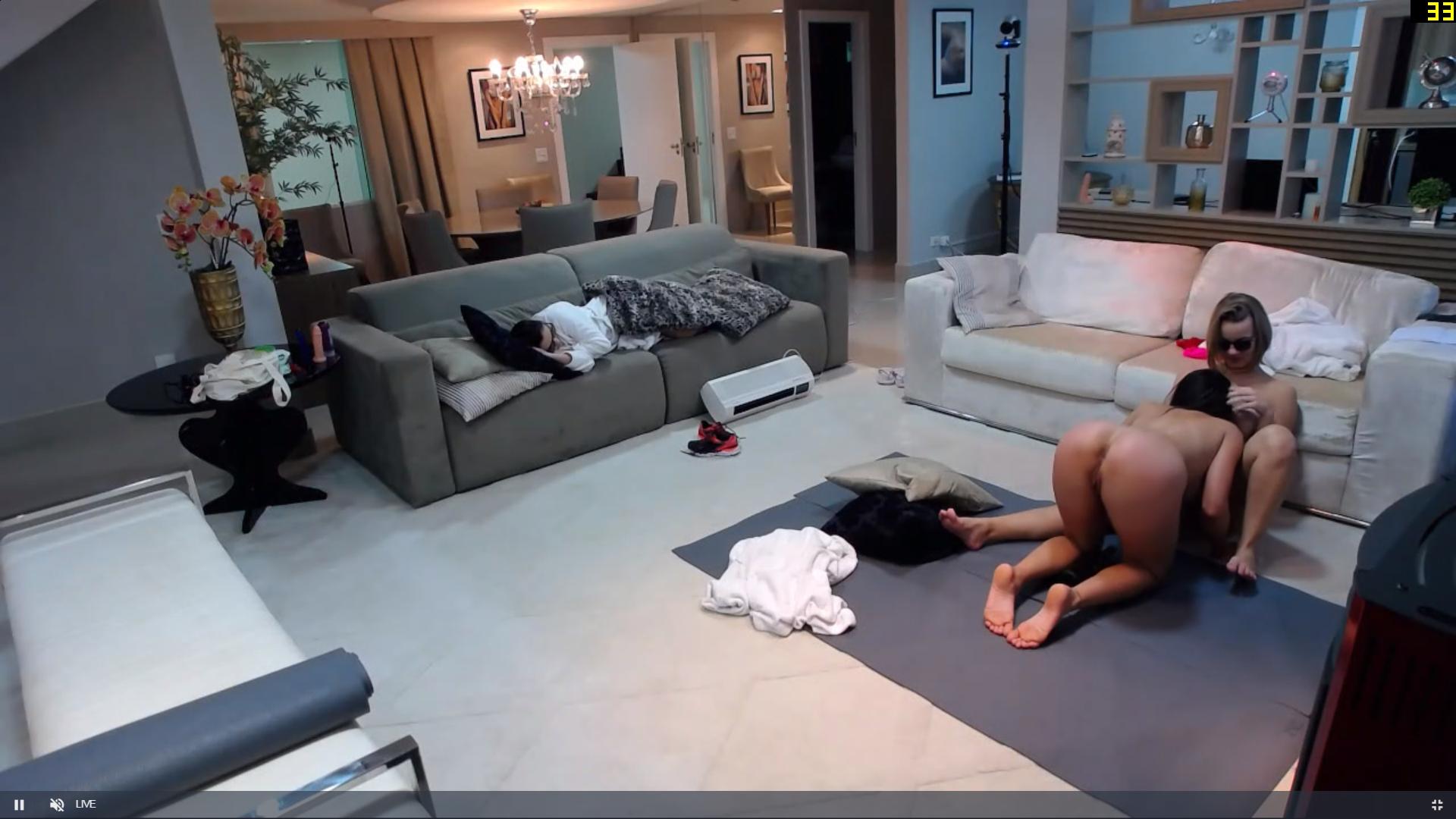
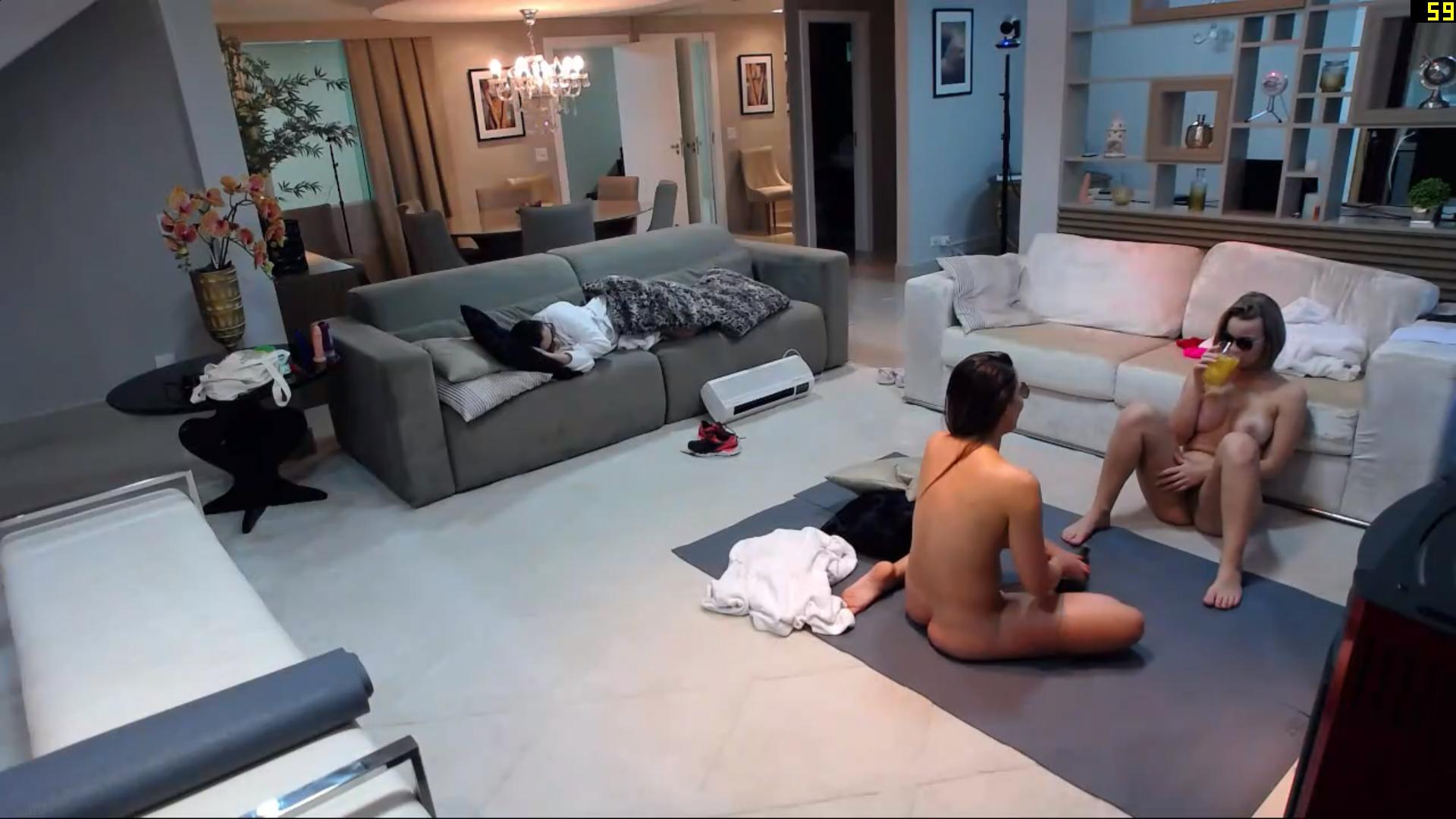
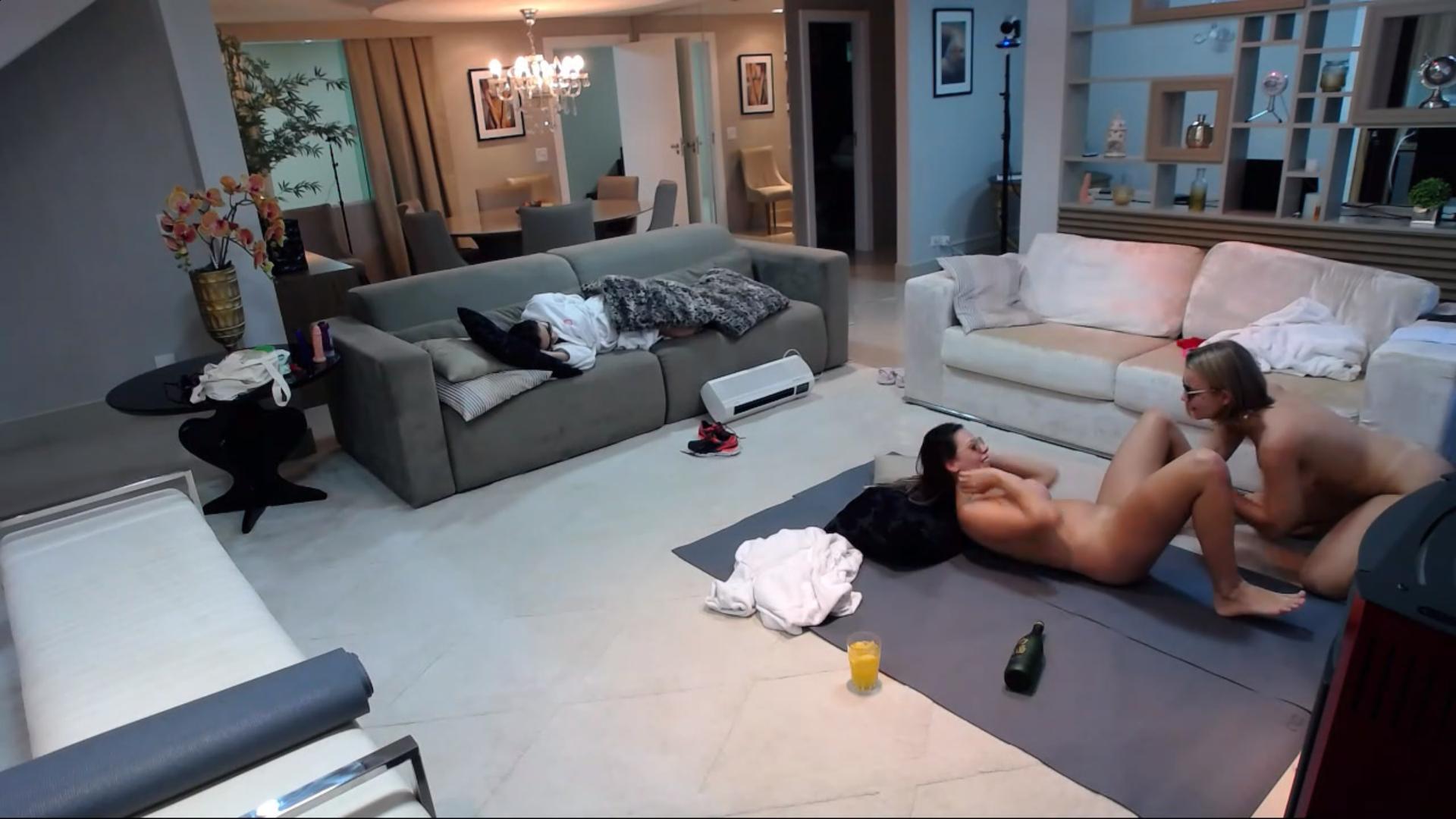
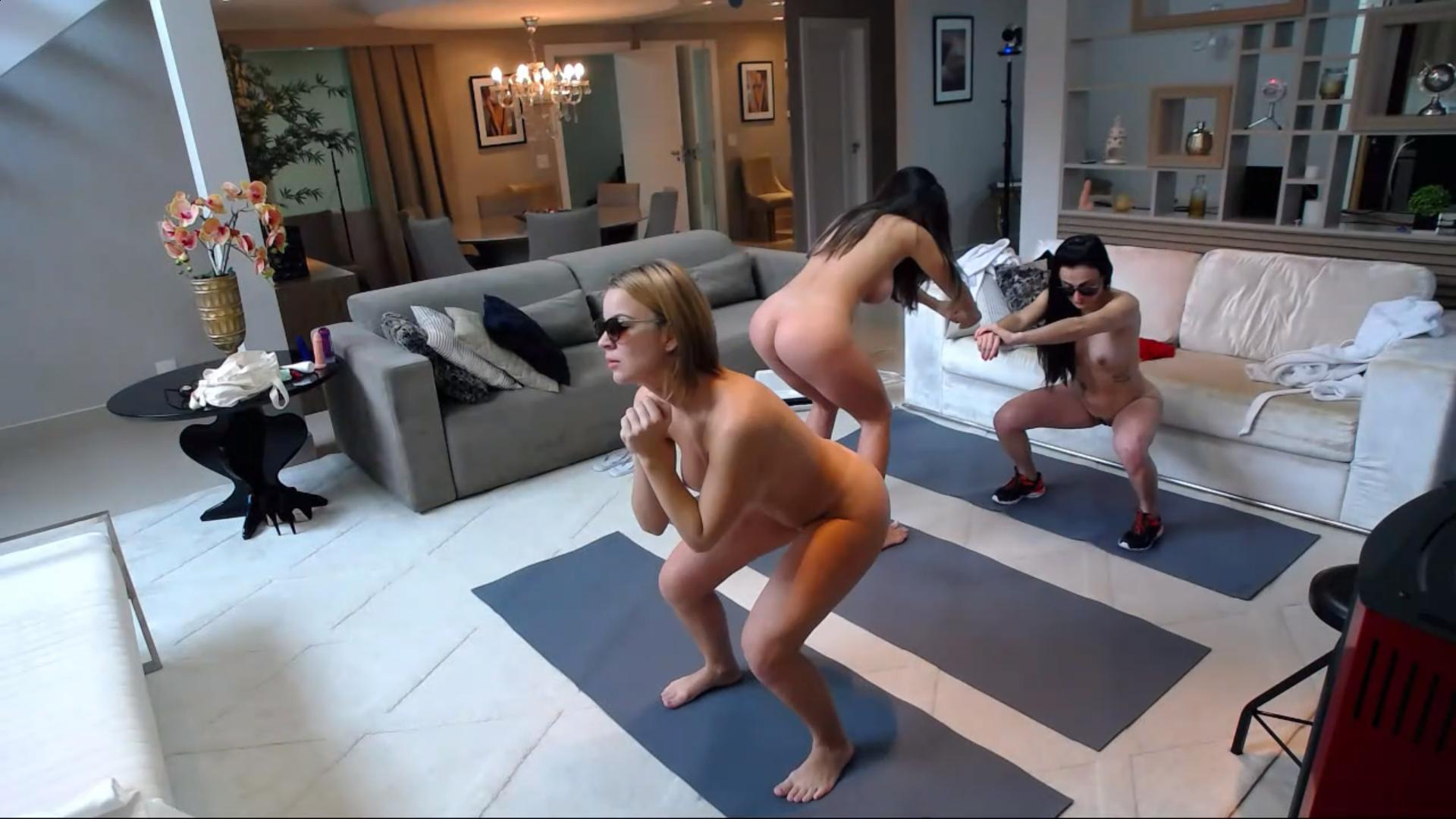
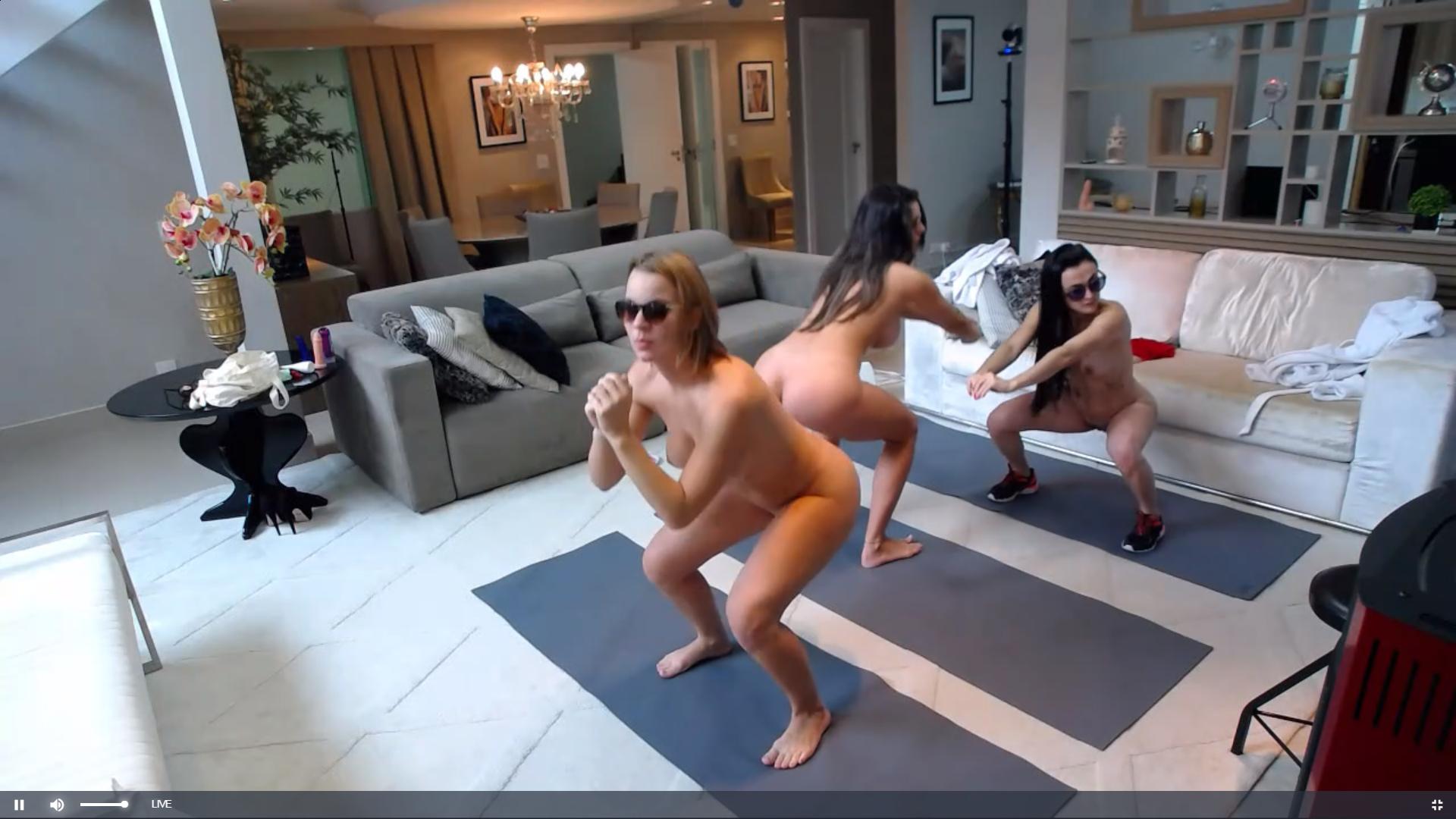
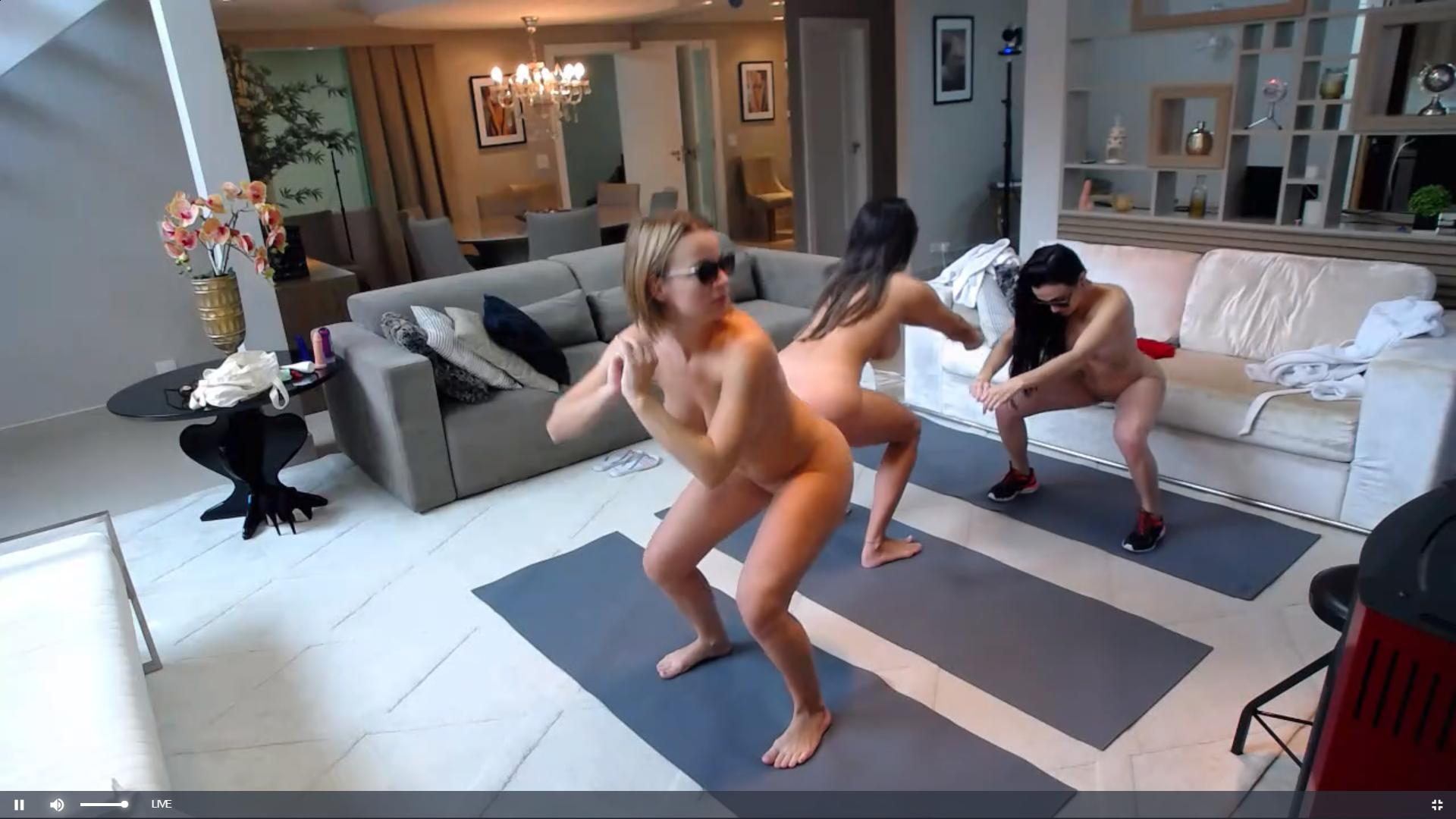
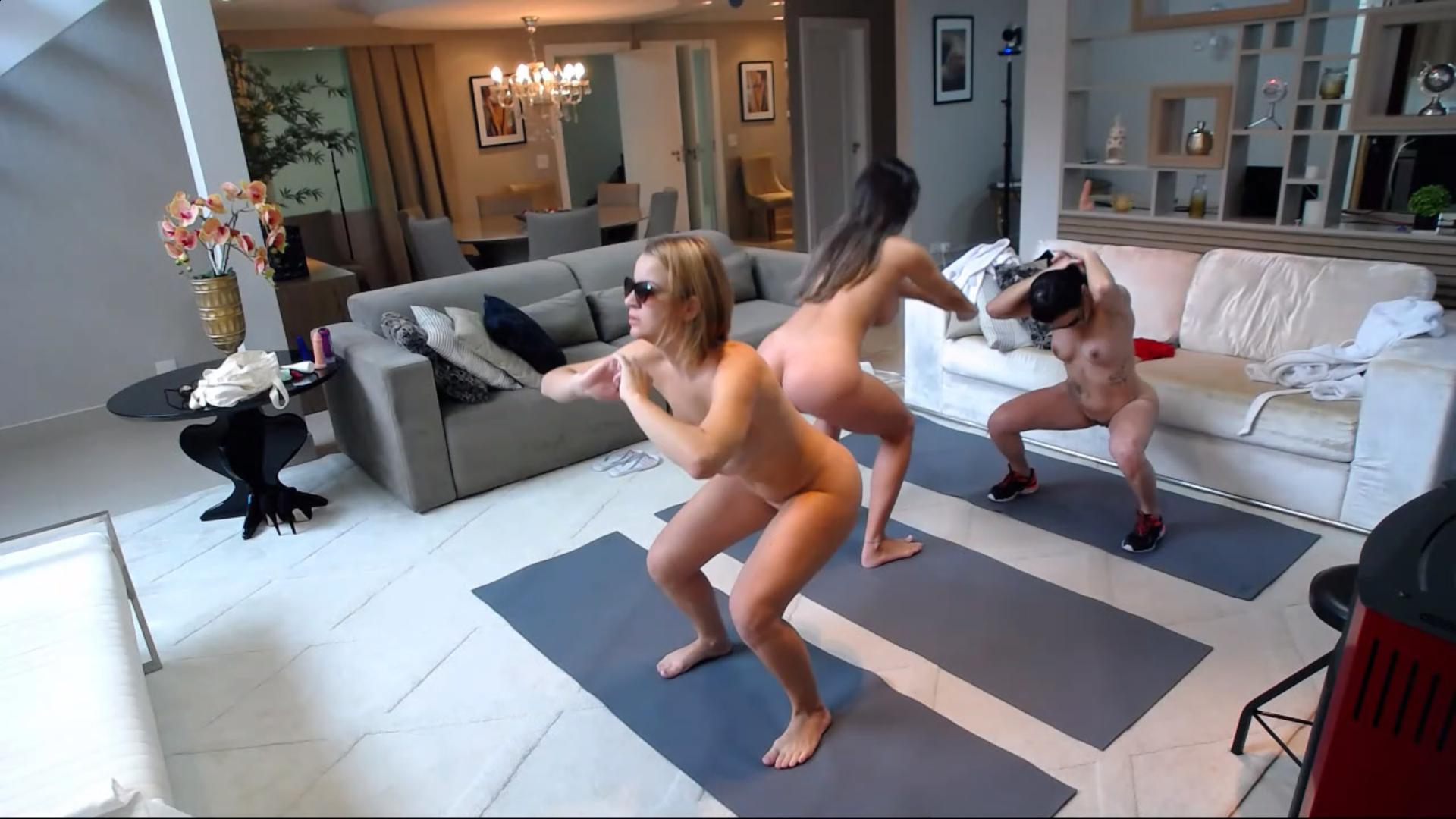
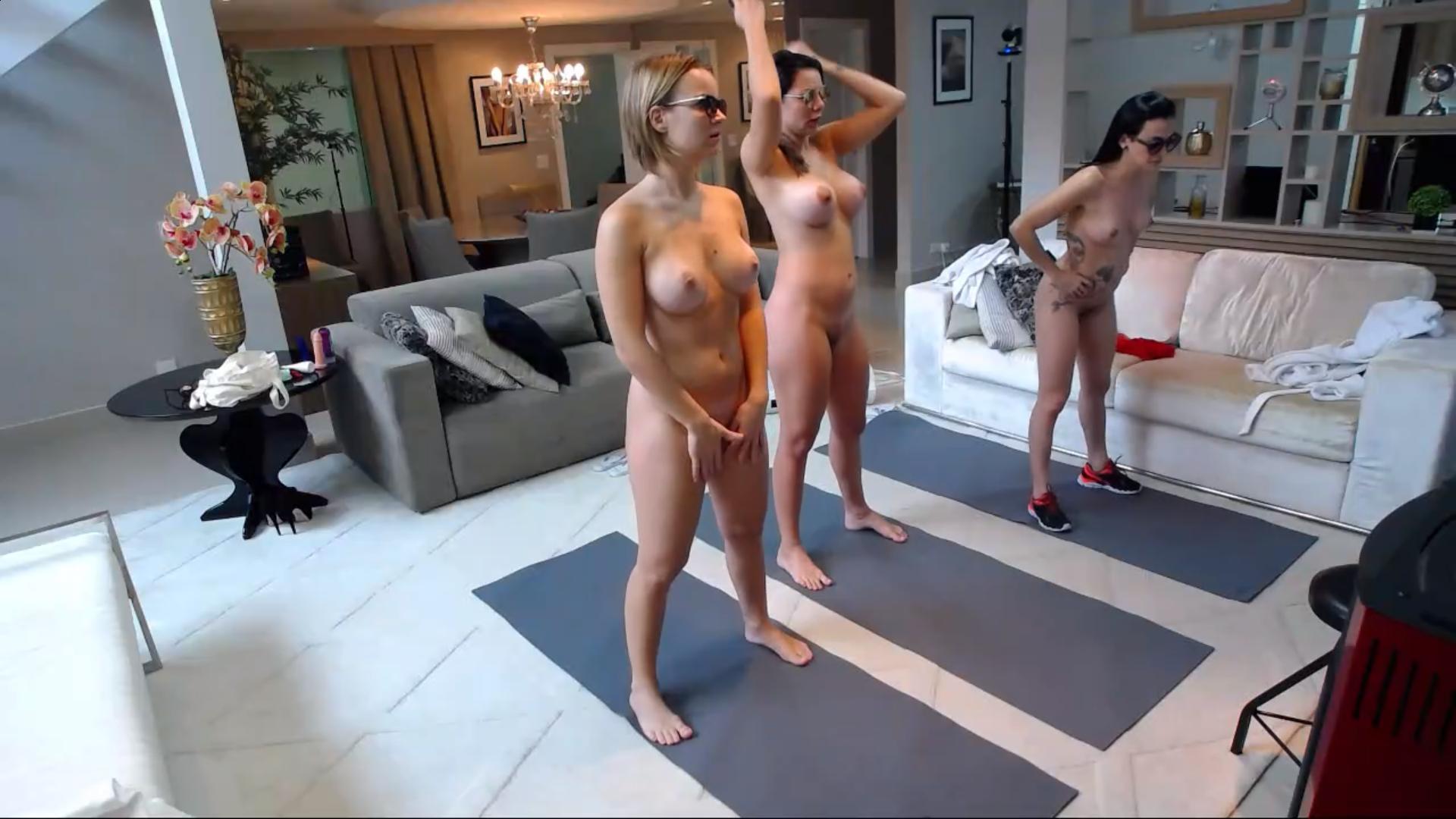
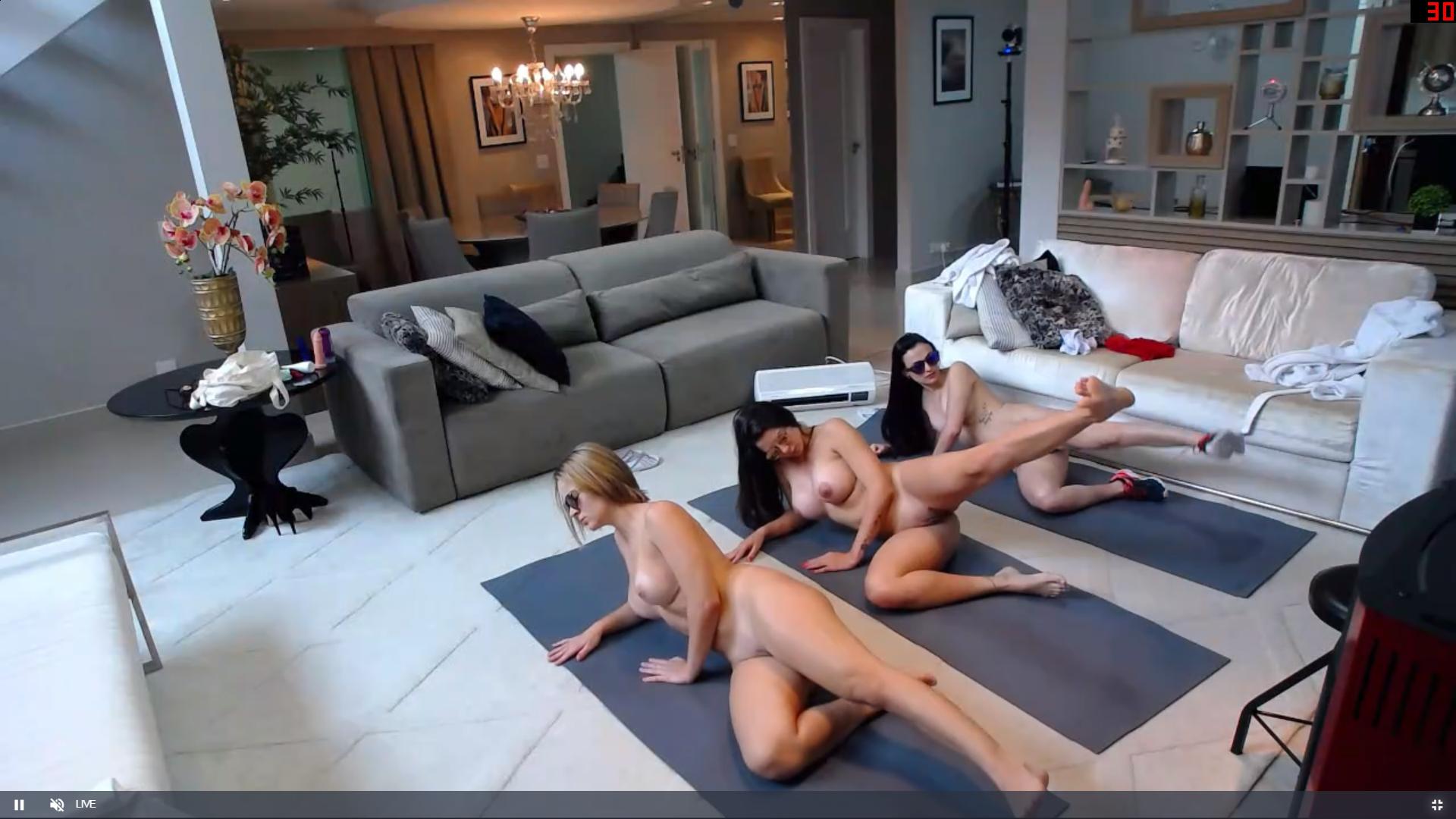
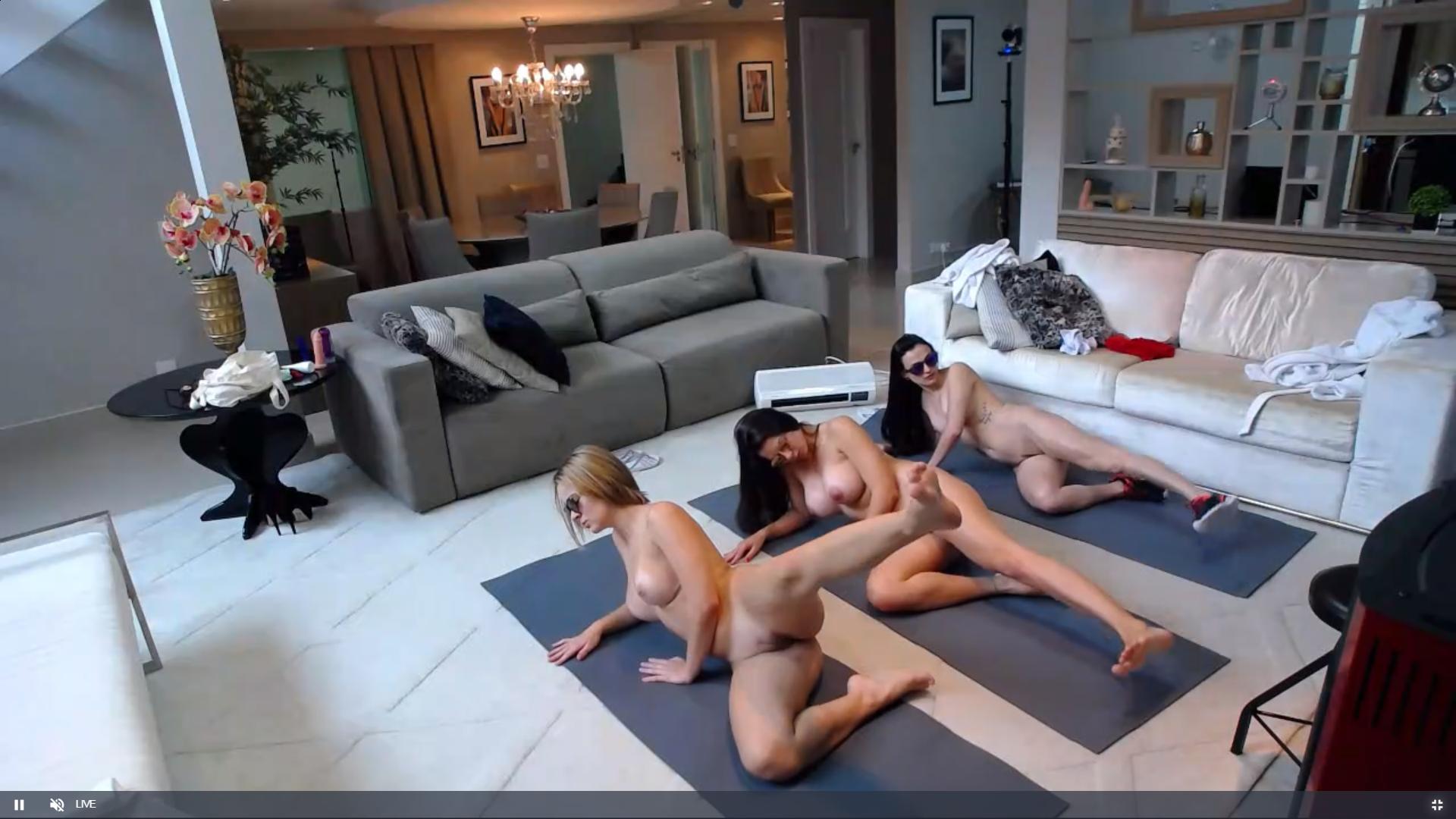
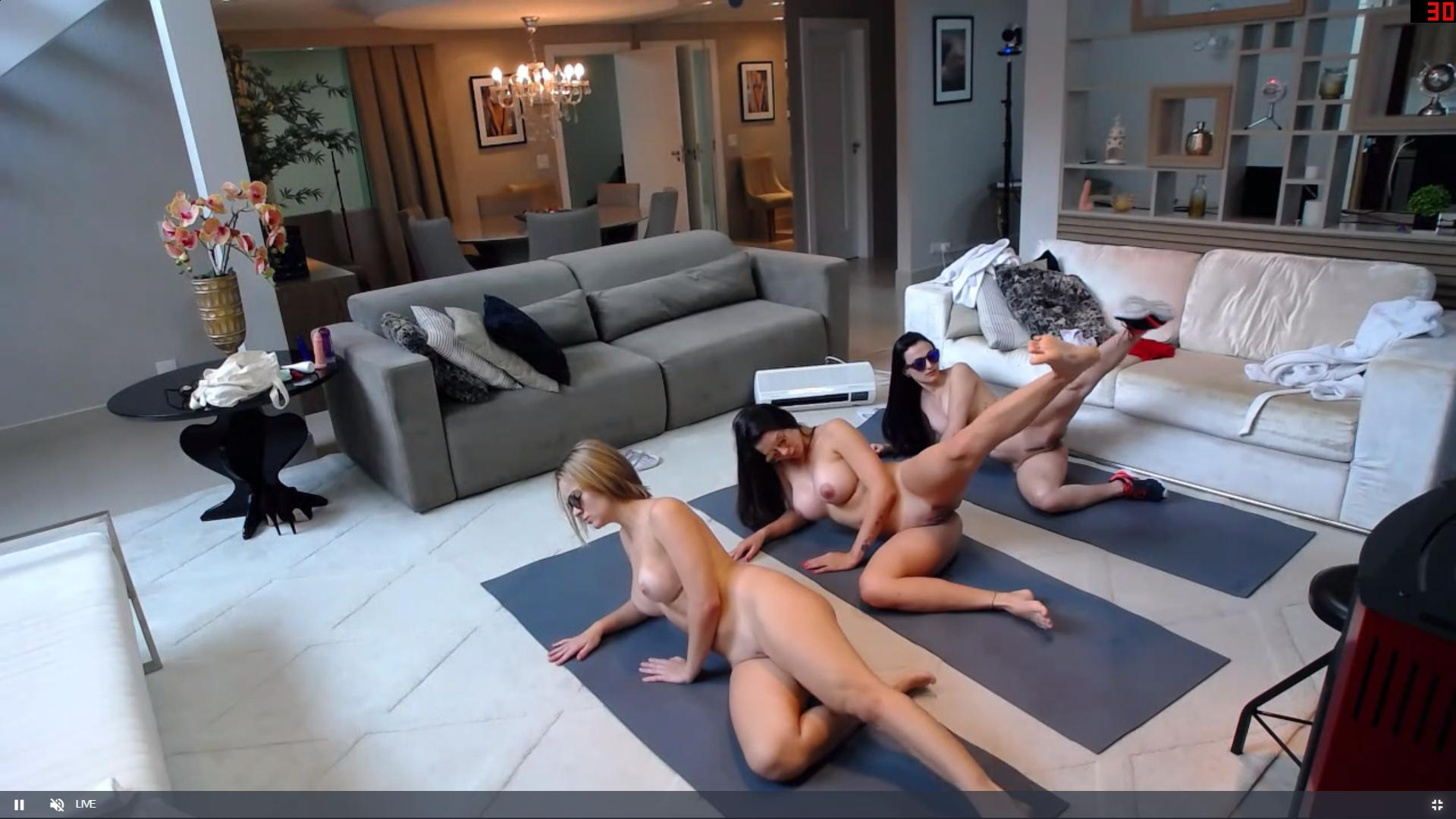
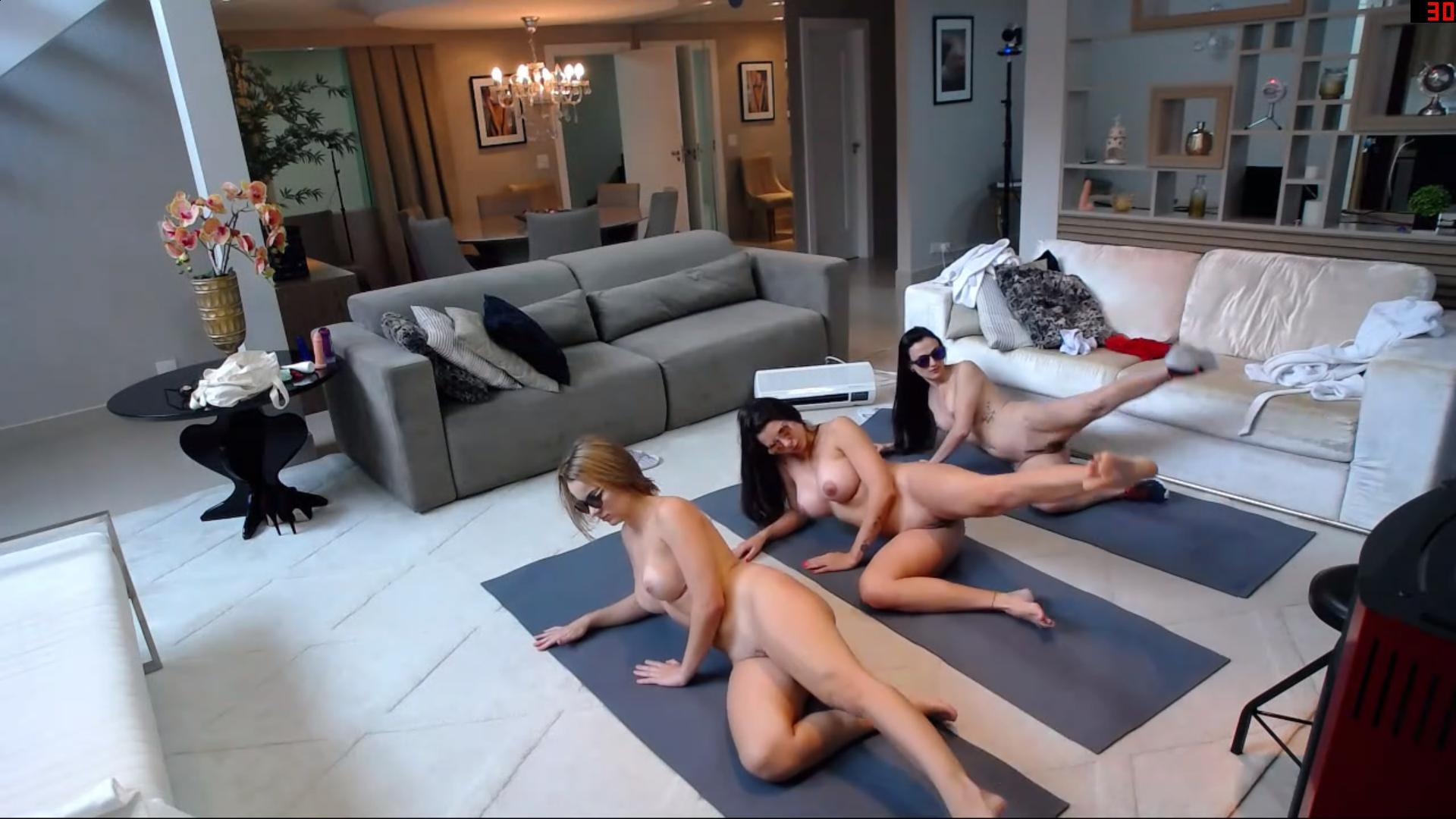
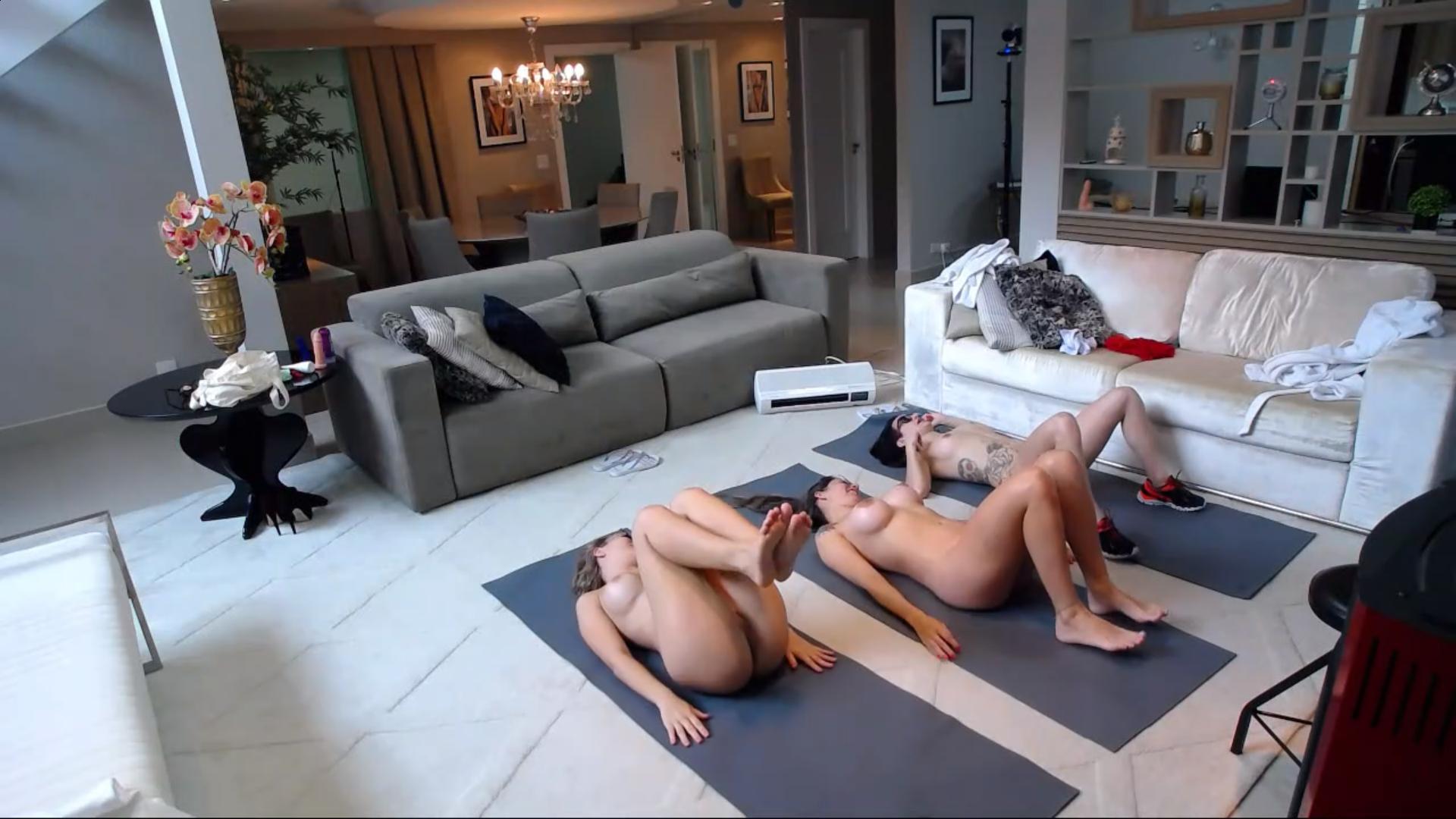
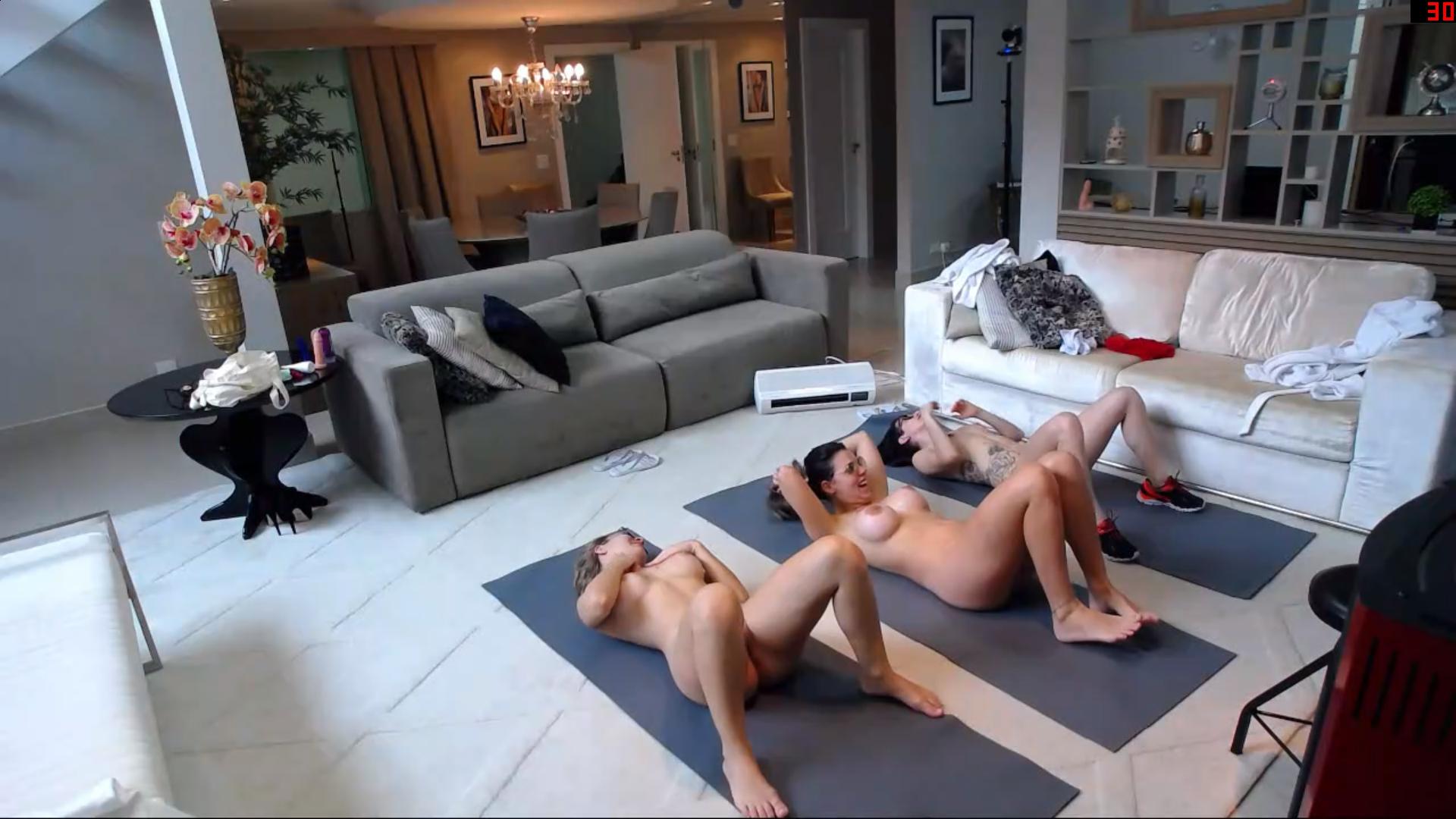
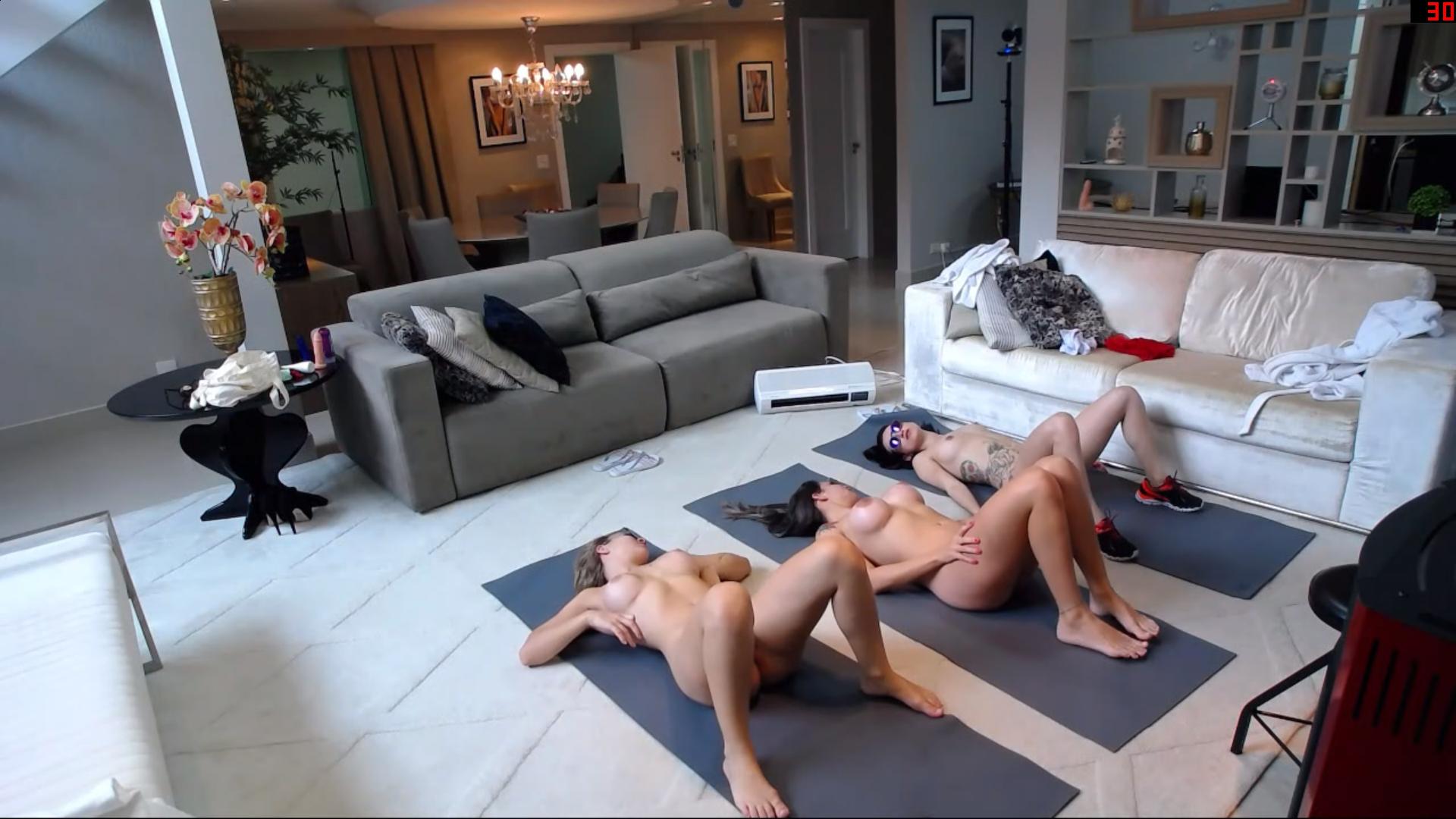
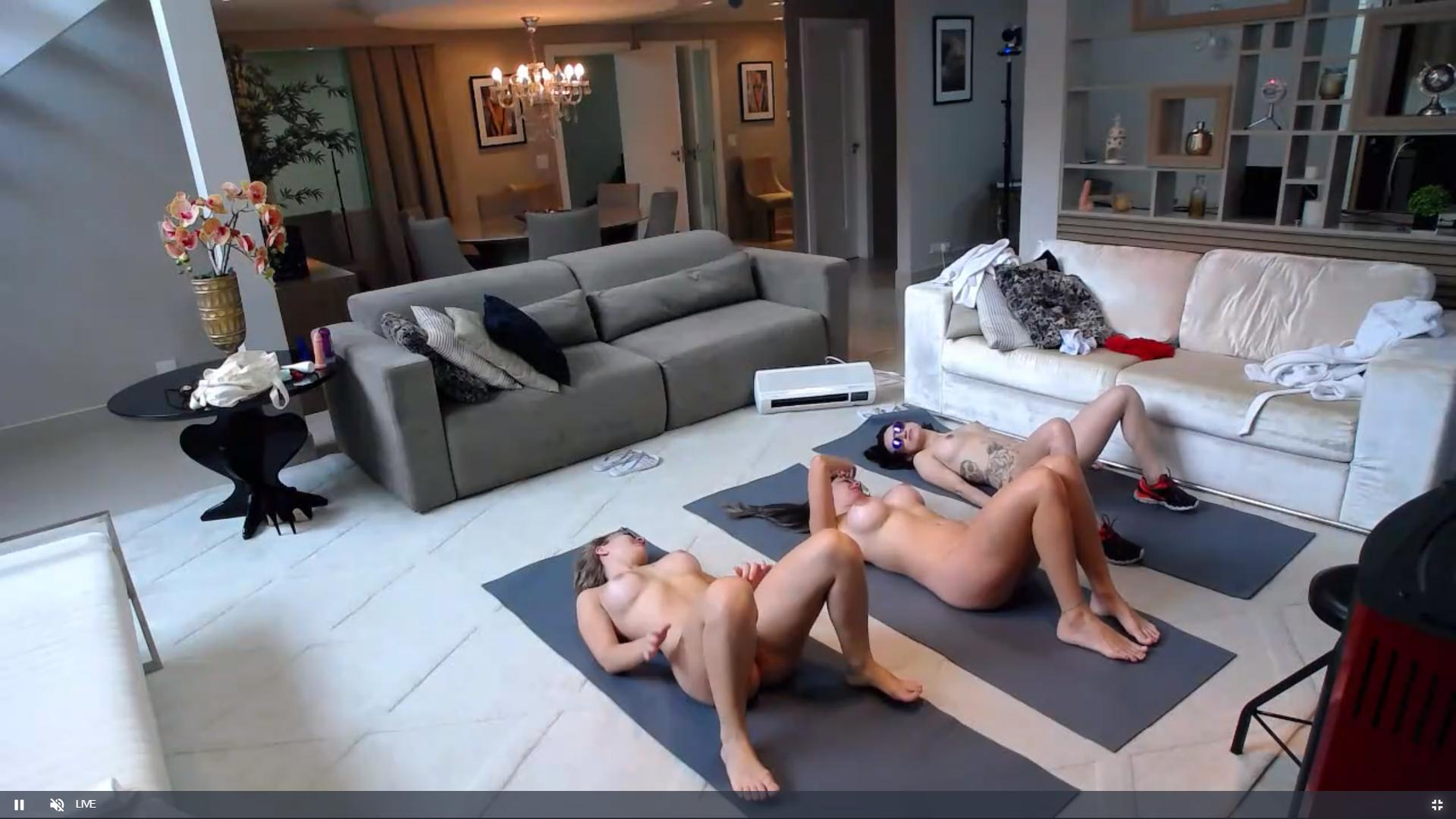
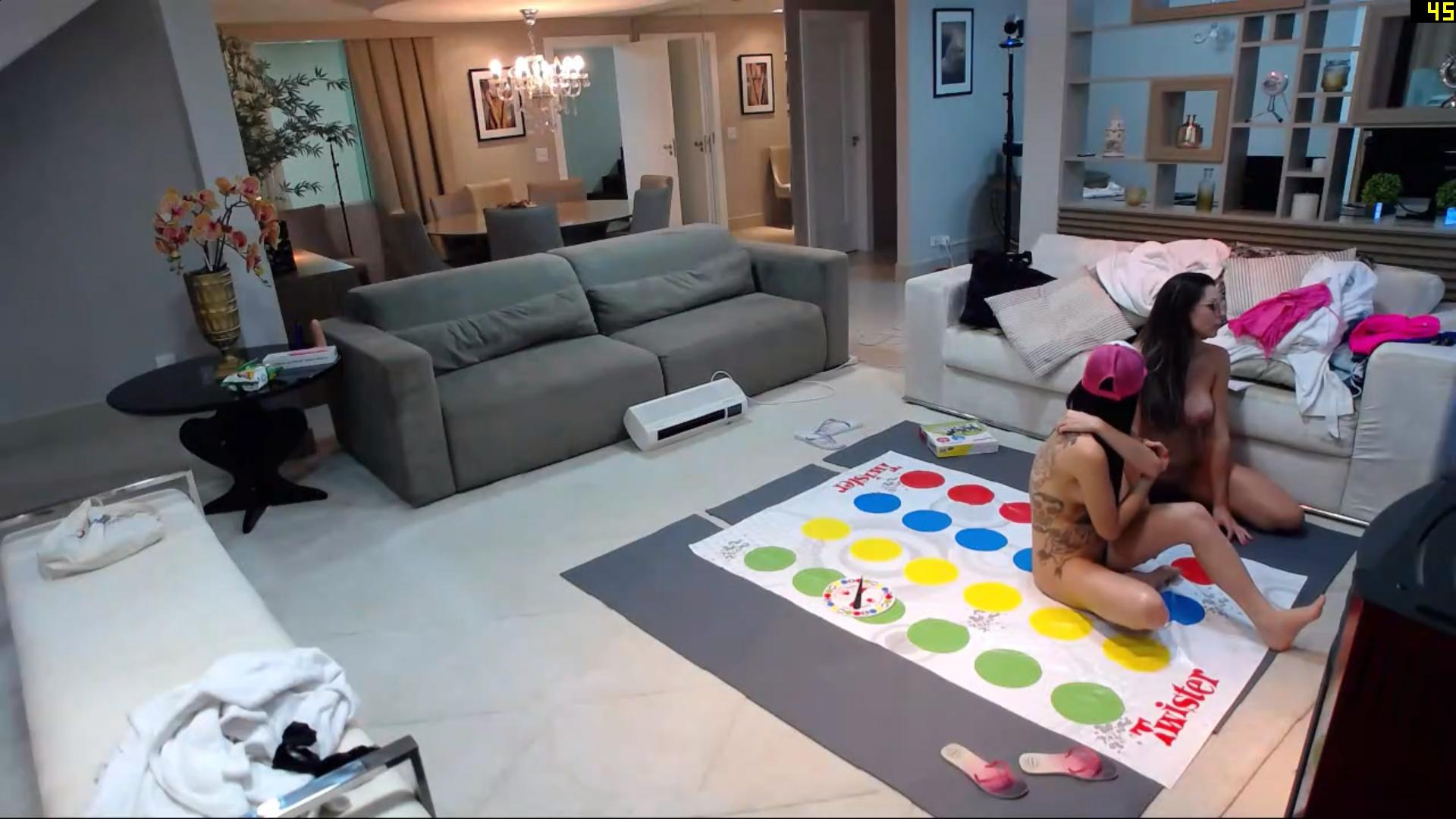
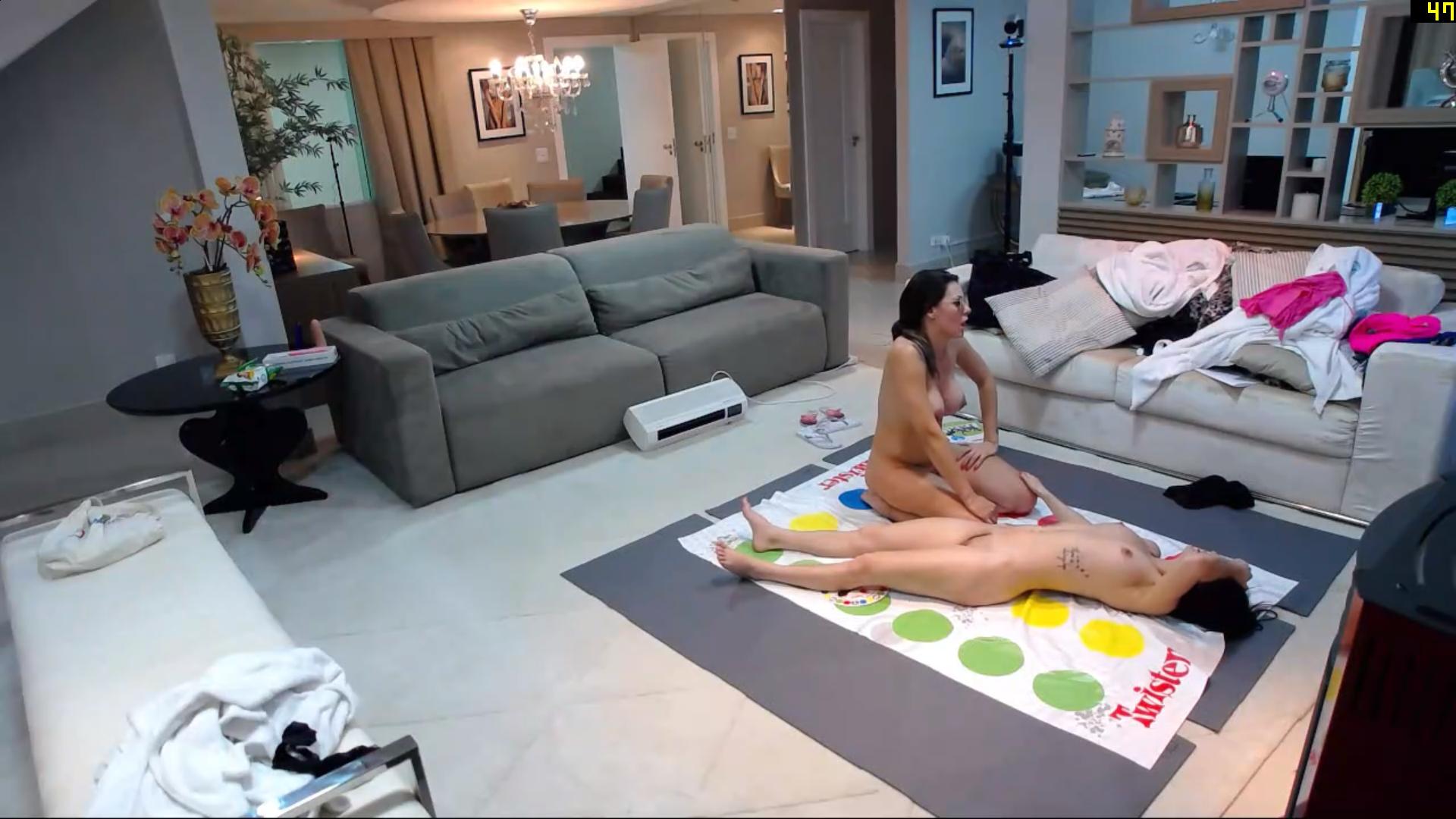
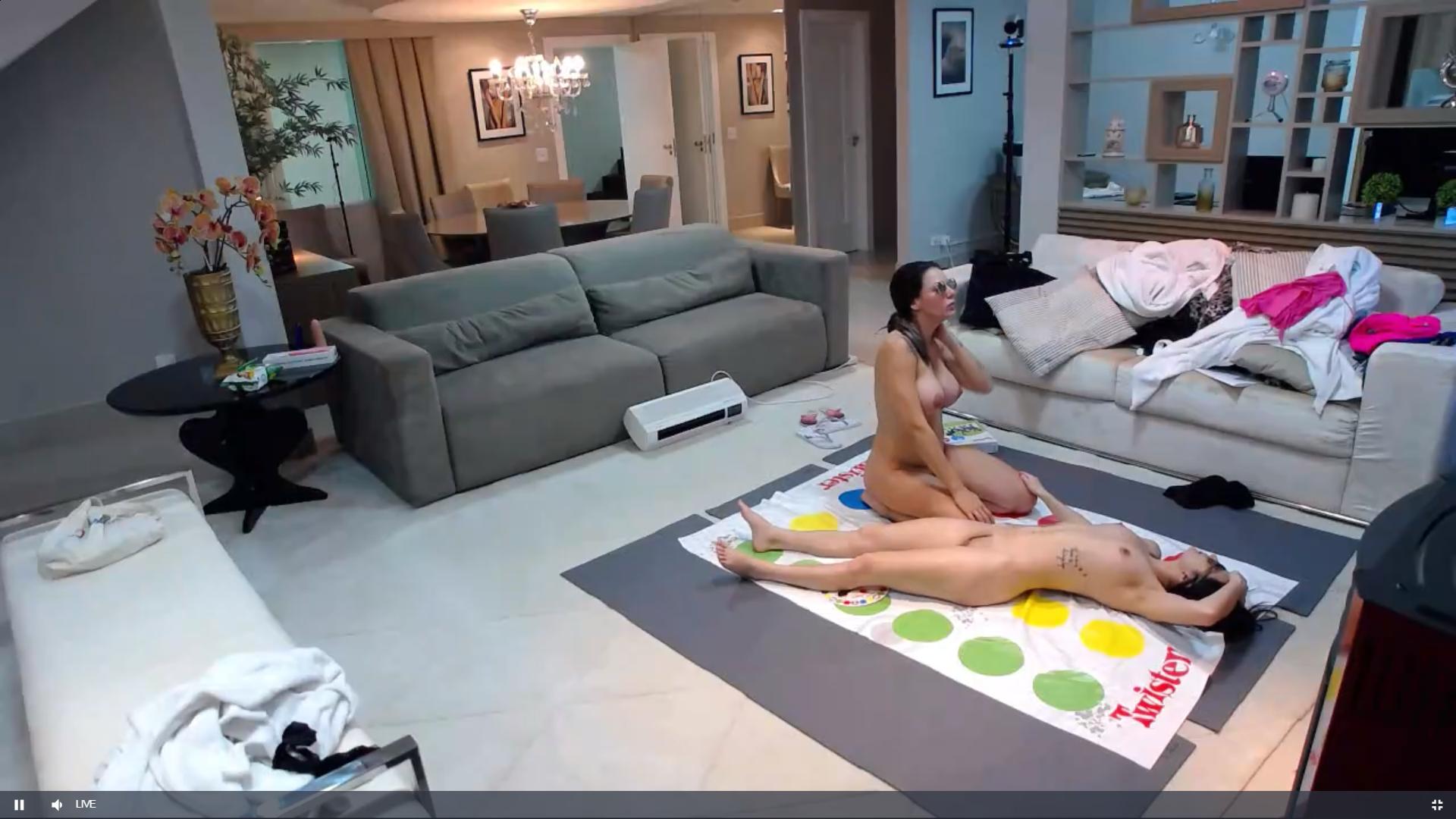
twister time
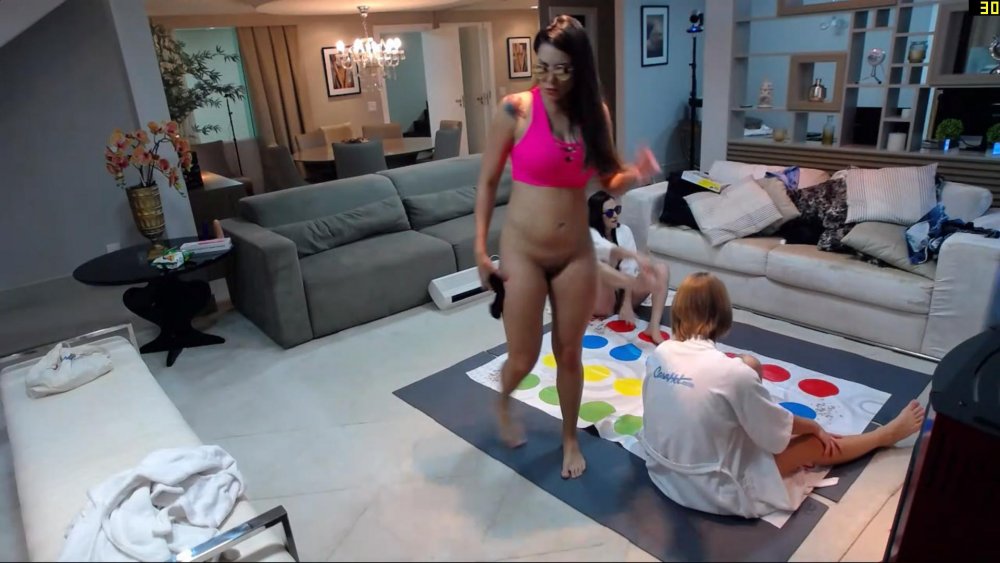
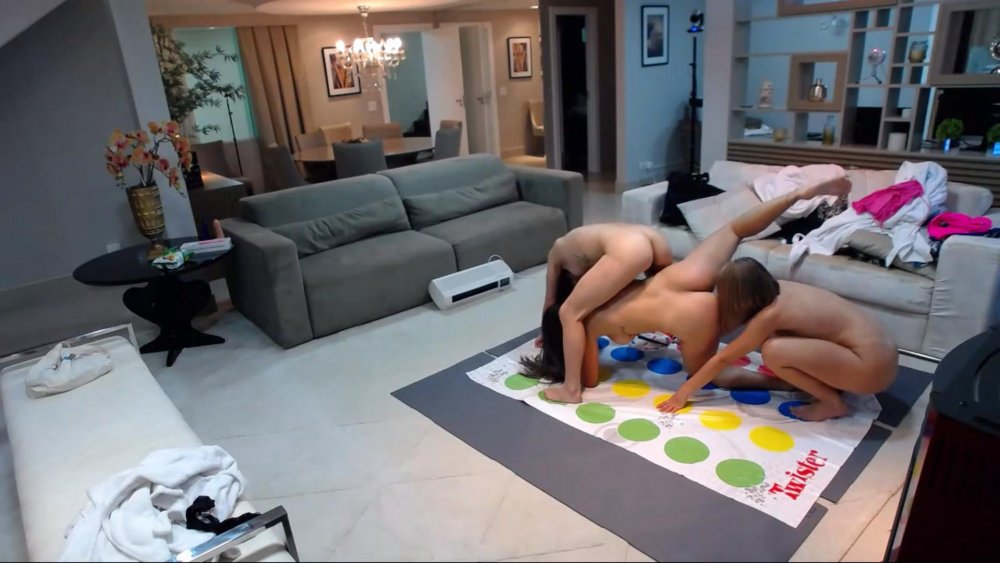
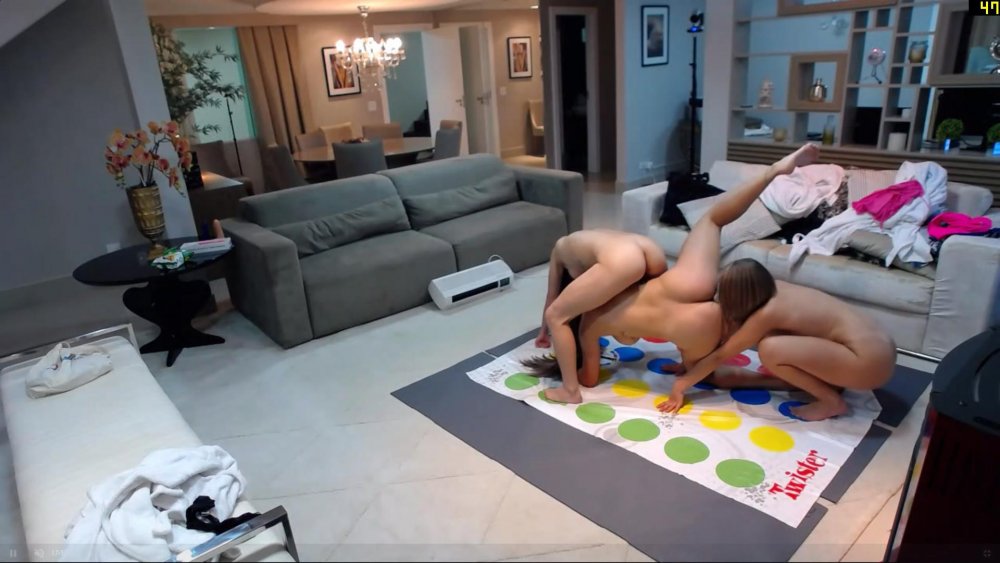
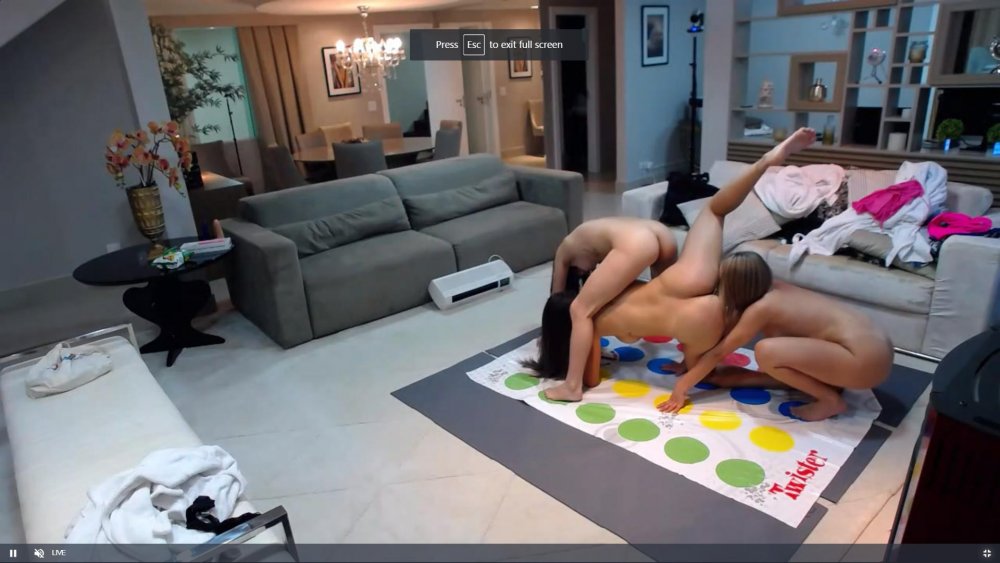



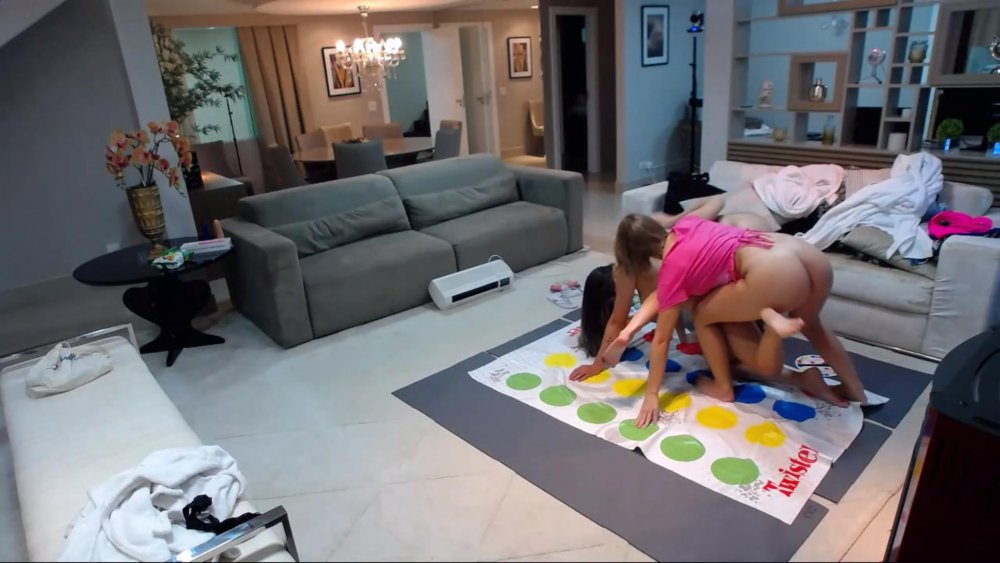
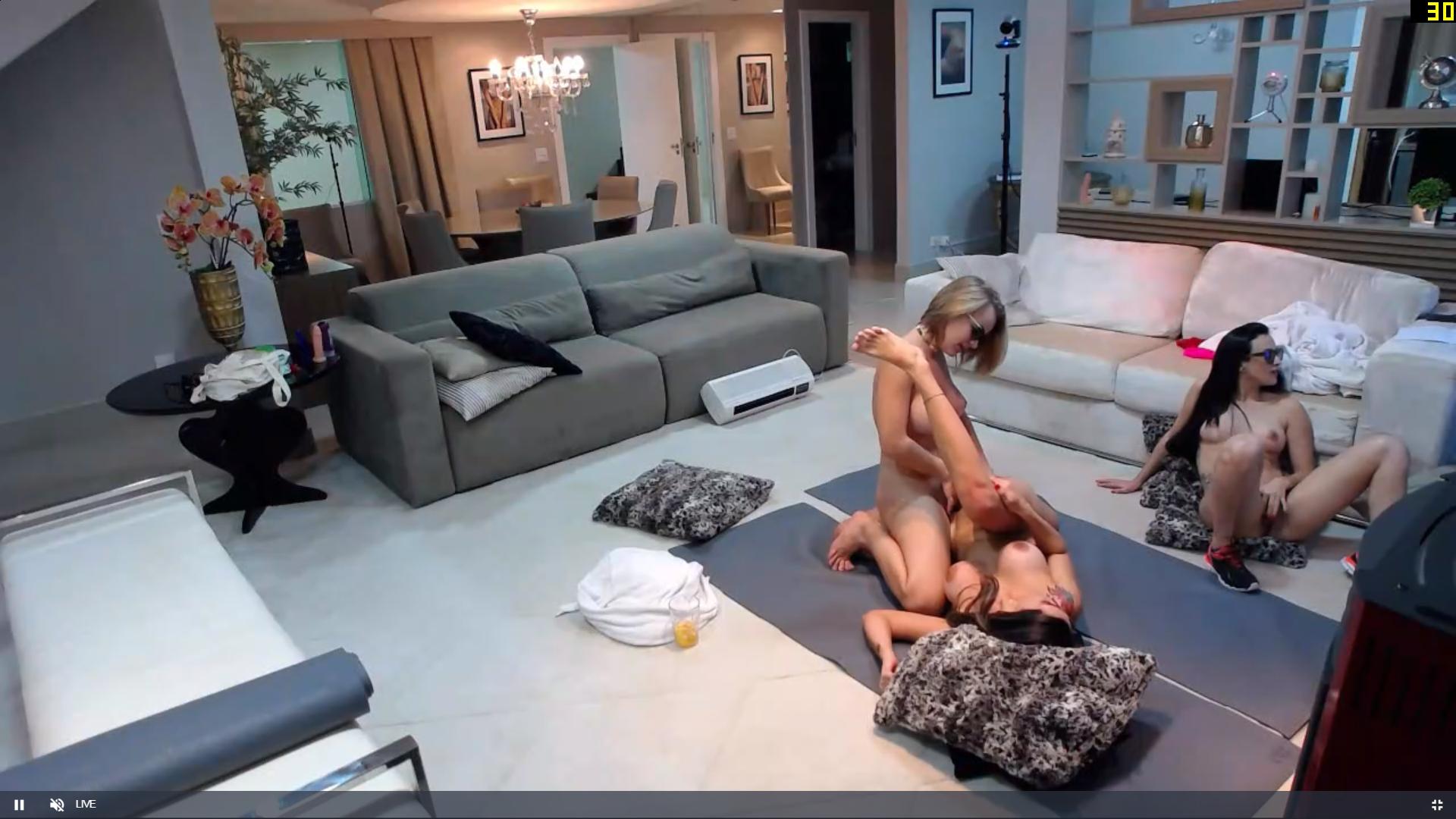
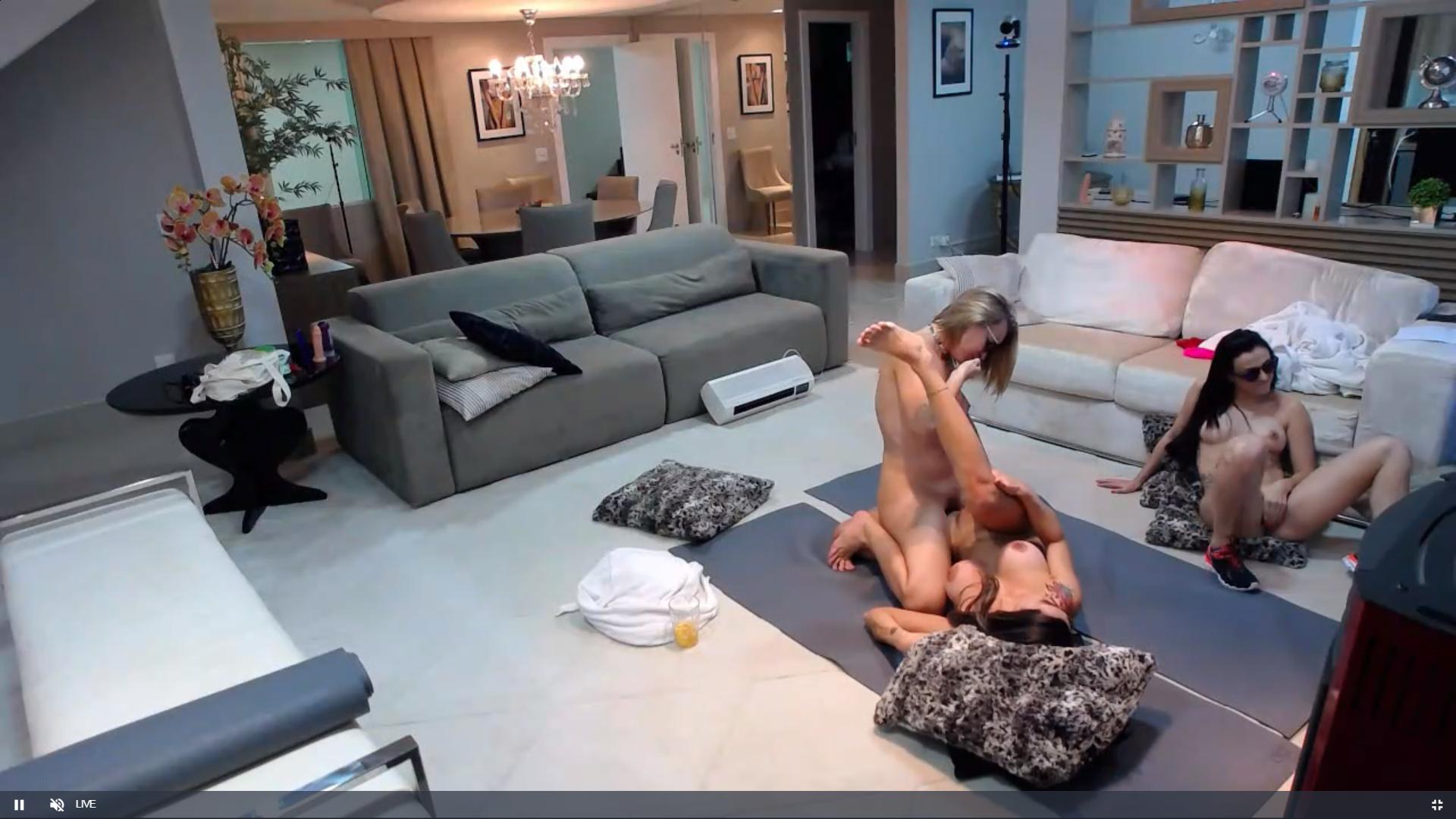
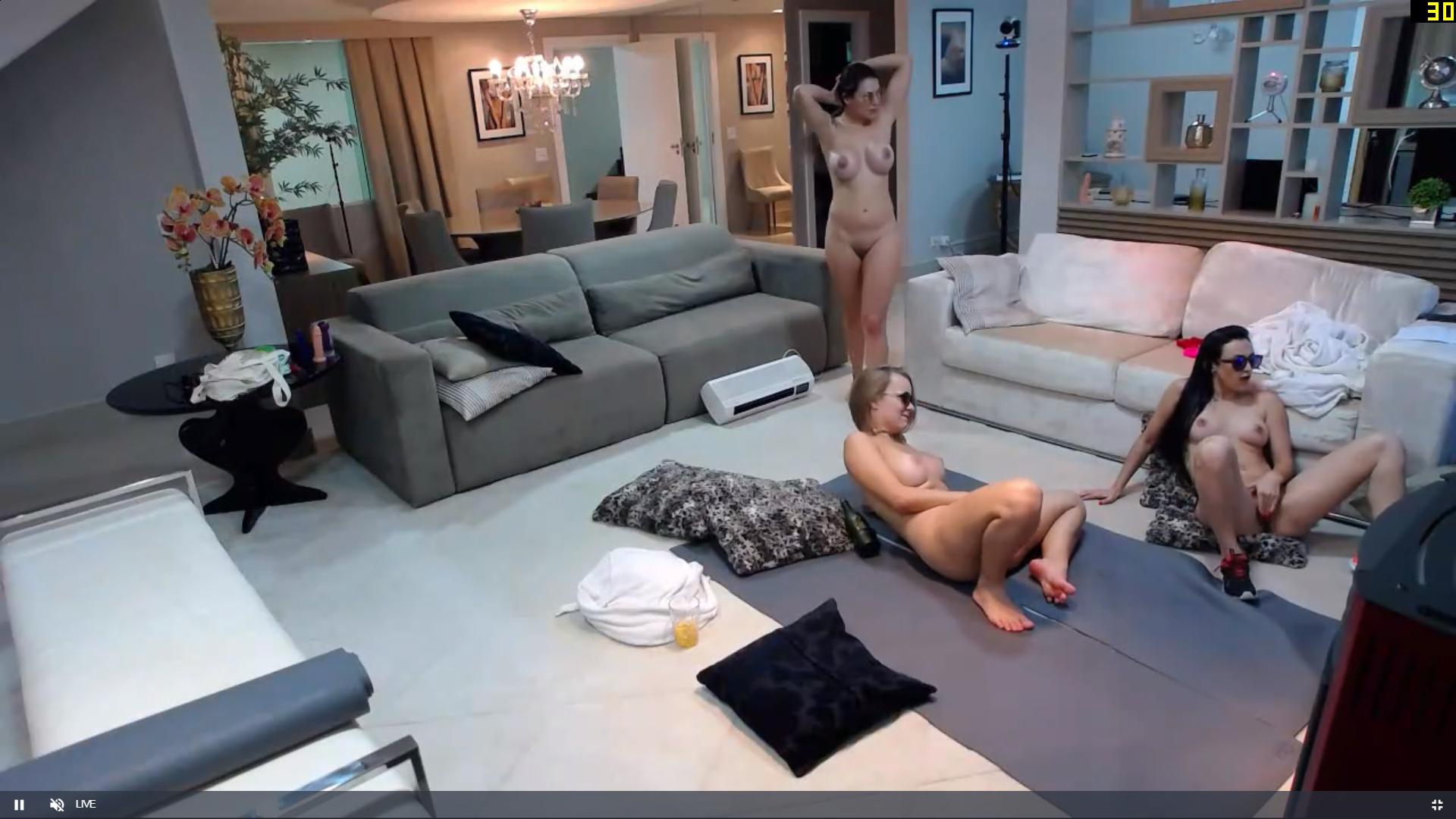
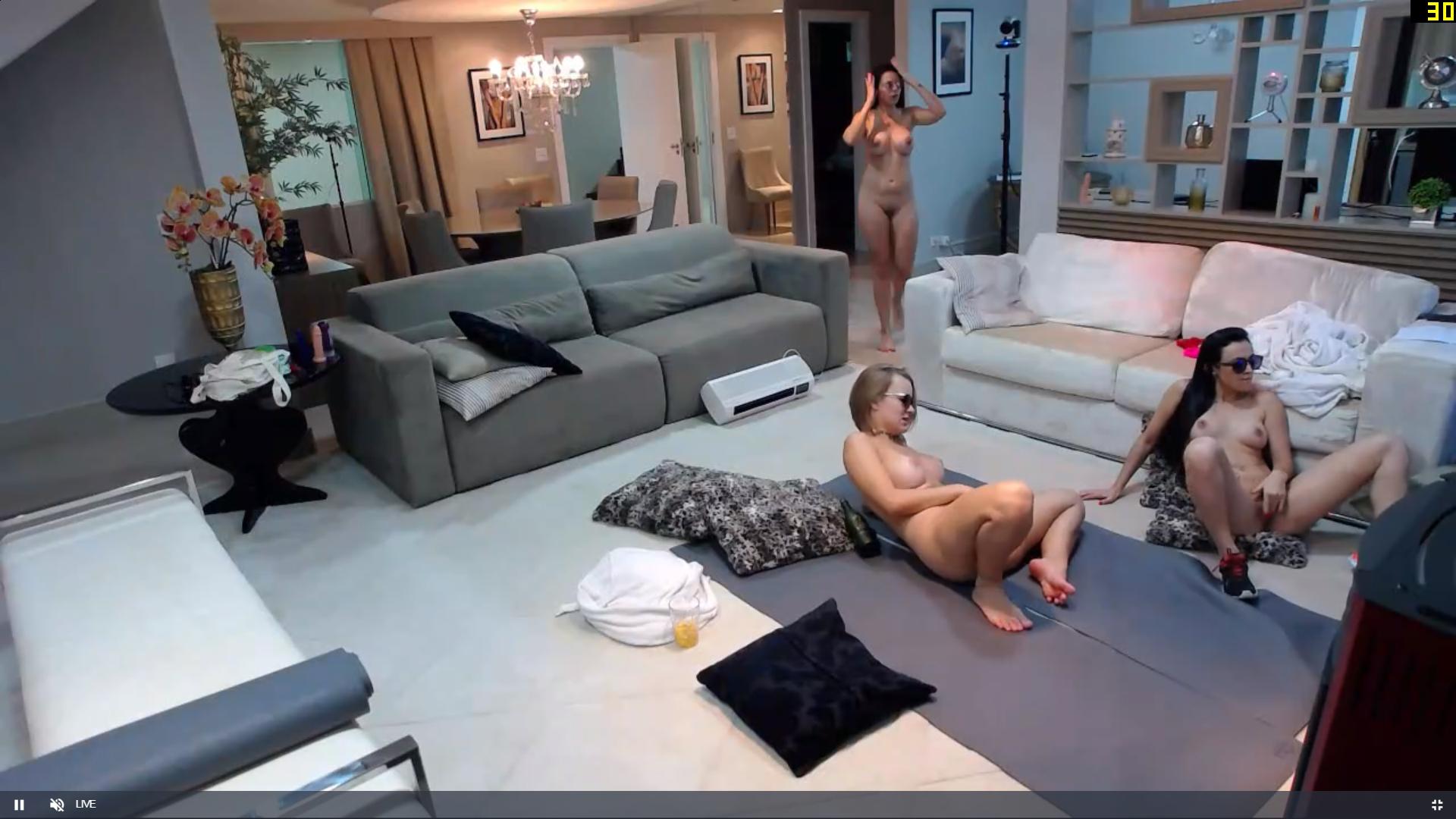
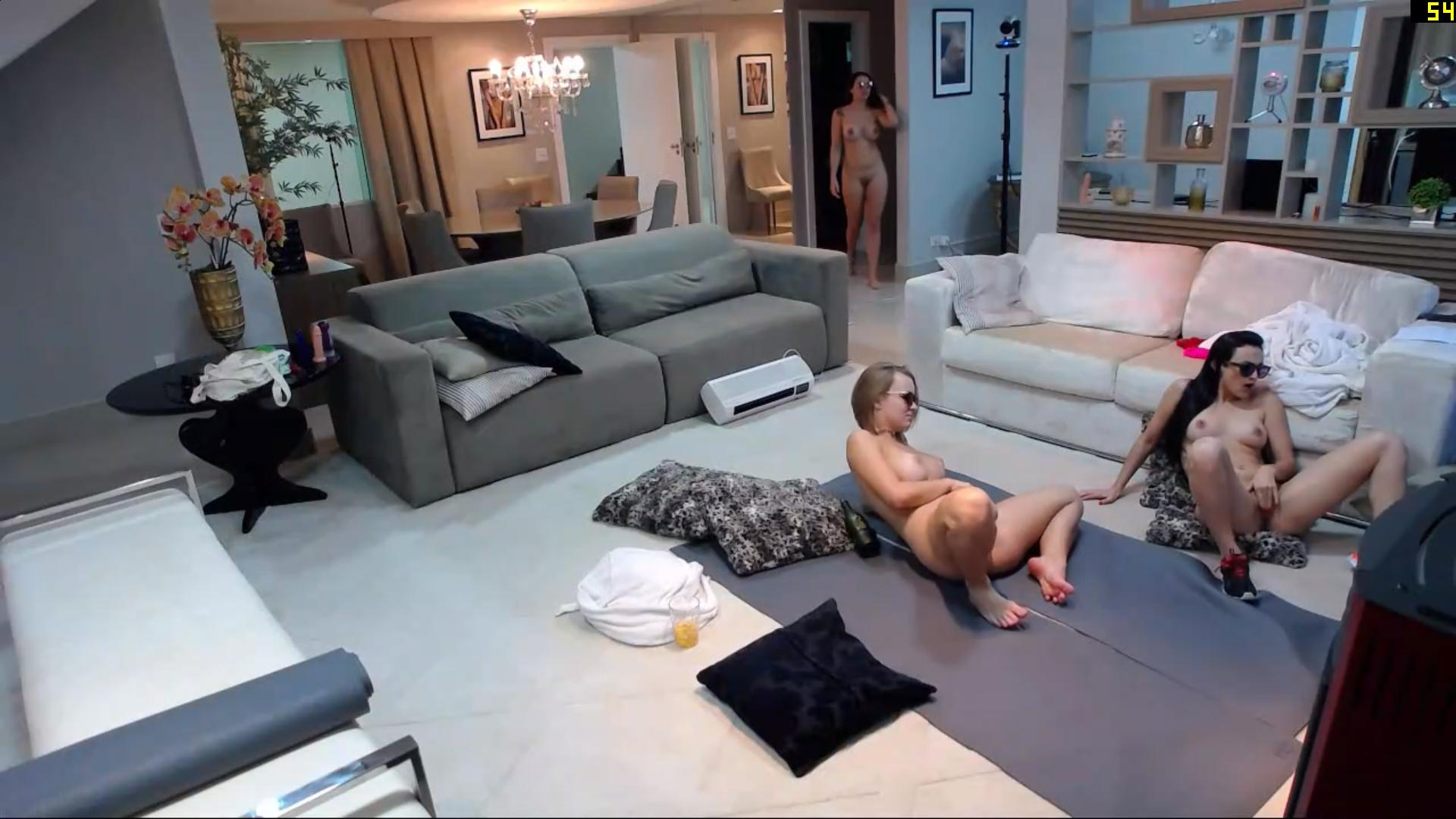
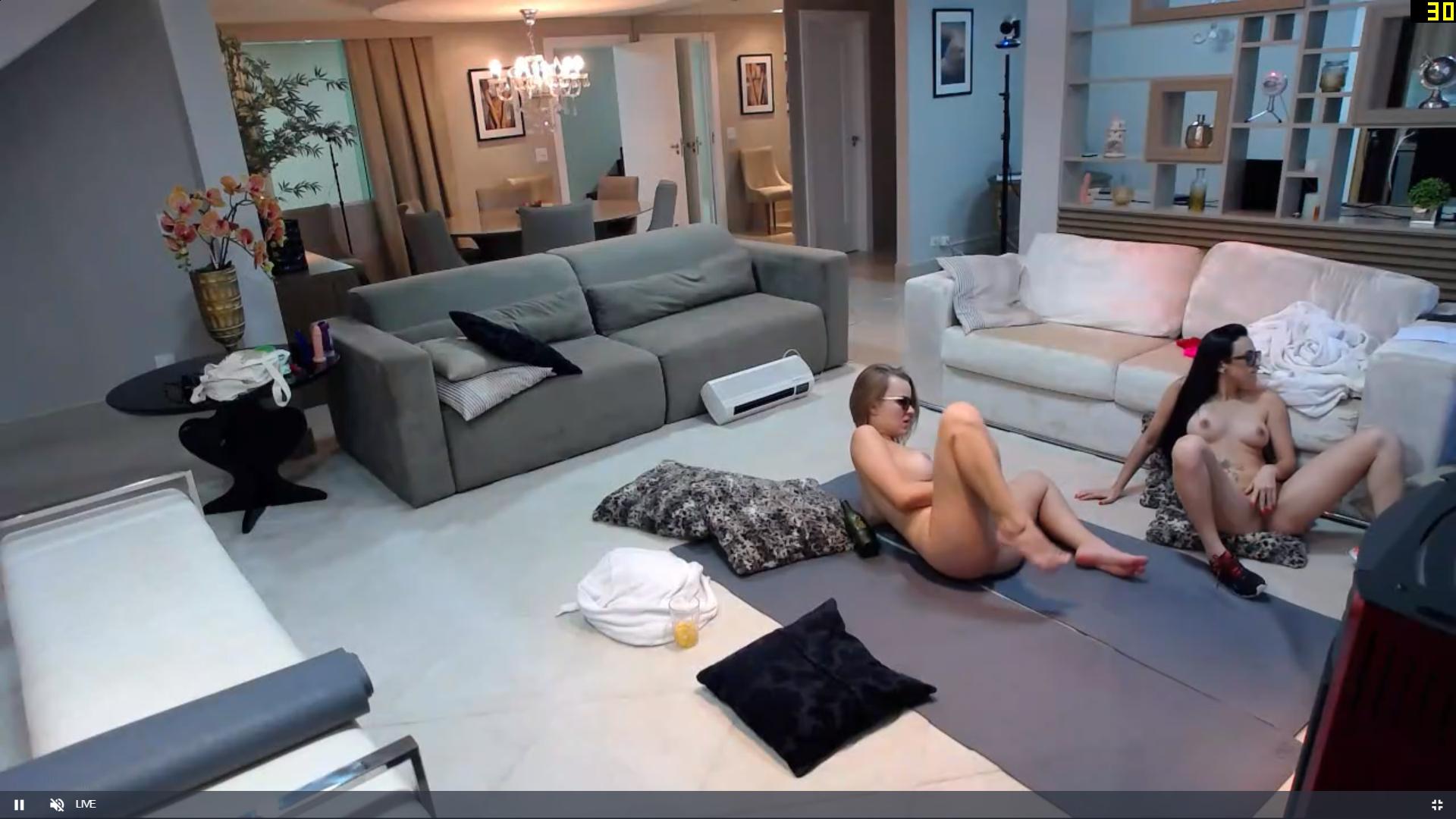
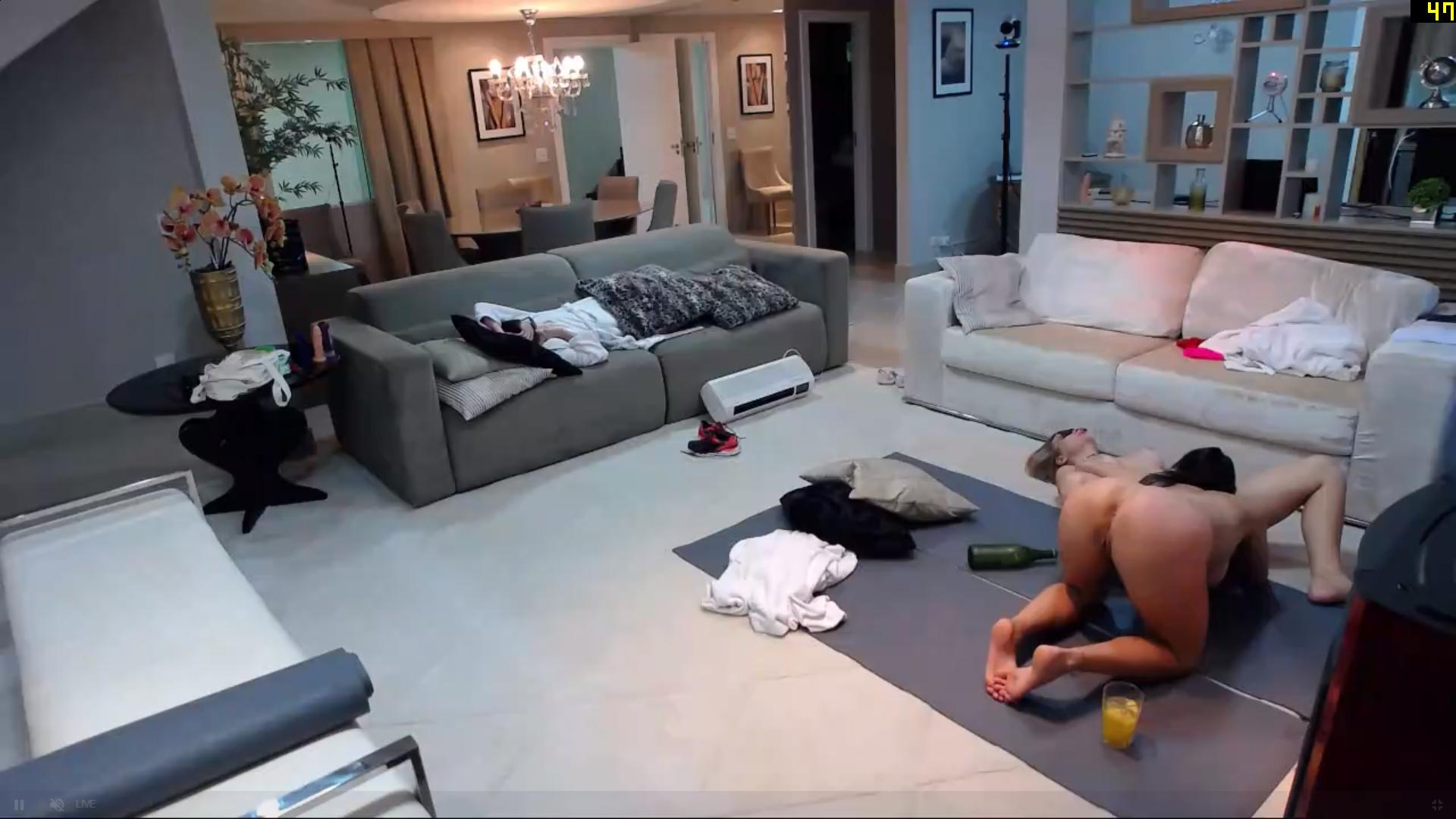
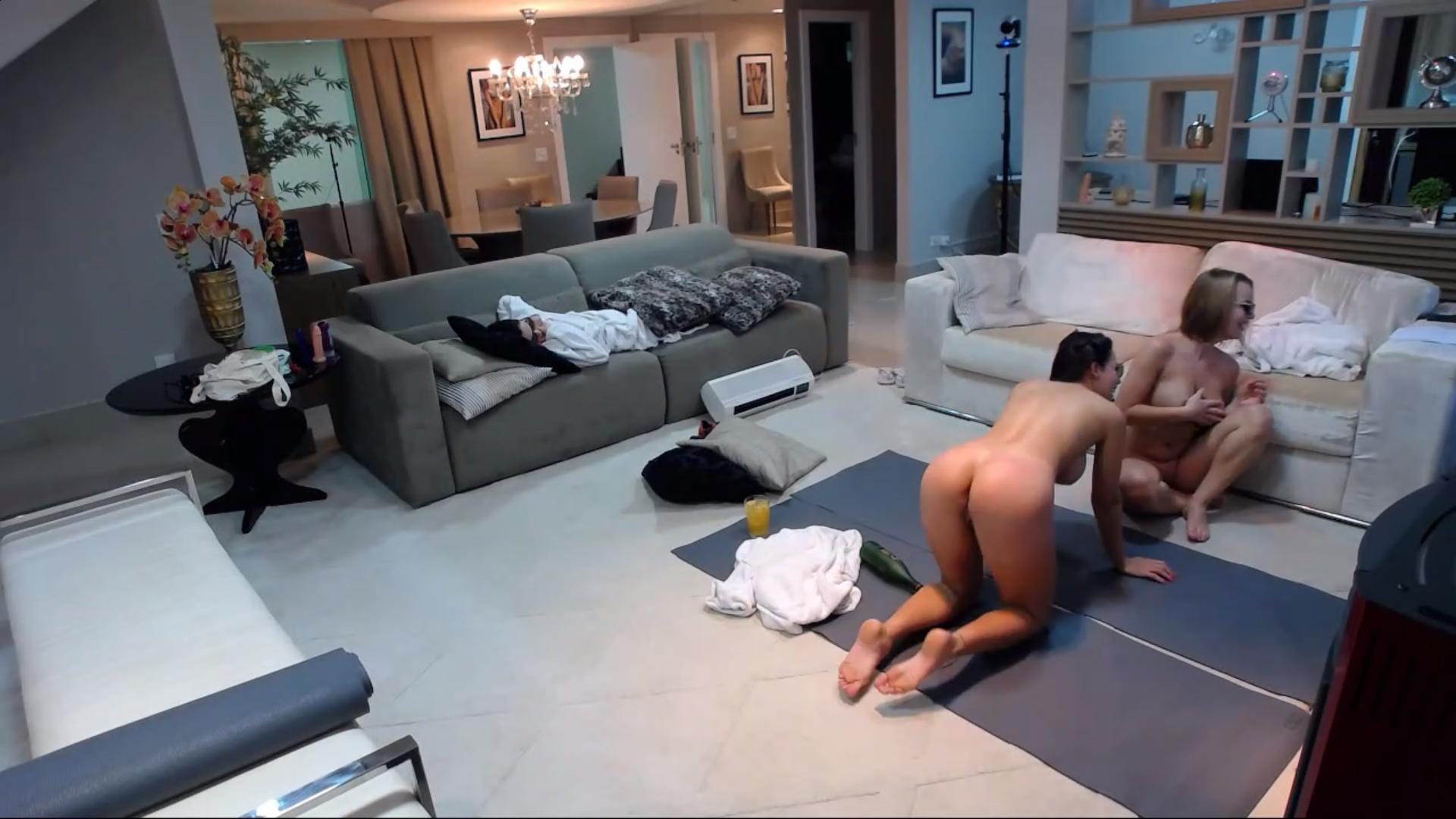
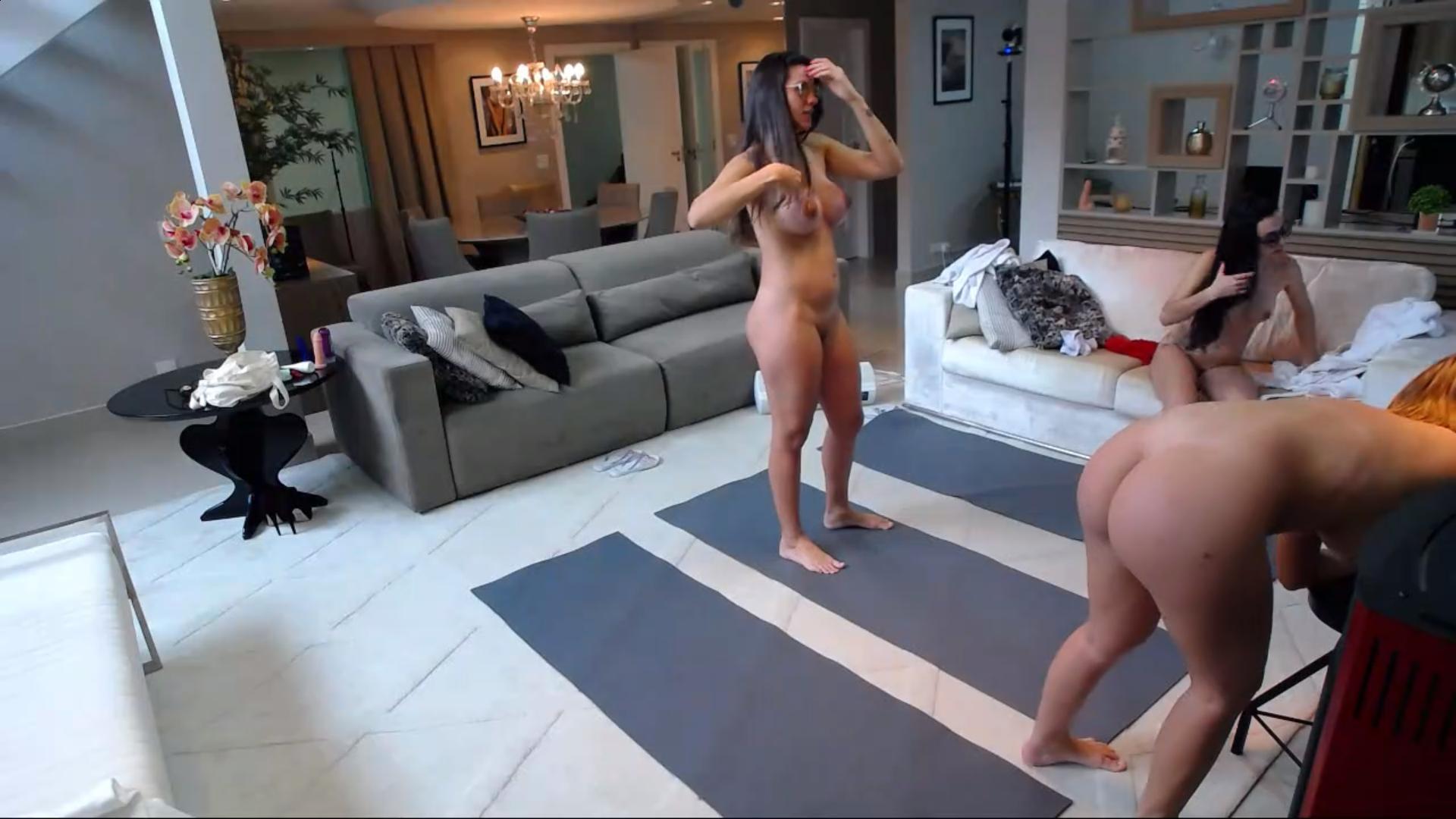
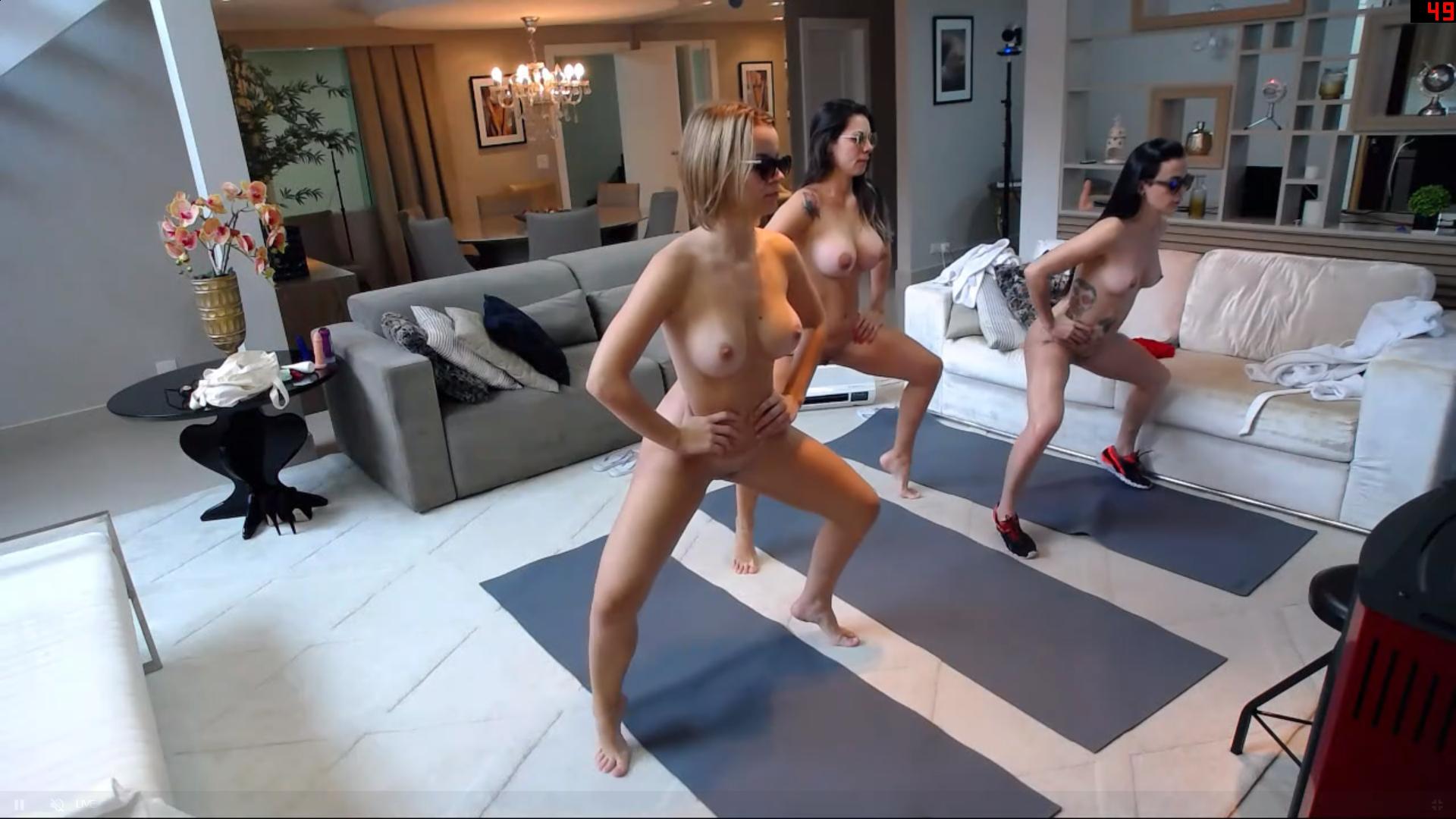
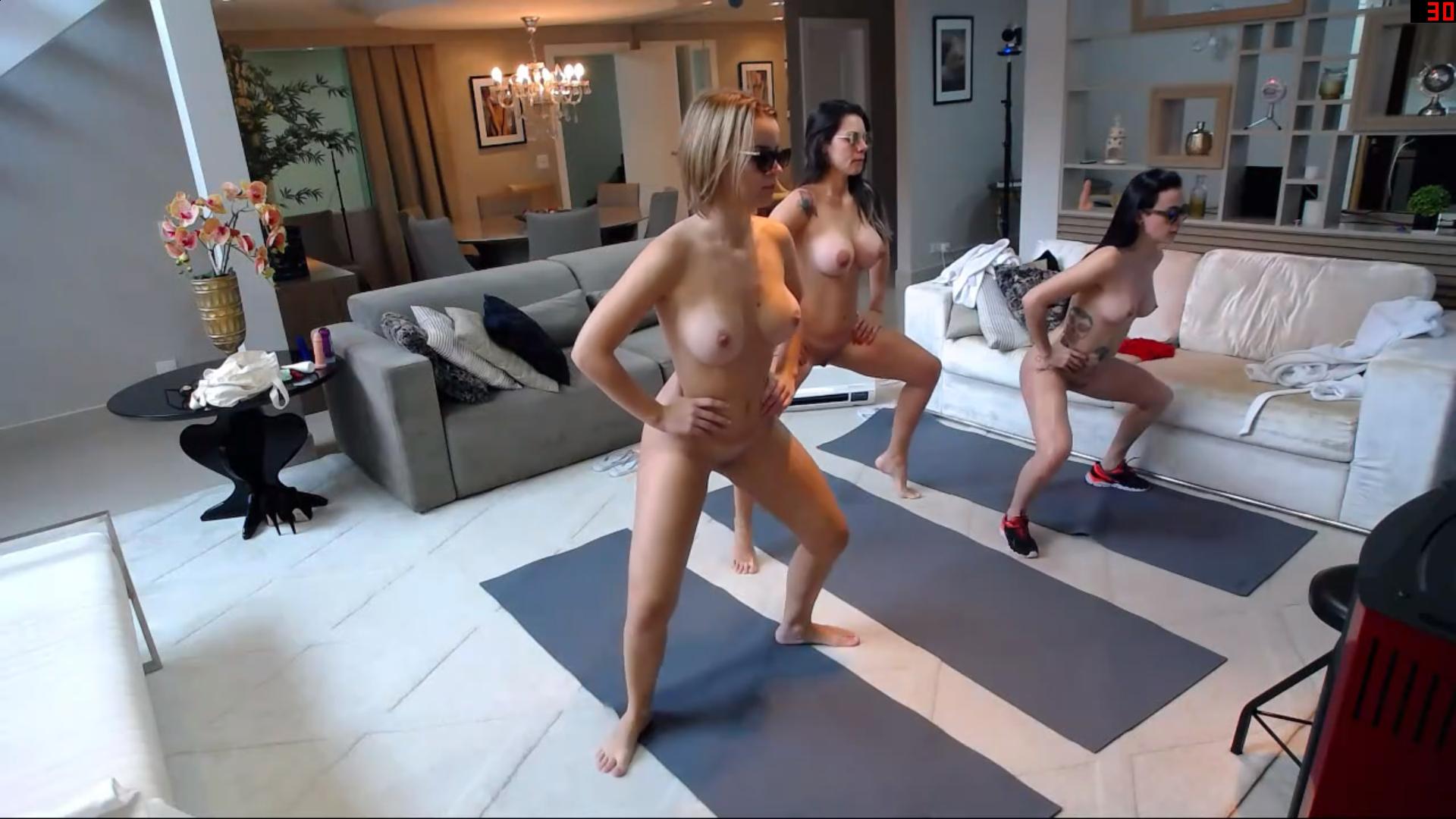
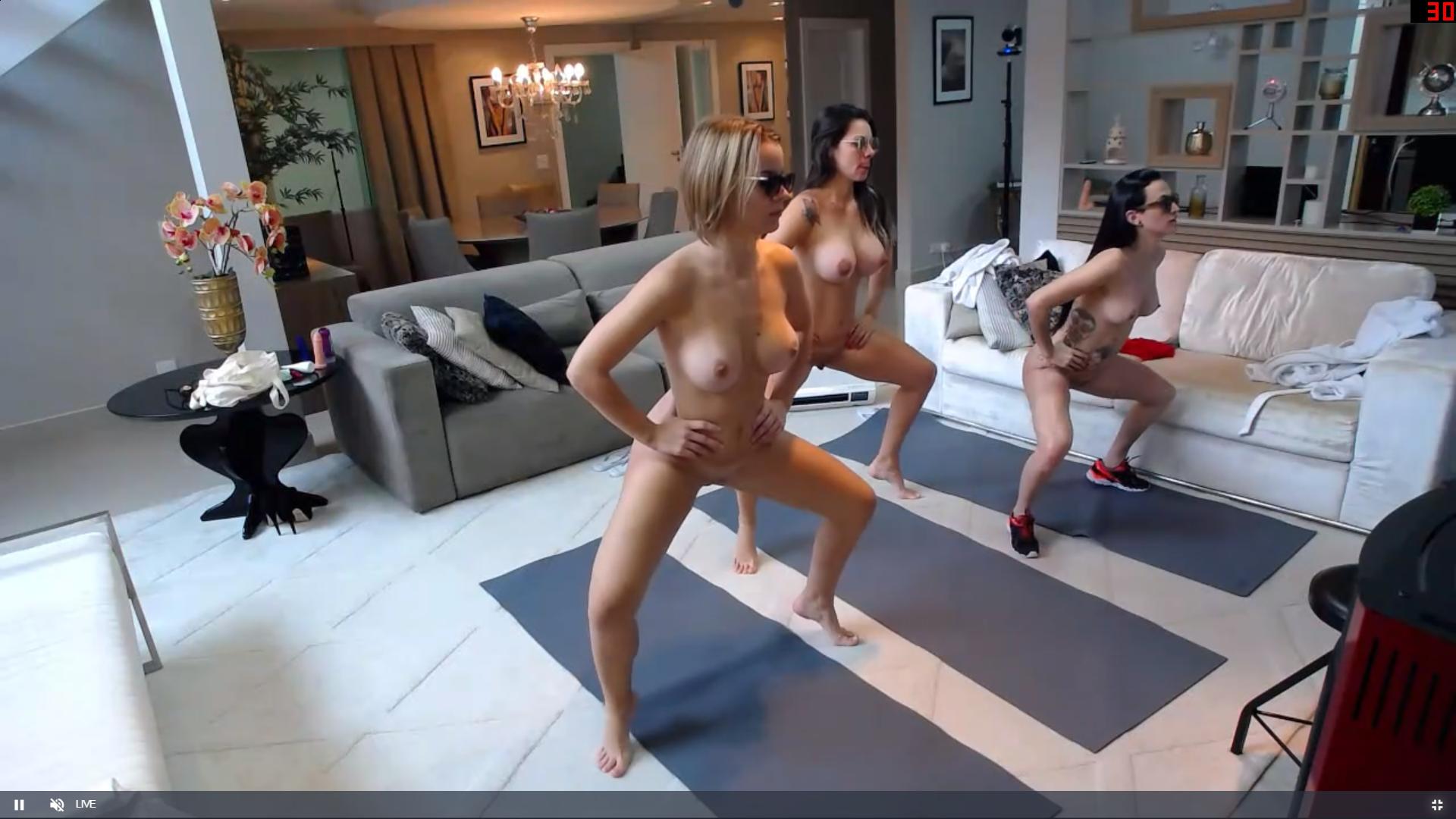
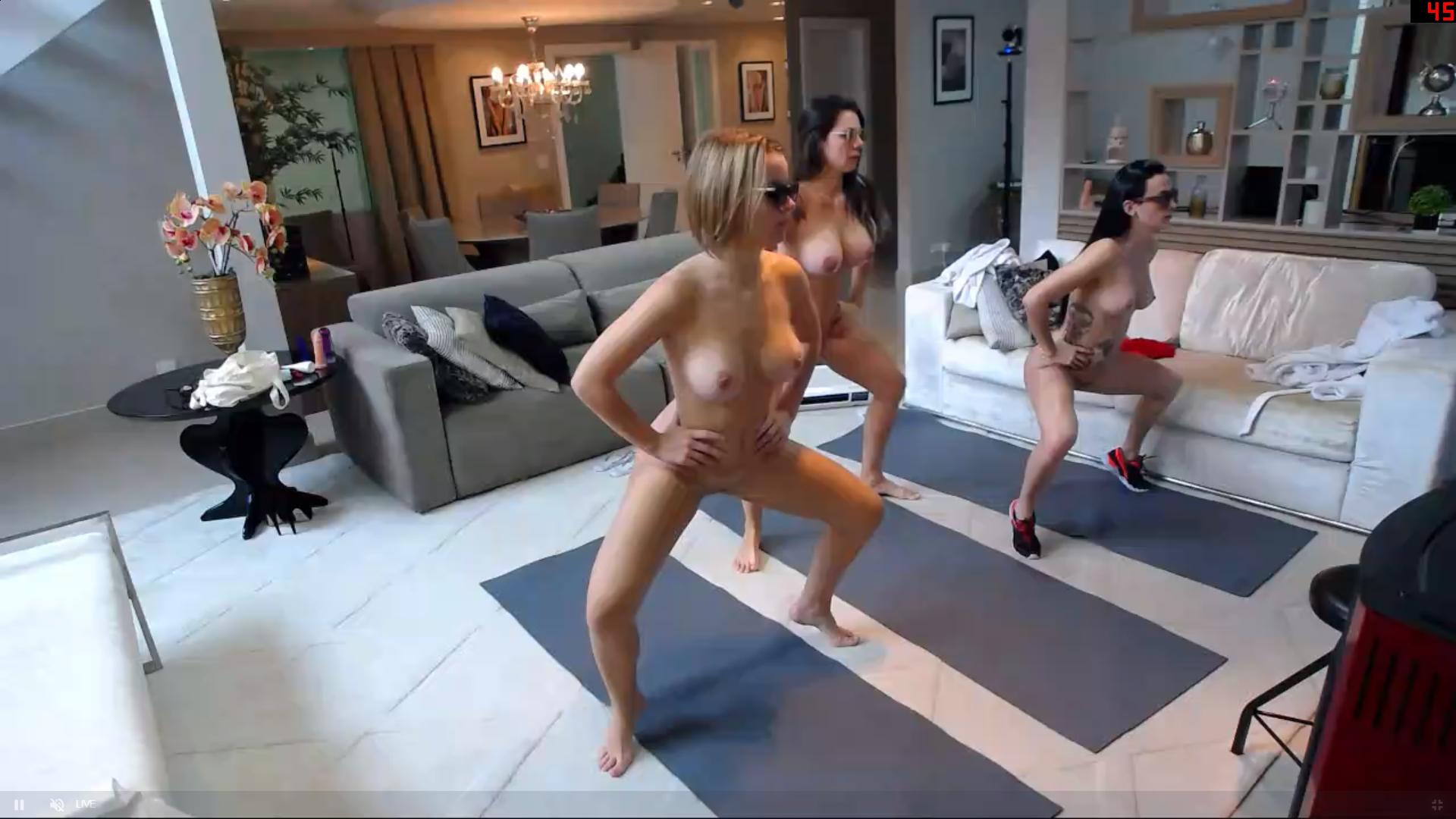
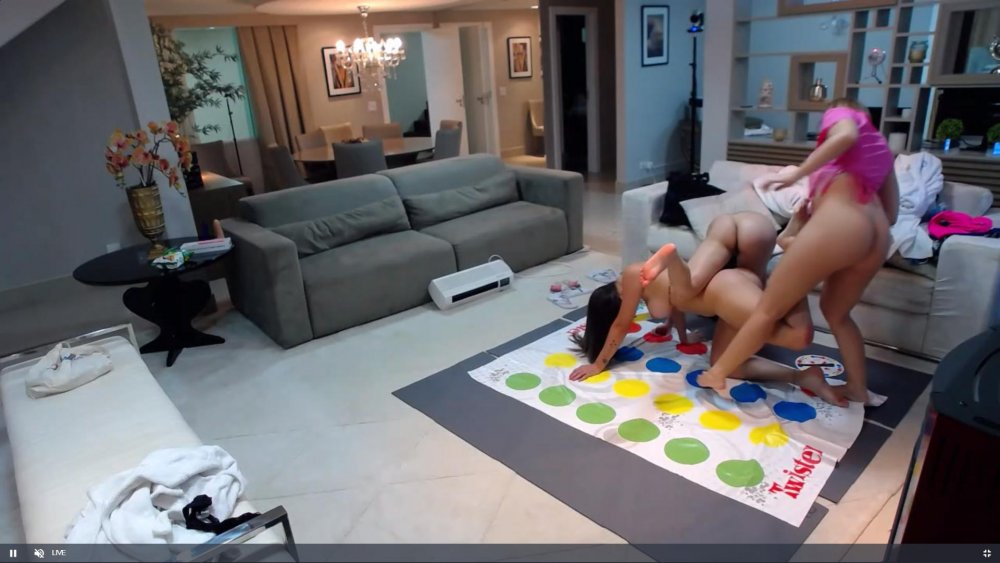 thanks and many thanks,its my aim to please,capturing situations is what i do best more than pose type captures,its long HARD work but worth it. thanks once more for the praises. this is my fave
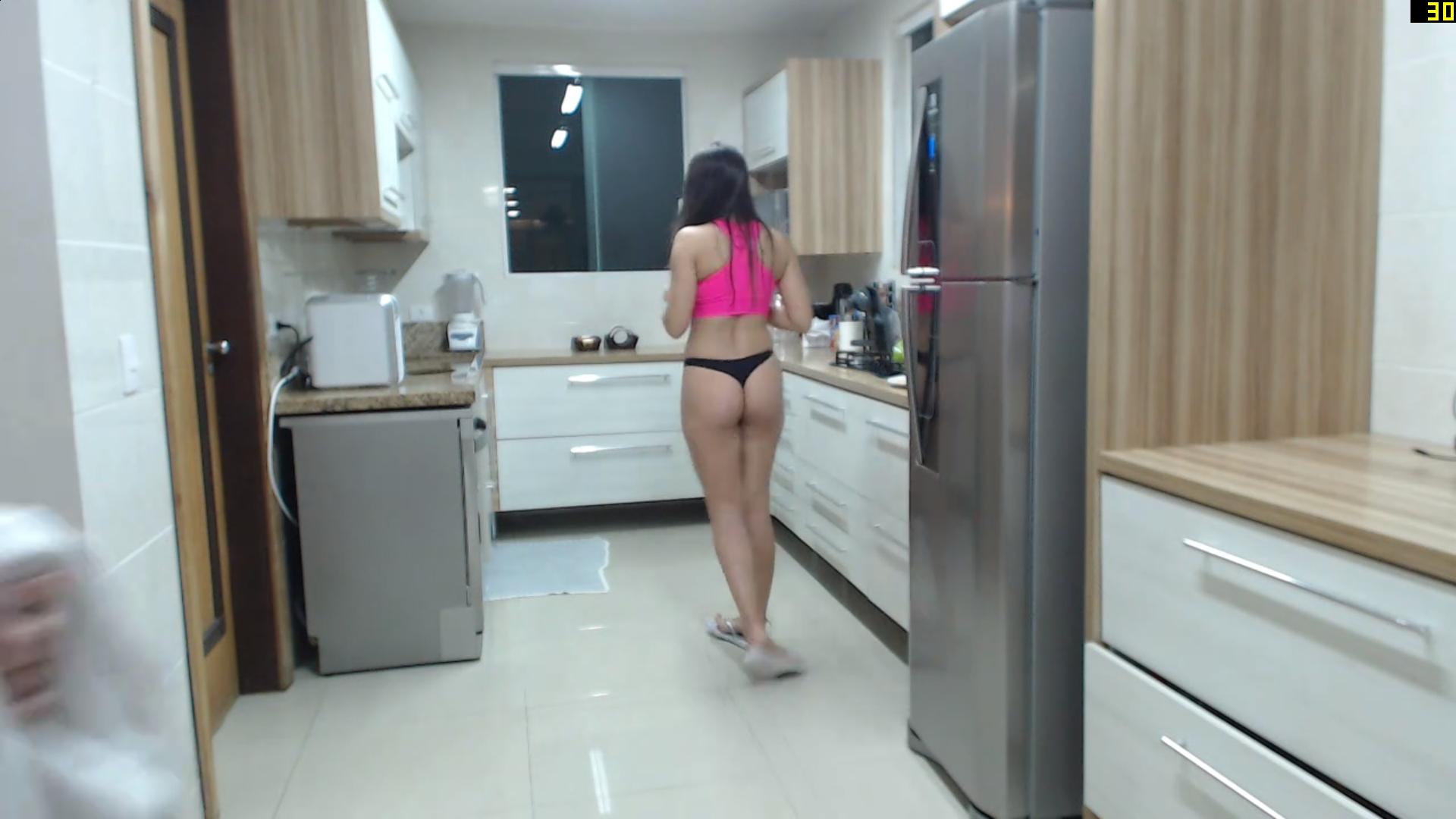
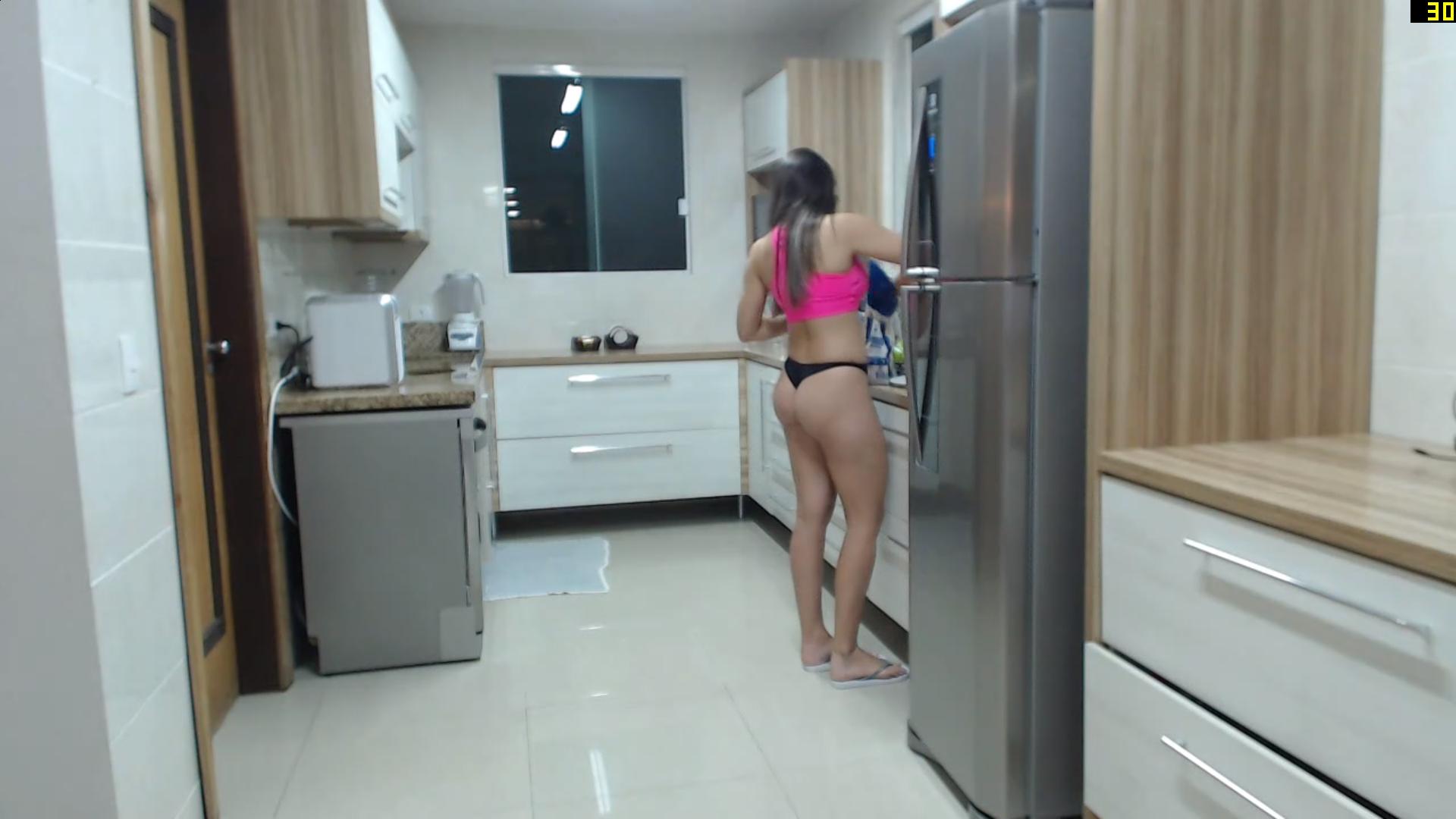
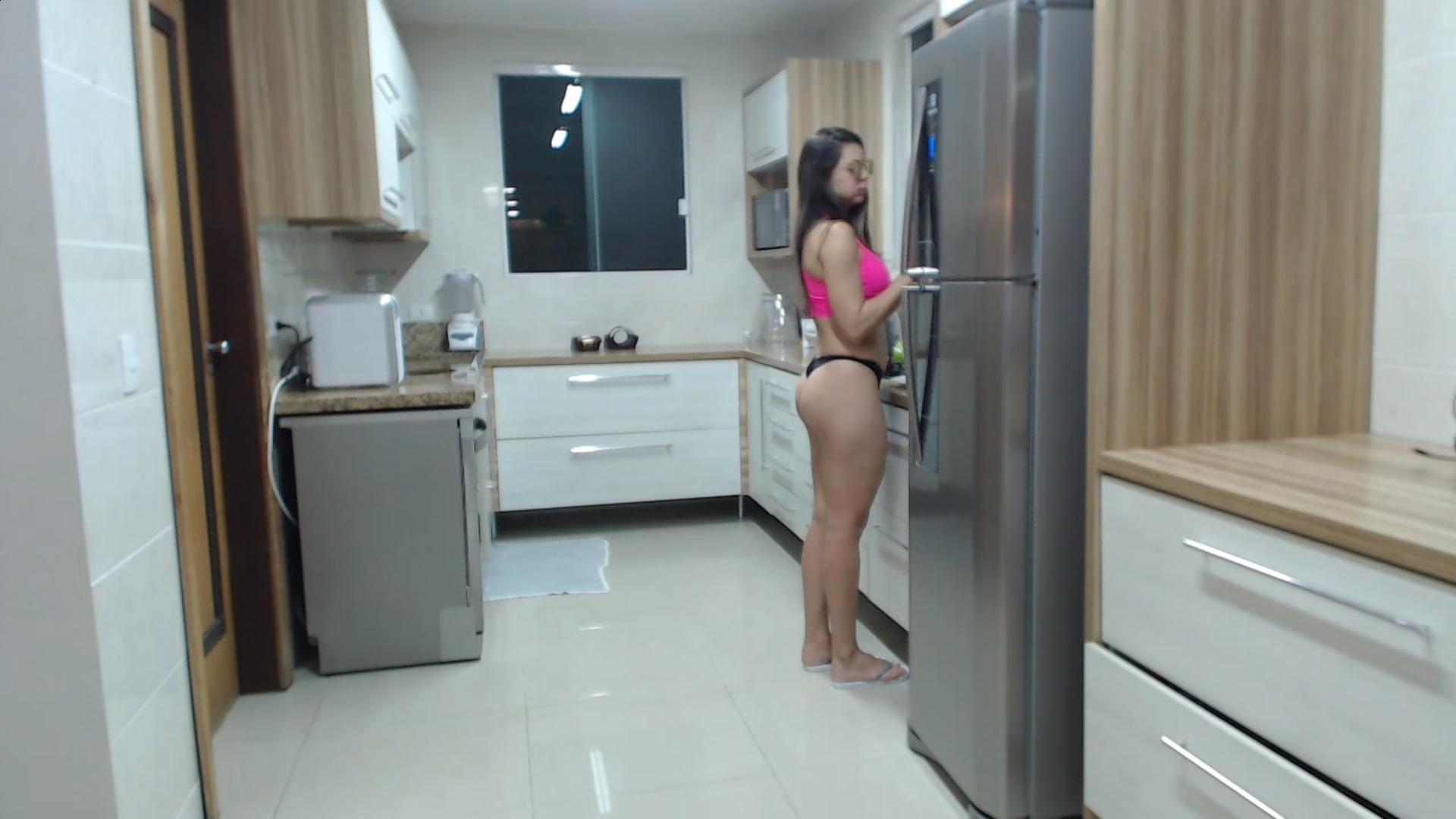
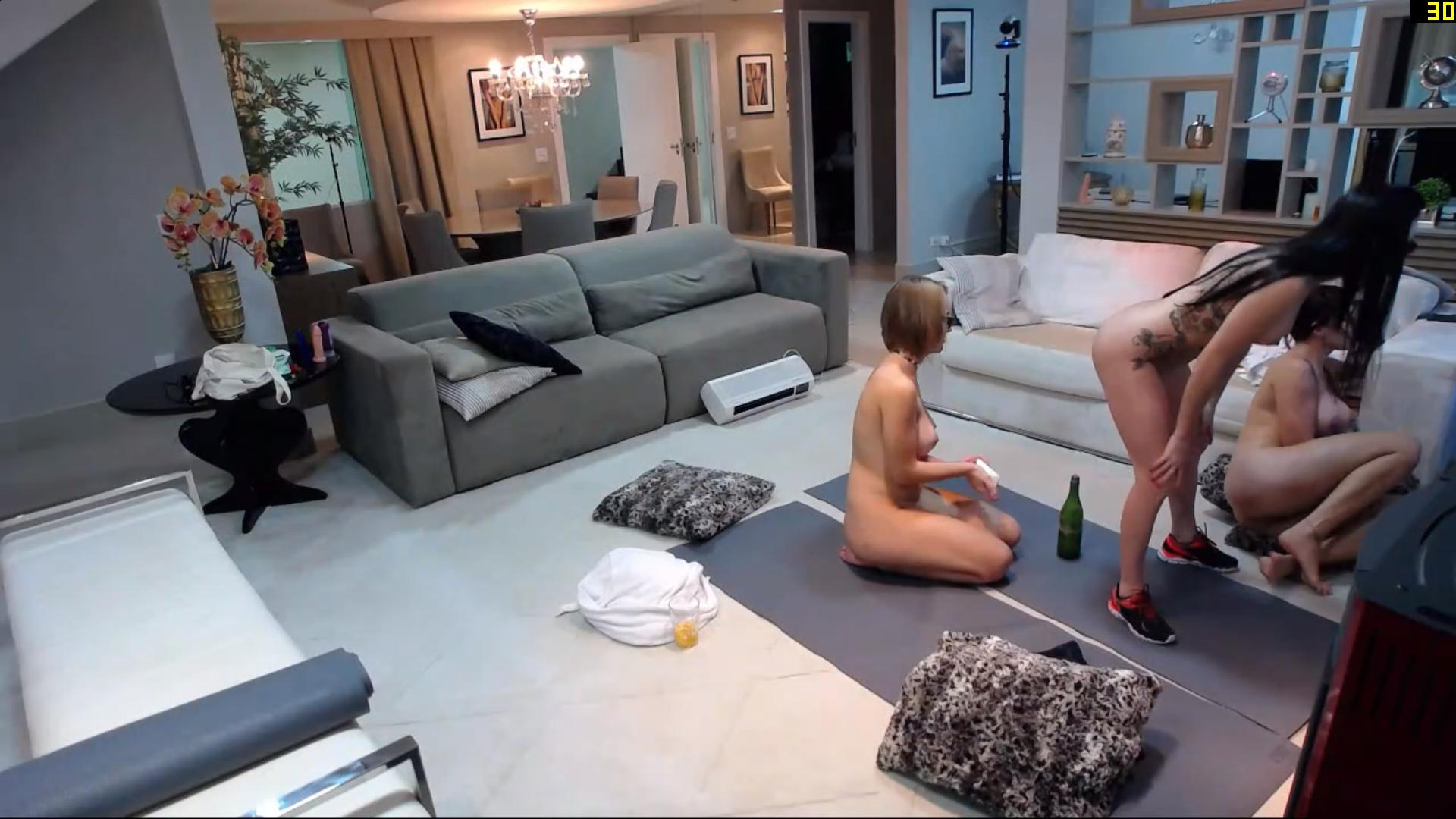
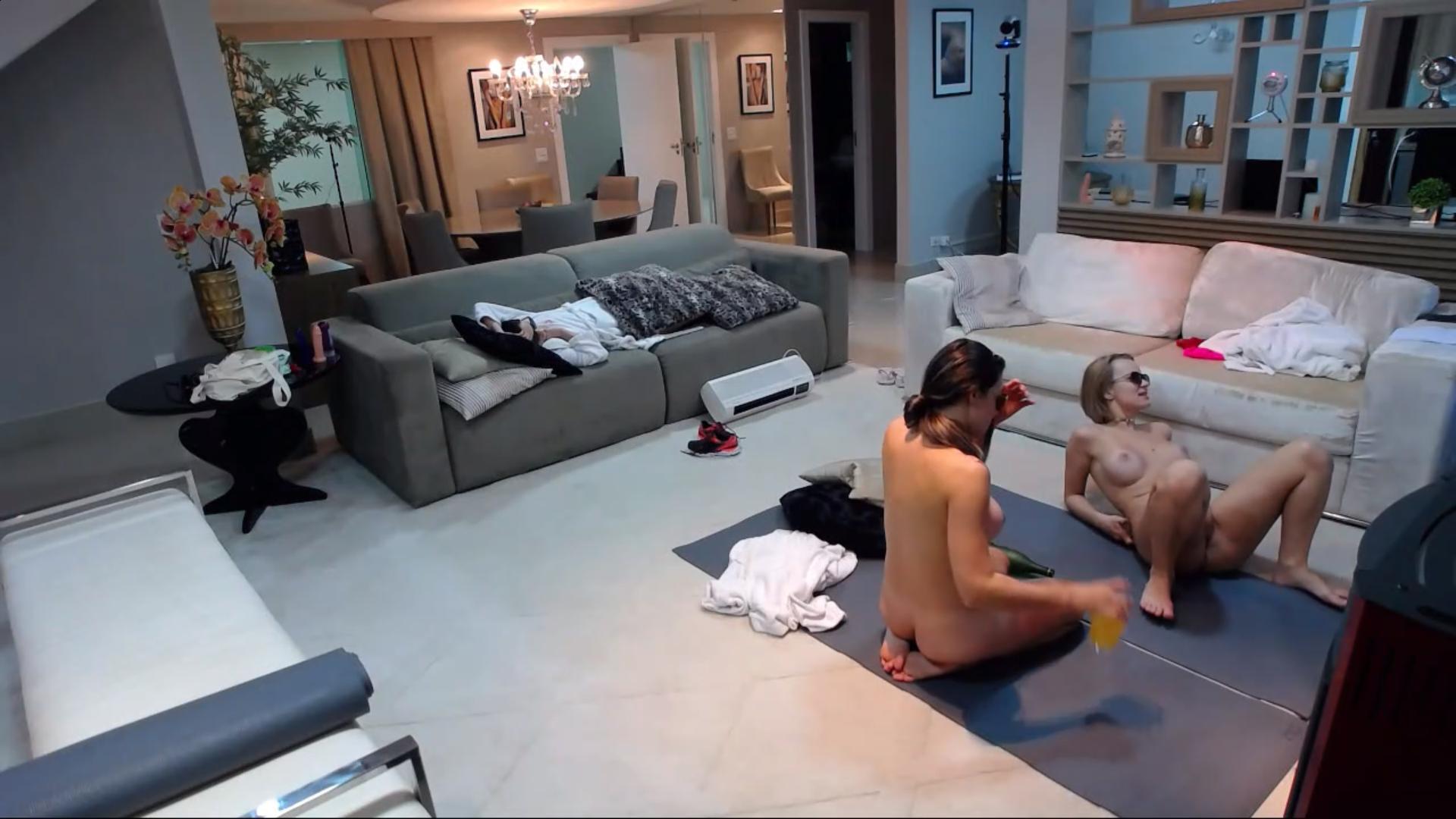
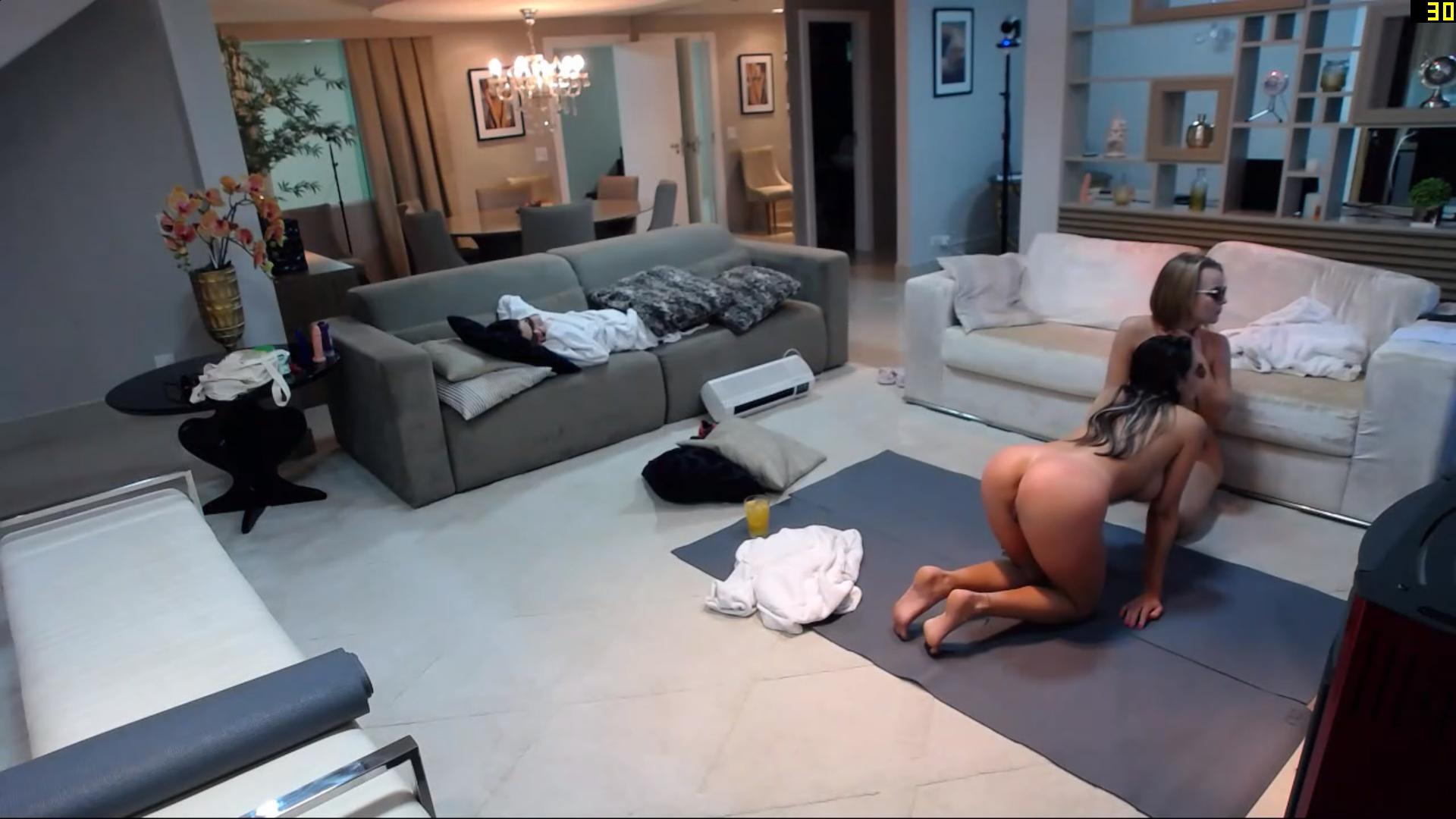
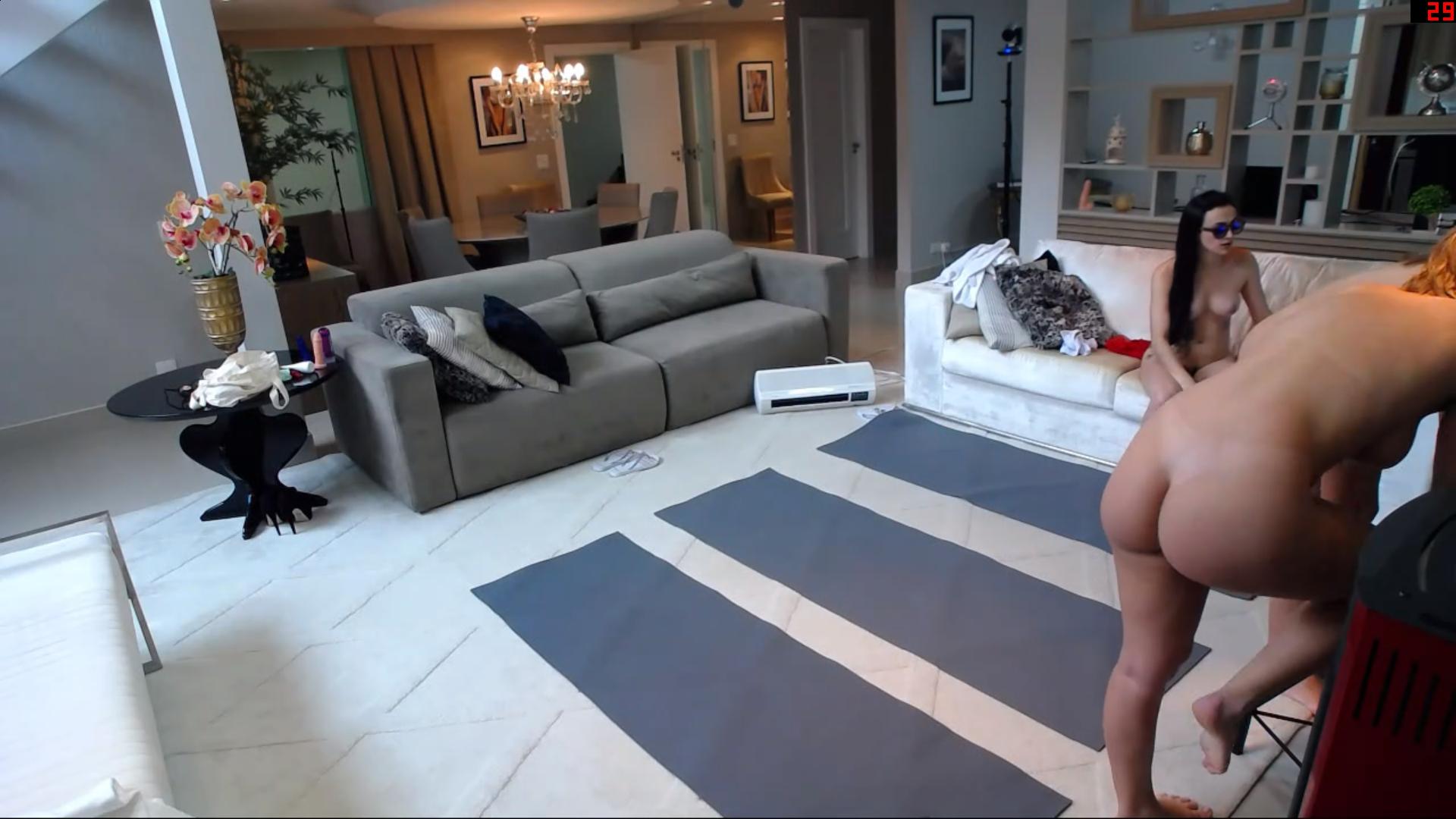
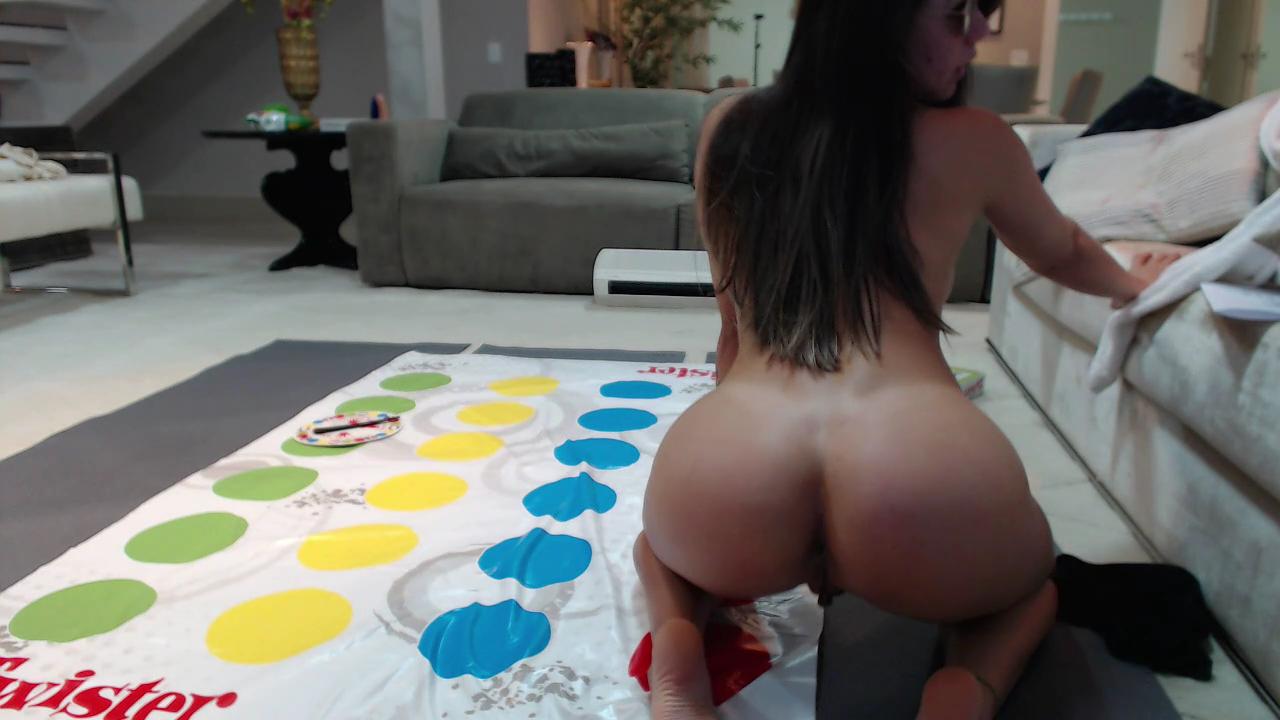
 it be dat ass again
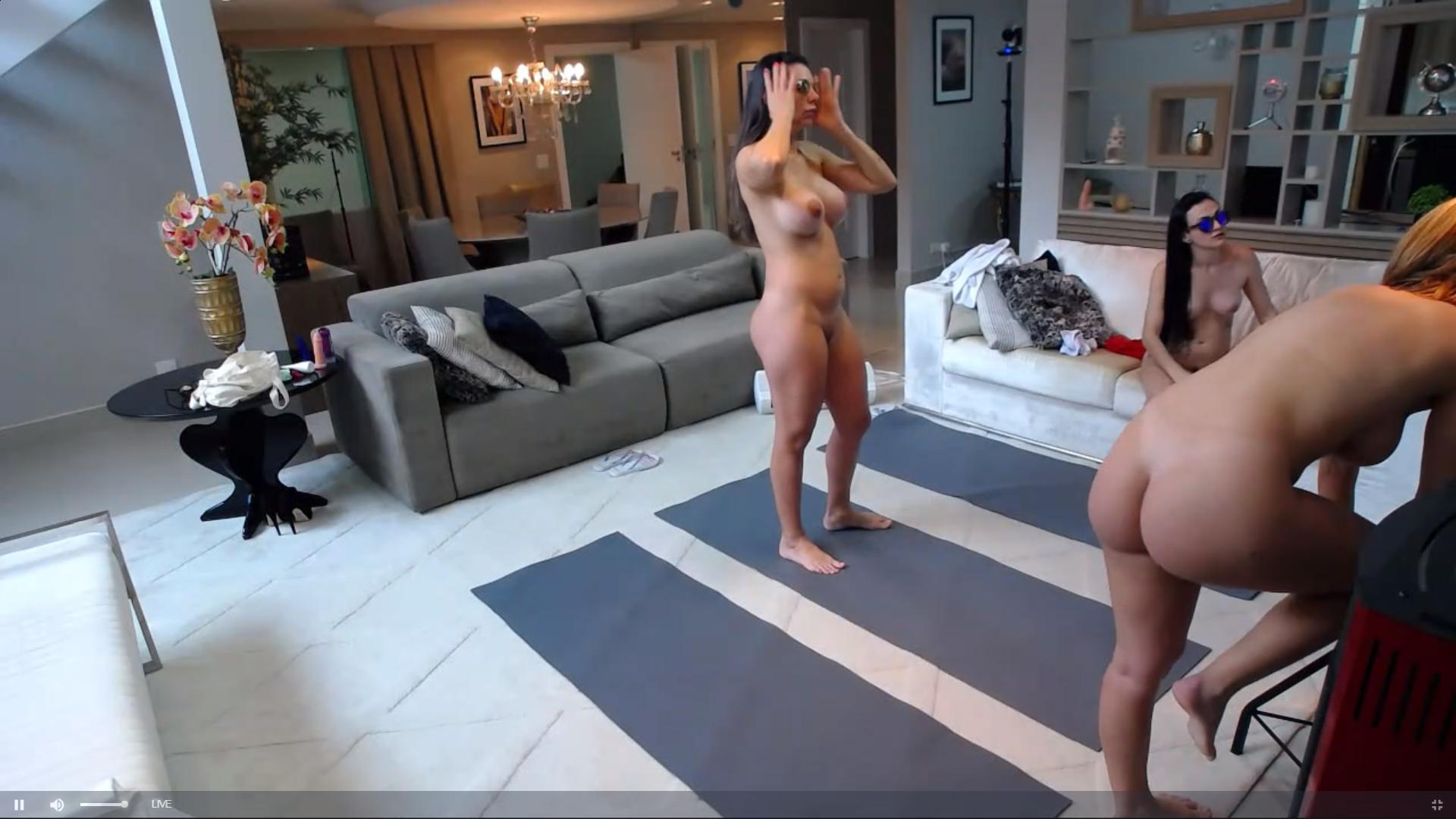
 the new girl is angel,i thought inna was just welcoming the newbie,no idea what is going on with inna or greg,not seen him for a couple of days
Account
Navigation
Search
Configure browser push notifications
Chrome (Android)
- Tap the lock icon next to the address bar.
- Tap Permissions → Notifications.
- Adjust your preference.
Chrome (Desktop)
- Click the padlock icon in the address bar.
- Select Site settings.
- Find Notifications and adjust your preference.
Safari (iOS 16.4+)
- Ensure the site is installed via Add to Home Screen.
- Open Settings App → Notifications.
- Find your app name and adjust your preference.
Safari (macOS)
- Go to Safari → Preferences.
- Click the Websites tab.
- Select Notifications in the sidebar.
- Find this website and adjust your preference.
Edge (Android)
- Tap the lock icon next to the address bar.
- Tap Permissions.
- Find Notifications and adjust your preference.
Edge (Desktop)
- Click the padlock icon in the address bar.
- Click Permissions for this site.
- Find Notifications and adjust your preference.
Firefox (Android)
- Go to Settings → Site permissions.
- Tap Notifications.
- Find this site in the list and adjust your preference.
Firefox (Desktop)
- Open Firefox Settings.
- Search for Notifications.
- Find this site in the list and adjust your preference.






.jpg.c72da962e1040aead1a53c22415cdccf.jpg)