Jump to content
View in the app

A better way to browse. Learn more.

xcamfan.com

A full-screen app on your home screen with push notifications, badges and more.

To install this app on iOS and iPadOS
  1. Tap the Share icon in Safari
  2. Scroll the menu and tap Add to Home Screen.
  3. Tap Add in the top-right corner.
To install this app on Android
  1. Tap the 3-dot menu (⋮) in the top-right corner of the browser.
  2. Tap Add to Home screen or Install app.
  3. Confirm by tapping Install.

cyberleader

Hero Member
  • Joined

  • Last visited

About Me

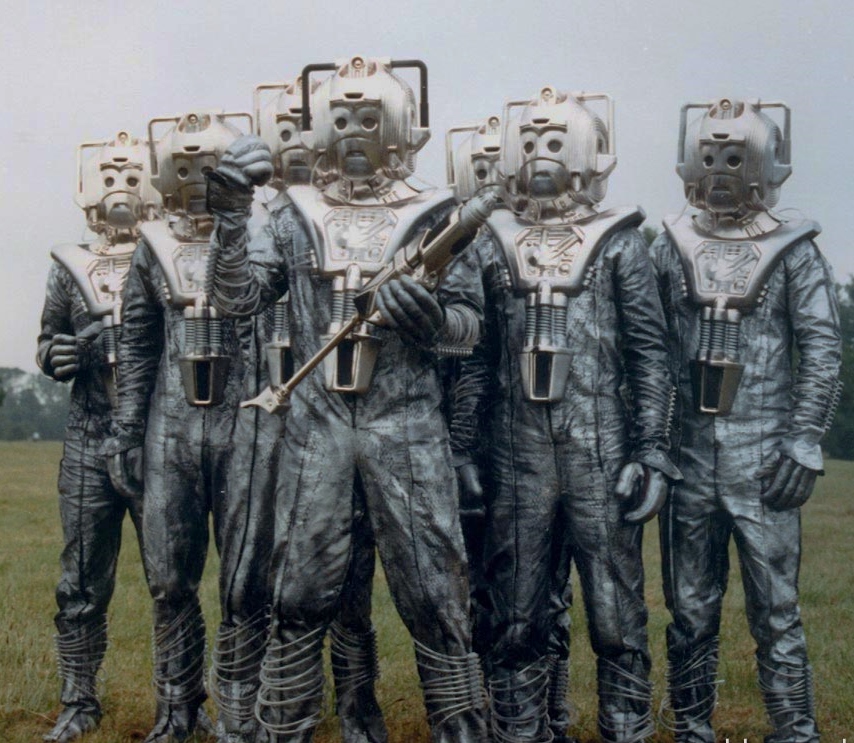
i am from the tenth planet known as mondas,we were once human like you but over thousands of years we embraced the cybernetic over frail human bodies and developed a sence of logic over emotions,we have been monitoring your primative radio waves for some time now and we came across this transmission,i have been sent to earth to collect detailed reports on human behaviour,

6f001f1bde0cebe6836070109b59510cb1795dff.jpg

CyberLeaderandCyberLieutenant.jpg

cyber_leader_cosplay__14__by_masimage-d6zne9a.jpg

Configure browser push notifications

Chrome (Android)
  1. Tap the lock icon next to the address bar.
  2. Tap Permissions → Notifications.
  3. Adjust your preference.
Chrome (Desktop)
  1. Click the padlock icon in the address bar.
  2. Select Site settings.
  3. Find Notifications and adjust your preference.