Scorpio 2.2
Hero Member
-
Joined
Everything posted by Scorpio 2.2
-
 Contributor next and my penis is growing by the days lol. 😂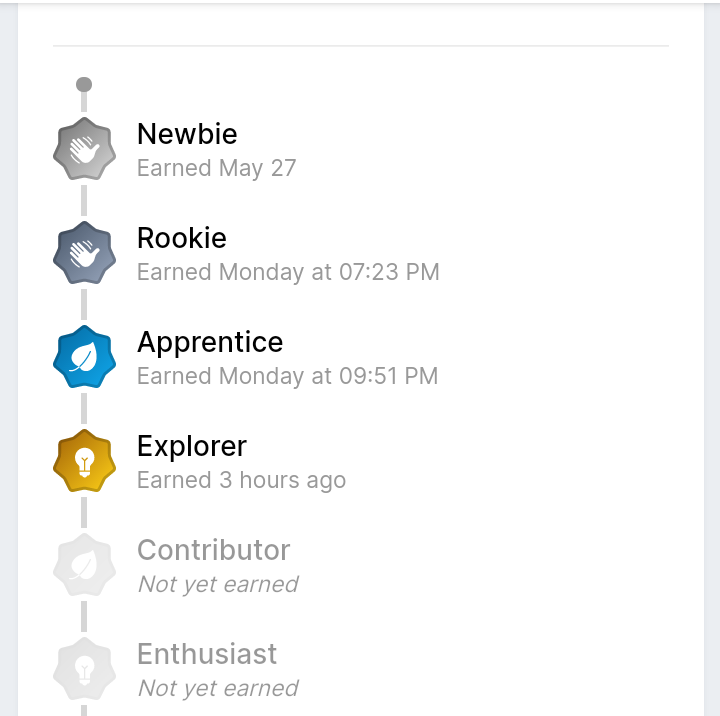
-
Auf Wiedersehen Germany. 🏴😂
Best thing for the forums is the sites to shut down for a month or so and bring in completely new tenants. None associated with anyone currently or past tenants. Not sure it would help the chat much, but might get more watching and contributing.
Clearly an idea to get more to post. Means fuck all in the Real world. Alright in a kids forum where get excited about moving up rank and earning badges lol. Not going to make any bit difference here. Sorry if it sounds harsh to who ever came up with the idea. But true.
France favourites. Bye lol
Account
Navigation
Search
Configure browser push notifications
Chrome (Android)
- Tap the lock icon next to the address bar.
- Tap Permissions → Notifications.
- Adjust your preference.
Chrome (Desktop)
- Click the padlock icon in the address bar.
- Select Site settings.
- Find Notifications and adjust your preference.
Safari (iOS 16.4+)
- Ensure the site is installed via Add to Home Screen.
- Open Settings App → Notifications.
- Find your app name and adjust your preference.
Safari (macOS)
- Go to Safari → Preferences.
- Click the Websites tab.
- Select Notifications in the sidebar.
- Find this website and adjust your preference.
Edge (Android)
- Tap the lock icon next to the address bar.
- Tap Permissions.
- Find Notifications and adjust your preference.
Edge (Desktop)
- Click the padlock icon in the address bar.
- Click Permissions for this site.
- Find Notifications and adjust your preference.
Firefox (Android)
- Go to Settings → Site permissions.
- Tap Notifications.
- Find this site in the list and adjust your preference.
Firefox (Desktop)
- Open Firefox Settings.
- Search for Notifications.
- Find this site in the list and adjust your preference.







.jpg.88270e3393941da4ab4d554732c955e4.jpg)
.jpeg.ea685818964f89442c35ec07917f54ce.jpeg)





.jpg.f8c9c6a360d28d7e5df4a4e7ba272ad1.jpg)


.jpg.f608b21065a5d93bb8cc133db92f4aa9.jpg)