Scotsman84
Hero Member
-
Joined
Everything posted by Scotsman84
-
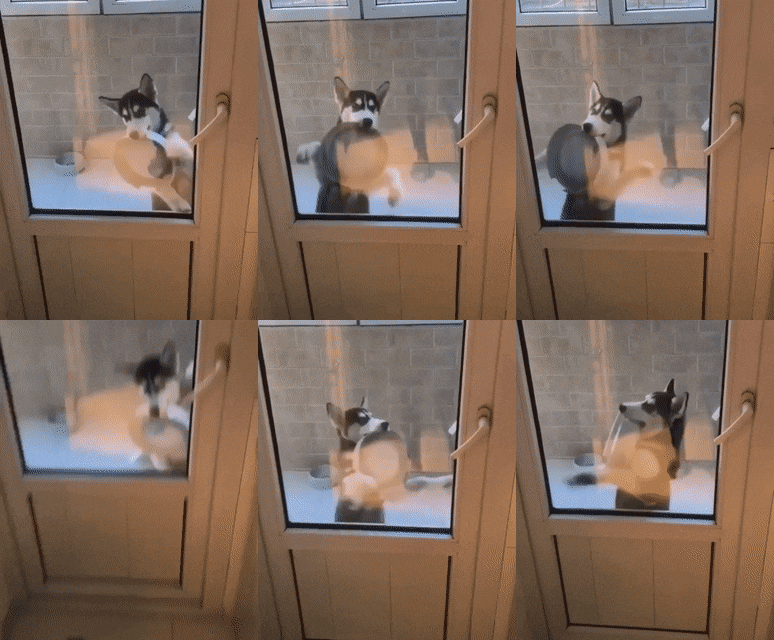
 Another good one from Marlene. Taking the toy from behind and riding it anaw. Good girl. LOL
Sure many in this lifetime have their place there already. LOL
Bet that tongue does wonders. LOL
Perfect for Taco Tuesday. LOL
Another good one from Marlene. Taking the toy from behind and riding it anaw. Good girl. LOL
Sure many in this lifetime have their place there already. LOL
Bet that tongue does wonders. LOL
Perfect for Taco Tuesday. LOL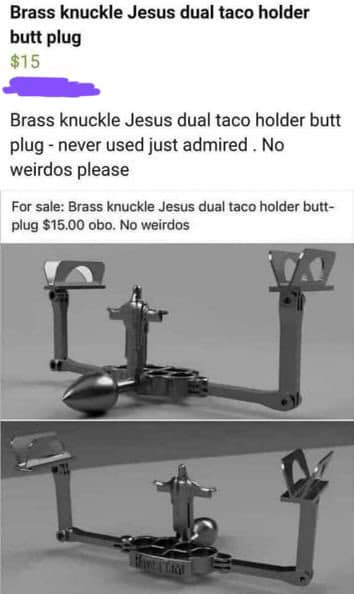 Works wonders when the missus doesn't shut the fuck up. LOL
Account
Navigation
Search
Configure browser push notifications
Chrome (Android)
- Tap the lock icon next to the address bar.
- Tap Permissions → Notifications.
- Adjust your preference.
Chrome (Desktop)
- Click the padlock icon in the address bar.
- Select Site settings.
- Find Notifications and adjust your preference.
Safari (iOS 16.4+)
- Ensure the site is installed via Add to Home Screen.
- Open Settings App → Notifications.
- Find your app name and adjust your preference.
Safari (macOS)
- Go to Safari → Preferences.
- Click the Websites tab.
- Select Notifications in the sidebar.
- Find this website and adjust your preference.
Edge (Android)
- Tap the lock icon next to the address bar.
- Tap Permissions.
- Find Notifications and adjust your preference.
Edge (Desktop)
- Click the padlock icon in the address bar.
- Click Permissions for this site.
- Find Notifications and adjust your preference.
Firefox (Android)
- Go to Settings → Site permissions.
- Tap Notifications.
- Find this site in the list and adjust your preference.
Firefox (Desktop)
- Open Firefox Settings.
- Search for Notifications.
- Find this site in the list and adjust your preference.



.jpg.c33a82e93ace17eb33679b4ce82df7d4.jpg)
.jpg.741376581b58057eddab64d4a7eae920.jpg)






.jpg.005f76afb844a6cc15b42afedb5ac902.jpg)