Scotsman84
Hero Member
-
Joined
Everything posted by Scotsman84
-

-
Only thing I want to eat. Think the missus takes on extra shifts just to get a break. LOL
-
A sitting on face. B sucking dick. And C should be licking B from behind. No-one left out. LOL

-
C. Looks innocent but bet she's dirty. LOL

-
C fucking. B licking balls.

-
-
You rang. LOL. She ain't that smart or adventurous enough to think about something like that. LOL.
LOL.
 Money still has to be made and the show must go on as they say. Don't think the likes of RLC and VHTV especially have heard of social distancing.
These apartments just get more and more desperate looking as the weeks and months go on. Some will enjoy and some won't. Everyone is allowed their opinion positive or negative. That not what forums are all about!! Viewing appeal. 9 Desperation. 10 Comedy Value 10
Marry is the blonde and well think you can guess the other. LOL
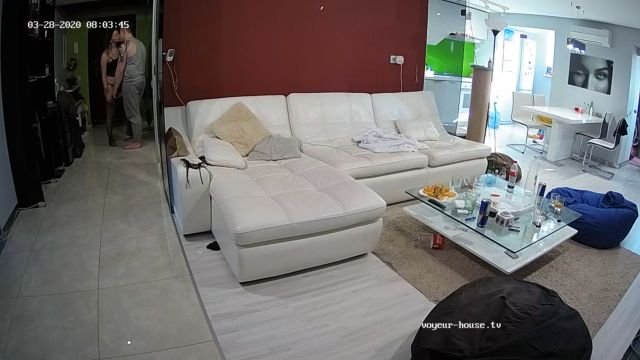
Topic for Lydia & Loki. Place your Comments and Pictures for this Apartment.
Money still has to be made and the show must go on as they say. Don't think the likes of RLC and VHTV especially have heard of social distancing.
These apartments just get more and more desperate looking as the weeks and months go on. Some will enjoy and some won't. Everyone is allowed their opinion positive or negative. That not what forums are all about!! Viewing appeal. 9 Desperation. 10 Comedy Value 10
Marry is the blonde and well think you can guess the other. LOL
Topic for Lydia & Loki. Place your Comments and Pictures for this Apartment.
Account
Navigation
Search
Configure browser push notifications
Chrome (Android)
- Tap the lock icon next to the address bar.
- Tap Permissions → Notifications.
- Adjust your preference.
Chrome (Desktop)
- Click the padlock icon in the address bar.
- Select Site settings.
- Find Notifications and adjust your preference.
Safari (iOS 16.4+)
- Ensure the site is installed via Add to Home Screen.
- Open Settings App → Notifications.
- Find your app name and adjust your preference.
Safari (macOS)
- Go to Safari → Preferences.
- Click the Websites tab.
- Select Notifications in the sidebar.
- Find this website and adjust your preference.
Edge (Android)
- Tap the lock icon next to the address bar.
- Tap Permissions.
- Find Notifications and adjust your preference.
Edge (Desktop)
- Click the padlock icon in the address bar.
- Click Permissions for this site.
- Find Notifications and adjust your preference.
Firefox (Android)
- Go to Settings → Site permissions.
- Tap Notifications.
- Find this site in the list and adjust your preference.
Firefox (Desktop)
- Open Firefox Settings.
- Search for Notifications.
- Find this site in the list and adjust your preference.


.jpg.f583796bcdde66f1adeaf00295df6963.jpg)