Scotsman84
Hero Member
-
Joined
Everything posted by Scotsman84
-
 Give it a chance. But looks like it's going to be more a Hardcore porn site than Voyeur porn site. We'll see.
Lame as fuck throw. LOL
Give it a chance. But looks like it's going to be more a Hardcore porn site than Voyeur porn site. We'll see.
Lame as fuck throw. LOL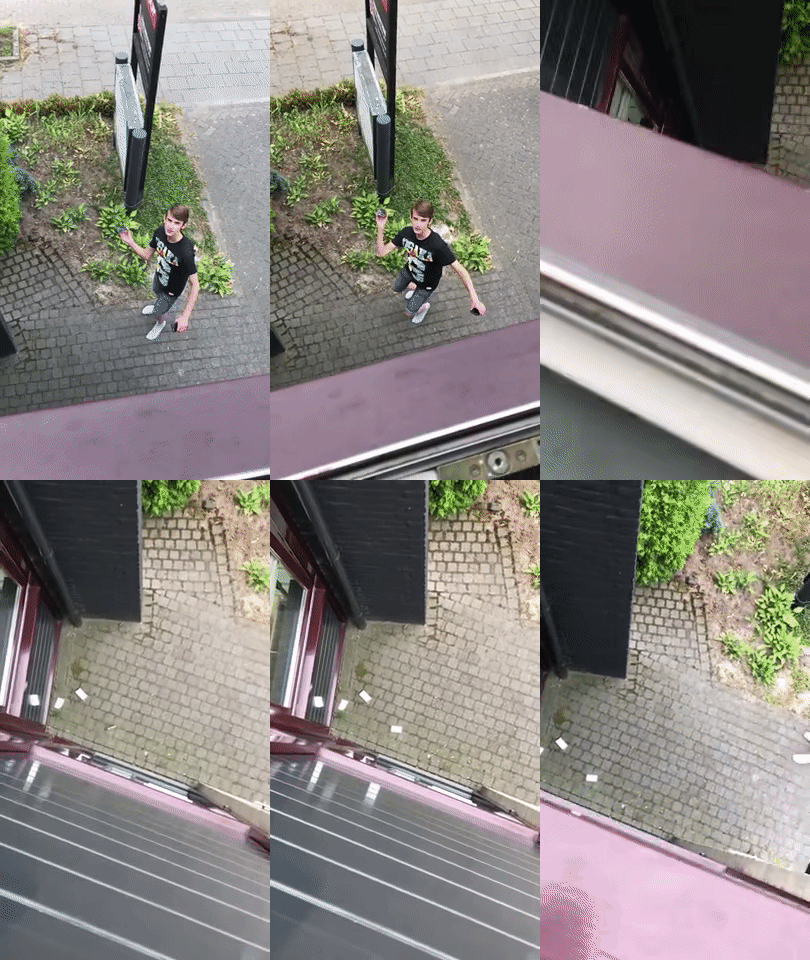 Marilyn knows how to hold a cock that's for sure.





 Youth of today for you. And people wonder why they can't hold a conversation.
.gif.3b29d1a5cfc397d539bdbed3d9d2e511.gif) .
.
Account
Navigation
Search
Configure browser push notifications
Chrome (Android)
- Tap the lock icon next to the address bar.
- Tap Permissions → Notifications.
- Adjust your preference.
Chrome (Desktop)
- Click the padlock icon in the address bar.
- Select Site settings.
- Find Notifications and adjust your preference.
Safari (iOS 16.4+)
- Ensure the site is installed via Add to Home Screen.
- Open Settings App → Notifications.
- Find your app name and adjust your preference.
Safari (macOS)
- Go to Safari → Preferences.
- Click the Websites tab.
- Select Notifications in the sidebar.
- Find this website and adjust your preference.
Edge (Android)
- Tap the lock icon next to the address bar.
- Tap Permissions.
- Find Notifications and adjust your preference.
Edge (Desktop)
- Click the padlock icon in the address bar.
- Click Permissions for this site.
- Find Notifications and adjust your preference.
Firefox (Android)
- Go to Settings → Site permissions.
- Tap Notifications.
- Find this site in the list and adjust your preference.
Firefox (Desktop)
- Open Firefox Settings.
- Search for Notifications.
- Find this site in the list and adjust your preference.