Scotsman84
Hero Member
-
Joined
Everything posted by Scotsman84
-
 5 years younger.
-
-
-
-
She's no picky who she lets inside her that's for sure.
Every man should have one just in case. LOL
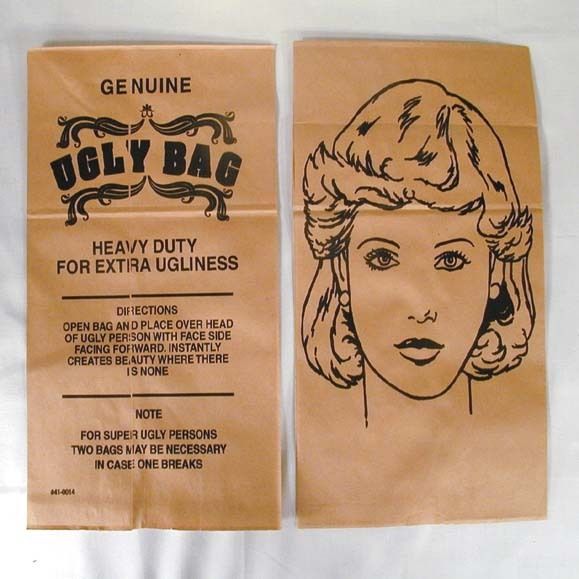 WTF. LOL
 Also you be surprised at how many have made accounts at CC and haven't been on since they made them.
Maybe just felt sorry for her because she got mugged off.
Yeah Yeah Yeahs.
Also you be surprised at how many have made accounts at CC and haven't been on since they made them.
Maybe just felt sorry for her because she got mugged off.
Yeah Yeah Yeahs.
Account
Navigation
Search
Configure browser push notifications
Chrome (Android)
- Tap the lock icon next to the address bar.
- Tap Permissions → Notifications.
- Adjust your preference.
Chrome (Desktop)
- Click the padlock icon in the address bar.
- Select Site settings.
- Find Notifications and adjust your preference.
Safari (iOS 16.4+)
- Ensure the site is installed via Add to Home Screen.
- Open Settings App → Notifications.
- Find your app name and adjust your preference.
Safari (macOS)
- Go to Safari → Preferences.
- Click the Websites tab.
- Select Notifications in the sidebar.
- Find this website and adjust your preference.
Edge (Android)
- Tap the lock icon next to the address bar.
- Tap Permissions.
- Find Notifications and adjust your preference.
Edge (Desktop)
- Click the padlock icon in the address bar.
- Click Permissions for this site.
- Find Notifications and adjust your preference.
Firefox (Android)
- Go to Settings → Site permissions.
- Tap Notifications.
- Find this site in the list and adjust your preference.
Firefox (Desktop)
- Open Firefox Settings.
- Search for Notifications.
- Find this site in the list and adjust your preference.