



.gif.c635a56b7fefe720de75a19d4745de74.gif)
StnCld316
Forum Admin
-
Joined
-
Last visited
Everything posted by StnCld316
-
.thumb.gif.9ff513ac73d201304fa9372c2114c99e.gif) Lola & Otto have returned once again. How long will they last this time.
Lola & Otto have returned once again. How long will they last this time. -
Topic for Lola & Otto. Place your Comments and Pictures for this Apartment.
-
Nena & Viktor have departed the VHTV project.
-
Teresa & Goldie have vacated from relocation and are currently staying at Medea's apartment.
-
Montana has departed the VHTV project once again.
-
Charly has departed the VHTV project.
-
Ken has bit the dust once again.
-
Dubinin has departed the VHTV project.
-
Sassy has temporarily departed the VHTV project.
-
Marica has departed the VHTV project.
-
(Content No Longer Available)
-
(Content No Longer Available)
-
Tonibyll has departed the VHTV project.
-
Whoa Nelly!

-
Sunny & Markus have departed the VHTV project.
-
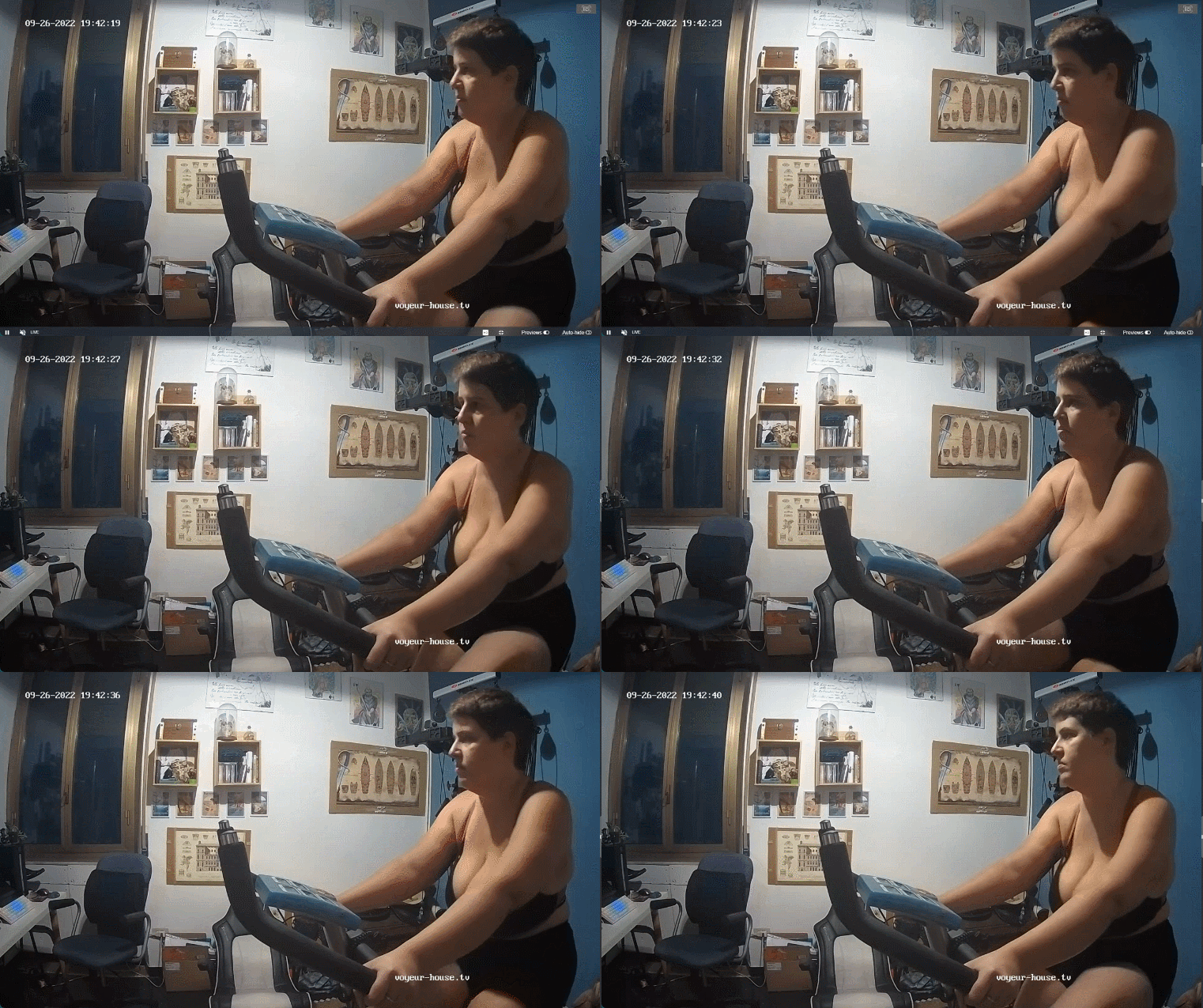
Voluptuous Marla Working Out.mp4
Bella Mur & Darko Mur have departed the VHTV project.
Irene & Stitch have departed the VHTV project.
Astrid & Guido have departed the VHTV project.
(Content No Longer Available)



.png.192128245460bb15ed867ce95e139364.png)
.png.30275c795884f905280a30f62112e7ef.png)
.png.8ac0ede50bfdf0987f0f3e2737bf0113.png)
.png.39decce4214a3de9b98e2e59d18c38ae.png)
Account
Navigation
Search
Configure browser push notifications
Chrome (Android)
- Tap the lock icon next to the address bar.
- Tap Permissions → Notifications.
- Adjust your preference.
Chrome (Desktop)
- Click the padlock icon in the address bar.
- Select Site settings.
- Find Notifications and adjust your preference.
Safari (iOS 16.4+)
- Ensure the site is installed via Add to Home Screen.
- Open Settings App → Notifications.
- Find your app name and adjust your preference.
Safari (macOS)
- Go to Safari → Preferences.
- Click the Websites tab.
- Select Notifications in the sidebar.
- Find this website and adjust your preference.
Edge (Android)
- Tap the lock icon next to the address bar.
- Tap Permissions.
- Find Notifications and adjust your preference.
Edge (Desktop)
- Click the padlock icon in the address bar.
- Click Permissions for this site.
- Find Notifications and adjust your preference.
Firefox (Android)
- Go to Settings → Site permissions.
- Tap Notifications.
- Find this site in the list and adjust your preference.
Firefox (Desktop)
- Open Firefox Settings.
- Search for Notifications.
- Find this site in the list and adjust your preference.